
 Sign in
 Sign up


Wireless Communication System – Drone Systems Explained 5
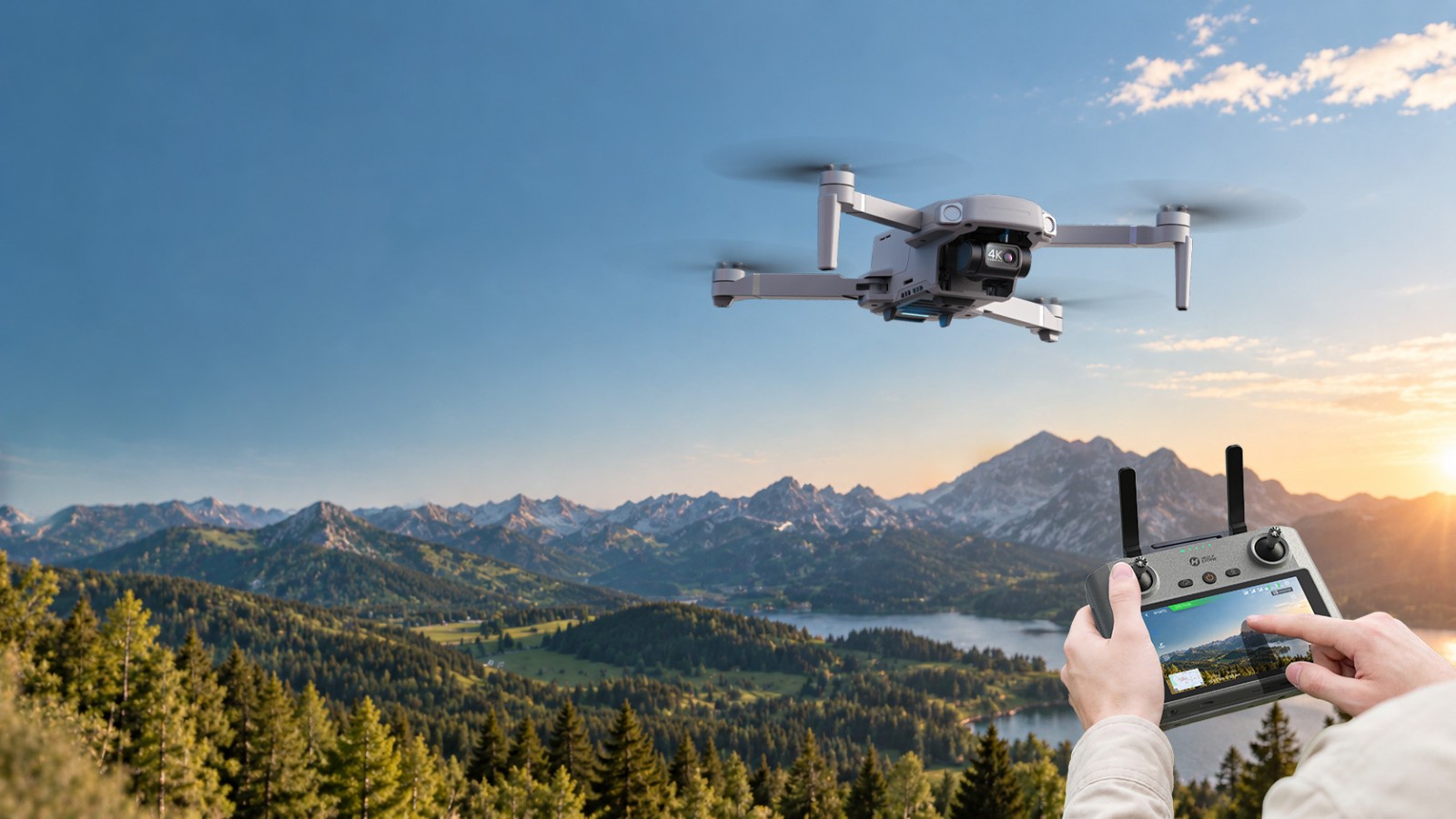
The wireless communication system is the invisible bridge between a drone and its remote controller. It carries pilot commands to the aircraft and sends live video and flight status back to the pilot.
Three essential functions work together: the Remote Control Link, FPV Video Link and Telemetry Link. They may share a radio system or use separate channels depending on the model—three functions do not necessarily mean three independent radios.
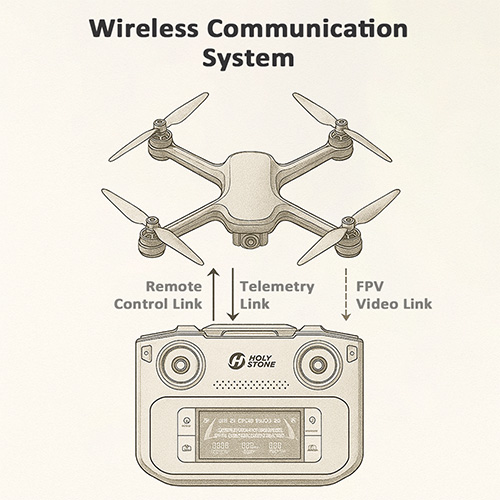
Sends pilot commands from the controller to the aircraft.
Transmits the drone camera’s live view to the pilot.
Returns flight status, battery and positioning information when supported by the model.
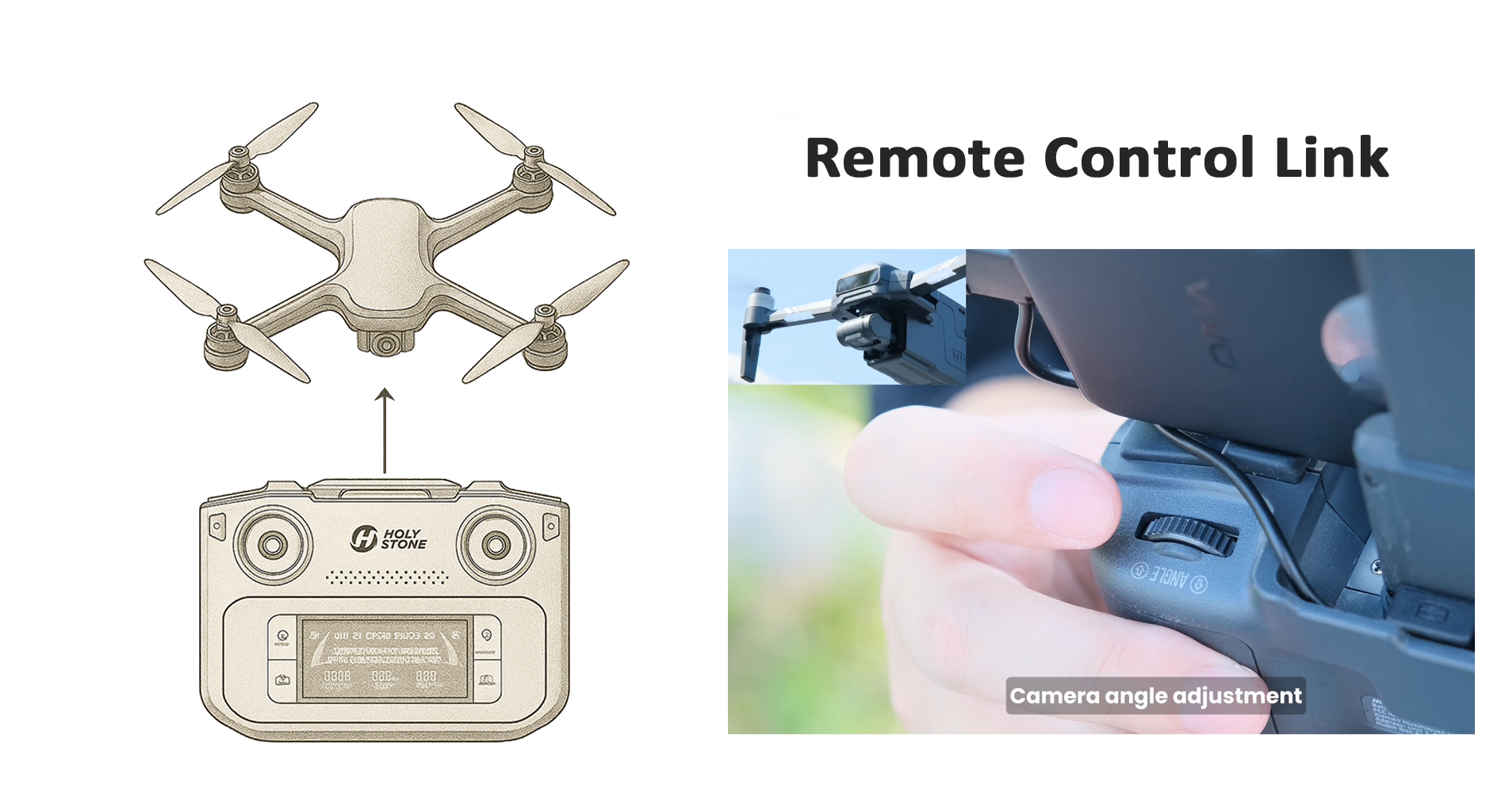 01 · Remote Control
Pilot inputs, pairing and flight commands.
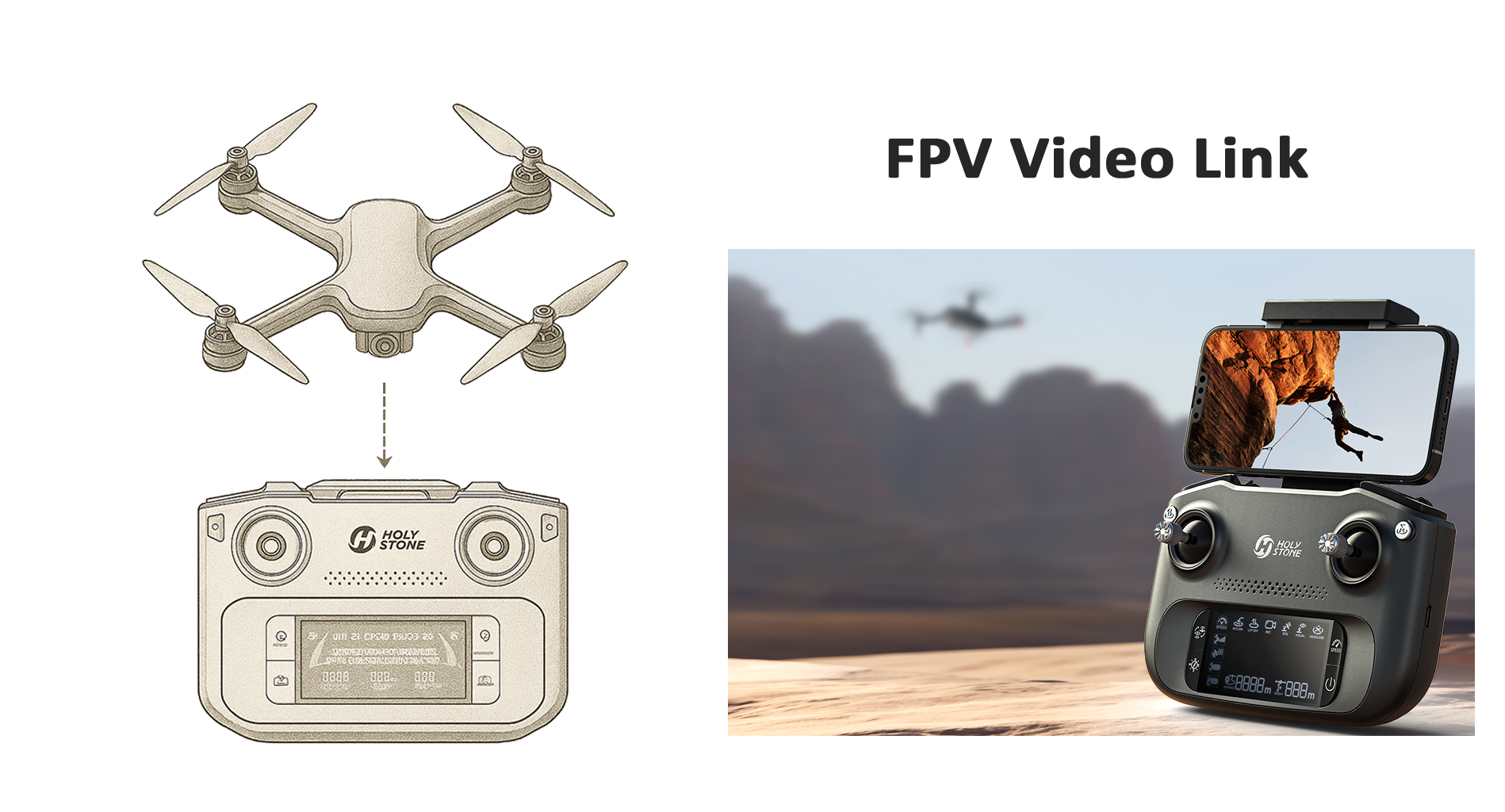 02 · FPV Video
Live camera view, transmission latency and video quality.
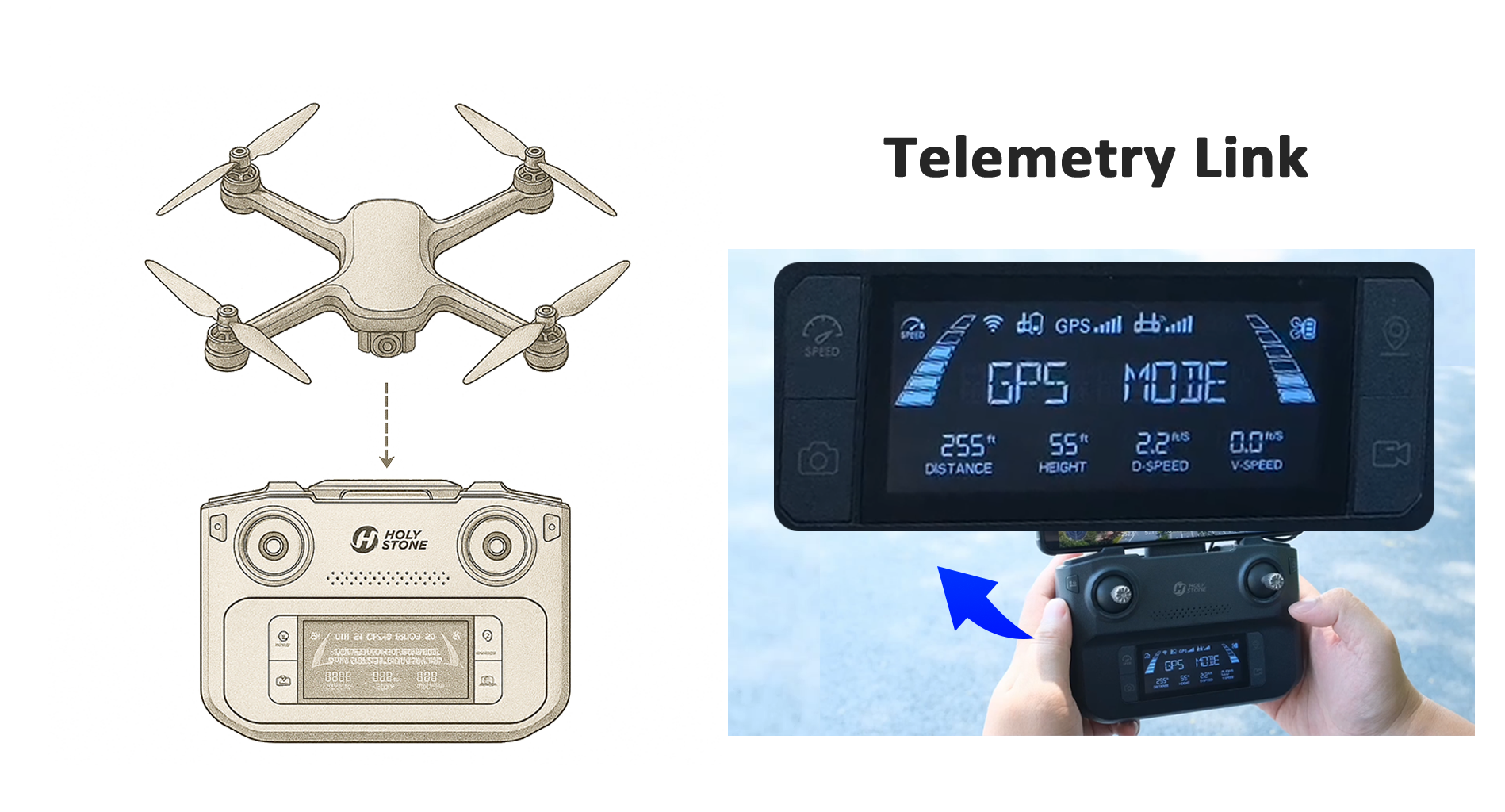 03 · Telemetry
Battery, GPS, flight mode and signal-status updates.
Remote Control Link: The Command Channel
How your controller sends commands, pairs with the drone and keeps flight responsive.
See how incoming pilot commands become flight decisions in the flight control system.
What Is the Remote Control Link?
The Remote Control Link turns joystick and button inputs into wireless commands that the aircraft receives and interprets. It lets the pilot request takeoff, hovering, climbing, turning, movement and landing.
The aircraft and controller establish a recognized connection so the correct device receives commands.
Stick movements and button presses are encoded and transmitted over the radio link.
Depending on the system, signal strength and link warnings return to the controller or app.
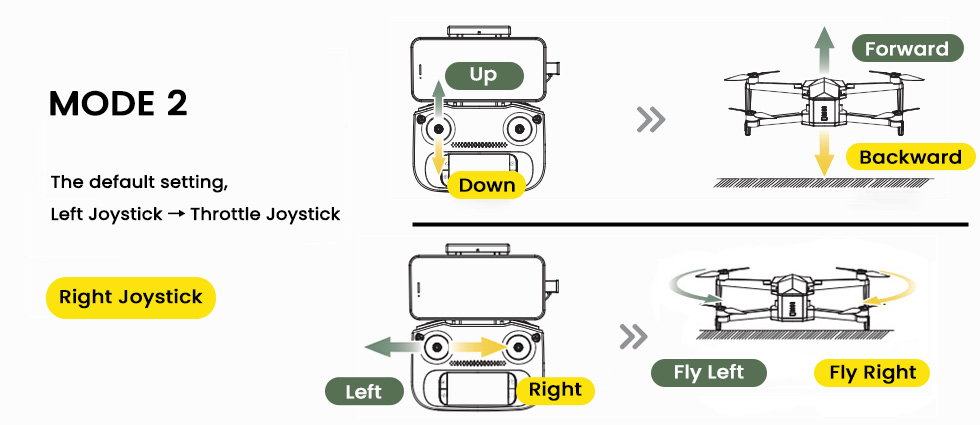
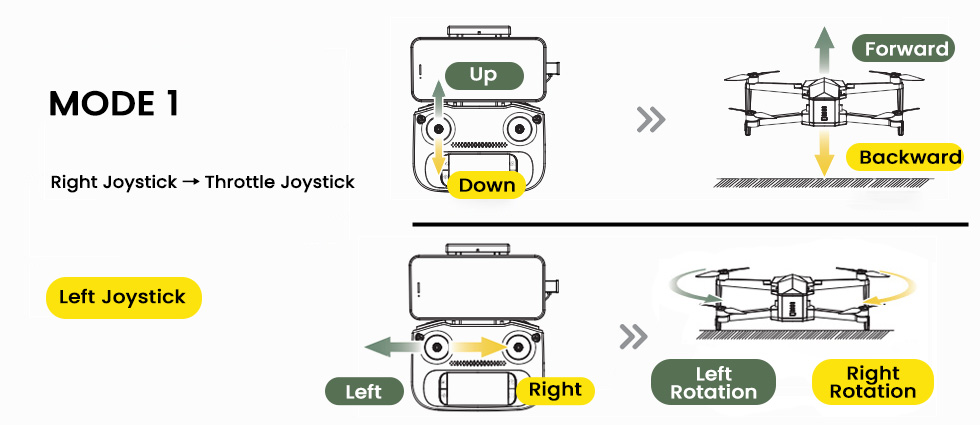
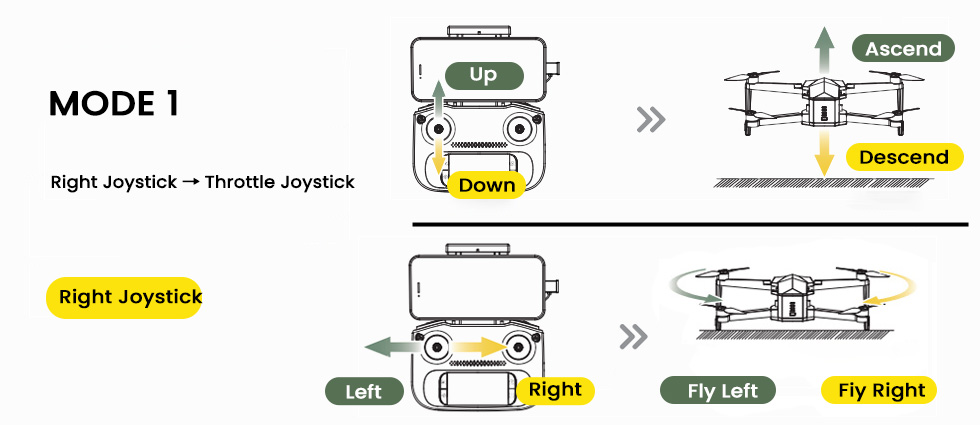
Mode 1 vs. Mode 2: Joystick Mapping
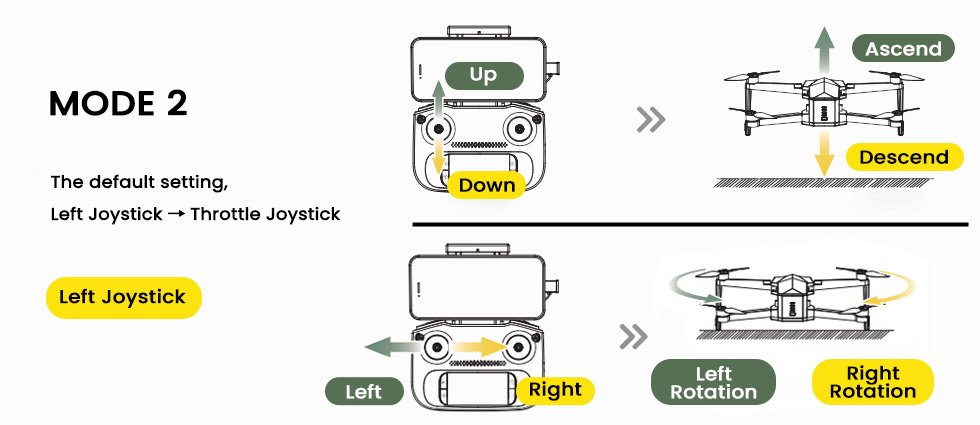
Control mode describes which joystick performs each flight-axis function. It changes the mapping of pilot inputs, not the radio technology or transmission frequency.
Mode 2
Left stick: throttle and yaw. Right stick: pitch (forward/back) and roll (side-to-side).
Mode 1
Right stick: throttle and roll. Left stick: pitch and yaw. Check your model’s controller manual for the exact mapping.
What Happens When You Pair a Drone and Controller?
Pairing (also called binding) establishes a connection between the aircraft and its intended controller before flight. The controller then sends stick and button inputs as command data, while the aircraft can return link status and warnings.
2.4GHz vs. 5GHz: What Changes?
Frequency bands affect propagation and interference, but actual performance depends on the drone’s hardware and the surrounding radio environment.
| Band | Typical characteristics | What to consider |
|---|---|---|
| 2.4GHz | Often provides better propagation around some obstacles; commonly shared with Wi-Fi and Bluetooth. | Can be congested in busy areas. Use the frequency supported by your model. |
| 5GHz / 5.8GHz | May offer more available bandwidth and different interference conditions; often more sensitive to obstructions. | Performance varies by channel, antenna and local regulations; it is not automatically cleaner in every city. |
A drone may use one band for control and another for video, or use a combined digital transmission system. Do not assume that the user can manually select the operating band.
Why Frequency Alone Does Not Determine Range
In general, lower frequencies can experience less free-space path loss at comparable conditions, but practical performance also depends on antenna design, transmit power, receiver sensitivity, interference, obstructions and local radio regulations. A 5GHz link is not automatically cleaner or faster in every location, and not every drone allows the pilot to switch bands.
Why Control Links Weaken—and How to Improve Them
Published transmission distances are generally measured under defined conditions; real-world range can be much shorter.
Common causes of weak signal
Buildings, trees, terrain and metal structures can attenuate or block radio signals.
Nearby wireless devices and other RF sources can reduce link quality.
Antenna radiation patterns differ; follow the model-specific positioning instructions.
The pilot’s body or other people can obstruct the direct radio path.
Low controller battery can interrupt operation; the exact effect depends on the model.
Range depends on terrain, regulations, radio conditions and the aircraft’s orientation.
How to Improve Your Drone's Control Signal
Choose an open flying area and avoid buildings, trees, terrain and people blocking the direct radio path.
Follow the controller manual's antenna-orientation guidance; the best position depends on the antenna design.
When practical, move away from congested wireless environments and check whether your model offers supported channel settings.
Confirm aircraft and controller battery levels, connection status and model-specific alerts before takeoff.
What to Do When the Signal Becomes Weak
Signal warnings deserve immediate attention. The appropriate response depends on the aircraft, its position and the instructions in its manual.
Avoid abrupt control inputs. Keep the aircraft in sight and assess its position.
Read signal and flight-status indicators. Avoid flying farther away when link quality is deteriorating.
Use the model-specific recovery and lost-link guidance. Return-to-Home is not available on every drone.
Why Does My Drone Lose Signal at Short Range?
A weak-signal warning can appear even when the drone is nearby. Distance is only one factor: a blocked radio path, antenna orientation, local interference or a connection issue can affect reception.
Check obstructions
Look for trees, buildings, vehicles or terrain between the controller and drone.
Check antenna orientation
Follow the exact controller manual; antenna positioning differs by design.
Assess interference
Move to a clearer area when safe, away from dense wireless activity.
Check the equipment
Review pairing, battery levels, on-screen warnings and any visible damage.
FPV Video Link: The Live Camera View
How the drone sends video to a phone or built-in controller screen—and why latency matters.
Learn how the camera creates the footage sent over this link in the drone imaging system.
FPV means First-Person View. The video link sends a live stream from the onboard camera to the pilot’s display, helping with framing, composition and situational awareness. A live screen does not replace watching the aircraft directly.
Why Video Latency and Stability Matter
Shorter delay helps the live image reflect the aircraft’s recent movement.
A reliable link reduces frozen frames, compression artifacts and blackouts.
Clearer video helps composition and framing; displayed quality may change with signal conditions.
How the Video Travels
The camera sensor captures frames and sends them to an image processor.
A video encoder compresses frames, for example using H.264 or H.265 on supported models.
A radio module packages and sends the stream over the supported wireless link.
The ground device receives, checks and decodes the stream for display.
Video transmission may use error correction, adaptive bitrate and other techniques, depending on the drone. Network and display processing can add latency even when the radio signal is strong.
Tips for Clearer FPV Video
• Keep the drone and controller antennas unobstructed and avoid flying directly behind buildings or thick trees.
• In noisy city areas, staying a bit closer and higher often gives a cleaner FPV link .
• Make sure your phone or tablet performance is sufficient so decoding and display do not add extra lag.
Inside the FPV Video Pipeline
Latency is the delay between an event in the air and its appearance on the screen. A delayed or frozen picture does not necessarily mean the control link has failed, because video and control may have different data requirements even when they share radio hardware.
Video Freezes, but the Drone Still Responds—Why?
Control commands, live video and status information do not always degrade in the same way. A frozen image can indicate a video-link or display problem without proving that the control link has failed—or that it is safe to keep flying.
| What you notice | What it may mean | What to check |
|---|---|---|
| Video freezes; controls still respond | Video reception or display issue | FPV warnings, app, device and radio environment |
| Video becomes delayed | Transmission, decoding or display delay | Interference, device load and supported settings |
| Controller reports lost connection | Possible control-link interruption | Aircraft status and model-specific failsafe guidance |
Telemetry Link: Flight Status and Warnings
The small but essential status updates that help pilots monitor battery, position, flight mode and connection quality.
Telemetry is the information returned from the aircraft to the controller or app. It can include battery level, GPS status, altitude, distance, flight mode, signal quality and selected system warnings, depending on the model.
Check battery status and leave enough energy for a safe return.
Understand whether GPS assistance and the selected flight mode are available.
Monitor signal indications, connection alerts and other status messages.
How Telemetry Is Sent and Displayed
The flight controller and onboard modules generate status messages, which are encoded and sent to the ground receiver through a shared or separate communication channel. The controller or app decodes the messages and updates its indicators.
Telemetry and onboard failsafe systems are related, but they are not identical. A drone can detect link loss using onboard logic, and its response depends on the model, settings and available positioning information.
What Happens if the Control Link Is Lost?
Possible responses include hovering, landing or Return-to-Home (RTH). Not every drone automatically returns home; the behavior depends on the aircraft’s capabilities, GPS availability, home-point recording and configured failsafe action.
Read Telemetry Like a Preflight Dashboard
Battery: check remaining power and allow enough margin to return and land.
GNSS and flight mode: confirm satellite and positioning status where the model provides it.
Home point: for GPS-equipped models, verify that the home point is recorded before relying on Return-to-Home.
Signal indicators: watch for degraded connection or warnings and respond early.
Distance and altitude: use displayed values together with direct observation and applicable flight limits.
Will it return home if the controller disconnects? Only when the aircraft supports the relevant failsafe response and its required conditions are met. A recorded Home Point, adequate GNSS positioning, available battery and a clear return path may matter, depending on the model. Some aircraft may land or hover instead; always check the manual before takeoff.
Remote ID is another use of wireless broadcasting, but it is separate from the control, FPV video and telemetry links described above. For applicable U.S. FAA requirements, compatible models and setup guidance, read the Holy Stone Remote ID Setup Guide.
Preflight Wireless Communication Checklist
A short routine to apply what you have learned before every flight.
For a complete preflight routine, continue with our first GPS flight guide.
Check that the aircraft and controller are connected and responding normally.
Check the signal indicator and avoid areas with major obstructions or interference.
Review battery, GPS, flight mode and home-point status where available.
Understand what the aircraft will do if the control link drops.
Maintain visual line of sight and comply with local operating rules.
Follow your model’s antenna, band and connection instructions.
Two Checks Often Missed Before Takeoff
Confirm the joystick mapping: pilots switching between Mode 1 and Mode 2 should verify stick functions on the ground to avoid unintended movements.
Know the lost-link response: check whether your model supports automatic return, hover or landing, and verify any relevant GPS/home-point requirements.
Wireless Communication in Real-World Drones
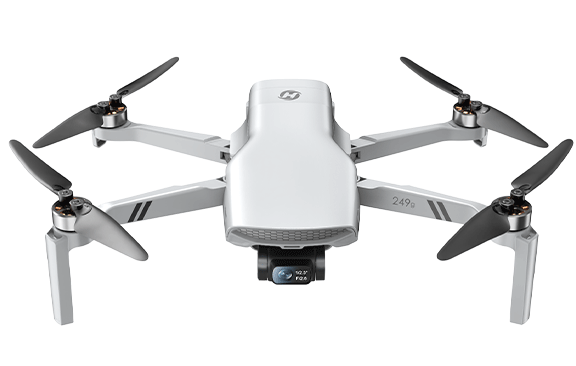
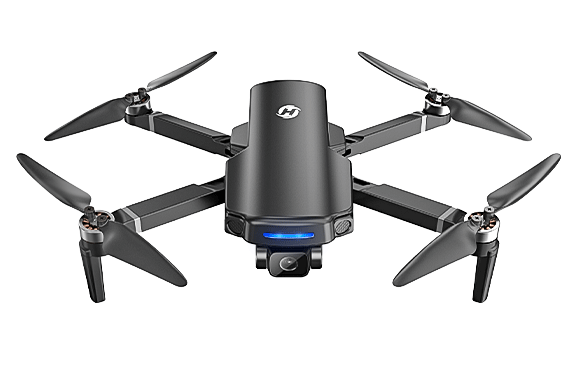
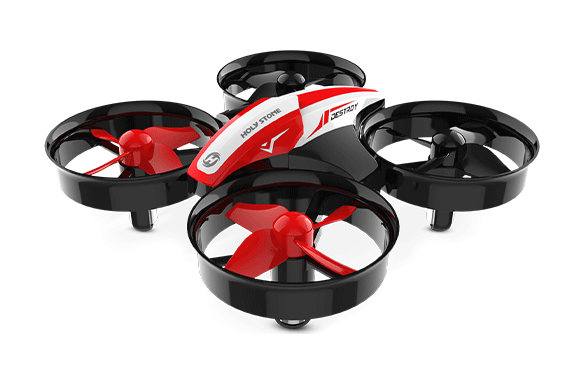
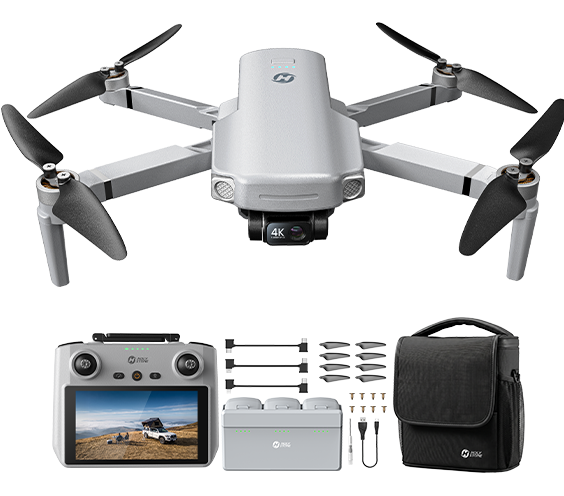
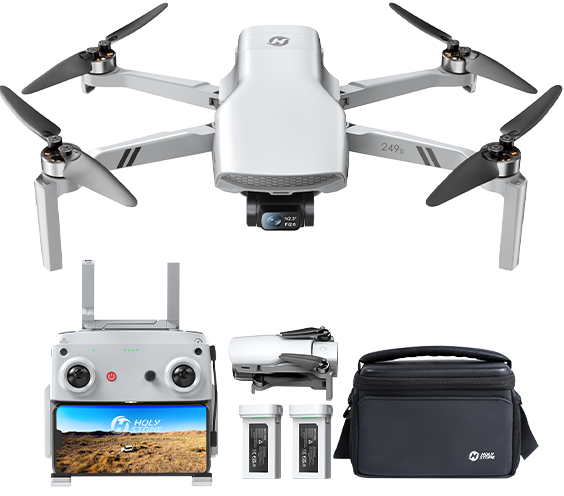
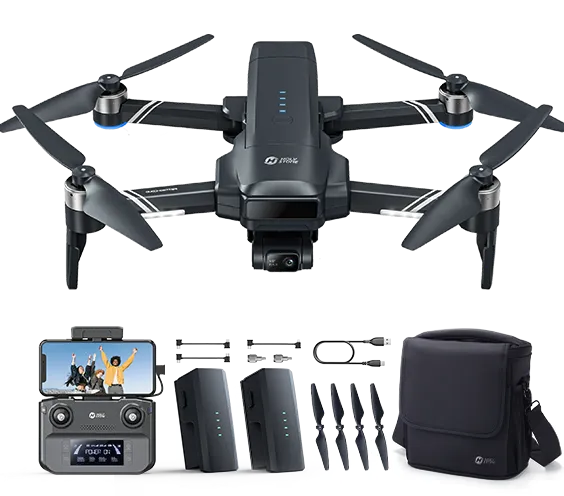
Different drones bring remote control, live video and flight-status feedback together in different ways. Explore three Holy Stone models that connect these concepts to real flying experiences.
Frequently Asked Questions
Answers to the most common beginner questions about drone communication.
What are the three main drone communication links?
The control link carries commands, the FPV link carries live camera video, and telemetry returns flight status. They can share radio hardware.
Does losing FPV video mean losing control?
Not necessarily. Some drones maintain control after the video feed becomes unavailable. Always follow the aircraft’s warnings and instructions.
Is 5GHz always better than 2.4GHz?
No. Both have trade-offs in propagation, bandwidth and interference. Actual performance depends on the system and environment.
Why is real transmission distance shorter than the advertised range?
Obstacles, interference, antenna positioning and the testing environment can reduce real-world signal quality.
Will my drone automatically return home if the controller disconnects?
Only if the model supports that behavior and the required conditions are met. Check the manual, GPS status and failsafe settings.
What is the difference between Mode 1 and Mode 2?
They are different joystick-control mappings. They do not change the wireless radio link itself.
Continue Exploring Drone Systems
Choose a system to understand how its components work with the rest of the aircraft.


COMMENTS