
 Sign in
 Sign up


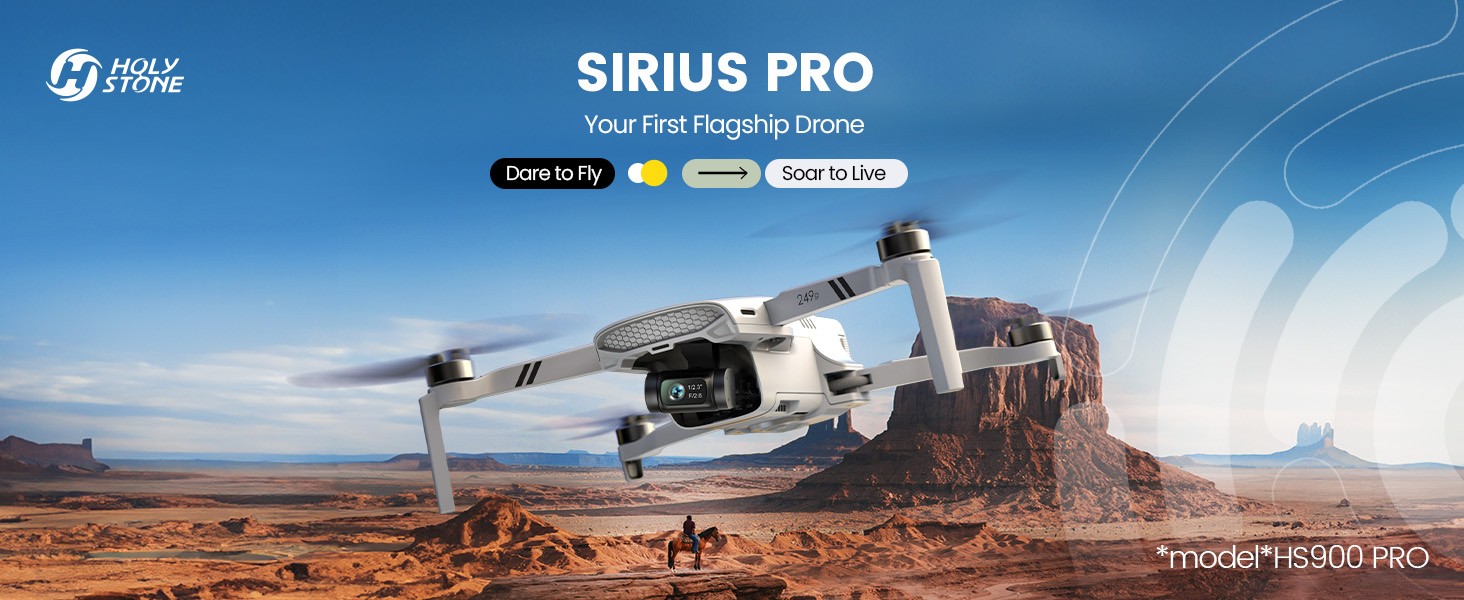
HS900 Pro, High-Performance for the Way You Live & Create
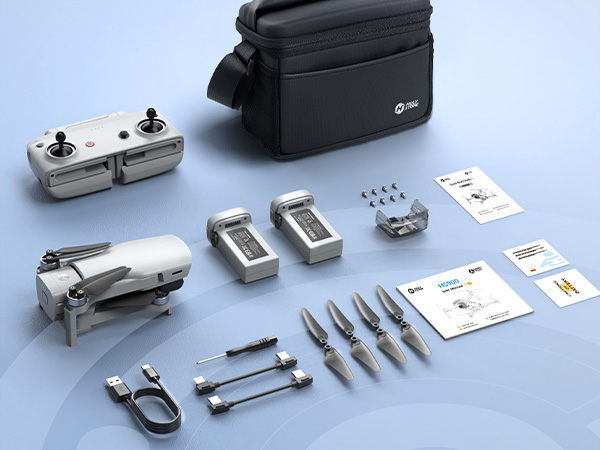
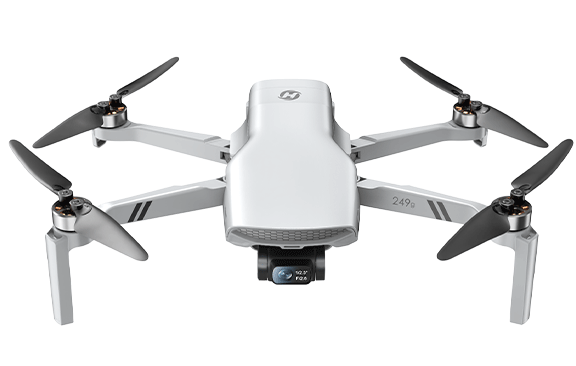
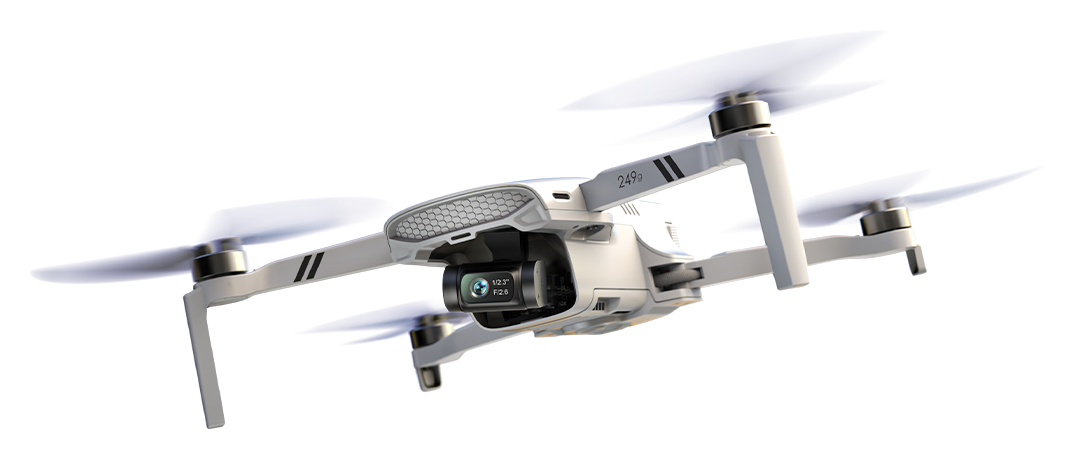
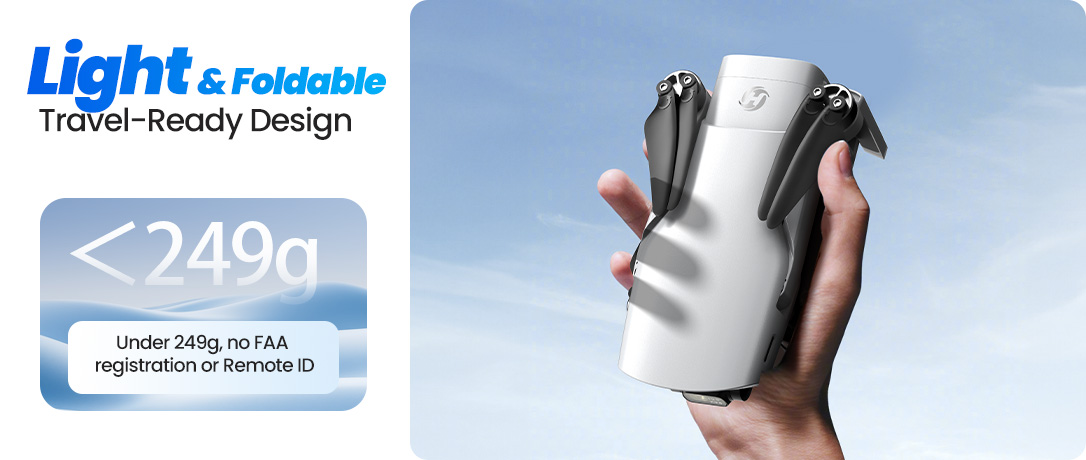
Model No.: HS900 Pro, Weight: 249g
Powerful aerial performance meets everyday creativity. From weekend outings and moments with family to cinematic aerial shots and visual storytelling, HS900 Pro helps you capture the perspectives that shape the way you live and create.


See HS900 Pro in Motion
Watch how HS900 Pro combines lightweight portability, smooth stabilized footage, long-range transmission, and smart shooting features in real-world aerial creation.
Why Choose HS900 Pro?
HS900 Pro is designed for users who want a compact sub-249g drone that still feels capable, stable, and creative in real-world use.
Better Aerial Image Quality
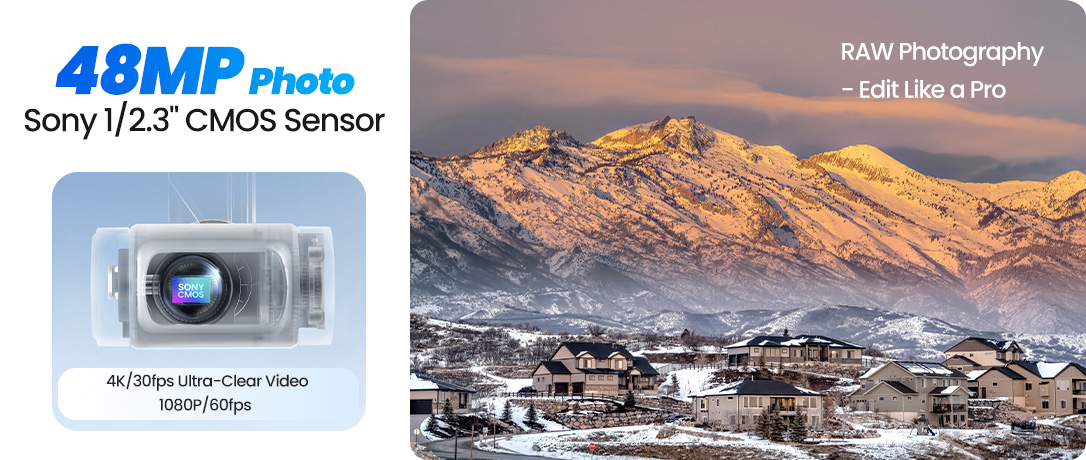
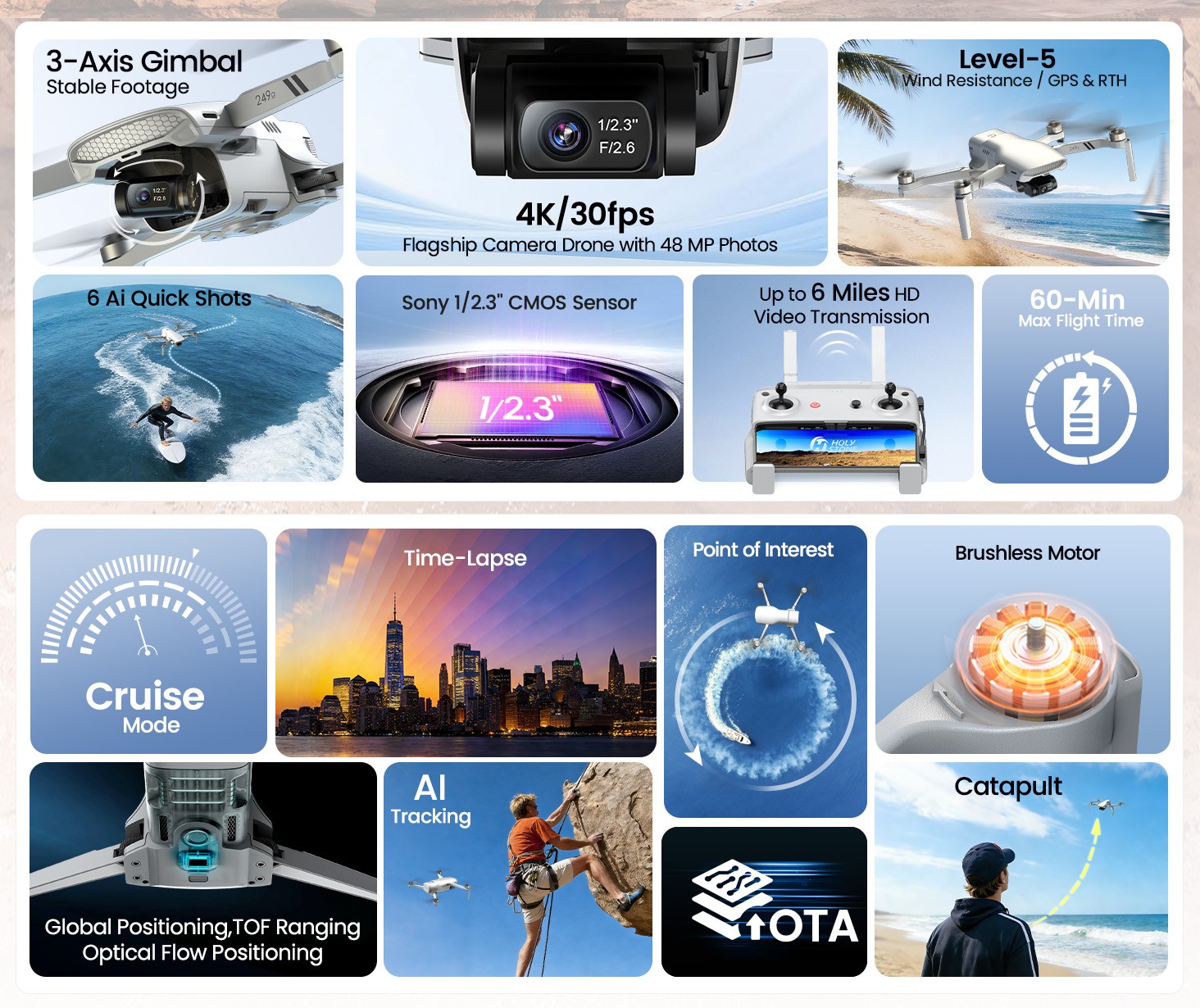
Capture sharper 48MP photos and detailed 4K/30fps video with a Sony 1/2.3" CMOS sensor.
Smoother Footage
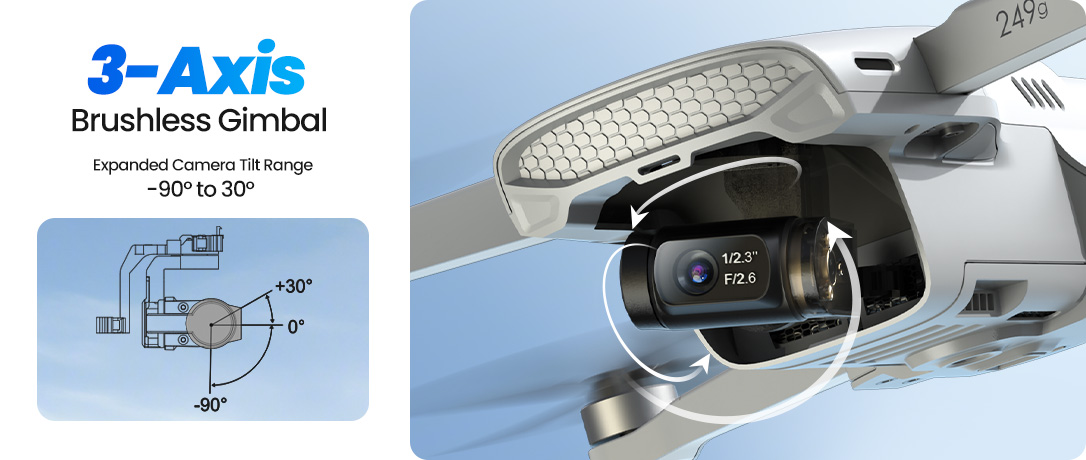
A 3-axis brushless gimbal helps keep video stable when filming landscapes, travel, and everyday moments.
More Confident Flight
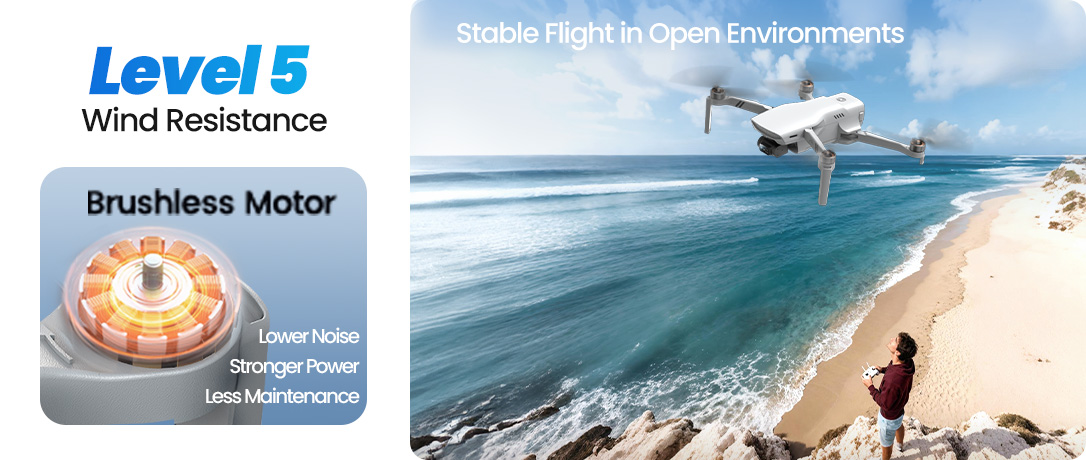
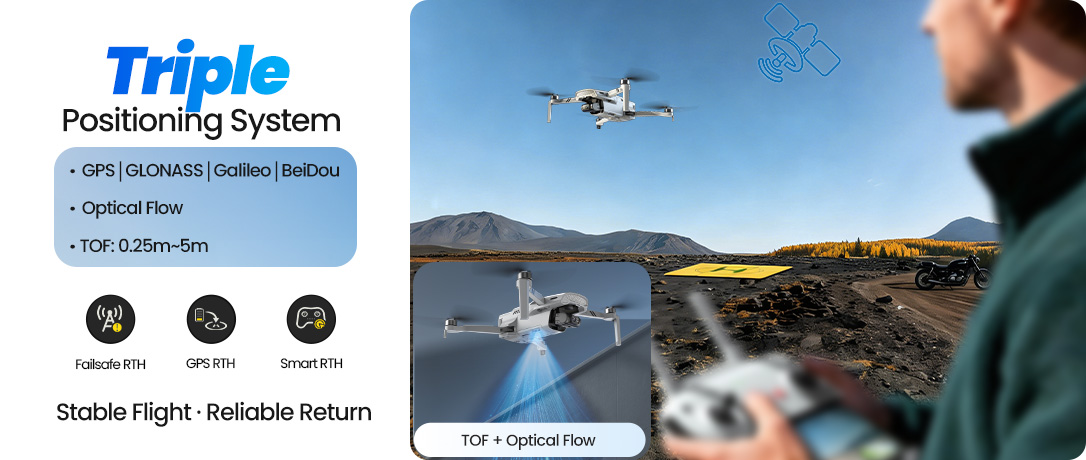
GPS, optical flow, TOF positioning, auto return, and level 5 wind resistance support more reliable outdoor flying.
Easier Cinematic Creation
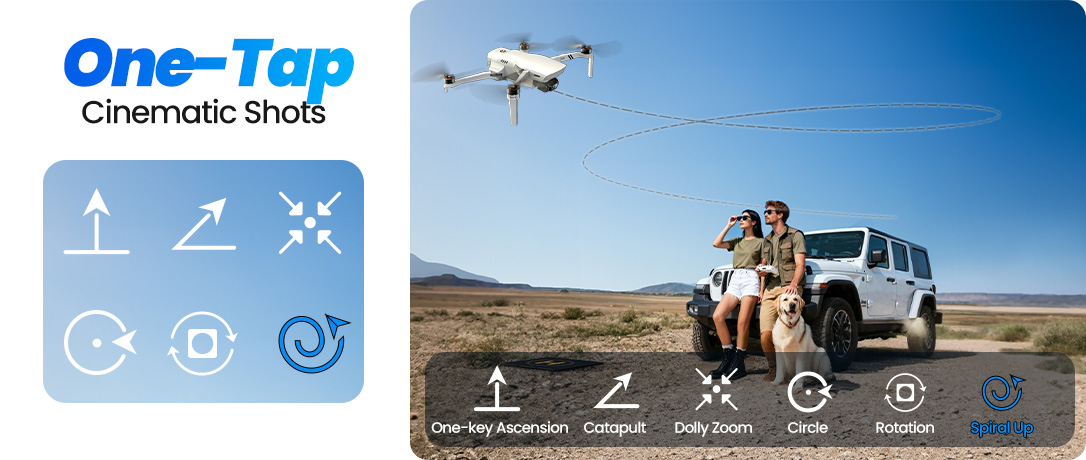
AI tracking, panorama modes, creative shooting modes, and one-tap cinematic shots help you create more from above.
Who Is HS900 Pro For?
HS900 Pro is best understood as a serious sub-249g drone for adults and everyday creators — not as a toy drone or a professional cinema drone.
A Good Fit For
Adults buying their first serious drone
Beginner pilots ready to upgrade from entry-level GPS drones
Travelers who want a lightweight 4K drone
Families who want smoother aerial memories
Creators who want cinematic shots without complex piloting
May Not Be the Best Fit If
You only need a toy drone for kids
You mainly fly indoors
You want the lowest-cost beginner drone
You need a professional cinema drone for commercial filmmaking
You do not need 4K, gimbal stabilization, or long-range transmission
What Pilots Are Saying
Early buyer feedback highlights the same strengths that define HS900 Pro: strong value, satisfying image quality, impressive transmission, and a more capable flying experience than expected from a lightweight drone.
Strong Value
Users see HS900 Pro as a strong value choice for getting serious drone features without paying premium-brand prices.
Camera Quality That Shows
The camera system is not just a spec on paper; users are noticing real image quality improvements.
More Flight Confidence
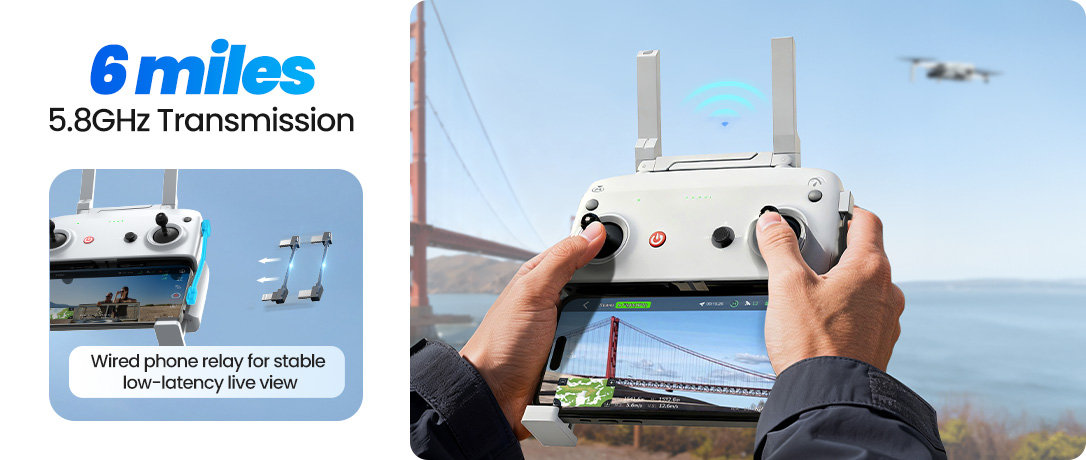
Long-range connection and stable transmission are important parts of the HS900 Pro experience.
Smart Features for Everyday Aerial Creativity
Discover a full set of intelligent flight features designed to make aerial filming smooth, stable, and easy — from cinematic shots to smart tracking.
Whether you're capturing everyday moments or creating more polished content, HS900 Pro helps you unlock more creative possibilities from above with less effort and greater control.
48MP Sony 1/2.3" CMOS Sensor Camera System
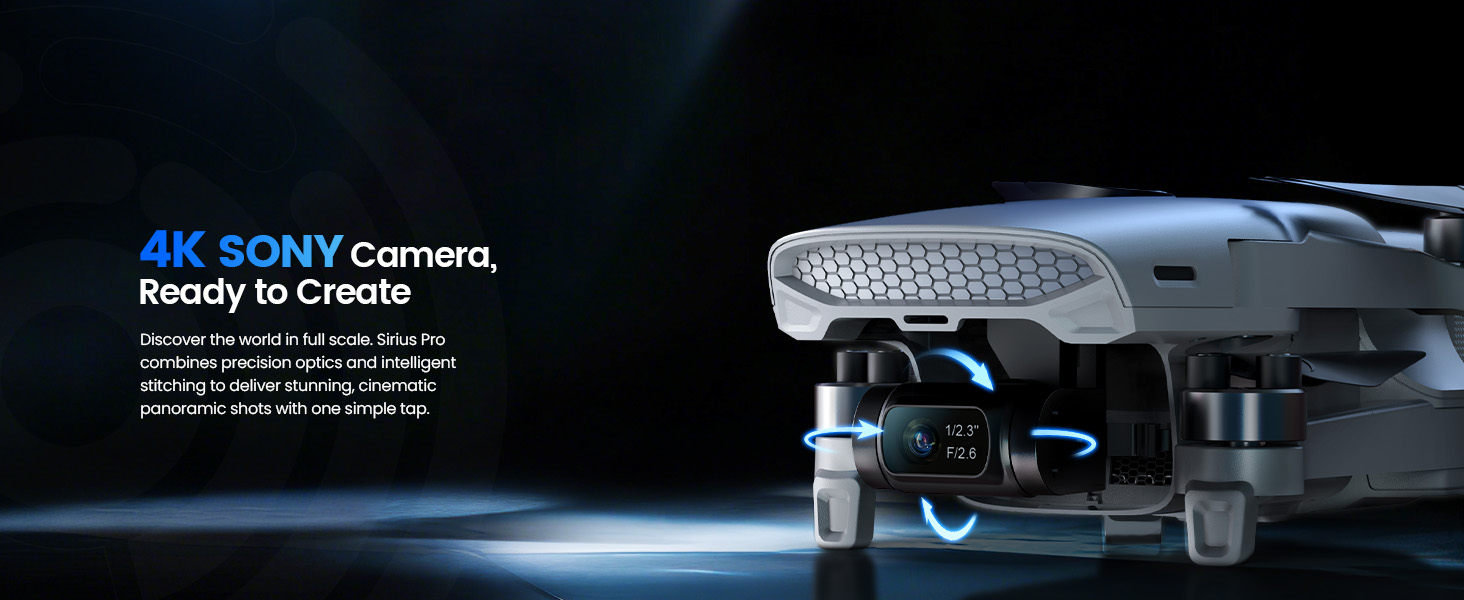
Equipped with a powerful 48MP Sony 1/2.3" CMOS sensor, HS900 Pro captures rich detail and natural color in every frame, supporting 4K UHD video at 30fps and 1080P at 60fps for smoother motion.
A precision 3-axis brushless gimbal ensures stable footage even during movement or light wind, while the adjustable camera tilt from −90° to 30° enables flexible shooting angles. With RAW photo support, you retain more image data and dynamic range for greater control in post-editing.

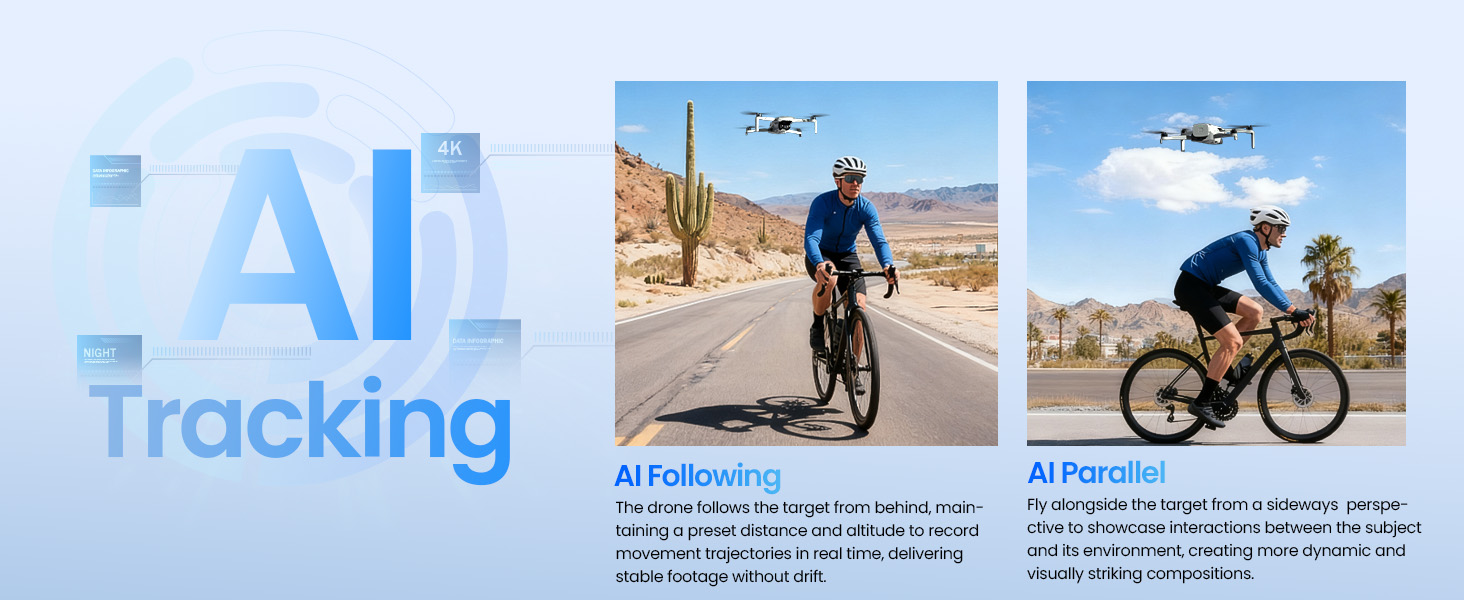
AI Subject Tracking
Always Keep Your Subject in Frame
Intelligent tracking keeps your subject centered while the drone follows smoothly, making it easier to capture moving people, outdoor activities, and dynamic everyday moments.
With multiple tracking styles, including AI Following and AI Parallel, HS900 Pro helps you film with more freedom, more precision, and more creative control.
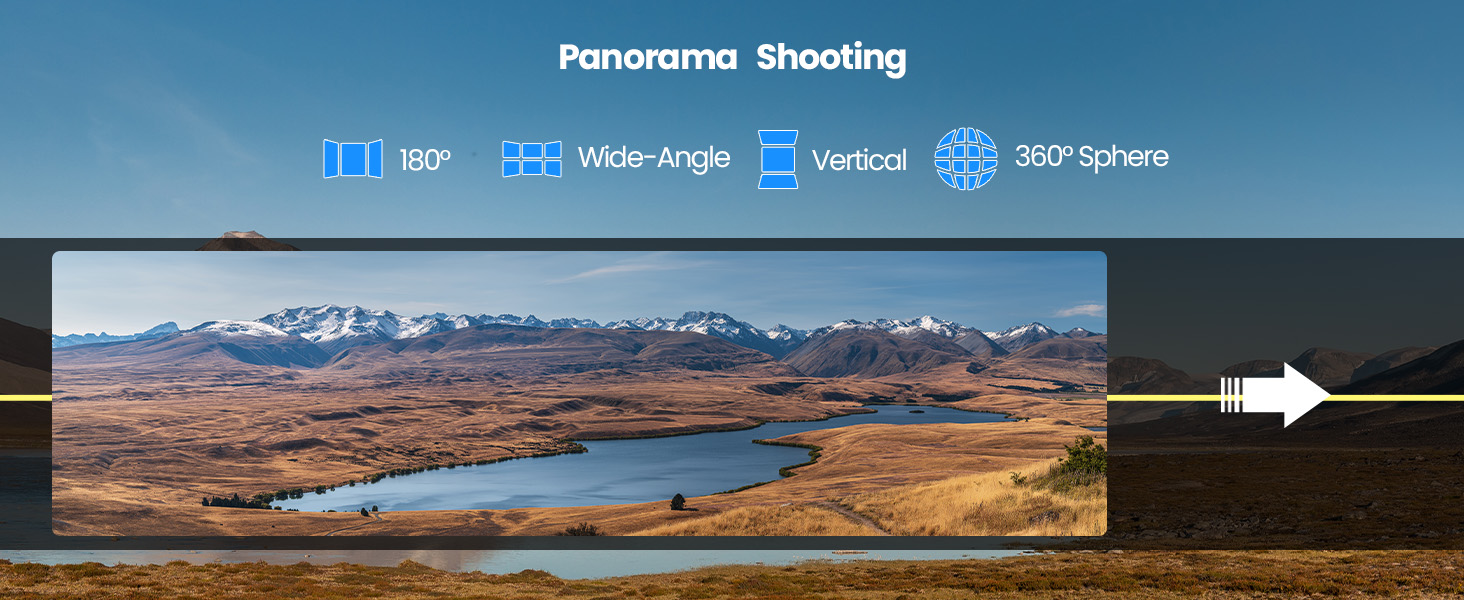
Panorama Shooting
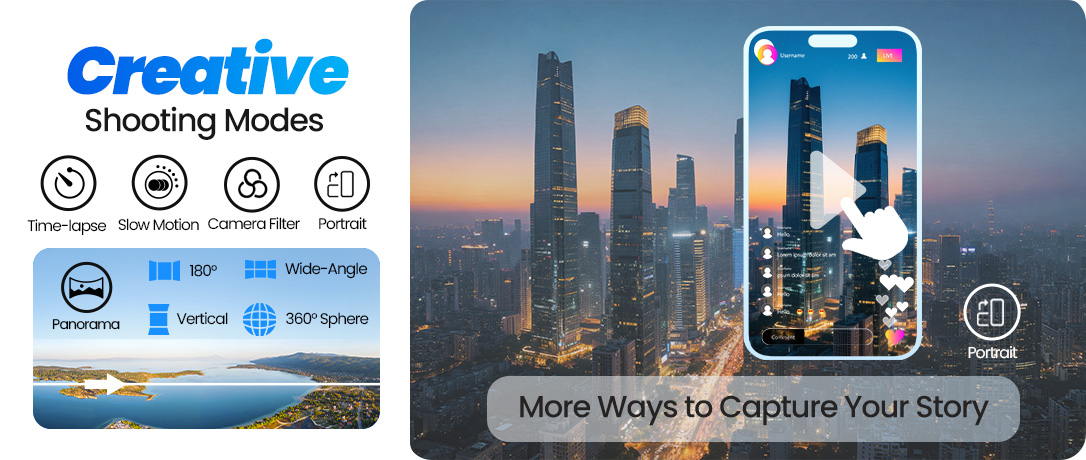
180° · Wide-Angle · Vertical · 360° Sphere
Discover four panorama modes designed to capture broader and more immersive perspectives. From sweeping landscapes to tall cityscapes, every scene can be framed in a more striking way.
Choose from 180° Panorama, Wide-Angle Panorama, Vertical Panorama, and 360° Sphere to create expansive aerial images with greater depth and visual impact.
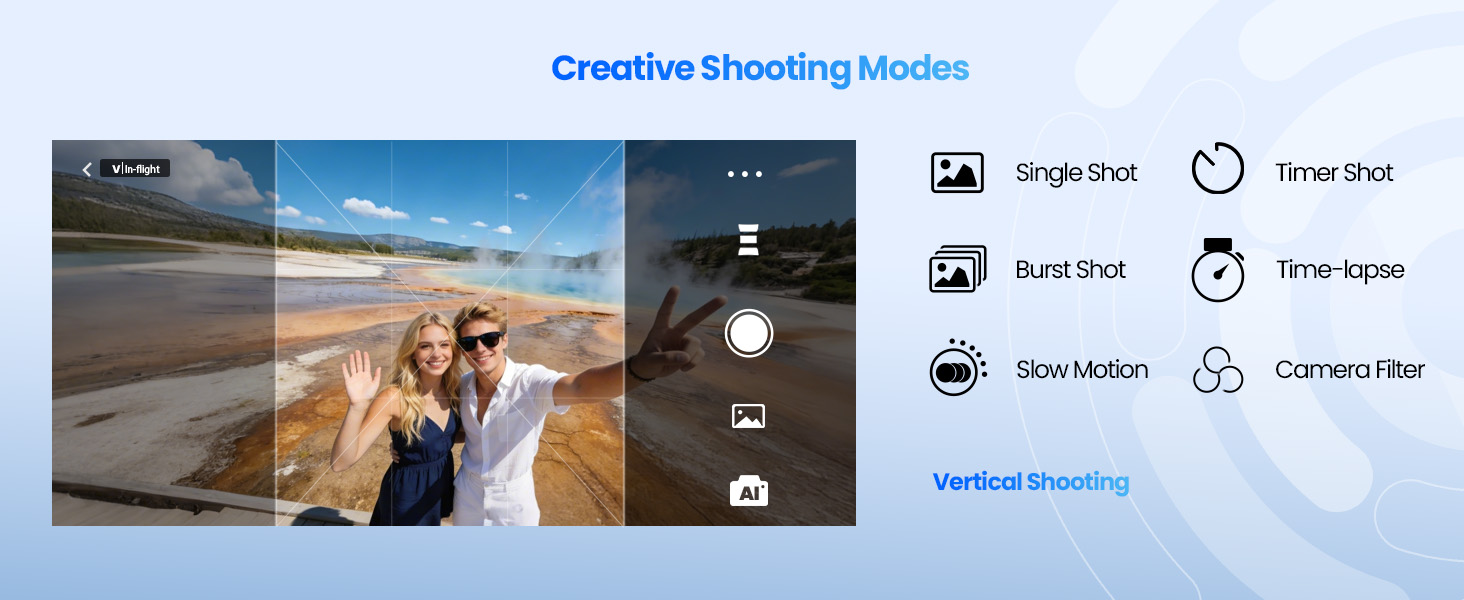
Creative Shooting Modes
More Ways to Shape Your Story
Explore a versatile set of creative tools including Single Shot, Burst Shot, Timer Shot, Time-lapse, Slow Motion, Camera Filter, and Vertical Shooting.
Whether you want cleaner portraits, more dramatic motion, or content optimized for social sharing, HS900 Pro gives you smarter ways to create from every angle.
Stable Outdoor Creation, Not Just Camera Specs
A good camera drone is not only about resolution. It also needs to feel stable, predictable, and reliable when you are flying outdoors.
HS900 Pro supports GPS positioning, optical flow, TOF positioning, GPS auto return, and level 5 wind resistance, helping pilots fly with more confidence when capturing travel, family, landscape, and everyday creative footage.
Stable Flight
GPS + optical flow + TOF positioning for more confident outdoor control.
Safer Return
GPS auto return helps bring the drone back when needed.
Longer Sessions
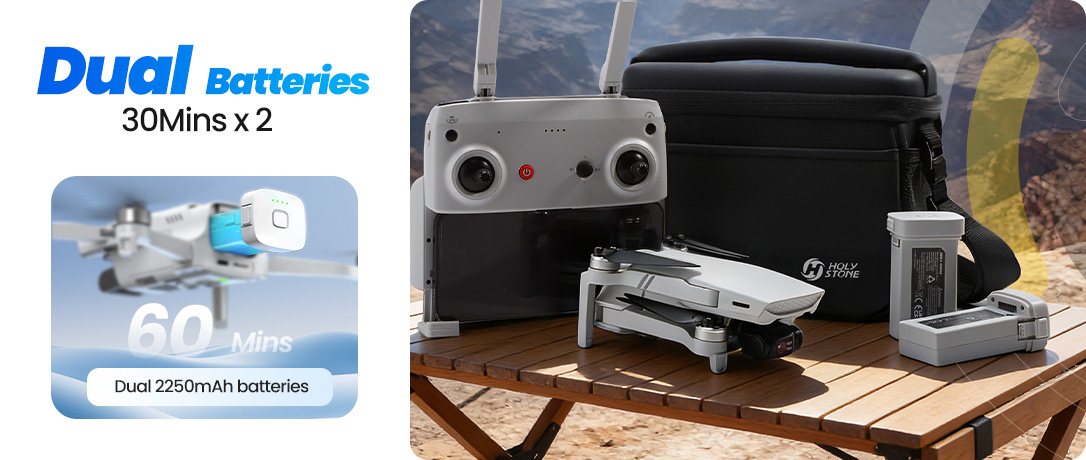
Dual batteries support up to 60 minutes total flight time.
More Distance
6 miles transmission gives creators more room to frame the scene.
One-Tap Cinematic Shots
Create polished aerial clips with intelligent flight moves designed for everyday creativity.
Fly in an open area with enough space around the drone, avoid obstacles, and keep the subject clearly visible for the best results.
Rotation
Create a rotating perspective as the drone moves forward.
Best used in scenes with clear depth — such as streets, paths, coastlines, or open spaces — where the rotating motion enhances both depth and movement.
Forward flight up to about 150 m. Ensure sufficient space ahead. Tap the icon again or move the joystick at any time to exit.
Dolly Zoom
Produce a cinematic push-pull zoom effect automatically.
Works best with a clearly defined subject and open space behind the drone, creating a stronger sense of depth and cinematic perspective.
The drone flies backward automatically (up to about 30 m). Ensure sufficient space behind. Tap the icon again or move the joystick at any time to exit.
Ascension
Create dramatic upward reveals in one tap.
Works best with a clearly defined subject in open surroundings, revealing more of the landscape as the drone rises.
The drone ascends automatically. Ensure sufficient space above. Tap the icon again or move the joystick at any time to exit.
Catapult
Create a dynamic backward reveal while keeping the subject centered.
Works best with a clearly defined subject and open space behind the drone.
The drone flies backward automatically. Ensure sufficient space behind. Tap the icon again or move the joystick at any time to exit.
Circle
Circle your subject with a smooth cinematic orbit.
Works best with a clearly defined subject and open surroundings, creating a smooth orbit perspective that highlights the subject from every angle.
The drone circles around the selected subject automatically. Choose the orbit direction in the app. Tap the icon again or move the joystick at any time to exit.
HS900 vs HS900 Pro: Which One Fits You Better?
HS900 already delivers the essential Holy Stone 4K gimbal drone experience. HS900 Pro is for pilots who want that familiar foundation with a more complete creator-focused upgrade.
| Choose HS900 | Choose HS900 Pro |
|---|---|
| You want the core 4K gimbal drone experience: stable GPS flight, smooth footage, and dependable everyday control. | You want the stronger HS900-series package: 48MP photos, 4K/30fps video, and a 3-axis brushless gimbal. |
| Your main goal is casual aerial footage for travel, family, landscapes, and outdoor memories. | Your goal is easier creation: AI tracking, panorama, quick shots, vertical shooting, and smarter camera tools. |
| You prefer a simple, familiar flying experience without needing every advanced shooting option. | You want a drone that still feels beginner-friendly, but gives you more room to grow. |
| You need a capable lightweight drone that covers the essentials well. | You care about the full workflow: stable flight, smooth gimbal movement, long-range transmission, image quality, and assisted shots. |
| Best for pilots who want a proven Holy Stone 4K gimbal drone at a practical level. | Best for adults, travelers, and growing creators who want the most complete HS900-series experience. |
Note: HS900 Pro is still a lightweight beginner-friendly camera drone, not a professional cinema drone. It does not include obstacle avoidance, so fly in open areas and plan smart shots with enough space.
Learn How to Create Better Aerial Shots
HS900 Pro is more than a spec sheet. These guides help you understand how assisted shooting and advanced control can turn simple flights into stronger aerial stories.
How to Take Better Aerial Photos with Assisted Shooting
Learn how assisted flight modes help you build stable, cinematic shots with less pressure.
For Growing CreatorsHS900 Pro: Take Greater Control
Move beyond one-tap shots and learn how path, speed, altitude, heading, and gimbal control shape stronger aerial footage.
HS900 Pro Real Shots