
 Sign in
 Sign up


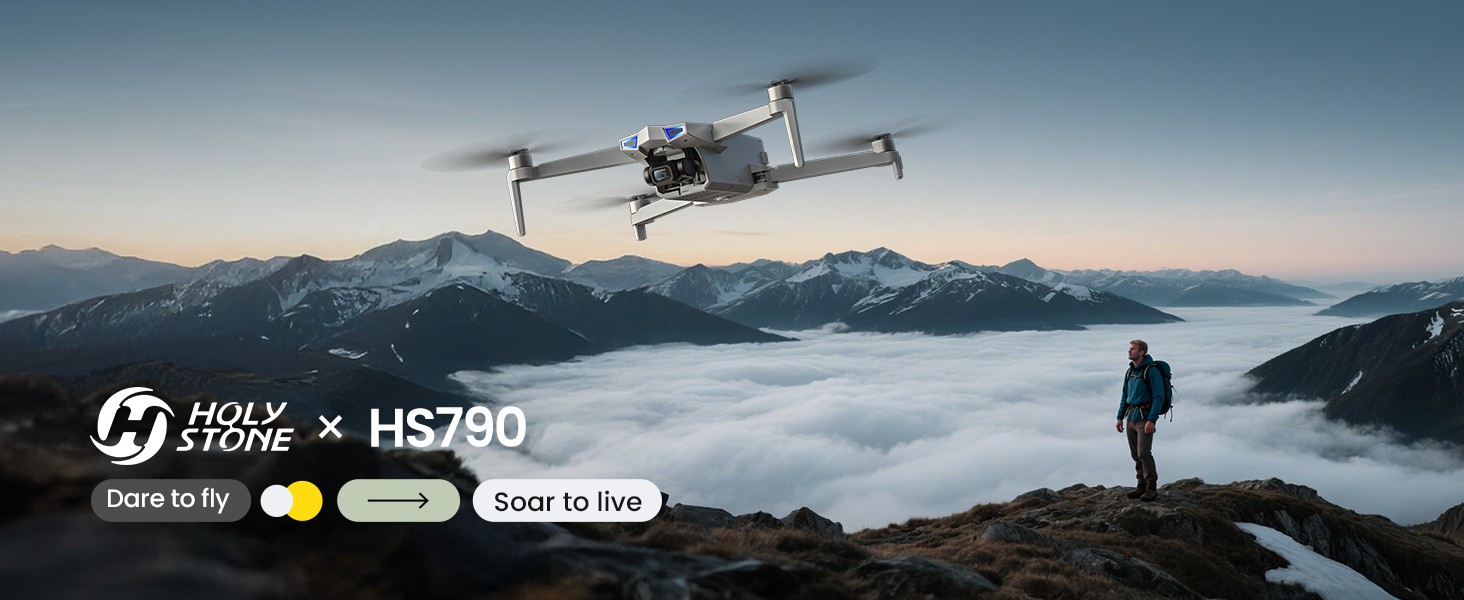
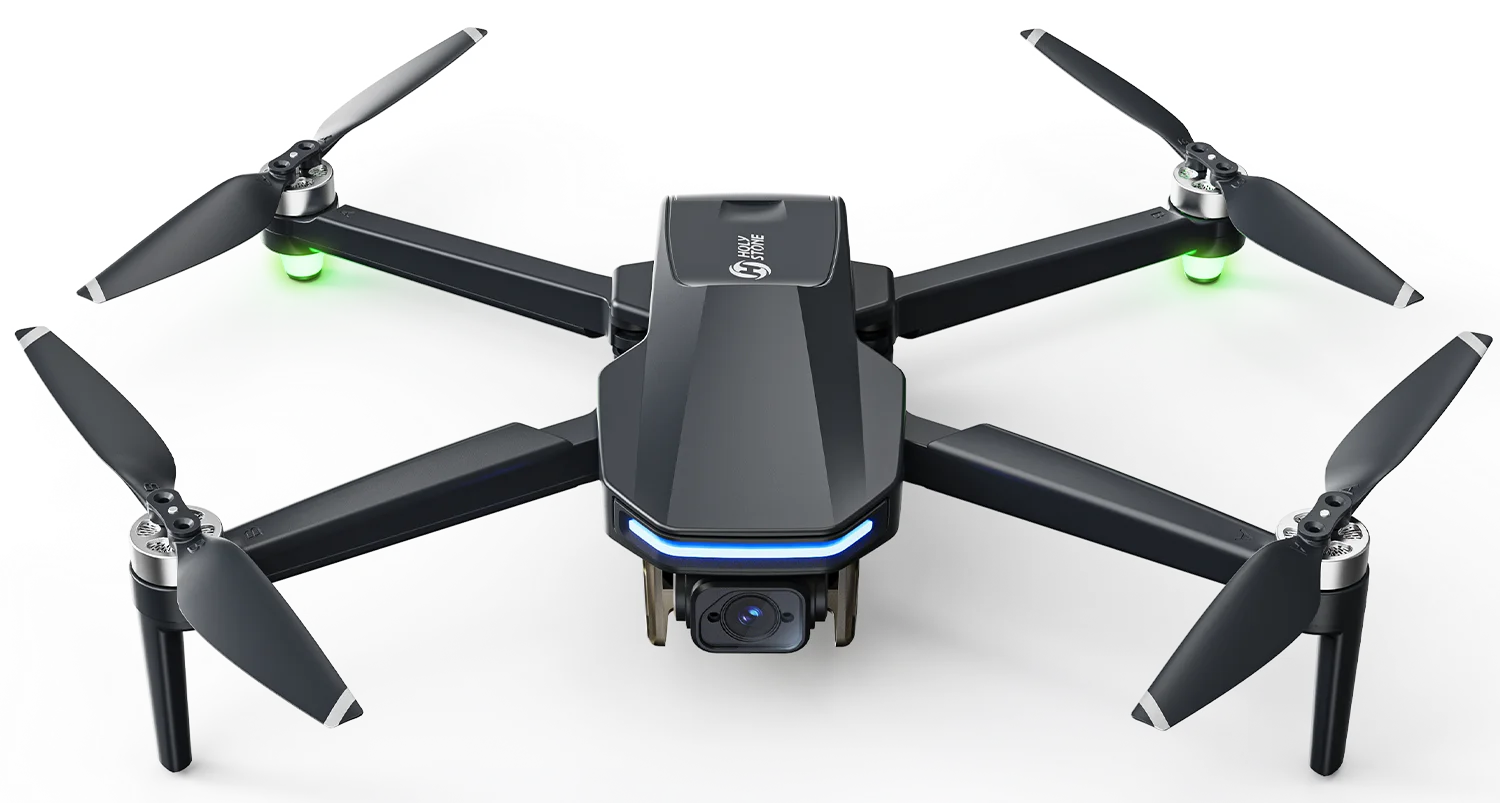
HS790 GPS Camera Drone Kit for Longer Outdoor Flying
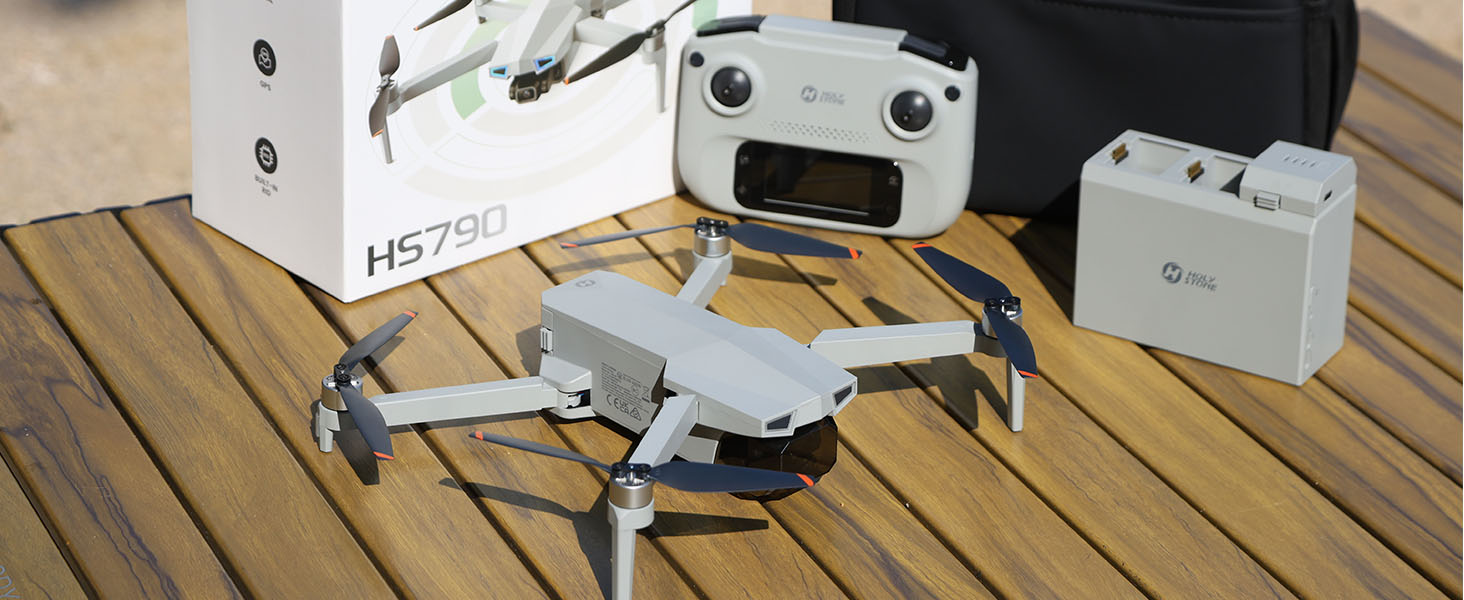
Model No.: HS790 | Weight: 377g / 13.3oz | Built-in Remote ID
A value-packed GPS camera drone kit built around longer flying sessions, smarter battery management, and smoother everyday aerial shots — with dual batteries, a smart charging hub, 3-axis gimbal, 6K photos / 4K/30fps video, GPS flight features, and 9 km open-area image transmission.


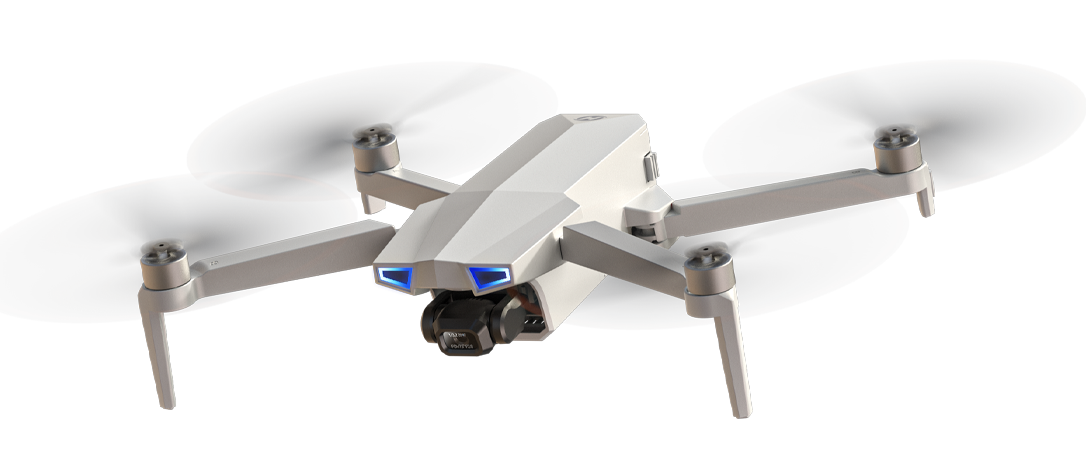
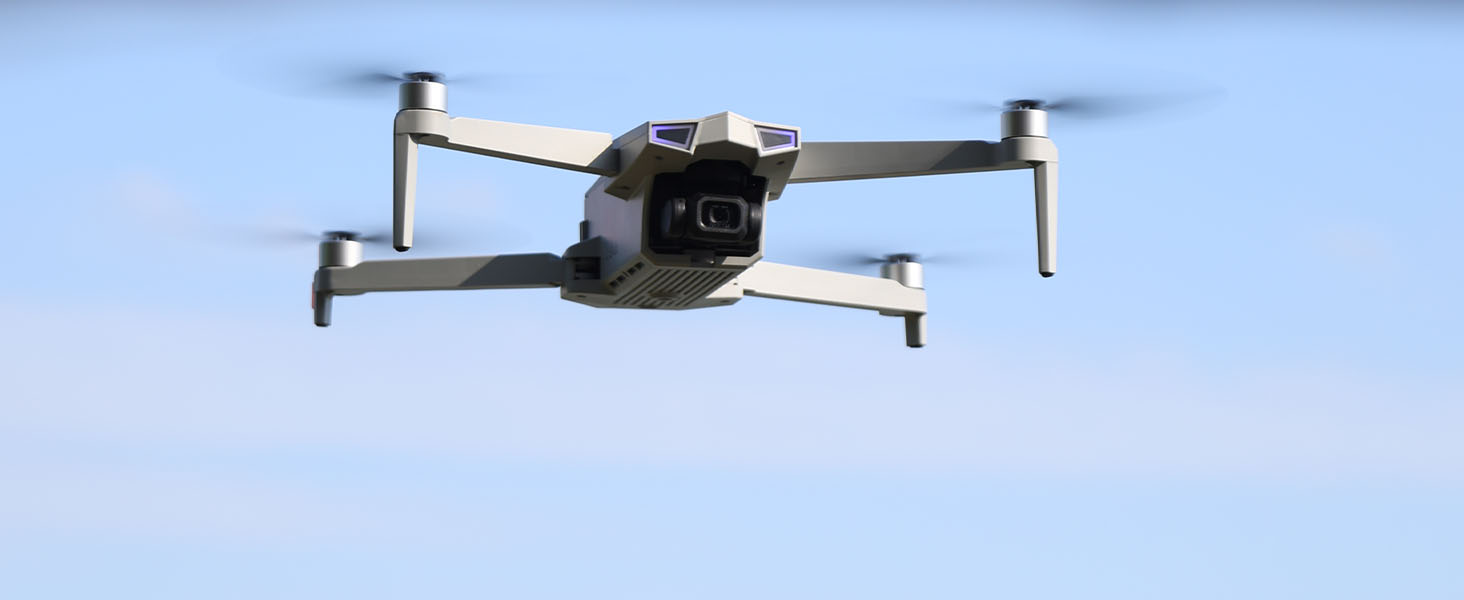
See HS790 in Everyday Outdoor Flight
Watch how HS790 brings together a complete flying kit, dual-battery runtime, app-assisted GPS control, and smoother gimbal footage for practical outdoor flying and everyday aerial shots.
Why Choose HS790?
HS790 is a value-packed GPS camera drone kit built around smoother everyday aerial shooting, steadier outdoor flight, longer-range open-area connection, and smarter battery management.
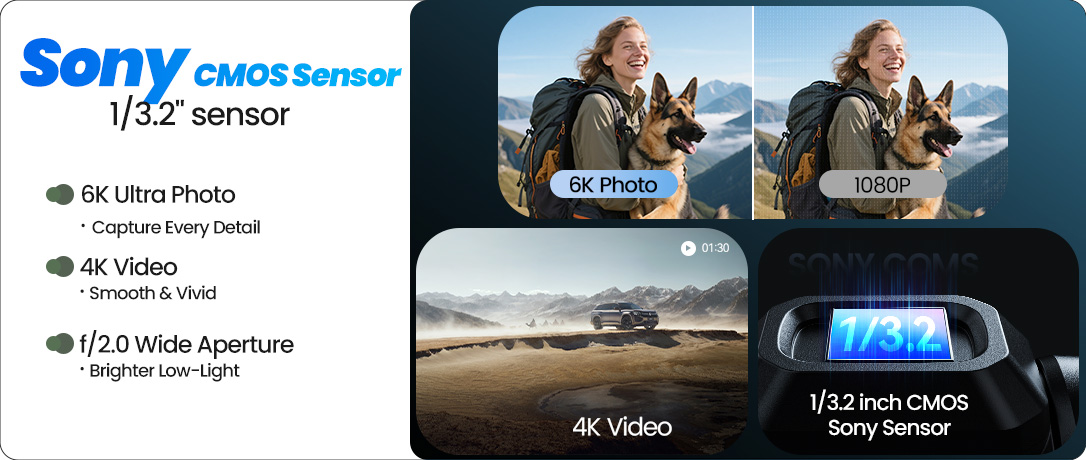
6K Photo & 4K/30fps Gimbal Camera
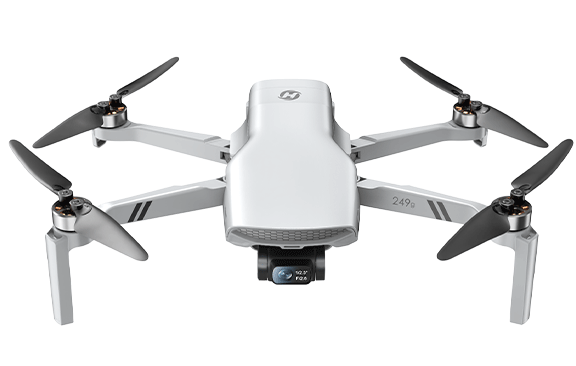
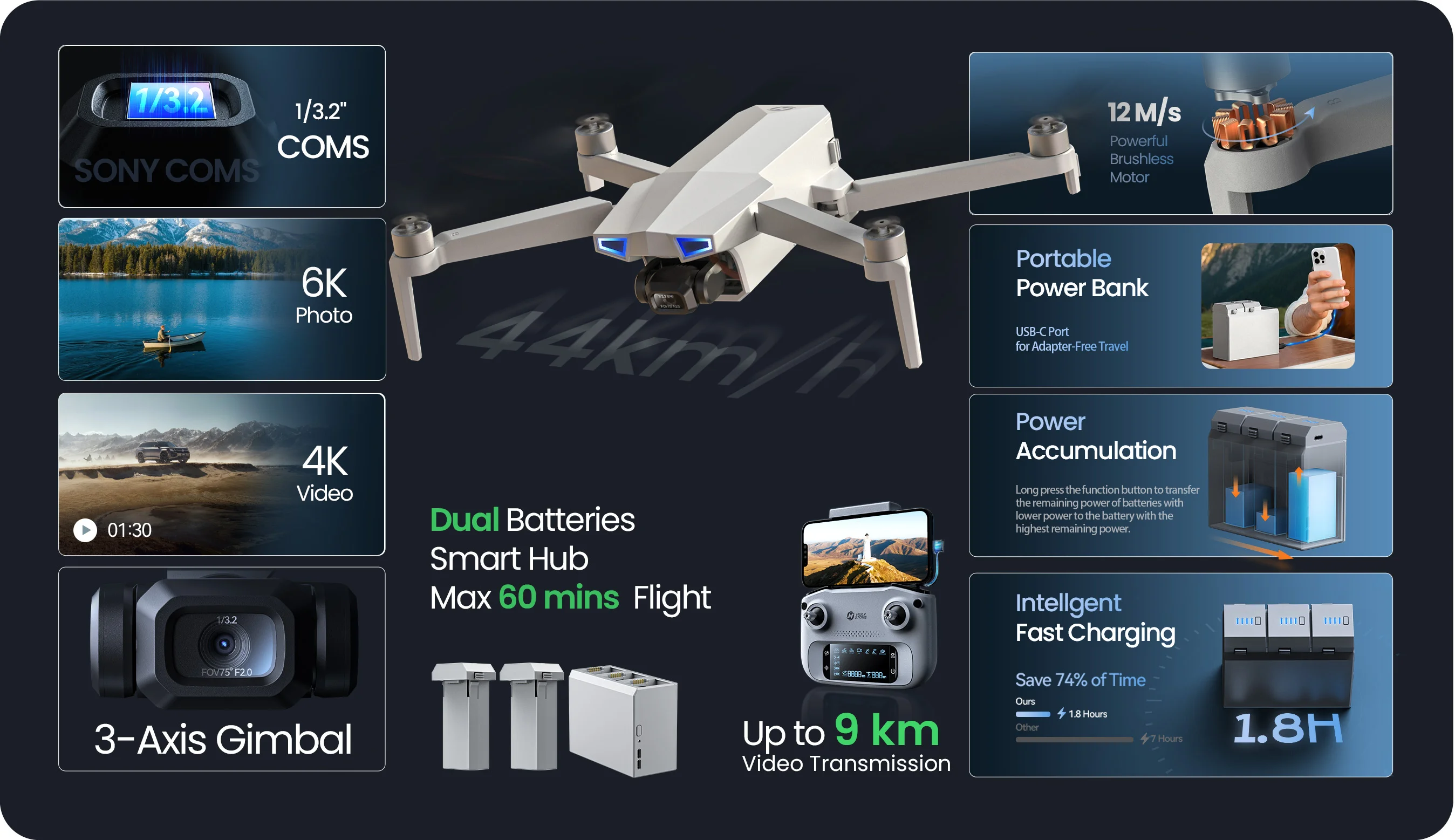
HS790 combines a 1/3.2" CMOS camera, 6K photo capability, 4K/30fps video, and a 3-axis mechanical gimbal to help capture smoother everyday aerial shots.
It is a practical setup for travel views, family outings, property shots, and outdoor memories where smoother camera movement makes the final footage easier to use.
Stable Outdoor Flight
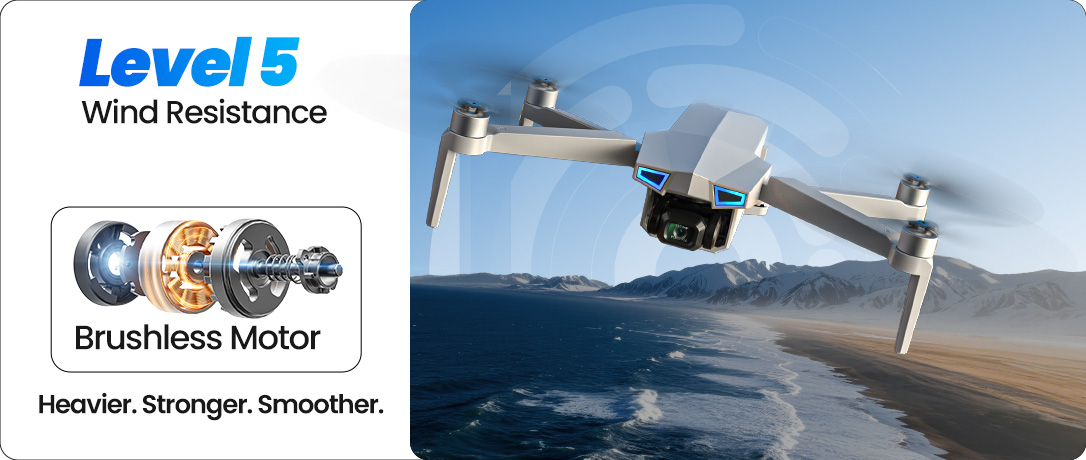
Brushless motors, GPS, optical flow, TOF sensing, and Level 5 wind resistance help support steadier outdoor hovering and control.

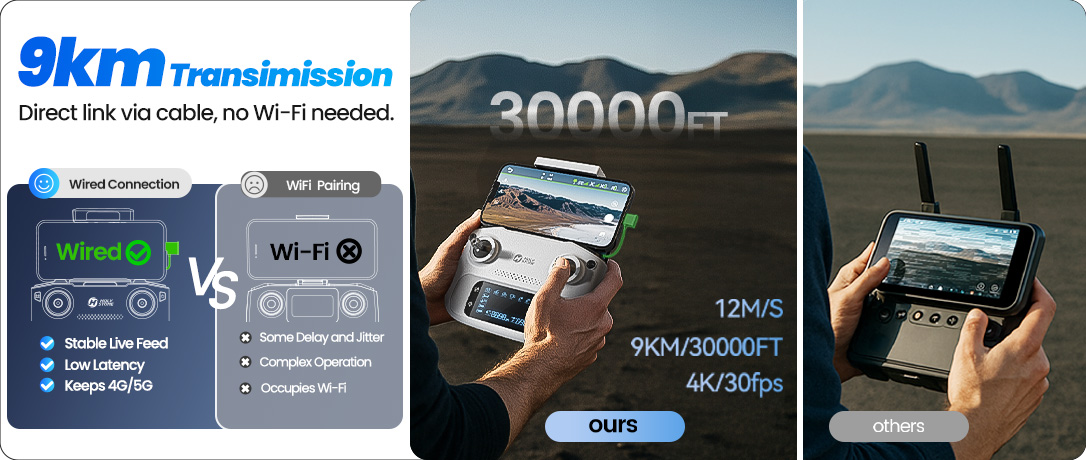
9 km Wired Connection
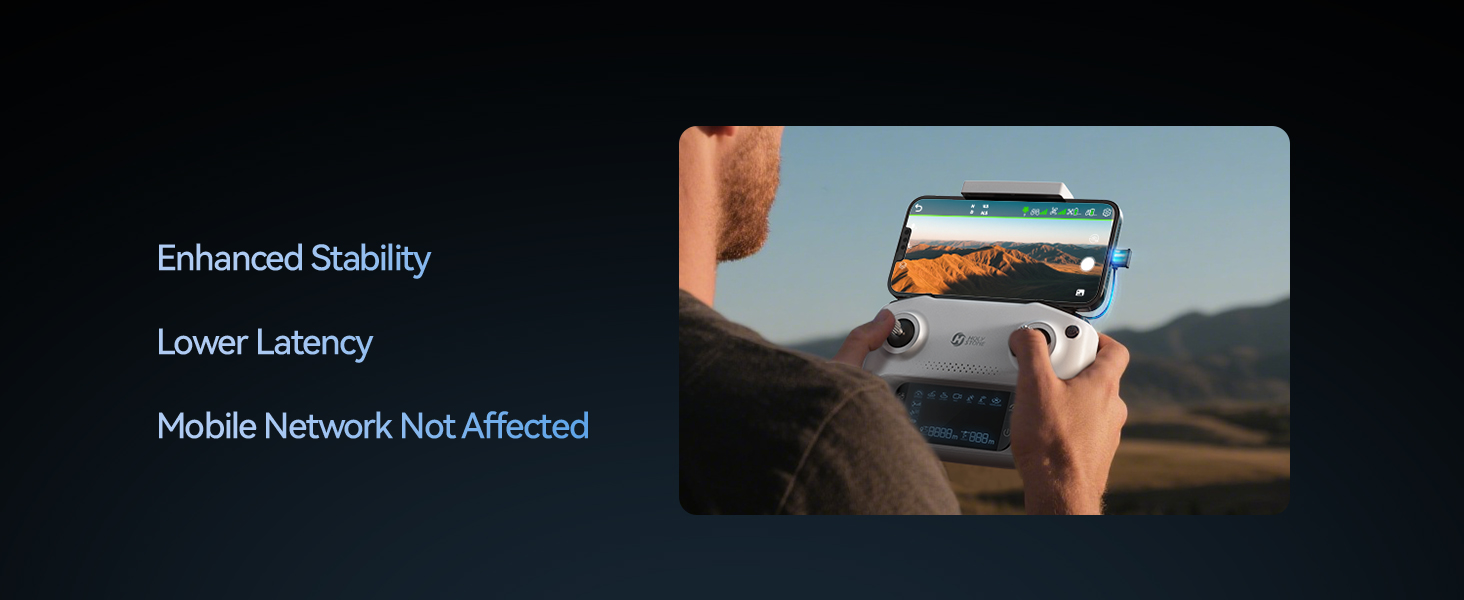
Up to 9 km image transmission in open areas, with a wired phone-to-controller setup for a more reliable live view.

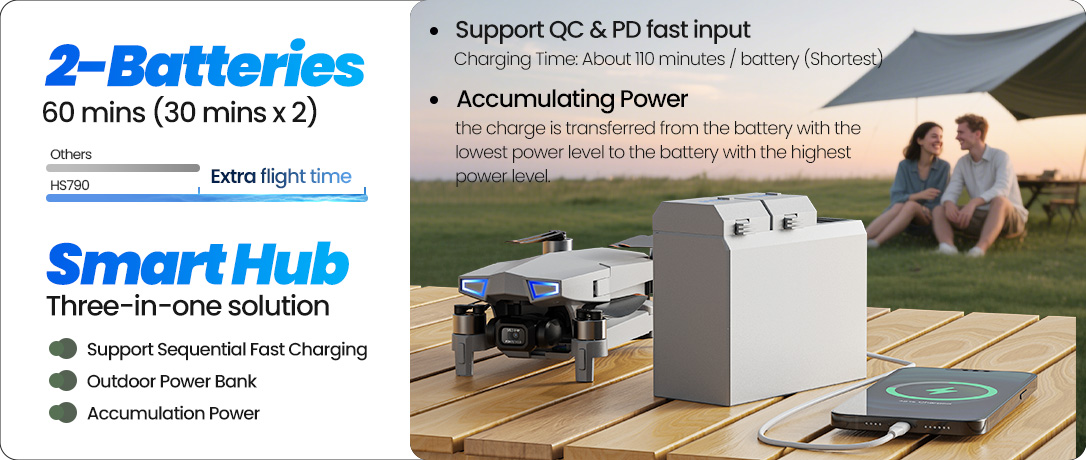
Dual Batteries & Smart Hub
Two batteries and the smart charging hub support longer sessions, about 2 hours per battery charging, and outdoor backup power for small USB devices.
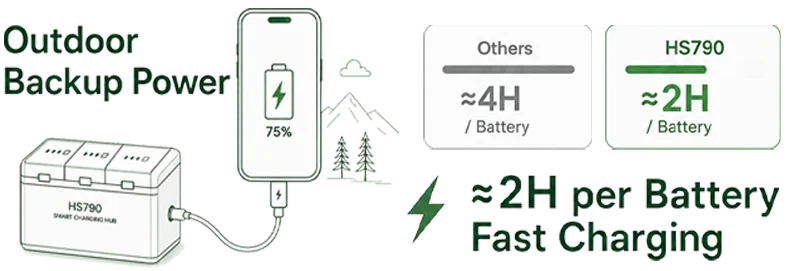
*Range, charging time, and flight performance may vary depending on battery level, charger, temperature, wind, signal environment, and flight style. The charging hub charges batteries sequentially; approximate charging time refers to one battery under ideal conditions.
Who Is HS790 For?
HS790 fits pilots who want a practical step-up GPS drone kit with more flying time and a smarter battery workflow — not a toy drone, and not a professional cinema setup.
A Good Fit For
Adults buying a more complete first GPS camera drone kit
Hobby pilots who want longer outdoor flying sessions
Users who value dual batteries and a charging hub as part of the setup
Family trips, property views, land photography, and everyday aerial practice
Pilots who want 3-axis gimbal video without moving into a pro-level drone
May Not Be the Best Fit If
You only need a small indoor toy drone for kids
You want the lowest-cost beginner drone possible
You want the strongest wind performance or most advanced camera in the lineup
You need obstacle avoidance for complex environments
You prefer a sub-250g drone with fewer registration considerations
What Reviewers Notice About HS790
Real-world reviewers tend to describe HS790 as a well-rounded GPS camera drone kit rather than a pure performance model: the strongest praise goes to the complete package, smart charging hub, dual batteries, real 3-axis gimbal, steady GPS hovering, and more reliable wired phone connection.
Kit Value That Feels Useful
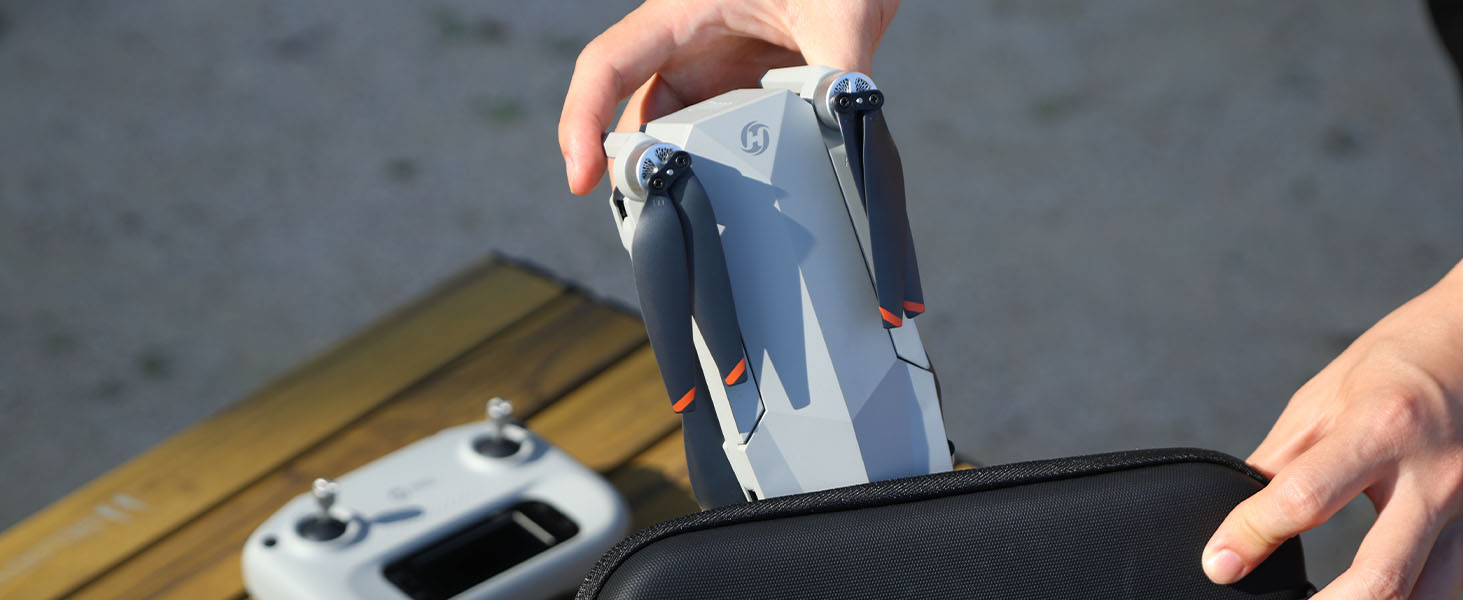
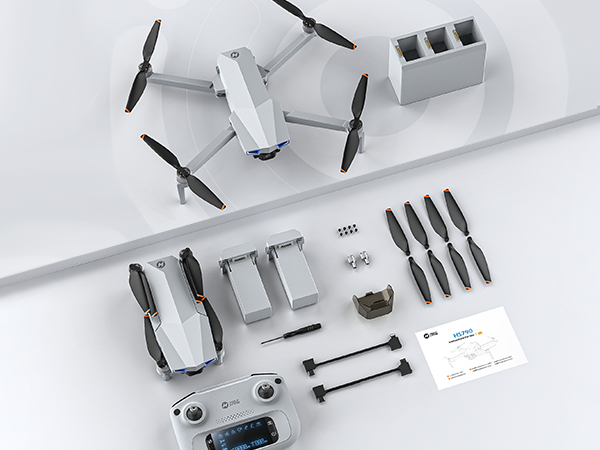
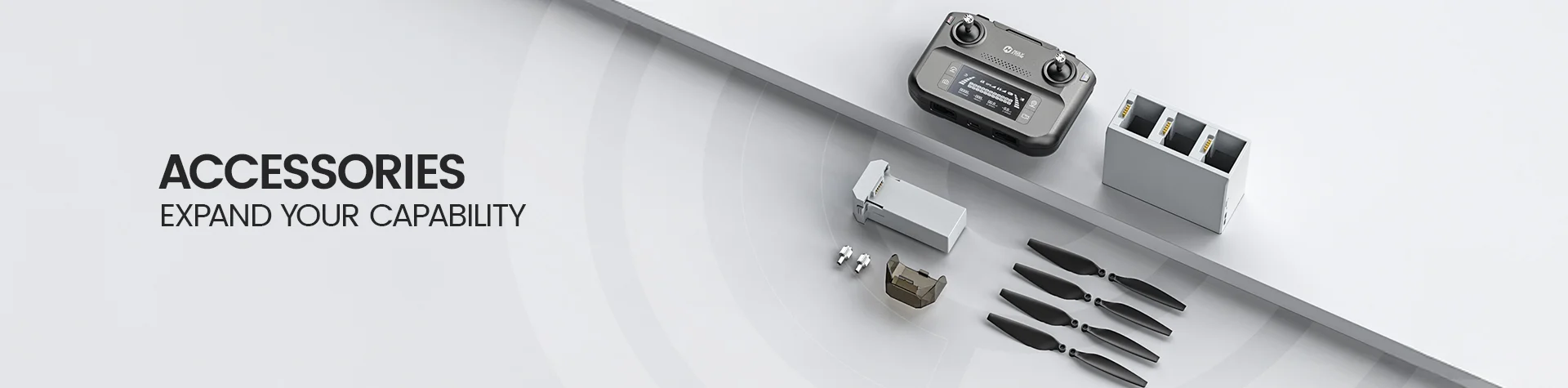
Reviewers often call out the carrying case, dual batteries, charging hub, cables, spare props, and tools because these items make HS790 feel ready for longer outdoor flying sessions right out of the box.
Smarter Battery Workflow
The smart hub is more than a charger. It supports sequential charging, power bank use, and power accumulation, giving HS790 a clearer value story than drone-only packages.
Smoother Everyday Footage
Reviewers appreciate that HS790 brings a true 3-axis gimbal into a practical GPS drone kit, helping everyday 4K/30fps aerial video look steadier than basic beginner drones.
What to Know Before You Fly
HS790 performs best when buyers understand its real use case: a complete GPS drone kit for longer practice and everyday outdoor shots, not a professional cinema drone or a sub-250g travel model.
Strengths Reviewers Point Out
Stable hovering and confident GPS positioning in open outdoor areas
Useful 3-axis gimbal for smoother everyday aerial video
Dual batteries and smart charging hub make the kit feel more complete
Wired phone-to-transmitter connection can provide a cleaner live-view setup than simple phone Wi-Fi
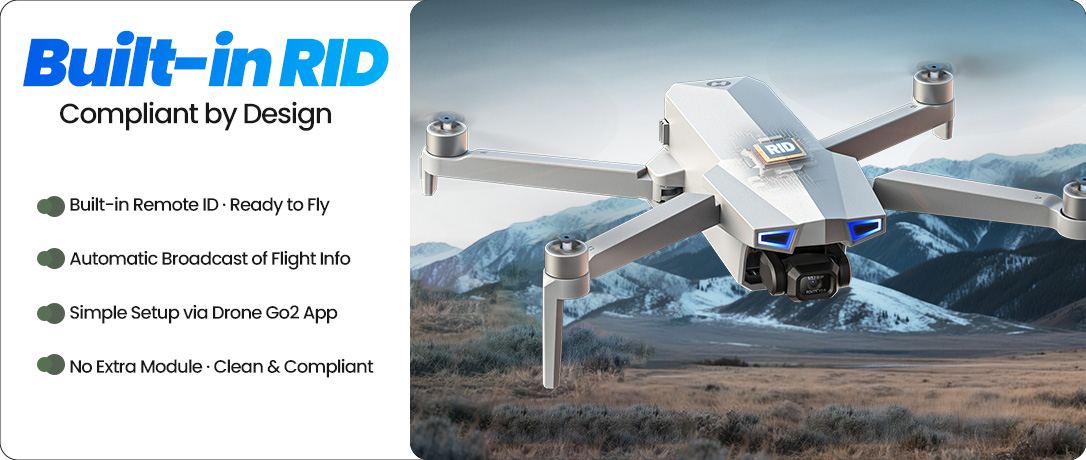
Built-in Remote ID avoids the need for an external Remote ID module
Expectations to Set Clearly
HS790 weighs 377g, so registration may be required depending on local rules
Actual flight time varies with wind, temperature, speed, recording, and flight style
The camera is best understood as an everyday 4K/30fps aerial camera, not a pro cinema camera
Calibration and HS GPS V5 app setup are important before the first flight
Bulky phone cases may need to be removed for the controller holder and cable connection
Smart App Modes for Everyday Outdoor Shots
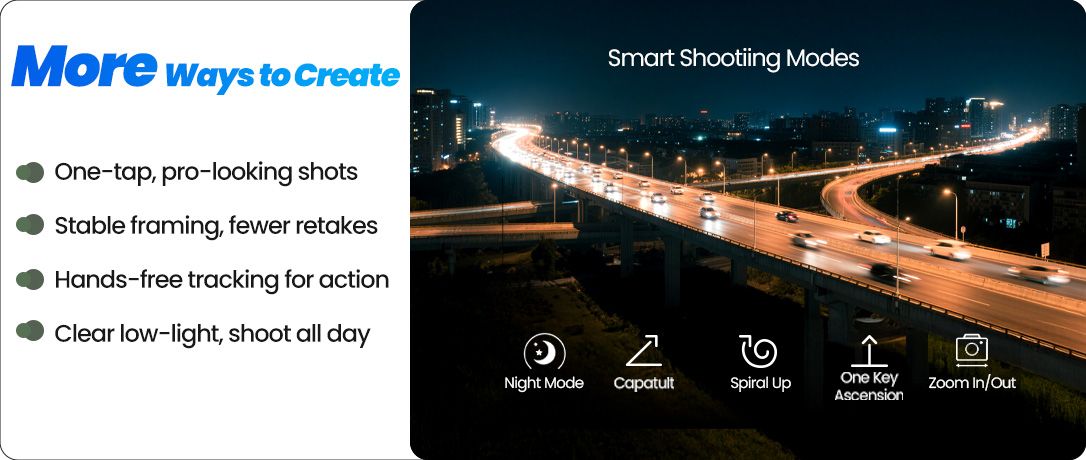
HS790 works with the HS GPS V5 app to give everyday pilots more guided ways to capture outdoor clips, from follow shots and circular views to planned flight paths, quick video moves, night scenes, and zoomed-in framing.
These app-assisted modes help you create more varied aerial footage without relying only on manual stick control.
Follow the Moment
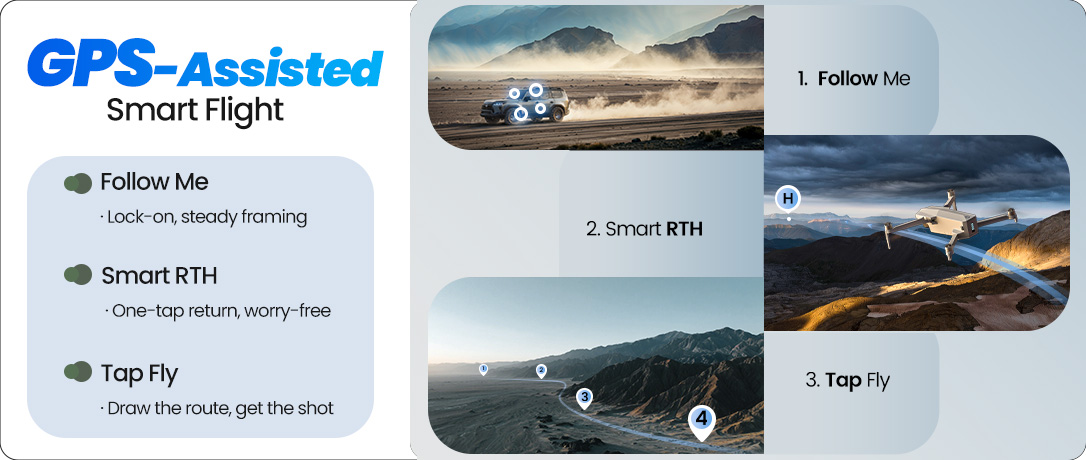
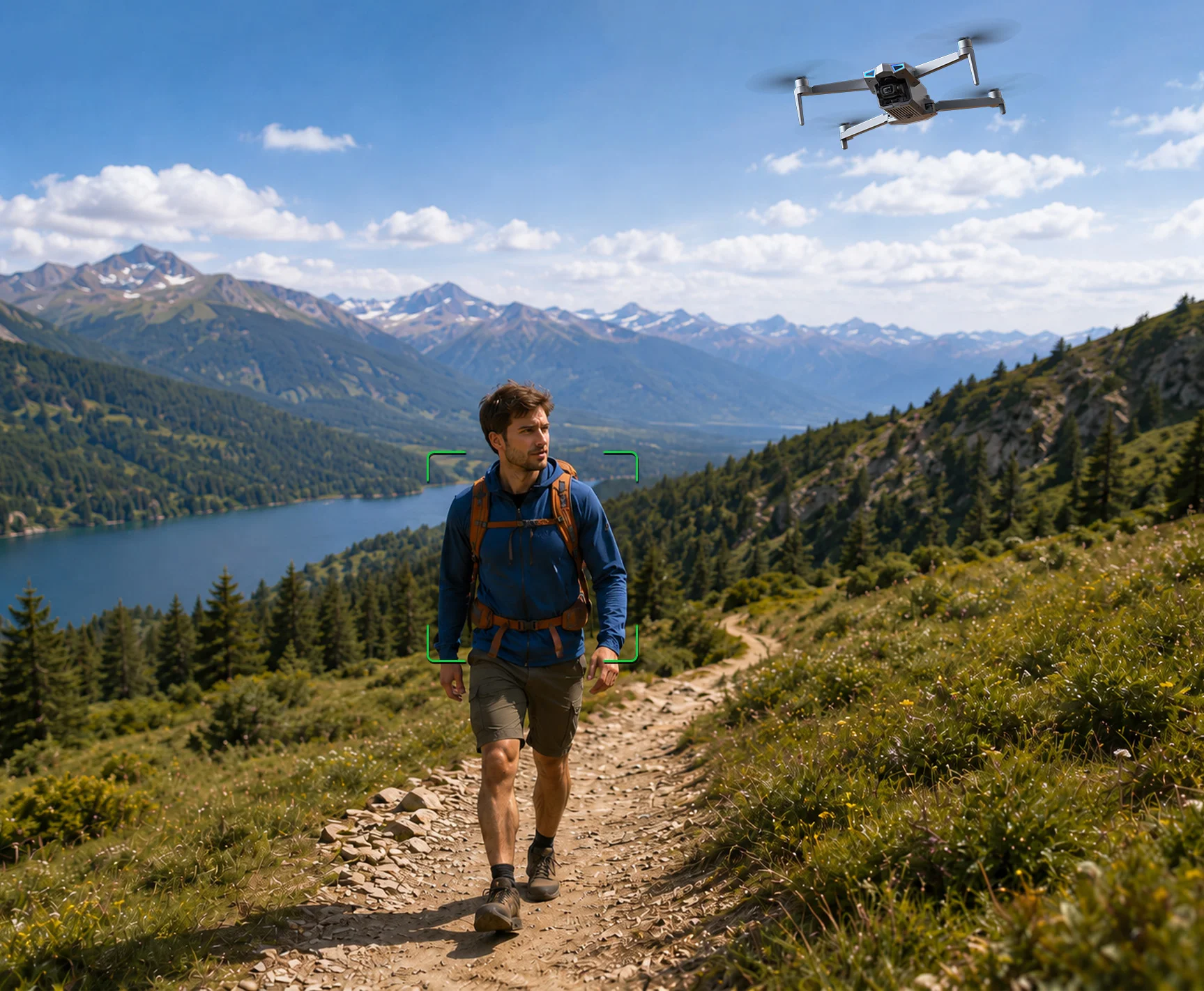
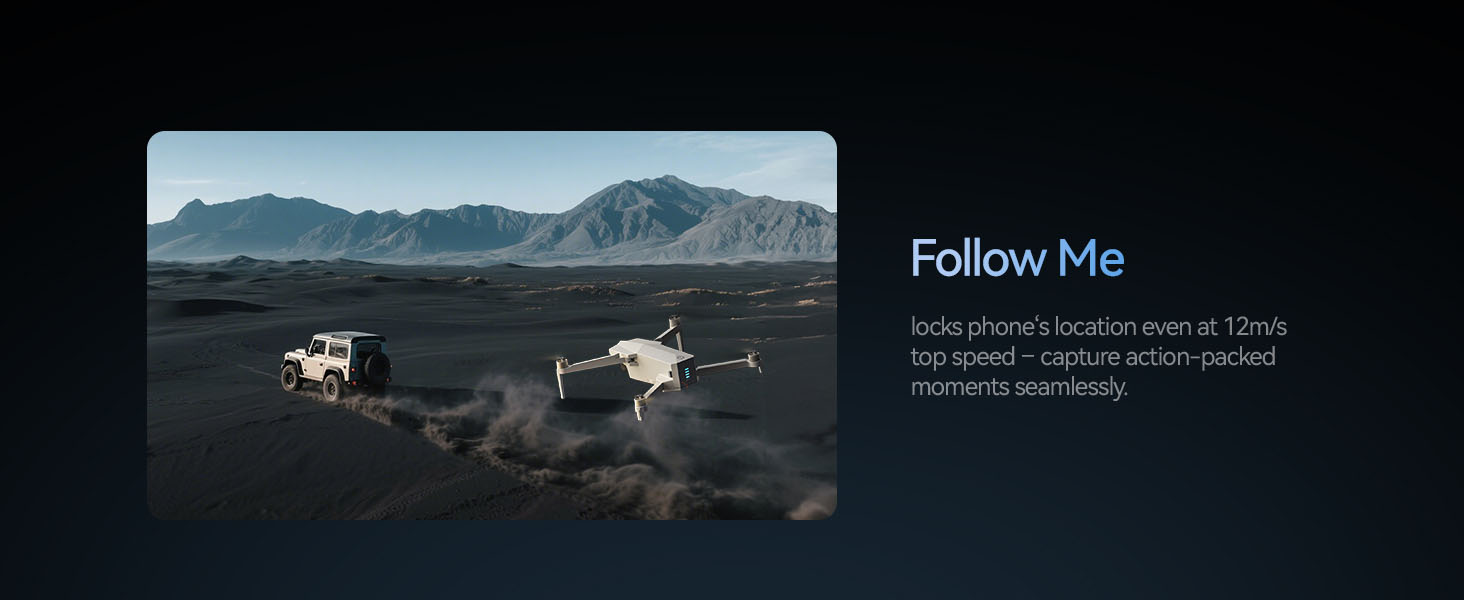
GPS Follow keeps the drone at a distance from the operator and follows the GPS position of the paired mobile phone, making it useful for open-area walks, outdoor activities, and casual travel clips.

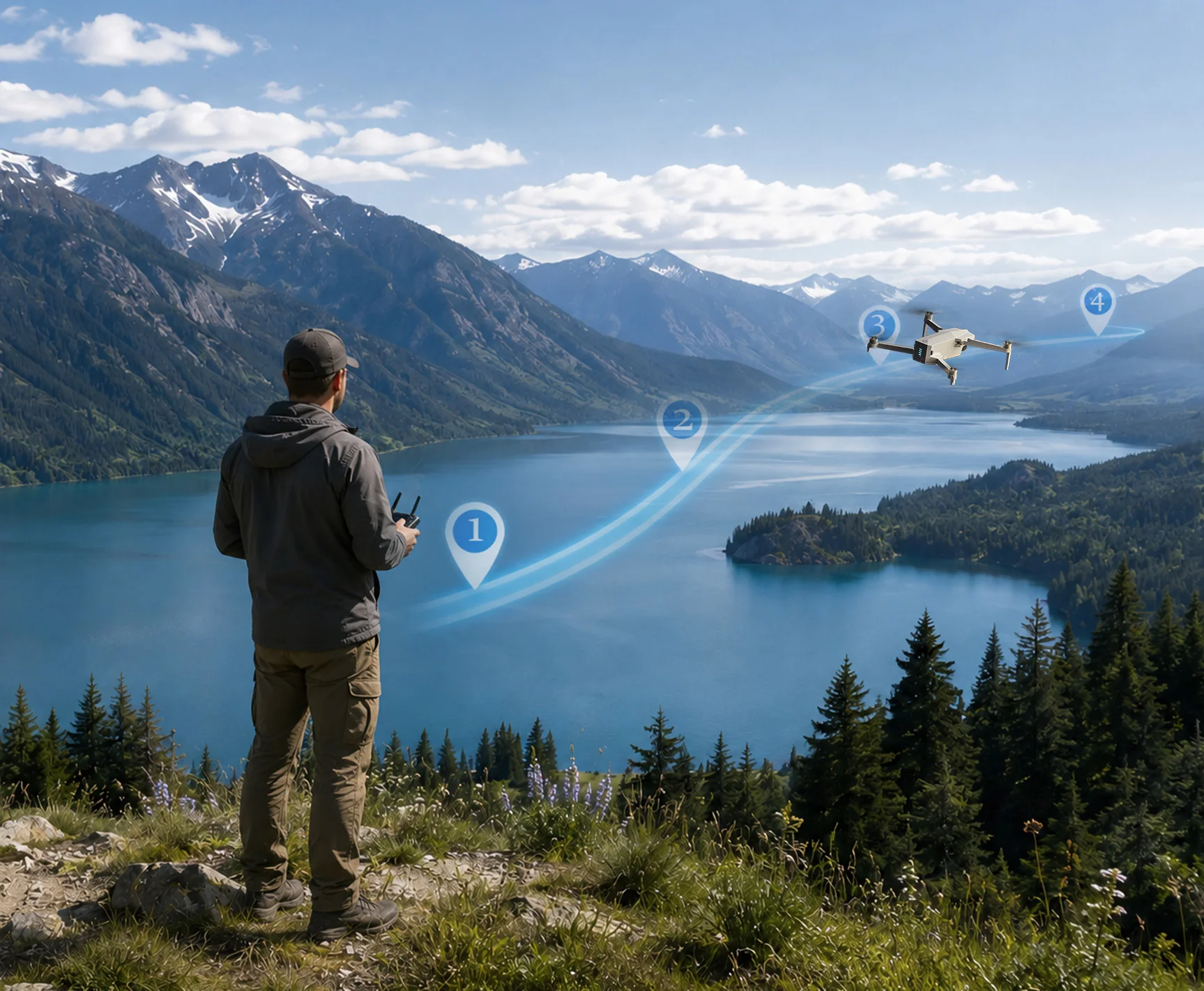
Plan Scenic Flight Paths
Circle lets the drone fly around a selected point, while TapFly lets it follow a path drawn on the phone screen, helping pilots frame smoother views around landscapes, yards, lakes, fields, and landmarks.

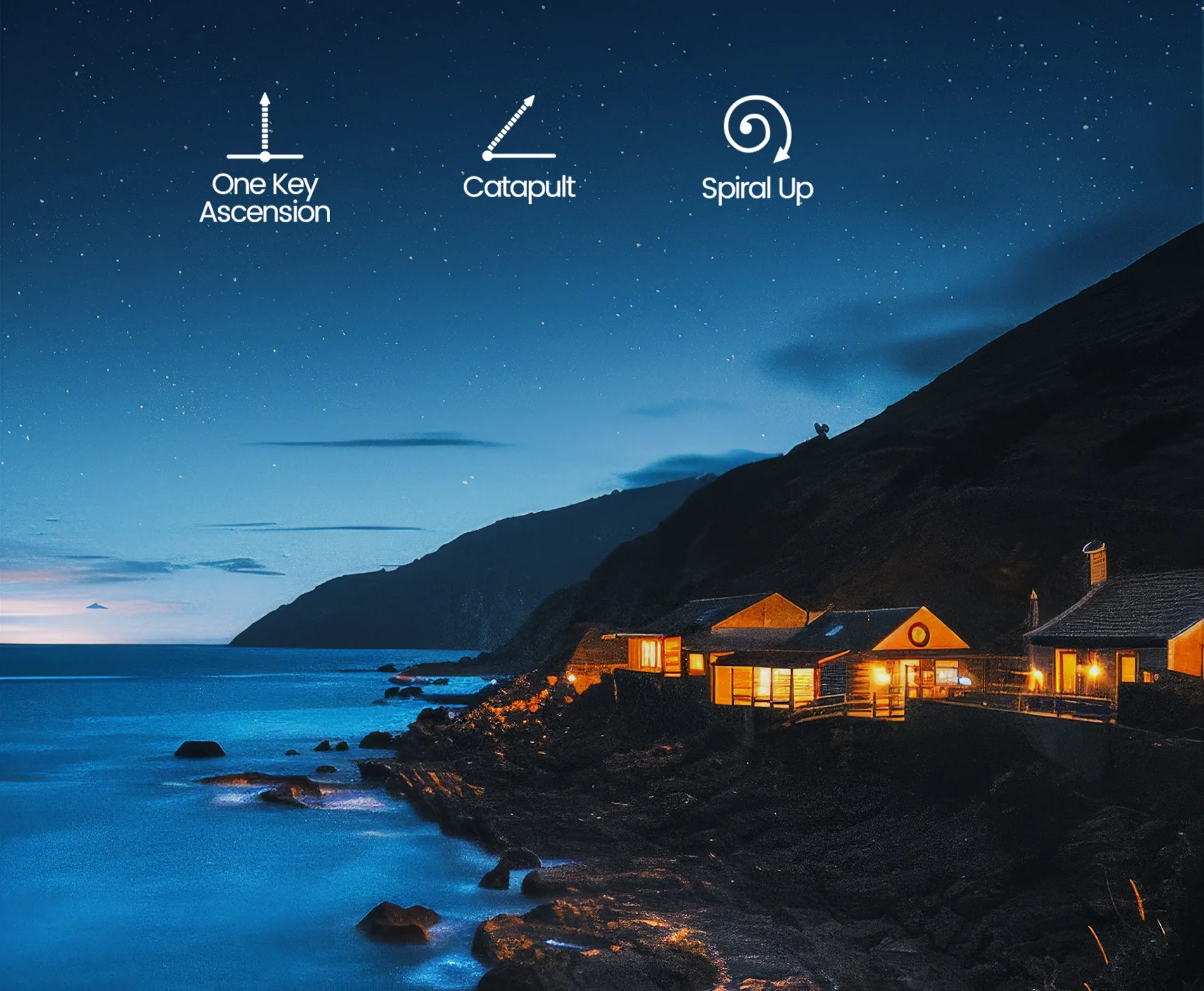
Add Shot Variety
QuickShots, Night Mode, Zoom In/Out, and camera angle adjustment give pilots more ways to capture creative clips, low-light scenes, and different framing styles from the same outdoor location.

*App-assisted modes work best in open outdoor areas with good GPS signal. Actual performance may vary by environment, phone setup, signal conditions, and flight settings.
Fly Longer. Charge Smarter.
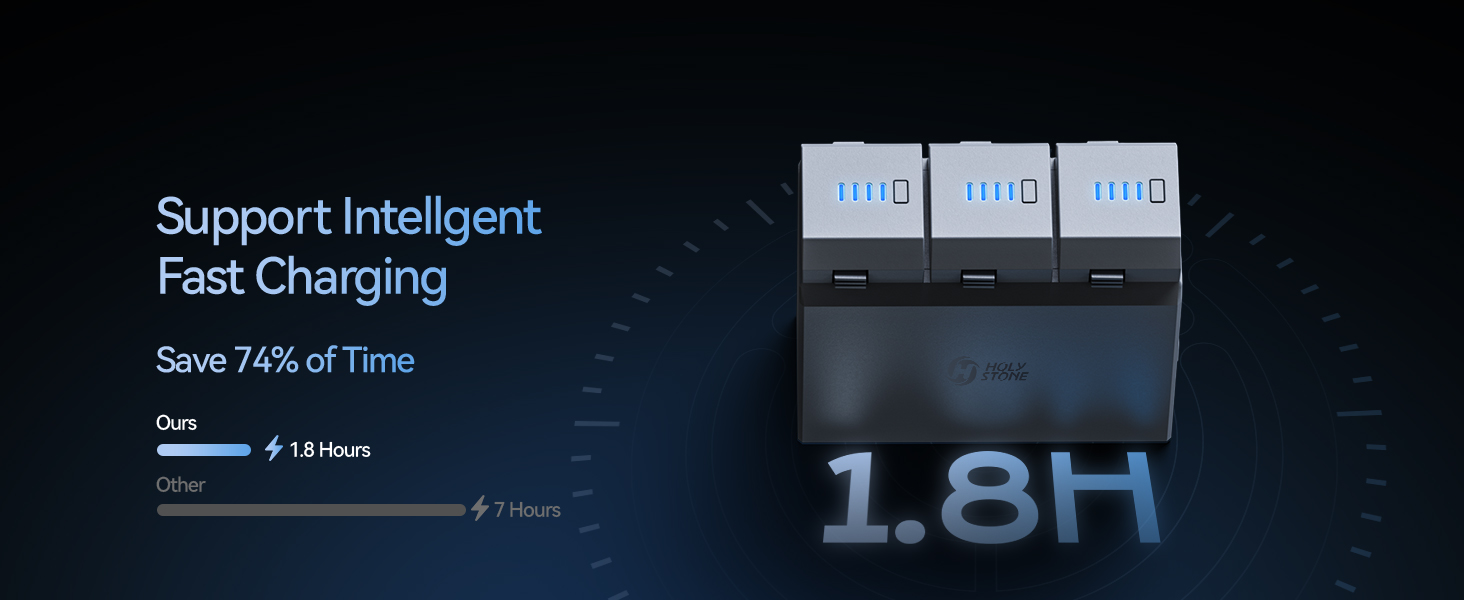
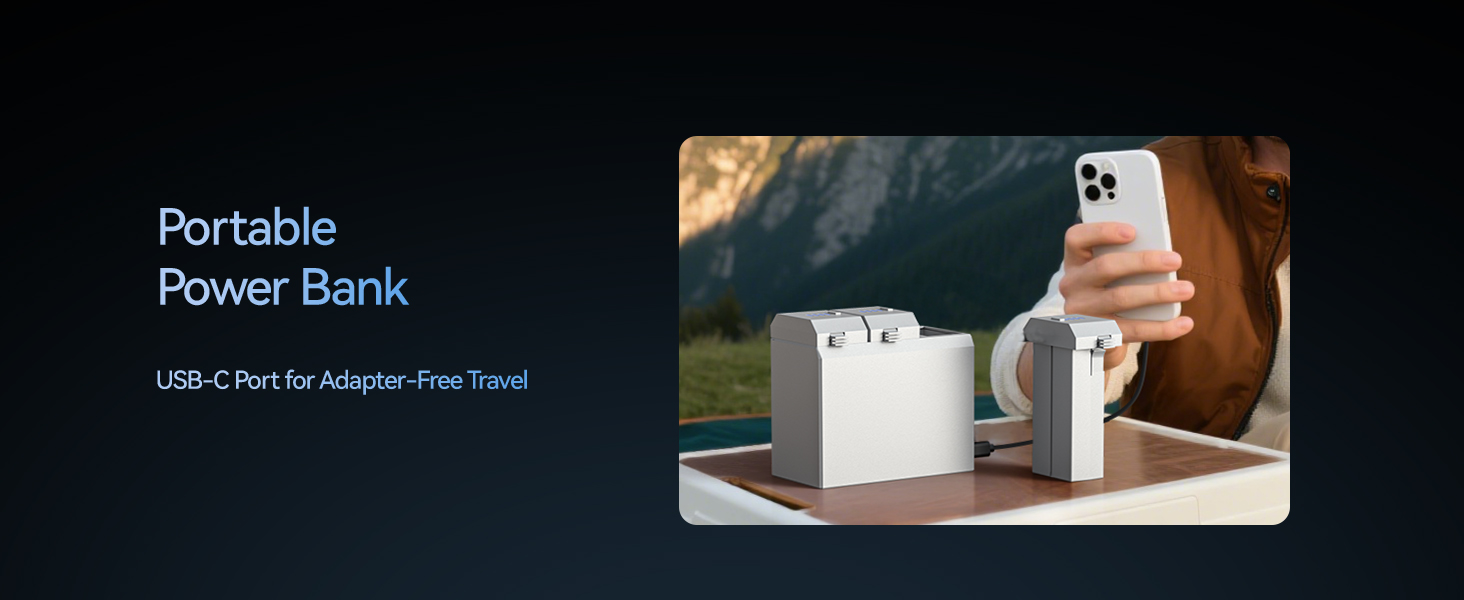
Smart Charging Hub — Built for Longer Sessions
Sequential Charging with QC & PD Support
Insert the batteries into the charging hub and connect through the USB-C input port. With 5–12V input, Max. 2A, QC & PD support, the hub charges batteries one by one from higher power level to lower power level.
The shortest charging time is about 110 minutes per battery, helping you recharge efficiently and get ready for the next outdoor flight session.
Power Bank Function — Backup Power Outdoors
Use a Drone Battery to Support Your Phone or Remote
The charging hub can also work as a portable power bank for external devices such as a mobile phone or remote controller. Insert a battery, power it on, connect your device to the output port, and press the mode button once to start external discharge.
The hub outputs through USB-C 5V/1A, giving you a practical backup power option when you are flying outdoors.
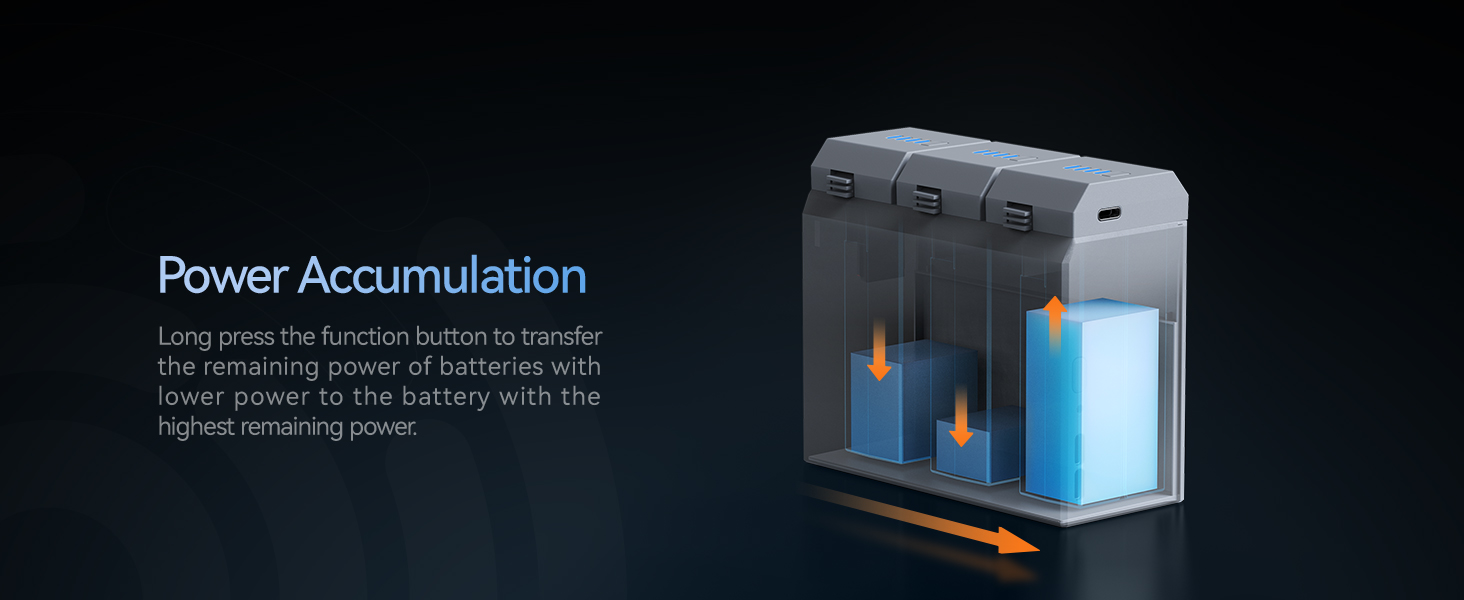
Power Accumulation — Use Remaining Power Better
Consolidate Remaining Power into One Battery
When more than one battery is inserted, the hub can transfer remaining power between batteries through Power Accumulation mode.
This helps gather scattered remaining power into one battery, making battery management more flexible before your next flight.
What Your HS790 Kit Is Really Built Around
HS790 should not be judged only by one camera or distance number. Its value comes from a complete outdoor flying setup that reduces power anxiety and gives pilots more time to practice, frame, and repeat shots.
That makes HS790 a stronger fit for users who care about full-session convenience: two batteries, smarter charging, phone connection cables, GPS flight tools, and a 3-axis gimbal camera in one practical package.
Dual Batteries
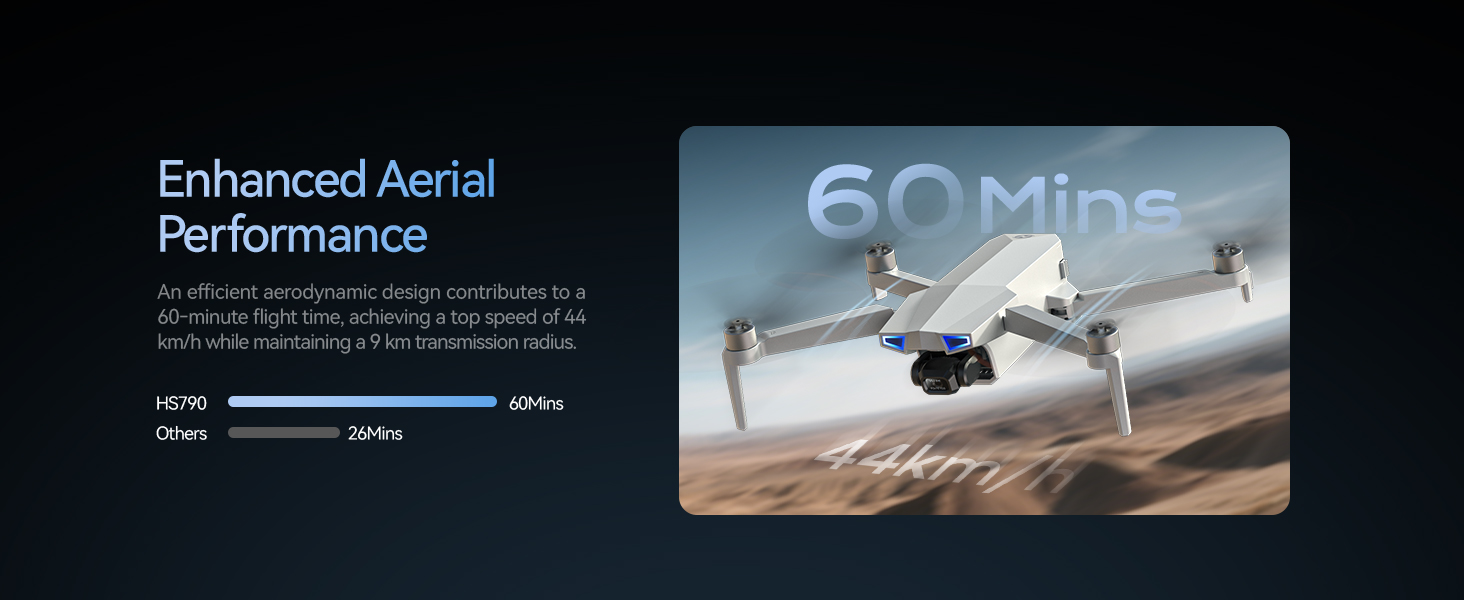
Up to 60 minutes total flight time gives you more room to practice and capture more than one shot idea.
Smart Charging Hub
Charge, output power, and consolidate remaining battery power with a more flexible power workflow.
GPS Flight Tools
Return to Home, Follow Me, TapFly, and Circle support more confident outdoor flying in open areas.
Everyday Camera
6K photos, 4K/30fps video, and a 3-axis gimbal help capture smoother recreational aerial footage.
More Time to Practice, Frame and Fly
Dual Batteries — Up to 60-Min Total Flight
Longer Sessions, Less Waiting
Two drone batteries support up to 60 minutes total flight time, giving you more time to practice controls, repeat flight paths, frame shots, and enjoy outdoor flying without ending the session too soon.
Phone Connection Required for Live View
Connect Through the Included Type-C or Lightning Cable
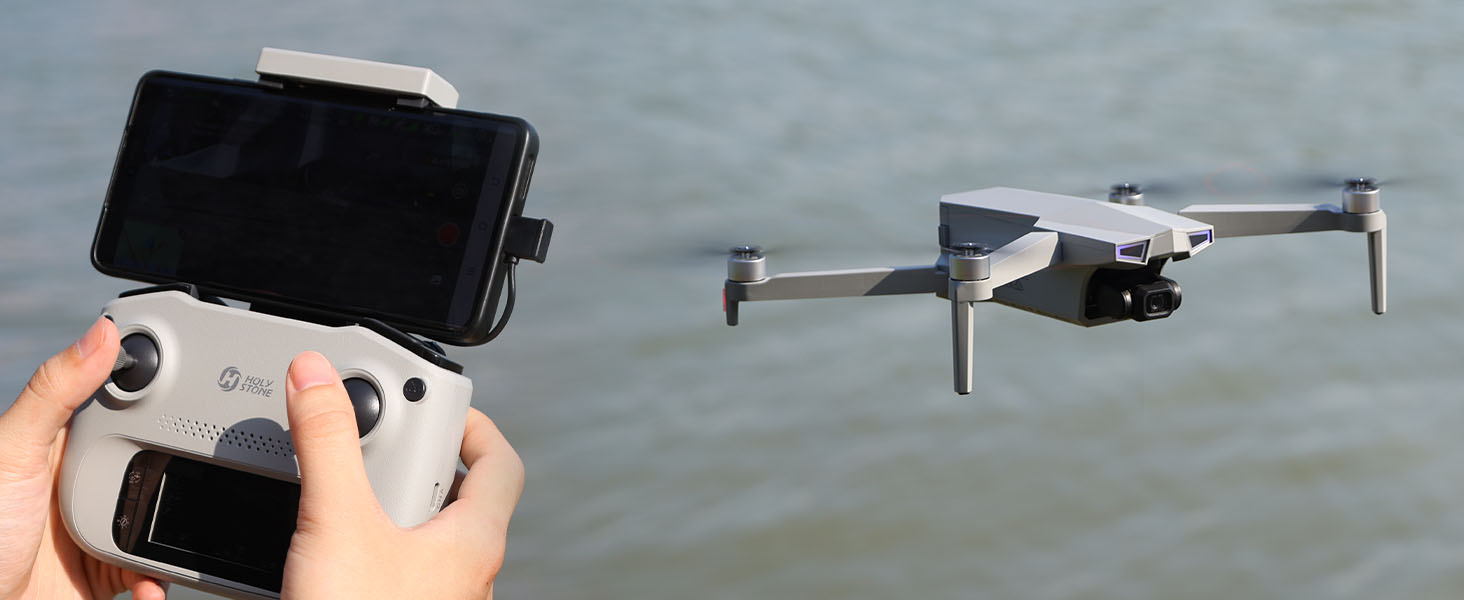
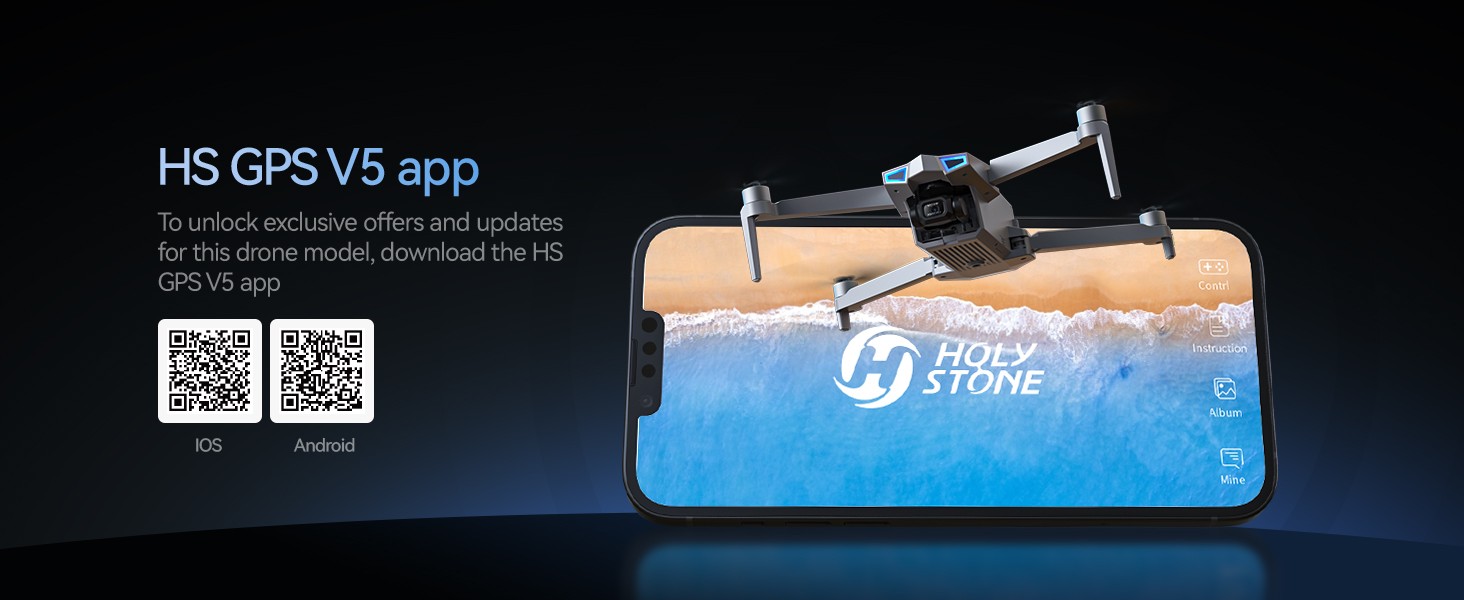
HS790 uses the HS GPS V5 app for live view, camera preview, flight settings, and smart shooting features. Connect your phone to the transmitter with the included cable before flying.
Please grant the required app permissions and choose the correct phone connection option during setup for a smoother start.
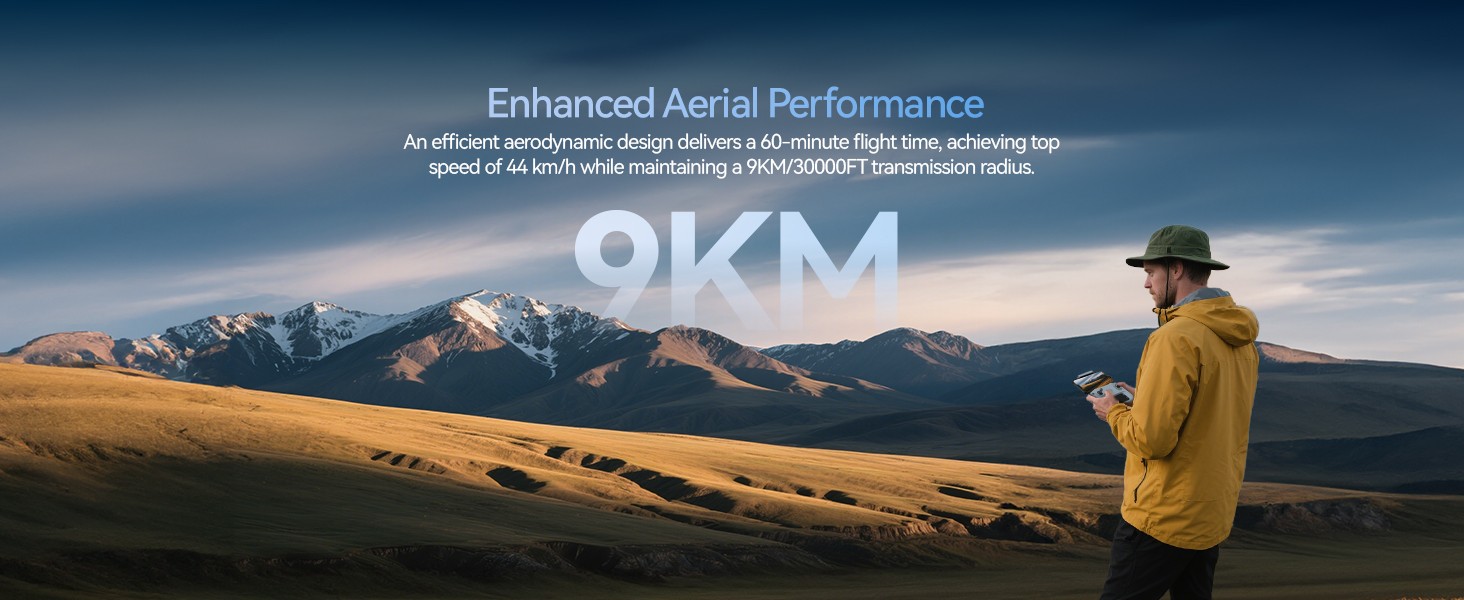
9 km Image Transmission — For Open-Area Flights
Long-Range Image Link Under Ideal Conditions
HS790 supports up to 9 km image transmission in open, unobstructed areas under ideal conditions. The wired phone-to-transmitter connection helps reduce setup interference and keeps the live view more stable during outdoor flights.
Actual range and live-view performance vary with trees, buildings, signal interference, phone compatibility, local environment, and visual line-of-sight rules.
3-Axis Gimbal Camera for Everyday Aerial Shots
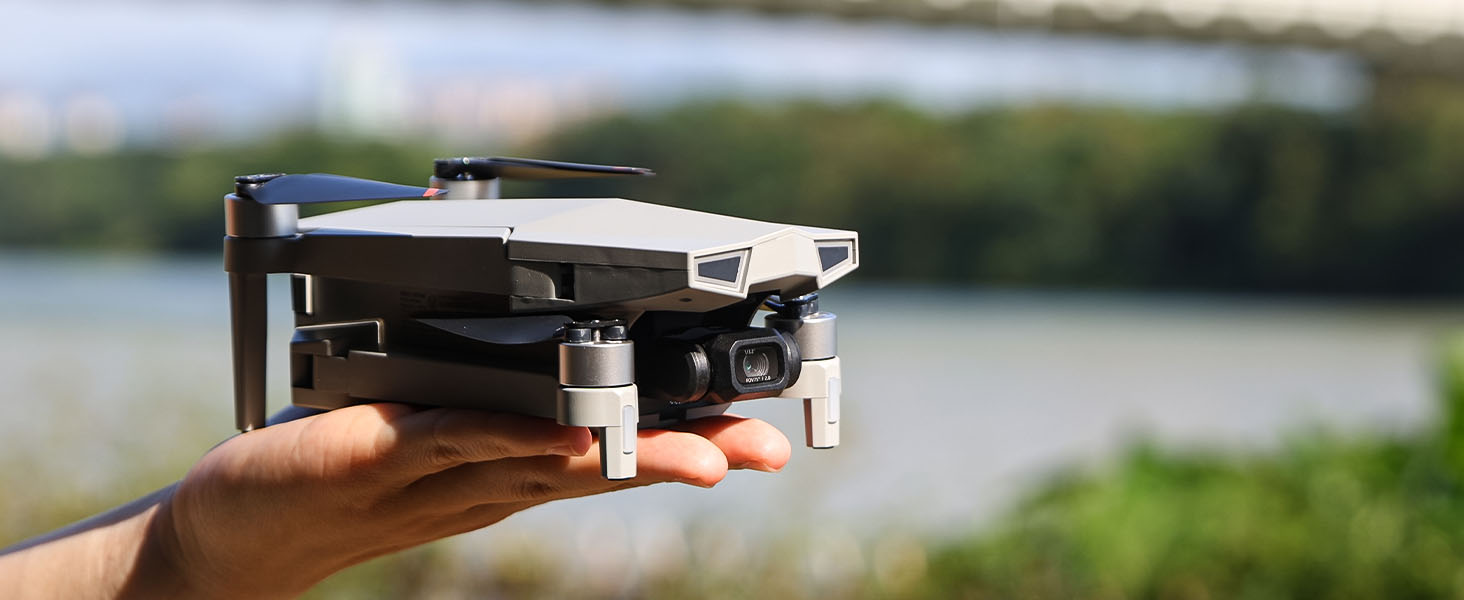
HS790 includes a 3-axis gimbal camera for smoother recreational aerial footage, helping reduce shake while capturing travel views, family moments, property angles, and open outdoor scenes.
With 6K photos and 4K/30fps video, HS790 gives everyday pilots a more stable camera experience than simple beginner drones, while keeping the page expectation grounded in practical use rather than professional cinema production.
GPS Features for More Confident Outdoor Practice
Follow Me and Smart Flight Modes
Hands-Free Ideas for Outdoor Clips
With GPS Follow, Circle, TapFly, QuickShots, zoom, and Night Mode in the HS GPS V5 app, HS790 gives pilots guided ways to capture more interesting everyday aerial footage.
Controller LCD for Basic Telemetry
Key Flight Data at a Glance
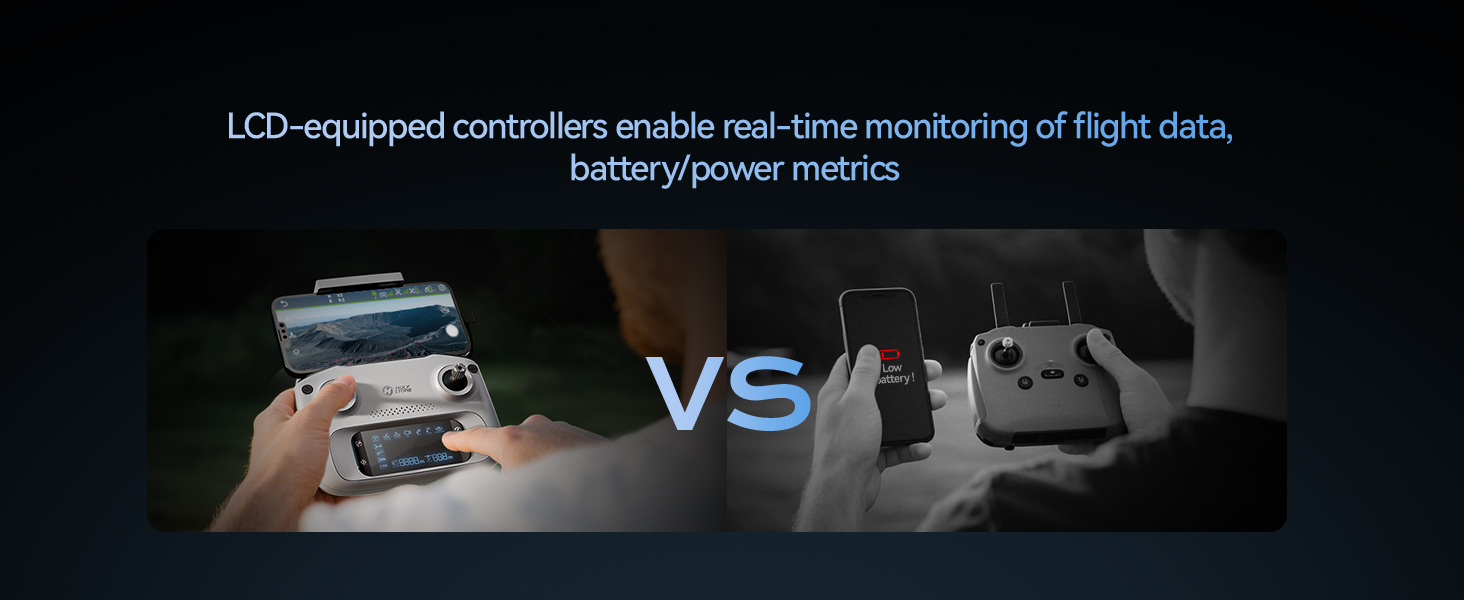
Check battery level, GPS status, distance, signal strength, and other key data on the built-in LCD screen without relying only on app menus.
Built-in Remote ID
Ready for RID Requirements
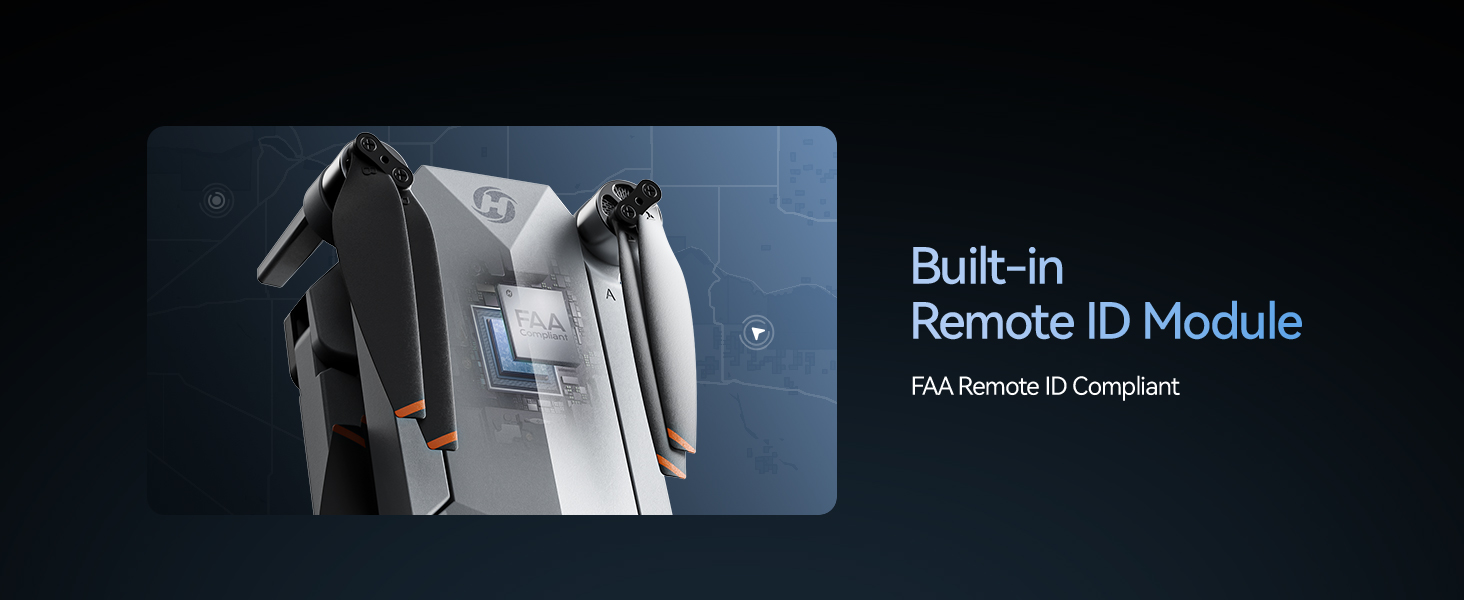
HS790 weighs 377g / 13.3oz and includes built-in Remote ID. Please check local registration and flying rules before operating.
Return to Home Works Best with Good Setup
HS790 supports Smart RTH, Failsafe RTH, and Low Voltage RTH to help the drone return to the recorded home point when conditions are suitable.
Return to Home requires strong GPS signal, a recorded home point, and proper compass calibration. RTH does not avoid obstacles, so always fly in open areas and keep the drone within visual line of sight.
Calibrate First
Complete compass calibration and wait for strong GPS before takeoff in outdoor areas.
Fly Open Areas
Avoid trees, buildings, power lines, glass, crowds, and magnetic interference sources.
Watch the Battery
Land when the battery is low and do not rely on RTH as a replacement for active piloting.
Keep Visual Line of Sight
Long-range capability should still be used responsibly within local rules and safe flight conditions.
Is HS790 the Right Step-Up Drone Kit for You?
HS790 is not positioned as the strongest performance drone in the lineup. It is the more complete, power-ready GPS camera drone kit for users who want longer sessions and a practical outdoor flying workflow.
| Choose HS790 If | Consider Another Model If |
|---|---|
| You want a complete GPS camera drone kit with dual batteries and smart charging included. | You mainly compare drones by strongest wind resistance, camera hardware, or top-tier outdoor stability. |
| You care about longer practice sessions, easier battery management, and fewer extra accessories to buy later. | You want the lightest possible drone or prefer a sub-250g model for simpler travel and registration needs. |
| You want smoother everyday aerial photos and videos from a 3-axis gimbal camera. | You need a professional cinema drone, RAW-focused workflow, obstacle avoidance, or commercial-level camera performance. |
| You are upgrading from an entry-level drone and want GPS features, app modes, built-in Remote ID, and a more complete setup. | You only want a low-cost learning drone for short indoor or backyard practice. |
| Best for adults and hobby pilots who want a practical, value-packed GPS drone kit for everyday outdoor flying. | Best to consider another model if your main goal is flagship-level flight performance rather than kit completeness and power convenience. |
Note: HS790 weighs 377g / 13.3oz and includes built-in Remote ID. Flight time, transmission range, and RTH performance vary by environment and setup. Return to Home requires strong GPS signal and does not avoid obstacles. Always fly in open areas, keep visual line of sight, and follow local rules.
HS790 Real Shots