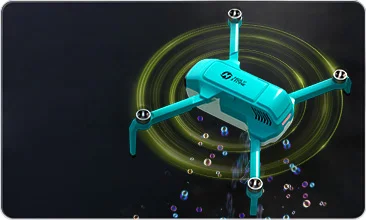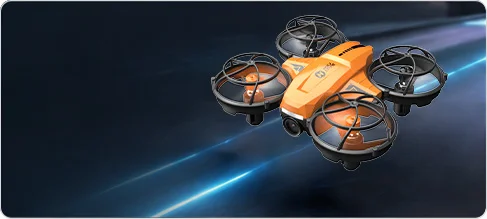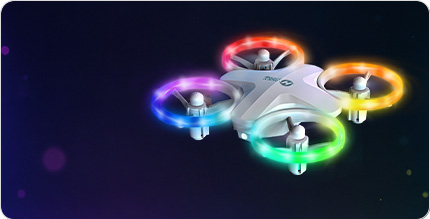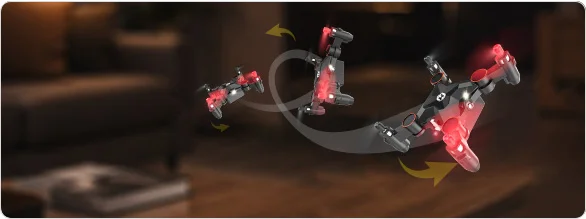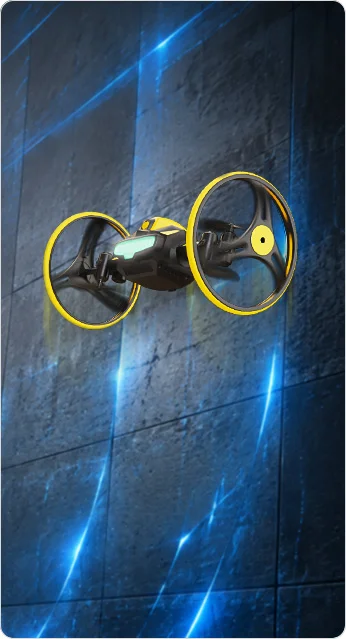

Super Fun with Indoor Mini Camera Drone HS420 with app.png


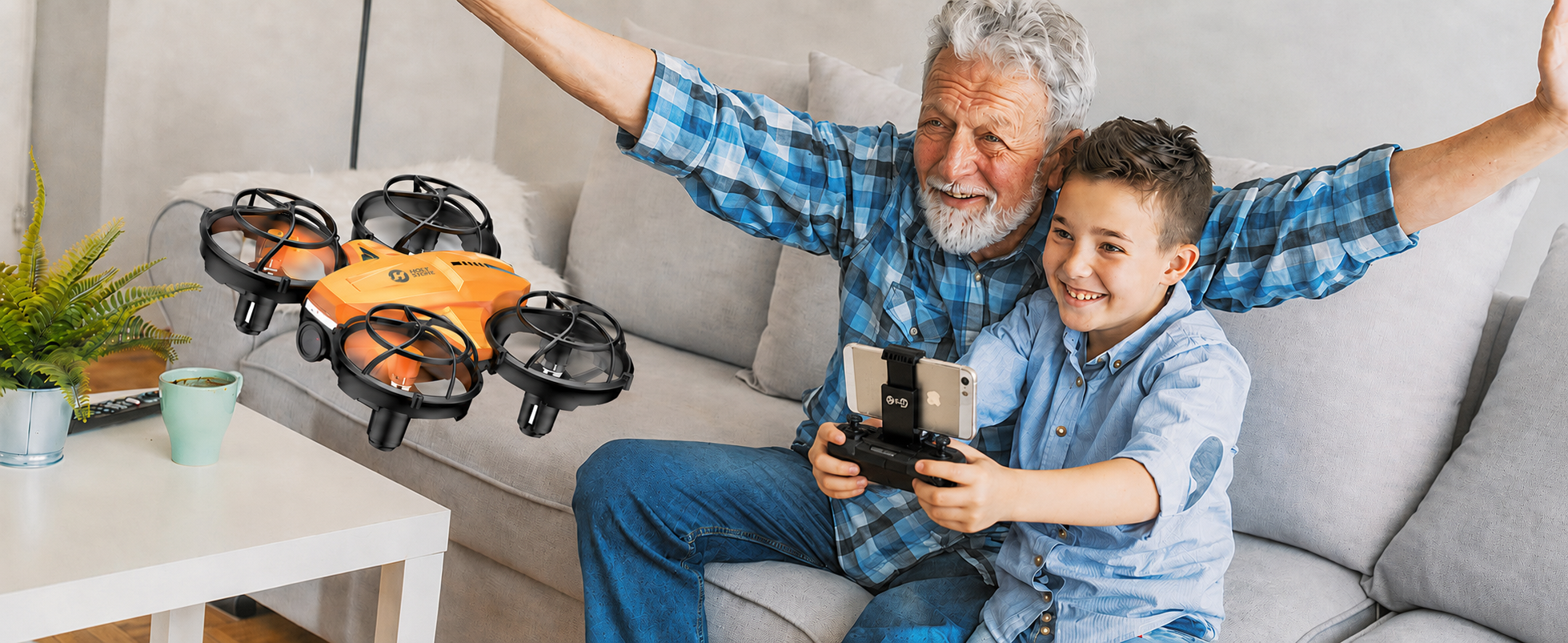
HS420 Mini FPV Camera Drone — A First Indoor Camera Drone for Kids & Beginners

HS420 | Mini Indoor FPV Camera Drone

Help kids move beyond simple flying with FPV view, 1080P camera fun, gesture selfie, and easy indoor flight modes.

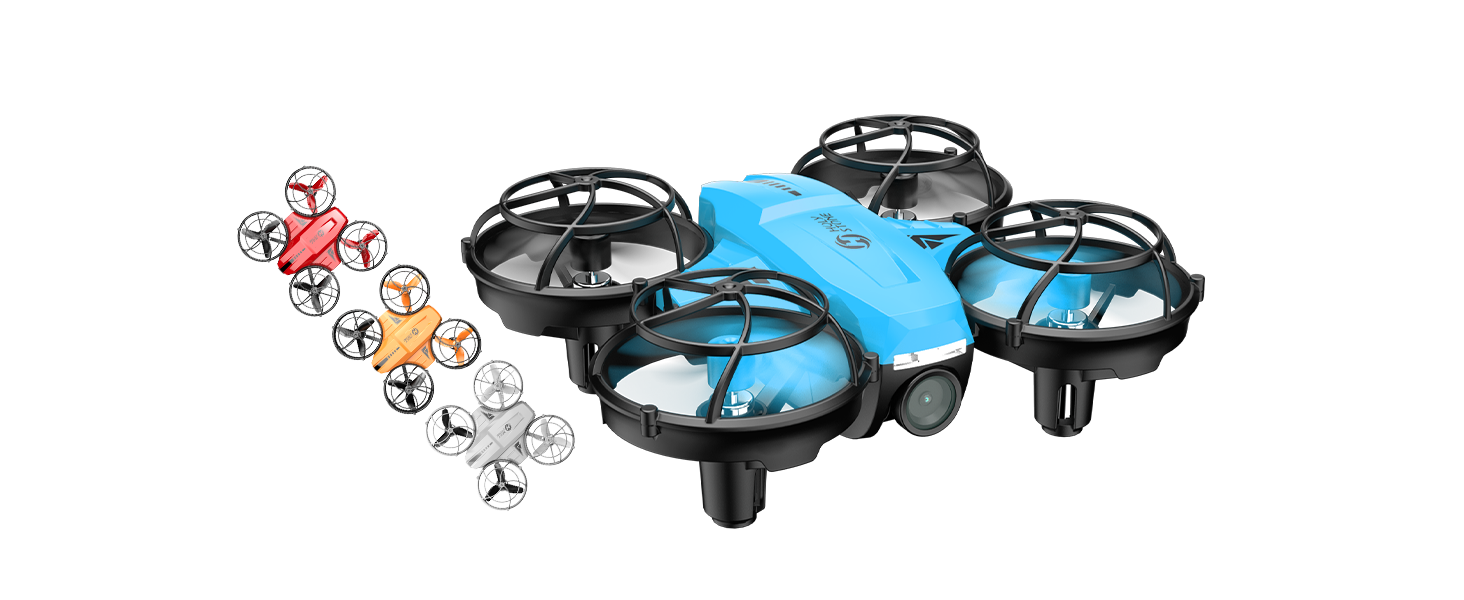
Indoor FPV Camera Drone 1080P Wi-Fi Camera Gesture Selfie Altitude Hold Full Propeller Guards 3 Modular Batteries


HS420 beginner friendly mini FPV drone features
HS420 indoor camera drone feature icons
HS420.png
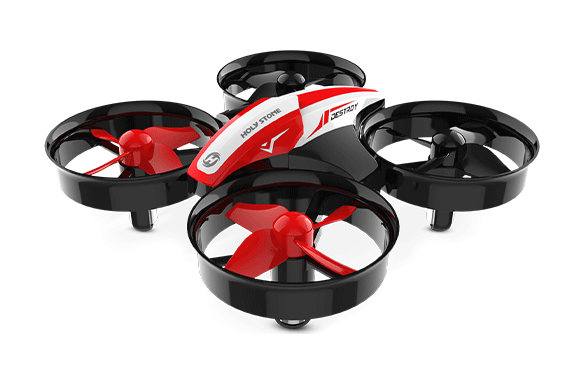
HS420 mini indoor FPV drone with fun flight mode
HS420 beginner camera drone for kids indoor play
HS420 mini FPV camera drone for home use
HS420 easy indoor drone flight practice for beginners
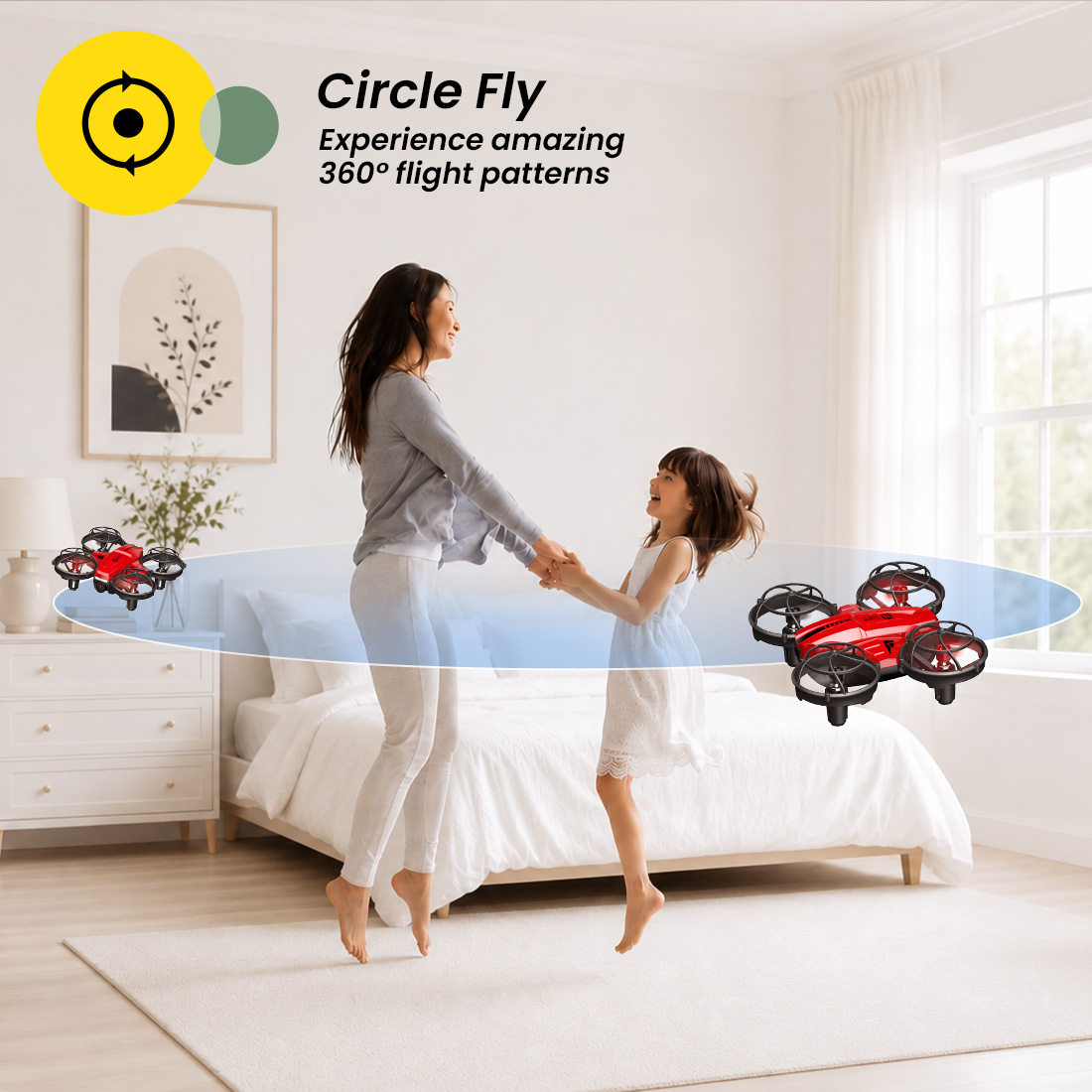
HS420 circle fly mode for indoor drone fun
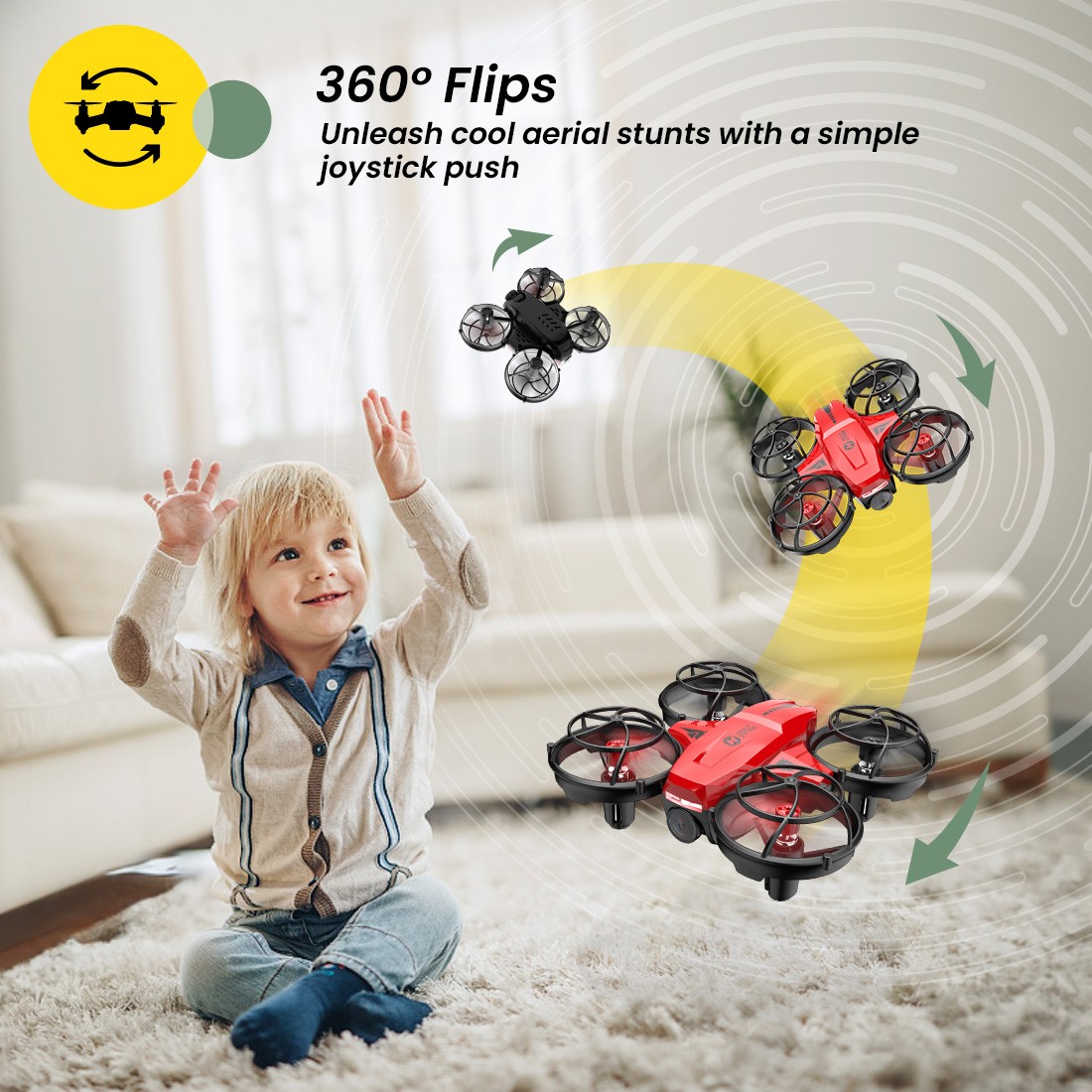
HS420 stunt drone with 360 flip for kids
HS420 full propeller guards for indoor flying
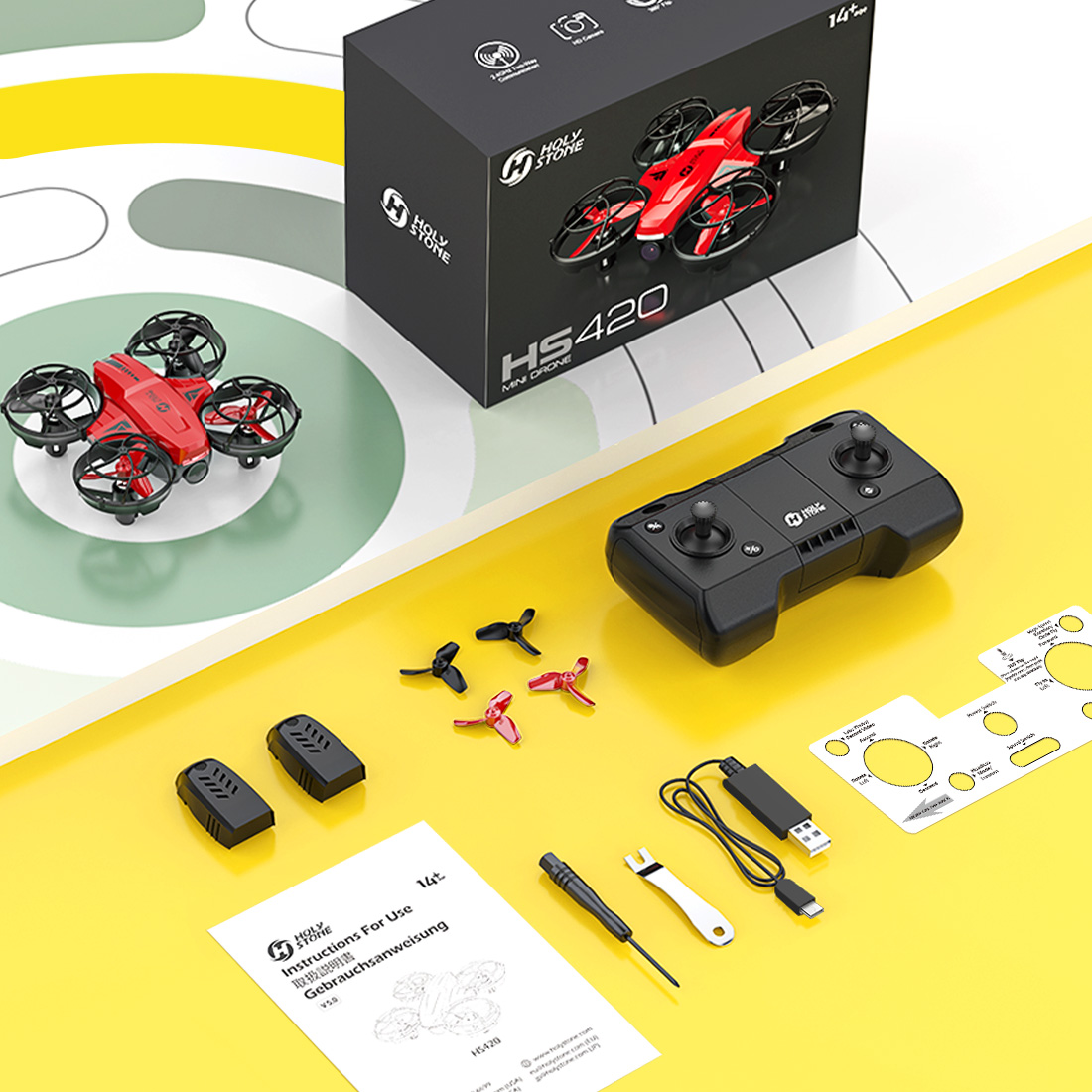
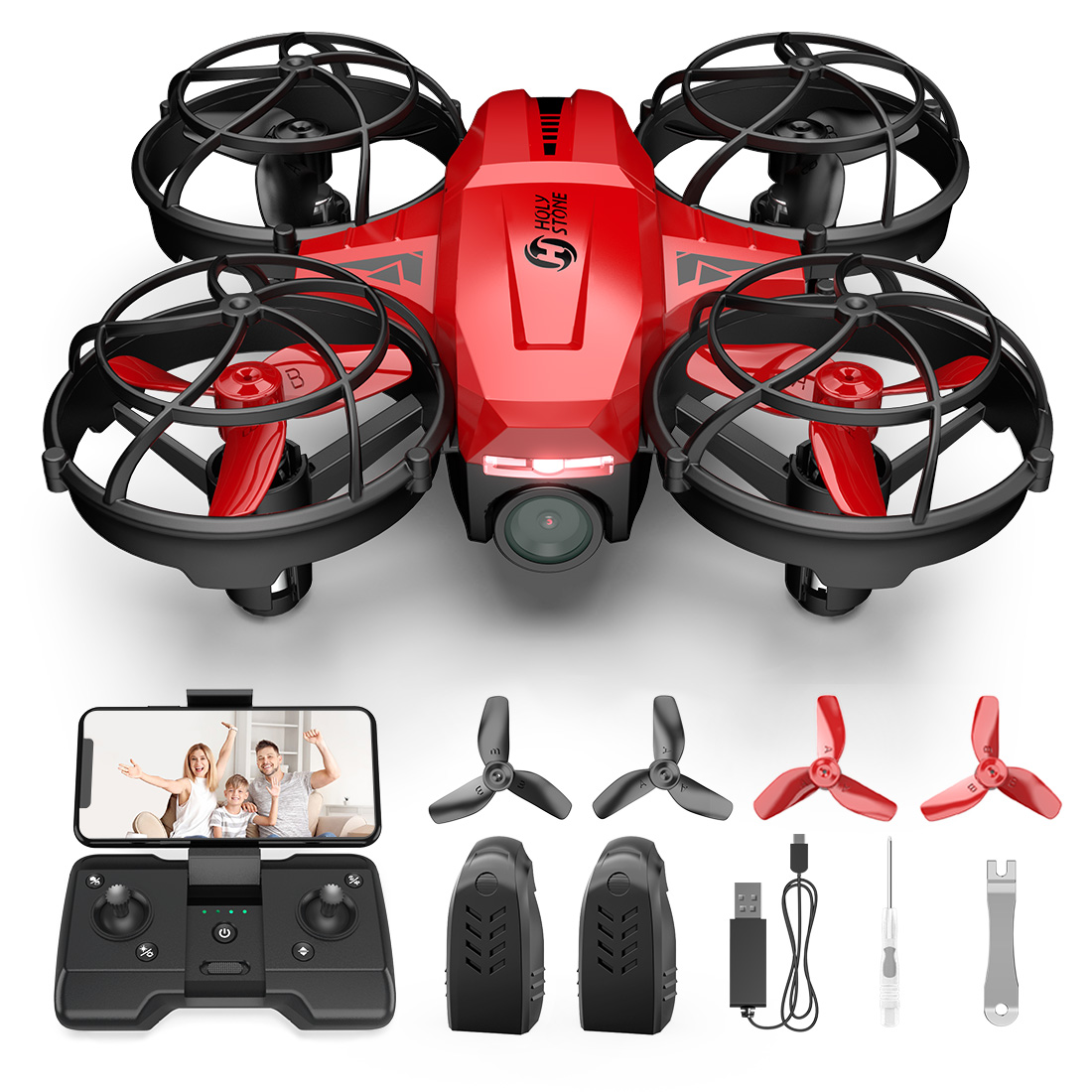
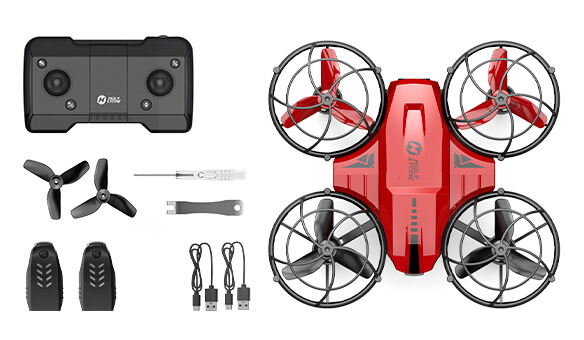
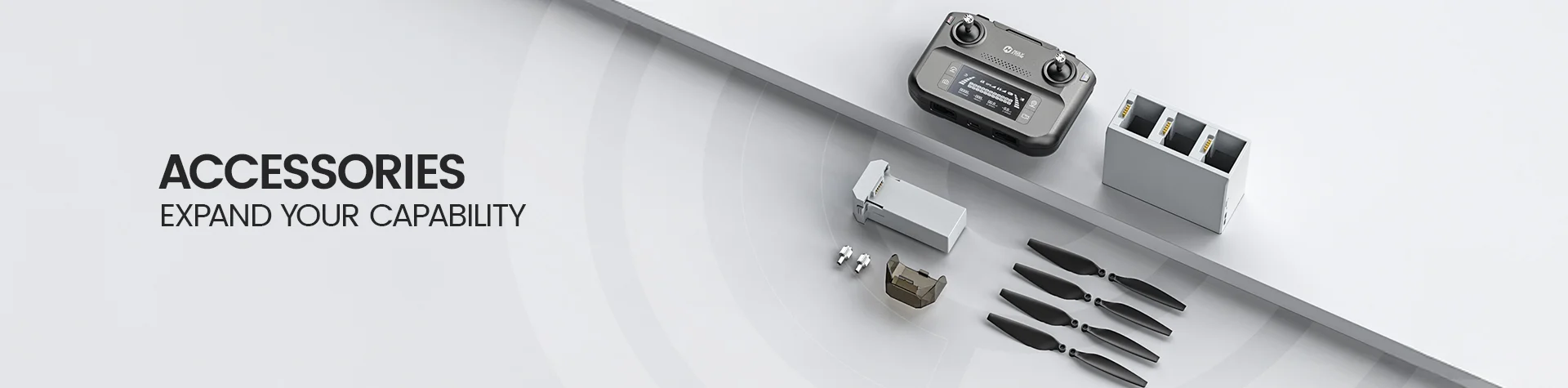
HS420 package contents and accessories
HS420 drone package with remote batteries and accessories
Product Video

See HS420 in Action

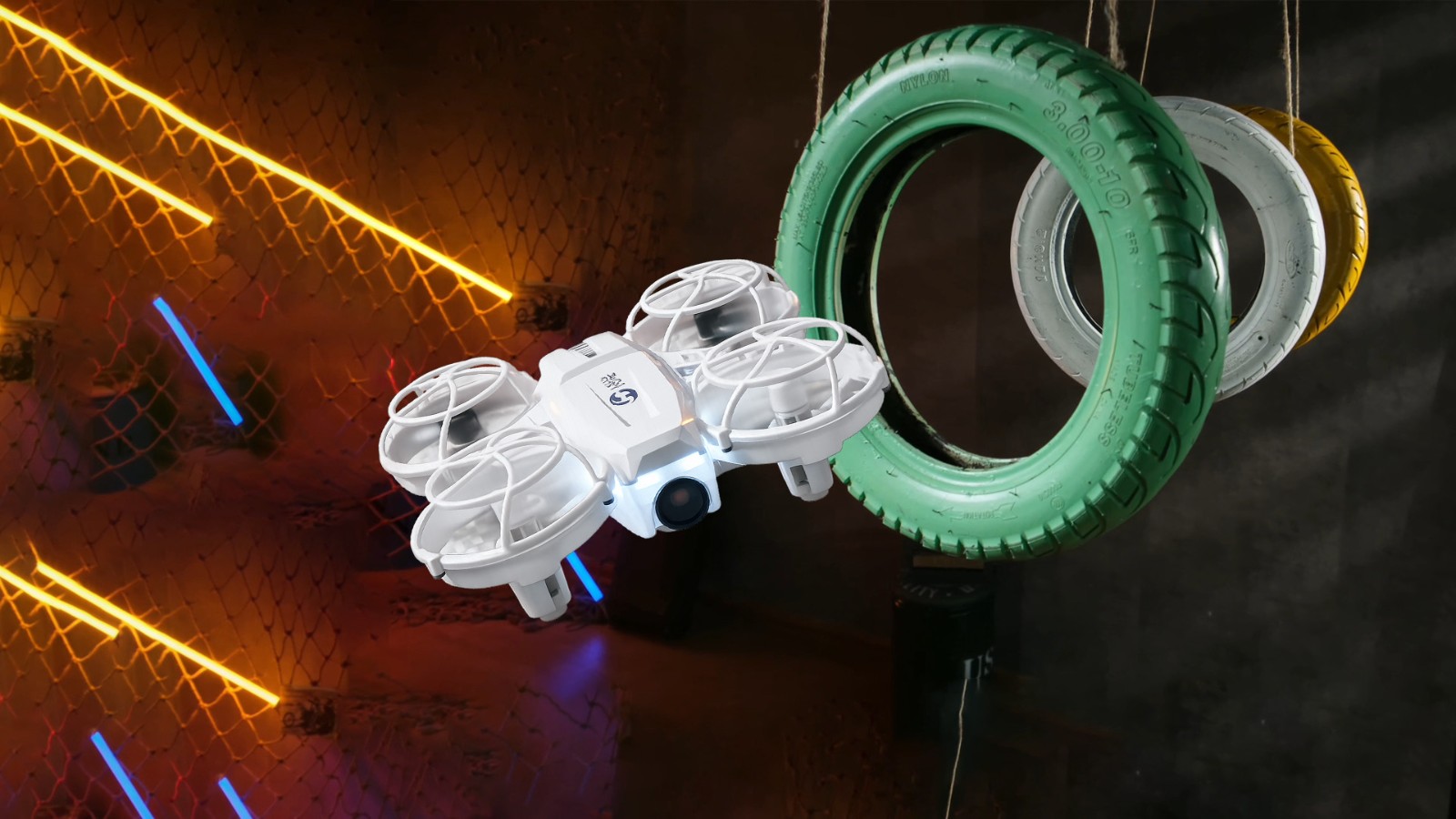
Watch how HS420 brings together easy indoor flying, FPV viewing, 1080P camera fun, gesture selfies, and playful stunt modes for kids and first-time pilots.
HS420 W.jpg

Why HS420 Is More Than a Simple Mini Toy Drone

HS420 is designed for kids and first-time pilots who are ready to move beyond basic indoor flying. It combines easy controls, FPV viewing, a 1080P camera, gesture selfie, and playful flight modes in one compact drone.

Instead of focusing on professional aerial photography, HS420 gives beginners a more complete first camera-drone experience at home.
Mini Camera Drone HS420.jpg

Why Families Choose HS420

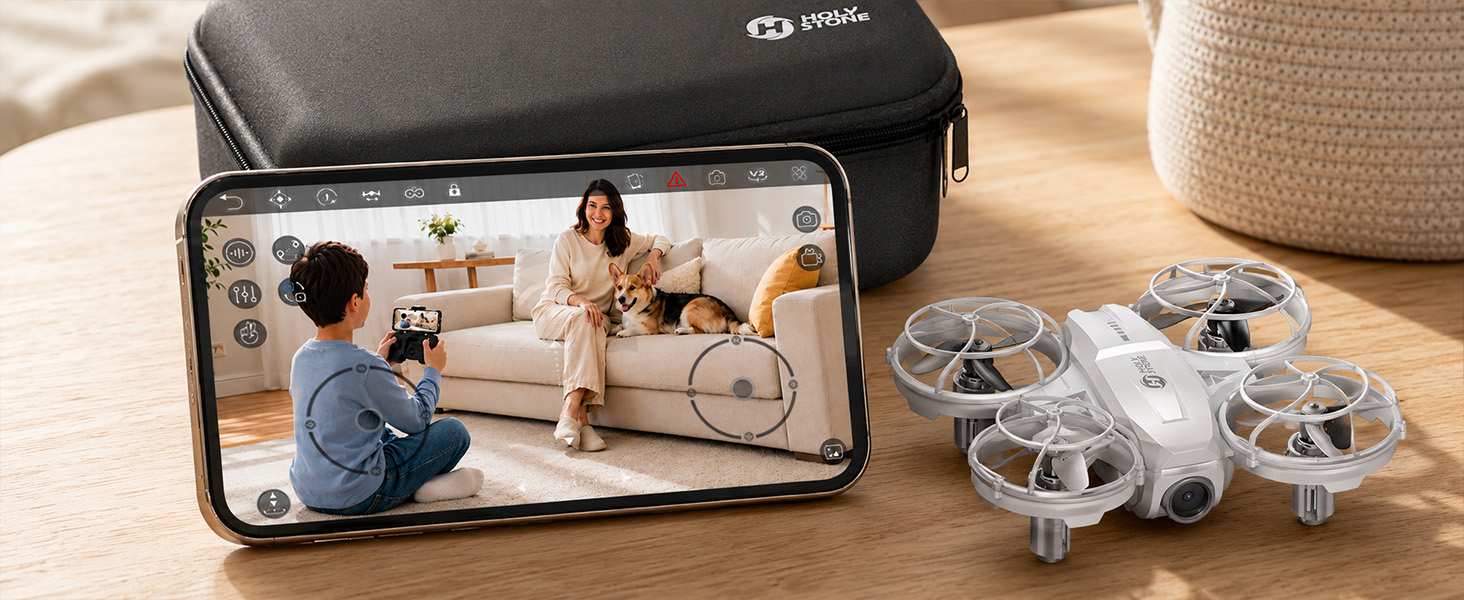
HS420 is made for families who want a small indoor drone that does more than basic training. It helps kids learn control, see through the drone’s camera, capture simple moments, and enjoy playful flight modes at home.

First FPV View

Kids can see what the drone sees through the app, making indoor flying more visual, interactive, and exciting than basic line-of-sight practice.

Simple Camera Fun

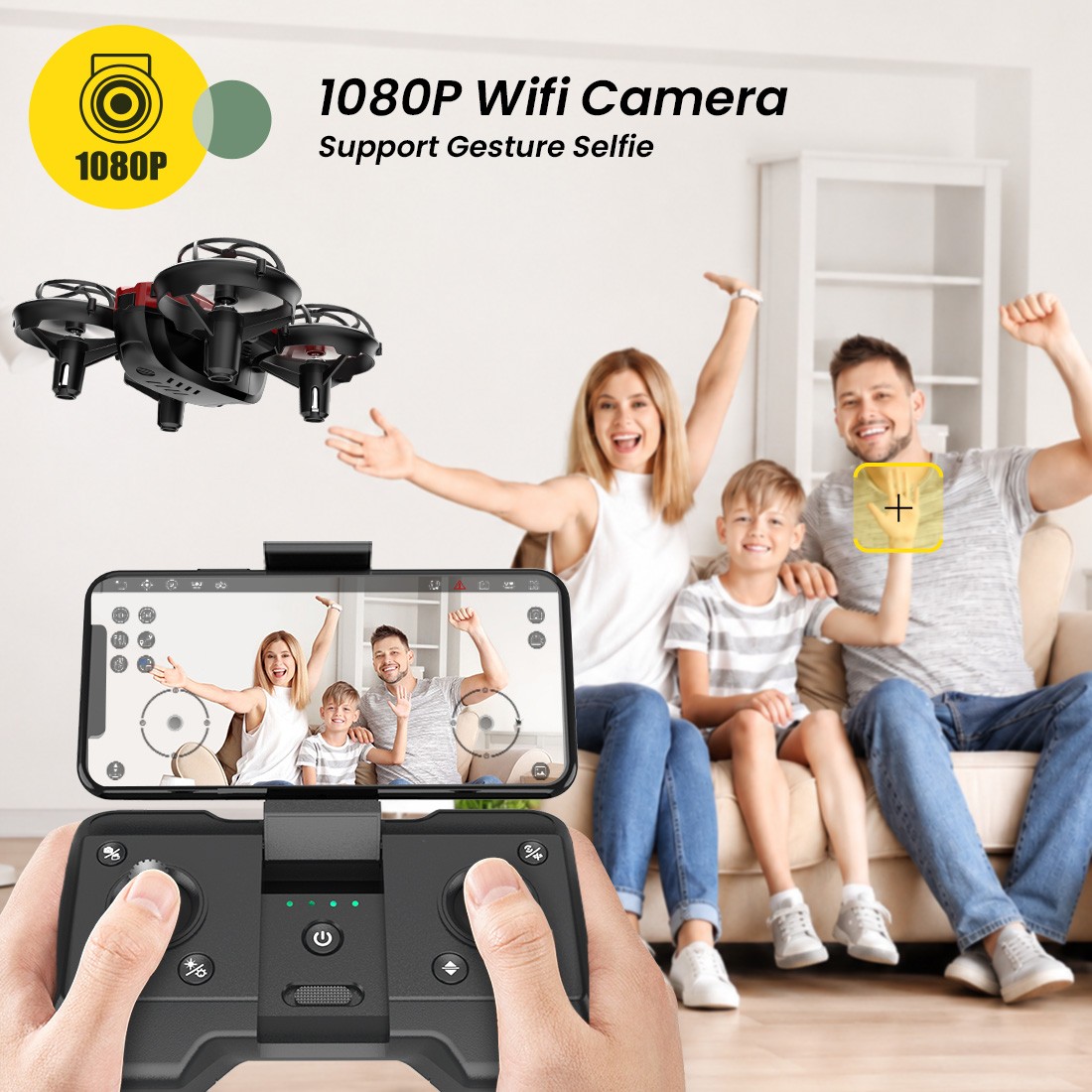
The 1080P Wi-Fi camera and gesture selfie function help beginners take simple home photos and short videos without needing a larger outdoor drone.

Easy Indoor Control

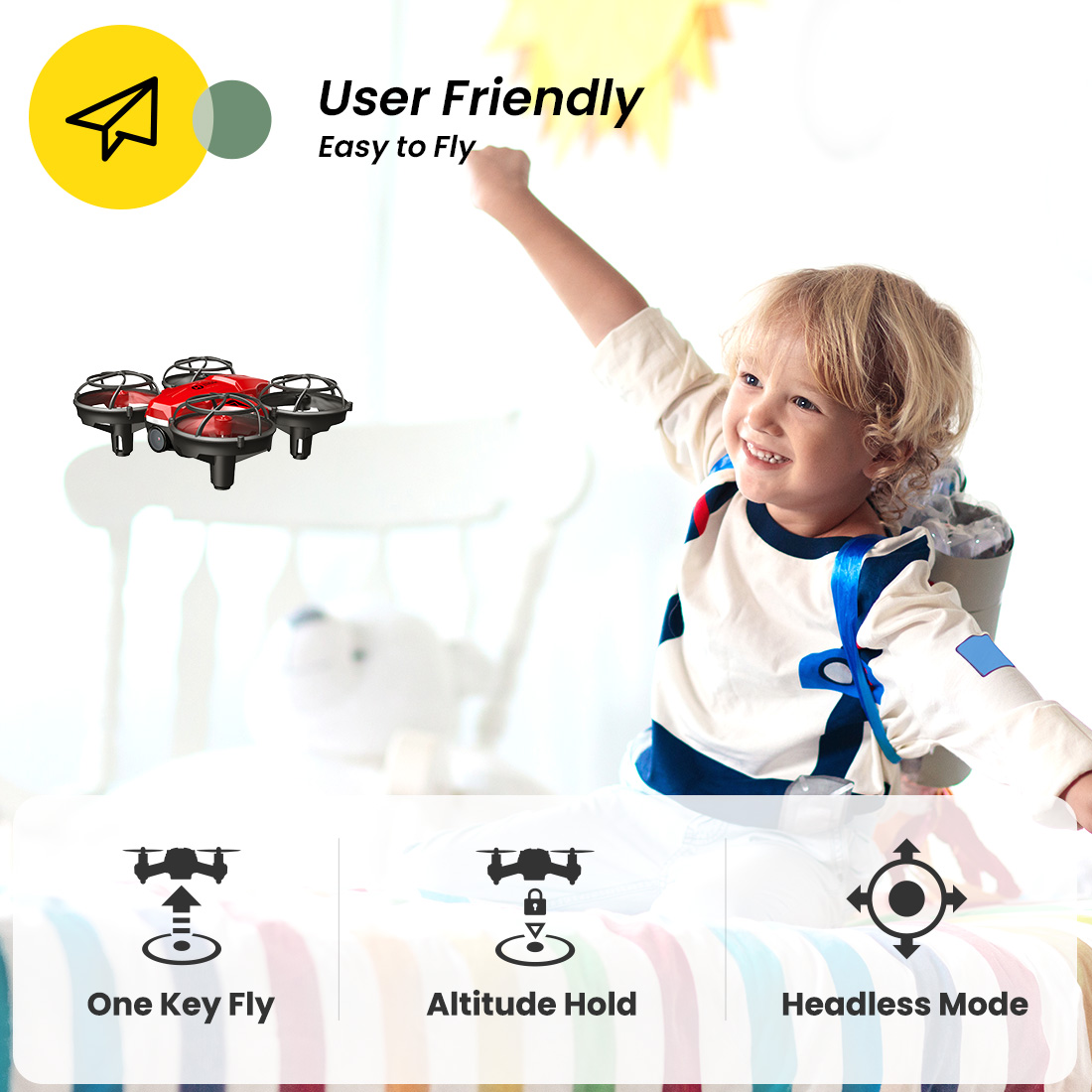
One-key takeoff and landing, altitude hold, headless mode, and speed switch help beginners start calmly and build confidence step by step.

More Ways to Play

Circle Fly, High-Speed Rotation, 360° Flips, Trajectory Flight, and Throw to Go turn indoor practice into a more playful camera-drone experience.

App-Powered FPV Camera Fun

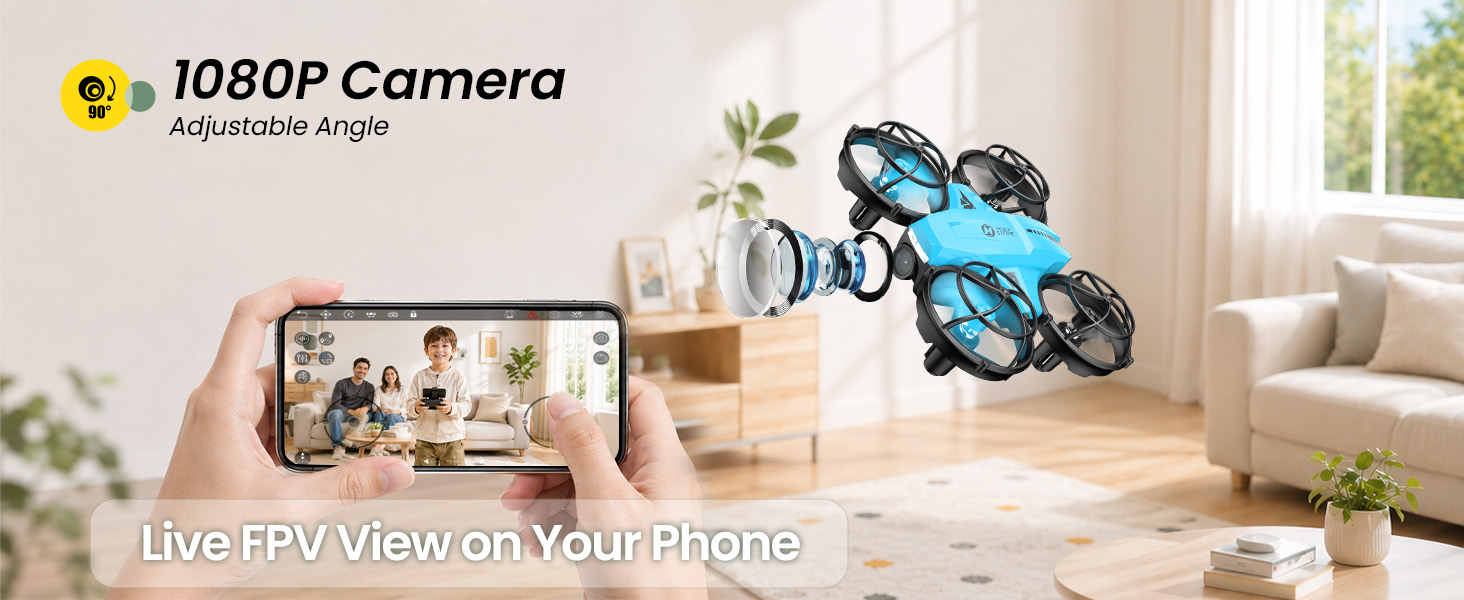
Connect HS420 to the HolyStone-FPV app to see the drone’s live view on your phone. Kids can explore what the drone sees while flying indoors, making the experience more visual and interactive than remote-control flying alone.

The app also adds more camera-drone play, including gesture photo/video and Trajectory Flight, where beginners can draw a simple route and let the drone follow the path.
HS420 app powered FPV camera fun

Built Around the Questions Parents Actually Ask

Is it more than a basic toy drone?

Yes. HS420 keeps the flying experience small and indoor-friendly, but adds FPV viewing, a 1080P camera, gesture selfie, app interaction, and more flight modes than a simple training drone.

Will it be too hard for beginners?

One-key takeoff and landing, altitude hold, headless mode, and speed switch help first-time pilots learn step by step before trying FPV view, gesture selfie, or stunt modes.

Is it a professional camera drone?

No. HS420 is not positioned for professional aerial photography, GPS outdoor flying, or long-distance filming. It is built for simple indoor FPV fun and first camera-drone discovery.

Easy Indoor Flying for Beginners

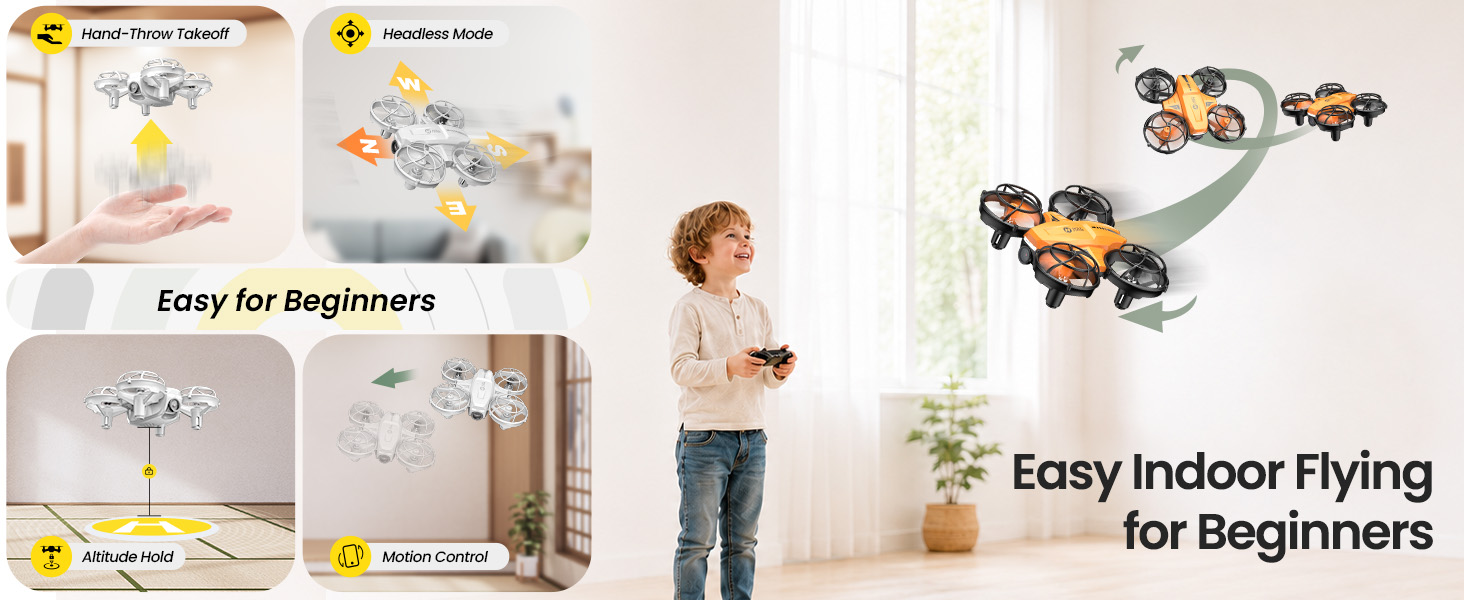
One Key Takeoff and Landing, Altitude Hold, Headless Mode, and Speed Switch help beginners start with the basics before trying more exciting flight modes.

Kids can practice takeoff, landing, hovering, turning, and direction control step by step while building confidence indoors.
HS420 easy indoor flying for beginners

Capture Simple Home Moments

The built-in 1080P Wi-Fi camera lets kids and beginners enjoy first-person-view flying and record simple photos or short videos at home.

HS420 is not made for professional aerial photography. It is made for playful indoor camera-drone discovery, FPV viewing, and simple family moments.
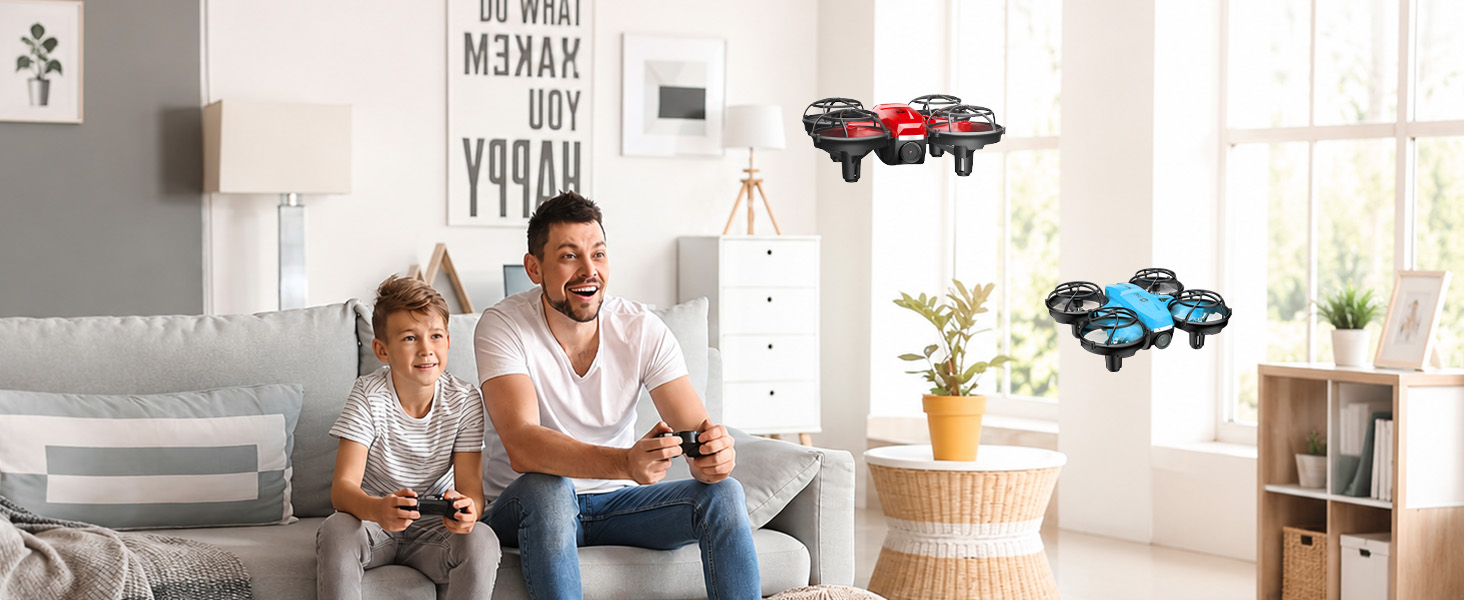
HS420 capture simple home moments

Gesture Selfie and App Interaction

Gesture photo and video functions make the camera experience more interactive, especially for kids who enjoy playful selfies and family moments.

With app viewing and simple camera controls, HS420 turns indoor flying into a more visual and shareable experience.
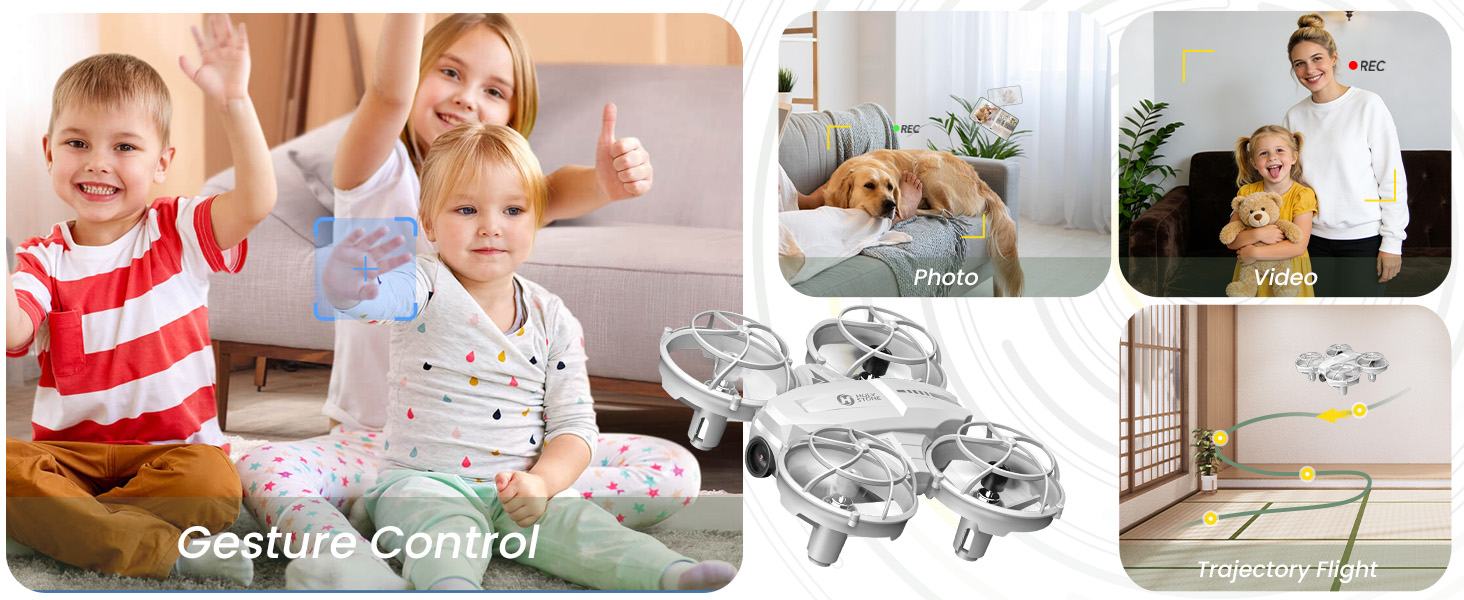
1080P Wi-Fi Camera for Simple Home Moments.jpg

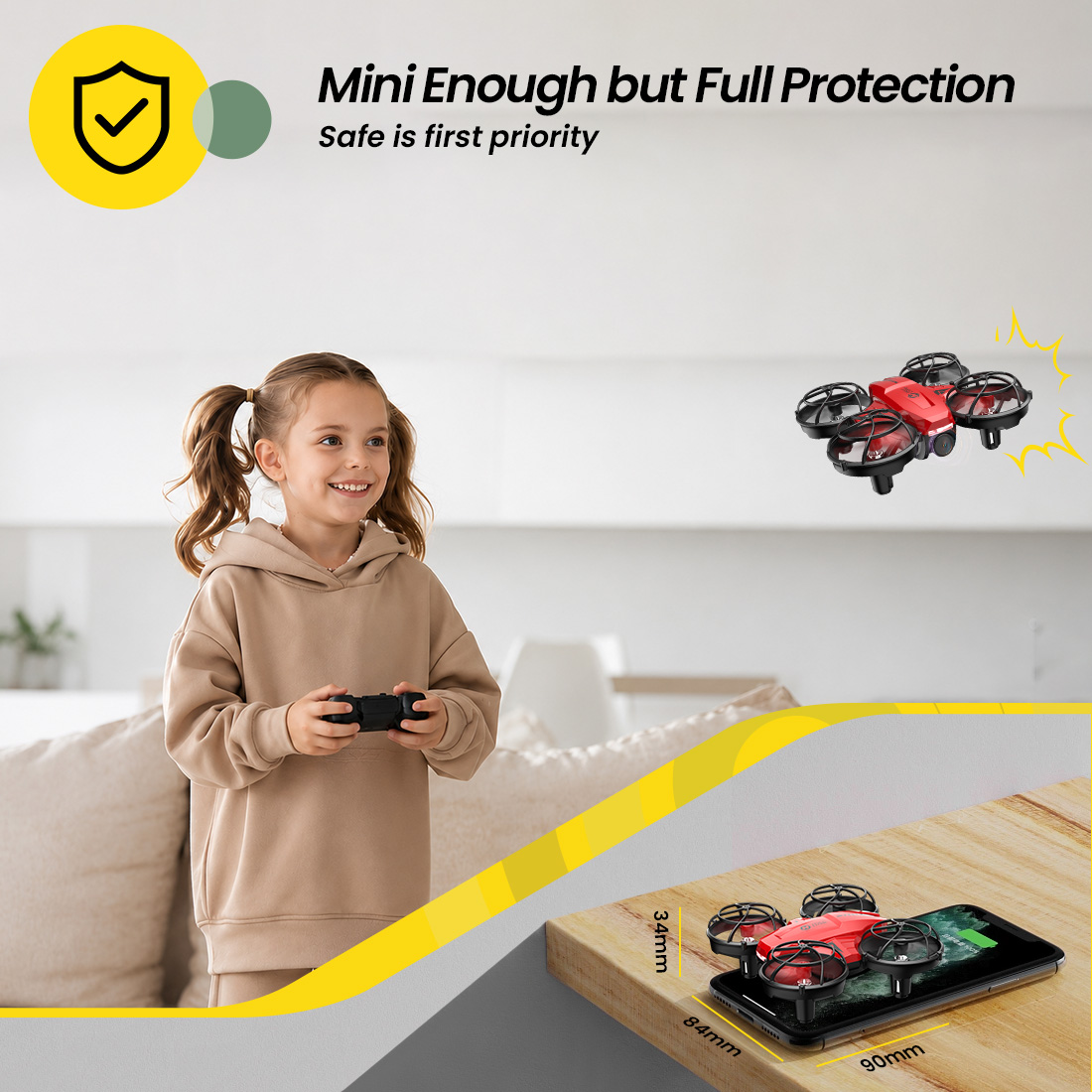
Mini Size with Full Propeller Guards

The compact body and full propeller guards help make HS420 a confidence-building choice for indoor practice.

It is suitable for close-range home spaces such as bedrooms, living rooms, and playrooms under adult supervision.
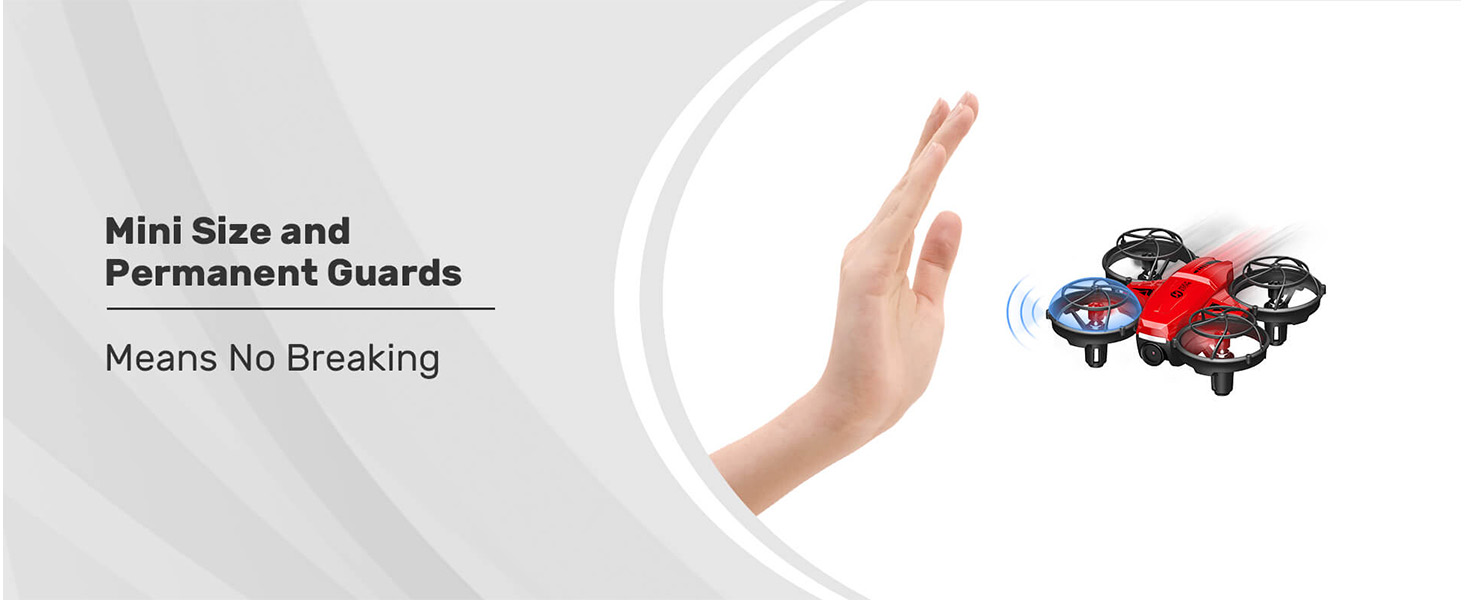
HS420 mini size with full propeller guards

What Kids Can Do with HS420 Indoors

HS420 turns indoor flying into a small learning adventure. Kids can practice takeoff and landing, fly by FPV view, take simple photos, try gesture selfies, and explore fun flight modes step by step.

Learn

Practice takeoff, landing, hovering, turning, and direction awareness indoors.

Play

Try 360° flips, Circle Fly, High-Speed Rotation, Throw to Go, and Trajectory Flight after basic control feels easier.

Capture

Use FPV view, 1080P camera, and gesture selfie to take simple photos and short videos at home.

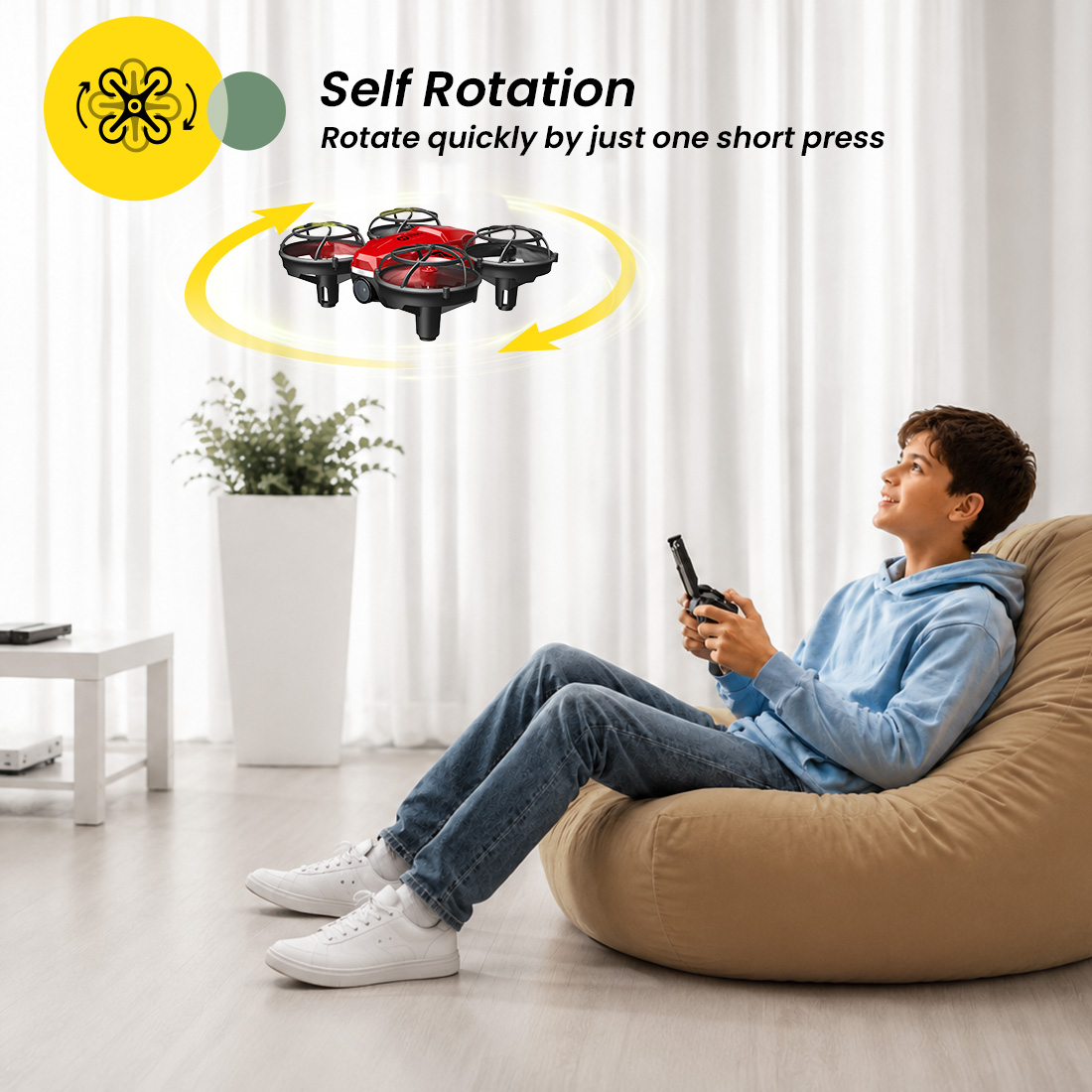
Fun Flight Modes After Basic Control

Once beginners feel comfortable with basic control, they can try Circle Fly, High-Speed Rotation, 360° Flips, and Trajectory Flight for more exciting indoor play.

These modes help turn practice into play, giving kids more ways to explore direction sense, reaction, and hand-eye coordination.
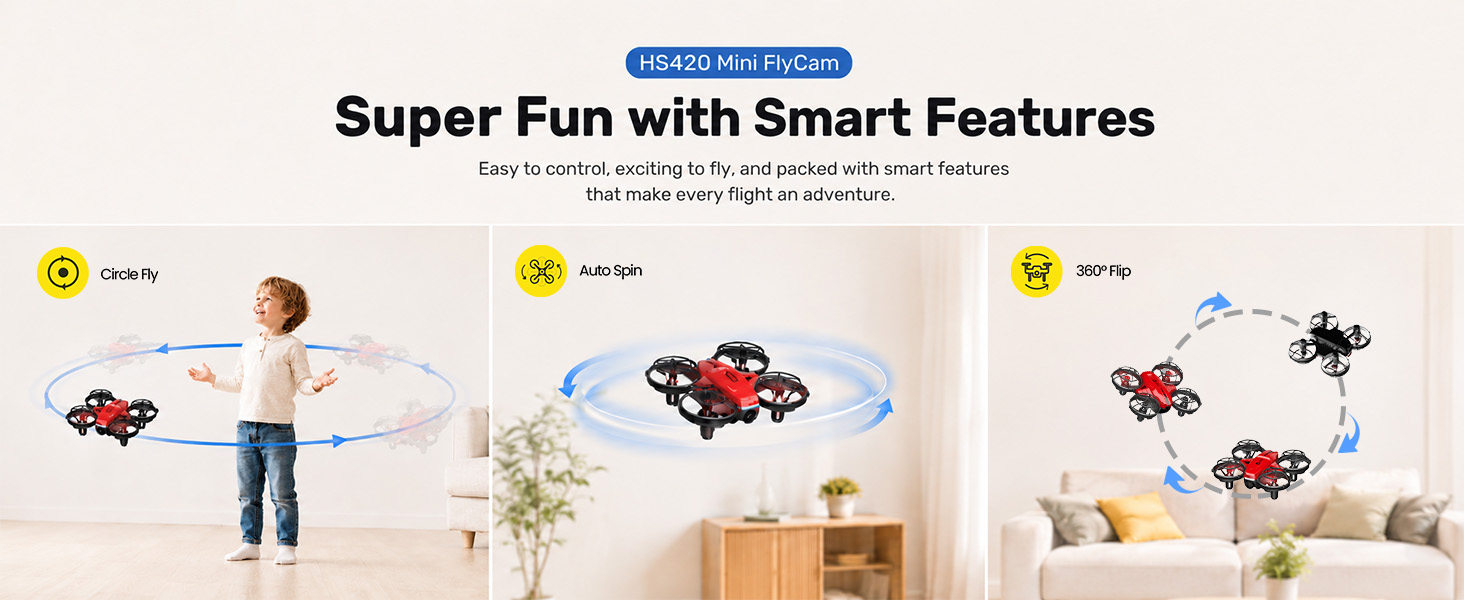
HS420 fun flight modes after basic control

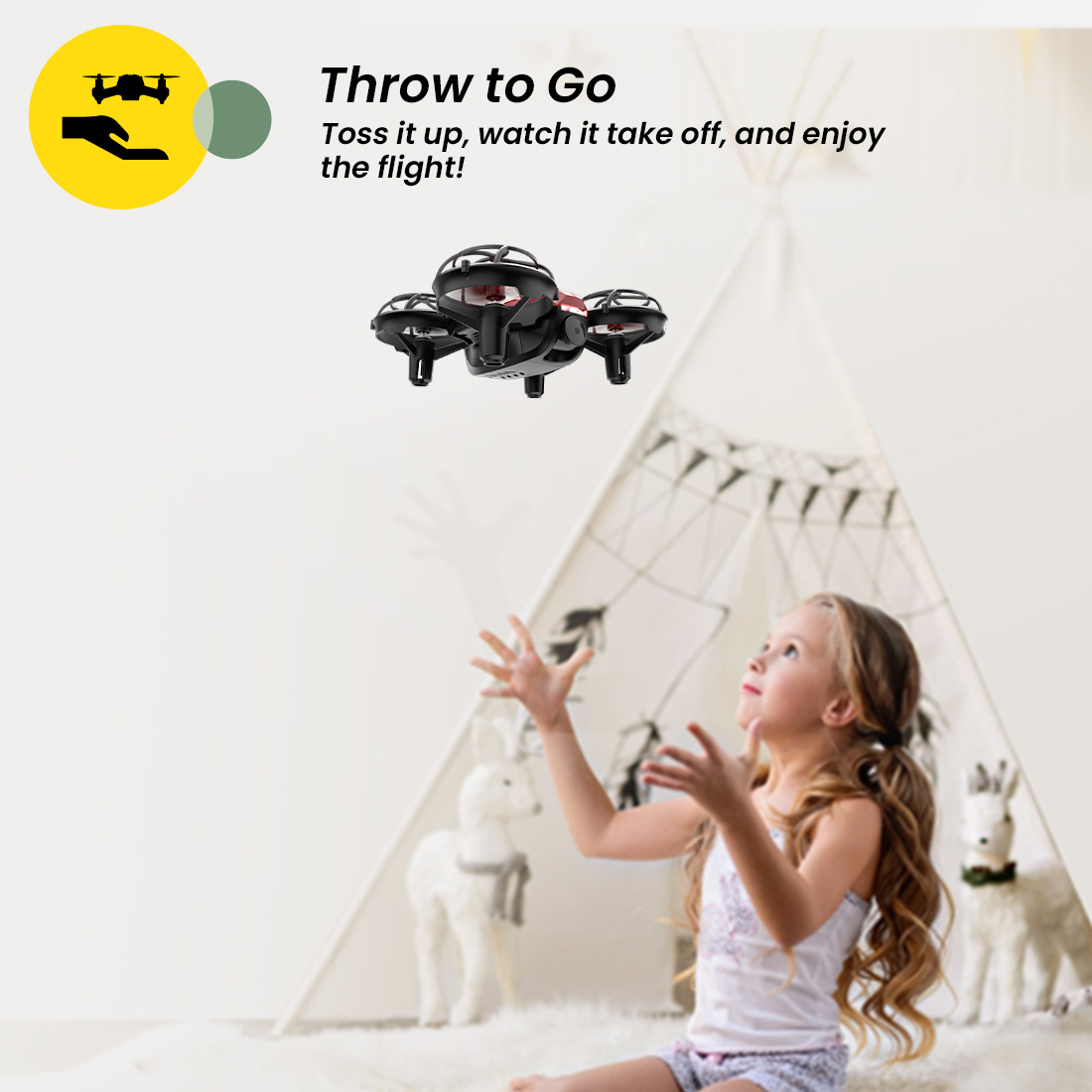
Throw to Go for a More Interactive Start

After pairing and calibration, HS420 can take off with a gentle upward toss, making the first flight feel more exciting and easier to start.

This feature gives young pilots a playful launch experience before they continue practicing normal takeoff, landing, and control.
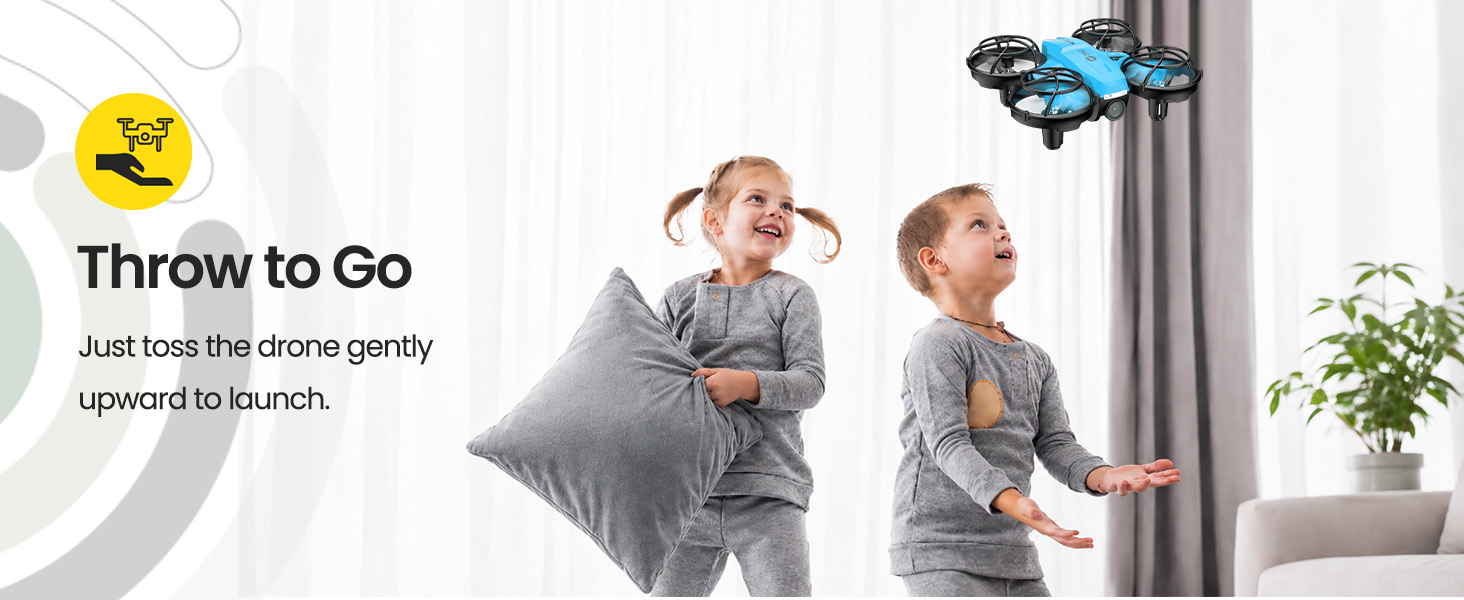
HS420 Throw to Go interactive takeoff

3 Batteries for More Practice Time

HS420 comes with 3 modular drone batteries, giving kids and beginners more chances to practice instead of stopping after one short flight.

Quick battery swapping helps families keep the fun going while children repeat the same flying skills and become more confident.
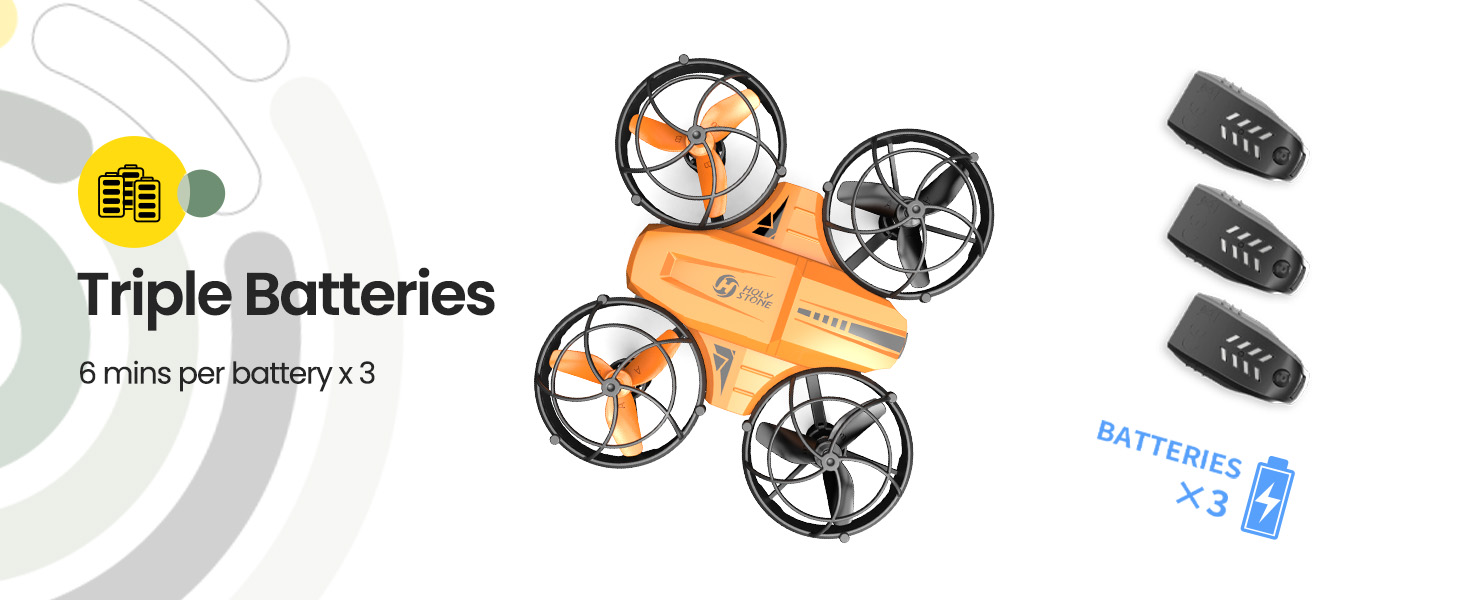
HS420 triple batteries for more practice time

Which Holy Stone Mini Drone Should You Choose?

HS420 sits above pure mini training drones. It is the better fit when your family wants a more complete indoor FPV camera-drone experience.

Choose HS210

If you want a classic mini training drone for basic indoor control practice without camera functions.

Choose HS210P

If you want basic mini drone training plus a first FPV view and simple camera fun.

Choose HS420

If you want a more complete indoor FPV camera-drone experience with 1080P camera, gesture selfie, app interaction, and fun flight modes.

Is HS420 the Right Drone for You?

Best for

→ Kids aged 8+ who are ready to try their first indoor FPV camera drone.

→ Families looking for a small drone with camera fun for home use.

→ Beginners who want to learn basic flying and explore FPV viewing.

→ Indoor play, simple photos, short videos, gesture selfies, and fun flight modes.

Not best for

→ Professional aerial photography or high-end video creation.

→ Outdoor windy conditions or long-distance flying.

→ GPS flight, return-to-home, or advanced outdoor camera-drone features.

→ Users who only want the simplest mini training drone without camera-drone features.

If you want a pure mini training drone, choose HS210. If you want training plus a first FPV view, HS210P is the bridge. If you want a more complete indoor FPV camera-drone experience, HS420 is the better fit.
HS420 Mini FlyCam SPECS

DRONE

Model:
HS420
Weight:
31g / 1.1oz
Max Flight Time:
6 minutes per battery (in a windless environment)
Motor Model:
615
Operating Temperature Range:
32° to 104°F (0° to 40°C)
Size:
84 × 90 × 34 mm

DRONE BATTERY

Capacity:
300mAh
Voltage:
3.7V
Battery Type:
Lithium-ion Polymer Battery
Charging Temperature Range:
41° to 104°F (5° to 40°C)
Charging Time:
60 minutes (Depends on charging power and remaining battery power)

TRANSMITTER

Operating Frequency:
2452-2474MHz
Max Flight Distance:
330 ft / 100 m (Outdoors and unobstructed)
Operating Temperature Range:
32° to 104°F (0° to 40°C)
Battery Type:
3 × 1.5V AAA Battery (Not included)

CAMERA

Operating Frequency:
2417MHz
Lens Angle:
65°
Manual Adjustable Range:
-90°~0°
Photo Resolution:
1920 × 1080P
Video Resolution:
1920 × 1080P @ 20fps
Max Transmission Distance:
164 ft / 50 m (Outdoors and unobstructed)
Photo Formats:
JPEG
Video Formats:
MP4 / AVI
Operating Temperature Range:
32° to 104°F (0° to 40°C)

USB CHARGING CABLE

Input:
5V / 1A
Rated Power:
≤5W
HS420 Mini FlyCam IN THE BOX
HS420 Package Content

*Accessory quantity and color options may vary depending on the site, purchase channel, or product version. Please refer to the actual product package on the purchasing platform for final confirmation.*

Package Content

In the Box

  • 1× Drone and Transmitter

  • 2× Drone Batteries

  • 2× USB Charging Cables

  • 4× Extra Propellers

  • 1× Screwdriver

  • 1× Propeller Spanner

  • 1× Instructions for Use

  • Color options may vary by site or purchase channel

HS420 Mini FlyCam DOWNLOAD

HolyStone-FPV App

FPV Live View & Camera Interaction

Download the HolyStone-FPV app to view the drone’s live camera feed, enjoy FPV flying, and access app-based camera-drone features.

App availability and compatibility may vary by device system and region.

*Please connect your phone to the drone Wi-Fi before using FPV live view.*

User Manual

Setup & Flight Guide

Download the official HS420 user manual for setup instructions, app connection, safe operation, and troubleshooting.

Download HS420 Manual (PDF)
HS420 Mini FlyCam FAQ

Buying Decision

Is HS420 a good first camera drone for kids?

Yes. HS420 is a good first indoor FPV camera drone for kids aged 8+ and first-time pilots who want to move beyond basic toy flying.

It combines easy indoor controls, FPV live view, a 1080P Wi-Fi camera, gesture photo/video, and playful flight modes in a compact mini drone.

Adult supervision is recommended, especially during the first setup, takeoff, landing, battery charging, and indoor practice.

Who is HS420 best for?

HS420 is best for families, kids aged 8+, and beginners who want a small indoor drone with FPV camera fun.

It is especially suitable for living rooms, bedrooms, playrooms, short indoor practice, simple home photos, gesture selfies, and first-person-view flying.

Is HS420 better than a simple mini training drone?

HS420 offers more camera-drone interaction than a pure mini training drone.

If you only want basic control practice, HS210 is simpler. If you want training plus a first FPV view, HS210P is the bridge. If you want a more complete indoor FPV camera-drone experience, HS420 is the better fit.
Is HS420 a professional aerial photography drone?

No. HS420 is not a professional aerial photography drone or an outdoor GPS camera drone.

It is designed for indoor FPV fun, simple home photos and videos, beginner control practice, and playful camera-drone discovery.

Users who need GPS return-to-home, long-distance outdoor flying, wind resistance, or high-end image stabilization should choose a higher-level camera drone.

Do I need to register Holy Stone HS420 with the FAA?

For recreational flyers in the United States, HS420 normally does not need FAA registration because it weighs only 31g / 1.1oz, which is under 250g.

FAA registration is generally required for recreational drones weighing 250g or more. Different rules may apply for Part 107 or non-recreational use.

Always check current FAA rules and local regulations before flying.

Camera & App Features

What camera quality does HS420 support?

HS420 supports 1920 × 1080P photo resolution and 1920 × 1080P video at 20fps.

The camera is suitable for simple indoor photos, short videos, FPV viewing, and playful family moments, not professional video production.

Do I need the app to use the camera?

The remote controller can take photos and record videos, but the HolyStone-FPV app is needed for live FPV viewing on your phone.

Connect your phone to the drone’s Wi-Fi network, then open the HolyStone-FPV app to see the drone’s live camera view.

The drone Wi-Fi is for connecting to the drone and does not provide Internet access.

What does the app add beyond the remote controller?

The remote controller handles basic flight controls, takeoff, landing, speed switch, photo/video capture, 360° flips, circle fly, high-speed rotation, and emergency stop.

The app adds the visual side of HS420: live FPV view, camera interaction, gesture photo/video, and app-based flying experiences such as Trajectory Flight.

This is what makes HS420 feel more like a first indoor FPV camera drone, rather than just a mini training drone with a camera.

Why can’t my phone connect to the HS420 Wi-Fi?

Make sure the drone is powered on before searching for its Wi-Fi network. Then select the network named HolyStoneFPV-****** in your phone’s Wi-Fi settings.

The manual also recommends turning off Bluetooth, mobile data, and VPN before connecting to the drone Wi-Fi.

After the Wi-Fi connection is established, open the HolyStone-FPV app to view the drone status and live camera feed.

Can the HS420 camera be adjusted by remote control during flight?

No. The HS420 camera angle is manually adjustable and should be adjusted before flying.

The camera supports a manual adjustable range of -90° to 0°, so users should set the angle before takeoff.

Indoor Flight & Safety

Can HS420 be flown indoors?

Yes. HS420 is positioned as a mini indoor FPV camera drone for close-range home flying and beginner practice.

Choose a clear indoor space, keep distance from people, pets, fragile objects, curtains, walls, lamps, and furniture, and practice slowly at first.

Can HS420 be flown outdoors?

HS420 can be flown in suitable open areas, but it is not designed as a wind-resistant outdoor GPS drone.

The manual recommends flying in open areas, maintaining line of sight, flying below 98 feet / 30 m, and avoiding bad weather, crowds, trees, power lines, airports, and water.

For best experience, avoid wind and use HS420 mainly for calm, close-range practice.

Does HS420 have propeller guards?

Yes. HS420 has a mini body with full propeller protection, which helps beginners feel more confident during indoor practice.

Propeller guards reduce the risk of minor bumps, but they do not make the drone risk-free. Keep hands, hair, pets, and fragile objects away from the rotating propellers.

Does HS420 have GPS or Return-to-Home?

No. HS420 does not have GPS positioning or GPS Return-to-Home.

It is a mini indoor FPV camera drone for short-range flying, not a GPS outdoor camera drone. Always keep it within visual line of sight and avoid flying too far away.

Does HS420 have an infrared sensor function?

No. HS420 does not use infrared sensor control.

It is controlled by the remote controller and can also connect to the HolyStone-FPV app for live FPV view and camera interaction.

Flight Performance & Battery

How long can HS420 fly?

HS420 offers up to 6 minutes of flight time per battery in a windless environment.

Actual flight time may vary depending on speed, flight mode, battery condition, temperature, charging status, and how aggressively the drone is flown.

How long does the HS420 battery take to charge?

The charging time is about 60 minutes.

Charging time may vary depending on charging power and remaining battery power. Use a 5V/1A USB adapter or a suitable power bank as described in the manual.

Do not charge a battery immediately after flight. Let it cool to room temperature first.

How far can HS420 fly?

The transmitter control distance is up to 330 ft / 100 m under outdoor, unobstructed conditions.

The camera transmission distance is up to 164 ft / 50 m under outdoor, unobstructed conditions.

For safer beginner use, keep the drone close, visible, and away from obstacles.

What happens when the HS420 battery is low?

When the drone battery is low, the drone indicator lights will blink continuously and the transmitter will beep continuously.

When this happens, land the drone promptly and recharge or replace the battery.

If the transmitter batteries are low, the transmitter indicator will blink and beep, and the batteries should be replaced.

First Flight Setup

What should I do before flying HS420 for the first time?

Fully charge the drone battery, install fresh AAA batteries in the transmitter, check the propellers, install the drone battery securely, and place the drone on a flat, level surface.

Pair the drone with the transmitter, calibrate the gyro, and choose a clear indoor space before takeoff.

Do I need to calibrate HS420 before flying?

Yes. The manual recommends calibrating the gyro every time after pairing the drone and after a crash.

Gyro calibration helps improve flight stability and should be done on a flat, level surface.

How do I take off with HS420?

HS420 supports One Key Takeoff. After pairing and calibration, short press the One Key Takeoff/Landing button and the drone will take off automatically and hover.

HS420 also supports Throw to Go: place the drone flat on your palm and gently toss it into the air after pairing and calibration.

Why is HS420 drifting after takeoff?

Drifting may happen if the gyro is not calibrated, the drone is not placed on a level surface, the propellers are damaged, or the indoor airflow is uneven.

Land the drone, place it on a flat surface, recalibrate the gyro, check the propellers, and use the trimmer if needed.

Troubleshooting

Why can’t HS420 take off?

HS420 may not take off if pairing is incomplete, the battery is low, the gyro is not calibrated, the propellers are installed incorrectly, or the drone is not on a level surface.

Check battery level, pair the drone again, calibrate the gyro, inspect the propellers, and try One Key Takeoff after the indicator lights become steady.

Why is the live video feed lagging or disconnecting?

Live view lag may be caused by Wi-Fi interference, too much distance, blocked signal, phone settings, or a crowded wireless environment.

Keep the drone close, maintain line of sight, avoid thick walls or signal-blocking obstacles, and make sure your phone is connected to HolyStoneFPV-******.

Why can’t HS420 take photos or record videos?

Photo or video capture may fail if the drone is not connected properly, the app is not connected to the drone Wi-Fi, or the remote/photo command is not triggered correctly.

Reconnect the drone Wi-Fi, reopen the HolyStone-FPV app, and confirm that the live view is working before taking photos or recording videos.

When should I use Emergency Stop?

Emergency Stop should only be used in an emergency during flight.

Long pressing the One Key Takeoff/Landing button stops the motors immediately, which may cause the drone to fall and become damaged.

For normal landing, use One Key Landing instead of Emergency Stop.