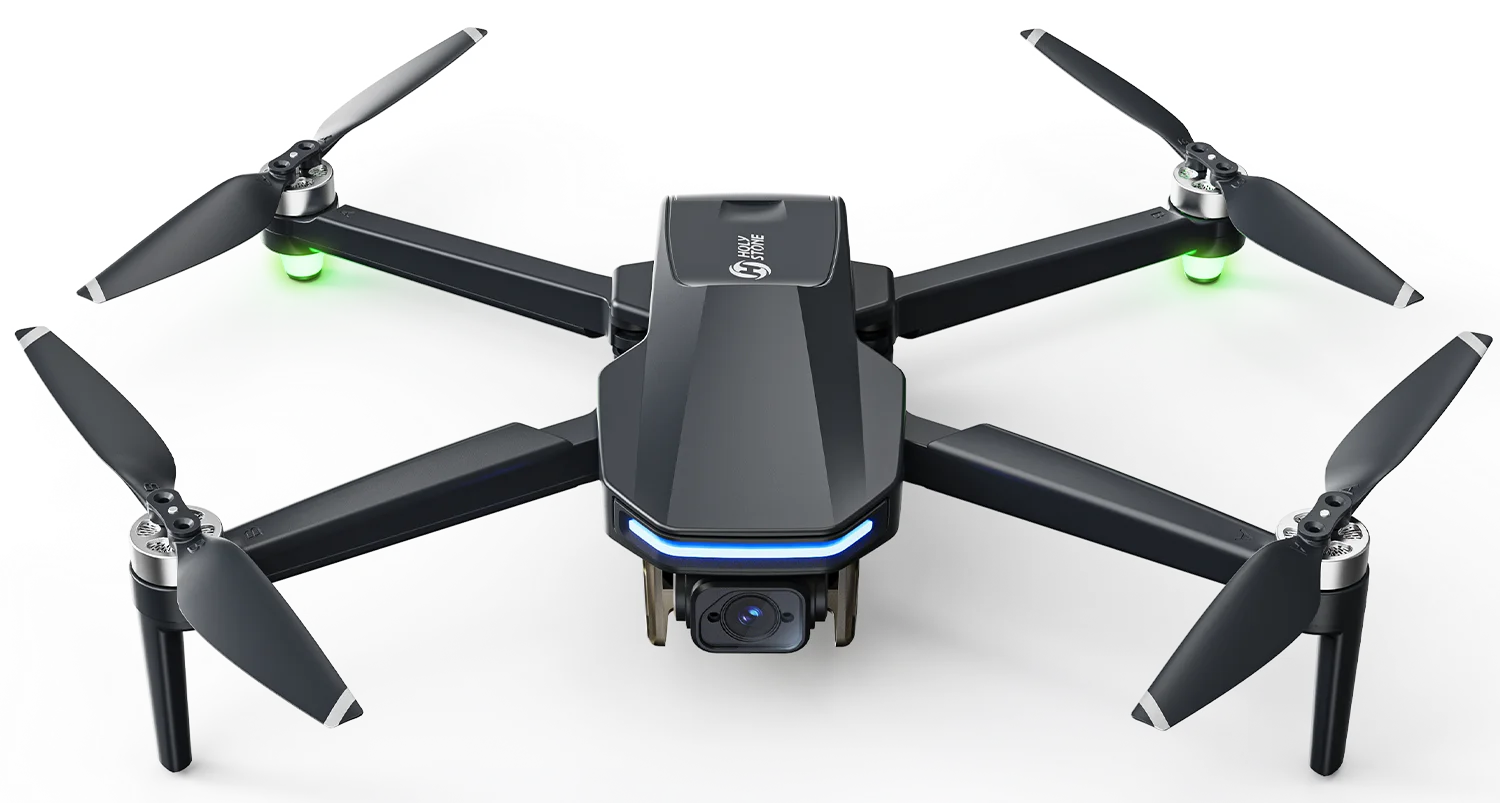

HS190 Foldable Mini Drone for Young Beginners | Holy Stone
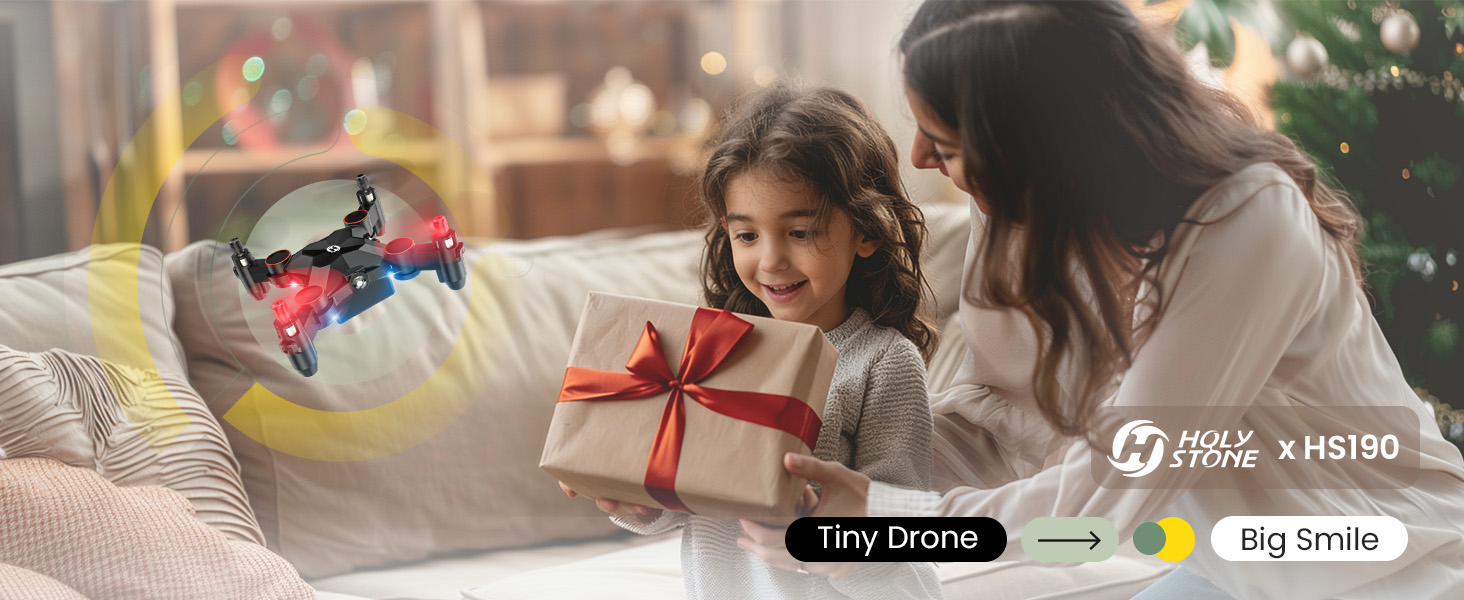
Tiny Drone. Big Smile 1.jpg


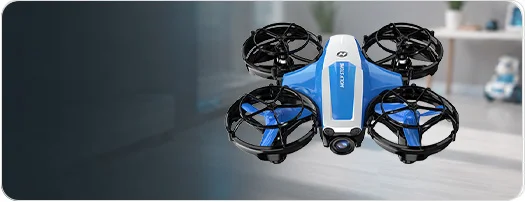
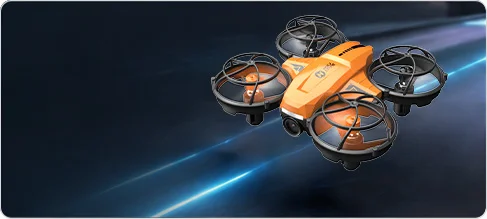
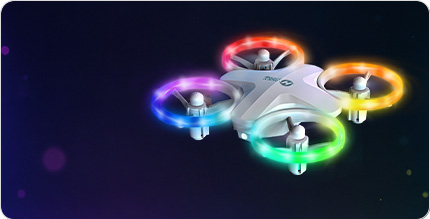
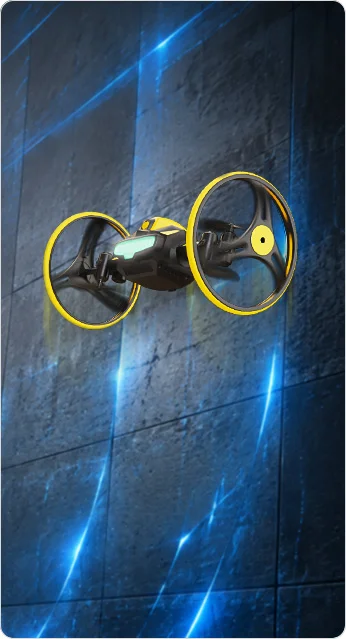
HS190 Mini Drone — Tiny, Gentle, and Made for Family Moments

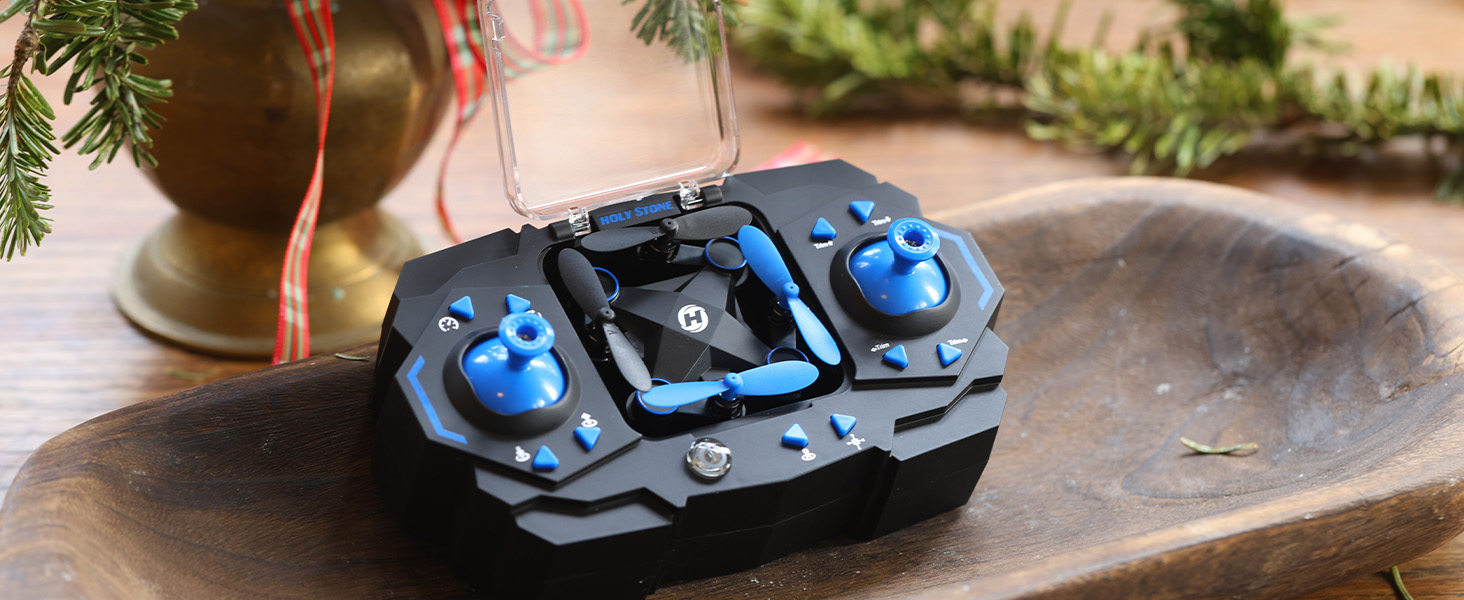
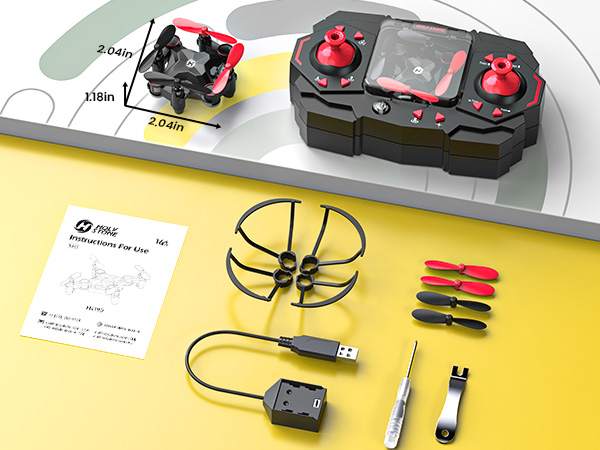
HS190 | 95×62×30 mm(unfolded) | 52×51×30 mm(folded) · 25.8 g

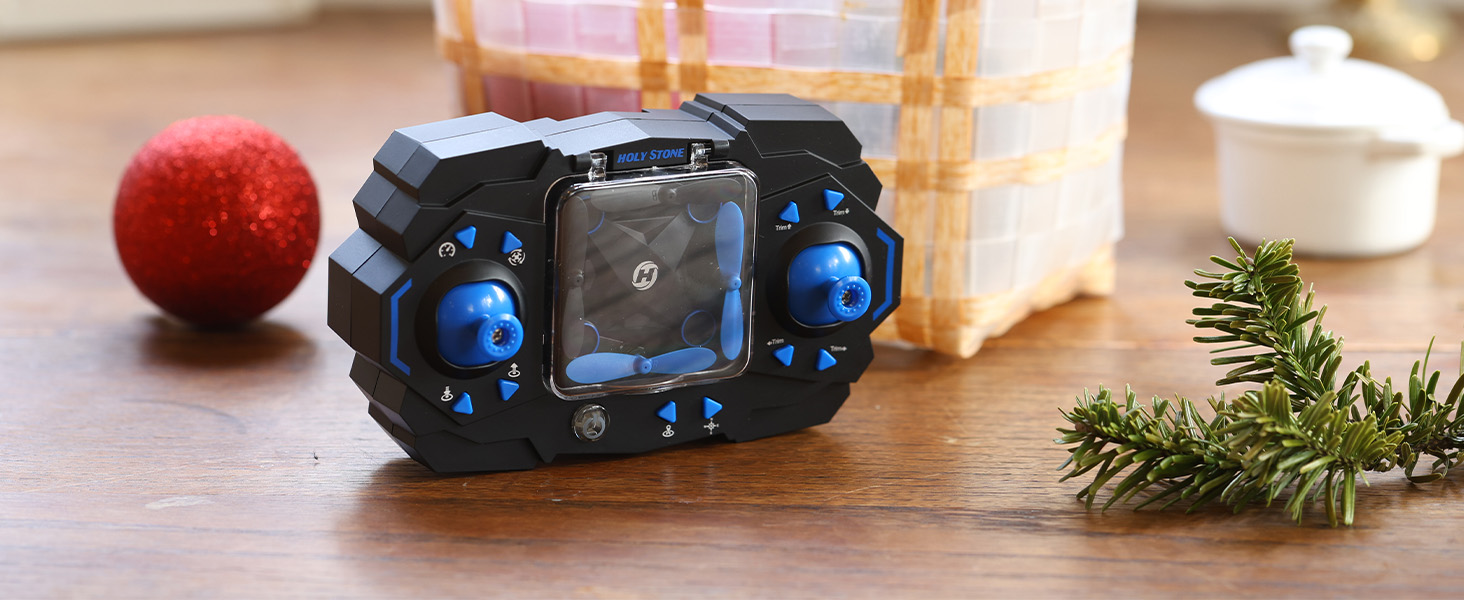
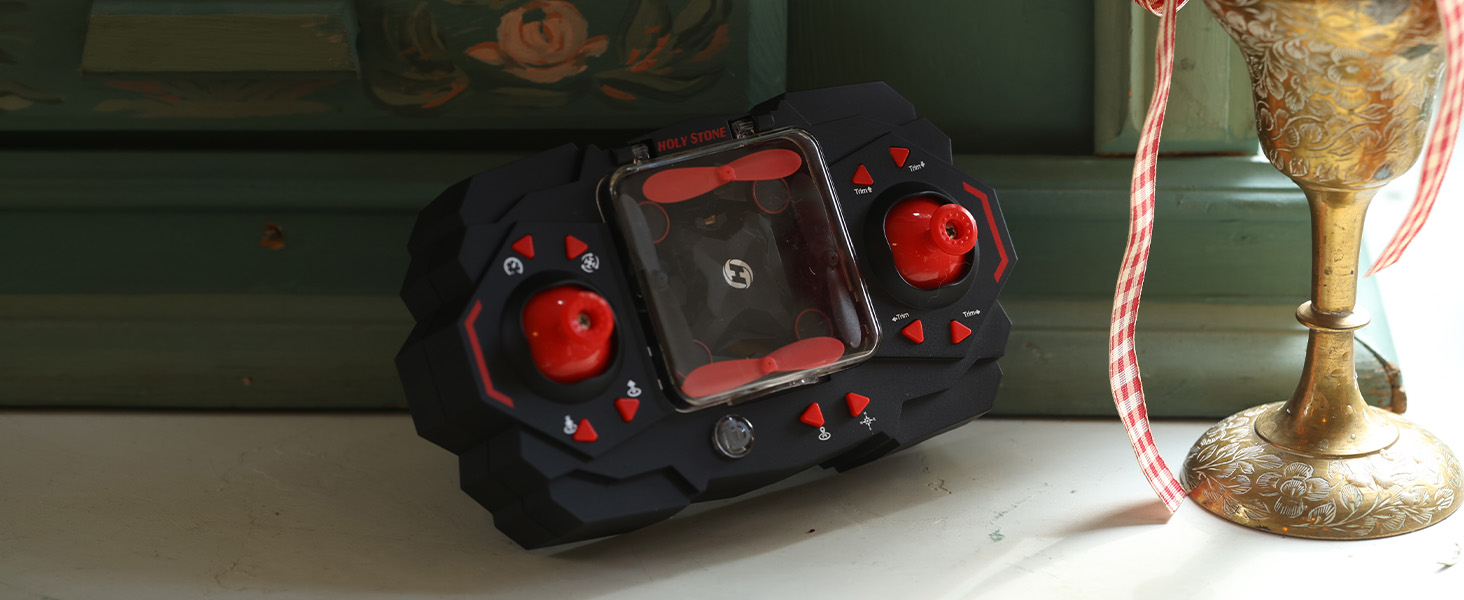
An ultra-light mini drone designed for indoor family fun and after-school play. With easy one-key controls and beginner-friendly flight modes, HS190 helps children take their first steps in remote control skills while enjoying meaningful parent-child interaction. Small in size, gentle in flight, and big on smiles.


HS190 ICON 1.png
Beginner Friendly Icon
HS190-GIF-H.gif
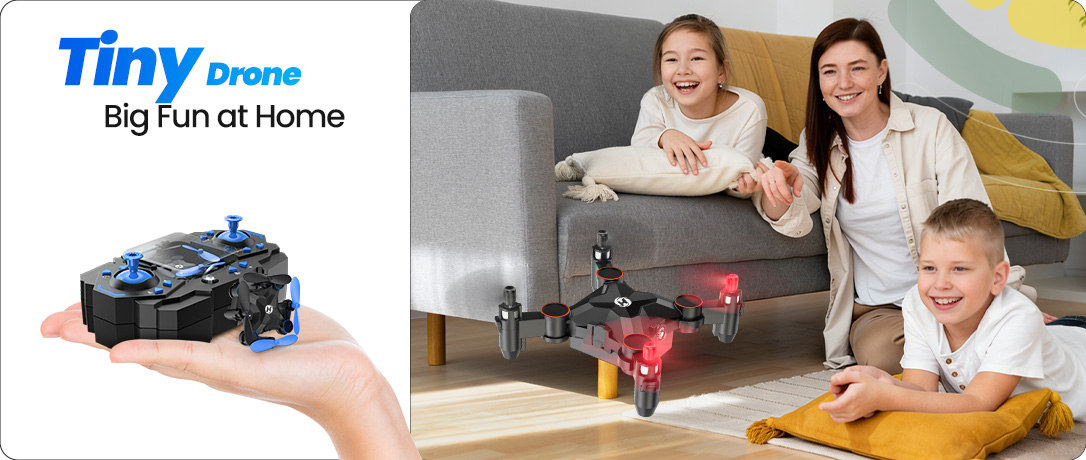
1 Tiny Drone, Big Fun at Home.jpg
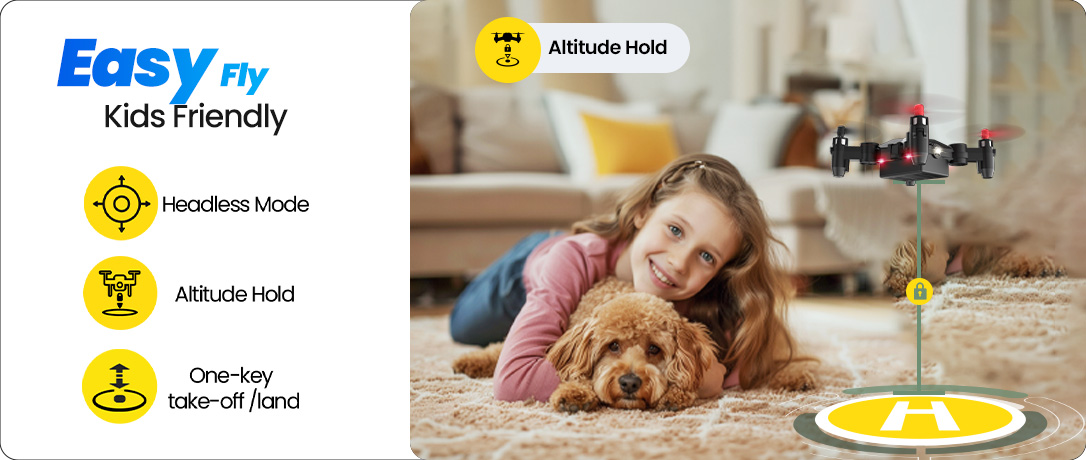
2. Kids Friendly, So Easy.jpg
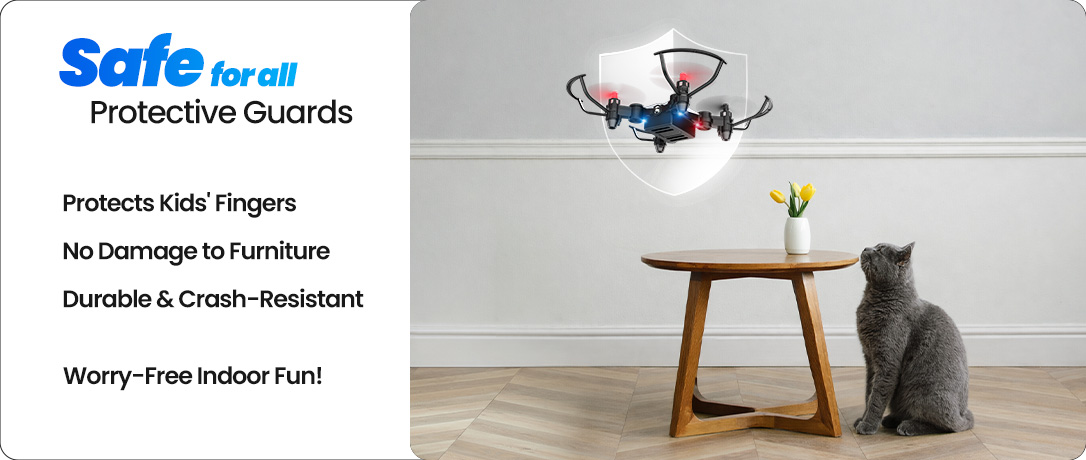
3 Safe for all.jpg
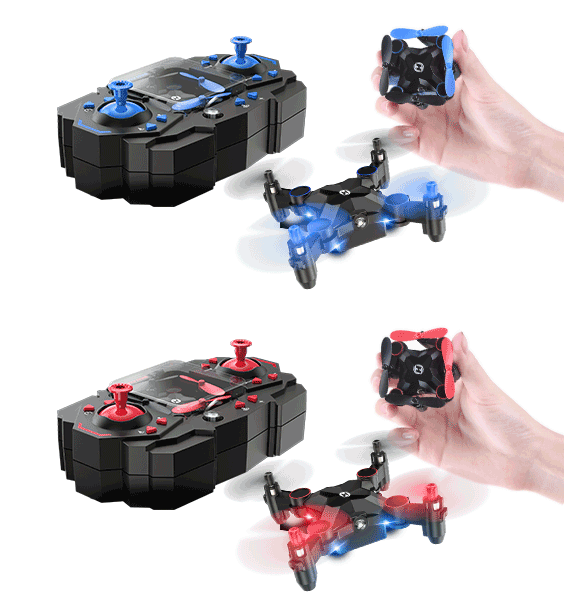
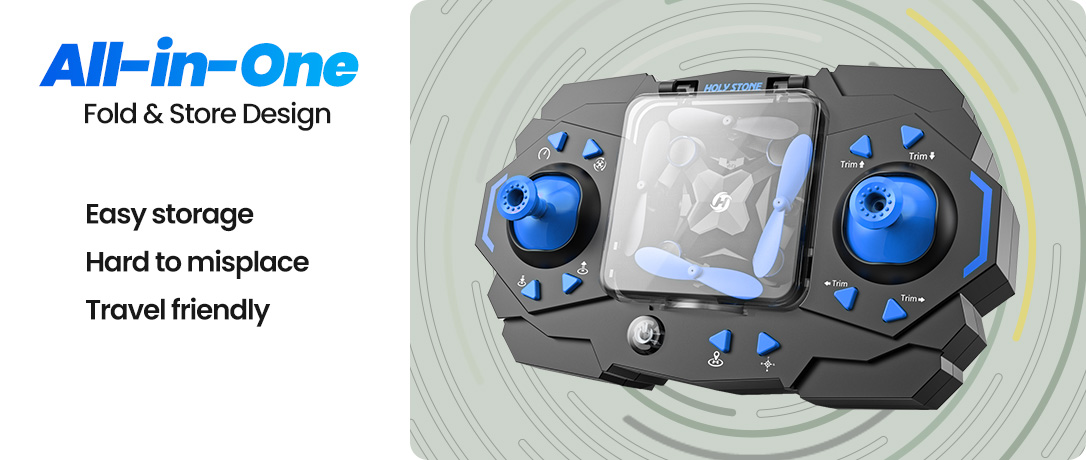
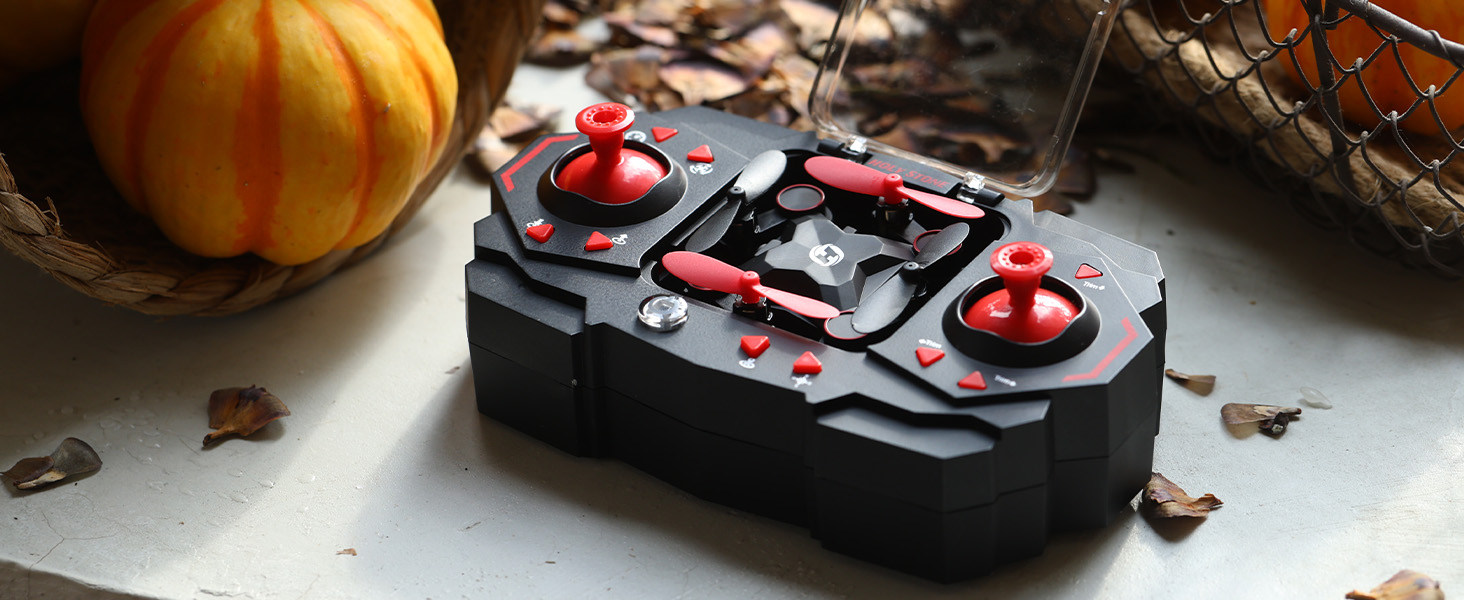
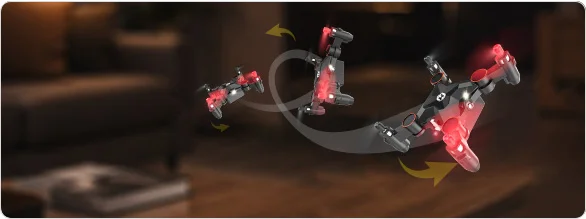
4  Folds Into the Controller.jpg
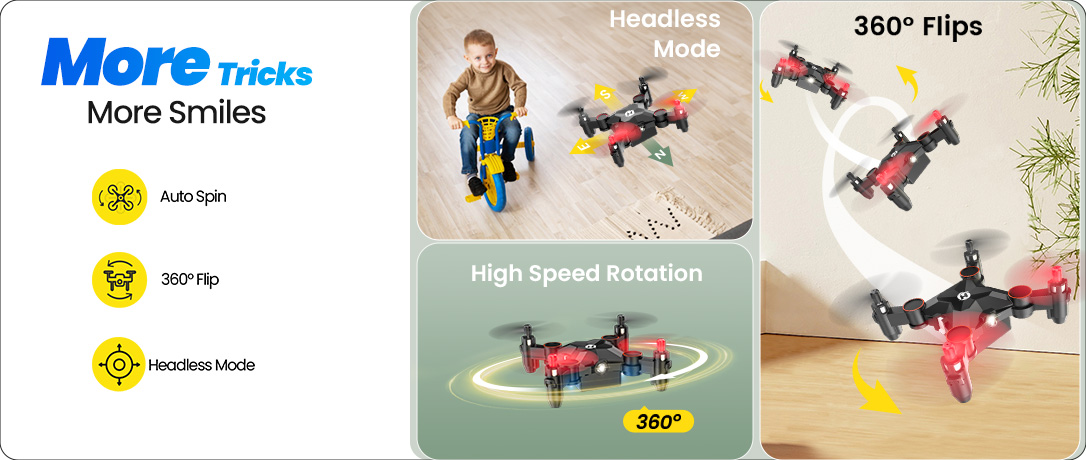
5 More Tricks, More Smiles.jpg

Easy Controls · Early Flight Skills Begin Here

One-key takeoff and landing make the very first flight simple and encouraging. No complicated setup — just press and lift off.

With altitude hold and headless mode, kids can focus on direction and coordination without confusion — building real control skills in a relaxed, fun way.
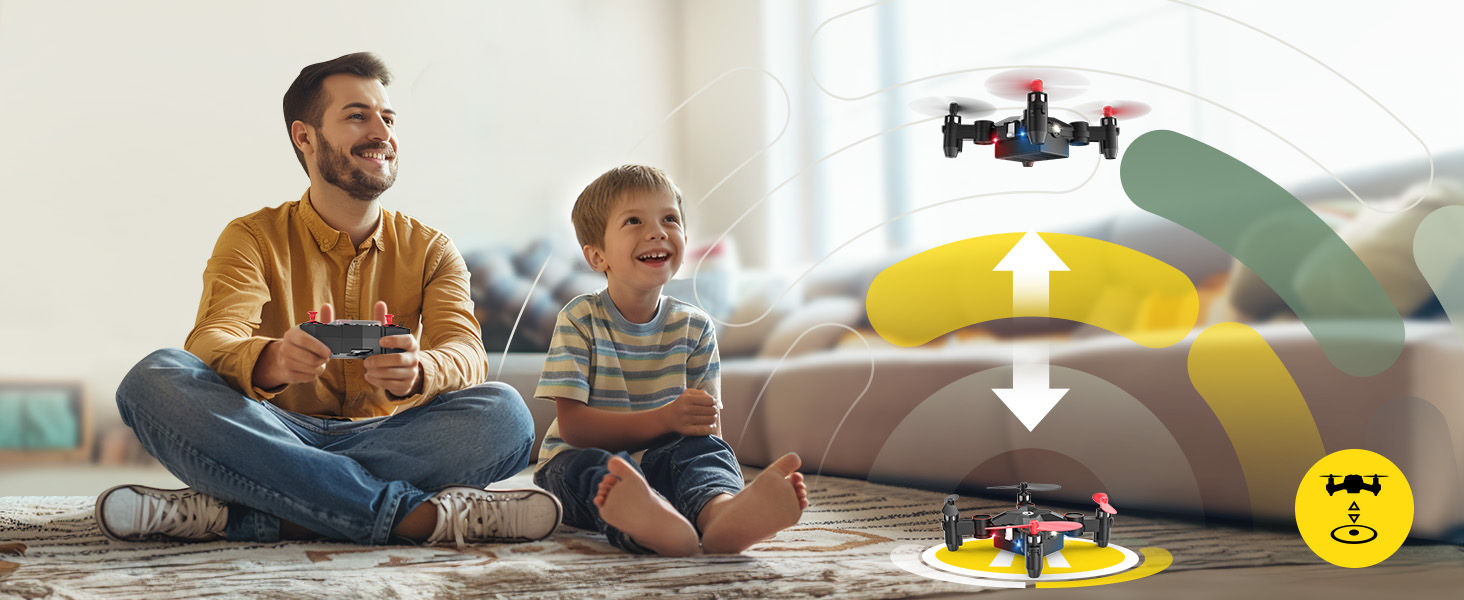
1 Made for Indoor Family Fun.jpg

Family Fun for Everyone

HS190 is made for relaxed indoor afternoons — kids flying, parents guiding, everyone smiling.

Small, simple, and easy to enjoy, it fits naturally into everyday family life and turns ordinary moments into shared laughter.
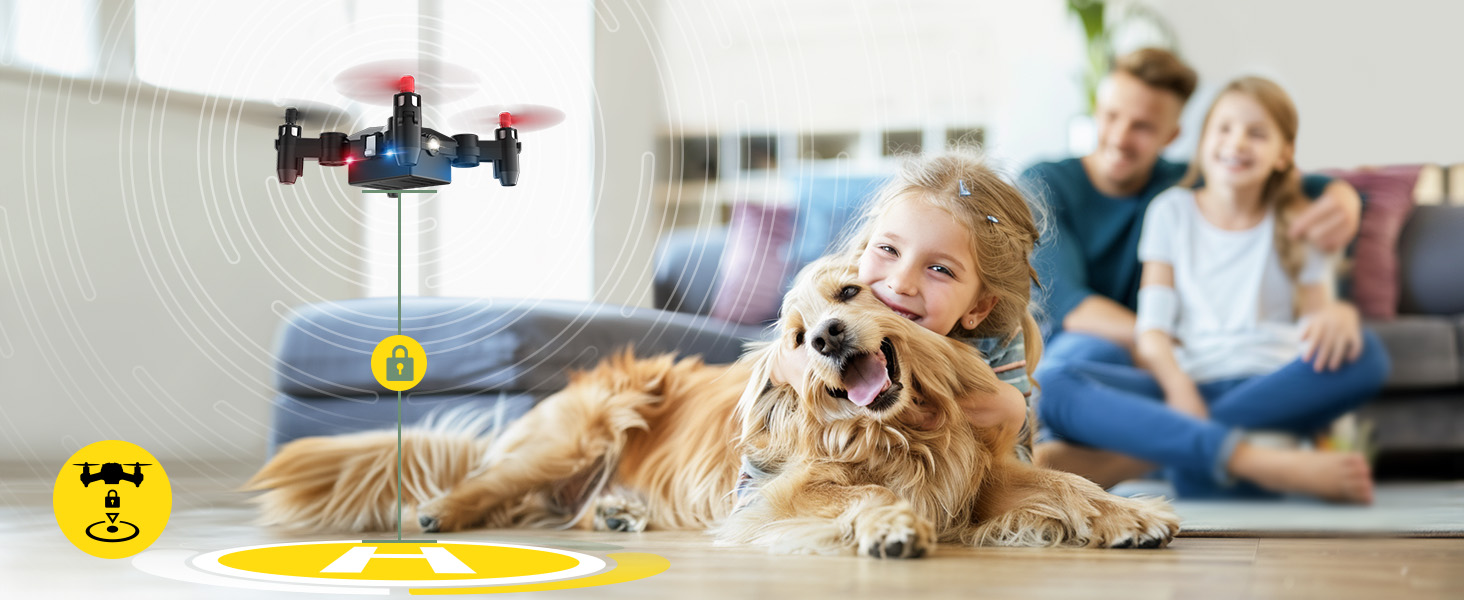
Easy to Fly · Indoor Fun · Family Moments.jpg

3 Speed Modes · One Drone for the Whole Family

Three speed settings make HS190 flexible for different rooms, skill levels, and family members.

Start slow and steady for beginners. Switch to faster, more dynamic flights as confidence grows — designed so everyone at home can join the fun.
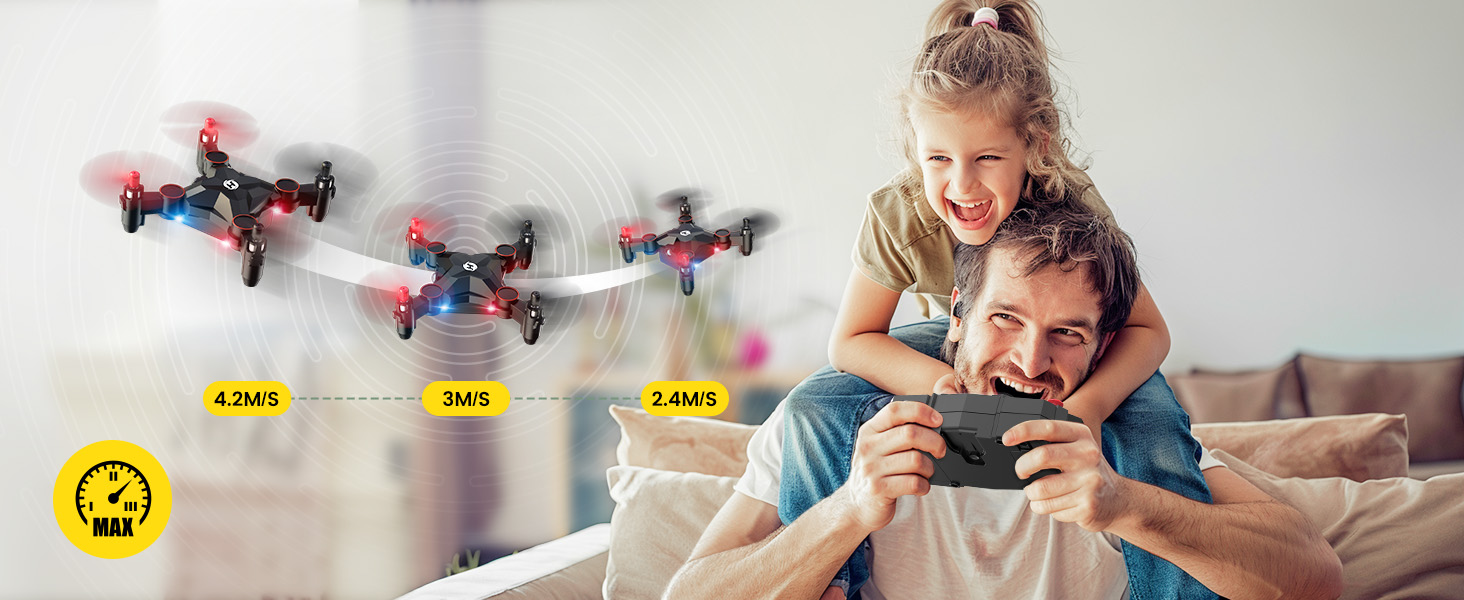
3 Speed Switch.jpg

360° Flips · Shared Moments That Matter

360° flips add a burst of excitement to every flight. With just one press, kids unlock dynamic movements that feel like a mini air show.

Whether parents guide the controls or kids try it themselves, every flip becomes a shared laugh — and a memory made together.
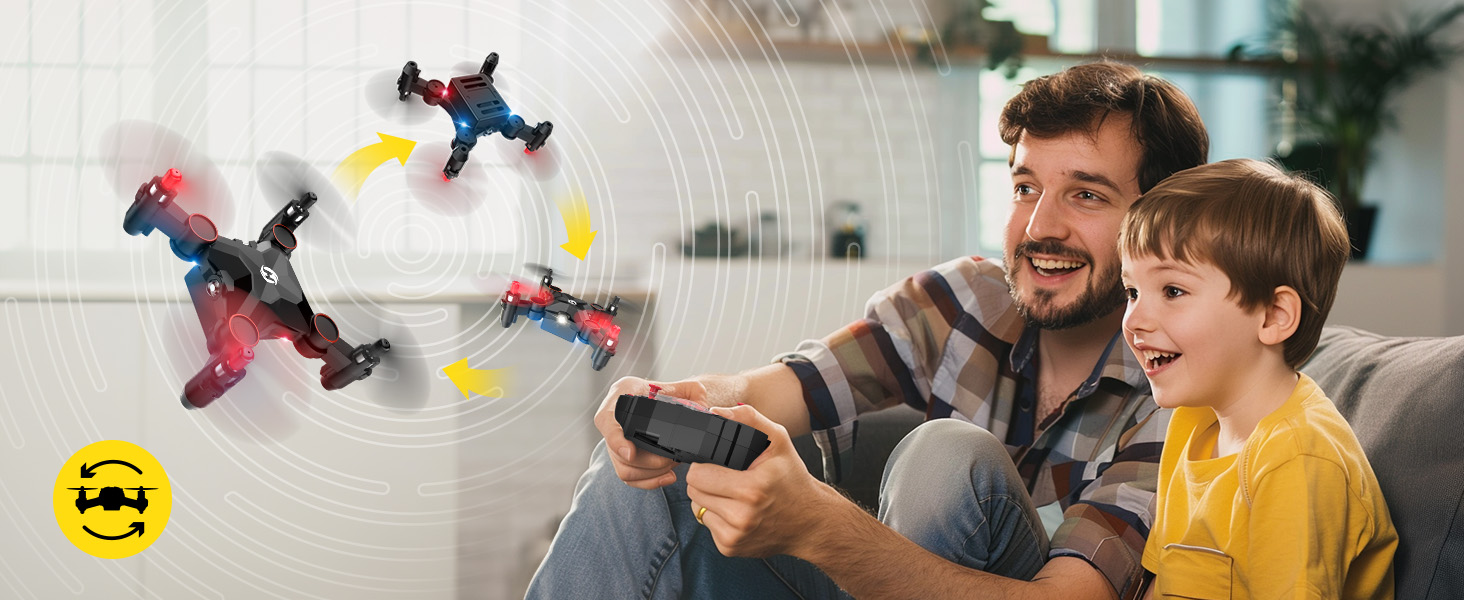
One Tap. Full Tricks.jpg

Spin, Laugh, Repeat

High-speed spins bring instant excitement to small indoor spaces. Every press unlocks energetic motion that keeps kids engaged and smiling.

It’s simple, repeatable fun — fly, spin, laugh, and do it all over again.
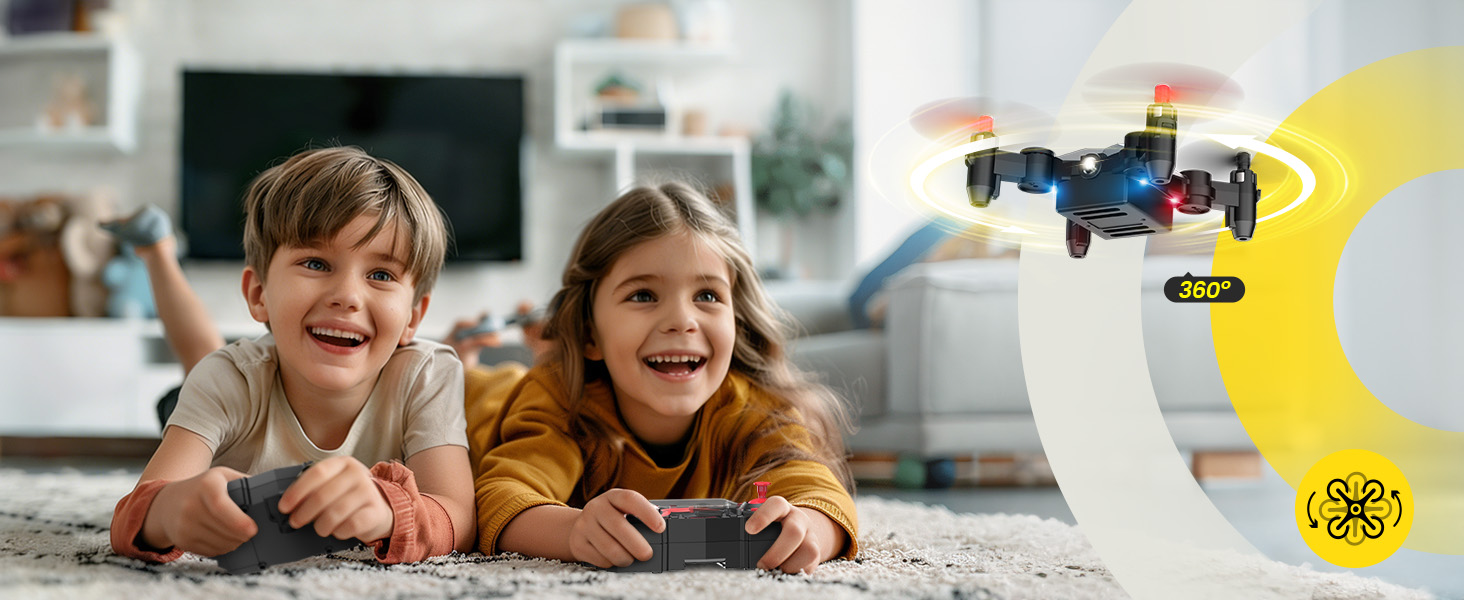
Spins, Flips & More Little Tricks.jpg

Protective Guards + Ultra-Light · Designed for Reassuring Indoor Play

Equipped with full propeller guards and a lightweight body, HS190 is thoughtfully designed for close-range indoor environments.

The ultra-light structure supports a gentler flying feel and may help reduce impact intensity during minor bumps — adding extra reassurance for family play.
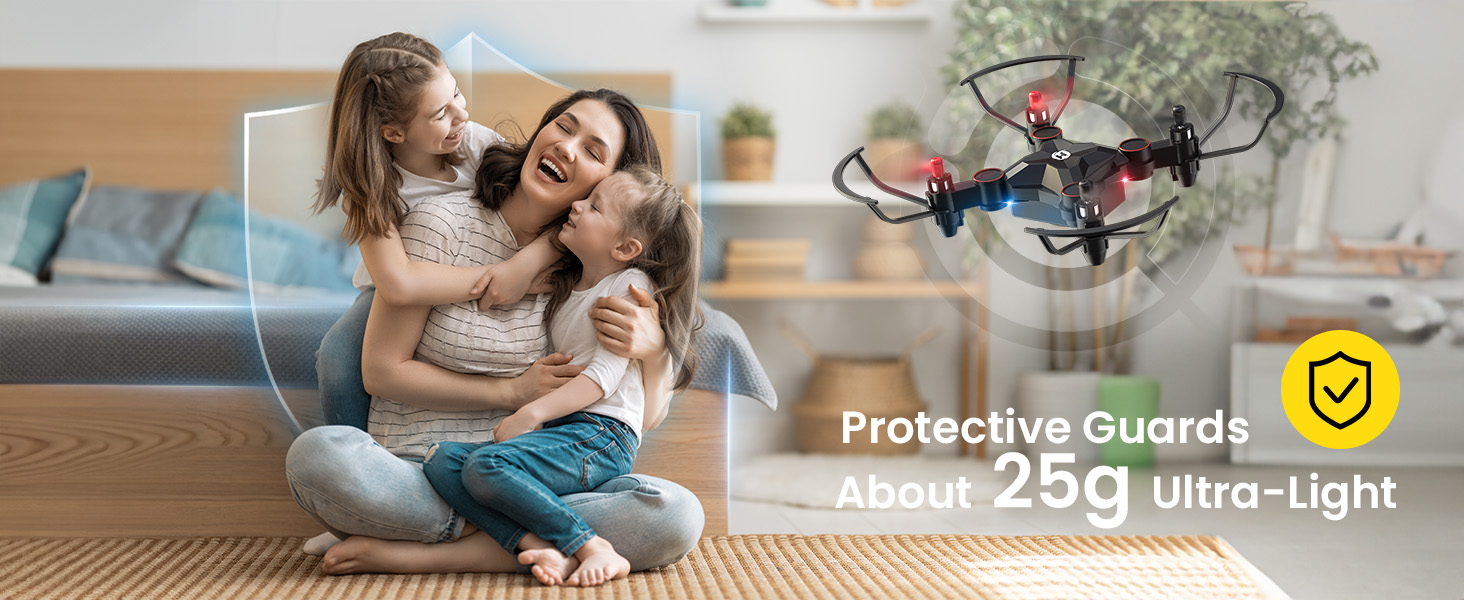
Ultra-Light 25g for Gentler Indoor Play.jpg

Tiny Body · Full Fun Features

Don’t let the small size fool you. HS190 packs everyday favorites into a compact design.

One-key takeoff & landing, 3 speed modes, altitude hold, headless mode, 360° flips, trim adjustment, and emergency stop — simple to learn, fun to master.
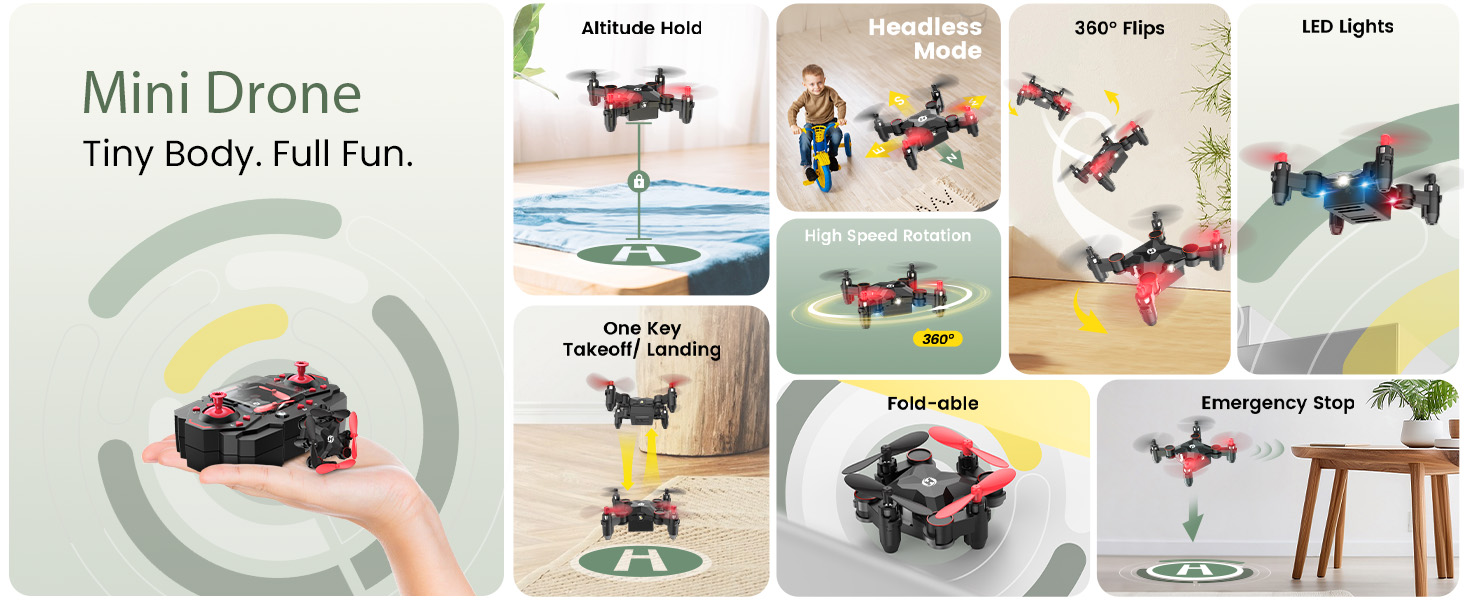
Tiny Body, Full Fun.jpg

HS190 Real Shots

HS190-4.jpg
HS190.jpg
HS190-3.jpg
HS190-2.jpg
HS190 Foldable Mini Drone for Young Beginners | Holy Stone SPECS

DRONE

Model:
HS190
Weight:
25.8g / 0.91oz
Flight Time:
9min (in a windless environment)
Motor Model:
615
Operating Temperature Range:
32°F to 104°F
Dimensions (Unfolded):
95 × 62 × 30mm
Dimensions (Folded):
52 × 51 × 30mm

TRANSMITTER

Operating Frequency:
2452-2474MHz
Max Transmission Distance:
30m (Outdoor and unobstructed)
Battery:
4 × 1.5V AAA batteries (not included)
Operating Temperature:
32°F to 104°F

DRONE BATTERY

Capacity:
300mAh
Voltage:
3.7V
Battery Type:
Lithium-ion polymer battery
Energy:
1.11Wh
Charging Temperature Range:
41°F to 104°F
Charging Time:
About 60min (depending on charging power)

USB CHARGING CABLE

Input:
5V / 1A
Rated Power:
≤5W
HS190 Foldable Mini Drone for Young Beginners | Holy Stone IN THE BOX
HS190 Package Content

*Accessories configuration may vary depending on the purchase channel. Please refer to the actual product package on the purchasing platform for final confirmation.*

Package Content

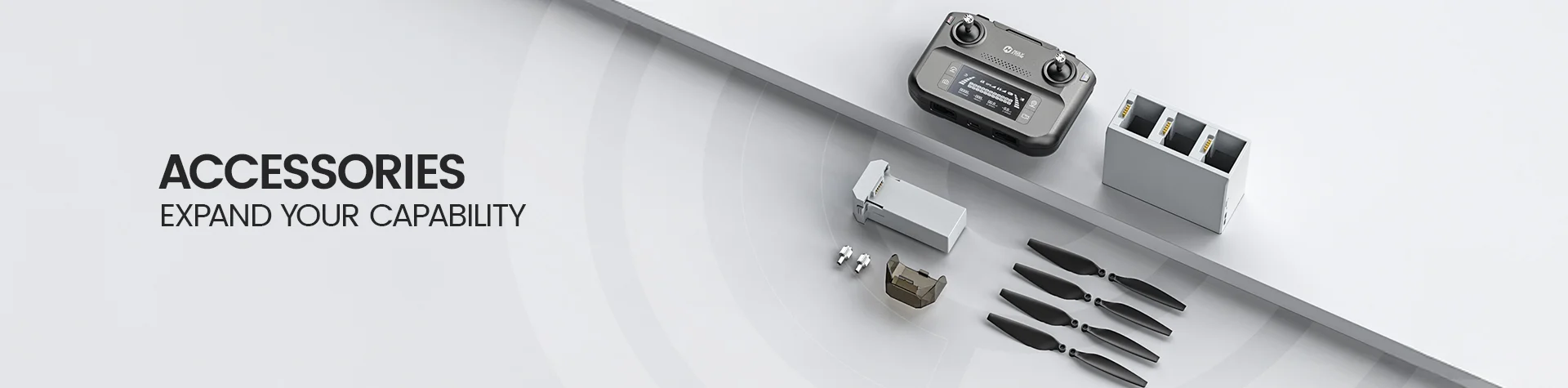
  • 1× HS190 Drone

  • 1× Transmitter

  • 1× Drone Battery

  • 1× Charger Hub

  • 1× Screwdriver

  • 4× Propellers (including the installed set)

  • 1× Propeller Spanner

  • 4× Propeller Guards

  • 1× User Manual

HS190 Foldable Mini Drone for Young Beginners | Holy Stone DOWNLOAD

User Manual

Setup, Flight & Safety Guide

Download the official HS190 user manual for battery charging, flight controls, key functions, safe operation, maintenance, and troubleshooting.

Download HS190 Manual (PDF)
HS190 Foldable Mini Drone for Young Beginners | Holy Stone FAQ

Quick Answers

What makes HS190 different from a regular mini drone?

HS190 is a compact foldable nano drone that stores inside its transmitter, making it easy to carry between quick flying sessions.

It combines altitude hold, 3 speed modes, 360° flips, Circle Fly, Headless Mode, and one-key takeoff and landing for simple hands-on flying.

Is HS190 good for beginners?

Yes. HS190 is a beginner-friendly mini drone for learning basic stick control in a small, clear space.

Start in Low Speed, use Headless Mode if orientation feels confusing, and keep the propeller guards installed while learning.

Should I fly HS190 indoors or outdoors?

HS190 is best for indoor flying or a very calm, open outdoor area. Its light mini-drone design is easily affected by wind.

Do not fly in wind, rain, snow, fog, near water, crowds, trees, power lines, or other obstacles. The drone is not waterproof.

Does HS190 need a phone app or have a live camera view?

No smartphone app is required. HS190 is controlled directly with the included transmitter and is designed for hands-on flying rather than app-based camera viewing.

How long can HS190 fly and how far can it go?

HS190 provides about 9 minutes of flight time in a windless environment. The maximum transmission distance is up to 30m in unobstructed outdoor conditions.

Actual flight time and control range vary with battery condition, temperature, obstacles, interference, and wind. Always keep the drone within sight.

First Flight & Controls

How do I pair and take off with HS190?

Unfold the arms, place the drone on a flat level surface with its head facing forward and its tail toward you, then turn on the drone followed by the transmitter.

When the drone lights change from flashing to solid, pairing is complete. Calibrate if needed, press the Unlock button, then use One Key Takeoff or gently raise the left joystick.

When should I calibrate the gyro?

Calibrate after pairing, after a crash, or whenever the drone does not fly steadily. With the drone stationary on a level surface, push the left joystick down-right and the right joystick down-left at the same time.

The drone lights will blink and then turn solid when calibration is complete. Do not calibrate while the drone is flying.

What does Headless Mode do?

Headless Mode is a training feature that keeps the control directions referenced to the direction set at takeoff, rather than the drone's current nose direction.

Keep facing the same direction as the drone's head at takeoff. Press the Headless Mode button once to enter and again to exit.

Does One Key Return bring HS190 back to me automatically?

No. HS190 does not use GPS Return-to-Home. One Key Return makes the drone fly backward toward the direction its tail pointed at takeoff.

Do not use it when the drone is near you. Press the button again to cancel the function and retake control.

How do I use 360° Flip, Circle Fly, and the speed modes?

HS190 has Low, Medium, and High speed modes; Low Speed is the default. For a 360° Flip, fly at least 10ft high, press the right joystick, then move it in the direction of the flip.

Press and hold the Circle Fly button for about 3 seconds to start Circle Fly. Long-press it again or move the right joystick to exit.

Battery, Charging & Care

How do I charge the HS190 battery?

Click the drone battery securely into the Charger Hub, then connect the hub to a 5V/1A USB power adapter. Charging takes about 60 minutes, depending on the power source.

The red hub light is on while charging and turns off when charging is complete. Let a warm battery cool to room temperature before charging.

What batteries does the transmitter use?

The transmitter requires 4 × 1.5V AAA batteries, which are not included. Install all batteries with the correct polarity before use.

Can I fly HS190 in rain or store it while wet?

No. HS190 is not waterproof. Keep the drone, battery, charger, and transmitter dry, and never fly in rain, snow, fog, or damp conditions.

If the drone will not be used for an extended period, remove the transmitter batteries to help prevent leakage damage.

Troubleshooting

Why are the drone lights flashing and the transmitter does not respond?

The drone may not be paired with the transmitter, or the drone battery may be low.

Turn the drone on first, place it on a level surface, then turn on the transmitter and wait for the lights to turn solid. Recharge the drone battery if needed.

Why do the propellers spin but HS190 cannot take off?

Common causes are a low battery, propellers installed in the wrong positions, or bent or distorted propellers.

Recharge the battery, confirm each propeller is on the correct motor shaft, and replace any damaged propeller before flying again.

Why is HS190 drifting, swaying, or unable to stay balanced?

Check for distorted propellers first. If the drone is still unstable after a safe landing, recalibrate the gyro on a level surface.

Use the trim buttons for small forward/backward or left/right drift. If trim and calibration do not help, reset trim data before takeoff by pushing both joysticks to the bottom left.

What should I do after a crash?

Land and power off the drone, then inspect the propellers, guards, arms, battery, and motor area for damage before flying again.

Re-pair and recalibrate the gyro on a flat surface. Replace damaged propellers and do not fly if a motor does not work properly.

When should I use Emergency Stop?

Use Emergency Stop only when immediate motor shutdown is necessary to help avoid injury or damage. Push the left joystick down-right and the right joystick down-left at the same time.

The motors stop immediately, so the drone can fall. Do not use this function as a normal way to land.