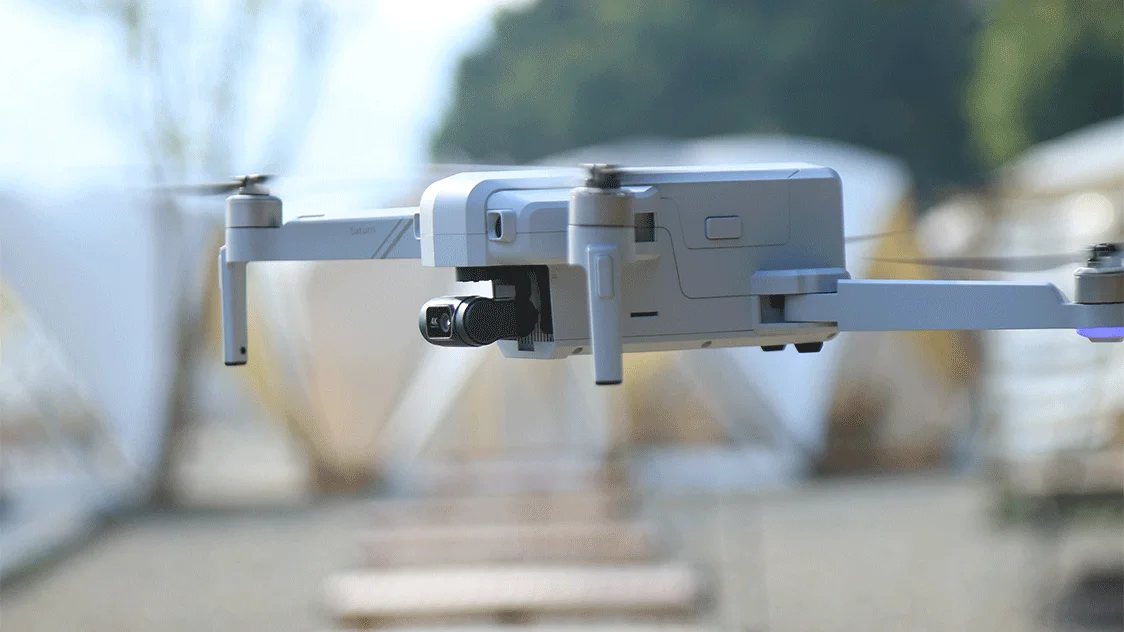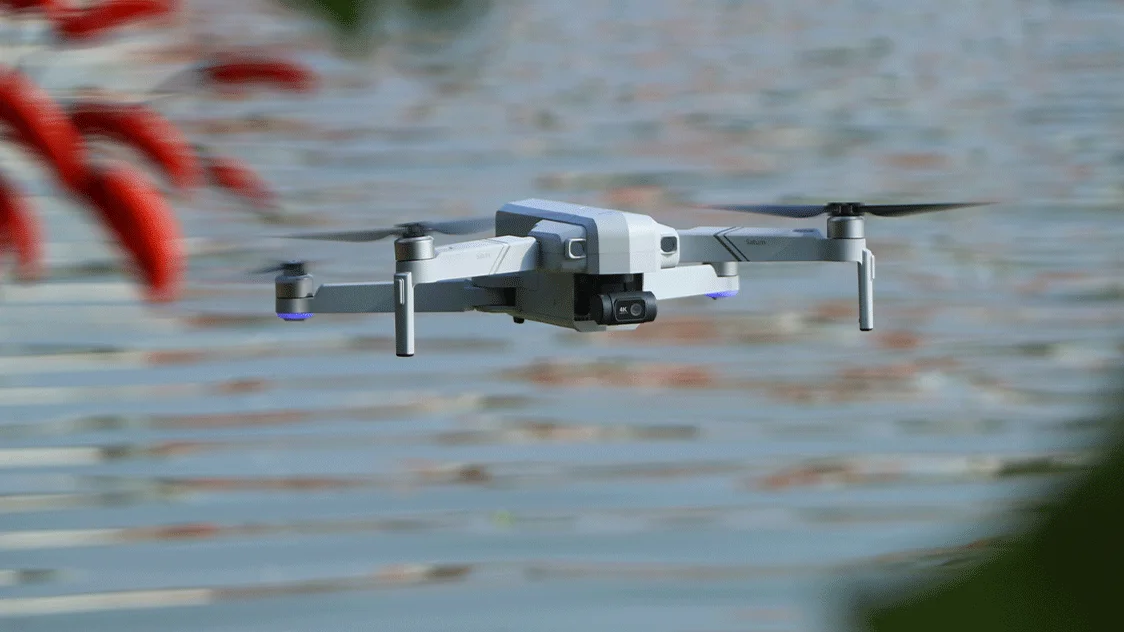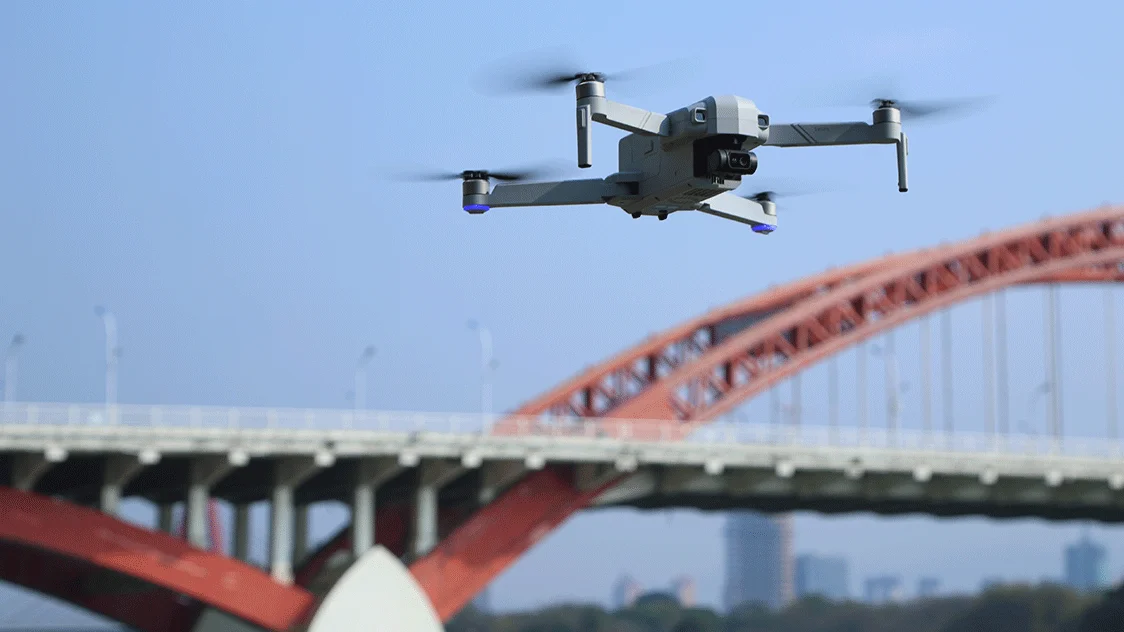

T60A, From Big Landscapes to One-Tap Stories
Satrun-t60a.webp

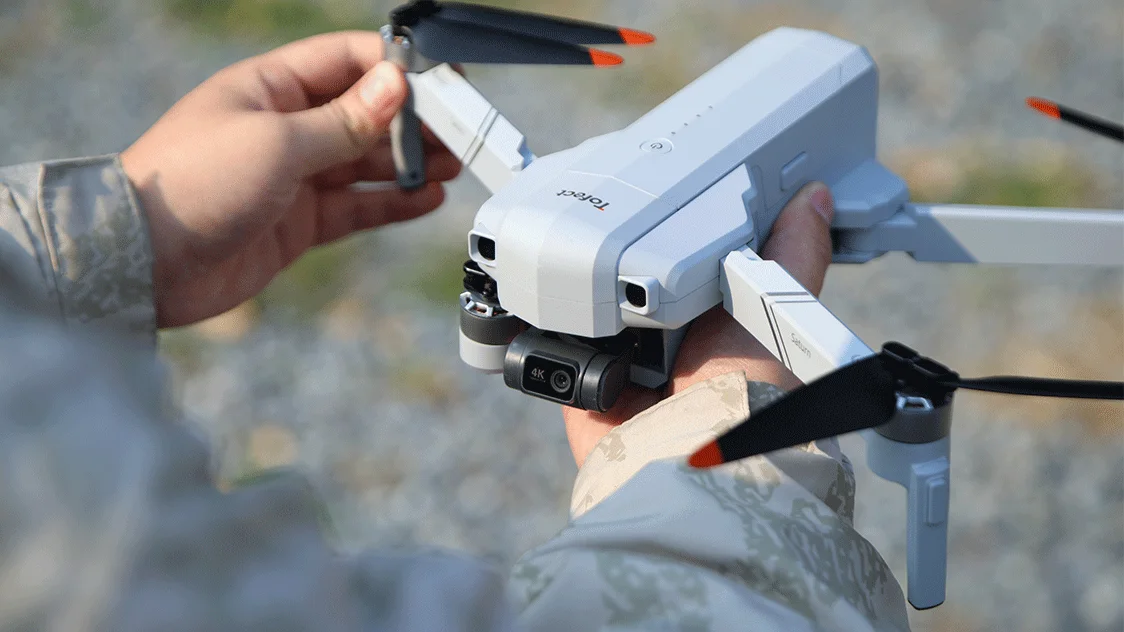
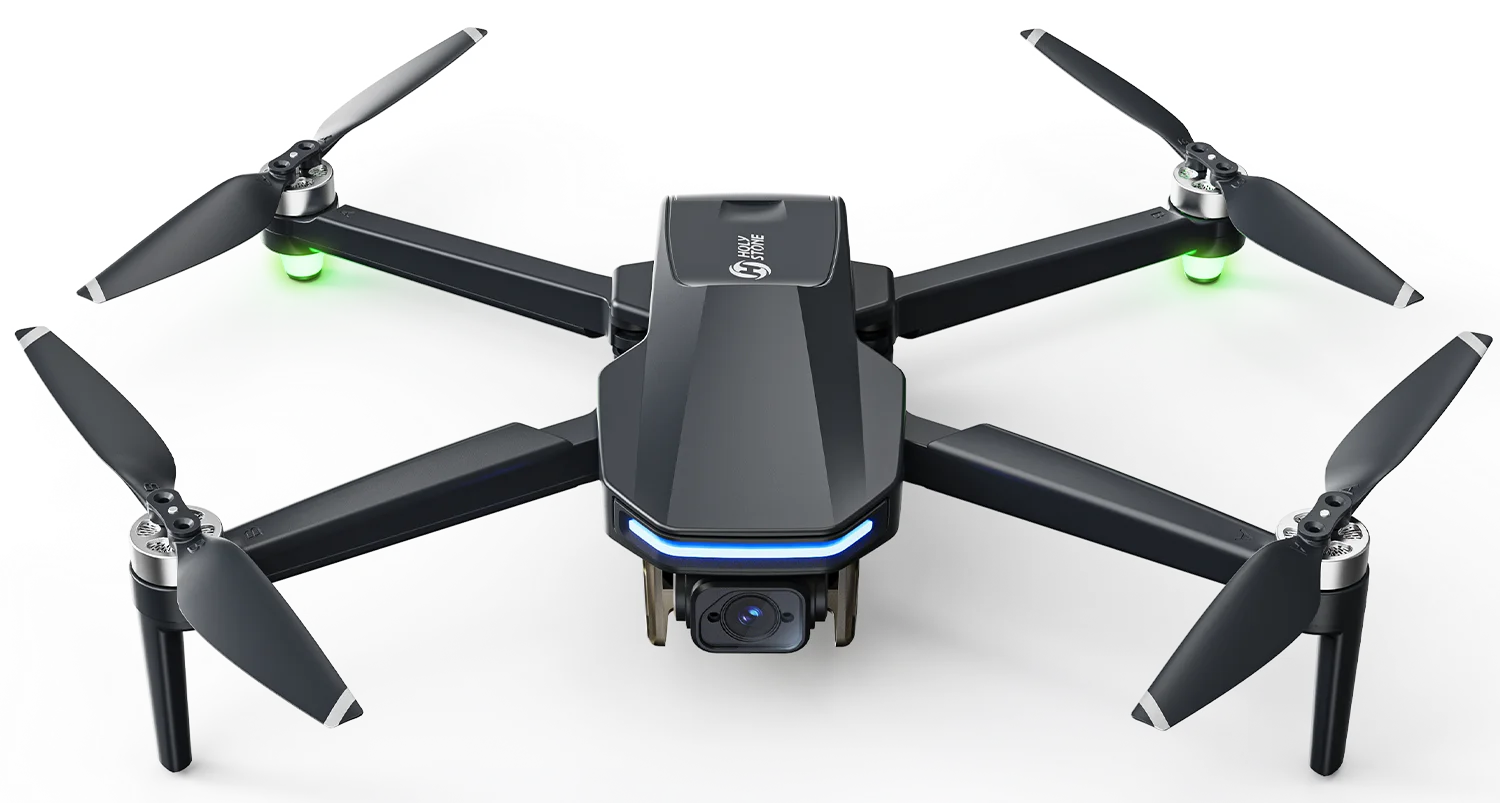
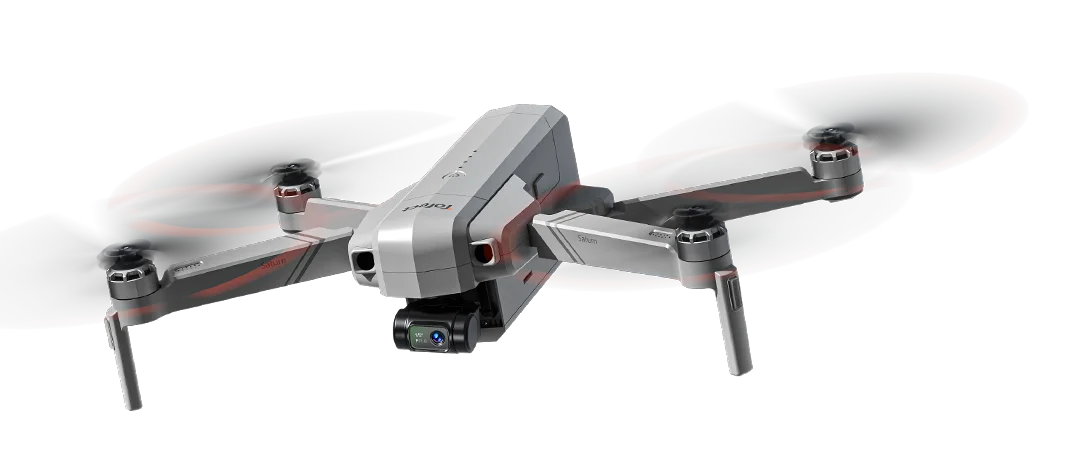
T60A Long-Range 4K Creator Drone

Model No.: T60A | Weight: 666g / 23.5oz

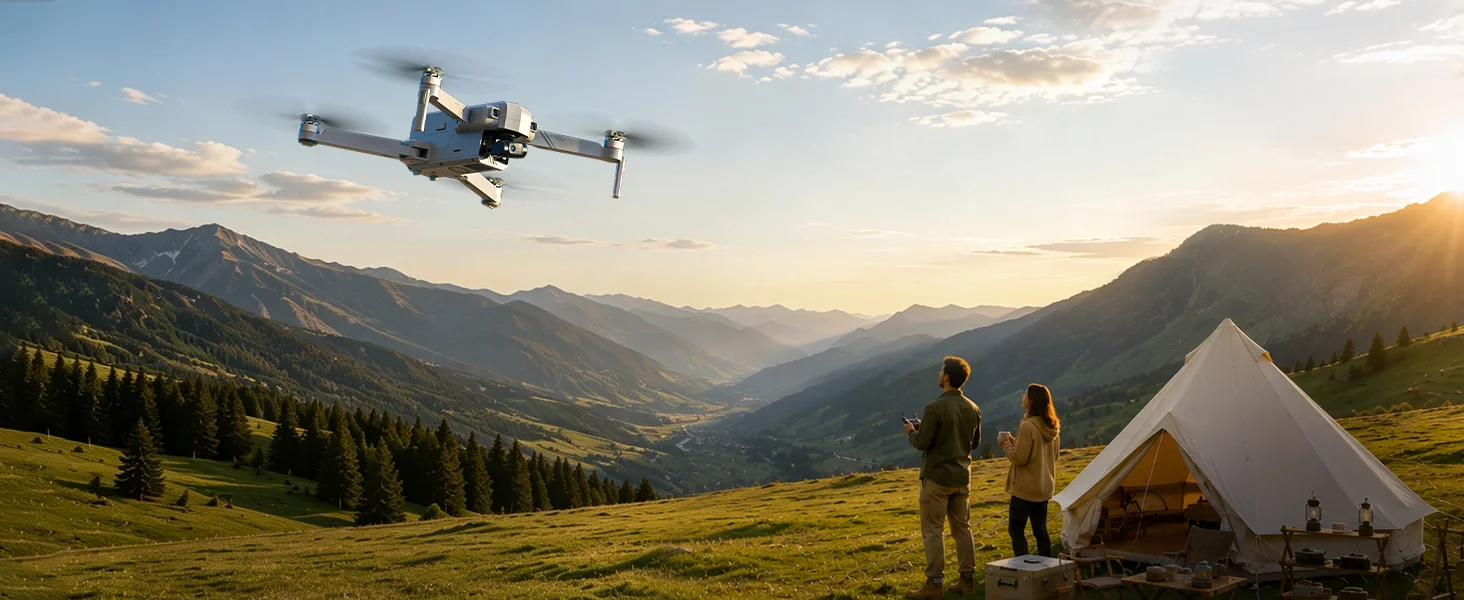
Built for solo travelers, outdoor storytellers, and experienced pilots who want longer flight time, wider connection range, and automatic cinematic camera movements without a second operator.

01

Sony 1/2" Sensor

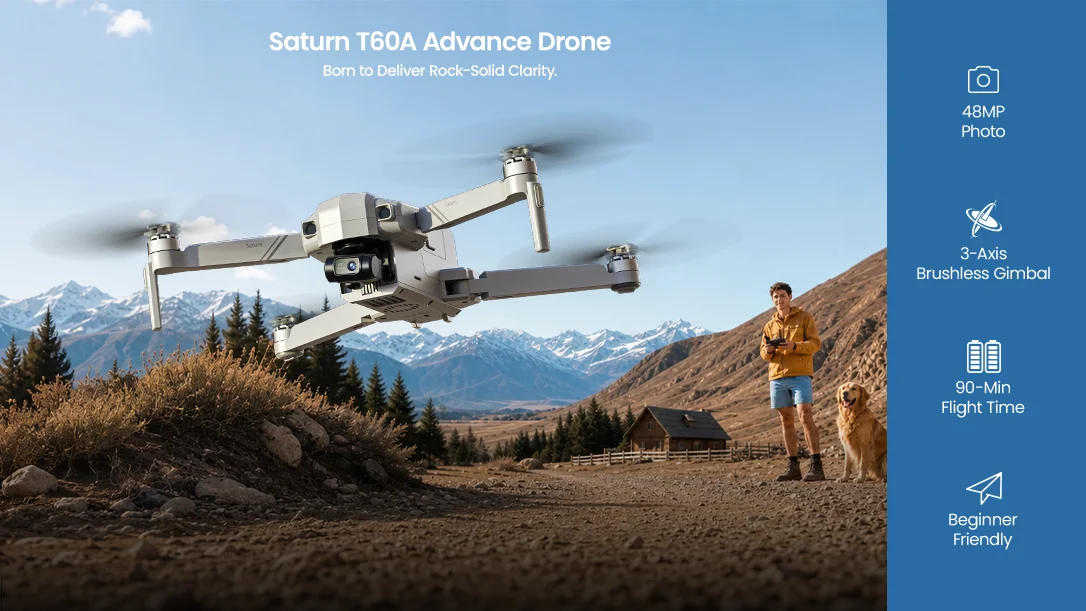
48MP photos and 4K/30fps TF-card recording.

02

10 km Transmission

Maximum outdoor range in open, unobstructed conditions.

03

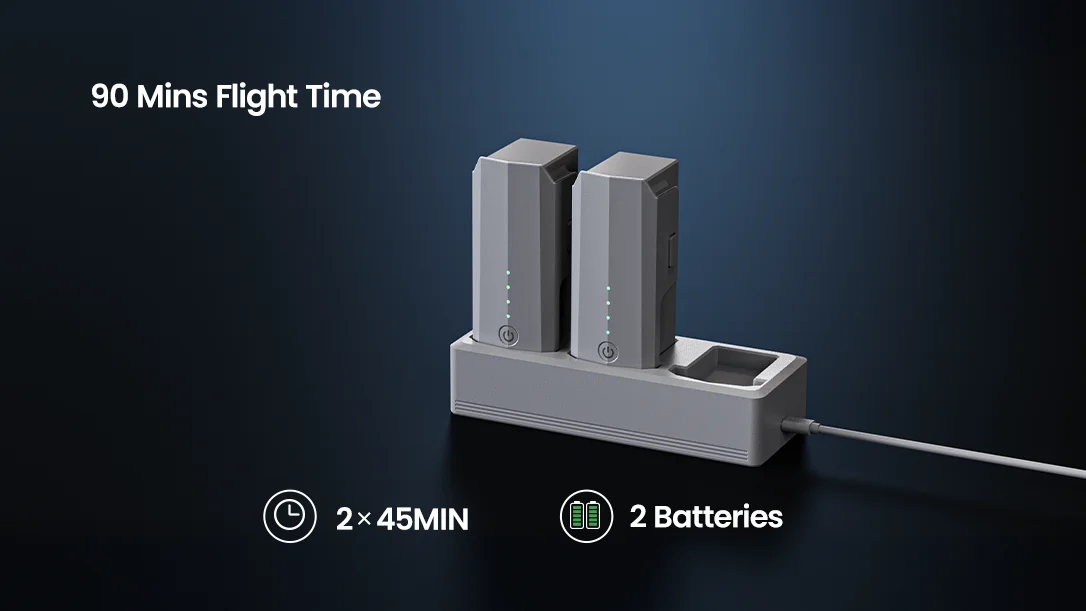
45 Minutes per Battery

Up to 90 minutes total with two batteries.

04

3-Axis Gimbal + EIS

Mechanical and electronic stabilization for smoother footage.
T60A.webp
T60A-SATURN.webp
T60A-stable-flight.webp
T60A-camera.webp
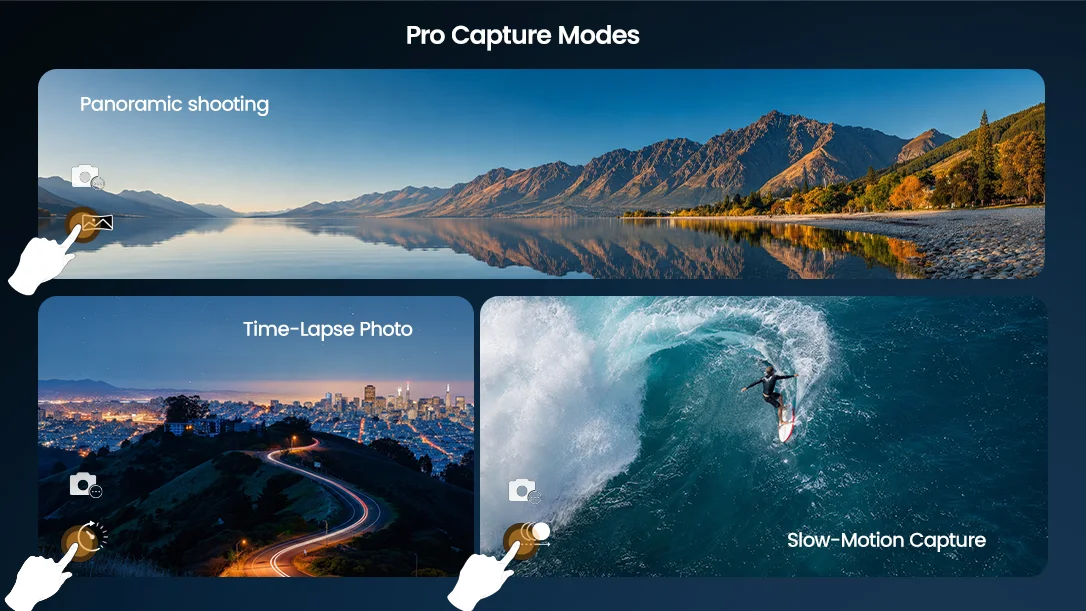
T60A-pro-capture-mode.webp
t60a-cinematic-shots.webp
T60A-10KM.webp
T60A-dual-batteries.webp
t60a-gps.webp
T60A-1.webp
Product Video

See T60A Create Beyond the Horizon

Show how T60A combines long flight time, stable 4K imaging, intelligent flight paths, and long-range connection in real outdoor creation.

Quick Answers

What Is T60A Built to Do?

Built for automatic filming, larger outdoor scenes, longer flights, and more flexible aerial creation.

01

Film Yourself Automatically

GPS Follow · Orbit
Preset Paths

02

Capture Bigger Landscapes

10 km Range · Open Landscapes
Wider Reach

03

Stay in the Air Longer

45 Min per Battery
Up to 90 Min Total

04

Create After Sunset

AI Night Mode
Low-Light Optimization
Evening Scenes
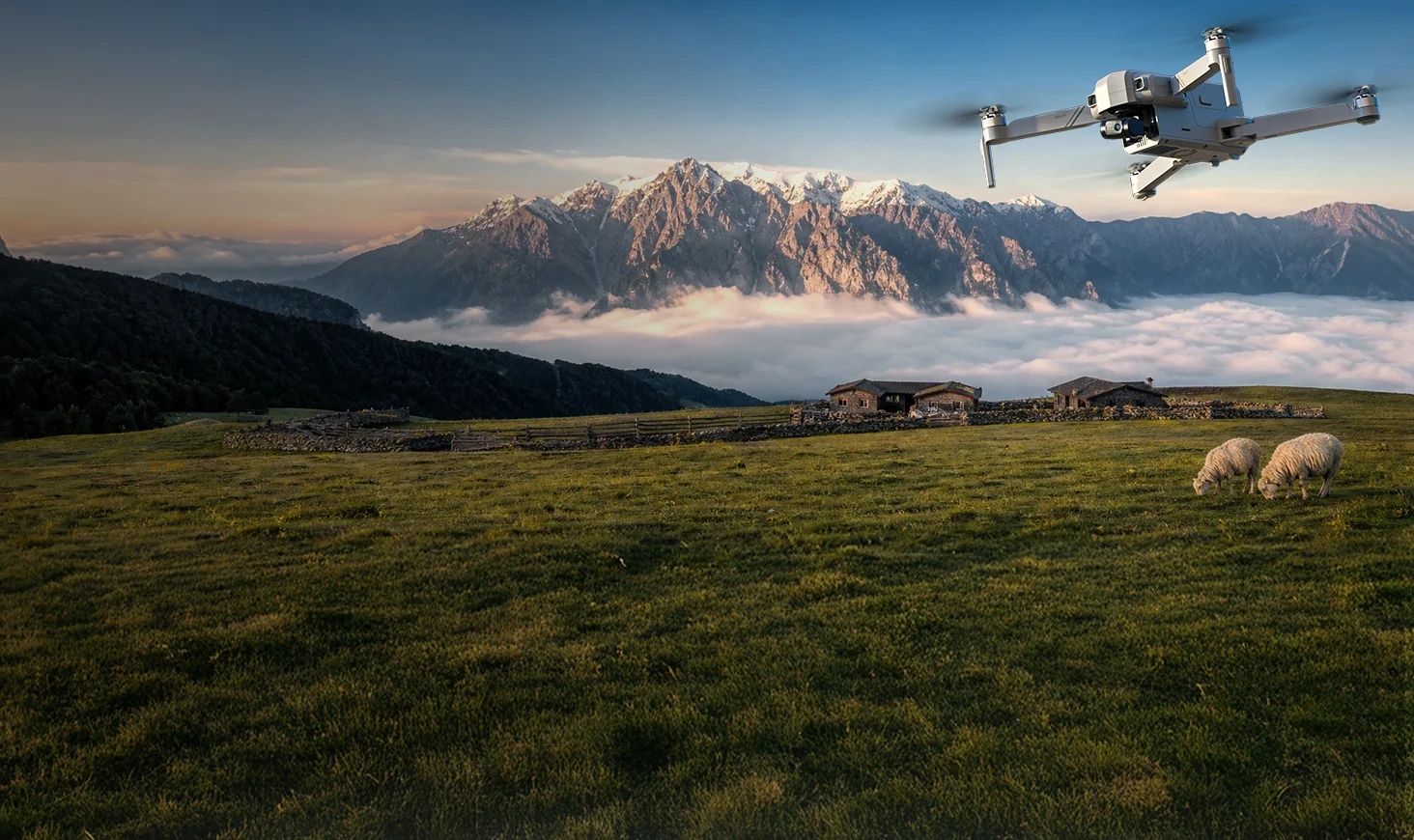
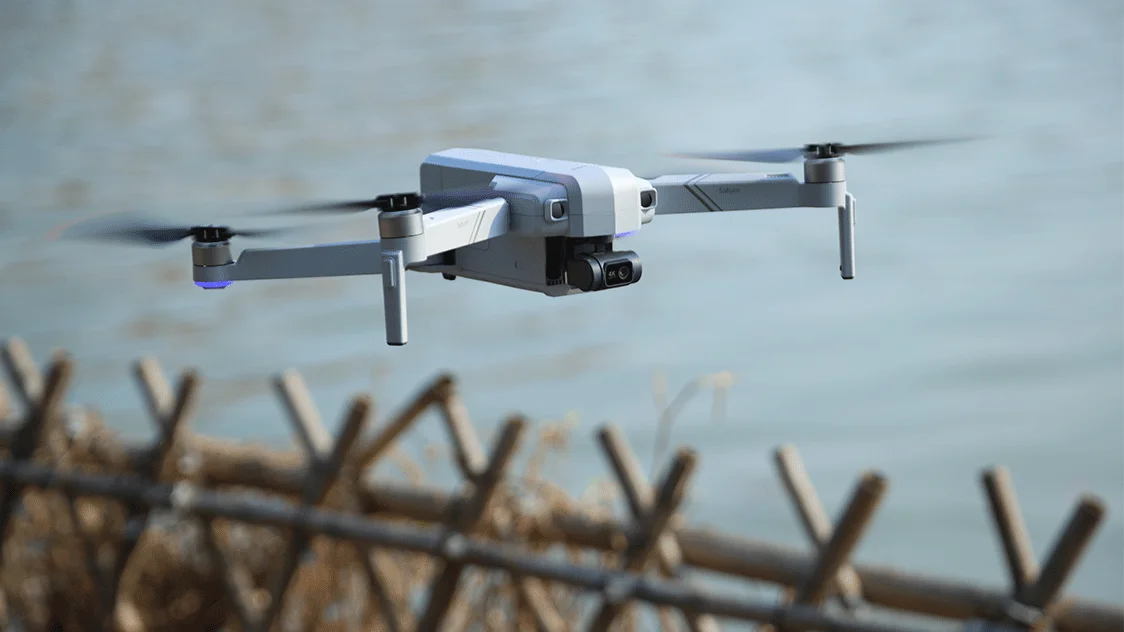
Saturn T60A flying over a mountain landscape

4K Aerial Imaging

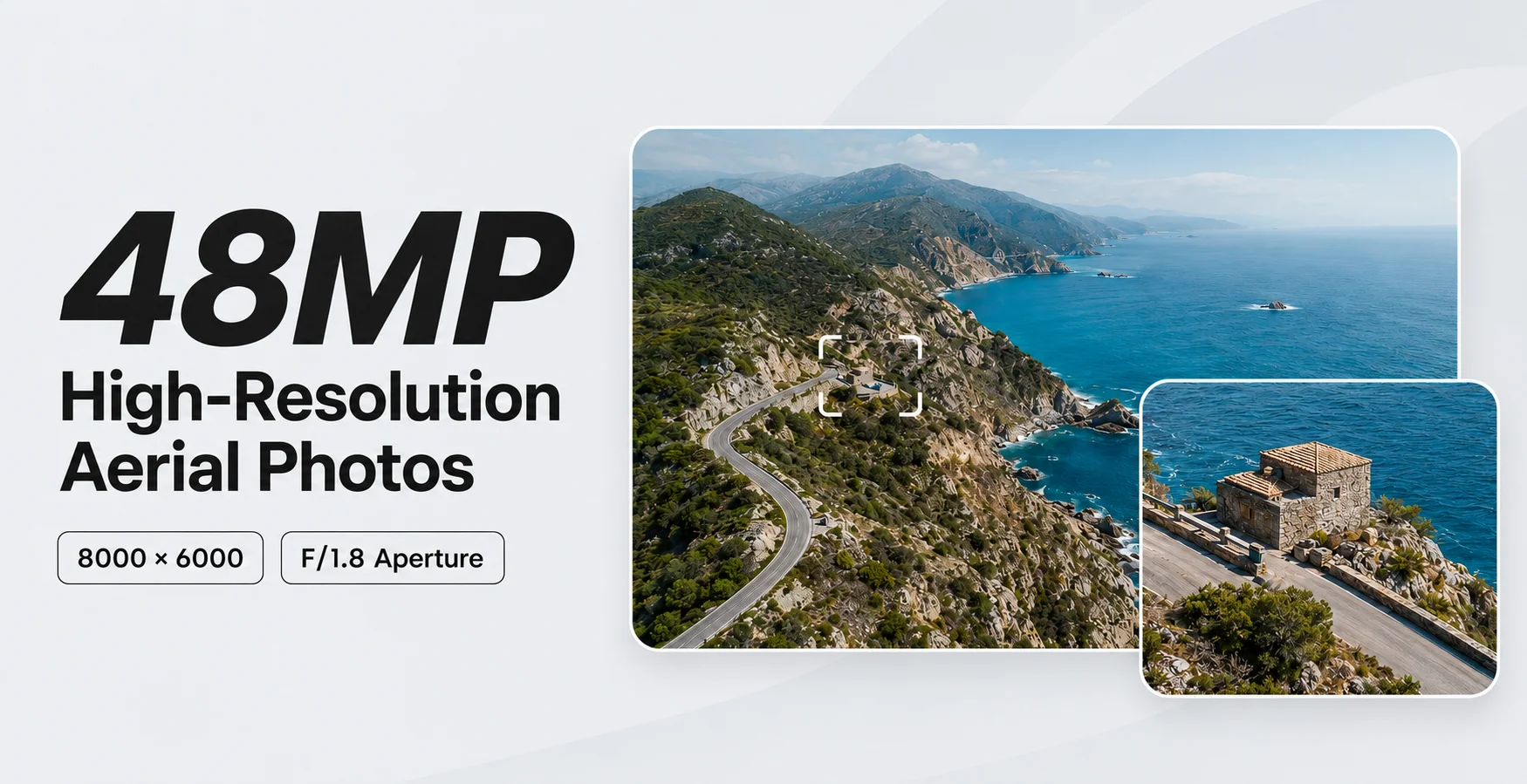
A Larger Sensor for Bigger Stories

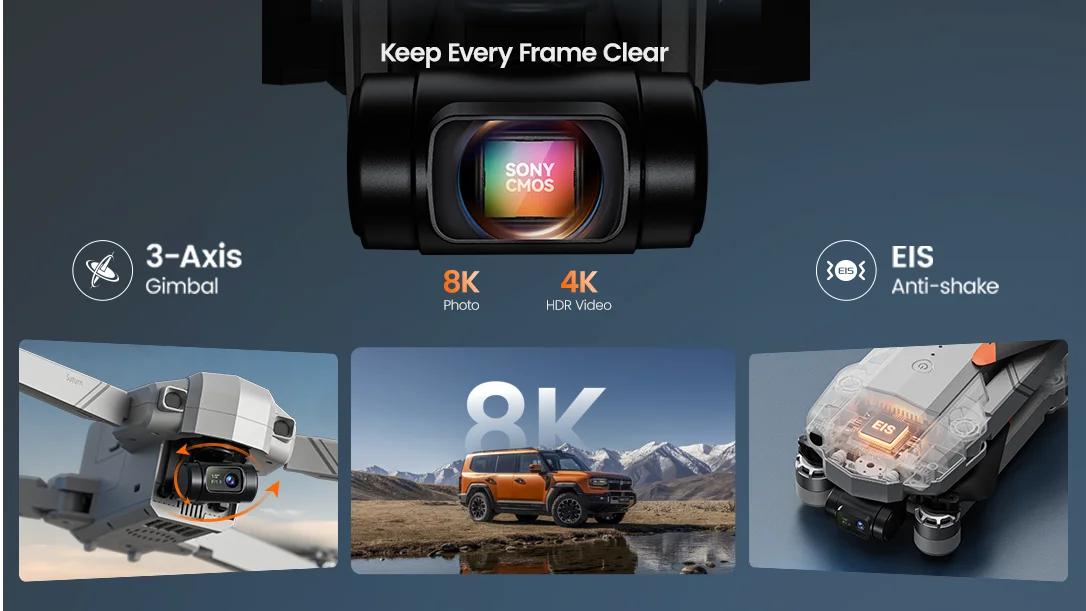
T60A combines a Sony 1/2-inch 48MP CMOS sensor, F/1.8 aperture, 4K/30fps recording, a 3-axis brushless gimbal, and EIS.
T60A-48MP.webp

3-Axis Mechanical Stabilization

Controls tilt, roll, and pan movements.

Electronic Image Stabilization

Provides additional footage refinement.

Camera Tilt Control

Adjusts the camera from approximately −80° to +15°.

Stable Smart Shots

The gimbal controls aircraft movement while EIS refines the recorded image.

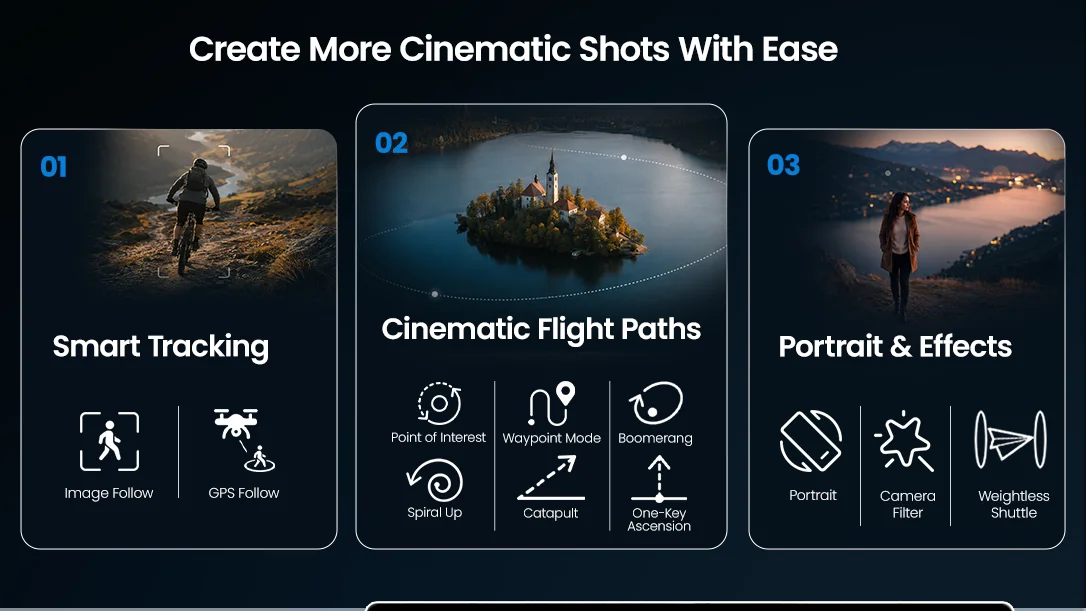
AUTOMATIC CINEMATIC FLIGHT PATHS

A Drone That Helps Film You Automatically

Choose a flight path in the Tofect FLY app and let T60A handle the movement while you focus on the scene.

WEIGHTLESS SHUTTLE

Add a Dynamic Rotating Move

Give a familiar scene a more energetic camera movement.

T60A performs a preset rotating flight movement while recording, helping create a more dynamic transition around the subject.

Best For

Outdoor portraits, travel moments, vehicles, and open viewpoints.

Use only in a clear area and check the complete flight path before starting.

SPIRAL UP

Rise While Circling

Add height, motion, and environmental scale in one shot.

T60A circles the subject while ascending, gradually revealing more of the surrounding landscape.

Best For

Campsites, landmarks, outdoor portraits, and landscape introductions.

Keep the full circular and vertical flight path free of obstacles.

WAYPOINT

Plan a Repeatable Route

Set route points in the app before the drone flies the path.

Select waypoints on the map and let T60A connect them into a planned route for more repeatable camera movement.

Best For

Open landscapes, property views, planned reveals, and establishing shots.

The actual route may vary. Maintain visual line of sight and active supervision.

POINT OF INTEREST

Keep the Subject at the Center

Create a smooth orbit while the background stays in motion.

Choose a point of interest and let T60A circle it while recording a continuous view around the subject.

Best For

Vehicles, cabins, landmarks, groups, and outdoor activity scenes.

Set a safe radius and keep the entire circular path unobstructed.

CATAPULT

Pull Back to Reveal More

Expand the scene with one automatic pull-away movement.

T60A moves backward and climbs while recording, revealing more of the landscape around the subject.

Best For

Travel arrivals, viewpoints, campsites, and wide outdoor reveals.

Check the path behind and above the aircraft before activating the shot.

ASCENSION

Reveal the Scene from Above

Add height and scale without manually controlling the climb.

T60A climbs vertically while recording, gradually revealing more of the environment around the subject.

Best For

Cliff edges, lakeside scenes, open fields, and property views.

Confirm clear space above the aircraft before activating the mode.

Long-Range HD Transmission

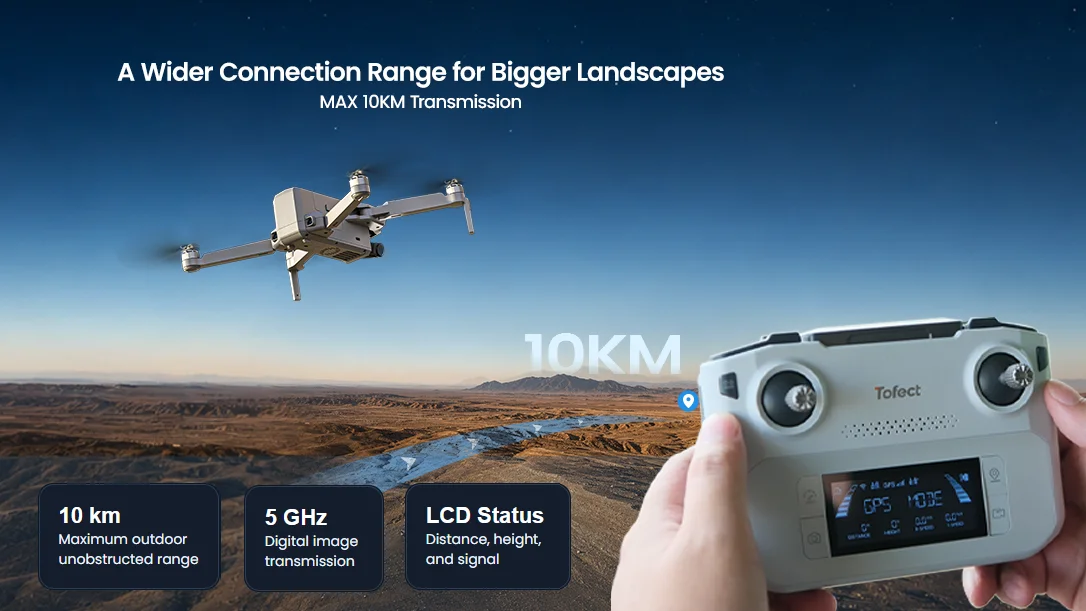
A Wider Connection Range for Bigger Landscapes

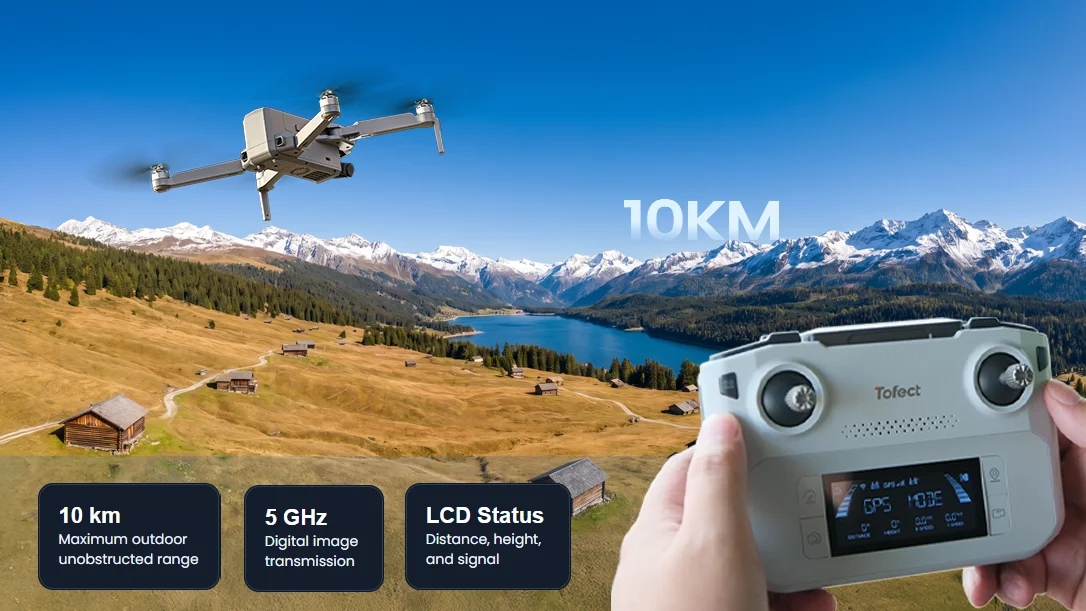
T60A supports transmission up to 10 km in an outdoor, unobstructed environment.
T60A-10KM-transmission.webp

A Wider Connection Range for Bigger Landscapes

T60A supports transmission up to 10 km in an outdoor, unobstructed environment, providing more connection headroom when filming open coastlines, fields, lakes, and mountain scenery.

10 km: Maximum outdoor unobstructed range

5 GHz: Digital image transmission

LCD Status: Distance, height, battery, and signal

Always follow local regulations, keep the drone within visual line of sight, and use long-range capability only where legally permitted.

BATTERY POWER & CARE

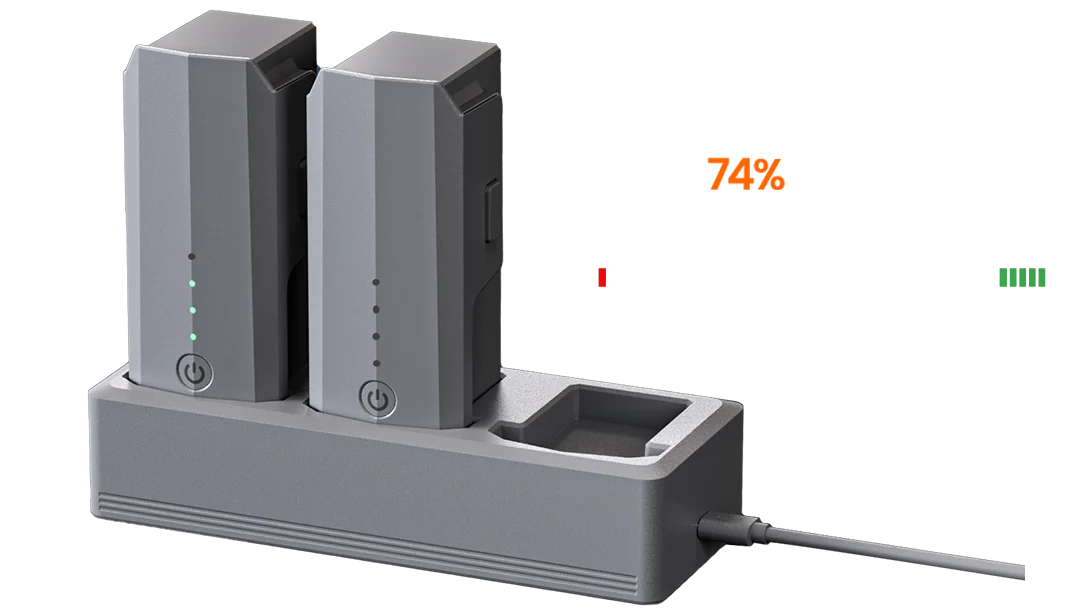
Smarter Battery System.

A smarter way to charge, protect, and manage.

UP TO
90
MINUTES

Total Flight Time

t60a-bm-icon-45min.webp 45 Min Per Battery
t60a-bm-icon-3slots.webp 3 Slots Sequential Hub
Up-to-60W-Type-C.webp Up to 60W USB-C PD Input
One-battery-at-a-time-1 (2).webp
One battery at a time

Approx. 80 min per battery.*

One-battery-at-a-time-2-拷贝.webp

*Approx. 80 min per battery with a suitable 60W adapter. Flight time varies by conditions.
Built for Modern Content

Daylight, Low Light, and Vertical Stories

Capture the same location in multiple formats before leaving, with shooting tools built for travel content and outdoor storytelling.

01

AI Night Mode

Optimize low-light aerial footage without presenting the camera as infrared night vision.

02

Portrait Shooting

Create mobile-first aerial content for travel stories, Reels, and Shorts.

03

Time-Lapse

Compress changing clouds, coastlines, and outdoor movement into a faster visual story.

04

Panorama

Let the drone rotate in place and generate a wider image of an open outdoor environment.
t60a-for-outdoor-storytelling.webp

Flight Confidence

Positioning Support from Takeoff to Return

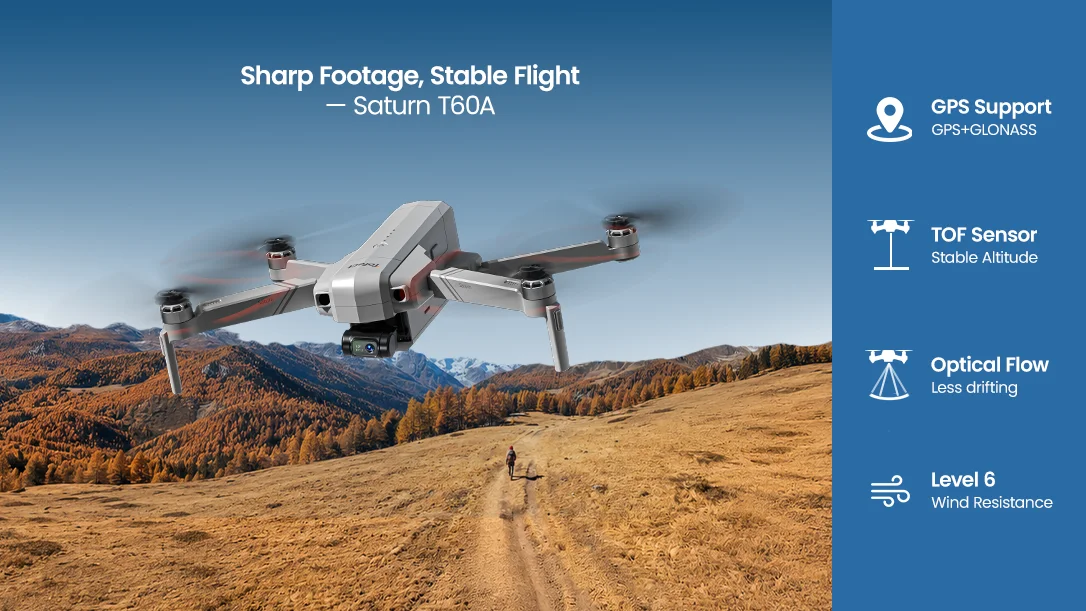
GPS and GLONASS support outdoor positioning, while optical flow, TOF, and altitude hold assist with low-altitude stability when conditions are suitable.

Outdoor GPS Flight

More Information Where the Pilot Needs It

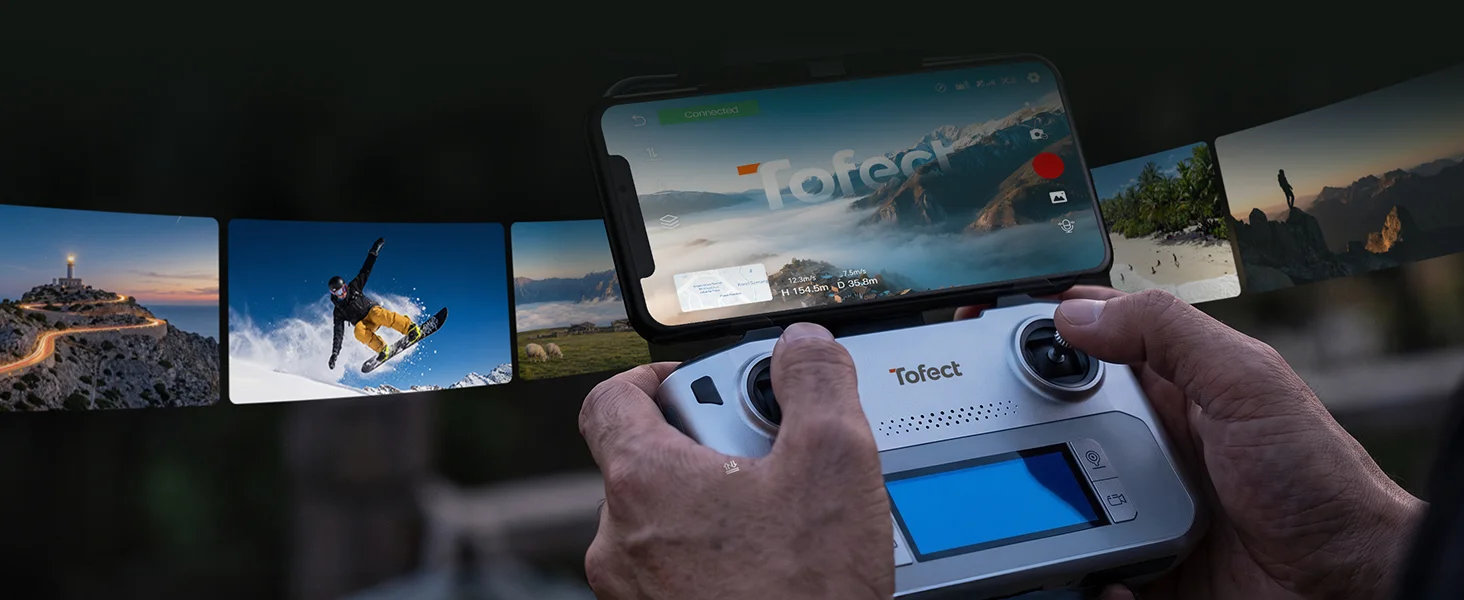
The RC244A transmitter displays flight distance, height, horizontal speed, vertical speed, battery levels, GPS status, and signal strength on its LCD screen.

A wired phone connection supports access to the live view and Tofect FLY app without relying on a direct phone-to-drone Wi-Fi connection.

GPS + GLONASS

Supports home-point recording, outdoor hovering, and GPS flight modes.

Optical Flow + TOF

Assists low-altitude stability over bright, textured, non-reflective surfaces.

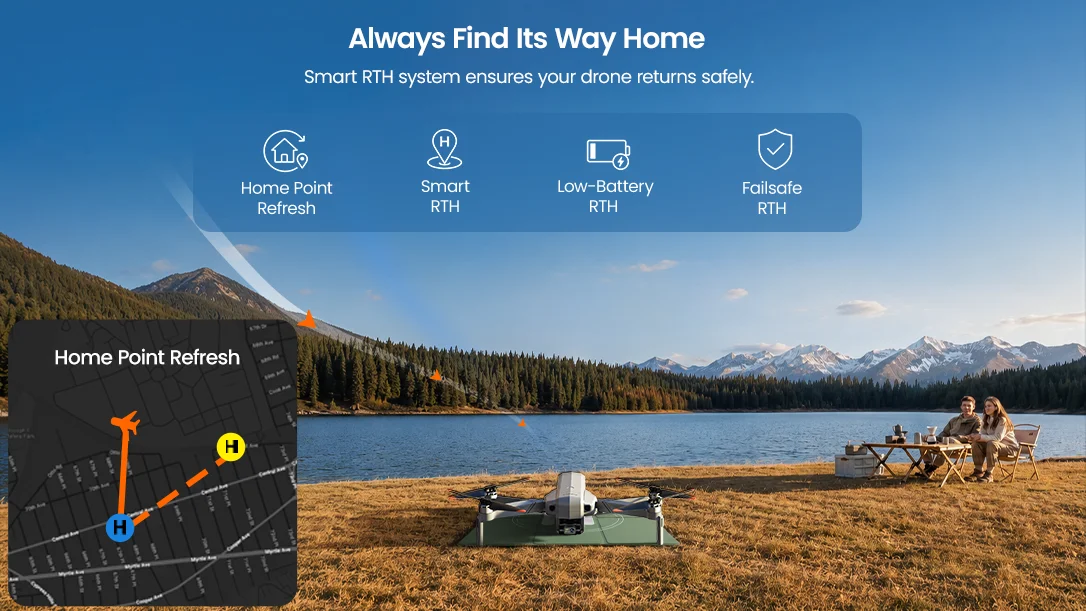
Multiple RTH Scenarios

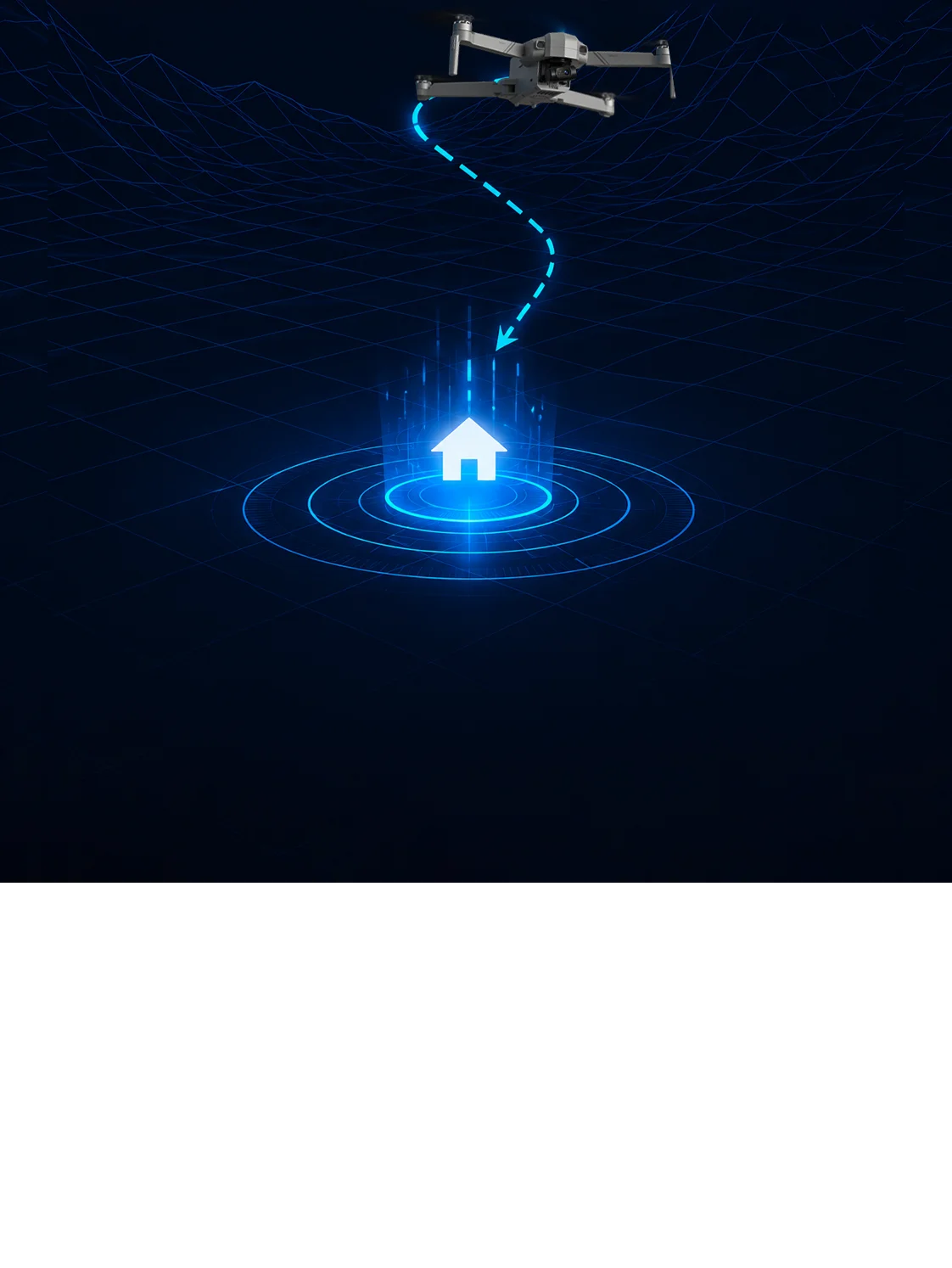
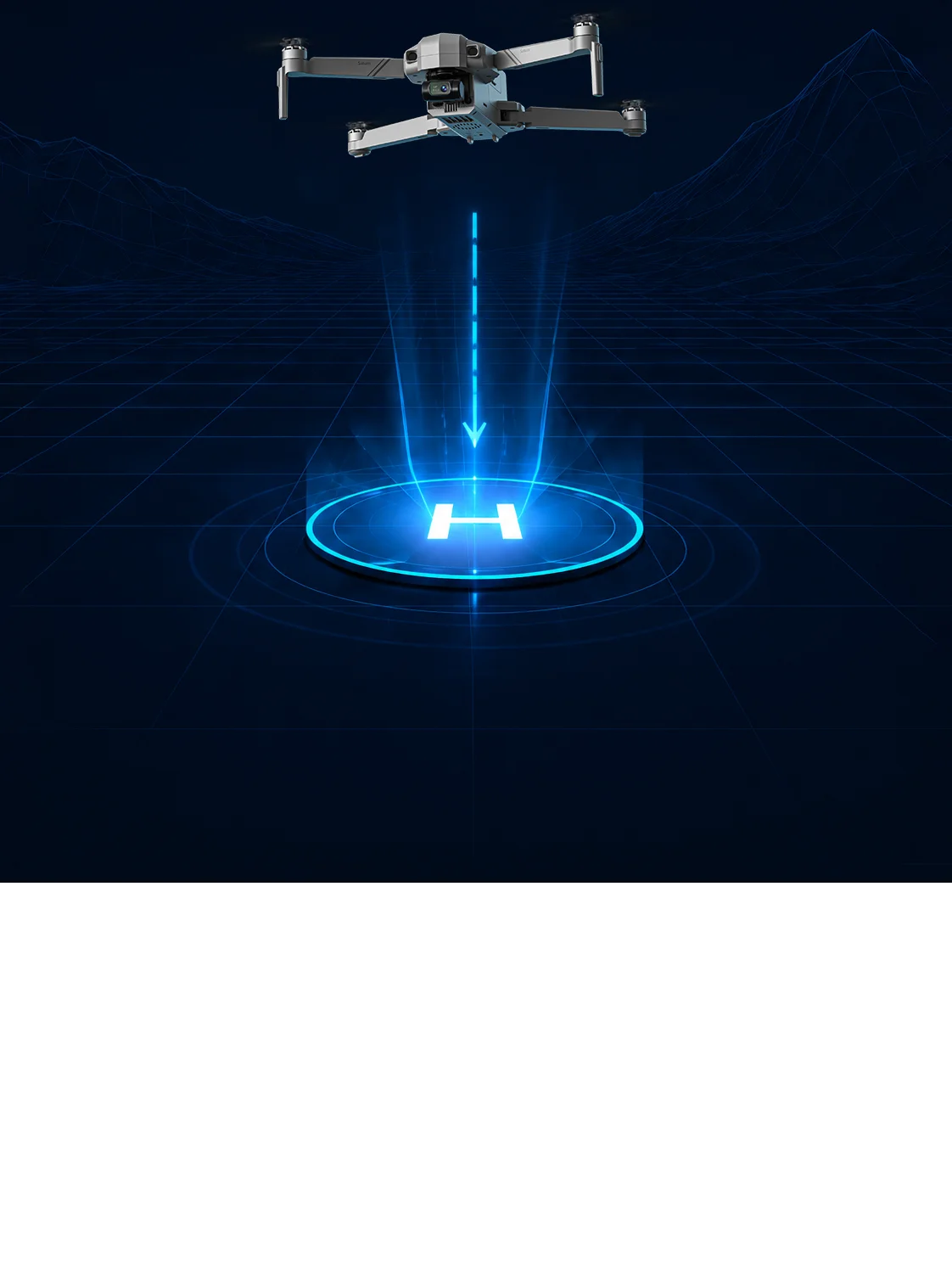
Includes Smart RTH, signal-loss return, and low-voltage return support.

No Obstacle Avoidance

Keep every manual and automatic flight path clear and actively supervised.

T60A SATURN

Put Your Next Story in Orbit

Fly longer, frame wider landscapes, and create cinematic outdoor footage with intelligent flight paths and stable 4K imaging.

01 Imaging &
Stabilization
3-Axis
Gimbal
8K 8K UHD
Photo
EIS
Anti-Shake
AI
Night Mode
02 Range, Flight
Time & Power
10 km
Transmission
45 Min per
Battery
90 Min
Total
3-Slot Hub
Up to 60W
03 Smart
Shooting
Panorama
Shooting
Time-Lapse
Weightless
Shuttle
Portrait
Shooting
04 Return & Flight
Confidence
Home Point
Refresh
Smart
RTH
Low-Battery
RTH
Failsafe
RTH

T60A Real Shots

T60A Pro real aerial shot sample 1
T60A Pro real aerial shot sample 2
T60A Pro real aerial shot sample 3
T60A Pro real aerial shot sample 4
T60A Pro real aerial shot sample 5
T60A Pro real aerial shot sample 6
T60A, From Big Landscapes to One-Tap Stories SPECS

DRONE

Model:
T60A
Weight:
666g / 23.5oz
Dimensions (Folded):
196 × 110 × 78mm
Dimensions (Unfolded):
409 × 473 × 78mm
Max Flight Time:
45 minutes per battery (in a windless environment)
Max Flight Height:
394ft / 120m
Max Wind Speed Resistance:
7.9m/s
Max Takeoff Altitude:
9842ft / 3000m
Operating Temperature Range:
32°F to 104°F (0°C to 40°C)

DRONE BATTERY

Model:
DS 7544128-3S
Capacity:
3500mAh
Voltage:
11.1V
Rated Power:
38.85Wh
Charging Time:
About 80 minutes
Battery Type:
Lithium-ion Polymer Battery
Charging Temperature Range:
41°F to 104°F (5°C to 40°C)

TRANSMITTER

Operating Frequency:
5745–5825MHz
Max Flight Distance:
32808ft / 10000m (outdoor and unobstructed)
Charging Time:
About 2 hours
Usage Time:
About 2.5 hours
Operating Temperature Range:
32°F to 104°F (0°C to 40°C)
Battery:
7.4V 1100mAh Lithium-ion Polymer Battery

GIMBAL

Stabilization:
3-axis (tilt, roll, pan)
Controllable Range:
About -80° to 15°
Mechanical Range:
Tilt -100° to +70°; Roll -35° to +35°; Pan -15° to +15°

CAMERA

Operating Frequency:
5745–5825MHz
Max Transmission Distance:
32808ft / 10000m (outdoor and unobstructed)
Photo Resolution:
8000 × 6000P (stored on TF card)
3840 × 2160P (stored on cellphone)
Video Resolution:
3840 × 2160P@30fps (stored on TF card)
1280 × 720P@30fps (stored on cellphone)
Photo Format:
JPEG
Video Format:
MP4
Supported TF Cards:
Up to 256GB (Class 10 or above)
Supported File System:
FAT32
T60A, From Big Landscapes to One-Tap Stories IN THE BOX
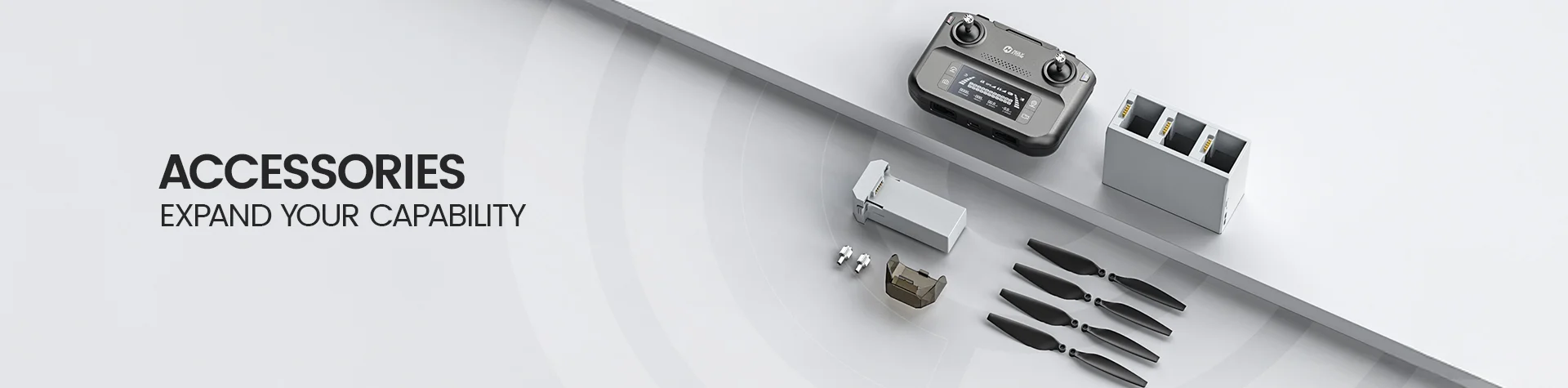
T60A-package-content.webp

*Accessories configuration may vary depending on the purchase channel. Please refer to the actual product package on the purchasing platform for final confirmation.*

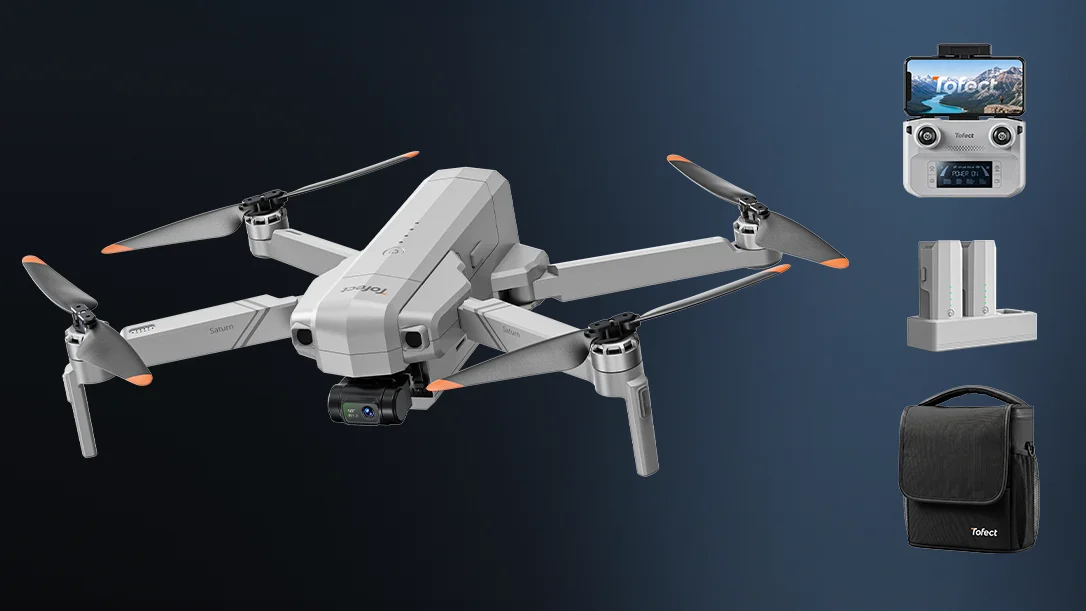
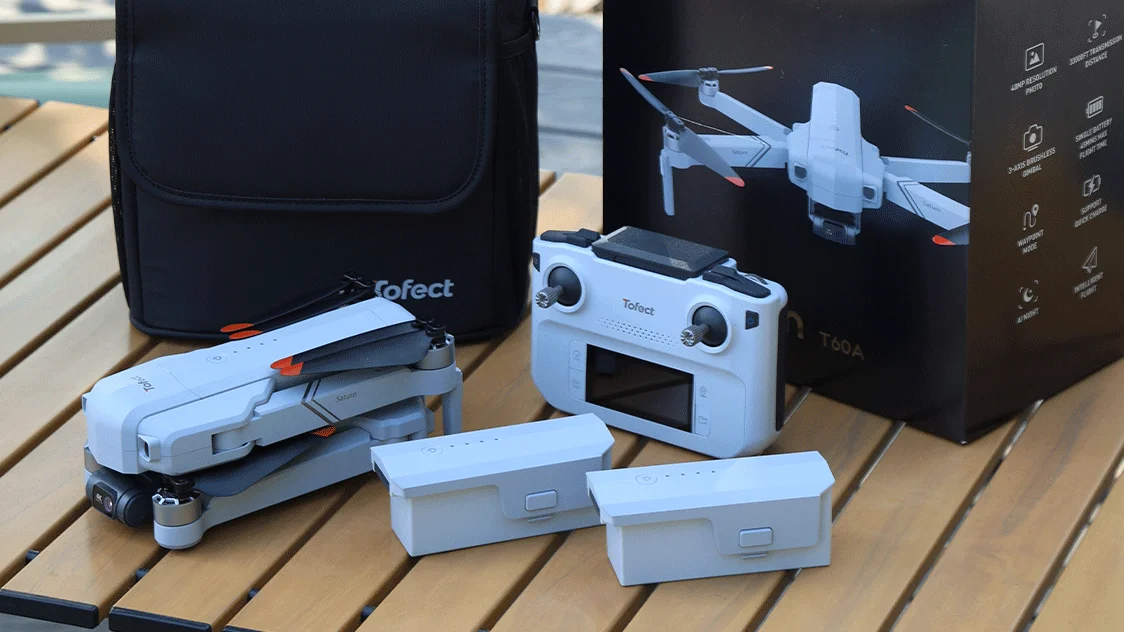
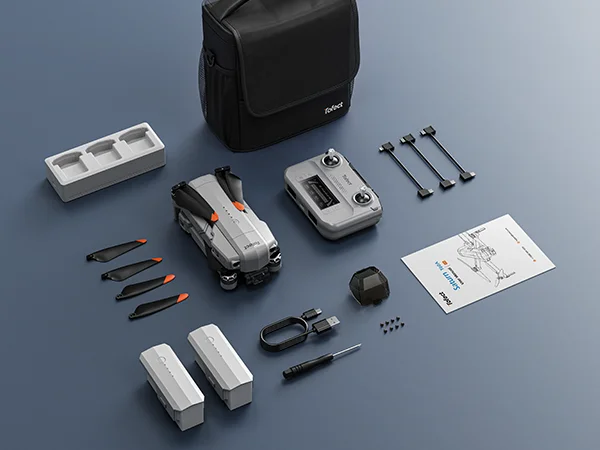
Package Content

  • 1× T60A Drone

  • 1× Transmitter

  • 2× Drone Battery

  • 1× Battery Charging Hub

  • 4× Propellers

  • 1× Gimbal Cover

  • 1× Type-C Connection Cable

  • 1× Lightning Connection Cable

  • 1× Micro-USB Connection Cable

  • 1× Charging Cable

  • 1× Screwdriver

  • 8× Spare Screws

  • 1× User Manual

  • 1× Carrying Bag

T60A, From Big Landscapes to One-Tap Stories DOWNLOAD

Tofect FLY App

Flight Control & Live View

Download the Tofect FLY app for flight control, live view, camera settings, and intelligent flight features.

*App functions and interface may vary by software version. Actual experience is based on the installed version.*

Tutorial & User Manual

Setup, Safety & Flight Guide

Watch the T60A tutorial video, then download the official manual for setup instructions, safe operation, and troubleshooting.

T60A, From Big Landscapes to One-Tap Stories FAQ

Buying Decision

Who is T60A best for?

T60A is best for adults, upgrading pilots, outdoor aerial photographers, and travel creators who prioritize camera capability, long-range transmission, and longer flight time.

Its 666g body is designed for performance-focused outdoor use. It may not suit buyers whose first priority is an ultra-lightweight travel drone.

Is T60A suitable for beginners?

Yes, a careful beginner can learn with T60A using GPS-assisted flight, Return-to-Home, Optical Flow, TOF positioning, and the Tofect FLY app.

Because it is a 666g performance-oriented camera drone, first-time pilots should read the manual, watch the tutorial, practice in a wide open area, and wait for a strong GPS signal before takeoff.

Is T60A a professional cinema drone?

No. T60A is a long-range 4K creator drone for travel and outdoor content, not a professional cinema platform.

It combines 48MP photos, 4K/30fps TF-card video, a 3-axis gimbal, EIS, and intelligent shooting modes for capable everyday aerial creation.

Camera & Creative Features

What photo and video quality does T60A support?

When saved to a TF card, T60A supports photos up to 8000 × 6000P and video up to 3840 × 2160P at 30fps.

Files saved to the cellphone support 3840 × 2160P photos and 1280 × 720P at 30fps video. Photo format is JPEG and video format is MP4.

Does T60A have a 3-axis gimbal?

Yes. T60A uses a 3-axis gimbal for tilt, roll, and pan stabilization.

The controllable tilt range is approximately -80° to 15°. Upward tilt must be enabled in the Tofect FLY app.

What intelligent shooting features does T60A offer?

T60A supports GPS Follow, image tracking, TapFly, Point of Interest, Cruise Control, gesture capture, panorama, vertical shooting, time-lapse, slow motion, and one-tap cinematic flight paths.

Feature availability and interface details may vary with the installed Tofect FLY app version.

What TF card does T60A support?

T60A supports a TF card with a capacity of up to 256GB, Class 10 or above, using the FAT32 file system.

The TF card is not included. Insert it before powering on the drone when you want to save full-resolution photos and 4K video.

Flight Performance

How long can T60A fly?

Each T60A battery provides up to 45 minutes of flight time in a windless environment. The two-battery package provides up to 90 minutes of total flight time.

Actual flight time varies with wind, speed, temperature, camera use, flight style, and battery condition.

How far can T60A fly?

T60A supports a maximum flight and transmission distance of 32808ft / 10000m in an outdoor, open, and unobstructed environment.

The stated distance is measured under ideal conditions, not a recommended everyday operating distance. Maintain visual line of sight and follow local flight rules.

How much does T60A weigh?

T60A weighs 666g / 23.5oz.

Drone registration and operating requirements vary by country or region. Check the rules that apply where you plan to fly.

Does T60A have obstacle avoidance?

No. T60A does not include obstacle avoidance.

Optical Flow and TOF assist with low-altitude positioning; they do not detect and avoid obstacles. Keep a clear flight path during normal flight, tracking, cinematic modes, and Return-to-Home.

First Flight Setup

What should I do before the first T60A flight?

Fully charge the batteries, remove the gimbal cover, unfold the drone, inspect the propellers, install the battery securely, and insert a compatible TF card if required.

Connect the cellphone to the transmitter with the correct cable, open Tofect FLY, complete compass calibration, place the drone on a flat surface, and wait for a strong GPS signal.

Do I need to calibrate the compass before flying?

The manual recommends compass calibration before each flight.

Calibrate in an open area away from buildings, vehicles, metal structures, power lines, signal towers, and other magnetic interference.

Why should I wait for GPS before takeoff?

A strong GPS signal lets T60A record its Home Point and enables GPS-assisted positioning and Return-to-Home.

GPS mode is intended for outdoor use. If the signal is weak, move to a wider open area and wait rather than rushing takeoff.

Troubleshooting

Why can’t the T60A gimbal be adjusted?

Make sure the gimbal cover was removed before power-on and place the drone on a level, firm surface with enough clearance below the gimbal.

The gimbal does not operate during compass calibration. After calibration, return the drone to a level surface and wait for the gimbal to stabilize and re-center.

Why is T60A flying unstably or holding an abnormal posture?

Possible causes include unstable GPS, compass interference, nearby buildings or signal sources, and bent or deformed propellers.

Land immediately, move to an open area, recalibrate the compass, and replace any damaged propellers before flying again.

Why is the live video feed lagging or the range limited?

Interference, obstacles, incorrect transmitter orientation, rapid control inputs, or limited phone performance can reduce transmission quality.

Fly in an open area, keep the transmitter and phone facing the drone, use gentle joystick movements, and close unused background apps.

Why can’t the Tofect FLY app connect?

Use the correct Type-C, Lightning, or Micro-USB connection cable between the phone and transmitter, then open Tofect FLY after the devices are powered on.

On Android, select “charge only” if the phone asks you to choose a connection mode. Other USB modes may cause the connection to fail.

Why does T60A automatically return to the Home Point?

Return-to-Home may be triggered manually, by a lost transmitter connection, or by a low flight battery when the required GPS conditions are met.

RTH does not avoid obstacles. Confirm the Home Point, set a safe return altitude, keep the return path clear, and land promptly when battery power is low.