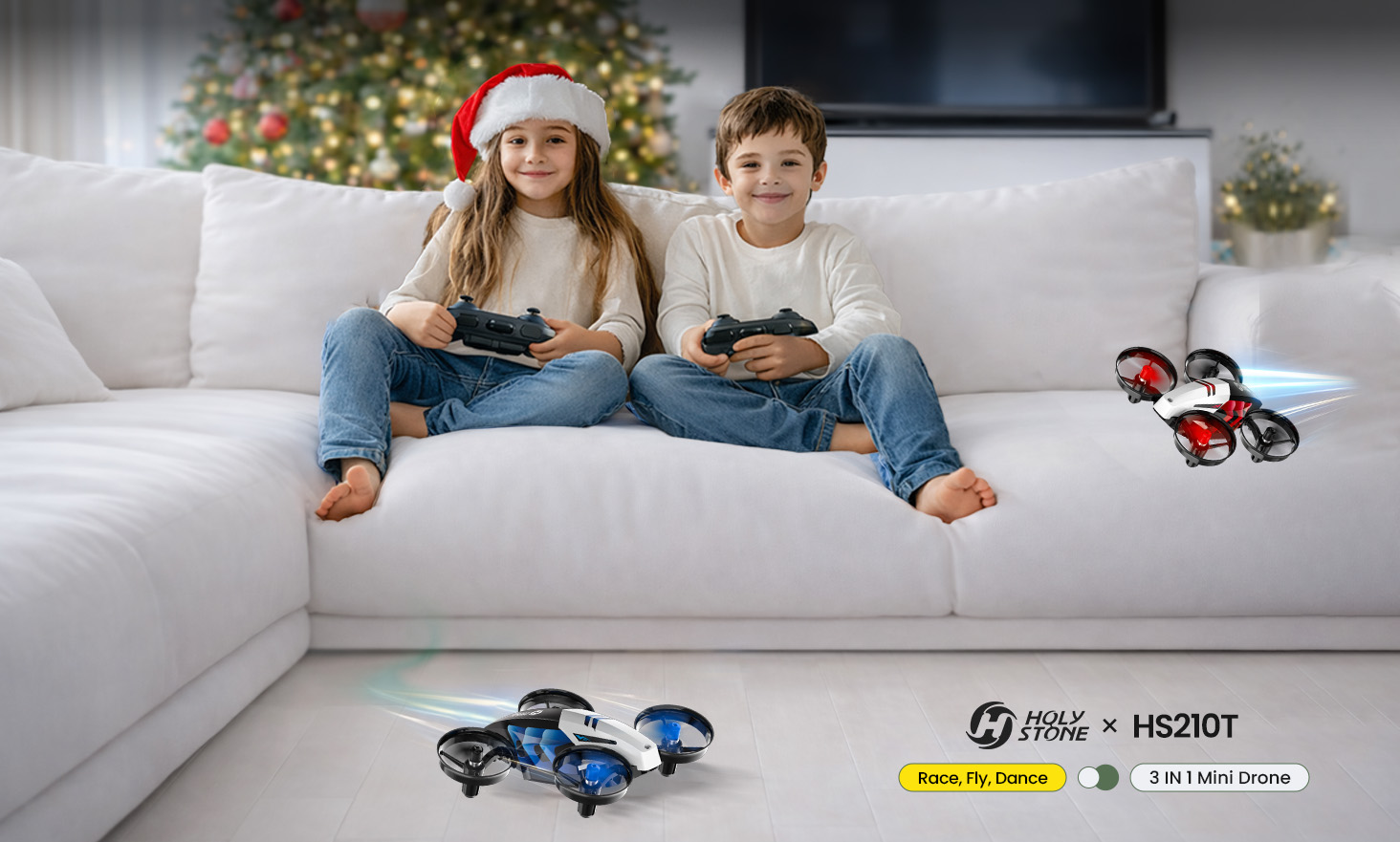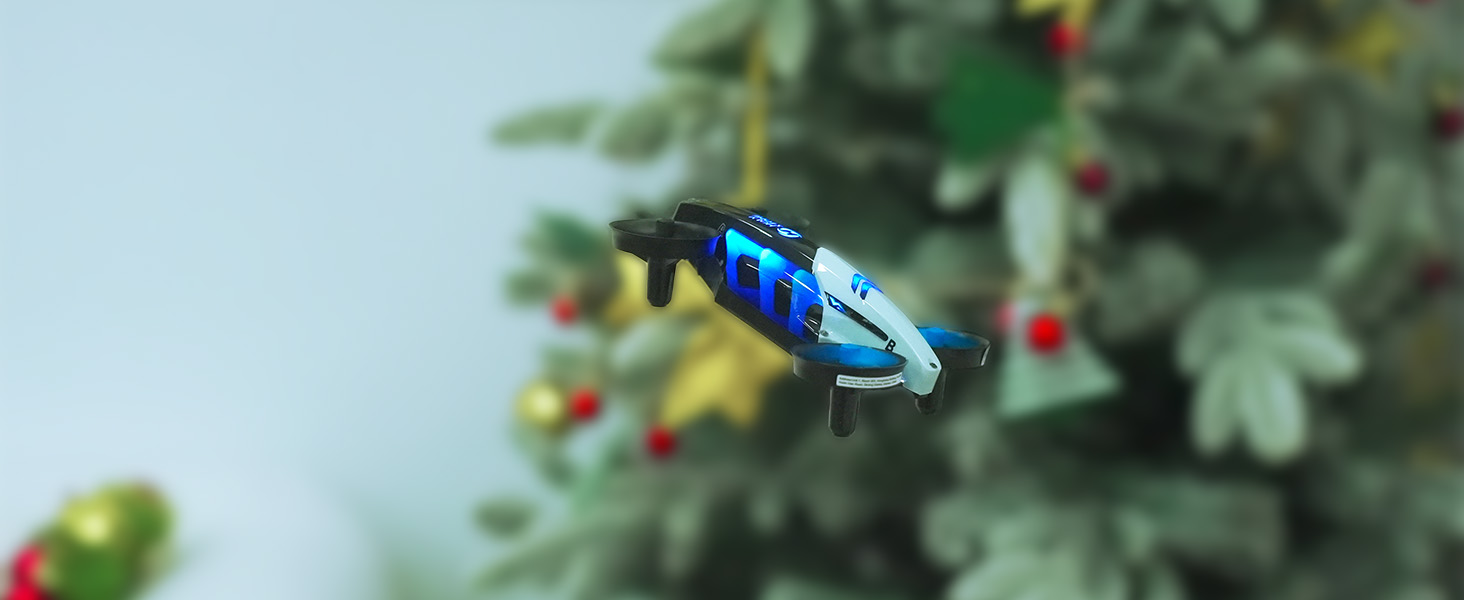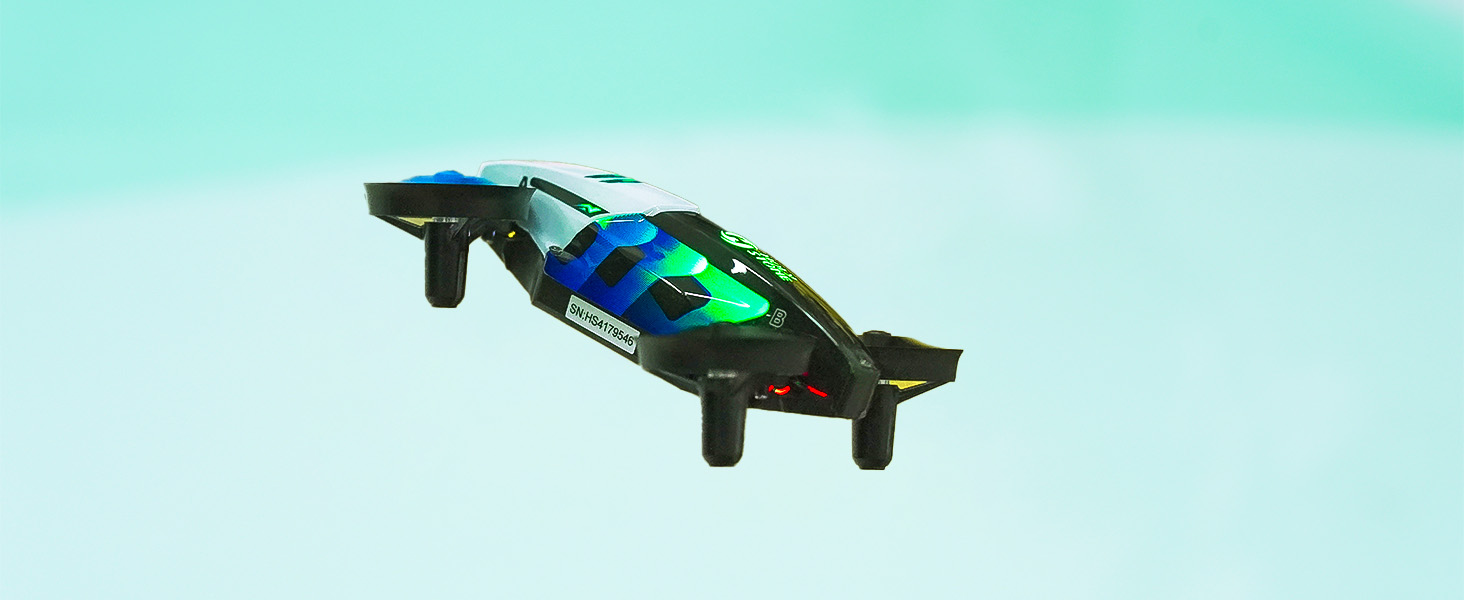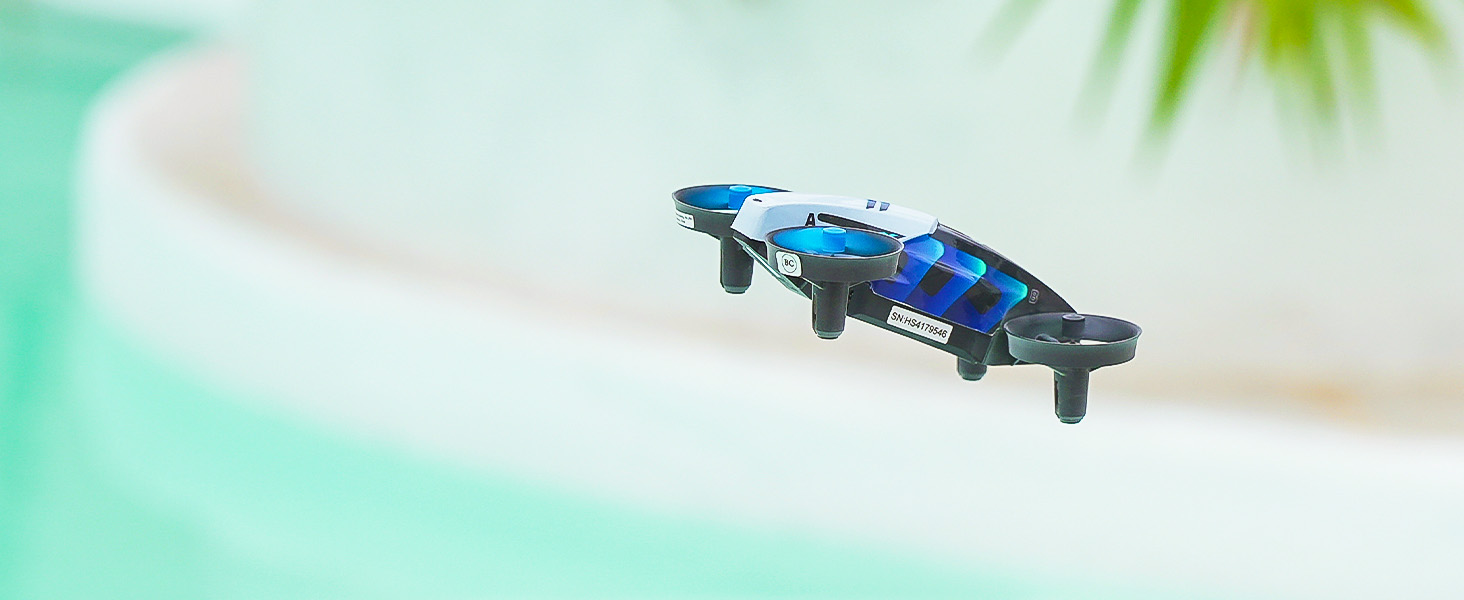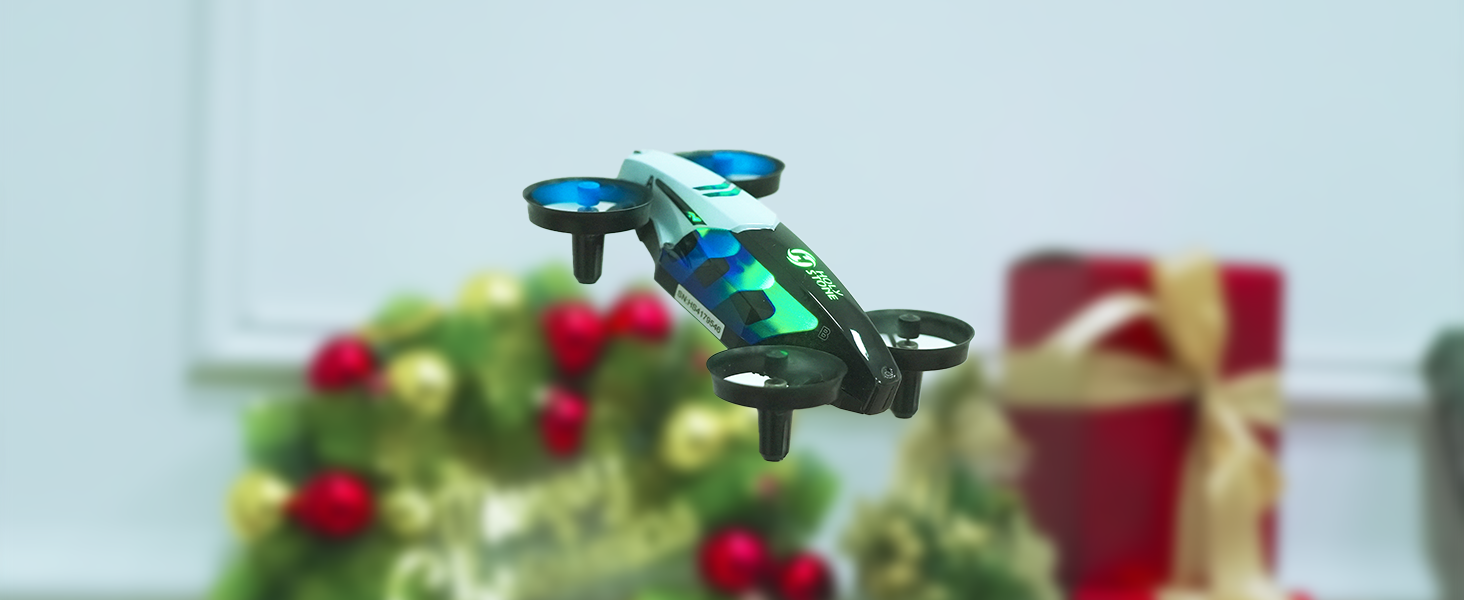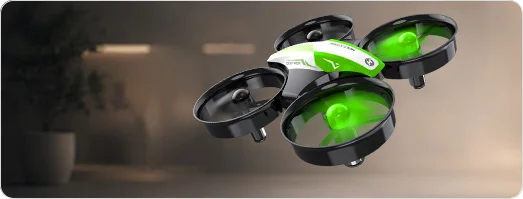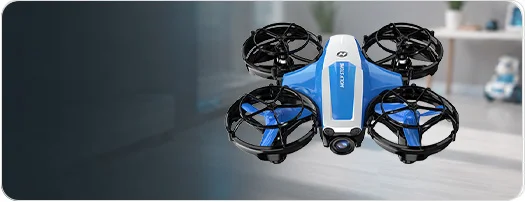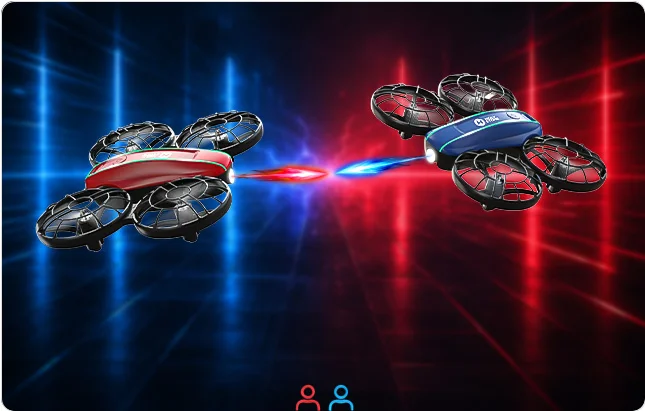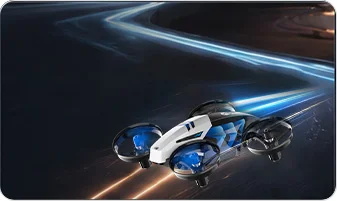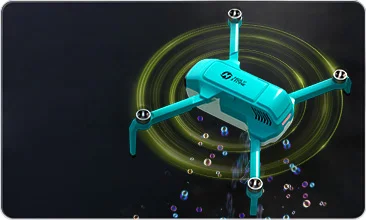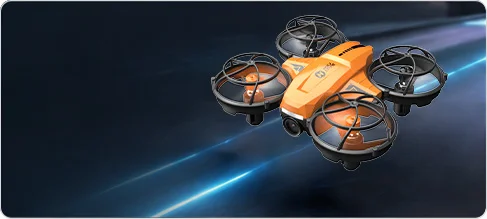
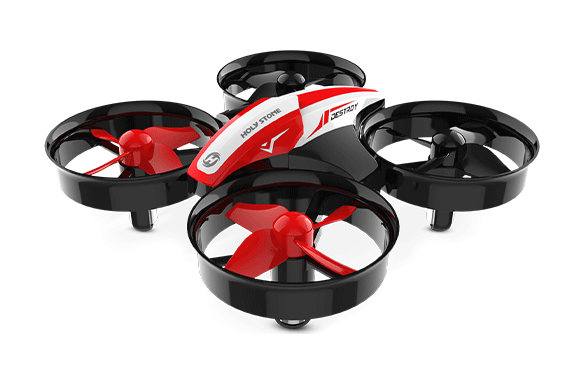
HS210T Race, Fly, Dance — Turn Any Room into a Playground.
HS210T Race, Fly, Dance 3 IN 1 Mini Drone.jpg


HS210T — Race. Fly. Dance.

HS210T| The 3-in-1 Indoor Mini Drone

Not just a mini drone — but three ways to play.
Race on the ground, fly in the air, and dance in brilliant LED lights.
Designed for kids, built for safe indoor excitement, and fun for the whole family.


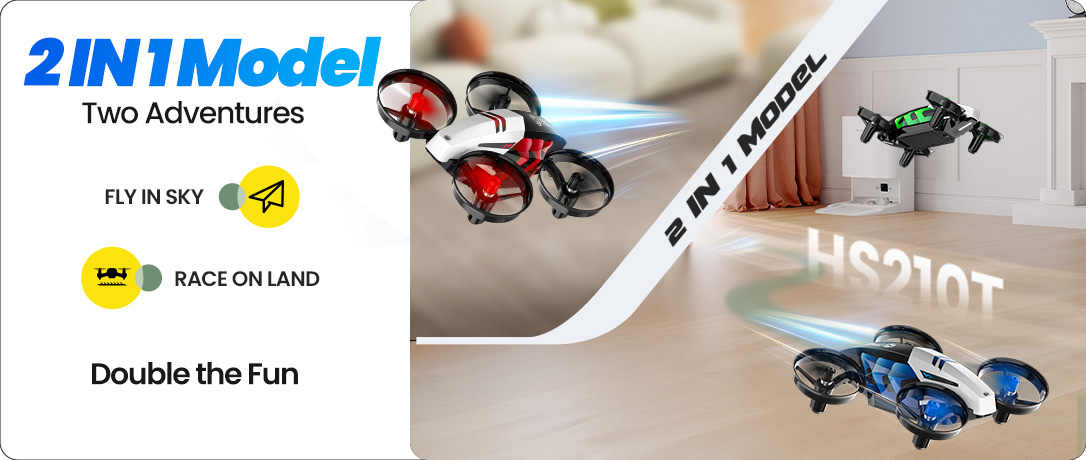
2-in-1 Modes: Land & Sky
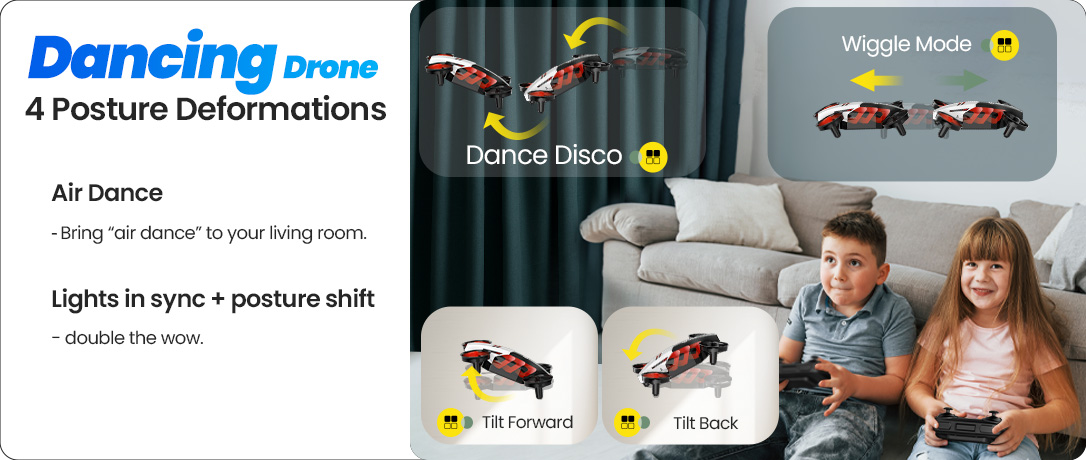
Dance-Like Posture Moves
HS210T 1086X460.png
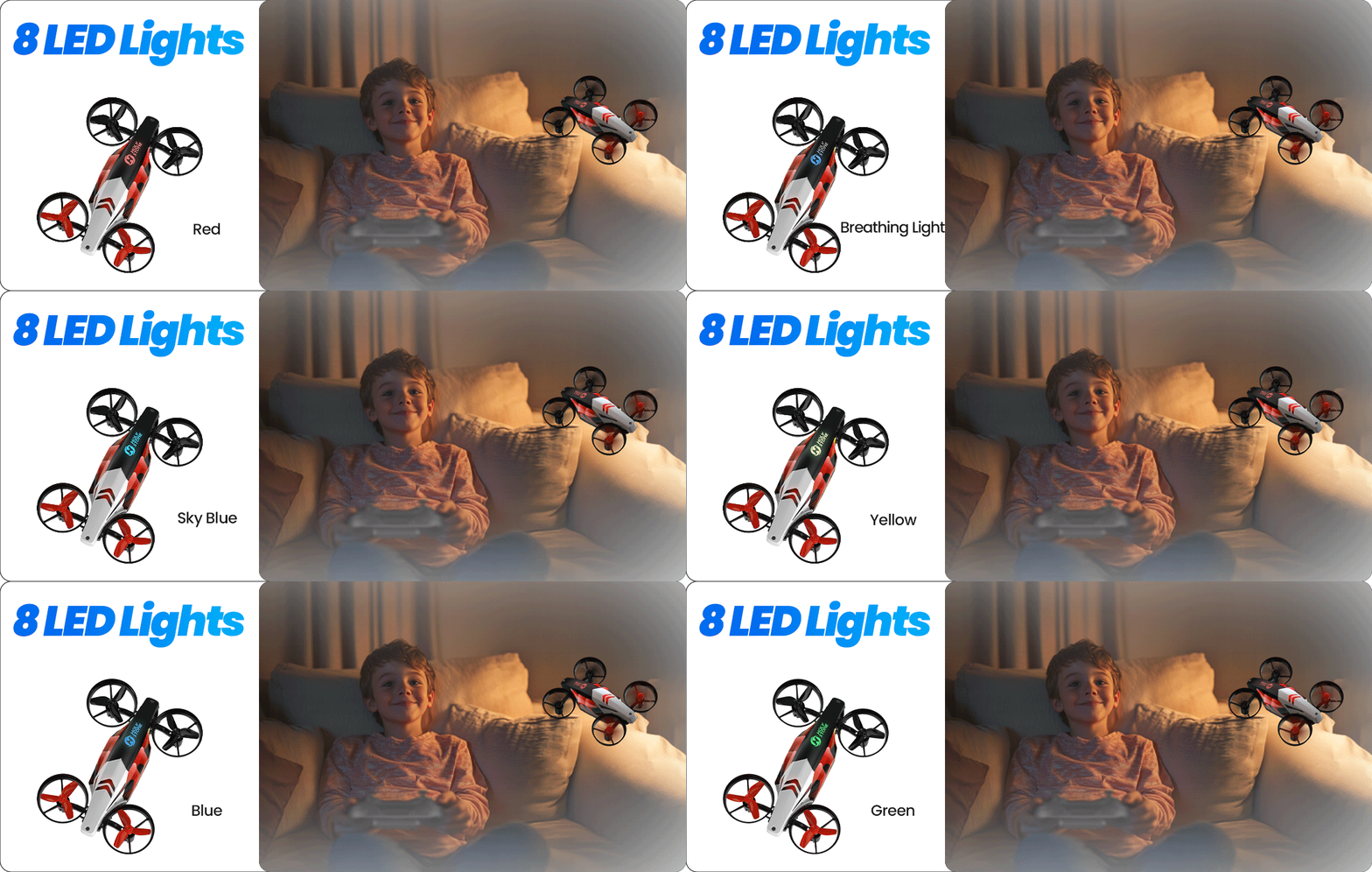
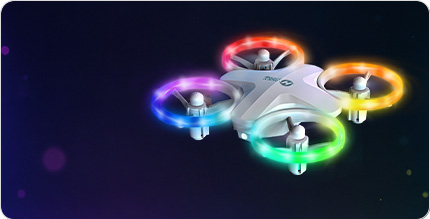
6 LED Modes — A colorful, eye-friendly light-show for parties and play
Four Dance-Like Postures — Tilt, wiggle, spin, and circle for living-room air-dance
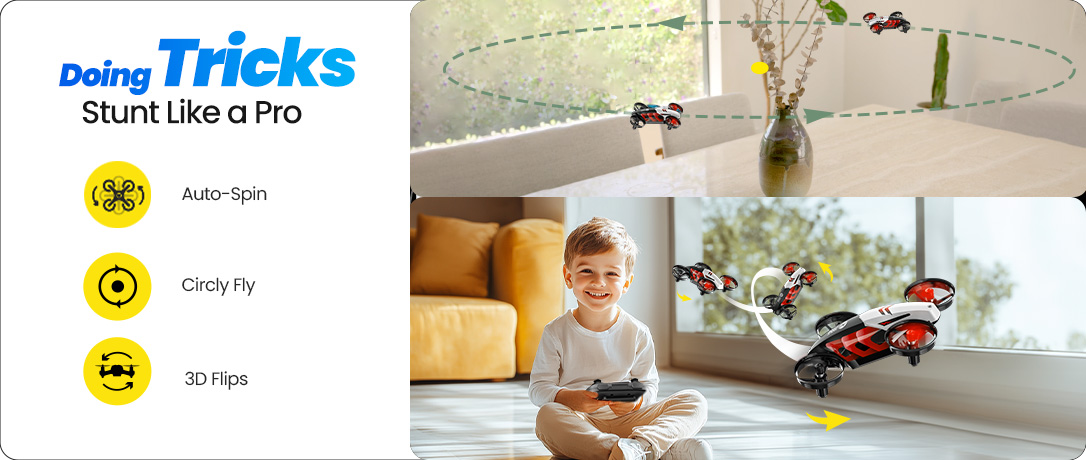
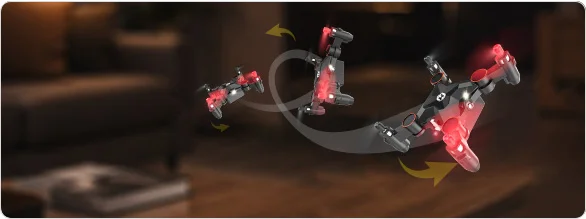
Stunt Like a Pro — 4-way 360° flips, orbit flight, and high-speed rotation
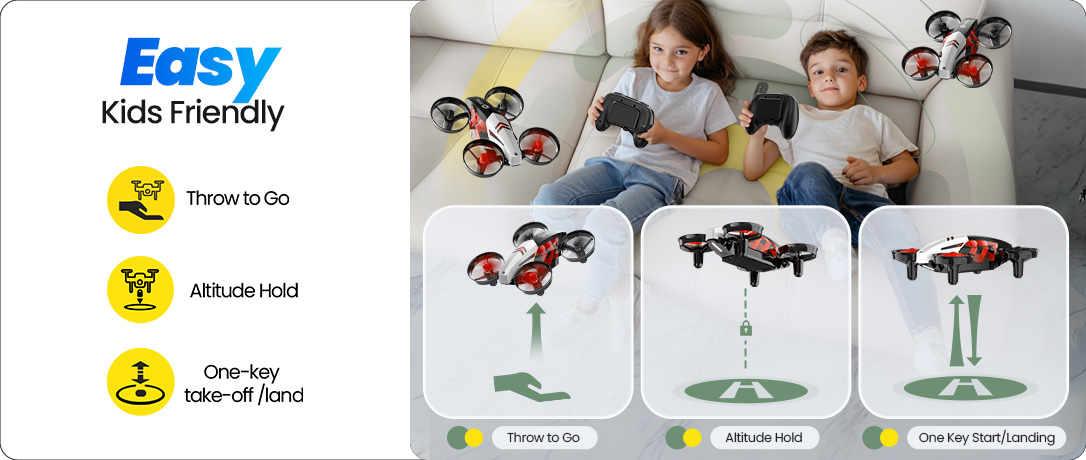
Easy for Kids — One-key start/land, altitude hold, headless mode, throw-to-go
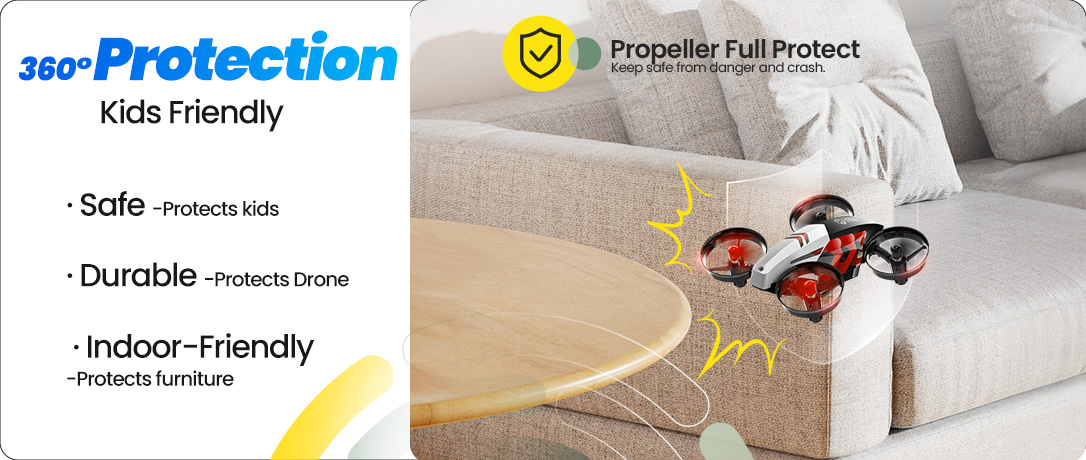
Full Prop Guards — Safe, durable, and indoor-friendly design
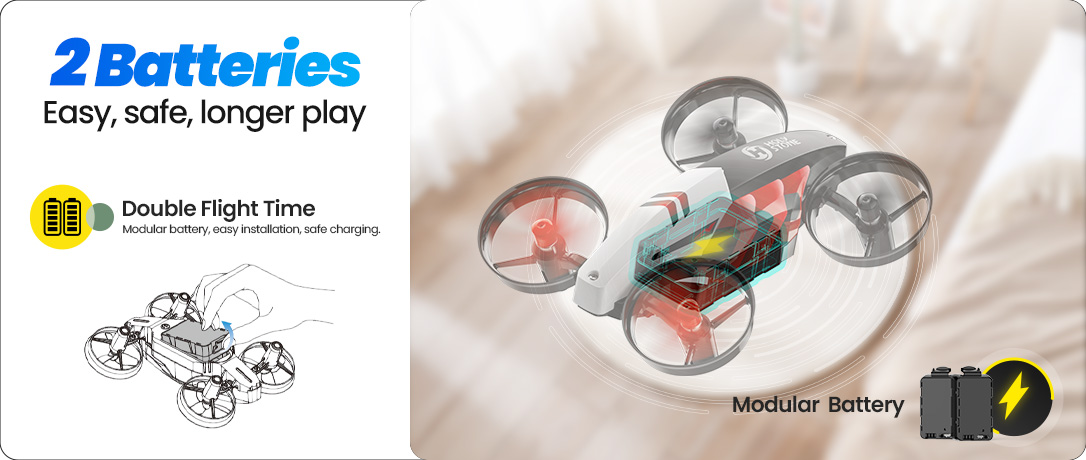
Dual Modular Batteries — Quick, safe swaps for ~16 minutes of total play
Different LED Lights — Low-glare, eye-friendly glow for cozy indoor play
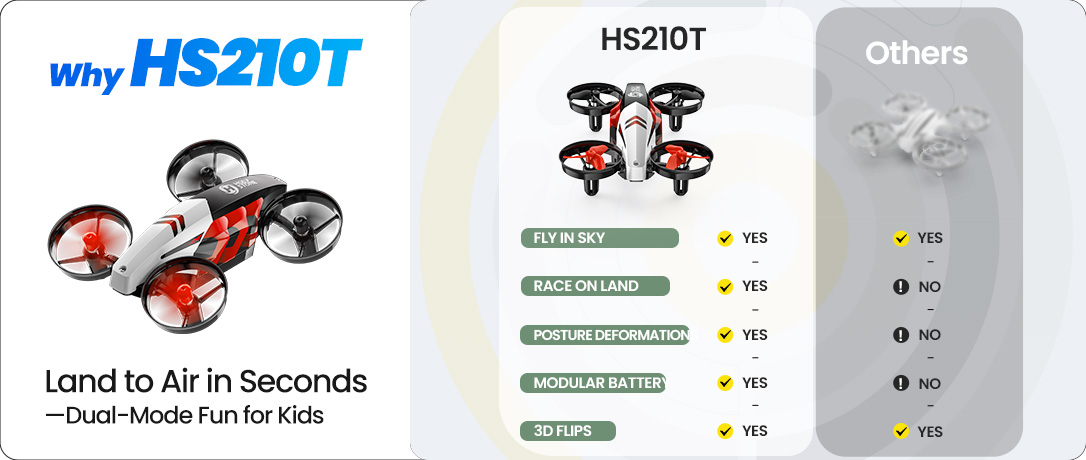
Why Choose HS210T — 2-in-1 land & sky, dance moves, safe full-guard design
HS210T Race, Fly, Dance 3 IN 1 Mini Drone.jpg

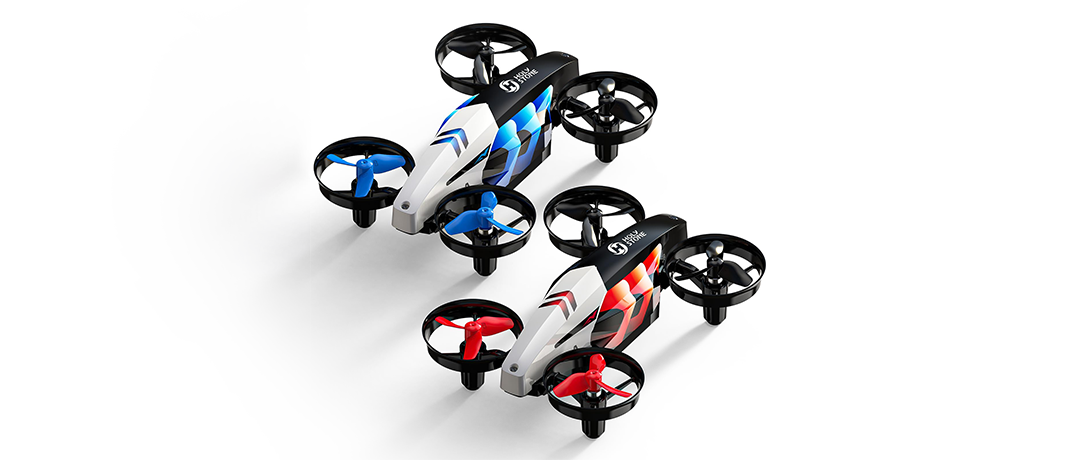
Race. Fly. Dance. · The 3-in-1 Indoor Mini Drone

A mini drone that races on the floor, flies in the air, and performs an LED “dance show” — all in one.

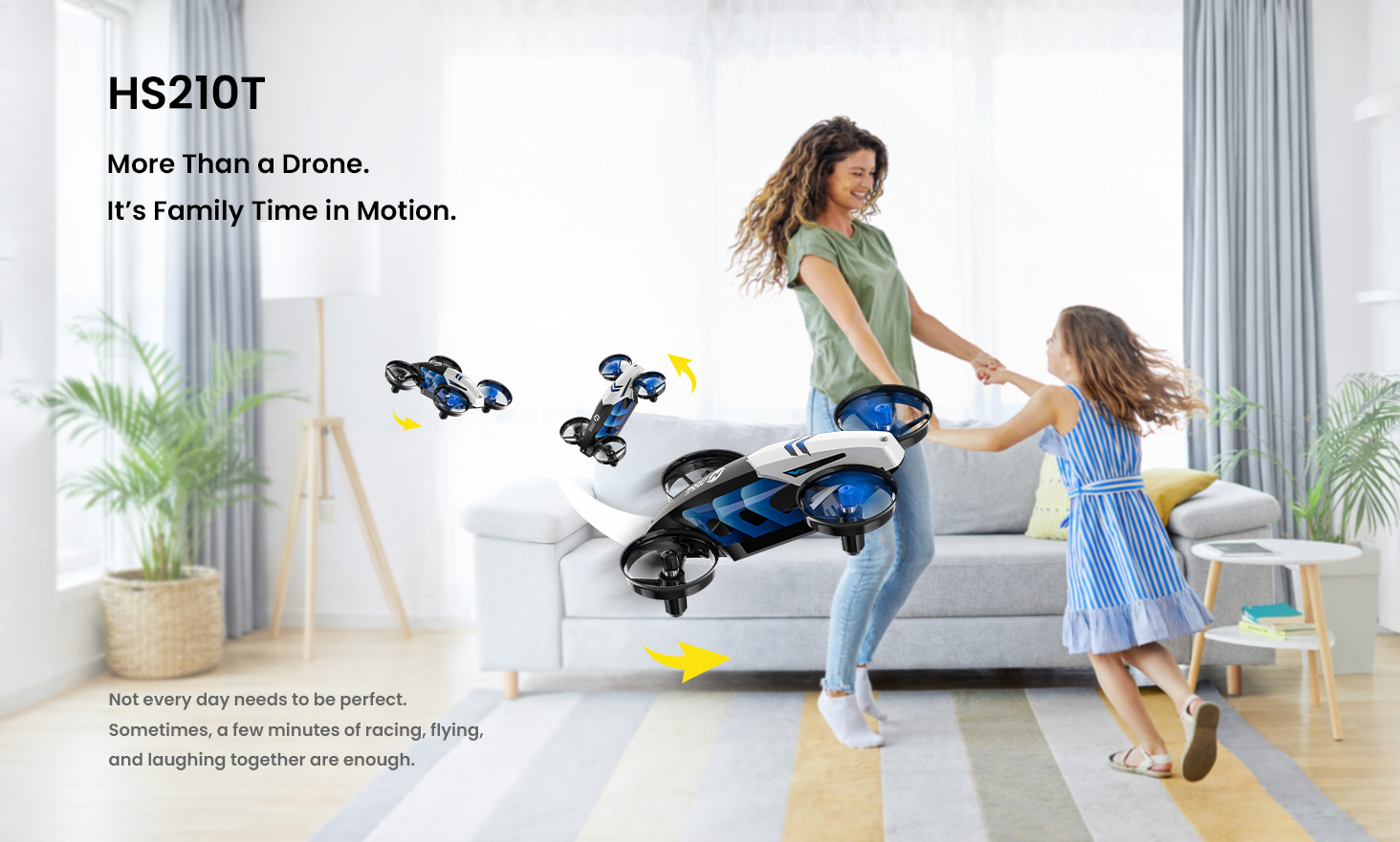
Turn any room into a mini playground in minutes — quick to start, easy to control, made for shared family fun.

Beginner-friendly controls. Full-guard safety frame. Instant “wow” tricks.


Fun Fact: No wheels. Just propellers.

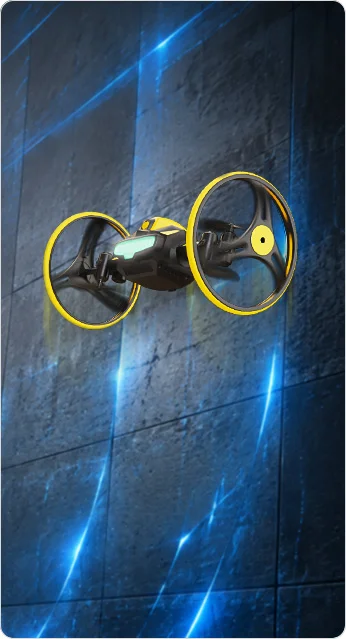
In Land Mode, HS210T moves and steers using left-right propeller thrust — a playful way for kids to learn how air power creates motion.

Watch the floor-race in action.

Dance Moves in the Air · LED Light Show

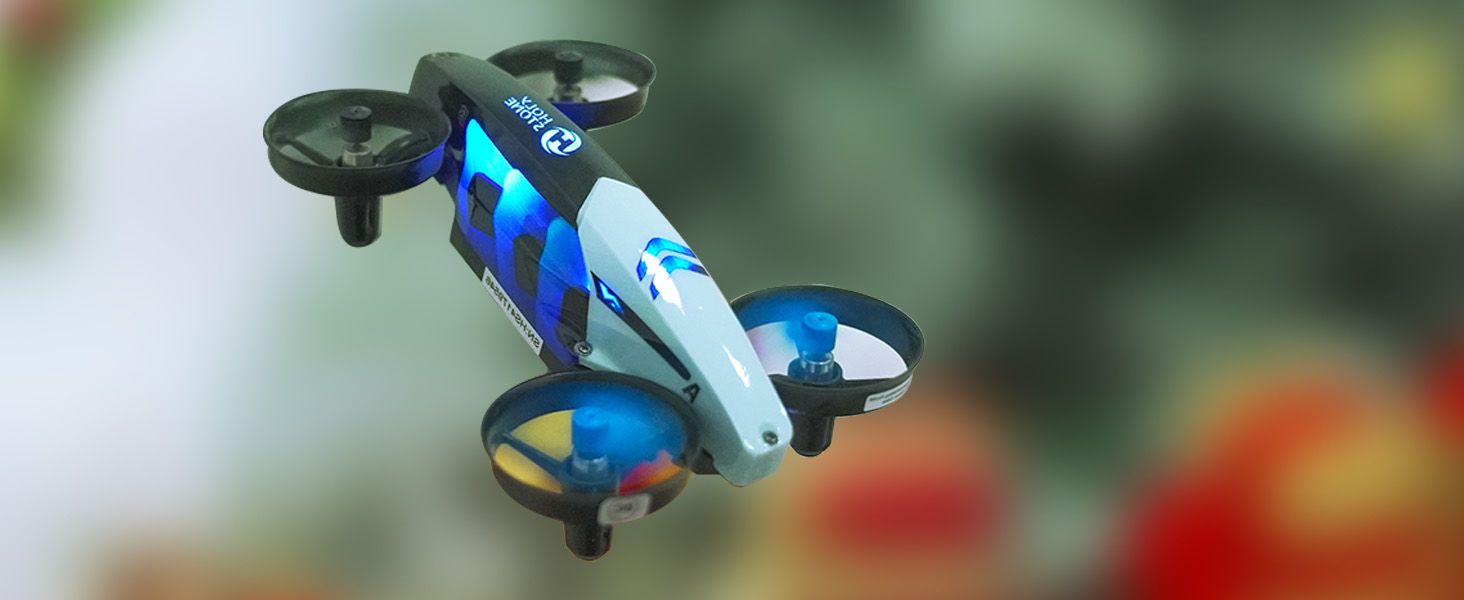
Tilt, wiggle, spin, and circle — HS210T moves with playful “dance” motion that looks alive. Paired with colorful LEDs, it turns flying into a mini show that feels magical in any room.

Four signature posture modes create instant entertainment — perfect for family playtime, holiday fun, and party vibes.
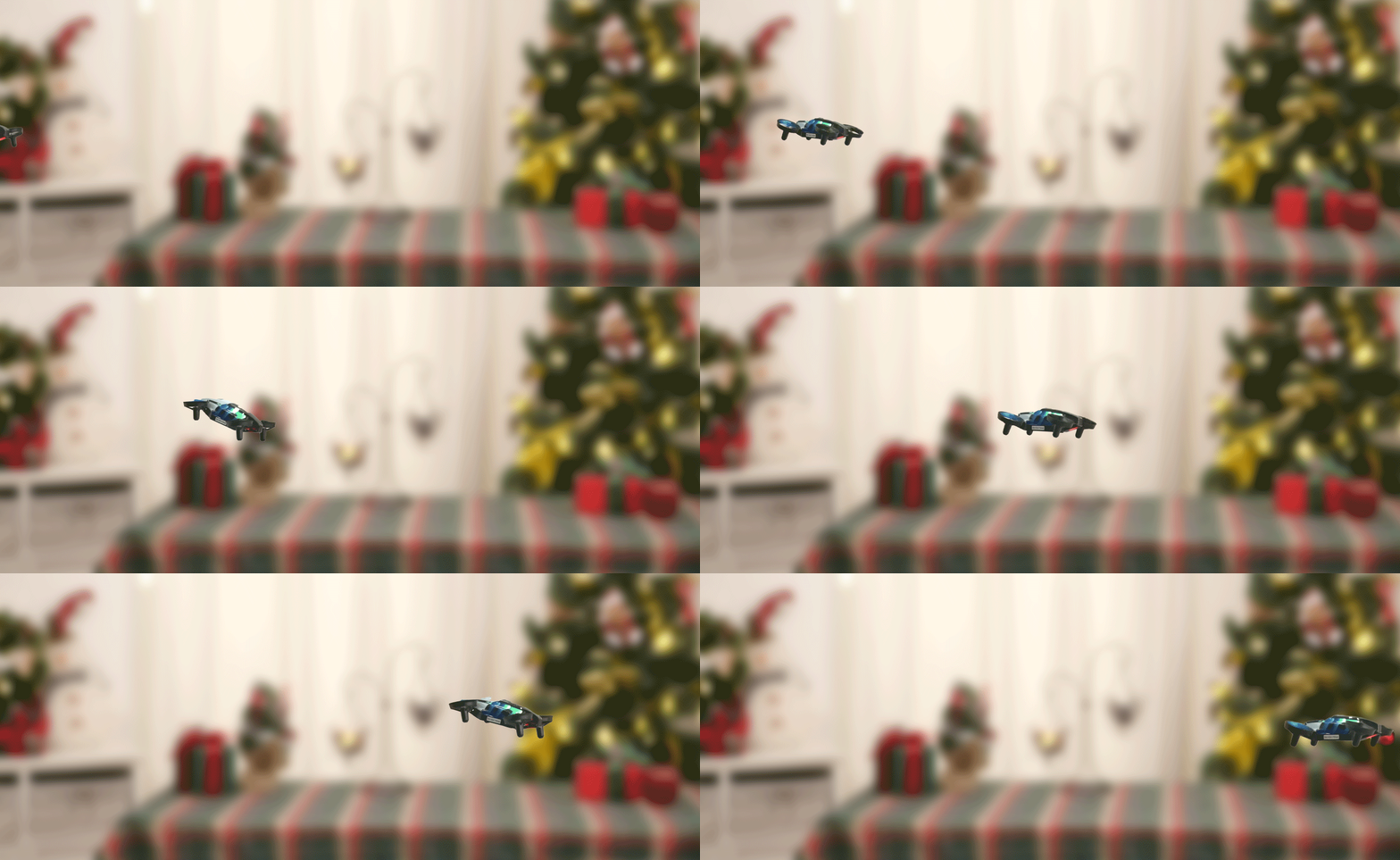
Dance Moves + LED Lights — tilt, wiggle, spin, circle

Stunt Flying · Big Wow in Small Spaces

Go beyond hover: trigger 4-way 360° flips, circle fly, and high-speed spins to create show-time moments that kids love to repeat.

Easy to activate, exciting to watch — a mini airshow for birthdays, playdates, and everyday indoor fun.
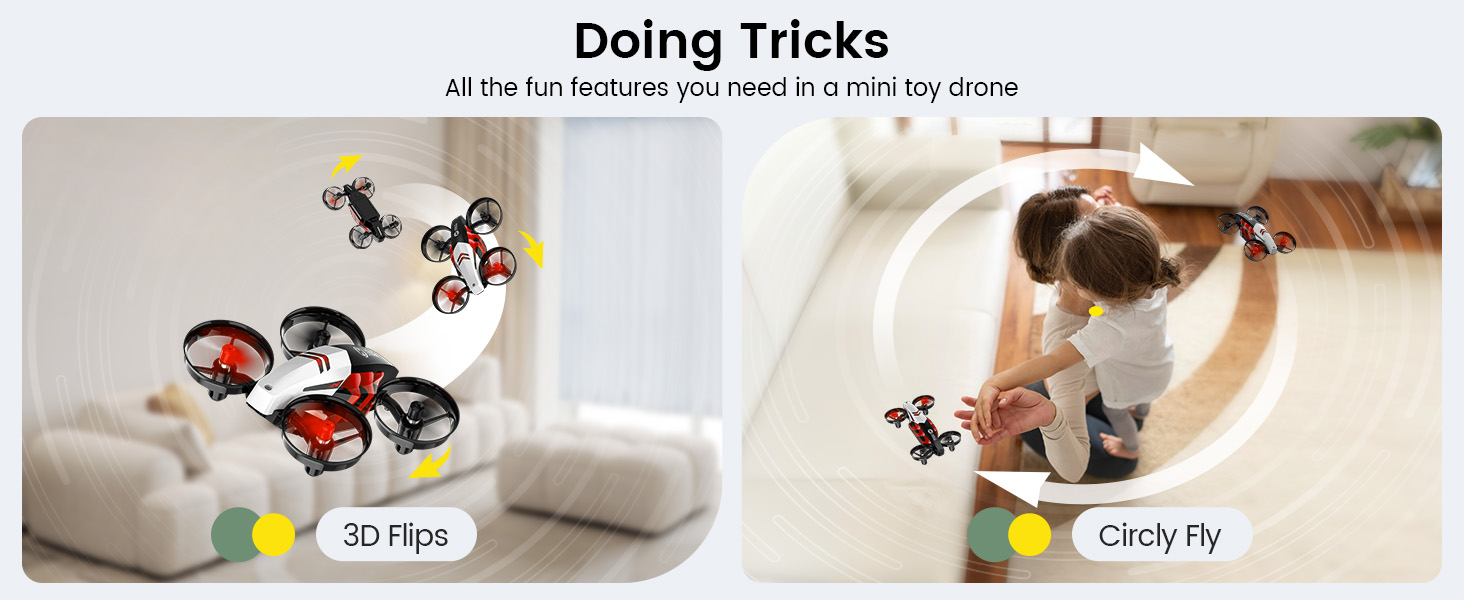
HS210T Stunts — 360° flips, circle fly, high-speed spins

3-Speed Switch · Start Easy, Level Up Fast

Begin in Low for calm indoor control, move to Medium as skills grow, and unlock High when you want extra action. Default starts at Low — so first-time pilots learn with confidence.

Tip: For outdoor play, choose High. Indoors, Low/Medium feel smoother and safer.
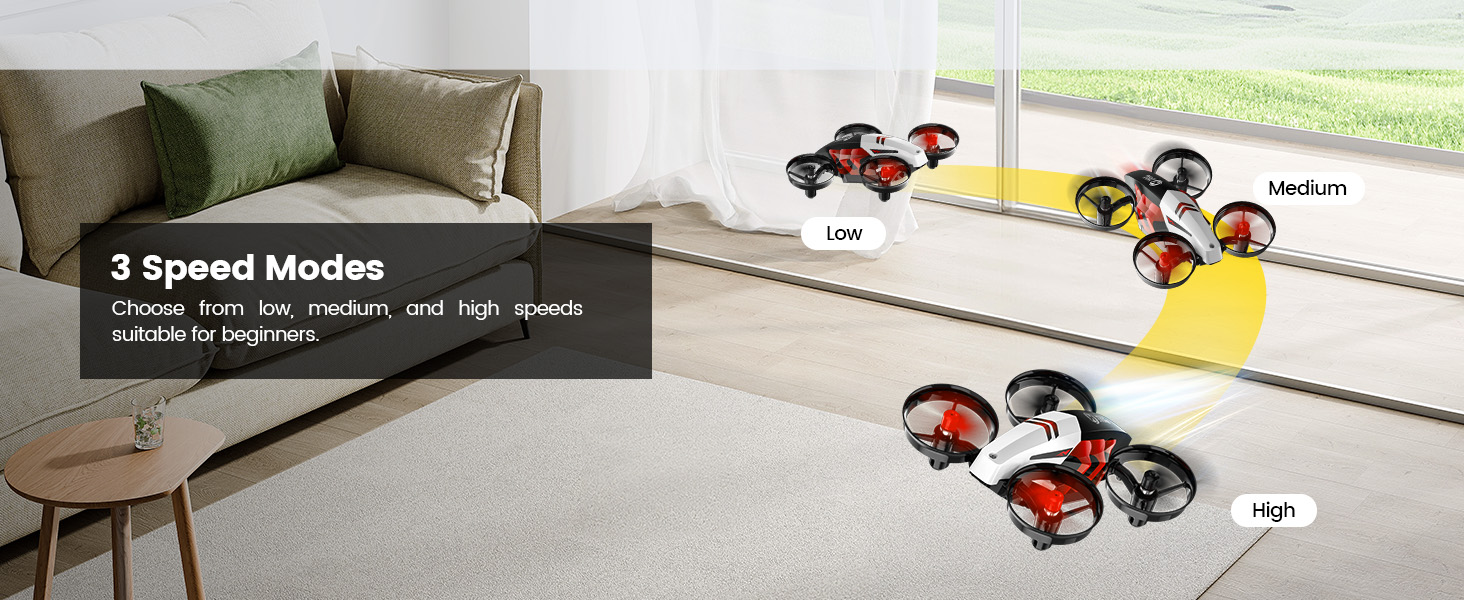
3-Speed Switch — default Low; use High outdoors, Low/Medium indoors

Safe. Smart. Beginner-Friendly Controls

Get flying in seconds with One-Key Takeoff/Landing and stable Altitude Hold. Throw-to-Go adds instant excitement, while Headless Mode removes direction confusion for new pilots.

Kids focus on fun, parents enjoy peace of mind. Emergency Stop: press and hold the stop button to cut motors safely when needed.
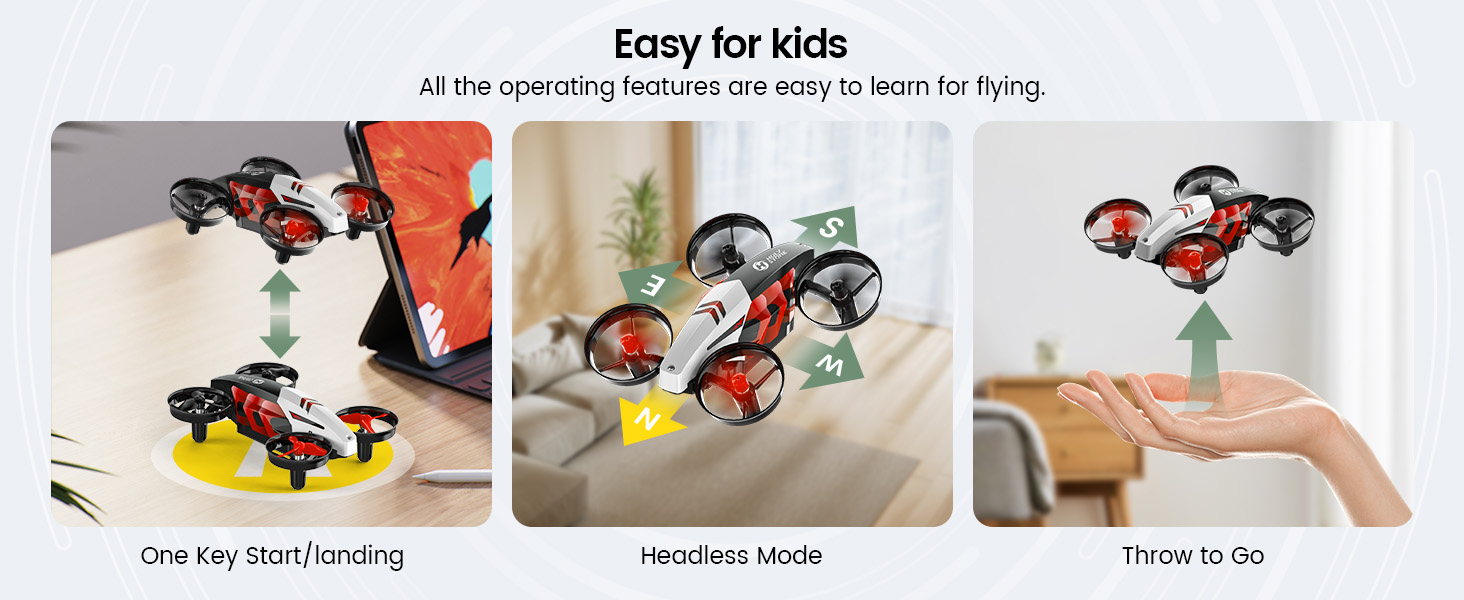
Beginner Controls — One-Key, Throw-to-Go, Altitude Hold, Headless Mode, Emergency Stop

Full Protection · Built for Indoor Life

A full prop-guard frame helps protect little fingers, walls, and furniture — ideal for indoor play where bumps can happen.

A tough outer shell plus Emergency Stop keeps the fun going even after rough landings. Safer design, longer play.
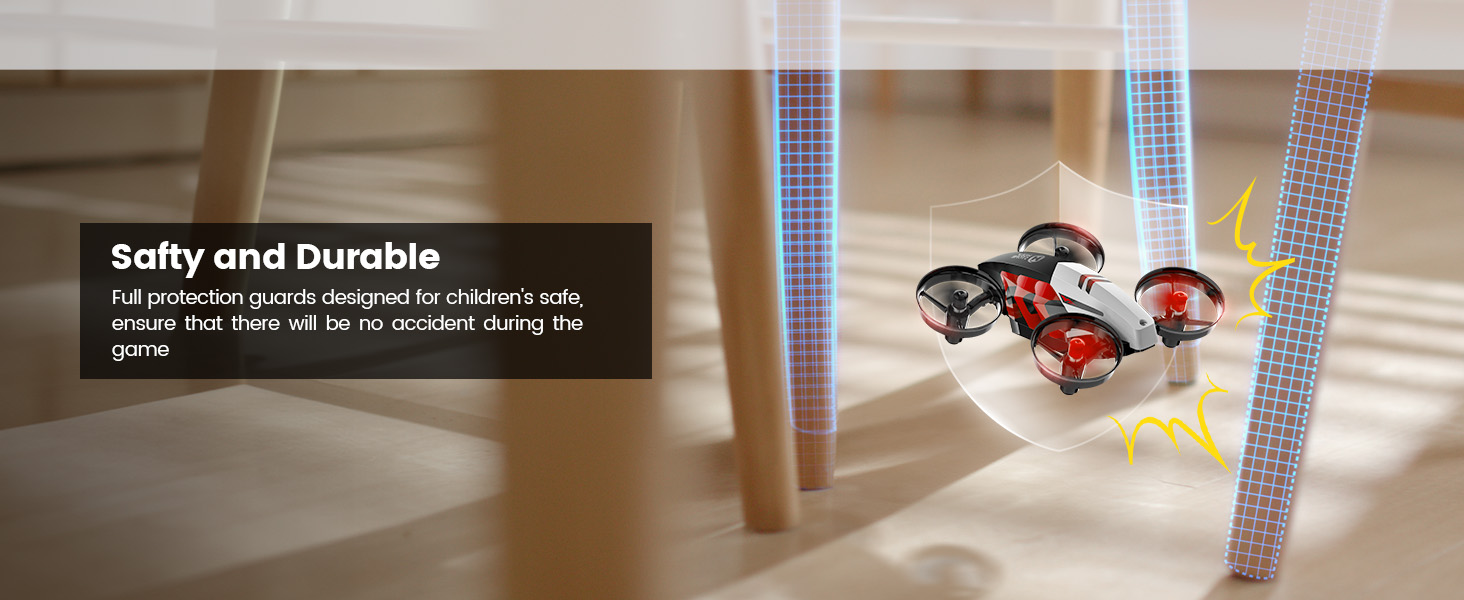
Full Protection — guards + durable shell for indoor play

Land & Sky Modes · Race Here, Fly There

Switch between Land Mode for floor racing and Sky Mode for flying, tricks, and LED dance moves. In Land Mode, it glides best on smooth surfaces like ceramic tile, wood floors, or low-pile carpet.

One mini drone. Two terrains. Three ways to play — Race · Fly · Dance.
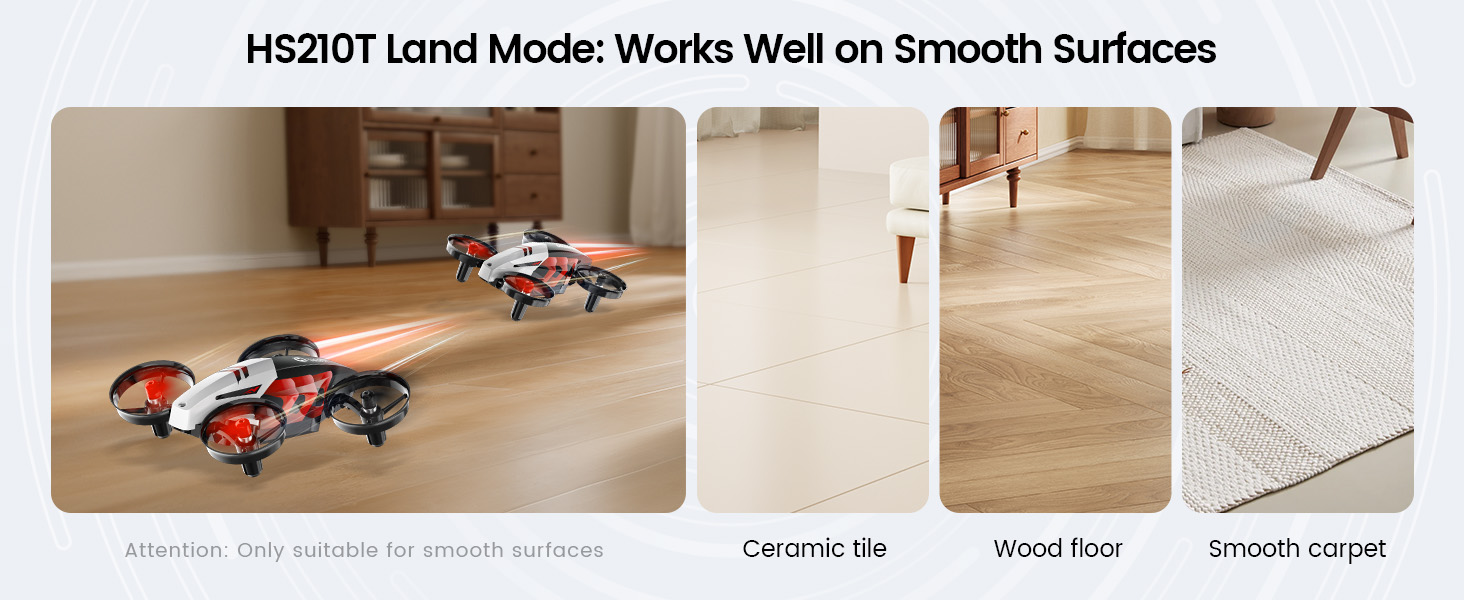
Land Mode surfaces: ceramic tile, wood floor, smooth carpet + Sky Mode flying

HS210T Real Shots

HS210T 6.jpg
HS210T 5.jpg
HS210T 4.jpg
HS210T 3.jpg
HS210T.png
HS210T Race, Fly, Dance — Turn Any Room into a Playground. SPECS

DROHNE

Modell: HS210T

Gewicht: 42,4 g / 1,5 oz

Max. Flughöhe: 66 ft / 20 m

Max. Fluggeschwindigkeit: 6 ft/s

Max. Flugzeit: 8 Minuten (in windstiller Umgebung)

Max. Windwiderstand: 3,3 ft/s

Betriebstemperaturbereich: 32° bis 104°F (0° bis 40°C)

Größe: 117 × 89 × 40 mm

DROHNENAKKU

Modell: FBC902033

Kapazität: 500 mAh

Spannung: 3,85 V

Max. Ladespannung: 4,4 V

Batterietyp: Lithium-Polymer-Akku

Energie: 1,93 Wh

Ladetemperaturbereich: 41° bis 104°F (5° bis 40°C)

Ladezeit: ca. 60 Minuten (pro Akku)

FERNSTEUERUNG

Betriebsfrequenz: 2452–2474 MHz

Max. Flugdistanz: 164 ft / 50 m (im Freien und ohne Hindernisse)

Batterietyp: 3 × AAA Batterien (nicht enthalten)

Betriebstemperaturbereich: 32° bis 104°F (0° bis 40°C)

USB-LADEKABEL

Eingang: 5V/2A

Nennleistung: ≤10 W

HS210T Race, Fly, Dance — Turn Any Room into a Playground. IN THE BOX
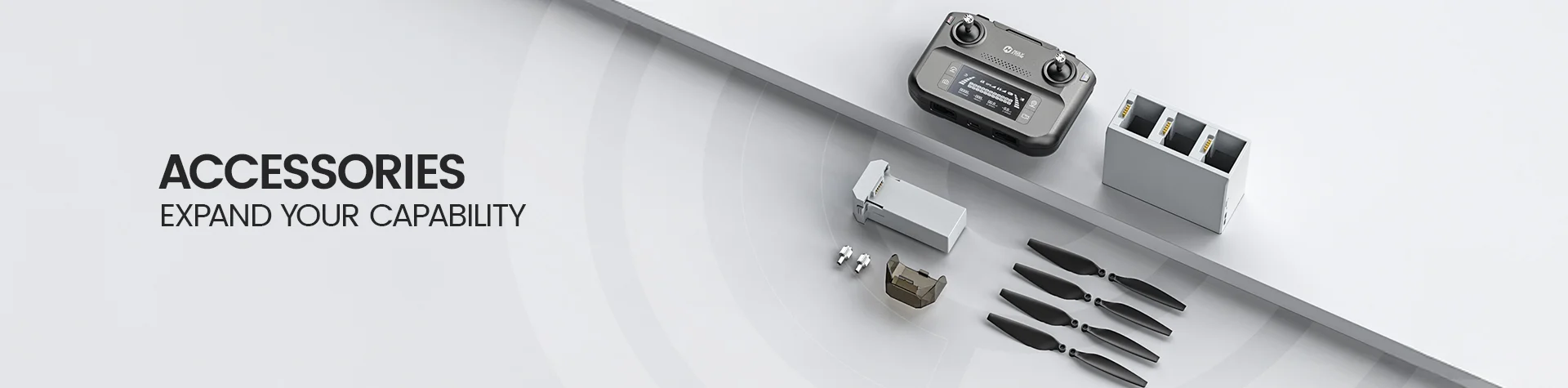
Package Content.jpg

*Accessories configuration may vary depending on the purchase channel. Please refer to the actual product package on the purchasing platform for final confirmation.*

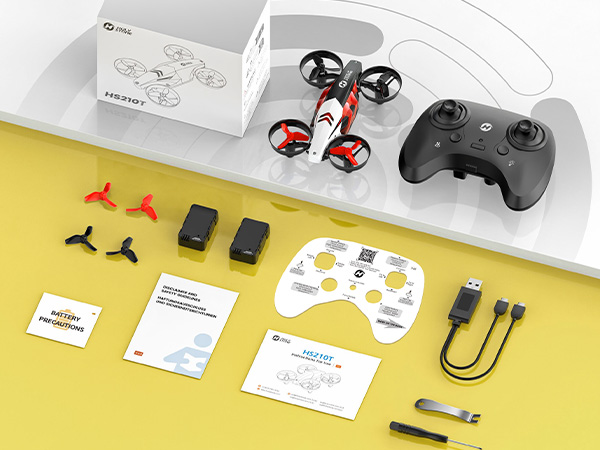
Package Included


Drone × 1

Transmitter × 1

Drone Battery × 2

USB Charging Cable × 1

Screwdriver × 1

Propellers × 4 (including the installed set)

Propeller Spanner × 1

User Manual × 1

Battery Precautions Card × 1

Quick Start Guide × 1

Function Card (Controller Key Guide) × 1

HS210T Race, Fly, Dance — Turn Any Room into a Playground. DOWNLOAD
HS210T Race, Fly, Dance — Turn Any Room into a Playground. FAQ
Fehlerbehebung · HS210T
  • Drohne und Fernsteuerung koppeln

    - Drohne einschalten und auf eine ebene Fläche stellen (Kopf von Ihnen weg), Status-LEDs blinken.

    Drücken Sie kurz die Einschalttaste der Fernsteuerung; wenn beide LEDs dauerhaft leuchten, ist die Kopplung erfolgreich.

    - Falls die Kopplung fehlschlägt, starten Sie beide Geräte neu und versuchen es in einem offenen Bereich erneut.

  • Ein-Knopf-Start / Landung

    - Entsperren Sie zuerst die Motoren: entweder die Entsperrtaste drücken oder beide Steuerknüppel nach innen/unten bewegen.

    Drücken Sie kurz die Starttaste: die Drohne hebt ab und schwebt; erneut drücken, um automatisch zu landen.

  • Geschwindigkeitsumschaltung & LED-Lichtmodi

    - Drei Stufen: Niedrig ≈ 1,0 m/s, Mittel ≈ 1,4 m/s, Hoch ≈ 1,8 m/s. Drücken Sie Speed, um umzuschalten (1 Signalton = Niedrig; 2 Signalton = Mittel; 3 Signalton = Hoch).

    LEDs: Drücken Sie die Lichttaste, um zwischen 6 Lichtmodi zu wechseln.

  • Headless-Modus

    - Halten Sie die Headless-Taste gedrückt, um ein-/auszuschalten (Signalton bestätigt).

    Im Headless-Modus fliegt die Drohne immer in die Richtung, in die Sie den Steuerknüppel bewegen – unabhängig von der Ausrichtung der Drohnennase.

  • Stunts: 360° Flip / Kreisflug / Hochgeschwindigkeitsrotation

    - 360° Flip: Drücken Sie Flip und bewegen Sie den Steuerknüppel (vor/zurück/links/rechts). Nur über ca. 3 m Höhe durchführen.

    - Kreisflug: Halten Sie die Kreis-Taste gedrückt, um zu starten; endet automatisch nach ca. 10 s.

    - Hochgeschwindigkeitsrotation: Drücken Sie die Spin-Taste zum Starten; endet nach ca. 5 s oder erneut drücken zum Beenden.

  • Driftkorrektur & Gyro-Kalibrierung

    - Trimmen bei Drift: Trim-Taste halten und den rechten Stick jeweils entgegengesetzt zur Drift bewegen (vor/zurück/links/rechts), bis die Schwebe stabil ist.

    - Gyro-Kalibrierung: Drohne flach abstellen, beide Steuerknüppel nach unten links bewegen, bis die LEDs blinken und dann dauerhaft leuchten.

  • Not-Aus

    - Halten Sie beide oberen Tasten gleichzeitig gedrückt, um die Motoren sofort zu stoppen (nur im Notfall; die Drohne fällt zu Boden).

  • Akku & Aufladen

    - Flugzeit pro Akku: etwa 8 Minuten. Mit zwei Akkus insgesamt ~16 Minuten.

    - Laden: Original-USB-Kabel mit 5V/1–2A Netzteil verwenden. Rot = lädt (LED am USB-Kabel), aus = voll. Ladezeit ≈ 60 Minuten (pro Akku).

  • Niedriger Akkustand

    - Drohnen-LEDs blinken schnell; die Fernsteuerung piept dauerhaft. Sofort landen und aufladen.

    - Fernsteuerung: Anzeige blinkt bei niedrigem Batteriestand; ersetzen Sie die 3 × AAA Zellen.

  • Höhenhaltefunktion

    - Wenn Sie den Gas-Stick loslassen (Feder kehrt in die Mittelposition zurück), hält die Drohne automatisch die aktuelle Höhe.