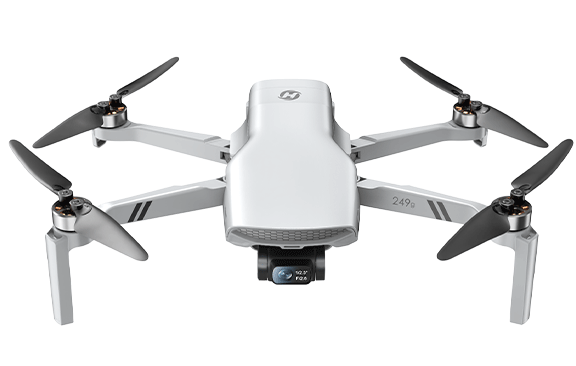
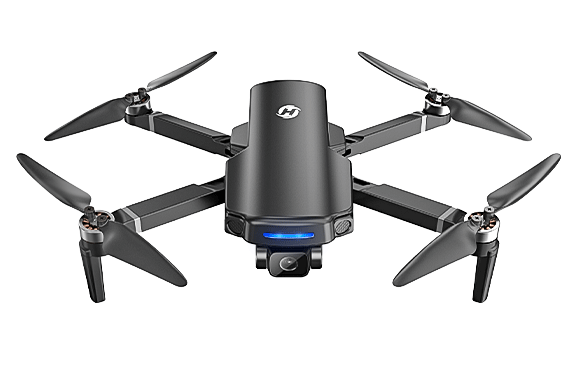
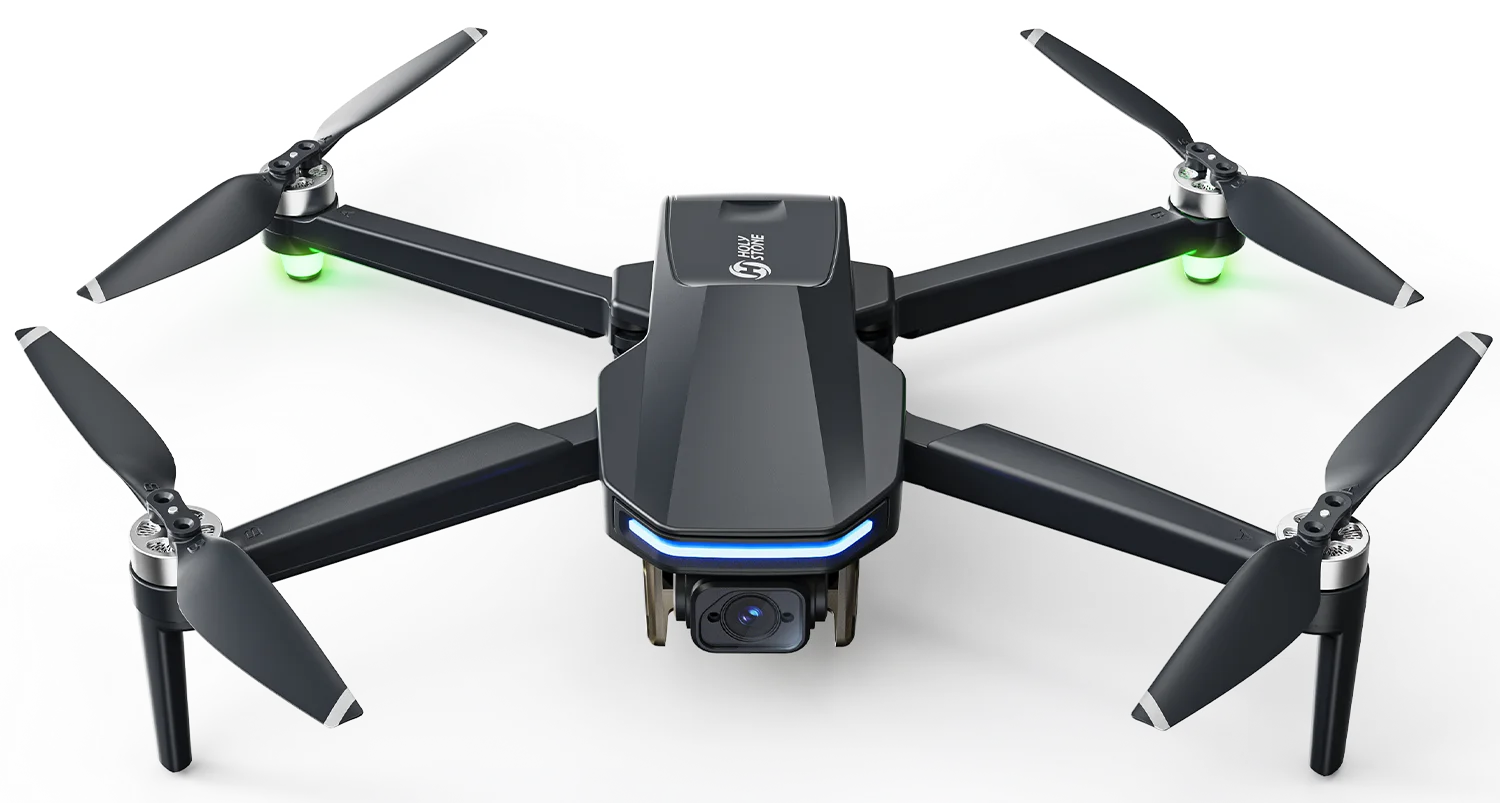


HS175G – The Upgraded GPS Drone with EIS Stability
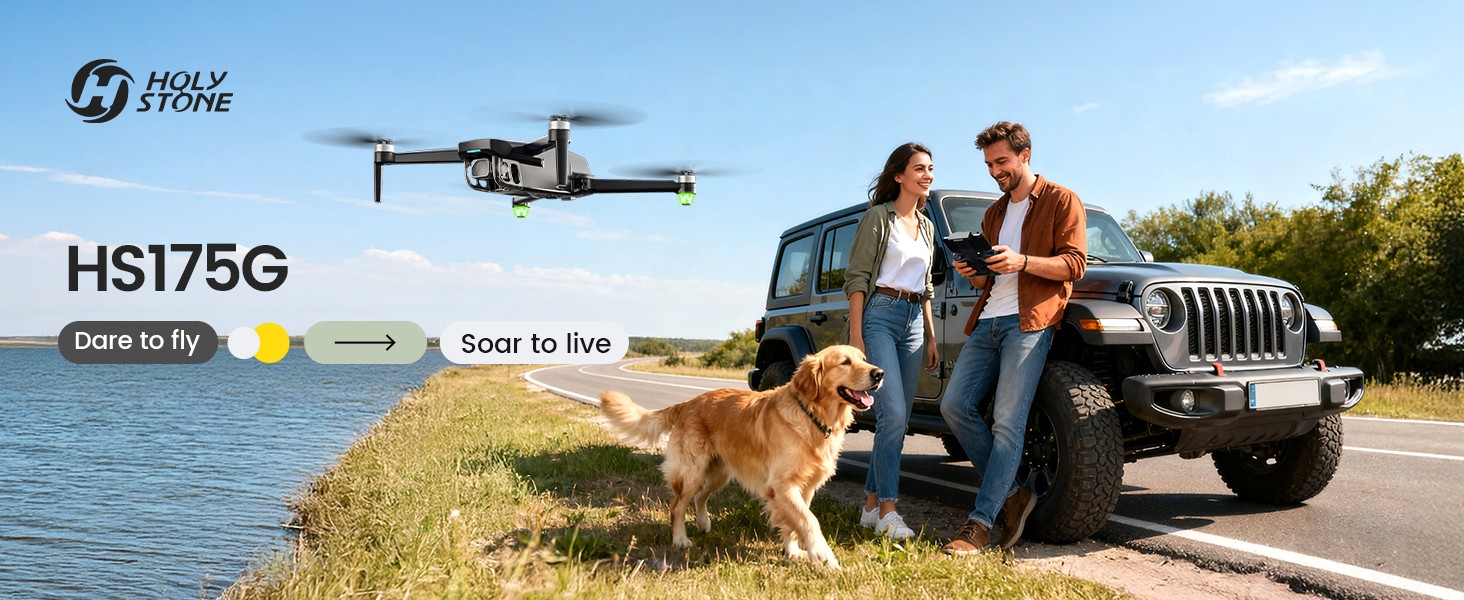
HS175G GPS drone for beginners flying outdoors


HS175G GPS Drone for Beginners

Model No.: HS175G, Weight: 249g

Steadier flights, smoother shots, and more time to grow.

GPS Assisted Flight Smart Return 4K Photos + EIS Dual Batteries Under 250g
HS175G feature icons
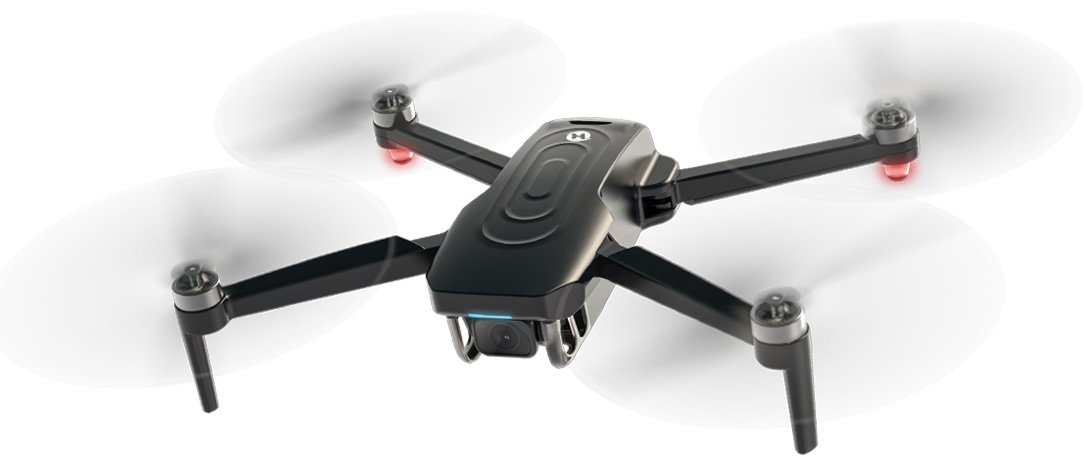
HS175G foldable GPS camera drone

Why Beginners Choose HS175G

HS175G is built for new pilots who want to move beyond a basic toy drone and start learning GPS-assisted outdoor flight with more confidence.

Fly with GPS Confidence

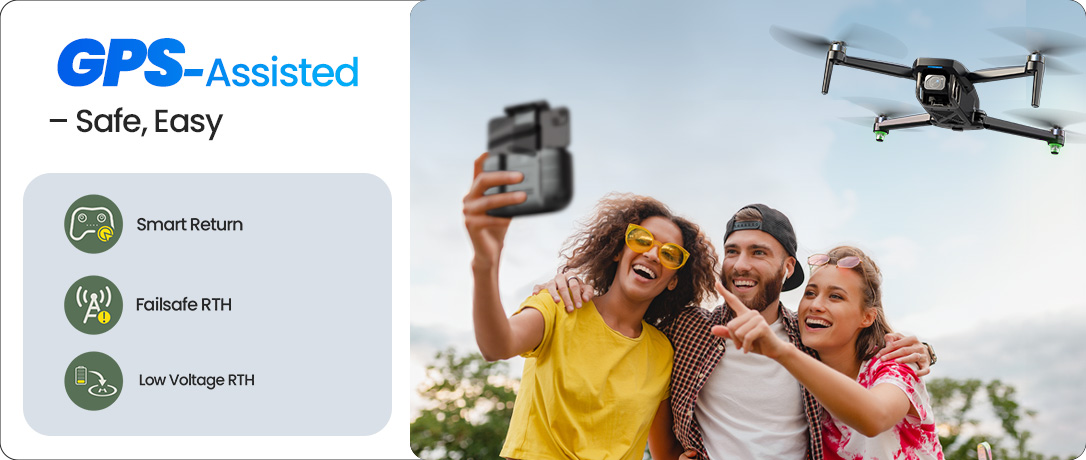
GPS assisted flight, Smart Return, low-battery return, and signal-loss return help beginners fly with more peace of mind.

Capture Smoother Shots

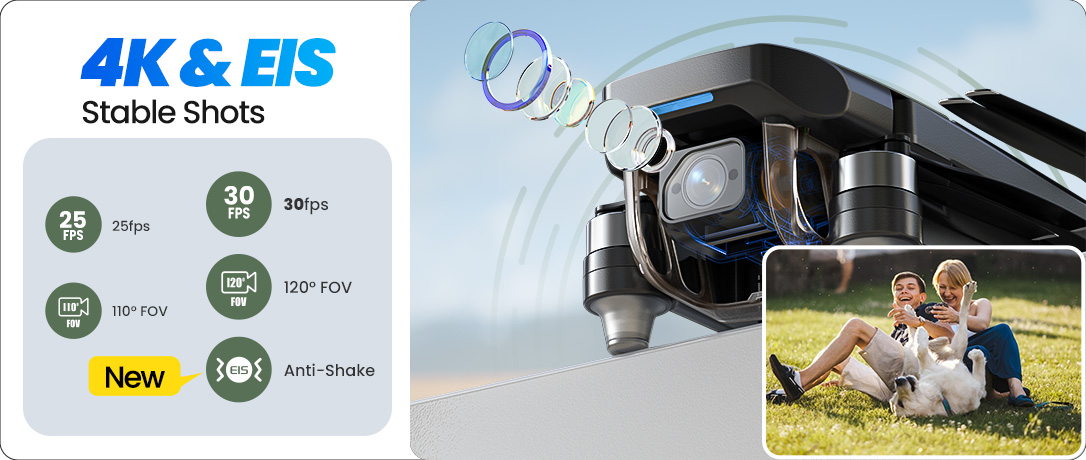
4K photos and 1440P video with EIS support help reduce the shaky look of first outdoor flights.

Practice Longer

Two modular batteries give you more time to learn takeoff, framing, return, and creative flight modes.

Carry It Anywhere

The foldable under-250g body is easy to take to parks, lakes, road trips, and weekend family outings.
HS175G EIS camera for smoother beginner footage
HS175G GPS assisted flight for beginners
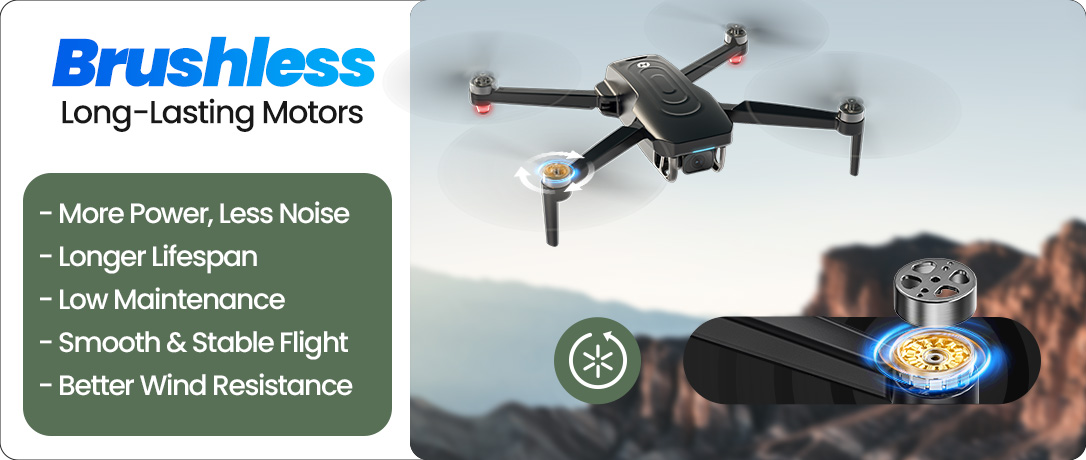
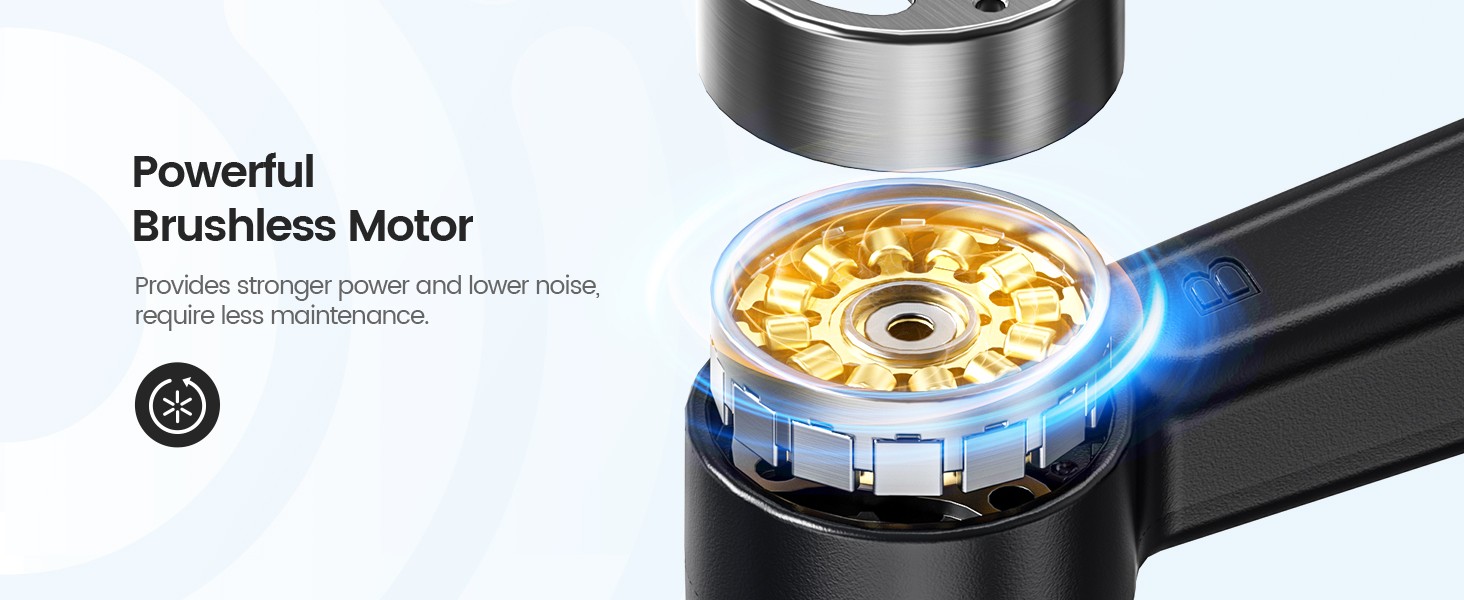
HS175G brushless motor for stronger smoother flights
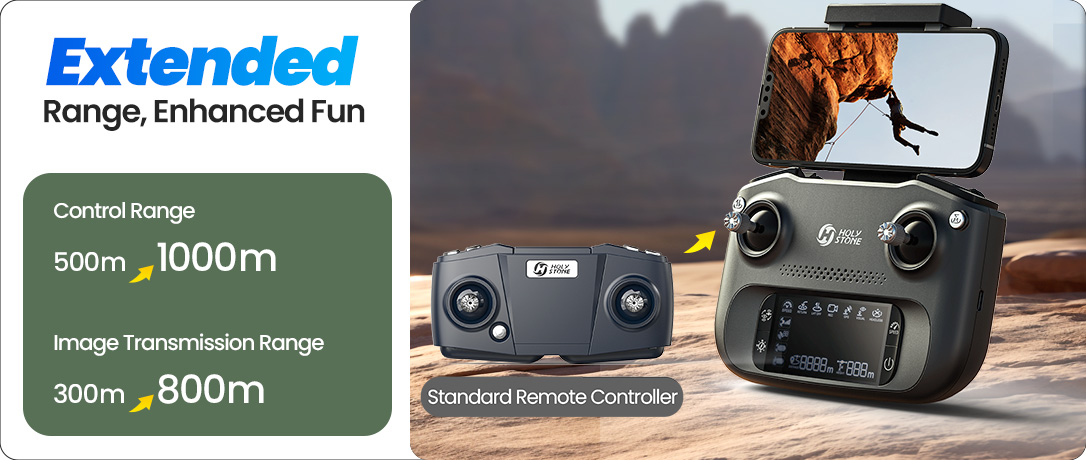
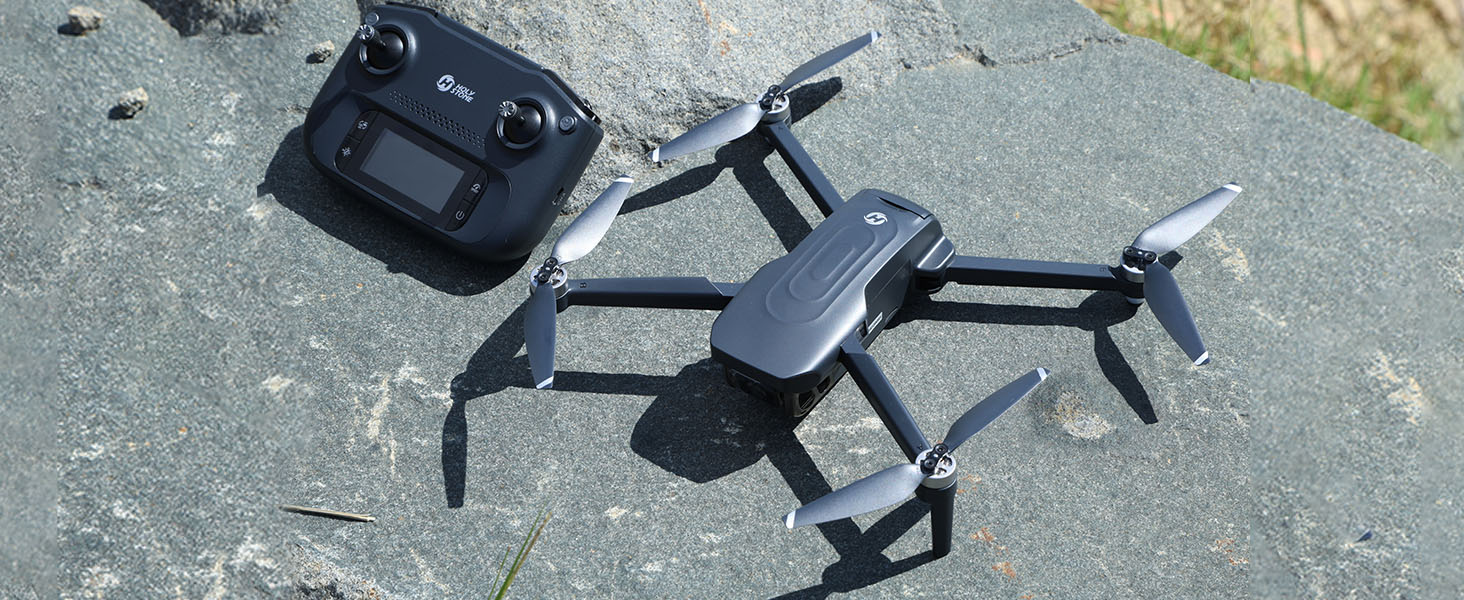
HS175G upgraded remote control and image transmission
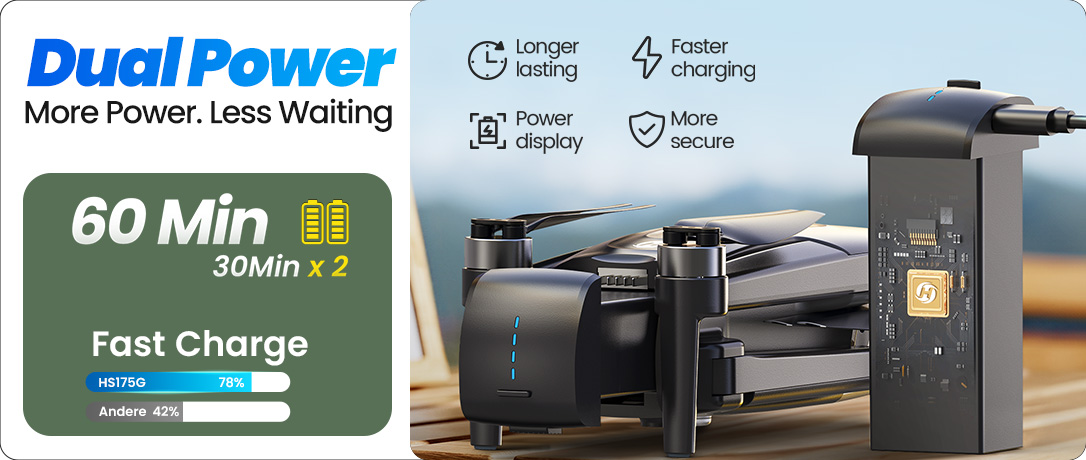
HS175G dual batteries for longer practice time
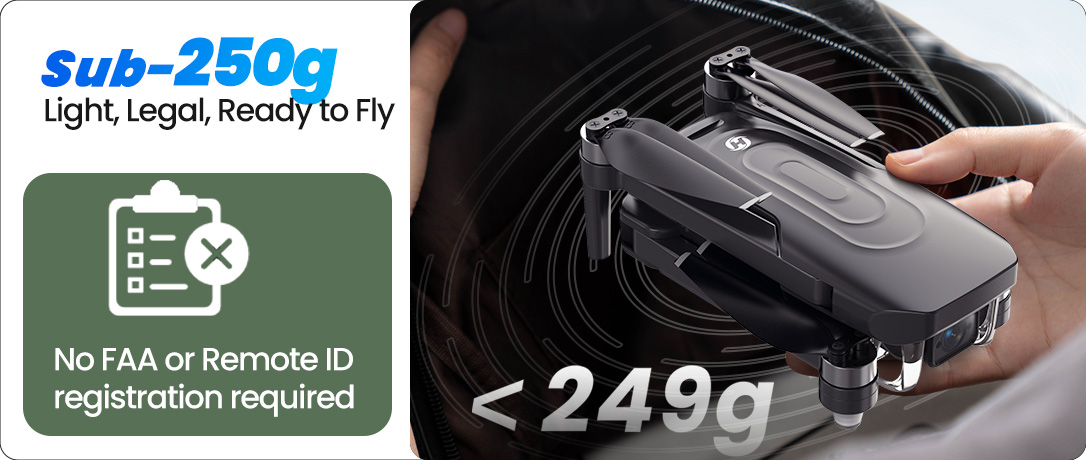
HS175G lightweight under 250g foldable drone
HS175G outdoor flight video cover
HS175G 4K GPS drone with EIS feature overview

Why HS175G Is a Better First GPS Drone

HS175G gives new pilots the key upgrades they usually look for after a basic toy drone: GPS assisted flight, Smart Return, brushless motors, EIS-supported footage, dual batteries, and an under-250g foldable design.

It is not positioned as a professional cinematic drone. It is made for beginners who want more stable outdoor control, smoother casual aerial footage, and enough practice time to build real flight confidence.

4K Photos | 1440P Video at 30fps | EIS Support | GPS Assisted Flight | Smart Return | Brushless Motors | 5GHz Transmission | Dual Batteries | Under 250g

HS175G EIS camera for smoother beginner footage
HS175G GPS assisted flight for easier beginner control
HS175G GPS Smart Return for safer beginner flying
HS175G 120 degree field of view camera
HS175G brushless motor for smoother outdoor flights

Built Around the Questions New Pilots Actually Ask

Will it be hard to control?

GPS assisted flight, optical flow positioning, one-key takeoff/landing, and two speed modes make HS175G easier to learn step by step.

Will my footage look too shaky?

EIS support helps reduce shake in casual aerial video, while 4K photo capture helps outdoor memories look sharper.

Will I have enough time to practice?

With two modular batteries, HS175G gives beginners more time to repeat takeoffs, practice framing, and try creative modes.

HS175G Follow Me mode for hiking biking and walking shots

Follow Me Mode for Outdoor Moments

Activate Follow Me mode and let HS175G automatically track your movement while keeping you centered in the frame.

It is ideal for simple biking, hiking, walking, and weekend outdoor shots when you want to focus on the moment while the drone records from above.
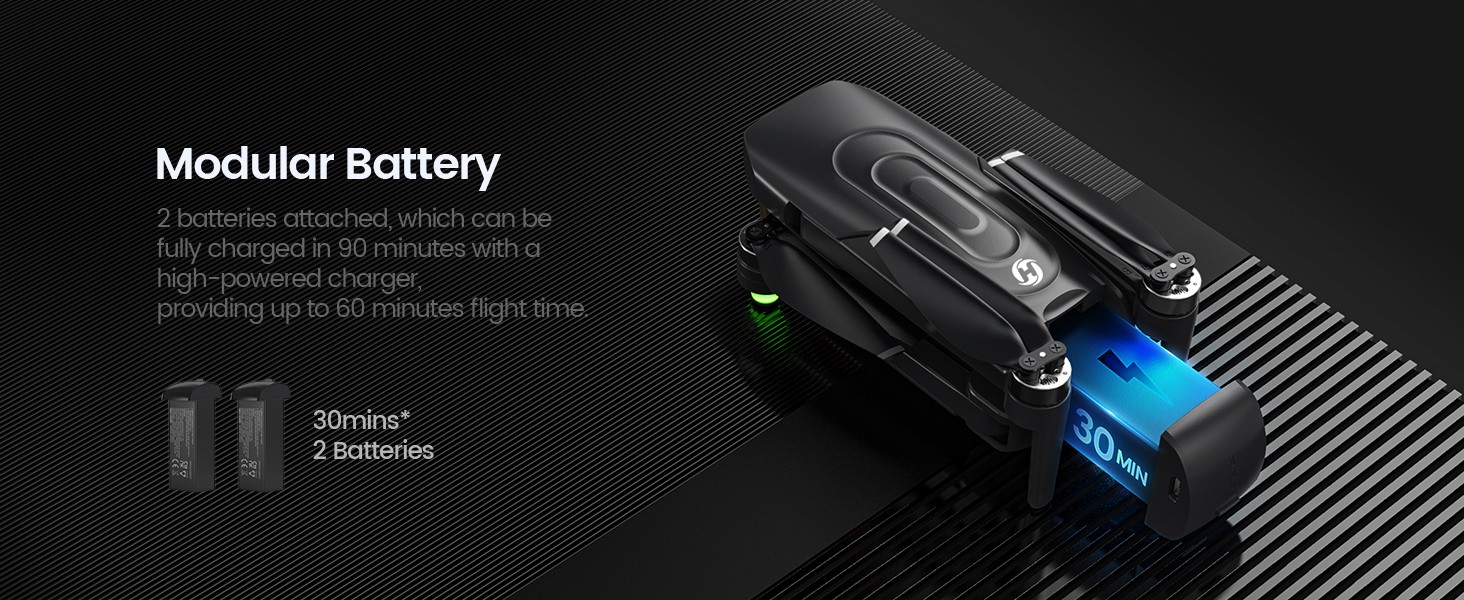
HS175G dual modular batteries for longer practice time

More Time to Practice, Frame, and Try Again

Two modular batteries provide up to 60 minutes of total flight time, giving beginners more room to learn without stopping after just a few attempts.

Swap batteries quickly and continue practicing takeoff, return, framing, and creative flight modes with less waiting between sessions.

HS175G 5GHz WiFi transmission for live view

5GHz WiFi Transmission for Real-Time Viewing

HS175G uses 5GHz WiFi transmission to deliver a smoother live view for outdoor flying and framing.

For the best experience, fly in open areas with less signal interference and keep the drone within a safe visual range.
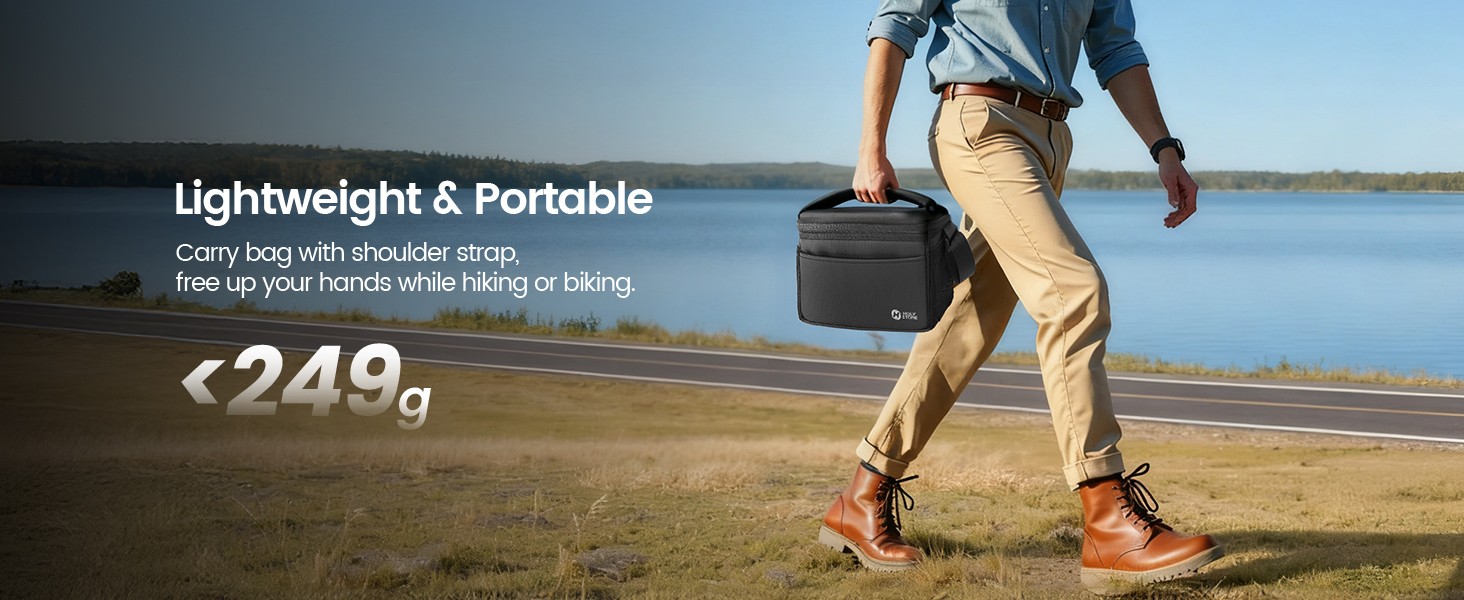
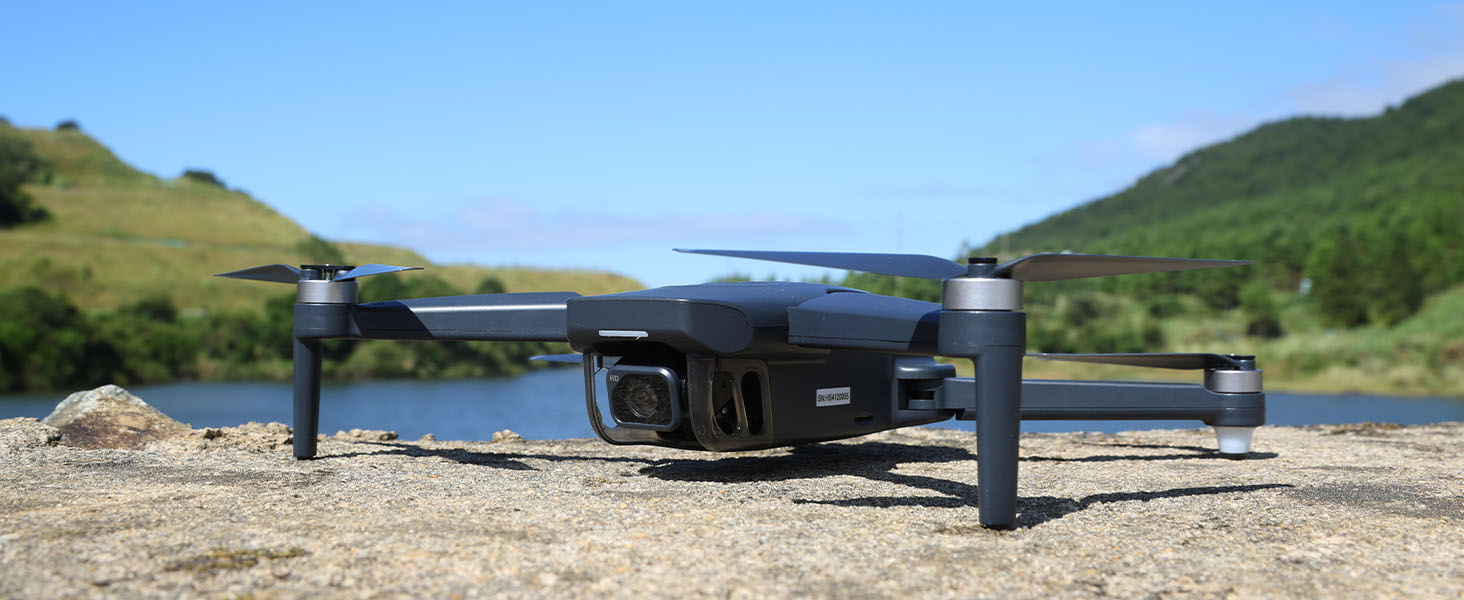
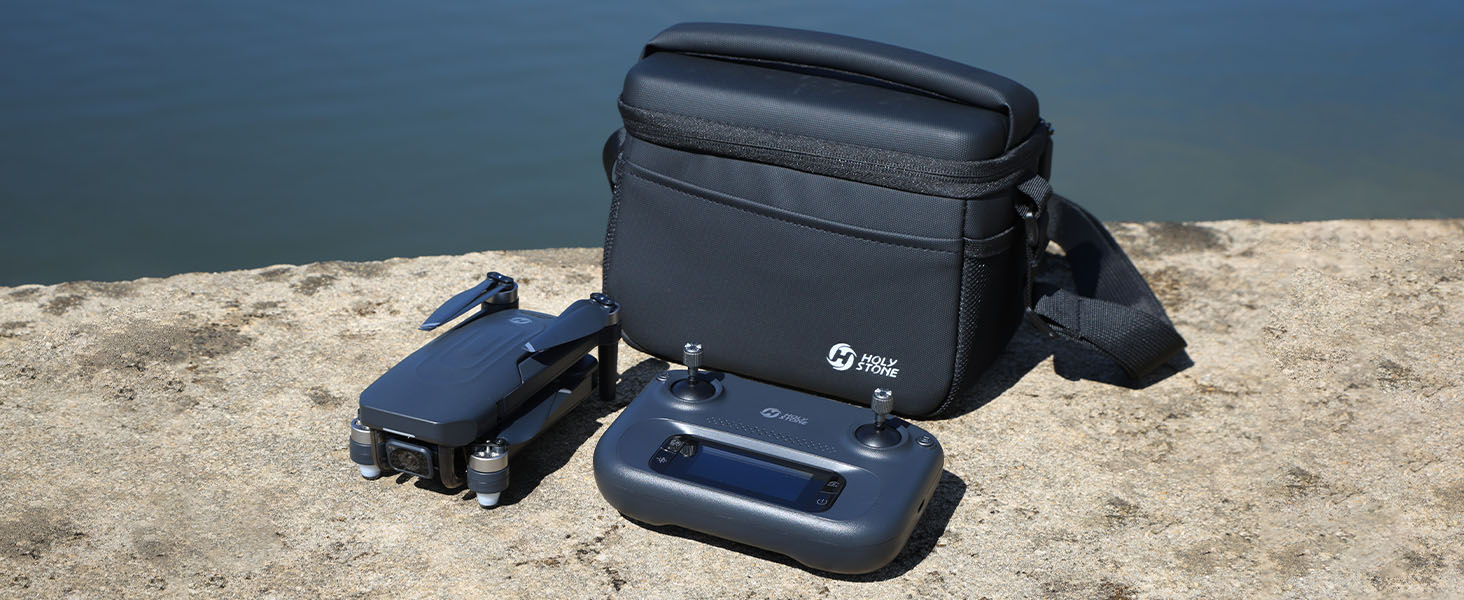
HS175G under 250g foldable drone for travel

Under 250g and Easy to Bring Along

Weighing 249g, HS175G is compact and easy to carry for travel, parks, lakes, road trips, and weekend outdoor flying.

Its foldable design makes it a practical first GPS drone you are more likely to bring out and practice with regularly.
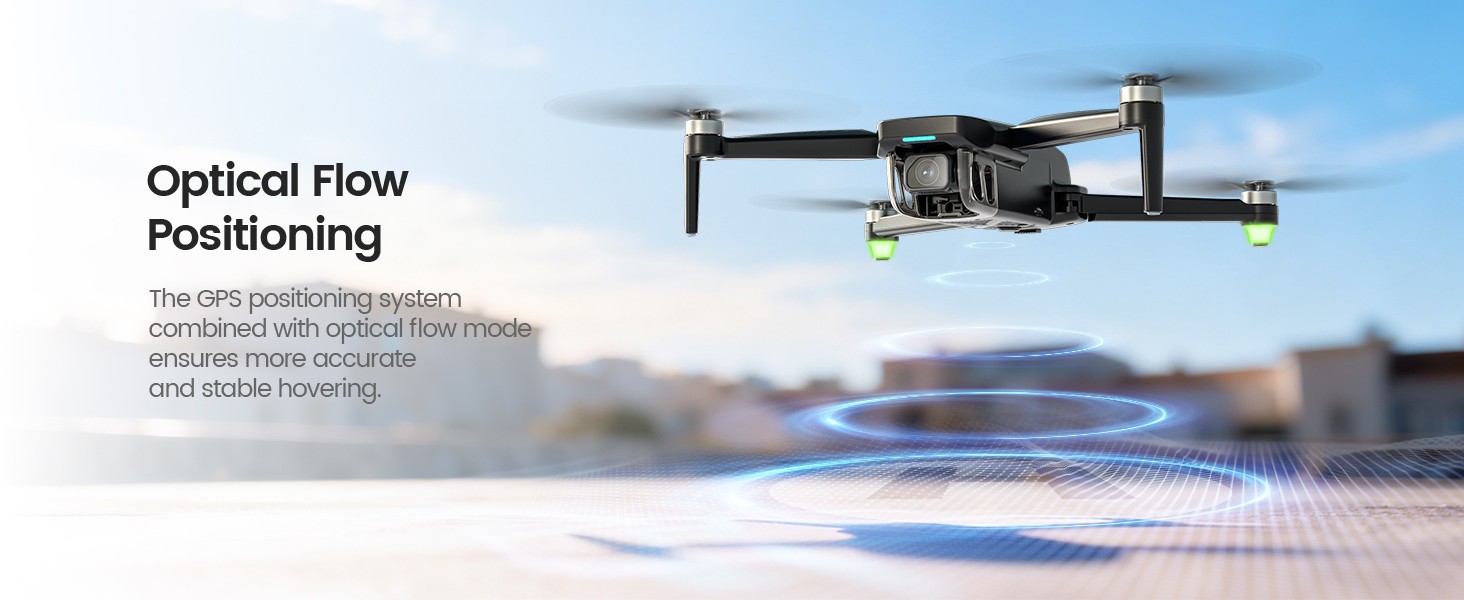
HS175G optical flow positioning for stable hovering

Optical Flow Positioning for More Stable Hovering

Optical Flow sensors help improve low-altitude hovering stability, giving beginners more control during close-range practice.

Together with GPS-assisted outdoor flight, it helps HS175G feel more stable than a basic toy drone.
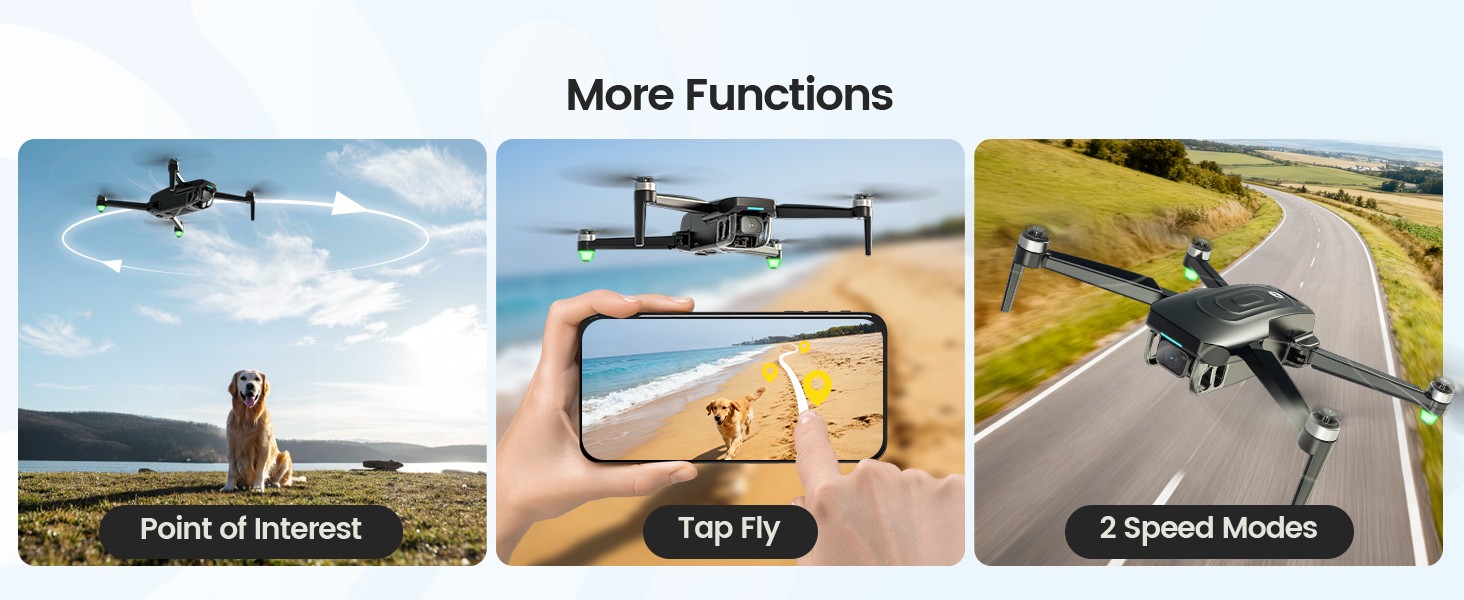
HS175G creative flight modes point of interest tap fly and speed modes

Creative Flight Modes Made Simple

Once you are comfortable with basic control, HS175G lets you try creative modes such as Point of Interest, Tap Fly, and two speed modes.

Start slow, practice in an open area, and use creative functions after you understand takeoff, positioning, and return.

Your First GPS Flight, Step by Step

Follow the HS175G quick start flow before your first outdoor GPS flight.

01

Charge

Charge the drone battery and transmitter with a 5V/2A USB adapter.

02

Prepare

Unfold the arms, insert the battery, check the propellers, and add a TF card if needed.

03

Set Up Remote

Pull out the phone holder, place your phone, and get the transmitter ready.

04

Pair & Connect

Power on the drone and transmitter, connect to HolystoneEIS Wi-Fi, and open HS GPS V5.

05

Calibrate

Complete compass and gyro calibration on a level surface before takeoff.

06

Fly Open

Wait for stable GPS status, unlock the motors, and take off in a wide open area.

Is HS175G Right for You?

Choose HS175G if you want:

→ Your first serious GPS drone

→ More stable outdoor beginner flying

→ 4K photos and smoother casual video

→ Dual-battery practice time

→ A foldable under-250g travel-friendly drone

Consider a higher-end drone if you need:

→ Professional cinematic video production

→ 3-axis gimbal stabilization

→ Advanced camera controls

→ Stronger wind performance

→ Obstacle avoidance or advanced tracking

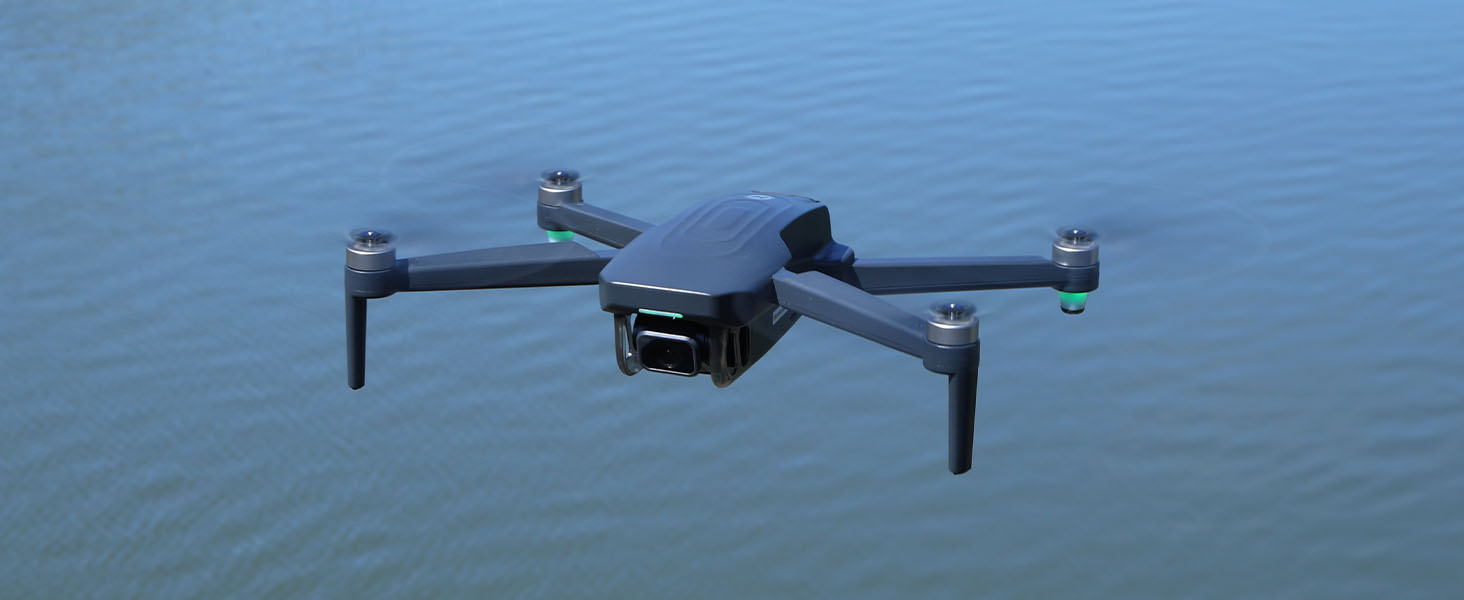
HS175G Outdoor Real Shots

Real outdoor views of HS175G in flight, showing its lightweight design, stable hover, and beginner-friendly GPS flying experience.
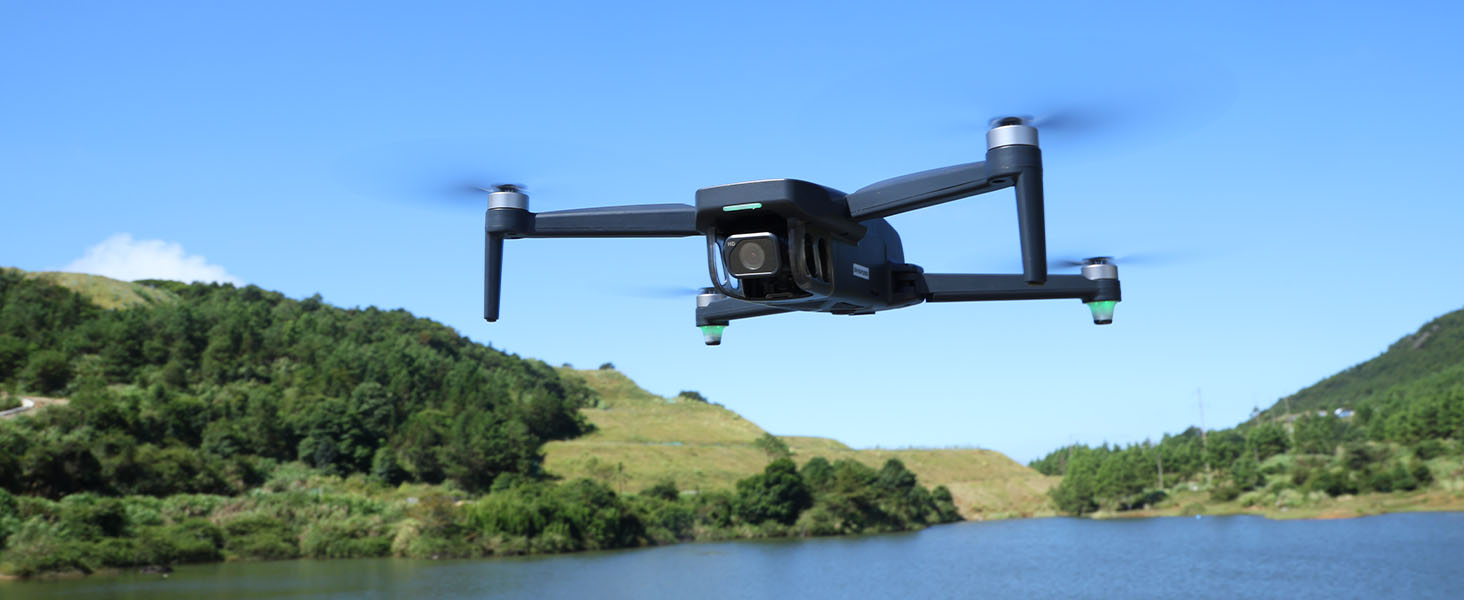
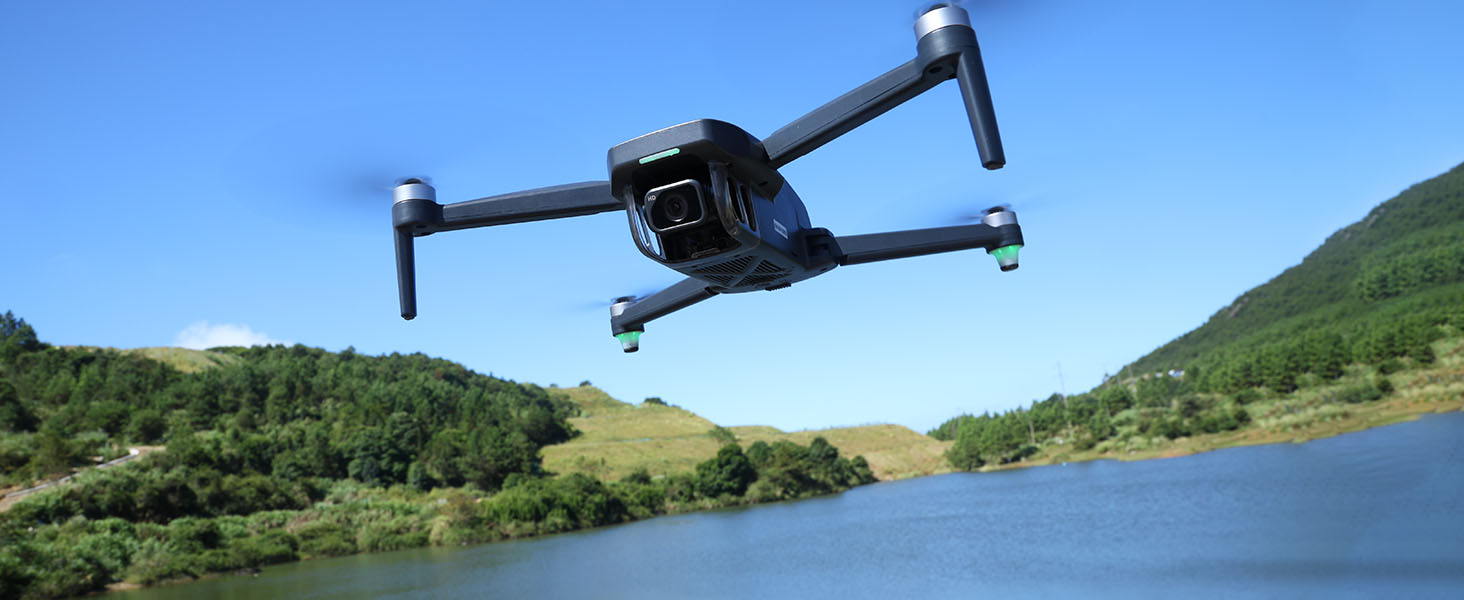
HS175G outdoor real shot over hills and water
HS175G aerial real shot landscape
HS175G real shot outdoor scenery
HS175G real shot from above
HS175G outdoor aerial photo sample
HS175G outdoor aerial scenery sample
HS175G – The Upgraded GPS Drone with EIS Stability SPECS

DRONE

Model: HS175G

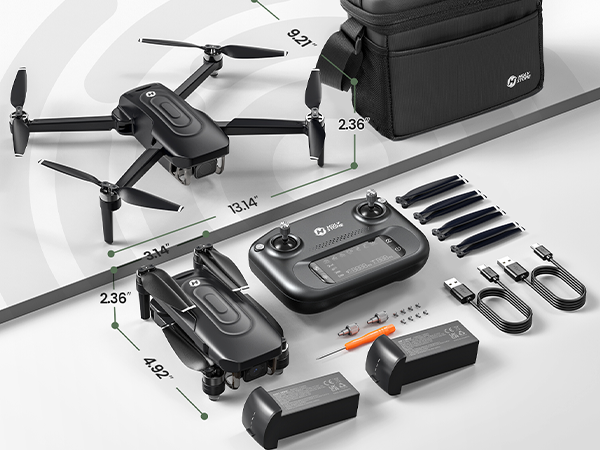
Weight: 249g/8.8oz

Max Flight Time: 30 minutes (per battery)

Operating Temperature Range: 32° to 104°F (0° to 40°C)

Size: 152 × 80 × 60 mm (Folded)

334 × 234 × 60 mm (Unfolded)

TRANSMITTER

Operating Frequency: 2.452-2.474GHz

Flight Distance: 3281 feet/1000m (outdoor and unobstructed)

Battery Type: 3.7V 1800mAh Li-Po Battery

Operating Temperature Range: 32° to 104°F (0° to 40°C)

Charging Time: 4 hours

DRONE BATTERY

Capacity: 2100mAh

Voltage: 7.7V

Battery Type: Li-Po

Energy: 16.17Wh

Charging Temperature Range: 41° to 104°F (5° to 40°C)

Charging Time: about 1.5 hours (using Fast Chargers)

CAMERA

Operating Frequency: 5.5 ~ 5.7GHz

Photo Resolution: 3840×2160P (stored in TF card)

3840×2160P (stored on mobile phone)

Video Resolution: 2560×1440P@30fps (stored in TF card)

1280×720P@30fps (stored on mobile phone)

Transmission Distance: 2625 feet/800m (outdoor and unobstructed)

Lens: FOV: 120°

Controllable Range: -90° to 0°

Photo Formats: JPEG

Video Formats: AVI/MP4

Supported TF Cards: Supports a TF Card (Class10 or above)

with capacity of up to 128 GB (Not included)

Supported File Systems: FAT32

USB CHARGING CABLE

Voltage: 5V 2A

Rated Power: ≤10W

HS175G – The Upgraded GPS Drone with EIS Stability IN THE BOX
卖点封面.png

*Accessories configuration may vary depending on the purchase channel. Please refer to the actual product package on the purchasing platform for final confirmation.*

Dual Battery Version


HS175G Drone × 1

RC × 1

Drone Battery × 2

Spare Propellers × 4

USB Charging Cable × 1

Portable Case × 1

User Manual × 1

HS175G – The Upgraded GPS Drone with EIS Stability DOWNLOAD
HS175G – The Upgraded GPS Drone with EIS Stability FAQ
               Drone Status Indicator
  • What does [Red] Slow Flashing mean?

    - Unsuccessful pairing after powering on the drone.

  • What does [Yellow] Double Flashing mean?

    - Successfully paired / Searching for GPS signals.

  • What does [Green] Steady light mean?

    - GPS signal search successful.

  • What does [Yellow] Steady light mean?

    - Successfully exited GPS mode.

  • What does [Red] Slow Double Flashing mean?

    - Entered first stage of Low Voltage RTH (Return to Home).

  • What does [Red] Fast Double Flashing mean?

    - Entered second stage of Low Voltage RTH.

               Troubleshooting
  • Why won’t the motors start?

    - Weak GPS signal.
                               → (1) Ensure you're operating in an area with strong GPS reception.
                               → (2) For indoor operations, short press the GPS button to exit GPS mode.
    (See page 22)

    - The drone battery is low.
                               → Recharge the battery.

    - The compass isn’t calibrated (status indicator flashes yellow).
                               → Conduct a compass calibration. For step-by-step instructions, refer to the “Compass Calibration” section in the manual.
    (See page 19)

  • Why is the drone flying unstably or with abnormal posture?

    - GPS signal instability near buildings or obstructions.
                               → Operate the drone in open spaces free from obstructions.

    - Compass interference.
                               → (1) Manually land the drone and recalibrate the compass.
                               → (2) Try flying in a different area, away from buildings, power lines, and signal towers.

    - Drone malfunction or crash impact.
                               → Calibrate on a flat surface: push both sticks to the bottom right corner until drone lights become steady.

    - Unstable air pressure or poor optical flow condition.
                               → Consider flying in a more suitable environment. (See page 37)

    - Propeller deformation or damage.
                               → Replace with new propellers. (See page 1)

  • Why can’t the drone execute waypoint flight?

    - The map is not pre-loaded.
                               → Load the map in the app ahead of time using mobile data or a WiFi network with internet access.

    - The drone is flying too low.
                               → Only use this function when flying at altitudes of 49ft or above.