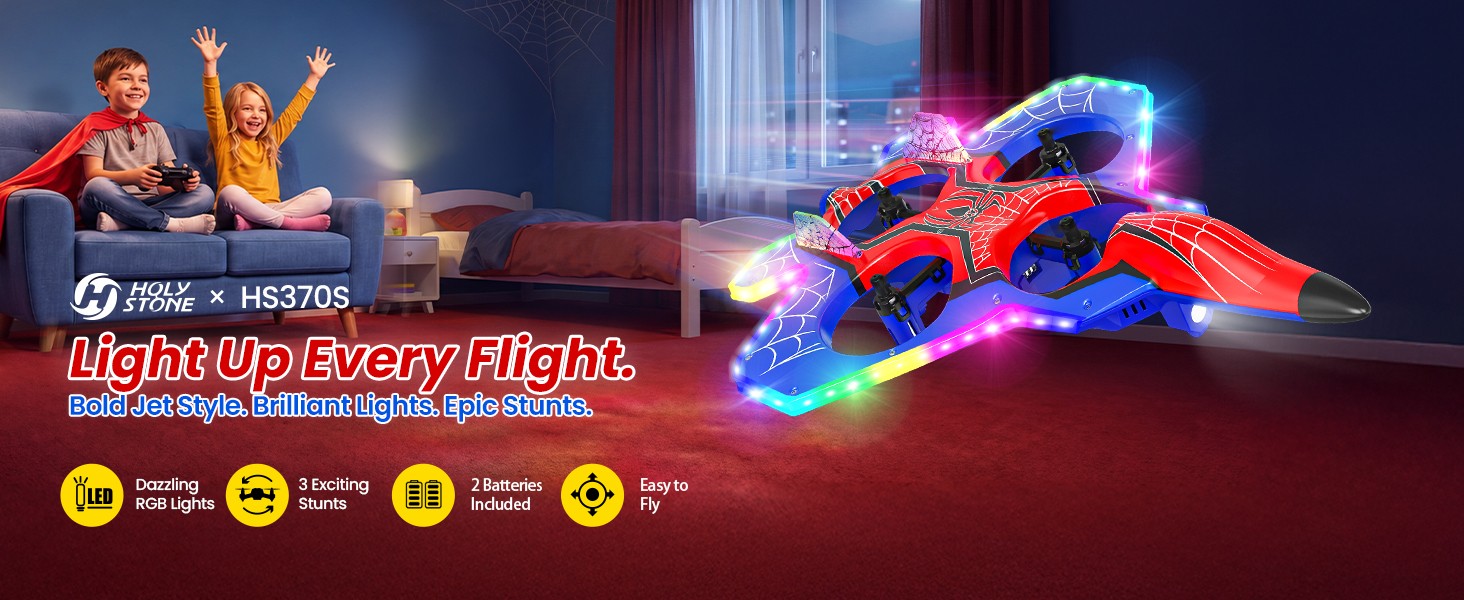
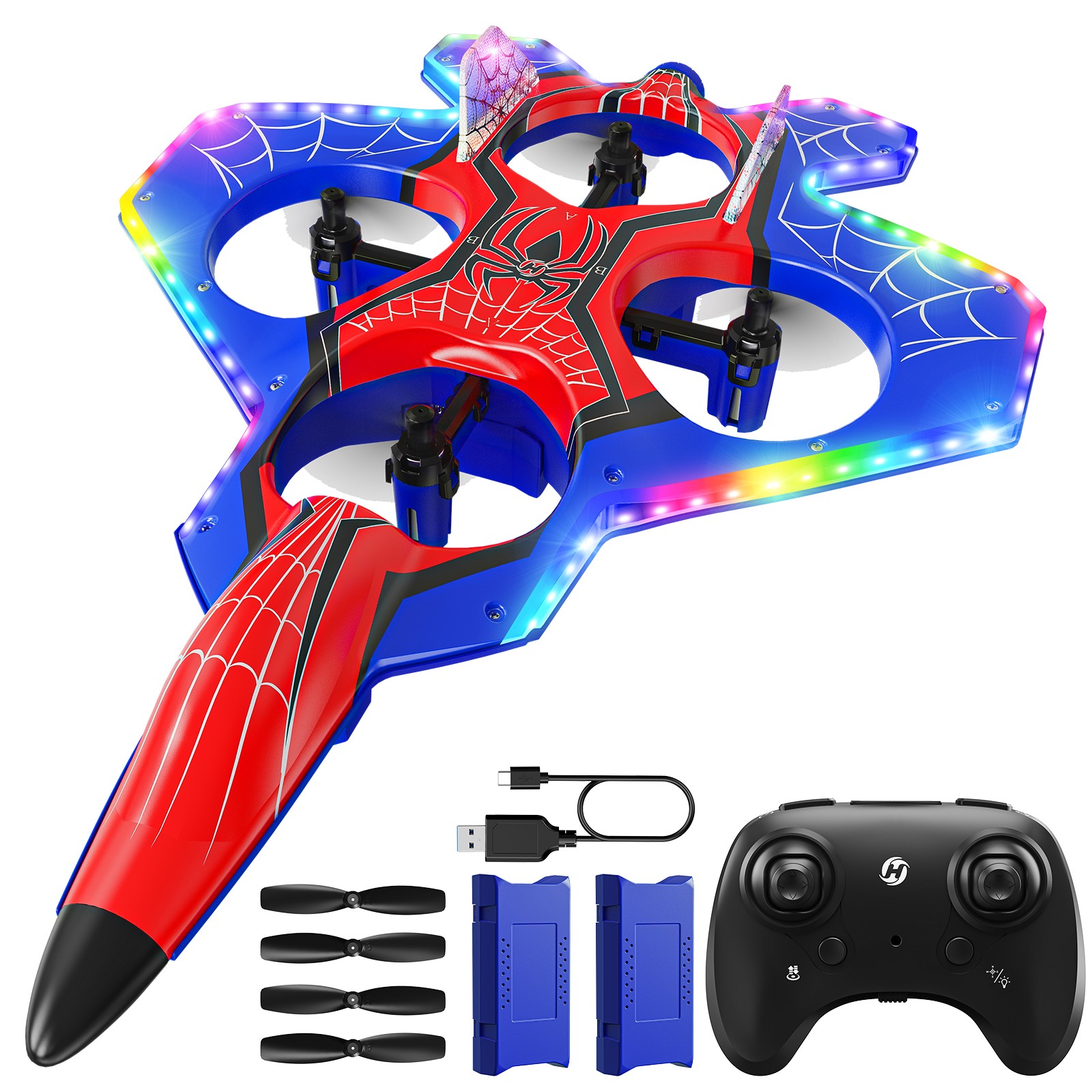
A bold light-up jet for kids who love colorful lights, exciting stunts and imaginative indoor adventures.
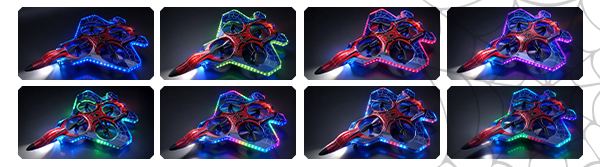
Colorful RGB lights trace the jet’s outline, turning every takeoff and turn into a light show.
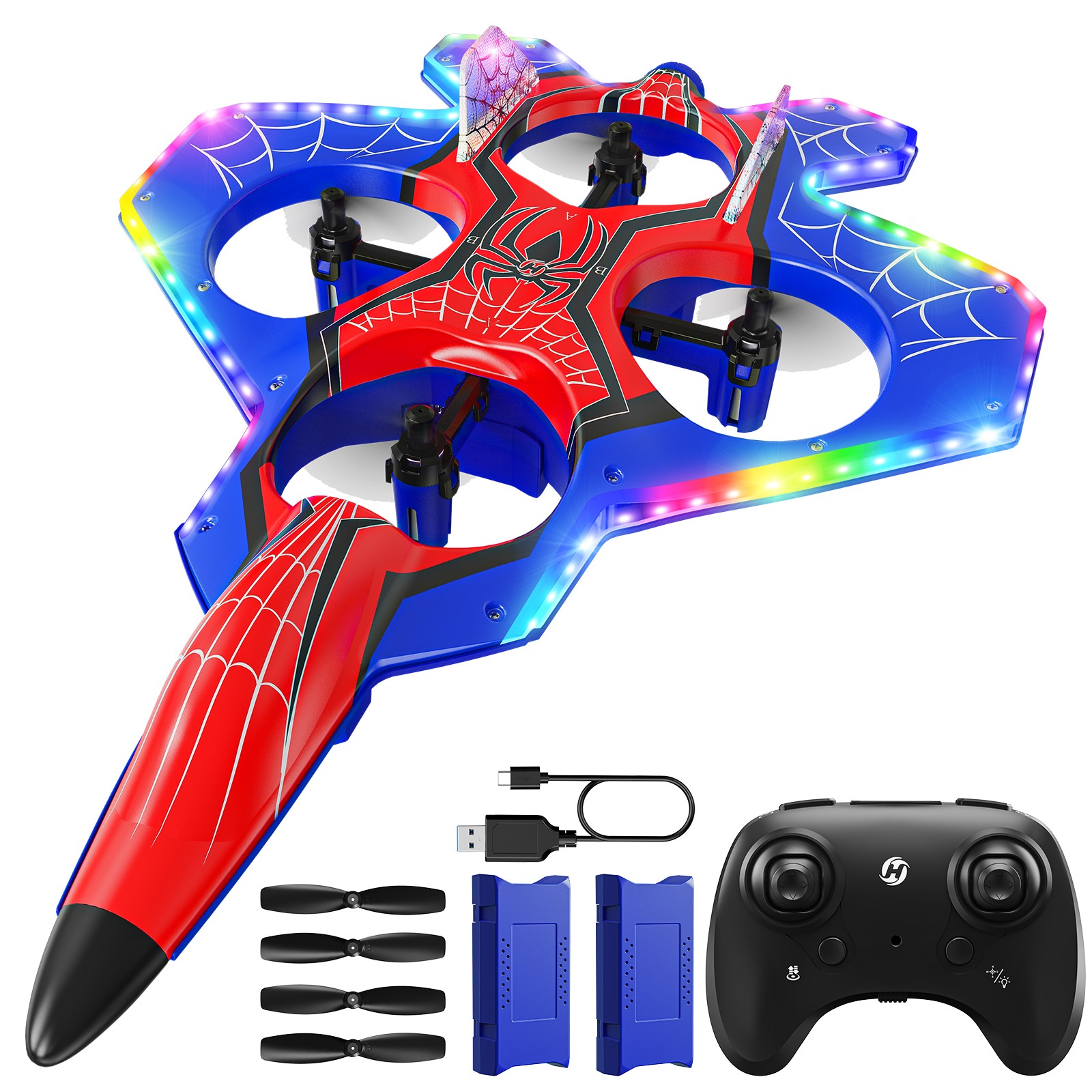
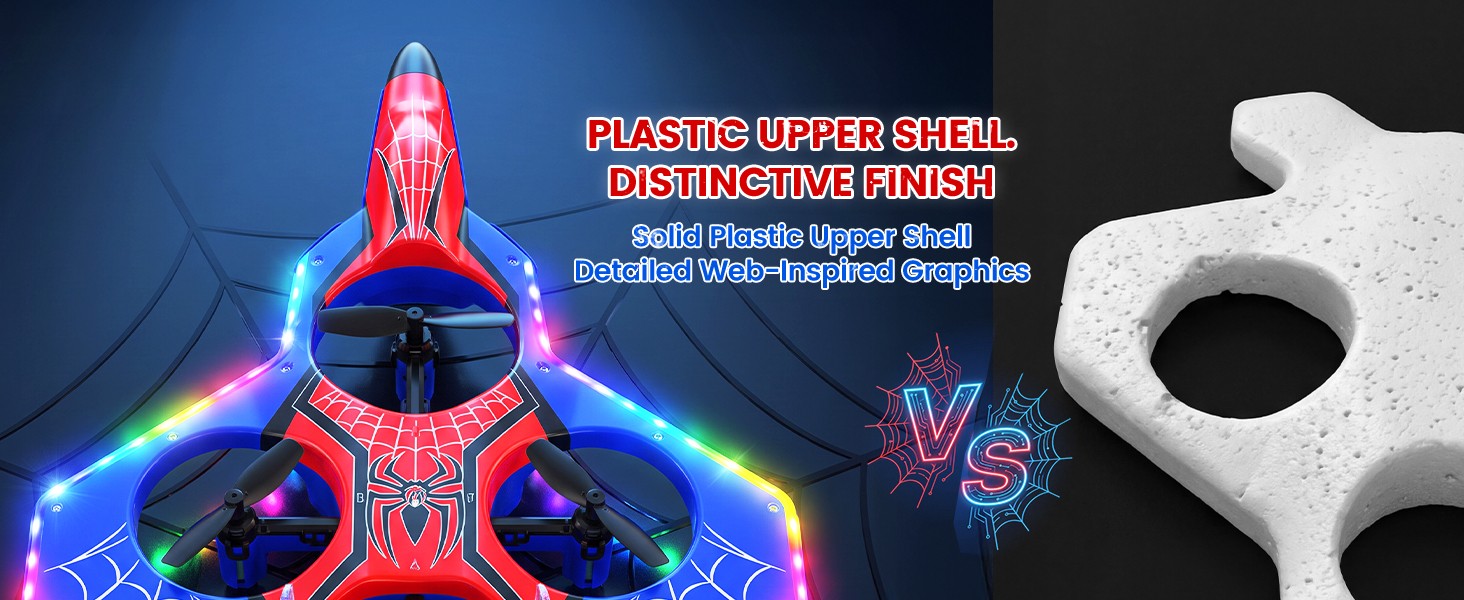
Swept wings, a pointed nose and bold red-and-blue graphics give the HS370S a striking fighter-jet silhouette that stands apart from ordinary mini drones.

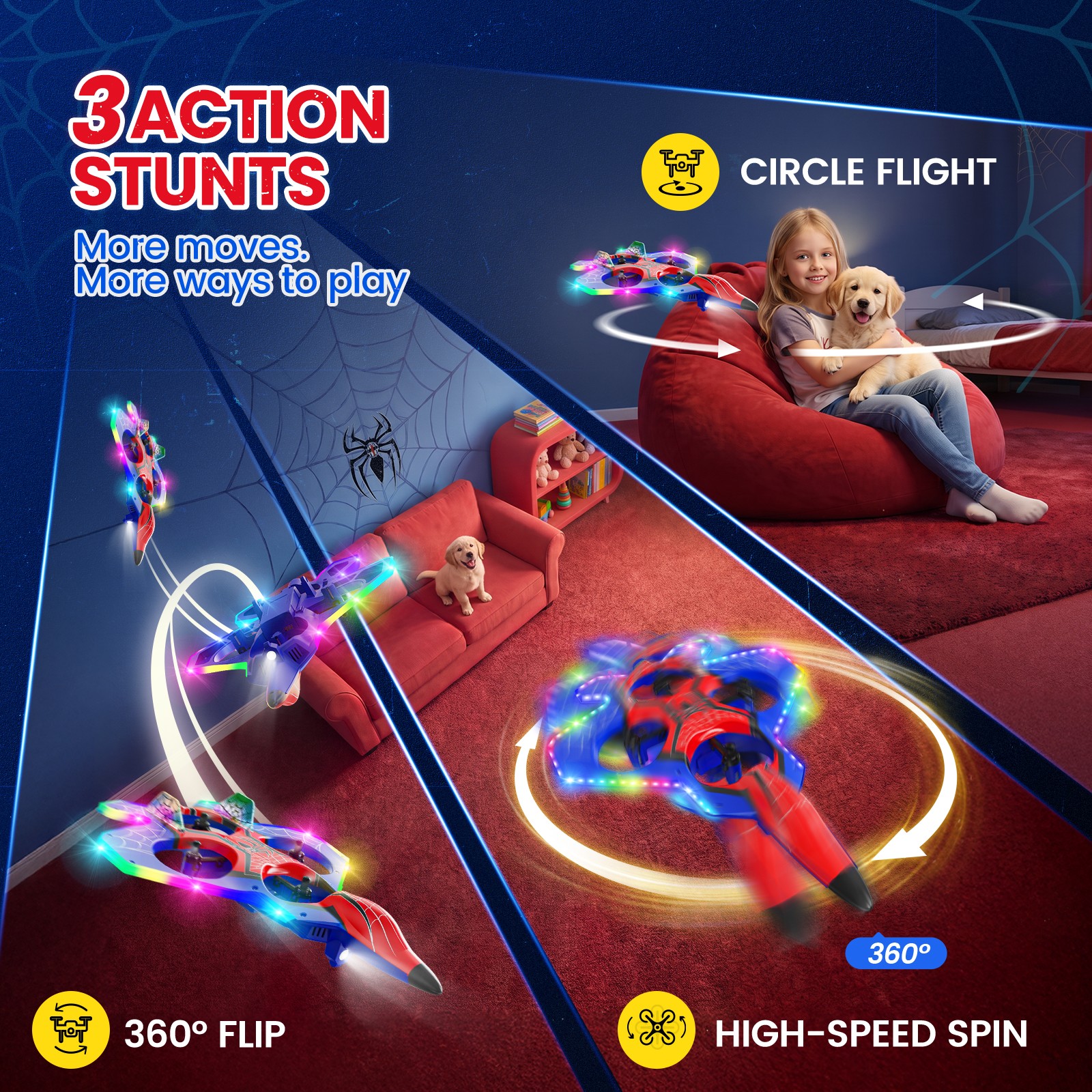
360° flips, circle flights and high-speed spins bring new moves to every flight.

Fly in a clear, open area away from people, pets and obstacles.
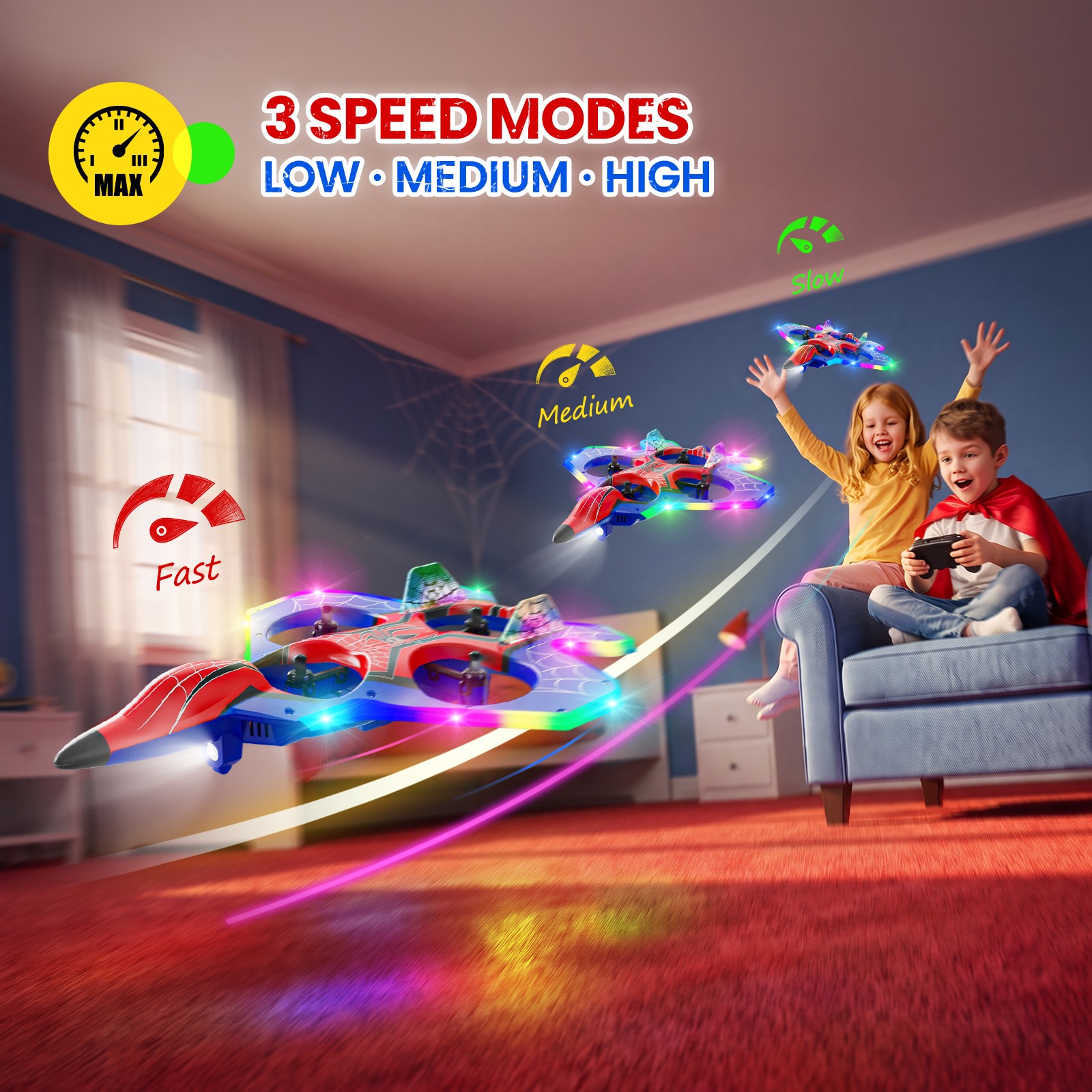
Begin at your own pace, build your skills, then enjoy faster flying when you have room to explore.

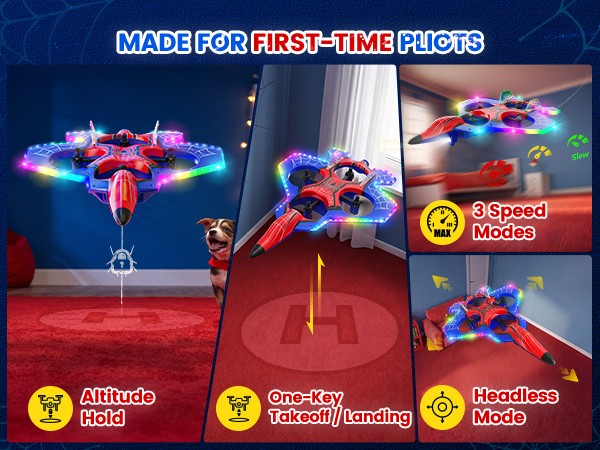
One-key takeoff and landing, altitude hold and headless mode help first-time pilots practice the basics with confidence.

A smooth, sculpted plastic upper shell gives the HS370S a solid feel and distinctive jet styling for everyday indoor play.

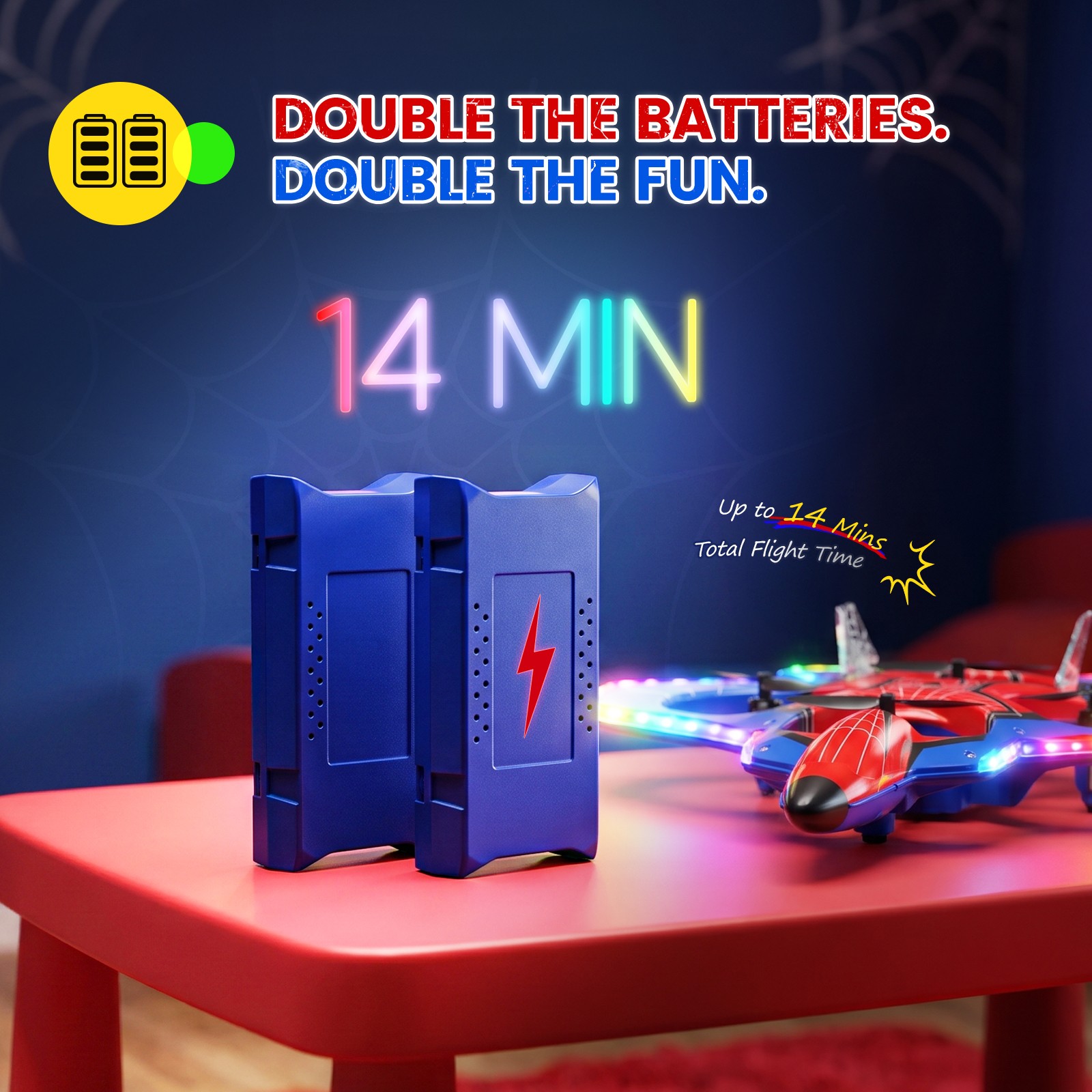
Two rechargeable flight batteries are included. Enjoy up to 7 minutes per battery, then swap in the second for another round of flying fun.
Up to 14 minutes combined across two batteries, not one continuous flight. Actual time varies with use and conditions.

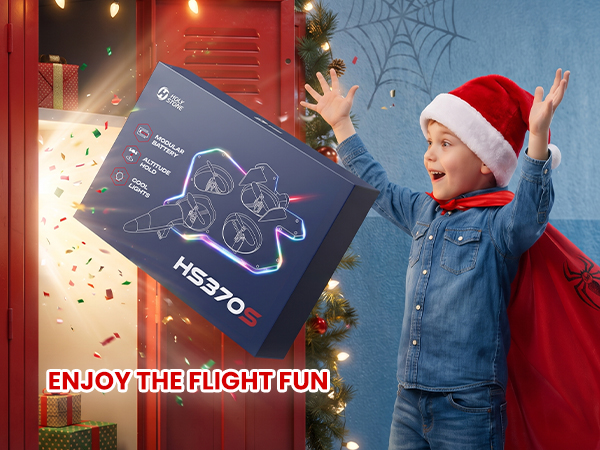
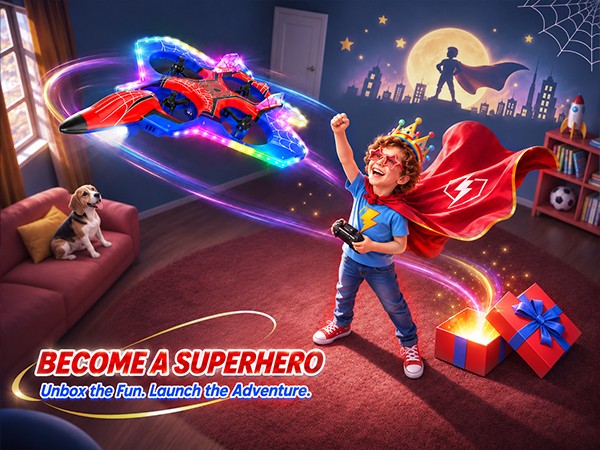
From the surprise of unboxing to the thrill of the first takeoff, the HS370S turns a special gift into an imaginative flying adventure.


*Accessories configuration may vary depending on the purchase channel. Please refer to the actual product package on the purchasing platform for final confirmation.*
1× HS370S Fighter Jet Drone
1× Transmitter
2× Drone Batteries
1× USB Charging Cable
4× Spare Propeller Blades
1× Propeller Spanner
1× Screwdriver
1× User Manual
*3 AAA batteries for the transmitter are required but not included.*
Setup, Flight & Lighting Guide
Download the official HS370S user manual for setup instructions, safe operation, transmitter pairing, gyroscope calibration, beginner flight controls, three speed modes, 360° flips, circle flight, high-speed rotation, RGB lighting settings, battery charging, and troubleshooting.
Buying Decision
What makes HS370S different from a regular mini drone?
HS370S combines a distinctive fighter-jet silhouette, red-and-blue web-inspired graphics, colorful edge lighting, and three aerial stunt functions. It is designed for playful flying rather than aerial photography.
The RGB outline gives the jet a striking look during flight, while the stunts add more ways to play.
Who is HS370S best for?
HS370S is a beginner-friendly remote-control stunt drone for kids who enjoy colorful lights, aircraft-inspired toys, and imaginative indoor adventures.
Start with basic flying in a clear, open area and follow the age and supervision guidance on the product packaging.
Does HS370S have a camera or GPS?
No. HS370S is a light-up stunt drone, not a camera or GPS drone. It does not offer aerial photography, FPV video, or GPS positioning.
Choose HS370S for its jet styling, RGB lighting, and flying tricks rather than photography features.
Is HS370S a good birthday or holiday gift?
Its eye-catching fighter-jet design, colorful lighting effects, stunts, and two included drone batteries make HS370S a fun gift option for kids interested in RC aircraft.
The transmitter requires 3 AAA batteries, which are not included.
RGB Lighting & Stunts
How do I switch the RGB lighting modes?
Short press the transmitter’s light-mode switch to cycle through lighting effects. The transmitter beeps once whenever the lighting status changes.
The lights turn on by default when the drone is powered on.
Can I change the LED color separately?
Yes. Short press the left joystick to change the light color. The manual notes that color selection is available only in solid-color mode.
To turn the drone’s decorative lights off or on, press and hold the left joystick for about 2 seconds.
Can I turn off the front searchlight?
Yes. The front searchlight is on by default when the drone is powered on. Long press the transmitter’s 360° Flip / Searchlight button to turn it off, and long press again to turn it back on.
The front searchlight is controlled separately from the decorative RGB lighting.
What stunts can HS370S perform?
HS370S supports 360° Flip, Circle Fly, and High-Speed Rotation. These functions add variety once you have learned the basic flight controls.
Practice stunts in a clear area away from people, pets, fragile objects, and obstacles.
How do I perform a 360° flip?
With the drone at least 10 ft above the ground, short press the 360° Flip button and then push the right joystick in the direction you want the drone to flip.
The manual recommends attempting flips with a well-charged battery. This feature may be unavailable when the battery is low.
How do Circle Fly and High-Speed Rotation work?
Press down the right joystick briefly to start Circle Fly; long press it for about 2 seconds to start High-Speed Rotation. Use the same control again or move the right joystick as described in the manual to exit the corresponding mode.
Try these modes only with enough surrounding clearance and sufficient battery power.
Setup & Beginner Controls
How do I pair HS370S with its transmitter?
Place the drone on a flat, level surface, with its nose facing forward. Turn on the drone and transmitter, then move the left joystick all the way up and back down. Pairing is complete when the drone’s lights become steady.
Pair one drone at a time, and keep the drone level during setup.
How do I take off and land with one button?
After pairing, short press the one-key takeoff/landing button. The drone takes off automatically and hovers at approximately 5 ft. Press the same button during flight to land automatically.
Use a clear, level takeoff and landing area.
What does Altitude Hold do?
Altitude Hold helps the drone maintain its current altitude when you release the left joystick and it returns to the center.
Altitude Hold helps with height control; it is not GPS positioning or obstacle avoidance.
What is Headless Mode?
In Headless Mode, flight directions are based on the pilot’s starting orientation rather than the drone’s current nose direction. This can make directional steering easier to understand.
Keep facing the same direction as the drone was facing at takeoff for more predictable control.
How do the three speed modes work?
Short press the speed button to switch between Low, Medium, and High. The transmitter beeps once for Low, twice for Medium, and three times for High. Low is the default setting.
The manual states that Low and Medium speeds are not suitable for outdoor flight. Use High only where conditions and space allow safe control.
When should I recalibrate the gyroscope?
Calibrate before first use, when the drone noticeably drifts after takeoff, or after a collision or drop. Place it on a flat surface and move both joysticks to the bottom-left corners simultaneously.
Do not calibrate while the drone is moving or resting on an uneven surface.
Battery, Range & Specifications
How long can HS370S fly?
Each included 800 mAh drone battery provides up to 7 minutes of flight time in a windless environment. With the two included batteries, that is up to 14 minutes of combined flight time.
The batteries are used one after another; actual flight time varies with speed, stunts, and flying conditions.
How long does the HS370S battery take to charge?
Charging takes about 90 minutes per battery. Remove the drone battery and connect it with the included USB charging cable to a suitable USB power source rated 5V / 0.5–2.0A.
Allow a hot battery to cool before charging and follow the manual’s battery safety guidance.
Does the transmitter need separate batteries?
Yes. The transmitter uses 3 × 1.5V AAA batteries, which are not included.
Install the batteries with the correct polarity; do not mix old and new batteries.
How far can HS370S fly?
The specified maximum control distance is 164 ft / 50 m in unobstructed conditions.
Keep the drone within visual line of sight; walls, interference, and other obstacles may reduce effective range.
How large and heavy is HS370S?
The drone measures approximately 240 × 170 × 45 mm and weighs about 66 g / 2.33 oz.
Its fighter-jet silhouette is visually different from a conventional compact quadcopter.
Can HS370S fly outdoors?
HS370S is especially suited to flying in a clear indoor space. Outdoor flying requires suitable open conditions, with minimal wind and no nearby obstacles.
The manual specifies a maximum wind-speed resistance of 4.9 ft/s and states that Low and Medium speed modes are not suitable for outdoor flight.
Safety & Troubleshooting
What should I do when the drone battery is low?
When power runs low, the drone’s indicator light flashes red and the transmitter beeps continuously. Land promptly and recharge or replace the battery.
Some stunt functions may become unavailable when the battery is low.
What does Emergency Stop do?
Emergency Stop immediately stops the propellers when activated by holding both top transmitter buttons simultaneously for about 2 seconds. The drone will lose lift and fall.
Use it only in a genuine emergency, as stopping the motors in flight may cause impact, injury, or damage.
Why is HS370S drifting or flying unevenly?
Check that the propellers are correctly installed and undamaged, that the battery is seated securely, and that the drone has been calibrated on a flat surface. Airflow and indoor drafts can also affect stable hovering.
Recalibrate the gyroscope if the drone drifts after takeoff or following a bump.
What if the propellers spin but the drone does not take off?
The manual lists incorrect propeller installation or damaged propellers as possible causes. Check the A/B propeller markings and replace distorted propellers with the correct type.
Turn off the drone and transmitter before inspecting or replacing propellers.
What should I do after a collision or fall?
Stop flying and inspect the drone body, propellers, and battery. Put it on a level surface, check for damage, and perform gyroscope calibration before the next flight if needed.
Do not continue flying with damaged propellers or loose components.