 Sign in
 Sign up


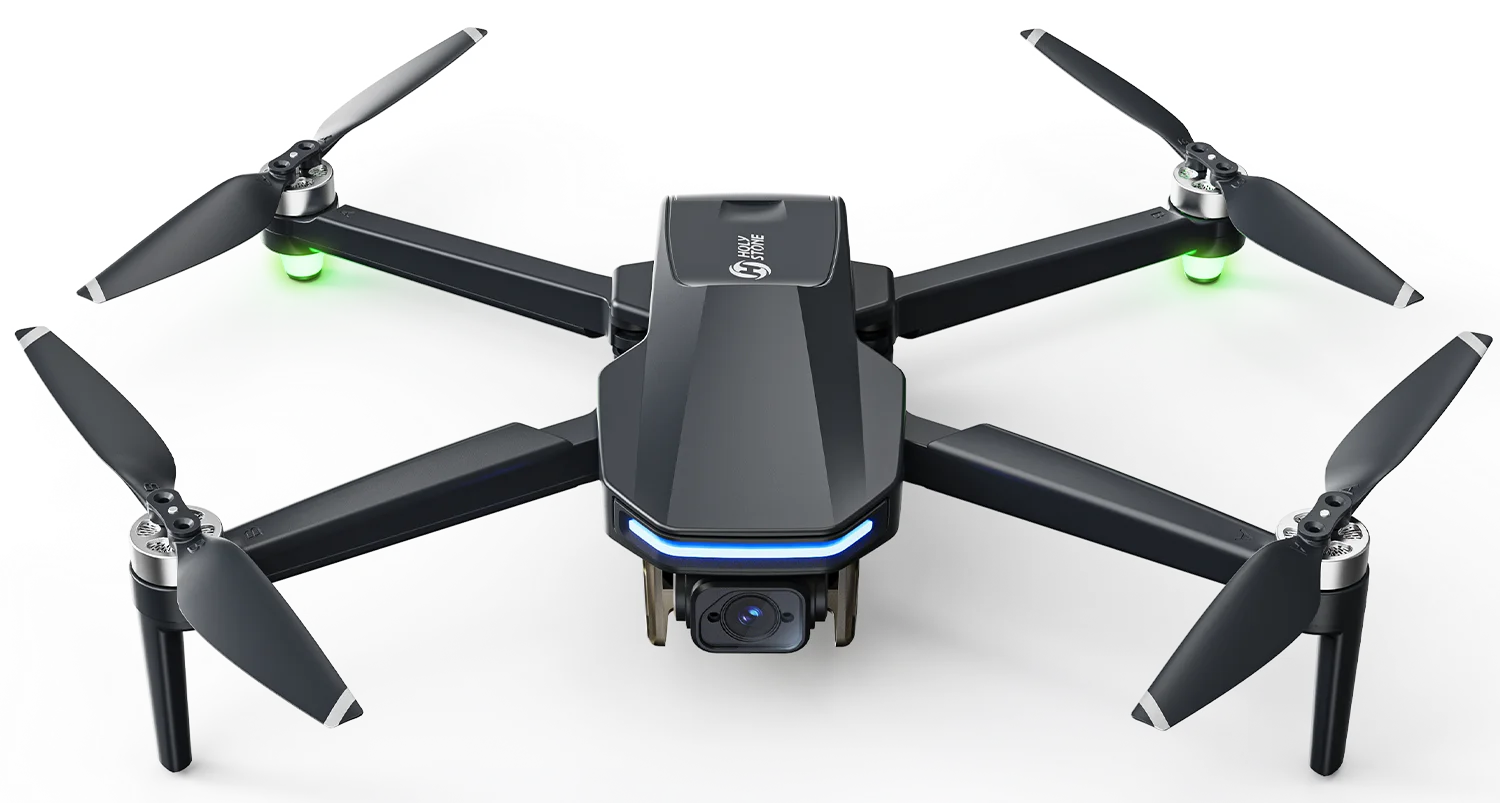
HS900 Pro, Take Greater Control
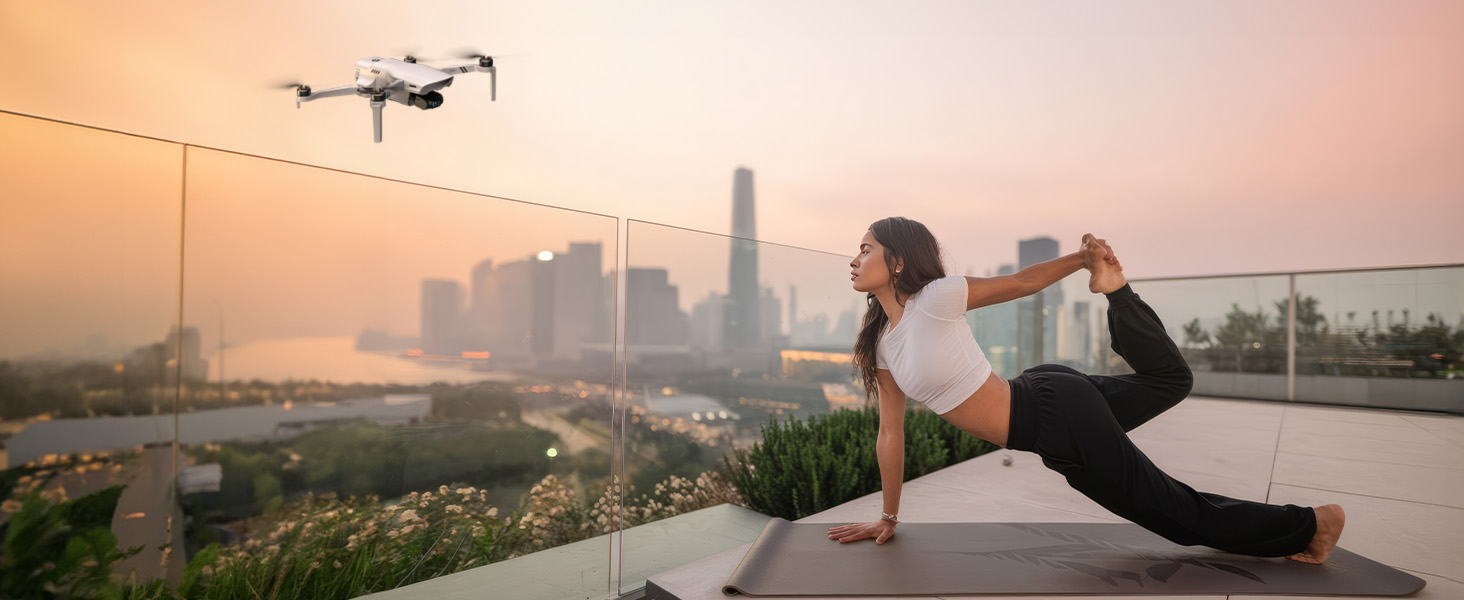
More Advanced Aerial Footage
Starts with Control
Better aerial footage is not created by movement alone. It comes from controlling how the shot begins, unfolds, shifts in rhythm, and finally lands with intention.
Many people assume that more advanced aerial footage comes from better gear or more complicated flying. But experienced aerial creators usually know the difference is smaller than that — and more intentional than that.
A shot starts to feel refined when every movement serves the image itself: the path is clean, the height has purpose, the speed fits the scene, the camera looks where it should, and the shot ends with control instead of simply stopping.
In other words, stronger aerial work does not begin when the drone can do more. It begins when the pilot starts thinking like a shot designer instead of only a drone operator.
Before takeoff, experienced pilots are already designing the shot
A more experienced aerial shooter rarely starts by asking, “Which mode should I use?” More often, they begin by reading the scene and deciding what the shot is supposed to do.
Is the subject the real focus, or is the environment equally important? Should the shot push in, pull away, reveal, orbit, or simply hold a stable perspective? Is the path clean enough? Does the light support the direction? And where should the shot actually finish?
Subject
What is the frame really about, and how clearly will it read from the air?
Path
Should the movement reveal, approach, orbit, or open up the scene?
Light
Does the current light help shape depth, mood, and separation?
Finish
Where does the shot land, pause, or resolve so it feels complete?
That is the real shift. The drone is still flying, but the mindset has already changed from executing movement to building a shot.
More advanced aerial footage is shaped by six control layers
When people start moving beyond simply capturing usable footage, they usually discover that image quality alone is not enough. The real polish comes from a handful of control layers being used intentionally.
Path
The route is not just where the aircraft goes. It defines how the image opens and how the subject is introduced.
Altitude
Height changes reorganize space. Lower flight emphasizes the subject; higher flight expands the environment.
Speed
Pacing changes the way the viewer reads motion. A rushed shot feels careless; a balanced one feels deliberate.
Heading
Flight direction is not the same as image direction. What the camera is looking at determines where attention goes.
Gimbal
A slight tilt can change the language of the shot completely, from structure and geometry to emotion and reveal.
Ending
A stronger shot does not only begin well. It also lands, pauses, or exits with control.
More advanced aerial footage does not come from doing more at once. It comes from knowing which control layer should shape the shot at the right moment.
Path is not navigation. It is shot structure.
One of the biggest differences between ordinary aerial footage and stronger footage is how the path is being used. Beginners often treat the route like transportation: get from one place to another and record whatever happens on the way.
More developed aerial work treats the path differently. A straight line feels clean and direct. A curve feels softer and more controlled. An orbit keeps the subject dominant. A reveal from behind an object creates anticipation before the frame fully opens.
A basic approach
Fly through the scene and hope the movement itself makes the shot feel interesting.
A stronger creative approach
Decide how the image should unfold first, then choose a route that gives the shot structure.
Once the path starts carrying intention, the footage stops feeling random and starts feeling designed.
Height, speed, heading, and gimbal control shape the viewing experience
Height changes affect whether the frame feels intimate or expansive. Speed determines whether the motion feels rushed, calm, or cinematic. Heading decides whether the subject stays visually clear. Gimbal movement can either strengthen the shot or make it feel overworked.
These are not separate technical settings in practice. They work together. A gentle climb with stable speed and a restrained gimbal tilt can create a stronger reveal than a more dramatic move with no internal logic.
One-tap shots are useful — but they are not the final stage
Intelligent shot modes still matter. They help newer pilots build instinct, reduce overload, and get to a usable result earlier. That is exactly why assisted flight is such a valuable starting point.
If you are still building your basic sense of shot rhythm, movement, and framing, start with the first article: How to Take Better Aerial Photos with Assisted Shooting.
But assisted flight is not the end of the learning curve. Once you begin asking where the shot should begin, how it should unfold, when it should slow down, whether the camera should tilt, and how the ending should feel, you are already moving beyond preset logic.
That is the point where growth stops being about choosing a mode and starts becoming about controlling the image itself.
One example is Tap Fly. In its most basic form, it is simply a way to make movement easier. But once the route itself starts carrying intention, Tap Fly can become something more than convenience — it can become part of how the shot is designed.
HS900 Pro Advanced Tap Fly: from simple movement to designed aerial motion
For most drone users, what is commonly referred to as Tap Fly is mainly a simplified flight aid: you assign a direction or a target point, and the aircraft follows a relatively direct path, reducing the need for continuous manual control.
On HS900 Pro, this capability goes beyond simple point-to-go movement. It becomes a waypoint-based path tool. Instead of simply sending the drone forward, you can build a structured route and refine how the shot unfolds through waypoint-level control.
Basic Tap Fly helps the drone move. HS900 Pro Advanced Tap Fly helps you design the shot.
Basic Tap Fly
A simple forward-movement aid that reduces manual input, but offers limited creative control.
Advanced Tap Fly (HS900 Pro)
A waypoint-based path tool that helps you structure movement, pacing, and visual flow.
How Advanced Tap Fly works on HS900 Pro
Enter waypoint mode and place multiple points directly on the map.
Connect the waypoints into a complete flight path.
Define how each waypoint behaves based on your shooting needs.
Execute the route and let the aircraft follow the designed path automatically.
What can you control at each waypoint?
Once these parameters are used with intention, aerial shooting begins to change. The flight is no longer just recorded — it is structured, paced, and designed.
Why HS900 Pro fits this next stage of aerial shooting
At this stage, the value of the aircraft changes. The question is no longer just whether it can help you capture a decent shot. The question becomes whether it can support a more intentional way of building one.
That is where HS900 Pro becomes more interesting. It still supports assisted shooting when you want a faster path to a clean result, but it also supports the transition toward more deliberate control.
More path awareness
Movement stops being just transportation and starts behaving like shot structure.
More rhythm control
You begin shaping pace instead of accepting a single, generic feeling throughout the shot.
More camera participation
Flight and gimbal logic can work together, instead of feeling like two unrelated layers.
On the aircraft side, this is the difference between simply capturing movement and using movement to express something.
From flying the drone to controlling the shot
The most important transition in aerial shooting is not learning more features. It is learning to think in terms of image intention.
Get the shot
Stability and usability matter most. This is where assisted tools are especially helpful.
Notice what feels better
You start recognizing better rhythm, stronger reveals, cleaner movement, and more purposeful framing.
Design the shot intentionally
You stop beginning with features and start beginning with how the finished shot should feel.
That is the real meaning of greater control. Not more complicated flying — just more mature control over how the image is built.
Advanced aerial footage is not accidental. It is designed.
Stronger footage usually feels clear, layered, rhythmic, and resolved. That rarely happens by accident.
Once you start shaping path, altitude, speed, heading, gimbal involvement, and shot endings with intention, the footage changes. It stops feeling like recorded flight and starts feeling like visual authorship.
Ready to design your own aerial shots?
Learn more about HS900 Pro, choose where to buy, or continue reading the companion article.


COMMENTS