

 Sign in
 Sign up


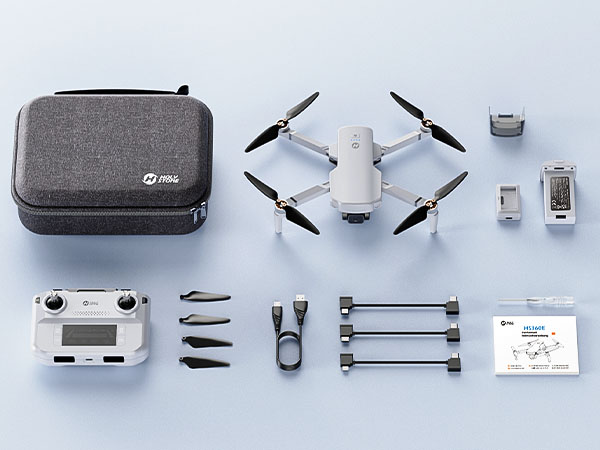
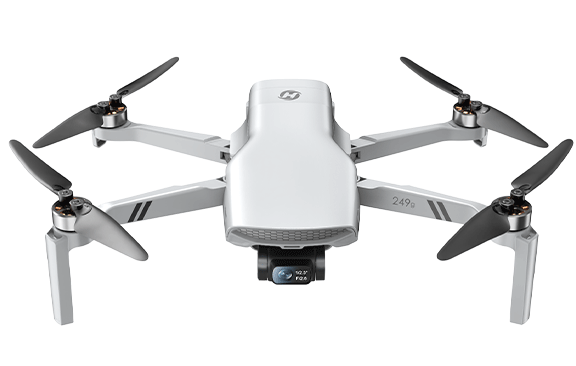
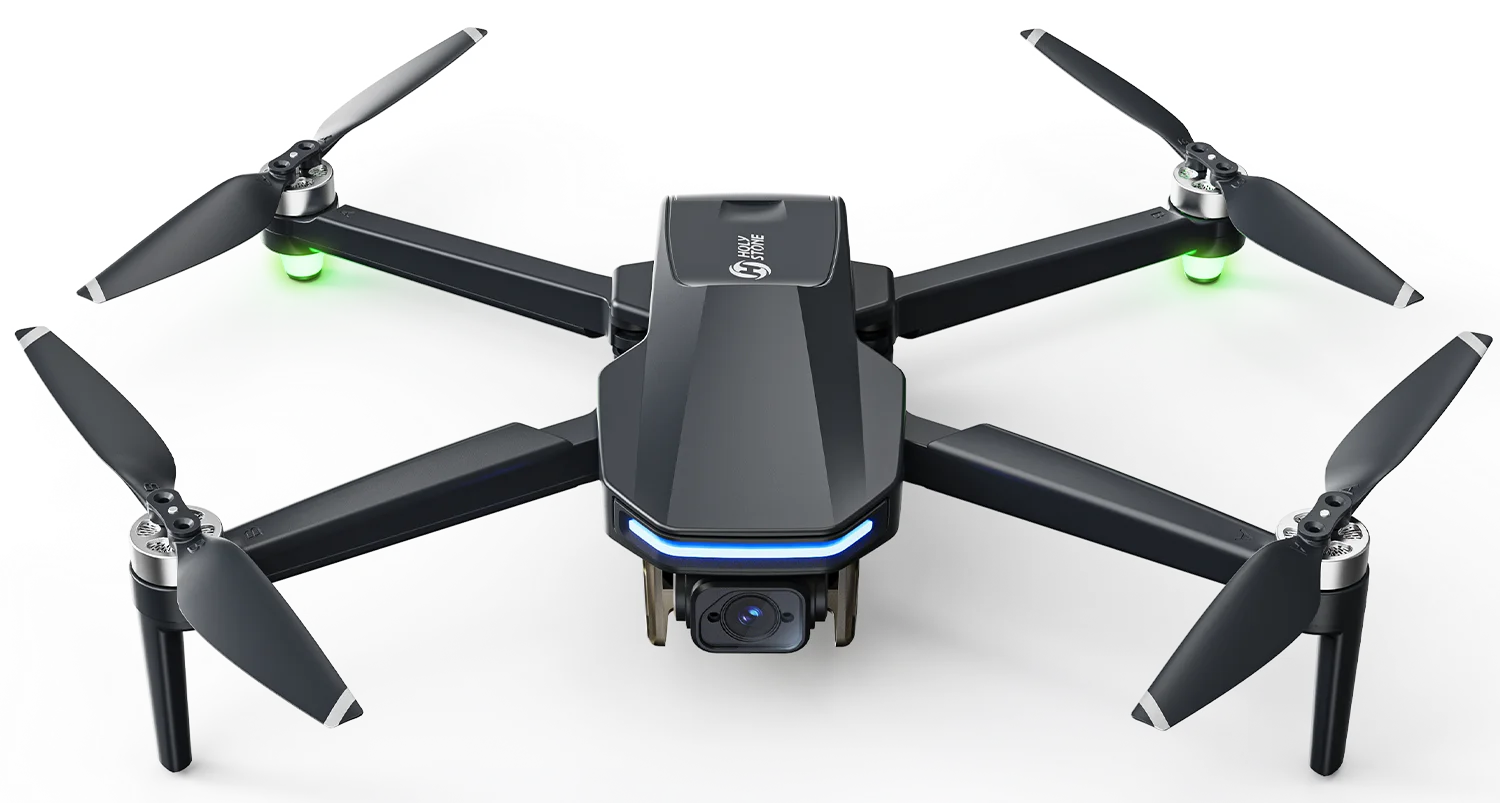
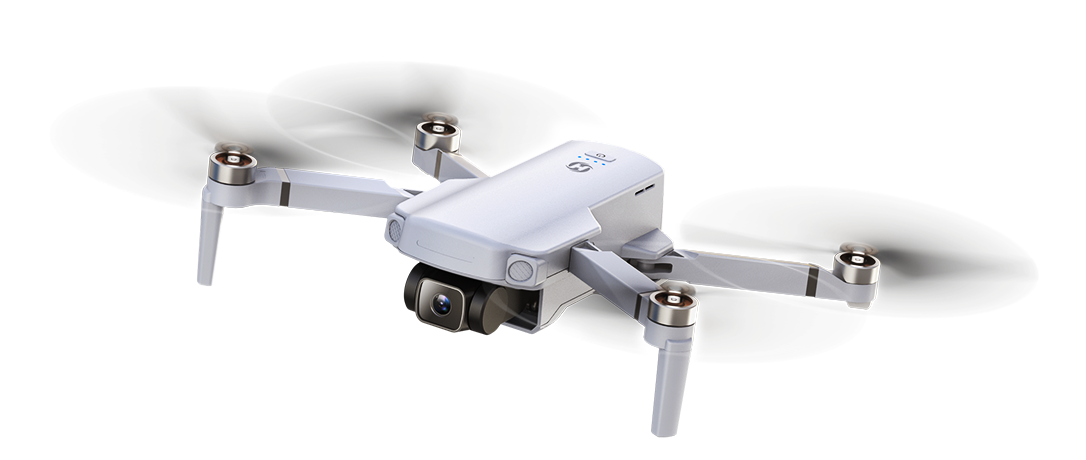
HS360E, Long-Range GPS Drone with EIS
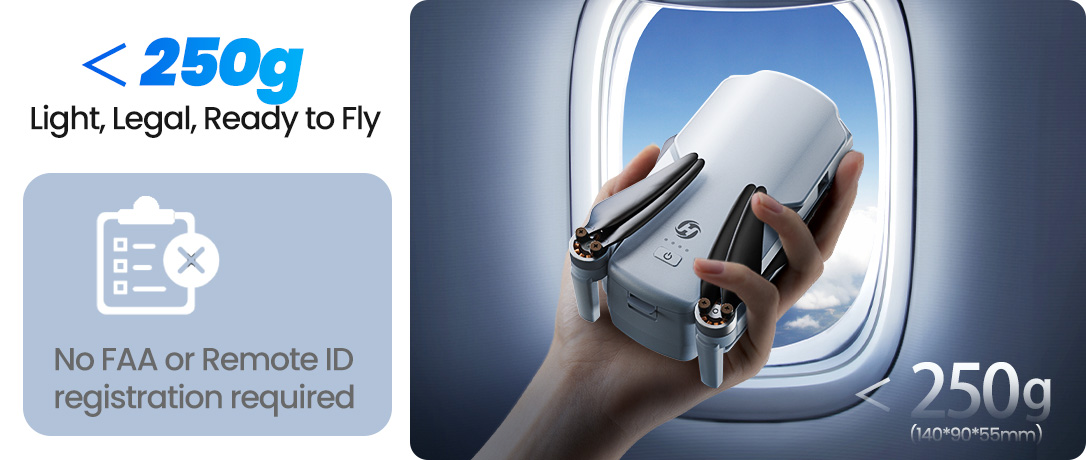
Model No.: HS360E, Weight: 249g
Your First 4K GPS Camera Drone
— Fly Farther. Shoot Smarter. Return with Confidence.


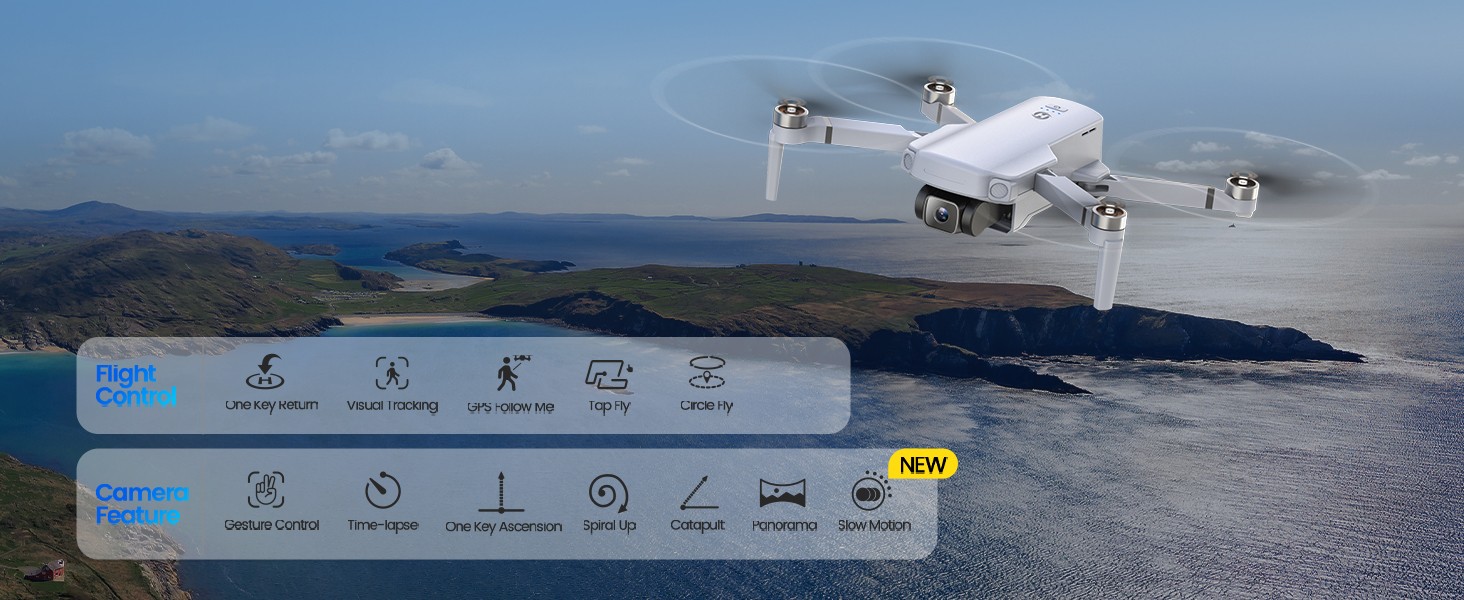
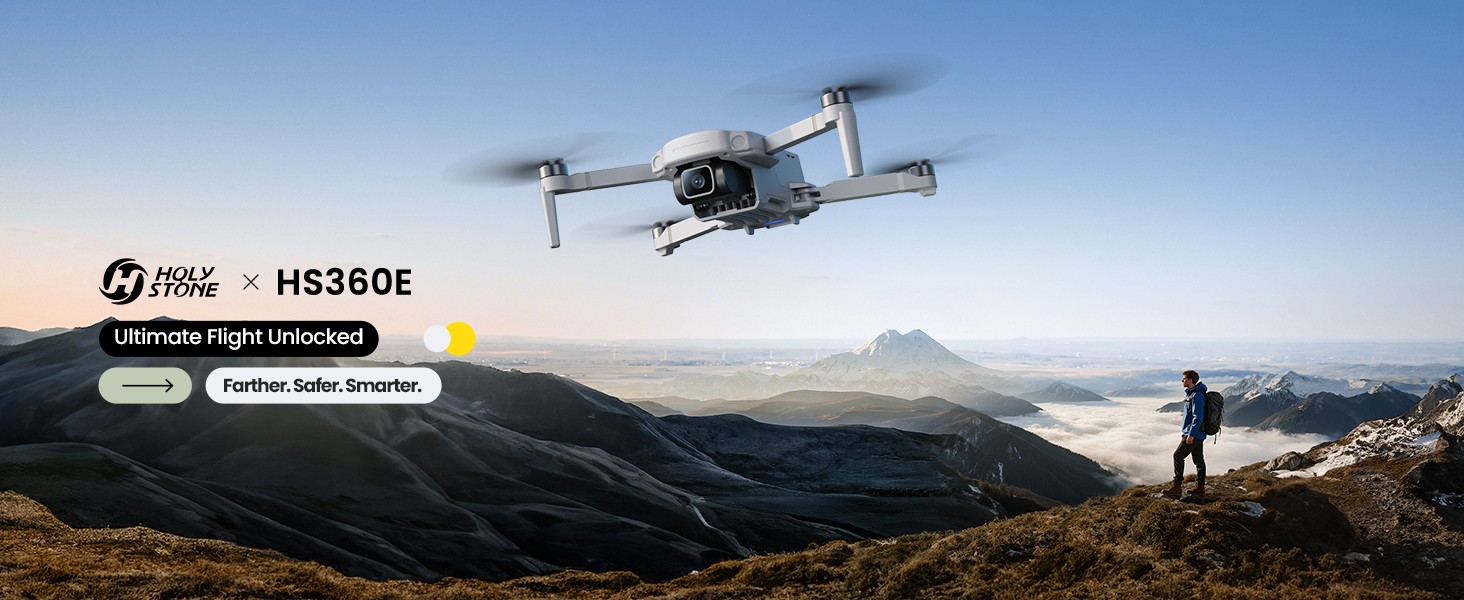
Ultimate Flight, Unlocked
Farther · Smarter · More Cinematic
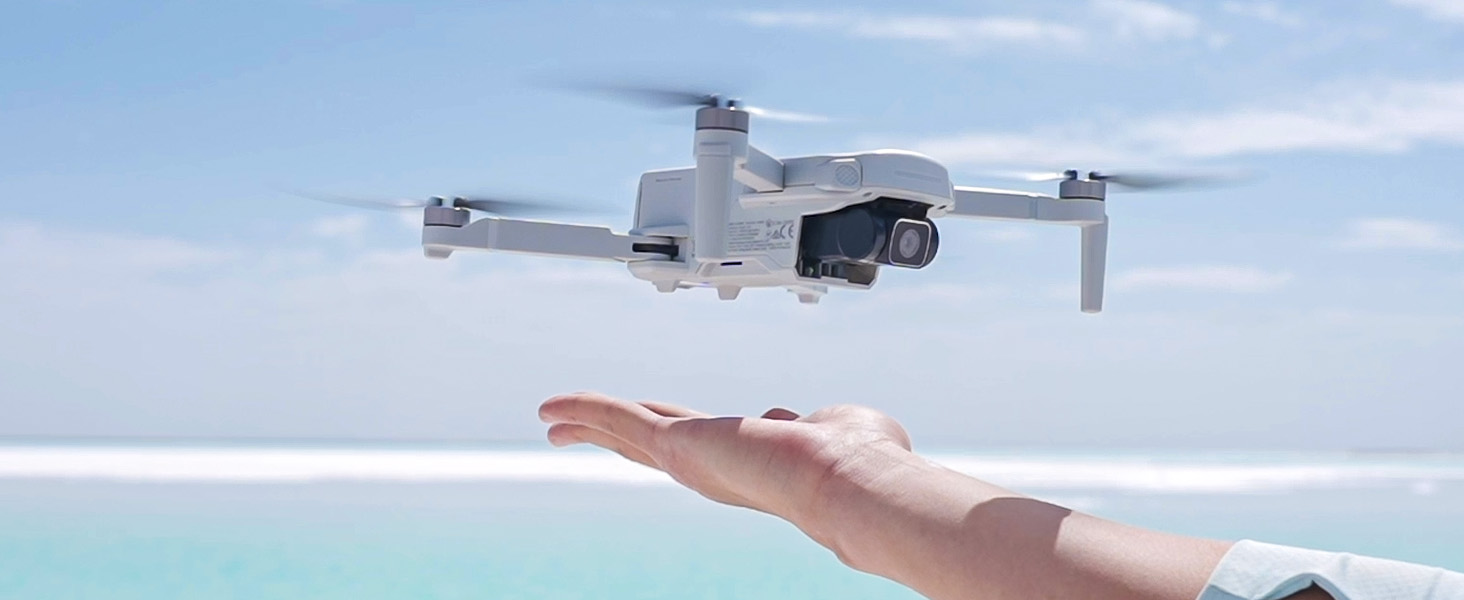
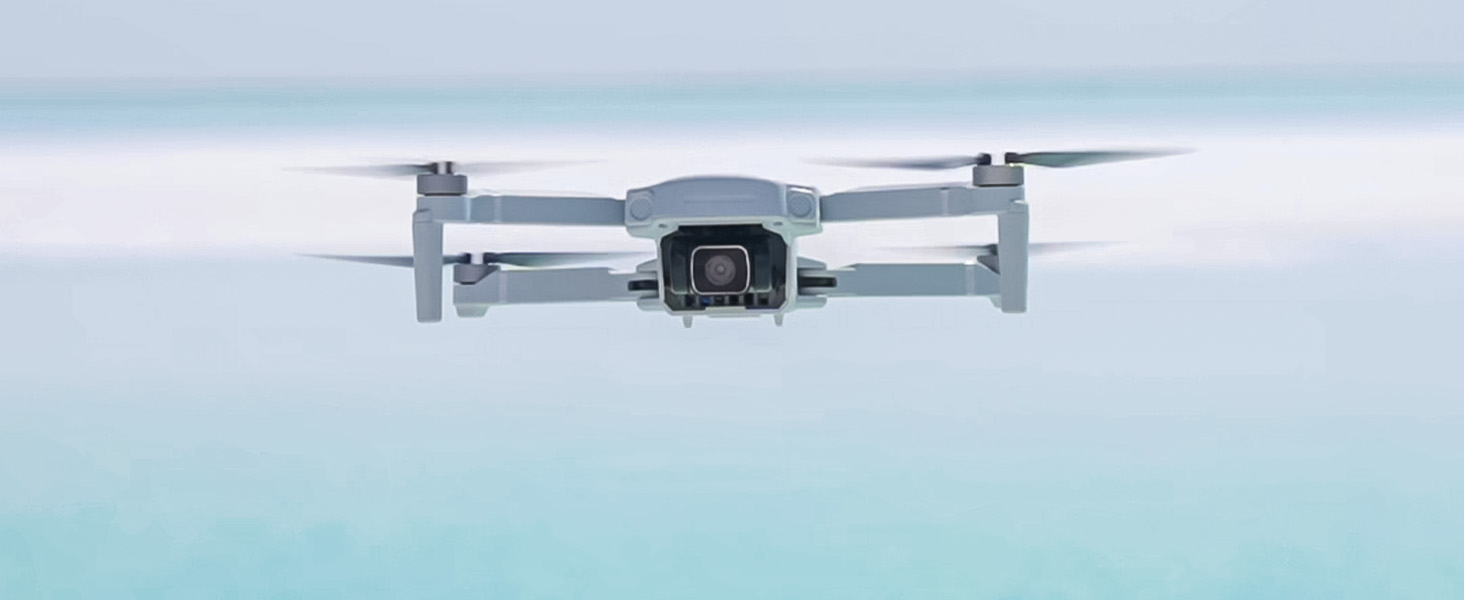
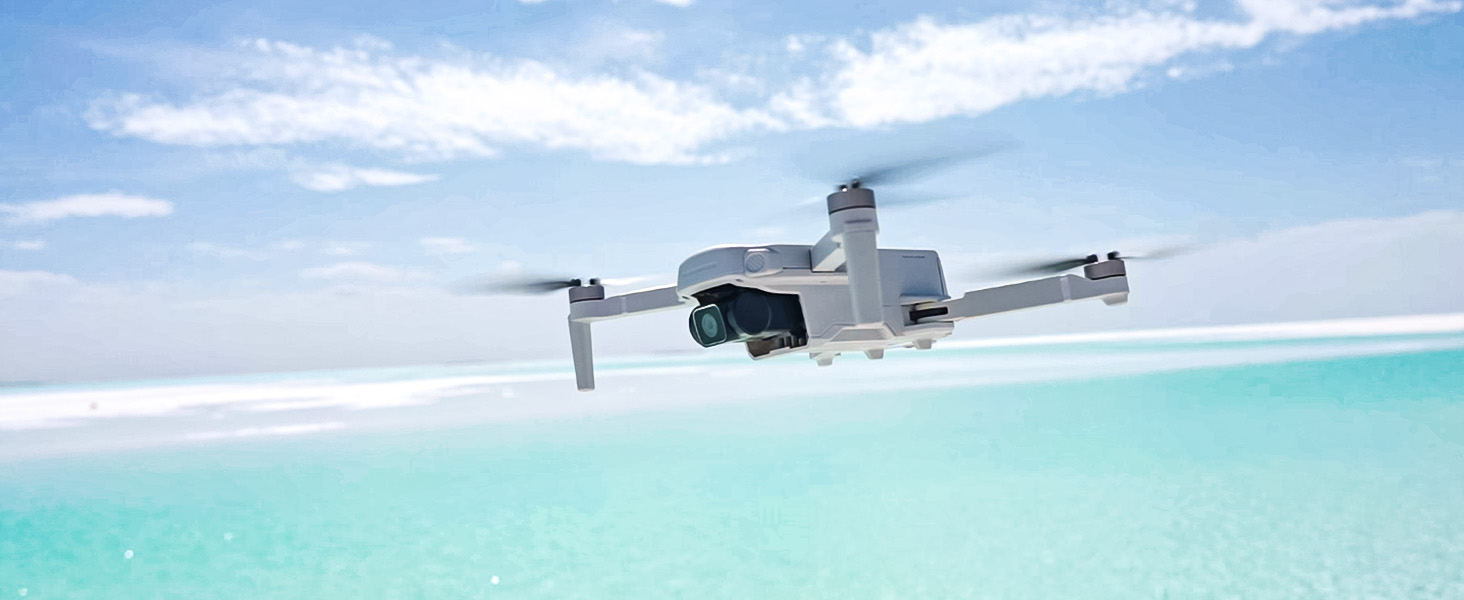
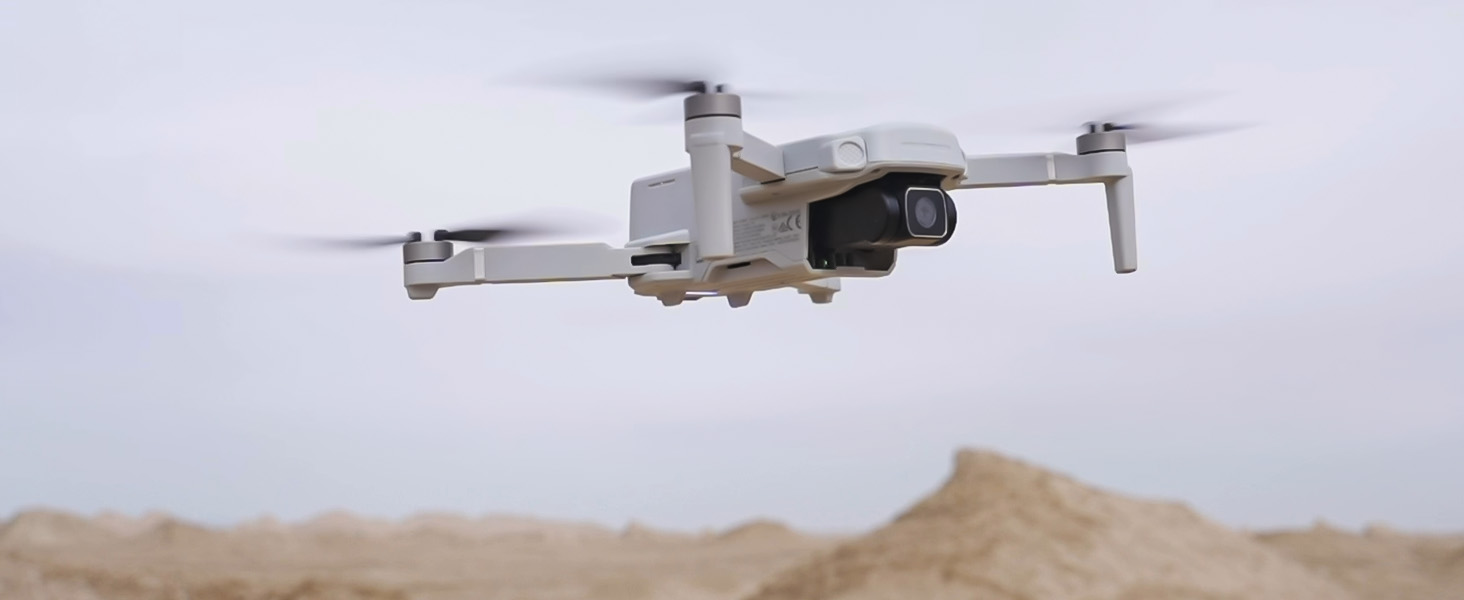
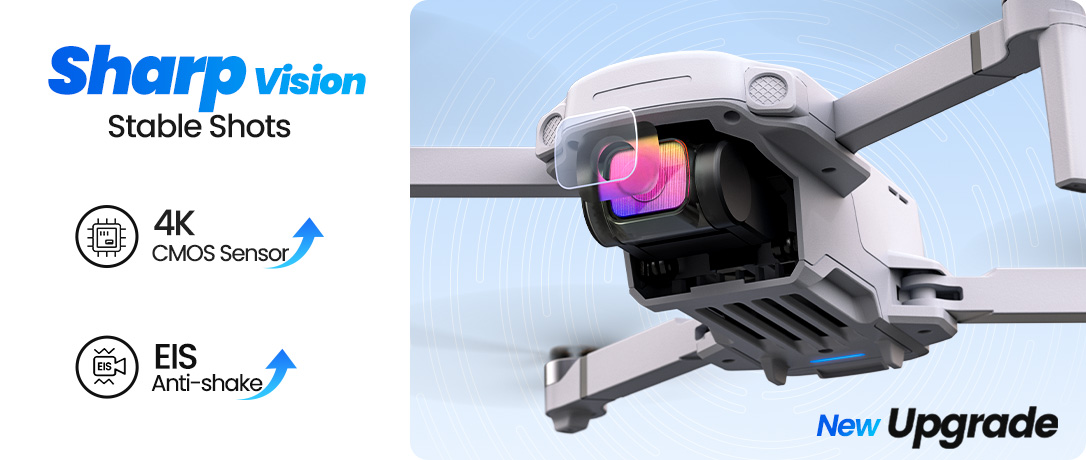
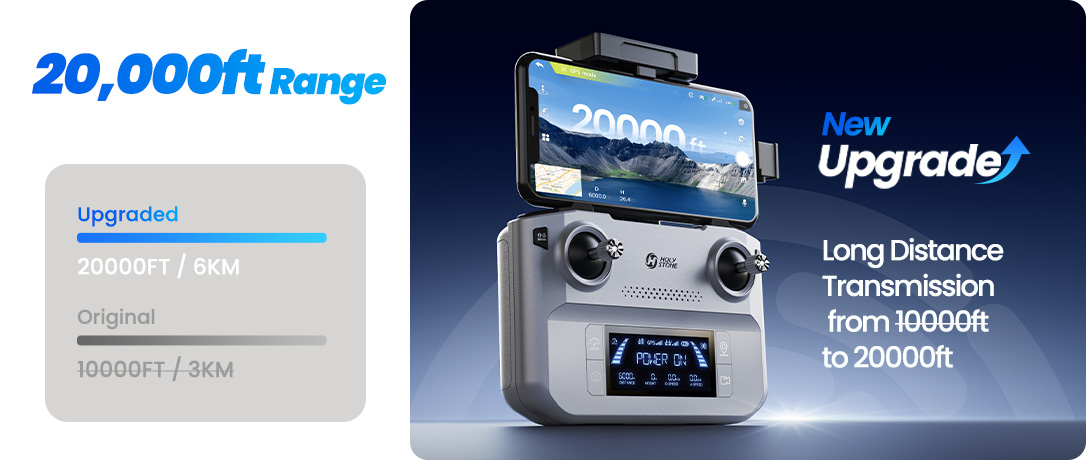
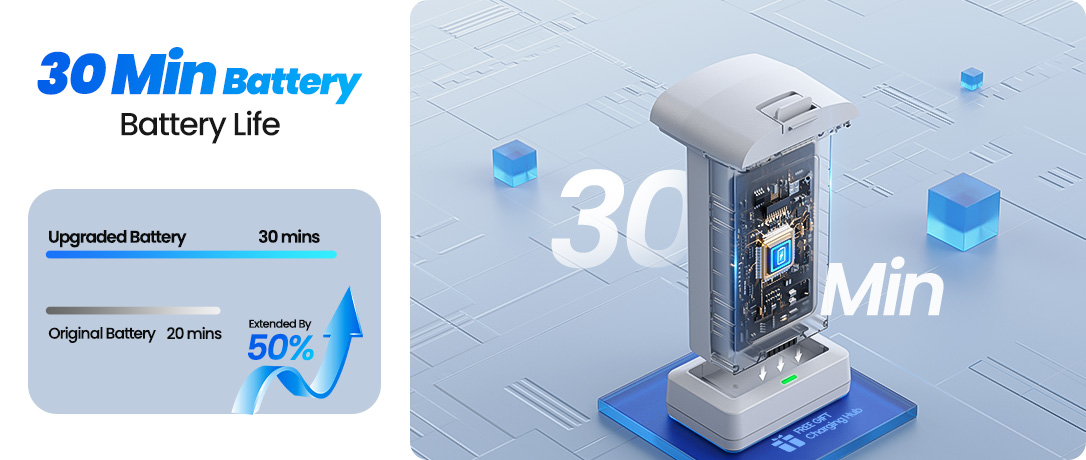
HS360E is built for beginners who want a smoother, more capable GPS camera drone. With a 4K EIS camera, up to 20,000 ft HD transmission, and up to 30 minutes of flight time, every flight feels clearer, steadier, and more immersive.
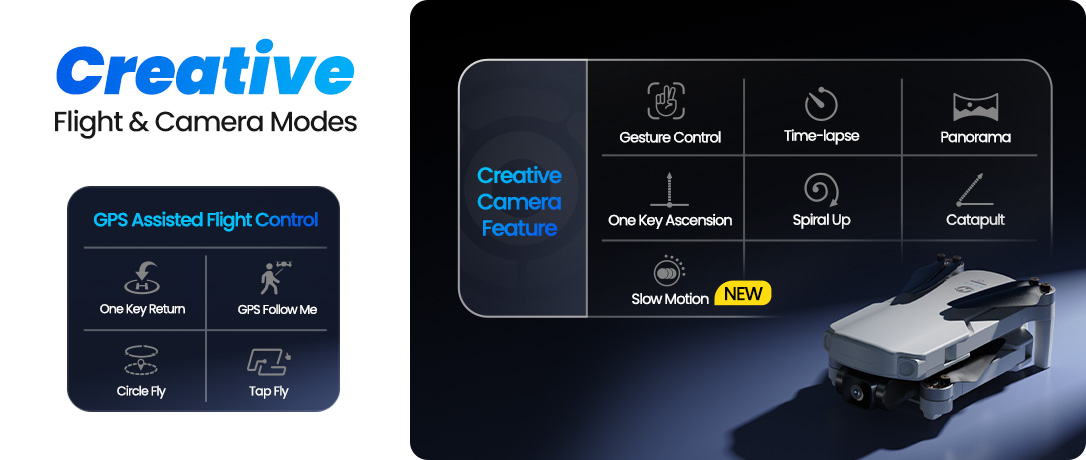
Smart GPS flight modes and easy creative tools help you capture cinematic aerial moments — even on your first flights.
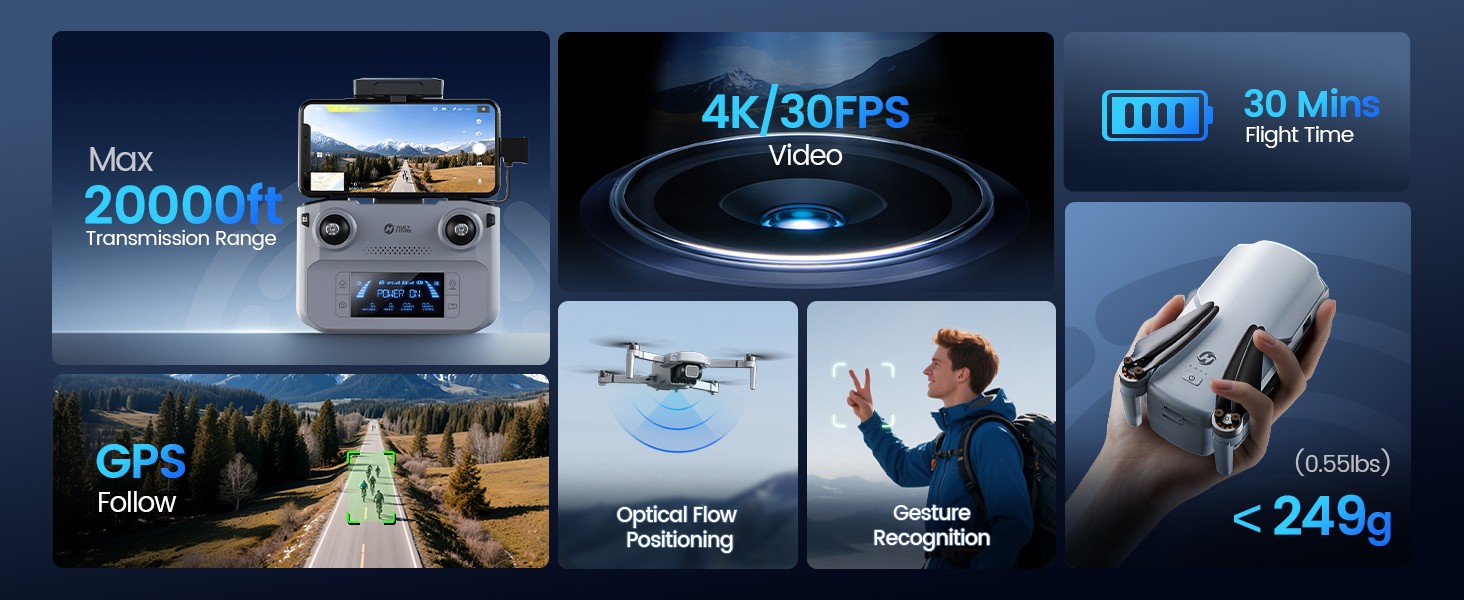
Capture Steady. See Farther.
4K EIS Clarity · Long-Range HD View · GPS Return Protection
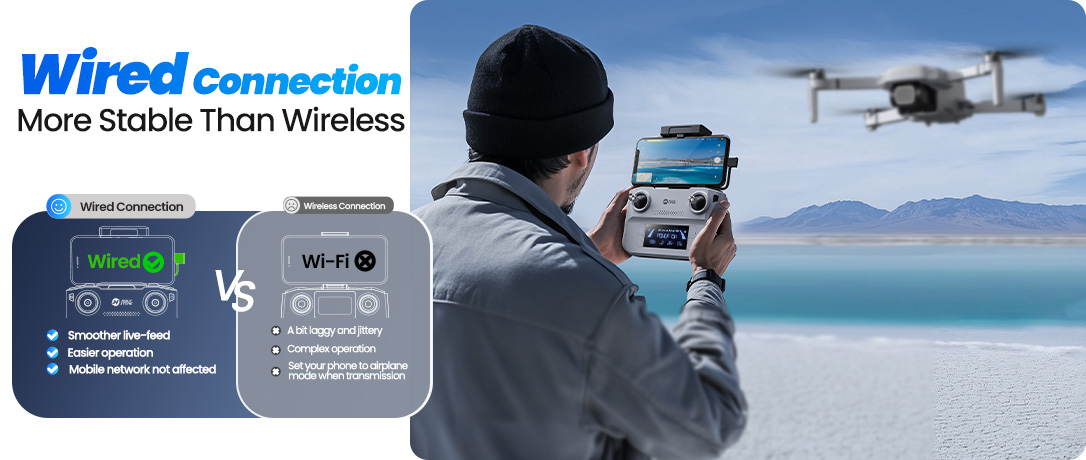
From stabilized 4K EIS footage to a smooth live view at longer distances, HS360E helps you keep every shot clear — even when the air gets bumpy.
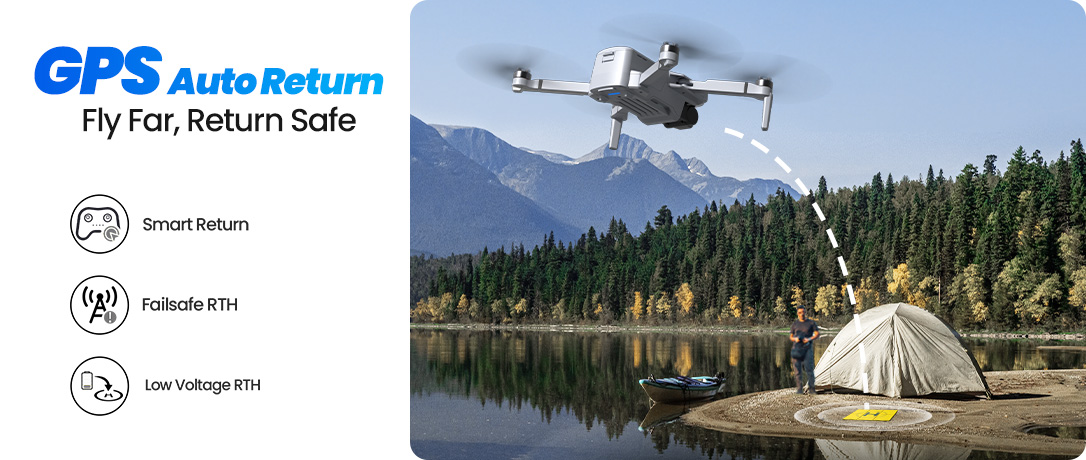
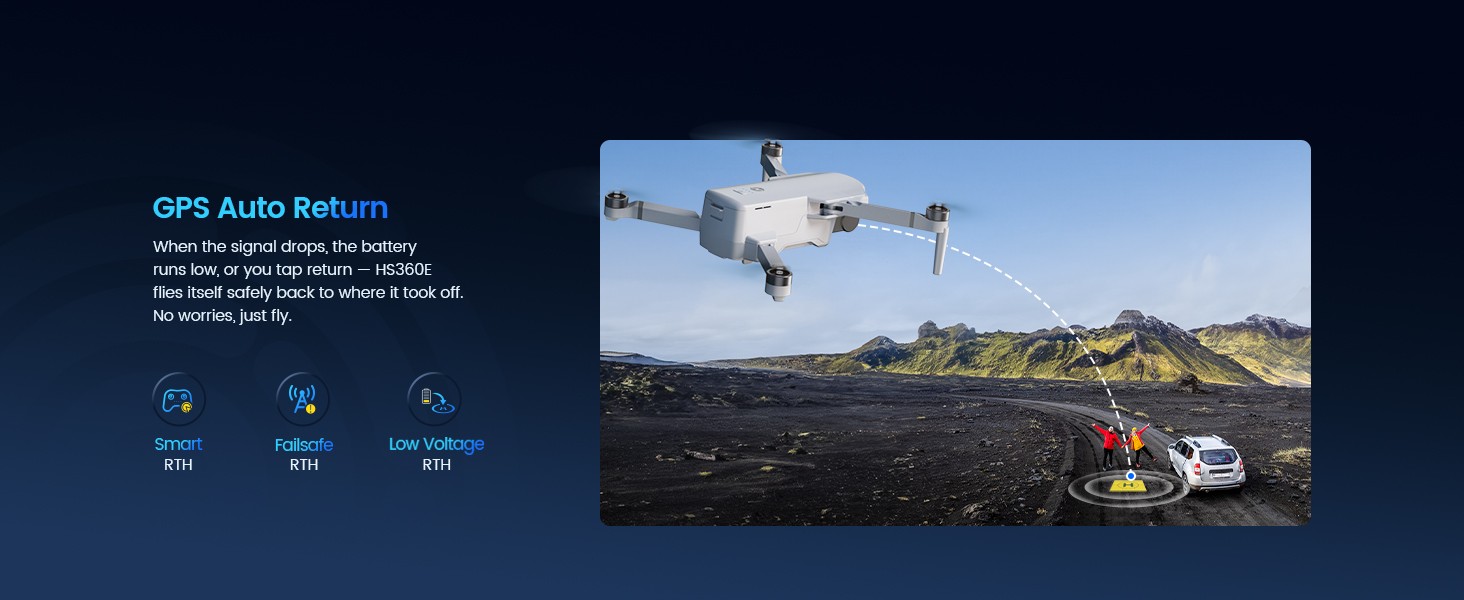
When signal drops or battery runs low, GPS Return to Home brings extra reassurance, so you can fly with confidence and focus on the moment.
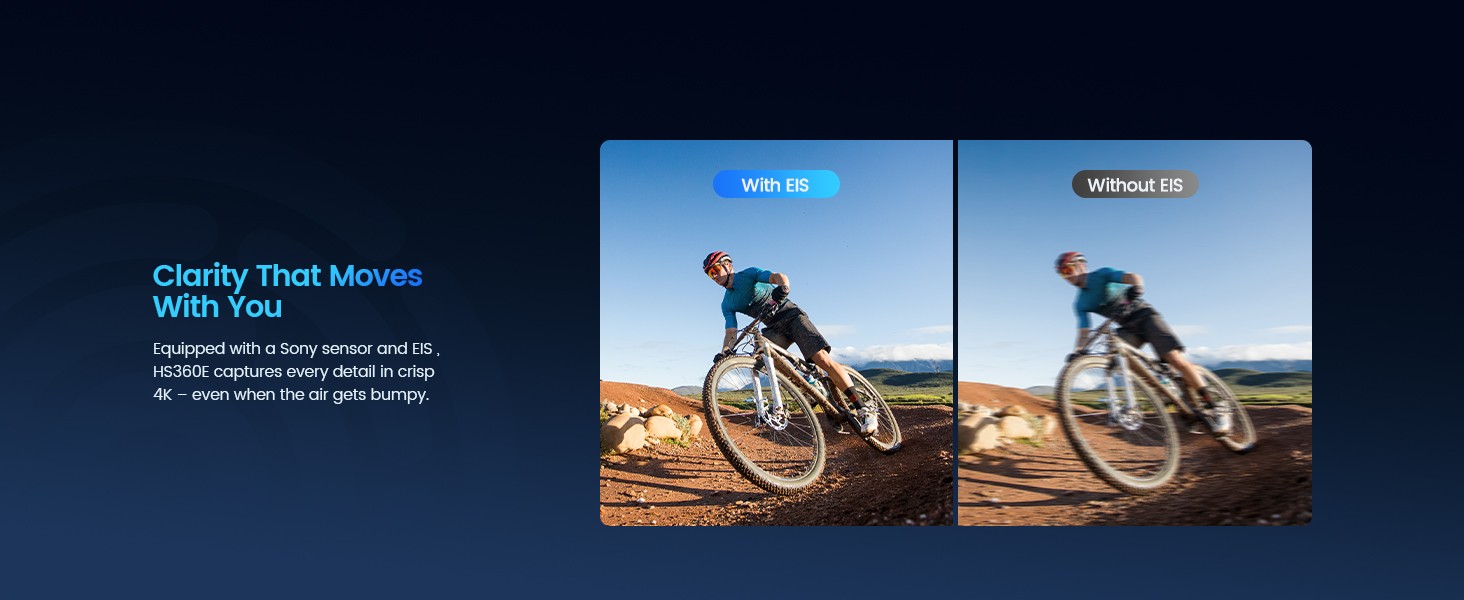
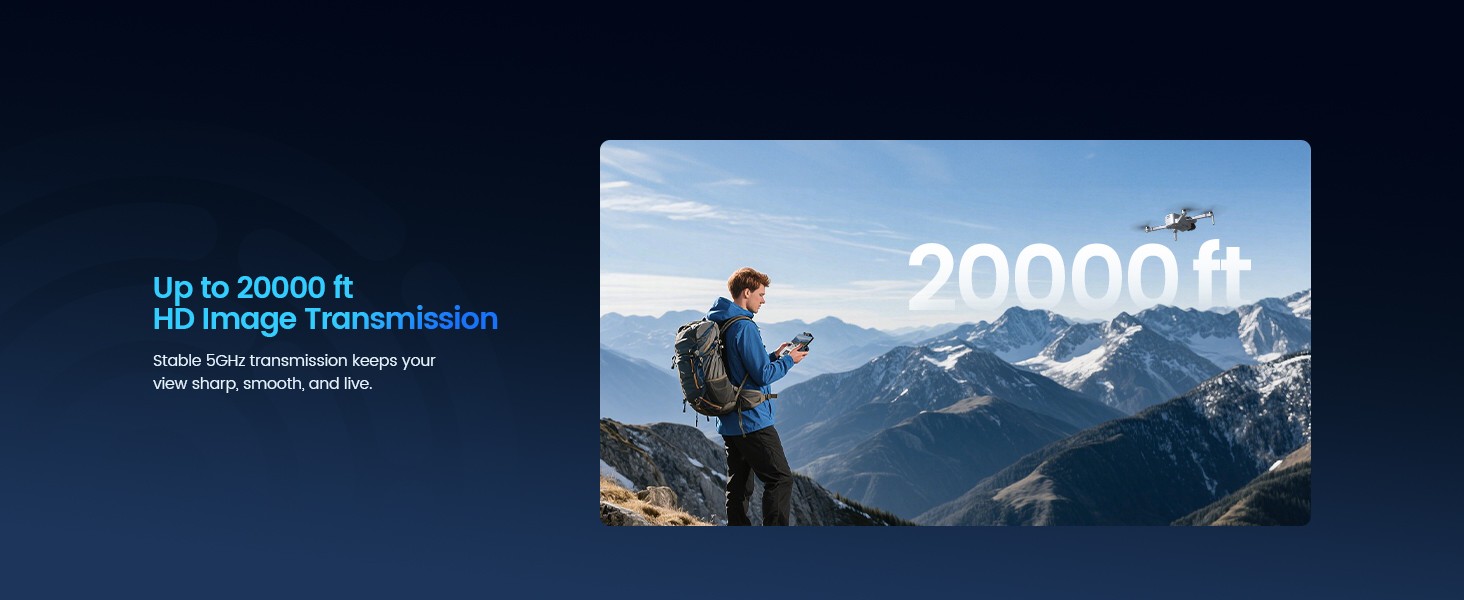
Fly Smarter. Create More.
Panorama · GPS Precision · 30-Min Power · Strong Stability · Real-World Range
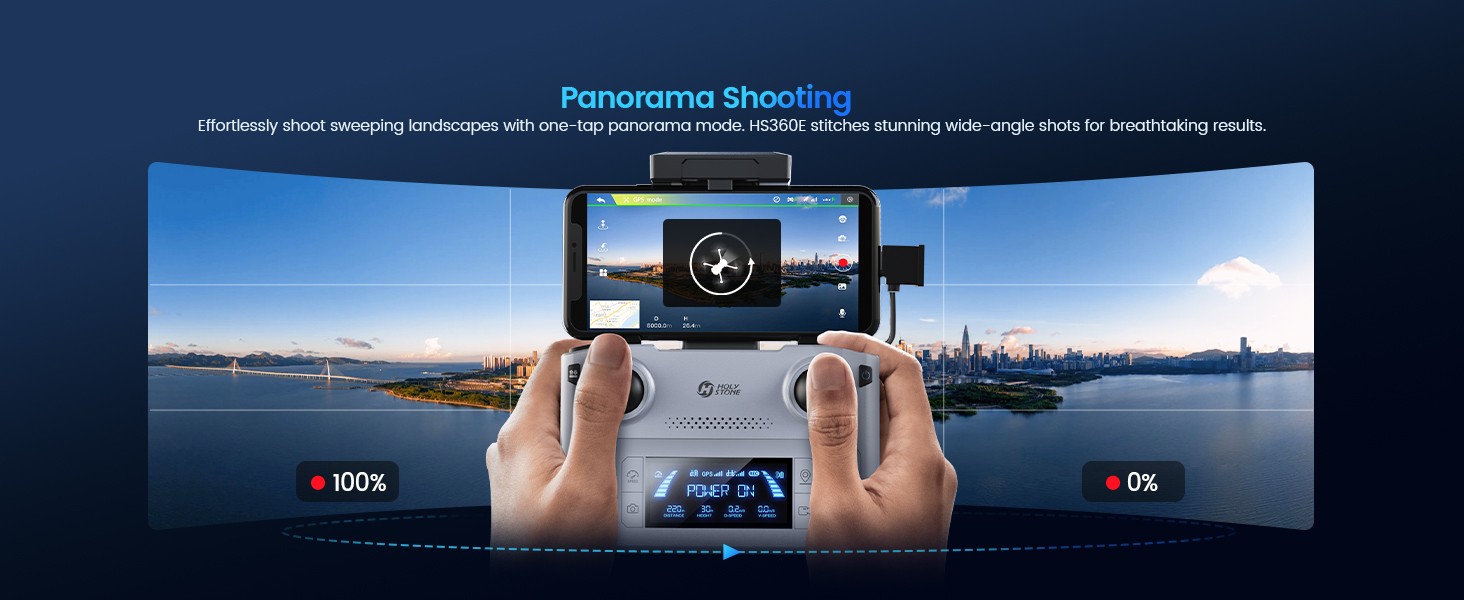
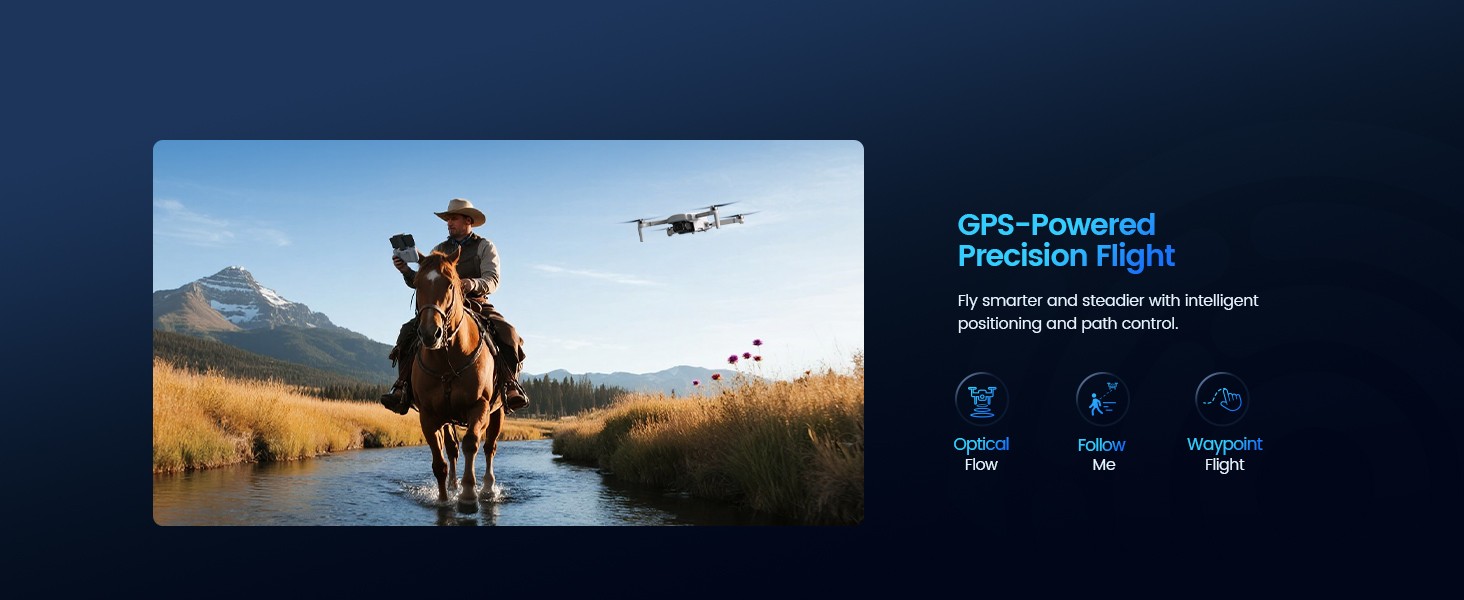
Capture the bigger picture with one-tap Panorama, and enjoy steadier flight with intelligent GPS positioning for smoother path control and tracking.
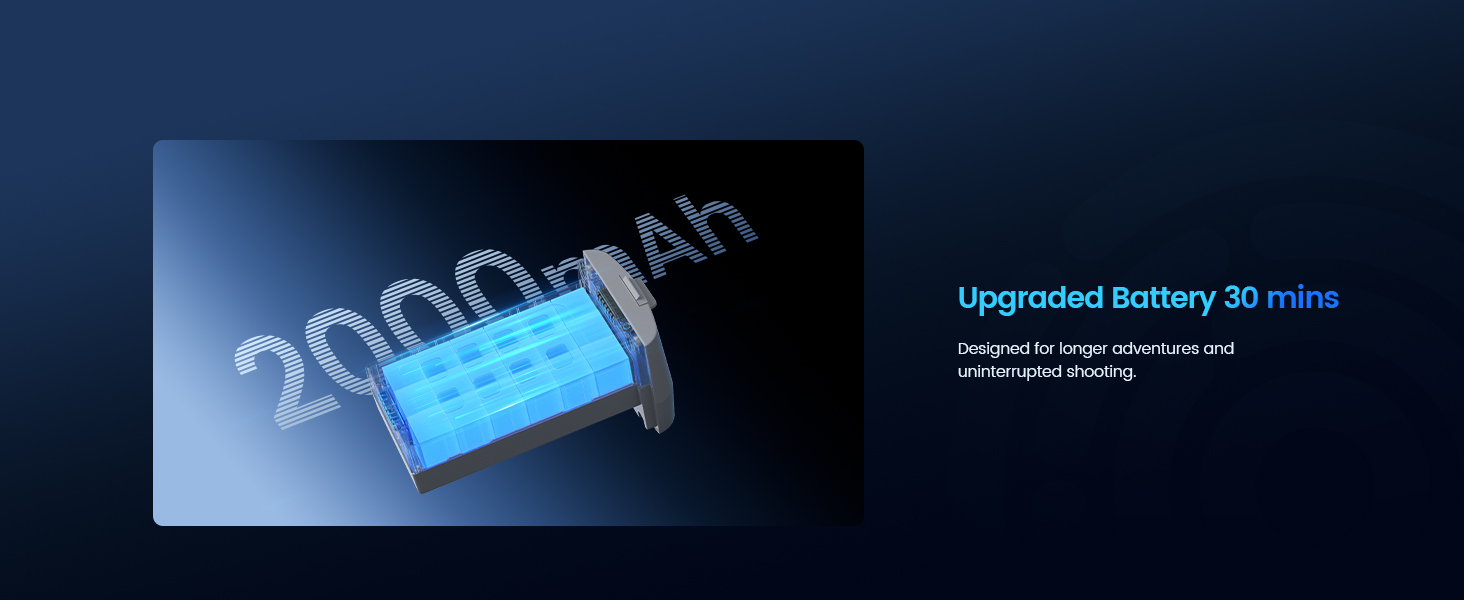
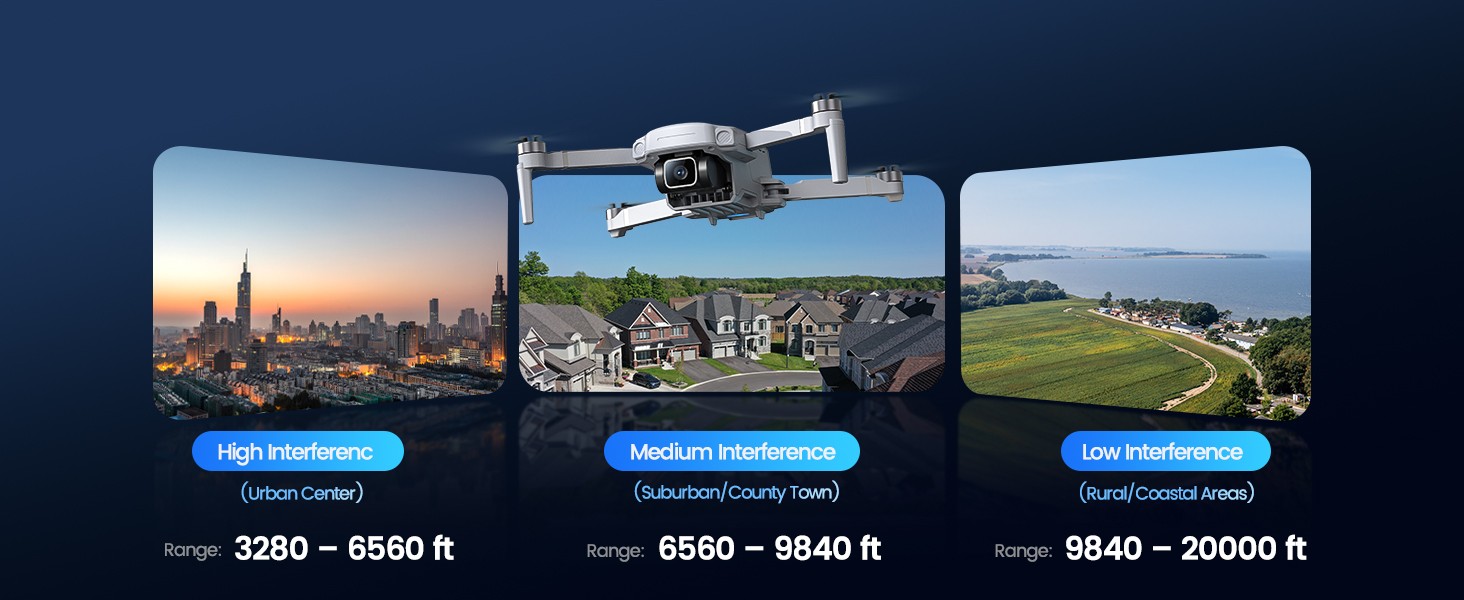
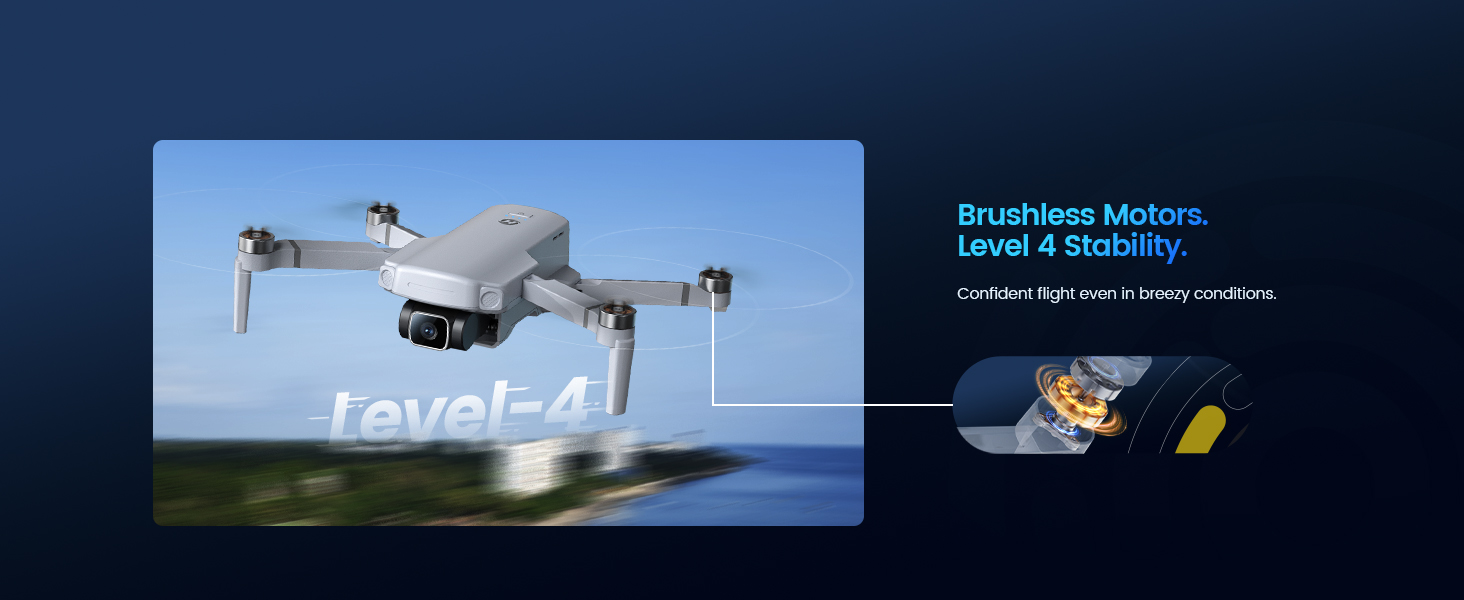
With up to 30 minutes of flight time and stable performance, HS360E gives you more time and confidence to explore — from open areas to real-world environments with different interference levels.
A Better Drone Experience
Quick Setup · Creative Shooting · One-Click Sharing · Trusted Support
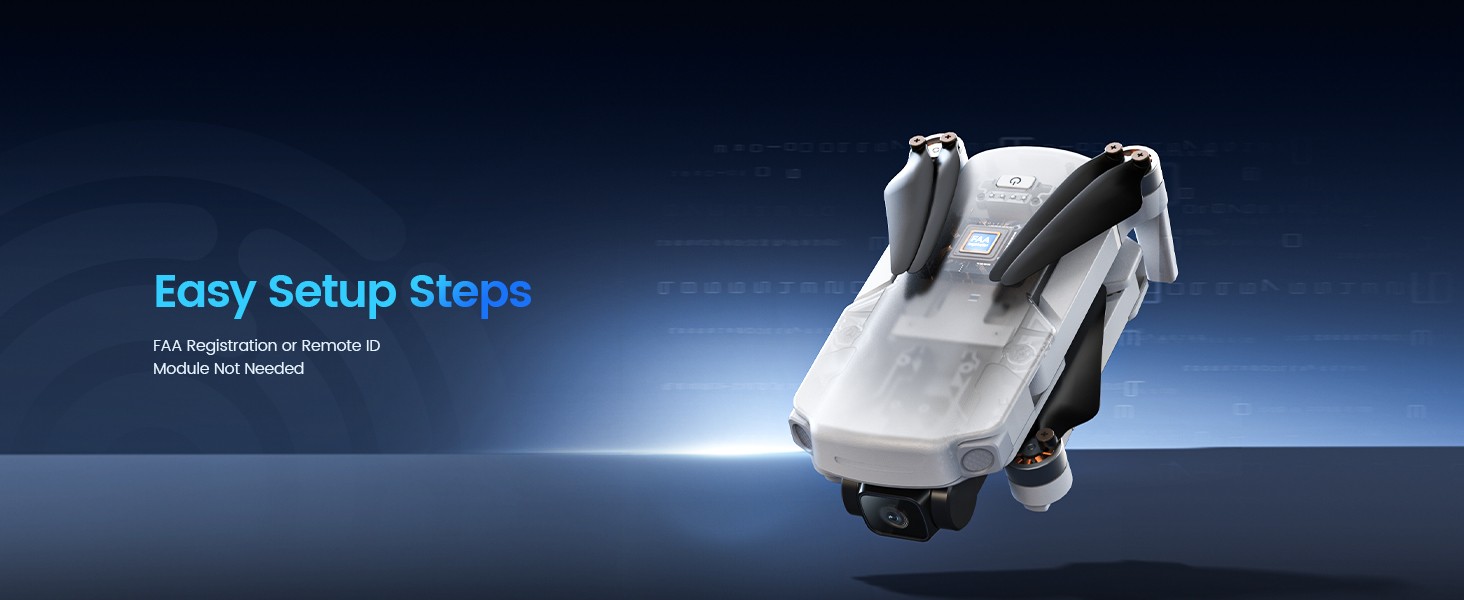
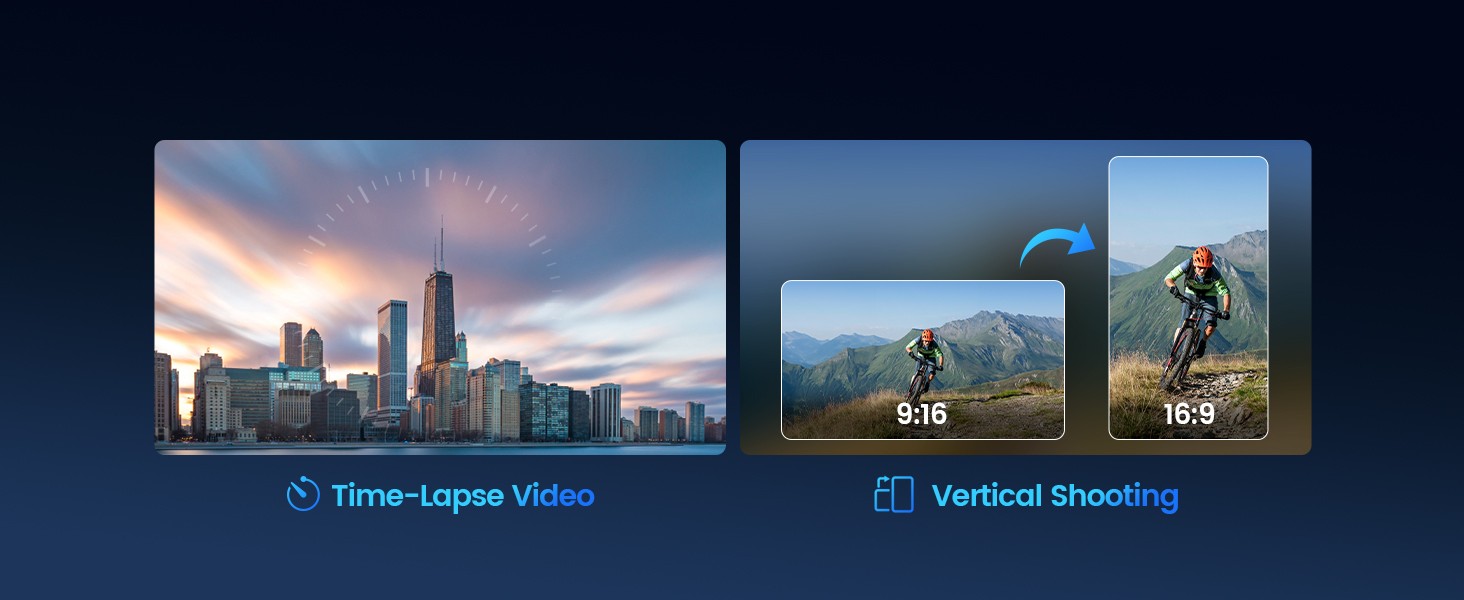
From lightweight portability to ready-to-fly setup, HS360E makes getting started simple. Create more dynamic content with Time-Lapse and Vertical Shooting, then share your favorite moments instantly.
And whenever you need help, Holy Stone support is here with chat, email, manuals, and tutorial guides — so you can fly with peace of mind.


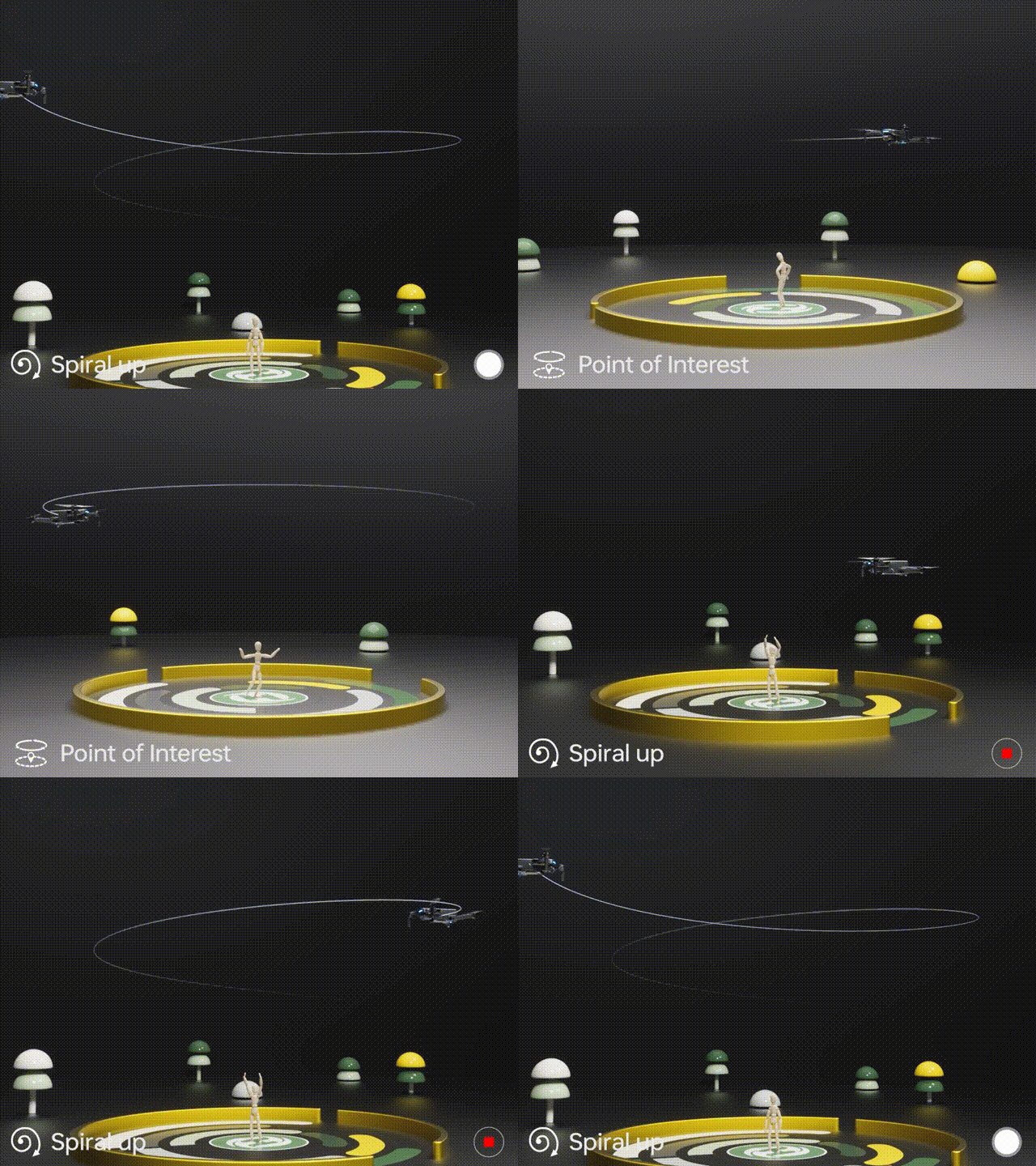
Point of Interest
Open the in-app Multi-functions menu, select Point of Interest, and follow the on-screen prompts to set the subject and radius. HS360E will circle smoothly to help you create cinematic orbit shots.
To exit, tap the mode again or move the right joystick.
Spiral Up
Position the drone safely with a clear flight path, then select Spiral Up in the Multi-functions menu. HS360E will ascend while circling — perfect for dramatic reveals.
To exit, tap the mode again or move the right joystick. Always keep distance from people, animals, and obstacles.

Tap Fly
In Tap Fly mode, zoom in on the map for more accurate path drawing.
Open Multi-functions, select Tap Fly, then tap points on the screen to create a route and confirm to start.
The drone will follow the route automatically. For safety, avoid routes toward people, animals, power lines, thin branches, or reflective surfaces.
Exit by tapping the mode again or moving the right joystick.
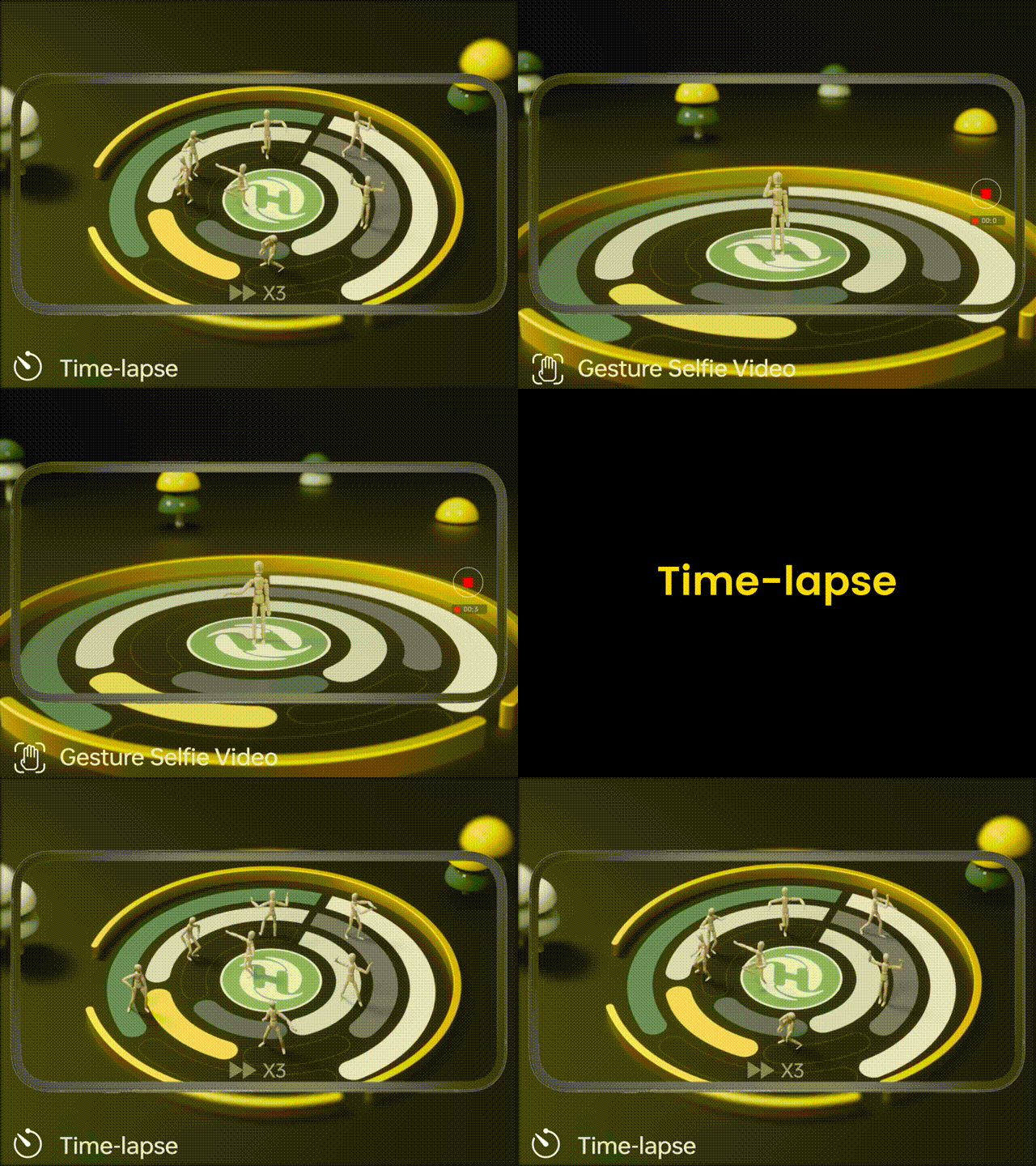
Gesture Selfie
Select Gesture Selfie in the Multi-functions menu and follow the prompts. Make sure the camera faces you and keep a safe distance while flying.
Time-lapse
Switch to Time-lapse in the shooting mode menu, choose a playback speed, then start recording. Tap again to stop — great for clouds, waves, and travel scenes.
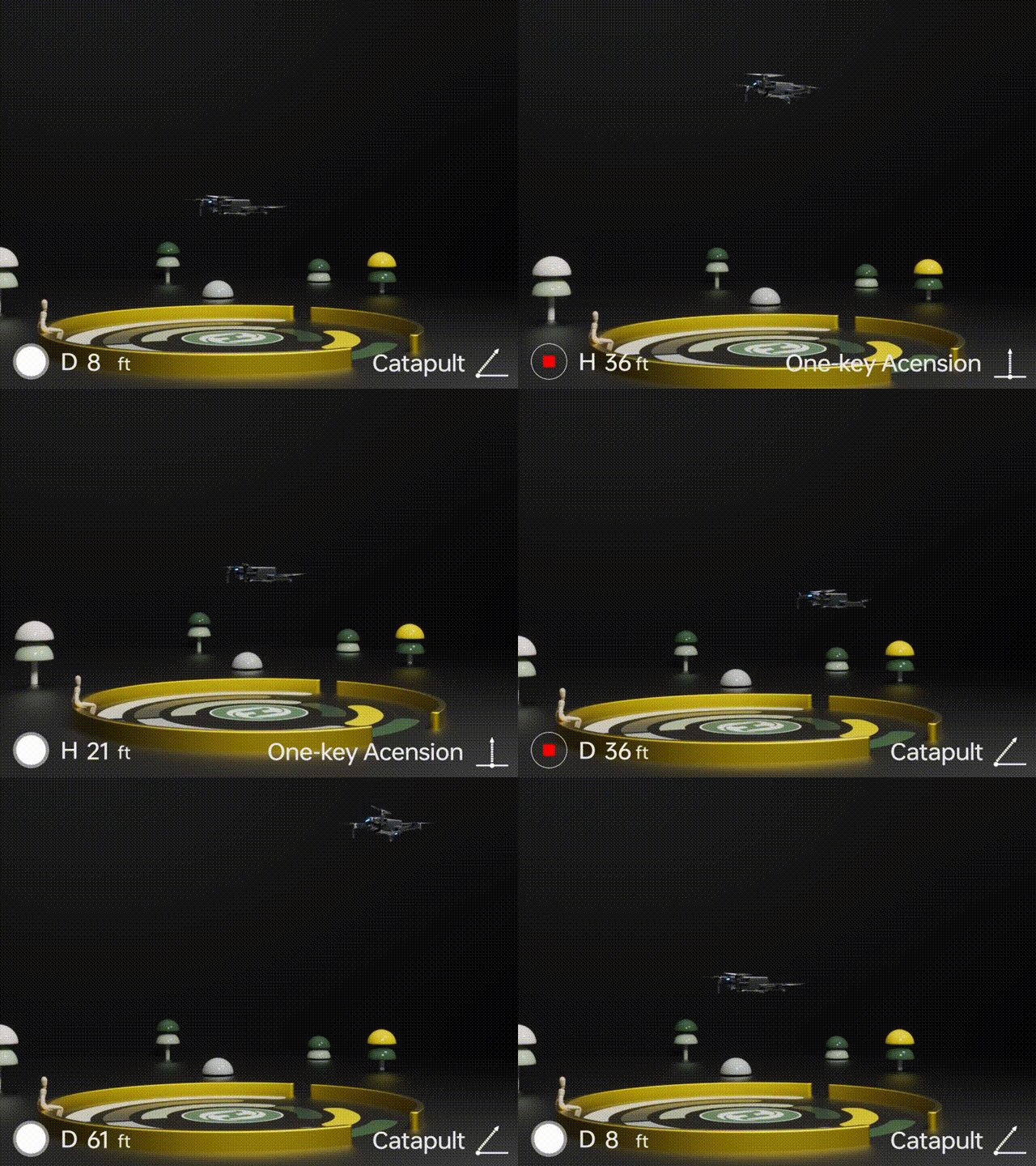
One-key Ascension (Bird’s Eye)
Choose One-key Ascension to create a quick top-down reveal. Ensure the area is open and safe before starting.
Exit by tapping the mode again or moving the right joystick.
Catapult
Use Catapult for a dynamic pull-away shot. Start with a clear line of travel and keep away from obstacles.
Exit by tapping the mode again or moving the right joystick.
HS360E Real Shots