
 Sign in
 Sign up


Imaging System – Drone Systems Explained 2
How Do Drone Cameras Work?
Inside the Drone Imaging System
Understand camera sensors, lenses, stabilization, image processing and 4K video—and what actually makes footage look better.
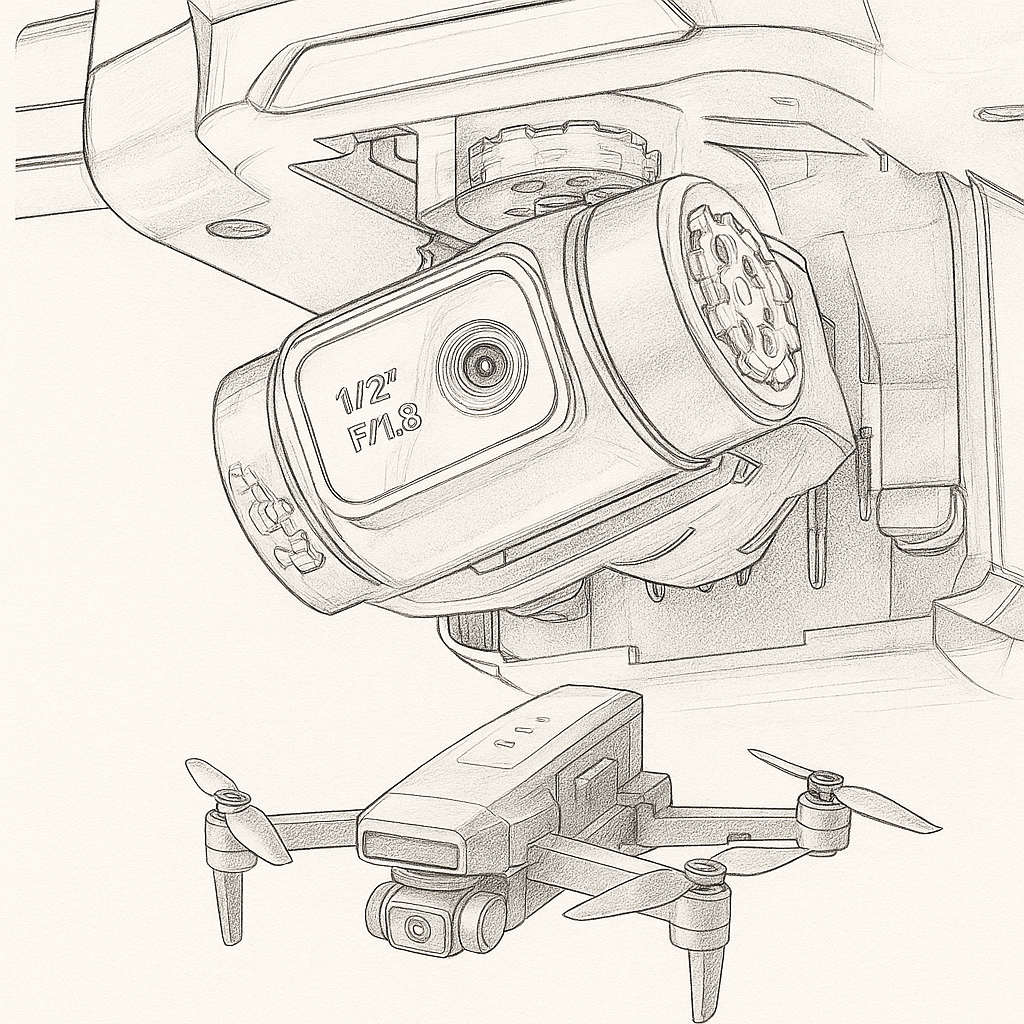
A drone imaging system turns light into photos and video. The camera sensor captures the scene, the lens determines what fits in the frame, image processing shapes the picture, and stabilization helps keep footage watchable while the aircraft moves.
This guide explains the five parts of drone imaging in plain language, then separates onboard recording from the live video feed you see on a controller or phone.
A higher resolution number does not automatically mean a better drone camera. Sensor performance, optics, stabilization and processing all matter.
How a Drone Camera Creates an Image
A drone camera works much like a compact digital camera—but it must capture images while the aircraft tilts, vibrates and changes direction. Several components work together to turn incoming light into usable footage.
01 · Capture Light
The lens focuses light onto the image sensor.
02 · Convert Signals
The sensor turns incoming light into electronic image data.
03 · Process the Image
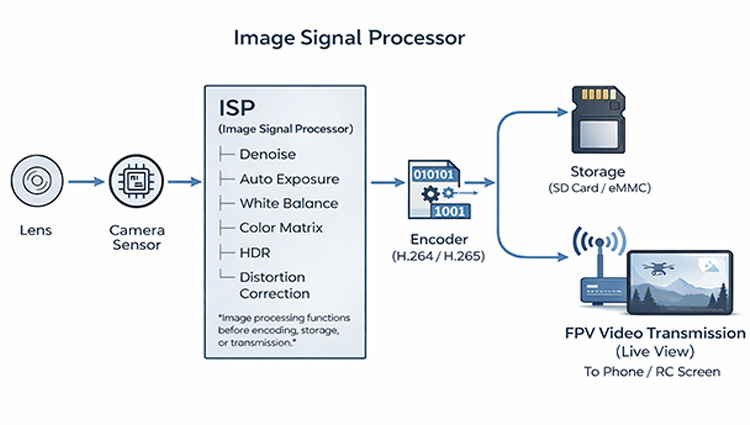
The image processor adjusts color, exposure and noise before saving or encoding video.
04 · Stabilize & Save
A gimbal or electronic correction can reduce unwanted movement; the camera records the result.
Camera Sensor: Where Image Quality Begins
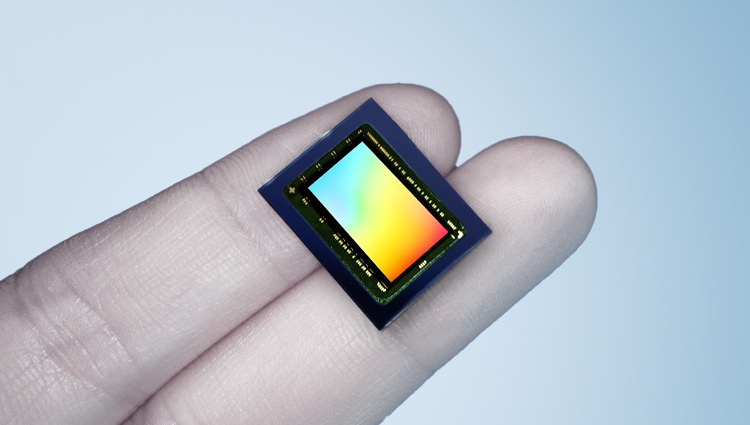
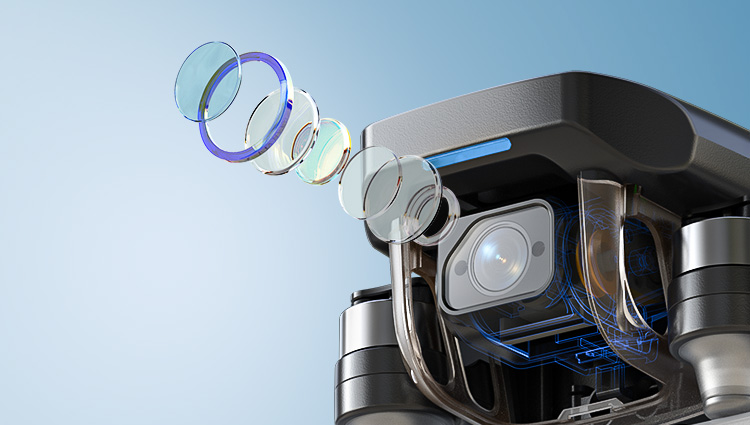
The camera sensor receives light through the lens and converts it into image data. Many consumer drones use CMOS sensors. Sensor size, pixel design, lens quality and image processing all influence what the camera can capture.
A larger sensor can often collect more light under comparable conditions, which may help preserve detail and reduce noise in difficult lighting. But sensor size alone does not guarantee a better image.
Megapixels vs. Real Detail
Megapixels describe the number of recorded pixels. They do not, by themselves, measure sharpness, dynamic range, low-light performance or whether detail has been enlarged through software.
What Does Sensor Size Change?
When comparing two drone cameras, look beyond the headline resolution. Consider sensor size, exposure control, stabilization and real sample footage from the same lighting conditions.
Lens & Field of View: What Fits in the Frame
The lens determines how light reaches the sensor. Its field of view (FOV) describes how much of the scene the camera includes. A wider FOV can fit more landscape into a frame; a narrower view can make distant subjects appear more prominent.
Very wide lenses may introduce perspective stretching or visible distortion near the edges. Digital cropping can also change the final framing.
A Practical Choice
For landscapes and travel, a moderately wide view is often useful. For controlled framing, consider whether the camera allows tilt adjustment, cropping or alternative shooting modes.
EIS vs Gimbal: How Drones Keep Video Smooth
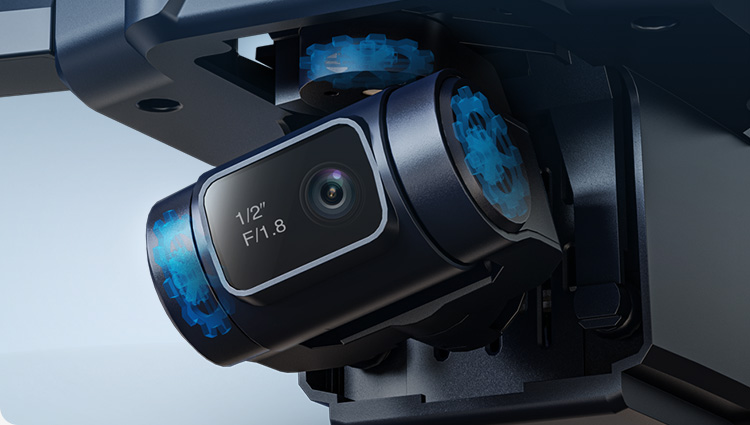
When a drone pitches, rolls or vibrates, the camera moves with it unless a stabilization system compensates. Two common approaches are electronic image stabilization (EIS) and mechanical gimbals.
EIS analyzes the image and adjusts the recorded frame digitally. It may crop the image to leave room for correction; its effectiveness depends on the implementation.
A mechanical gimbal physically adjusts camera orientation using motors and sensors. A three-axis gimbal can compensate for pitch, roll and yaw movement within its operating limits.
Which One Is Better?
For simple casual footage, well-implemented EIS may be sufficient. For deliberate camera moves and more consistent framing, a mechanical gimbal can be useful. Some drones combine both.
Stabilization improves the camera view, but it does not replace safe piloting or the aircraft’s flight-control system. Learn more in Gimbal vs EIS: Which Drone Stabilization Do You Actually Need?
Image Processor (ISP): From Sensor Data to Video
The image signal processor (ISP) takes data from the sensor and helps create a viewable photo or video. Depending on the camera, this may include demosaicing, white balance, exposure adjustment, noise reduction, sharpening and color processing.
These steps can make footage look cleaner and more natural, but excessive sharpening or noise reduction can also hide fine detail.
Why Two 4K Cameras Can Look Different
The same output resolution can produce noticeably different footage because the sensor, lens, ISP settings, compression and lighting conditions are not the same.
Resolution & Frame Rate: What 4K and FPS Mean
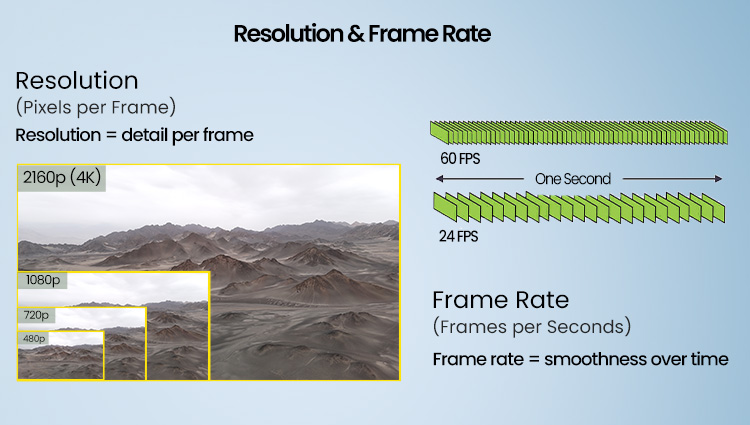
Resolution describes the pixel dimensions of an image or video frame. 4K generally contains more pixels than 1080p, but it also demands more storage and processing. Check each product’s actual recording specification rather than assuming every “4K” label means the same capture method.
Frame rate, measured in frames per second (fps), determines how many individual frames are recorded each second. For example, 30 fps is common for everyday video, while higher frame rates can be useful for smoother motion or slow-motion editing when supported.
For everyday travel video, 4K at 30 fps is a useful starting point when the drone supports it. For smoother fast movement or footage you plan to slow down, compare higher frame-rate modes—but confirm whether stabilization, field of view and recorded resolution change in those modes. For simple sharing or smaller files, 1080p may be sufficient.
A Simple Comparison
Compare actual recorded resolution, frame rate, stabilization availability at that setting, compression and sample footage—not just the largest number on the box.
What About 8K and High-Megapixel Claims?
Higher numbers may reflect native capture, computational processing or upscaling depending on the model. Verify the recording mode and sample output before drawing conclusions.
Recording vs Live Video: Two Different Paths
The video saved by the drone and the live preview shown on your phone or remote controller are not necessarily identical. Onboard recording can use different resolution, compression and storage settings from the lower-latency live view.
Onboard Recording
Footage is saved to the drone’s supported storage, often at the camera’s selected recording quality.
Live Video / FPV
A wireless connection sends a preview to the controller or phone. Quality and delay depend on the transmission system and conditions.
To understand control links, signal interference, range and video transmission, continue with Wireless Communication System — Drone Systems Explained 5. This article focuses on imaging; that guide covers the communication link.
How to Choose a Drone Camera for Your Needs
Choose the imaging system around what you actually want to record. A beginner practicing basic camera framing has different needs from someone planning smooth travel videos or editing detailed aerial footage.
For help applying these camera concepts, read our first gimbal drone guide.
Learning to Frame
Prioritize straightforward camera controls and an easy-to-view live preview.
Travel & Landscapes
Look for a useful field of view, consistent exposure and convenient recording options.
Smoother Video
Evaluate the stabilization system and watch real movement tests.
Editing & Detail
Compare sensor performance, actual resolution, frame rate and file quality.
Choose a drone camera for the footage you want to make—not the biggest specification on the product page.
See Imaging Technology in Action
Understanding sensors, stabilization and resolution is easier when you connect each concept to a real camera drone. Explore three Holy Stone models, from lightweight stabilized filming to advanced image capture.
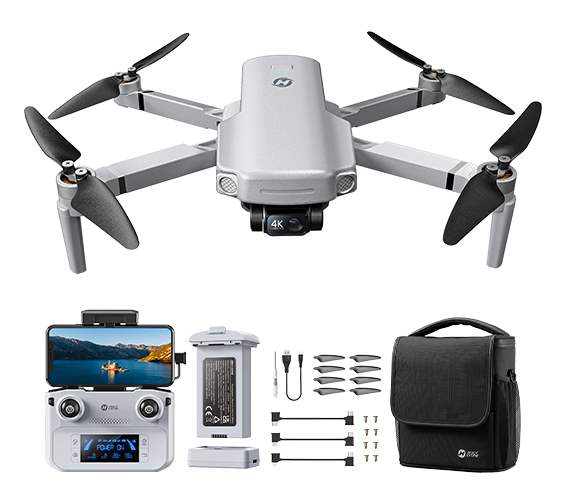
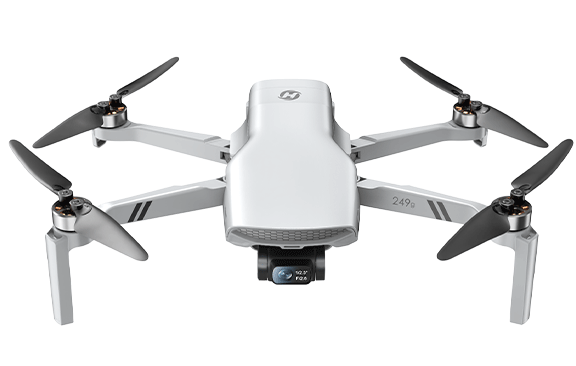
HS360G — Explore Stable Aerial Video
See how a mechanical 3-axis gimbal helps the camera stay steadier as the aircraft changes attitude. A useful example for understanding the difference between aircraft motion and camera motion.
Best for: travelers and new aerial creators who want to understand and practice stabilized framing.
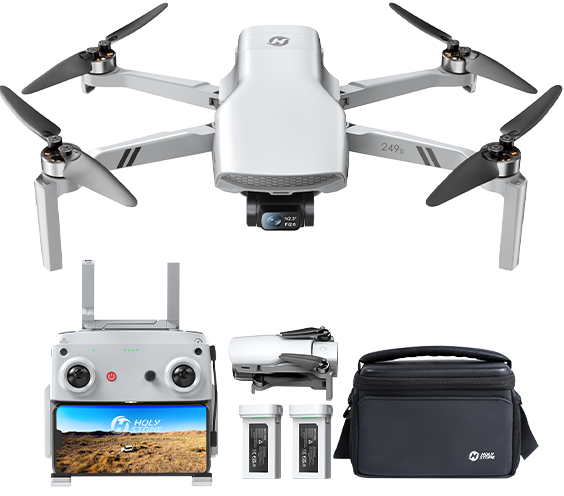
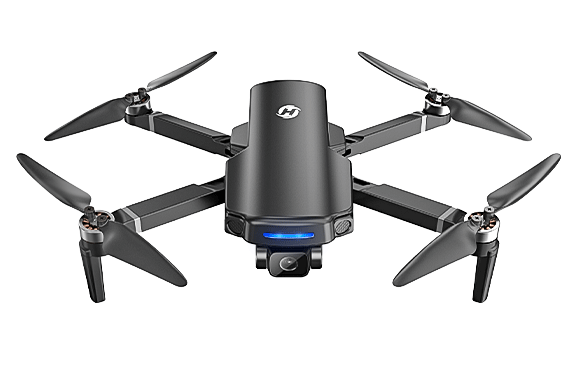
HS900 PRO — Create with More Control
For pilots ready to plan more deliberate shots, HS900 PRO combines 4K/30fps recording, a 3-axis gimbal and a lightweight design. Compare its camera and stabilization features with your filming needs.
Best for: travel filming and creators seeking more flexibility with stabilized aerial shots.
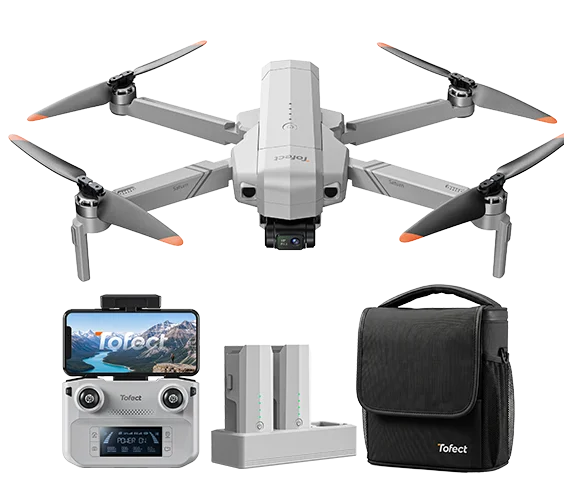
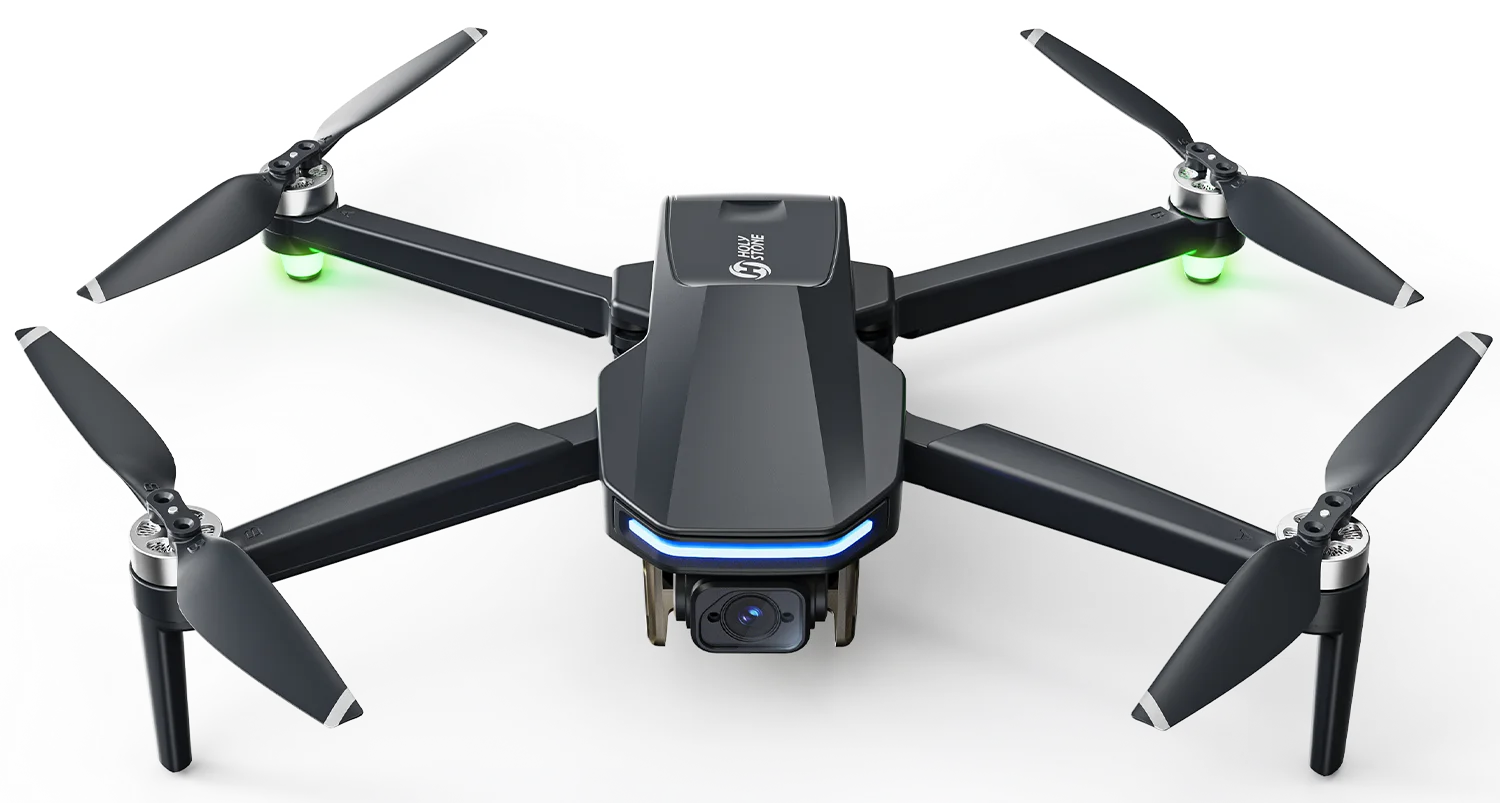
T60A — Capture More Detail, Create More Stories
Step into more detailed aerial photography with a Sony 1/2-inch image sensor, 4K/30fps video, and a 3-axis mechanical gimbal paired with EIS. T60A brings together the sensor, stabilization, and recording concepts explored in this guide.
Frequently Asked Questions
How do drone cameras work?
A lens focuses light onto a sensor. The sensor converts light into image data, an image processor shapes the result, and stabilization may reduce visible movement before footage is recorded.
Does a 4K drone camera always take better video than 1080p?
No. 4K describes output resolution. Sensor quality, optics, stabilization, exposure, processing and compression can make a bigger difference to perceived quality.
What is the difference between EIS and a gimbal?
EIS corrects motion digitally using image data, while a mechanical gimbal physically moves the camera to counter aircraft motion. Some models use both.
Why is the live video feed less clear than the recorded video?
Live preview is transmitted wirelessly and may use different compression, resolution and bitrate settings to manage latency and signal conditions.
Is a bigger camera sensor always better?
A larger sensor can offer advantages in some lighting conditions, but overall image quality also depends on lens design, processing, exposure and the camera implementation.
Continue Exploring Drone Systems
Choose a system to understand how its components work with the rest of the aircraft.


COMMENTS