
 Sign in
 Sign up


How to Choose the Right Drone: A Beginner-Friendly Guide for 2025
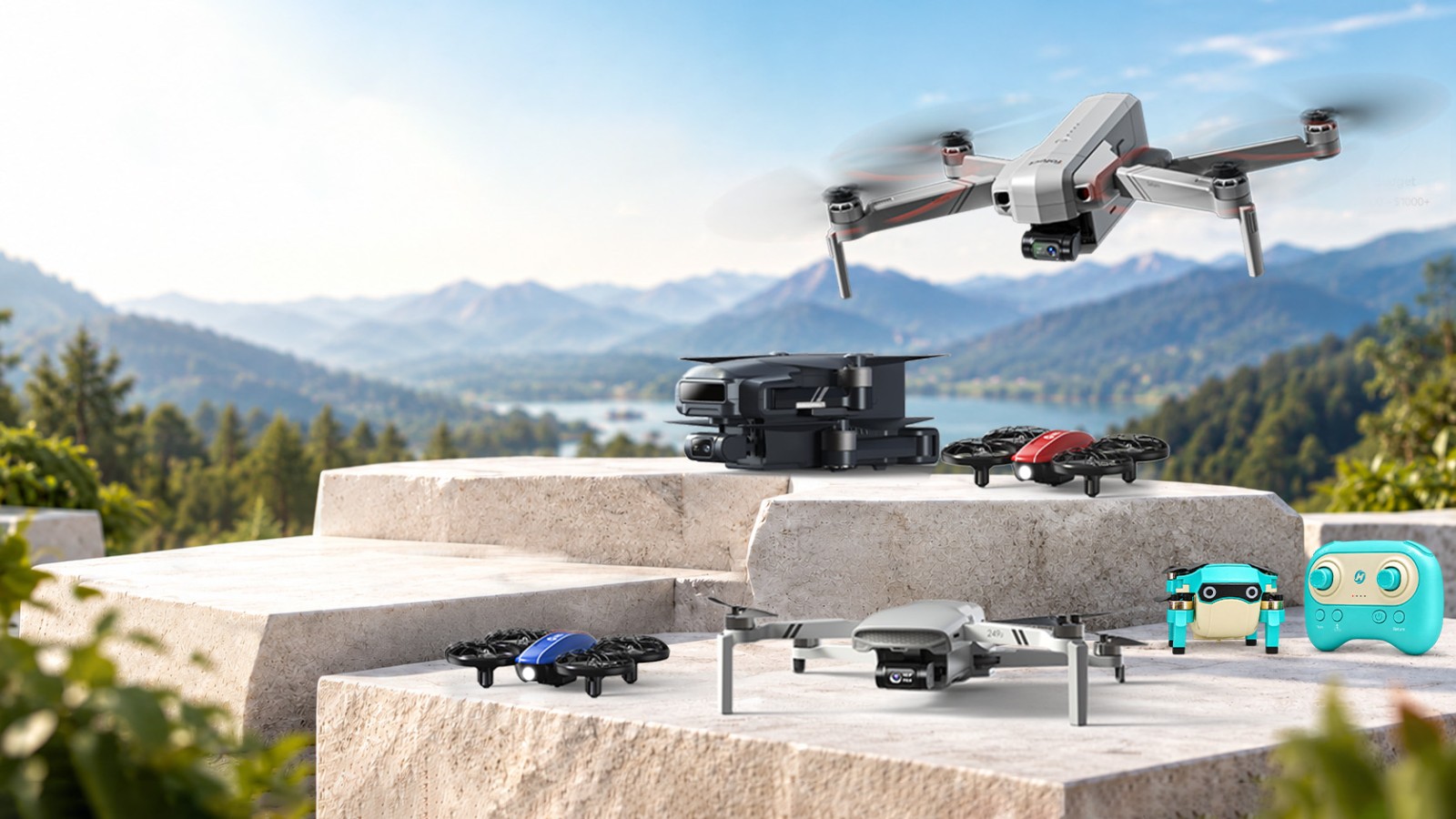
How to Choose the Right Drone
Not the “best” drone on a list. The right drone for your pilot, your flying space, and your goals.
Find your flying style ↓Shopping for a first drone can feel complicated: GPS or no GPS? Camera or no camera? Gimbal or electronic stabilization? A higher price does not automatically make a drone easier to use or better suited to your plans.
Start with where you will fly and what you want to enjoy. Then compare the features that actually support that experience.
Quick route: Learn indoors → choose GPS if outdoor assistance matters → compare real sample footage → check batteries, local rules and long-term ownership.
Start with the pilot and flying space
Think about indoor space, nearby obstacles, weather, and the pilot’s experience. For outdoor flying, check local airspace rules before choosing a model.
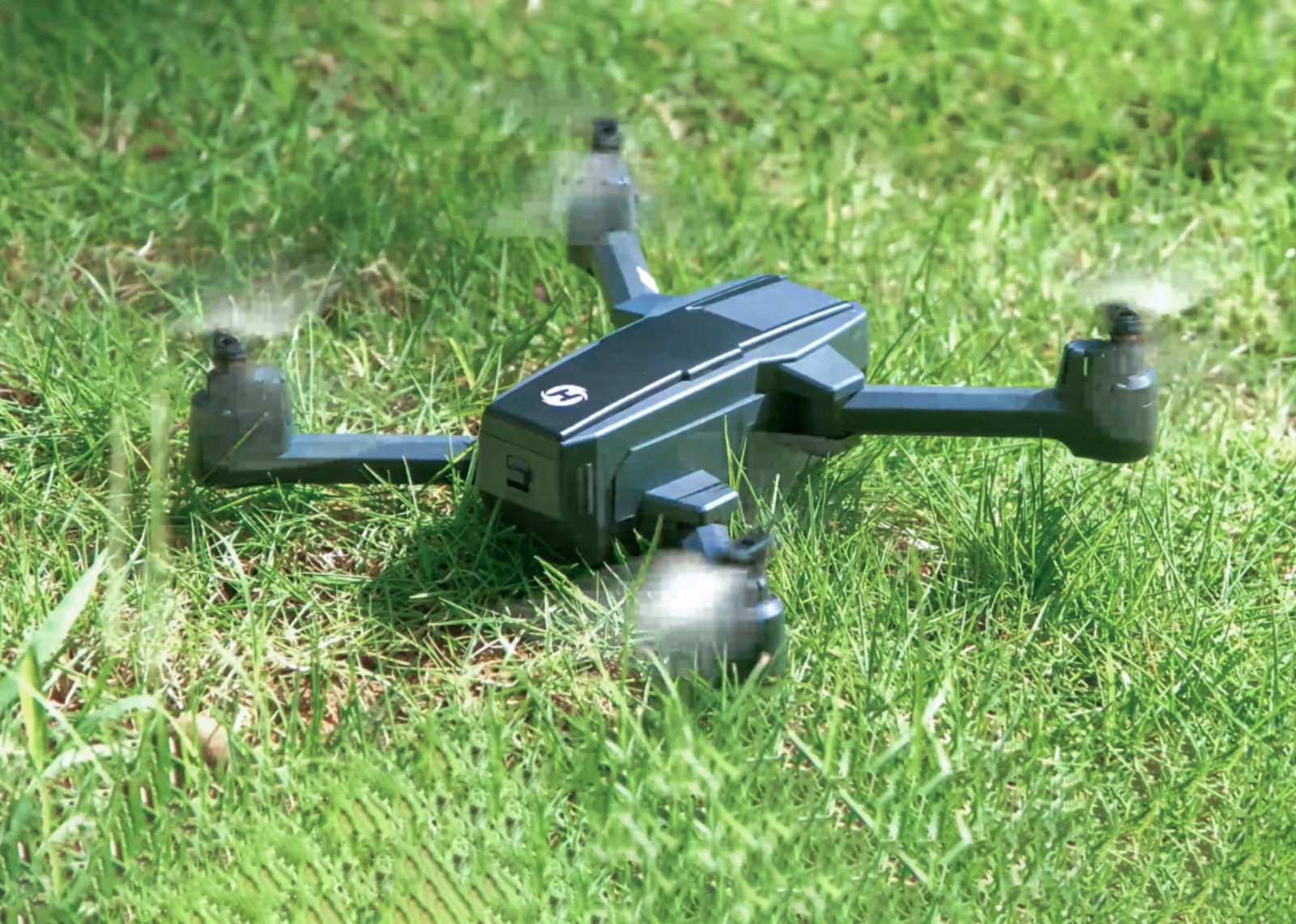
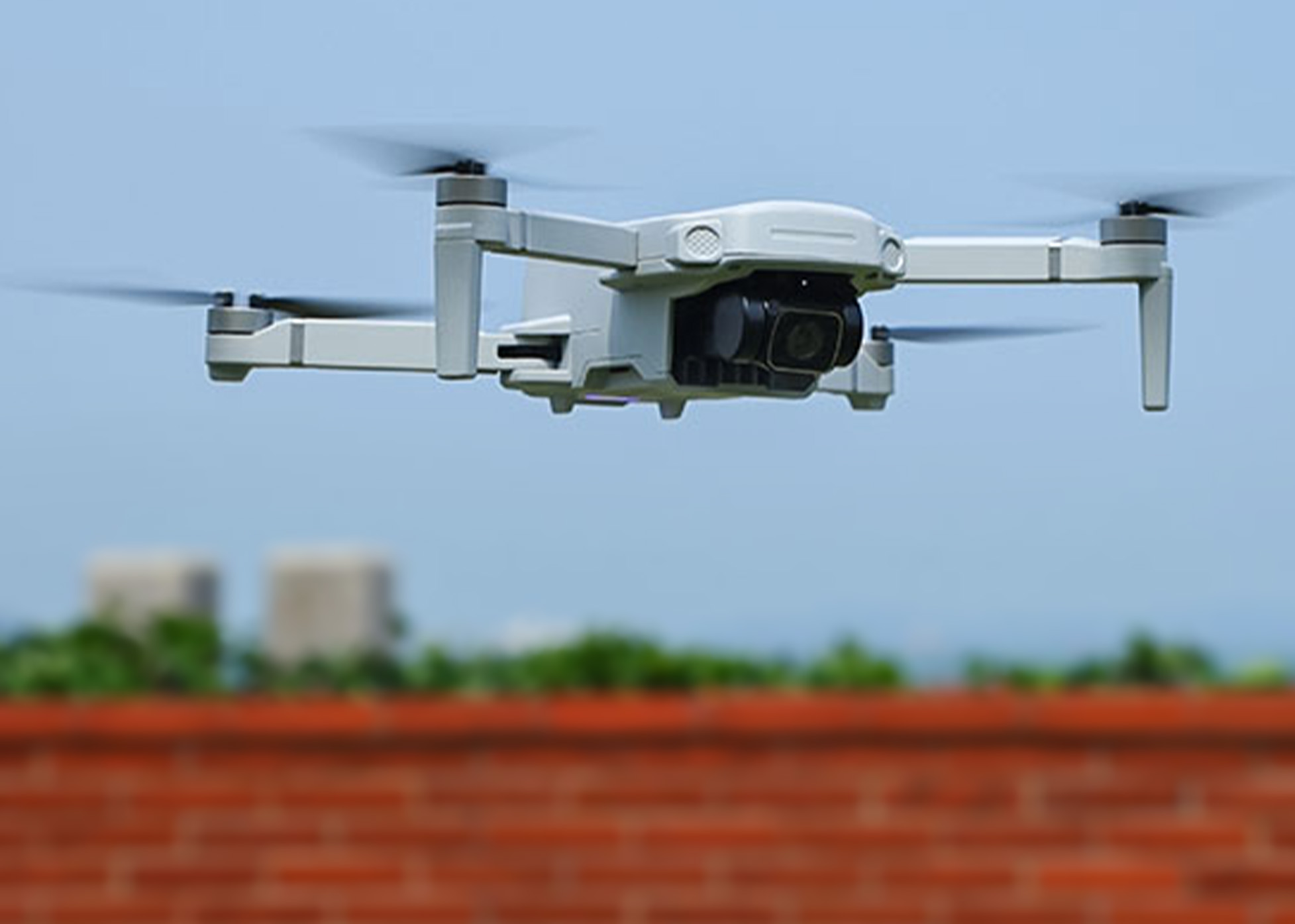
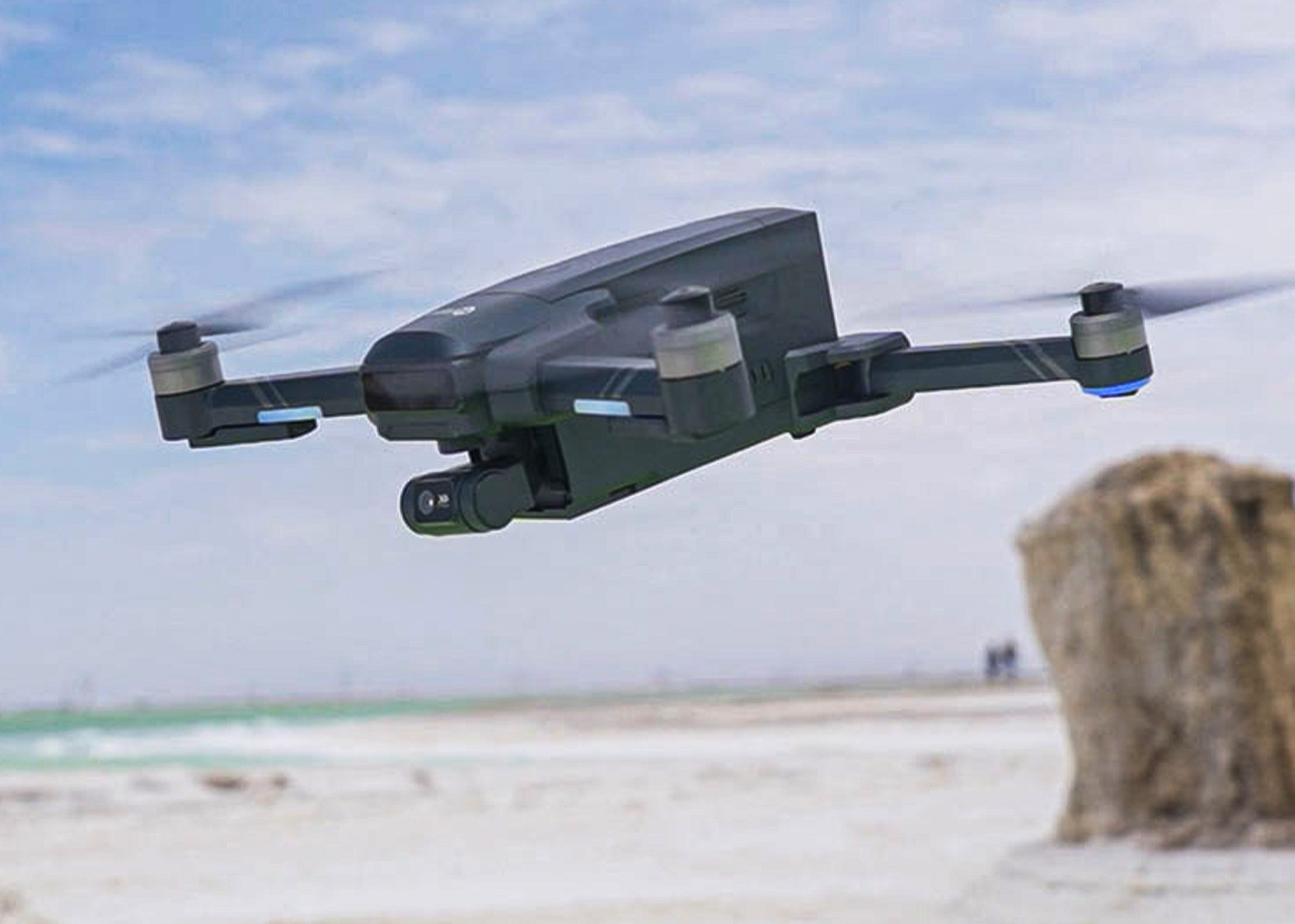
Compare features that change the experience
Three practical decisions matter more than a long specification list. Choose by where you fly, what you want to capture, and the conditions you will actually face.
Manual practice or GPS assistance?
Start with an affordable indoor mini drone to learn takeoff, hovering and directional control. Choose GPS assistance when you regularly fly outdoors.
Basic camera, EIS or gimbal?
For casual aerial records, a basic camera may be enough. EIS can reduce visible shake; a mechanical gimbal is worth considering for smoother moving footage.
Wind, batteries and practical range
Compare usable flight time per battery, local wind and safe operating distance—not just advertised maximums. For routine worksite records, the HS360D offers up to 80 minutes combined across two batteries under ideal conditions.
What changes as your budget increases?
More money does not automatically buy a better flying experience. It buys different capabilities. Start with where you fly, what you want to capture, and which limitations you are willing to live with. The four paths below are shopping priorities—not fixed price brackets; pricing and availability vary by market.
Build skills without paying for features you won’t use
Best for: Indoor beginners, kids with supervision, and anyone learning stick control.
Prioritize: Full propeller guards, stable indoor handling, simple controls, spare batteries and accessible replacement propellers.
Save on: GPS, long-range transmission and advanced cameras if you mostly fly indoors.
Upgrade when: You regularly want to fly outdoors or capture usable aerial footage.
Decide whether you need a camera—or outdoor assistance
Best for: Casual photos, first aerial views and occasional outdoor flights.
Prioritize: Actual sample photos and video, easy controls, clear app compatibility and a realistic flight-time expectation.
Save on: High advertised resolution if stabilization and image quality are not yet important.
Upgrade when: You need more consistent outdoor positioning; compare GPS features and their limitations.
Pay for predictable flights, not just bigger numbers
Best for: Regular outdoor flying, travel and site or property documentation.
Prioritize: GPS positioning and RTH behavior, wind suitability, usable battery time, dependable connection and replacement battery access.
Save on: Extra camera specifications if your main goal is reliable observation or progress records.
Upgrade when: Wind, flight consistency or your working area exposes limits in your current drone.
Invest in footage you can actually use
Best for: Travel videos, smoother motion shots and repeatable creative work.
Prioritize: Mechanical gimbal or proven stabilization, real sample footage, sensor performance, manual camera options and battery workflow.
Save on: “4K” labels or maximum range claims that do not improve your actual shots.
Upgrade when: You can identify a specific quality or control limitation in footage from your current setup.
The budget rule: pay to remove a real limitation.
An indoor mini drone may be the smartest first purchase for building flying confidence. GPS is worth considering when outdoor positioning matters. A gimbal becomes valuable when you need consistently smoother footage. In every category, leave room in your budget for compatible spare batteries, propellers and ongoing maintenance—and check parts availability for the exact model and region before you buy.
Indoor mini drones
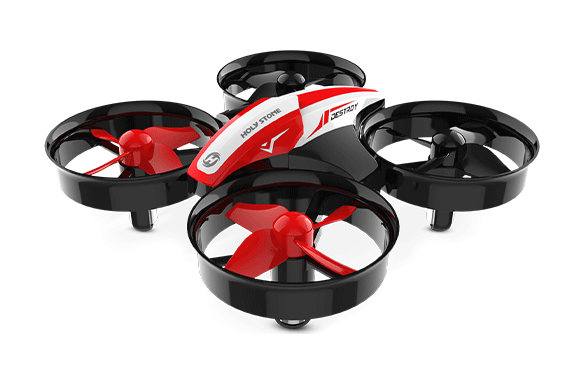
Small drones, different reasons to fly. Indoor mini drones can be a low-cost introduction to flight, but not every model is designed around training. HS210 is a practical starting point for stick-control skills; HS210P adds an indoor camera perspective. Other models focus on battle games, LED effects, bubbles, stunts, portability or simply having fun. Choose the experience first.
HS210 makes short, repeatable flight-control practice accessible in a suitable indoor space. After building basic control, HS210P can introduce camera framing and how movement affects the view. These are different learning goals. Models built around battles, bubbles, lights or stunts should be evaluated for enjoyment—not treated as flight-school equipment.
For learners: three skills to practice with HS210
Take off & hover
Lift off gently, hold a steady height, and land inside a marked area.
Know which way is forward
Practice nose-away and nose-toward-you controls before adding speed.
Turn smoothly
Fly a small square or figure eight using deliberate, gentle inputs.
Choose the right mini for your goal
For practice: predictable controls, propeller protection and spare batteries. For fun: the specific feature you want—lights, battles, bubbles, stunts, camera play or portability. Check suitable flying space and age guidance.
Do not pay for advanced GPS, long-range transmission or a mechanical gimbal if you only want indoor fun. Likewise, do not buy a novelty-focused mini expecting it to replace dedicated flight or aerial-camera training.
Holy Stone mini drones to explore
Choose by the experience you want—not just the number of features on the box.
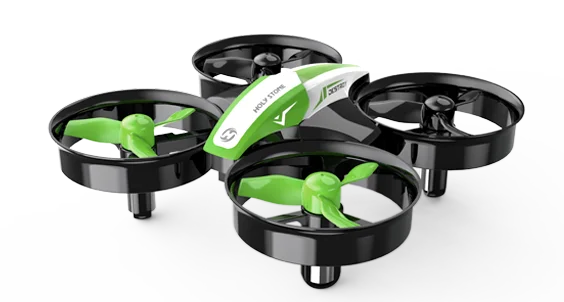
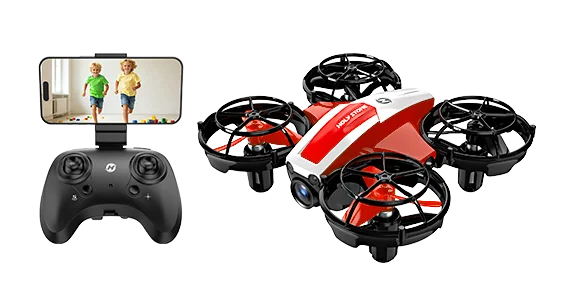
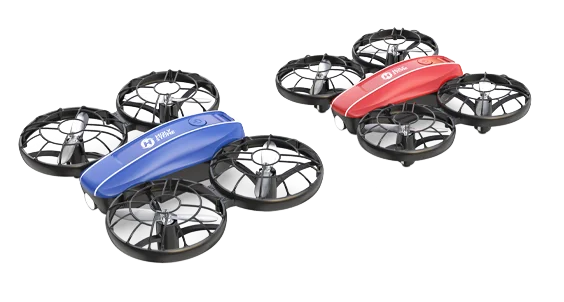
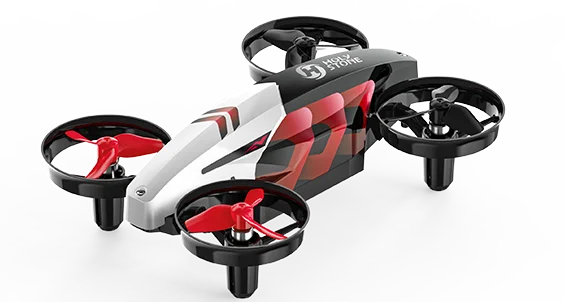
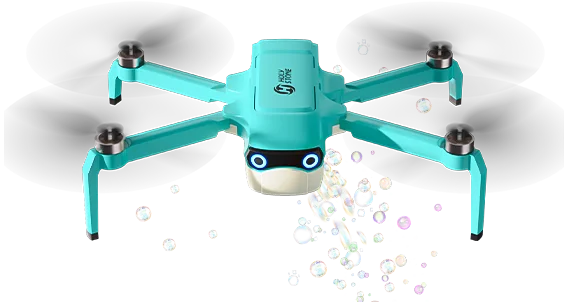
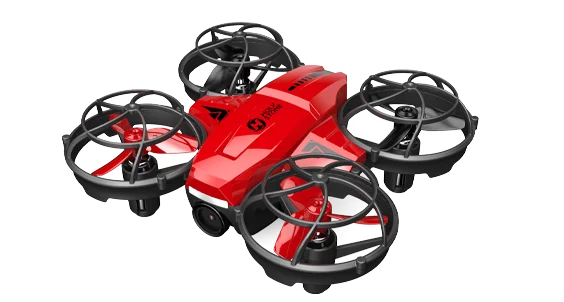
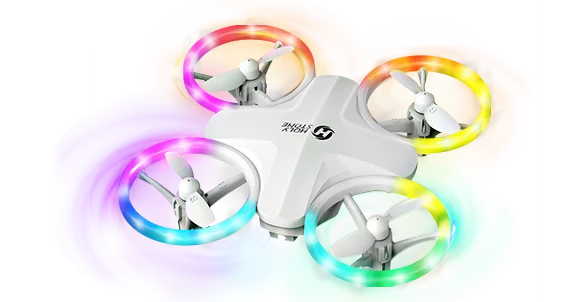
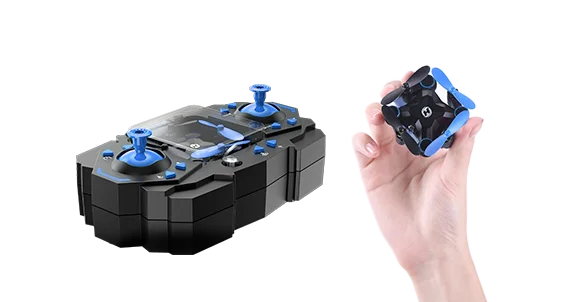
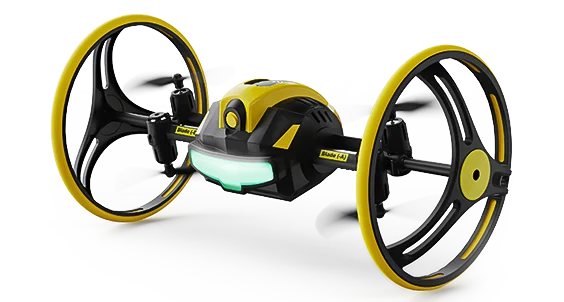
Model features, packages, and availability vary by market. Confirm the current product listing, spare-parts options, and manual before purchasing.
Optional: a 15-minute HS210 flight-control practice plan
This optional routine is intended for HS210-style basic flight-control practice, not for every mini drone shown above. Use a suitable clear space and follow the manual. The times are a learning structure, not a single-battery flight-time claim; split across batteries or sessions as needed.not a claim that any one battery lasts 15 minutes; split the routine across batteries or sessions as needed.
Gentle takeoff and landing
Steady hovering and height control
Nose-in and nose-out orientation
Controlled turns and landing
Upgrade when your goal changes.If you start with HS210, try HS210P when camera framing interests you. Choose GPS assistance when you move into appropriate outdoor flying, and mechanical stabilization when smooth aerial footage becomes a real goal. If your priority is simply fun, there is no need to follow a training upgrade path.
Non-GPS camera drones
A first aerial view, with more hands-on flying. Non-GPS camera drones make sense when you want to explore aerial photos, enjoy short backyard flights, or learn to manage an aircraft yourself—without paying for GPS features you may rarely use. The trade-off is that you must pay closer attention to drift, orientation, and your surroundings.
Backyard exploration, short video clips, and learning basic framing without a large camera-drone investment.
Without GPS position hold, you may need frequent stick corrections. Altitude hold or optical-flow assistance, where fitted, is not the same as GPS.
Choose a suitable GPS model if steadier outdoor positioning, supported return features, or more repeatable camera work matter to you.
Three checks before your first flight
Start in a calm, open area away from people, trees, and obstacles. Avoid wind beyond the model's limits.
Confirm which altitude, optical-flow, or other stabilization features your exact model includes—and their limits.
Review real sample footage and check how video is saved; a resolution label alone does not predict image quality.
Holy Stone models to explore
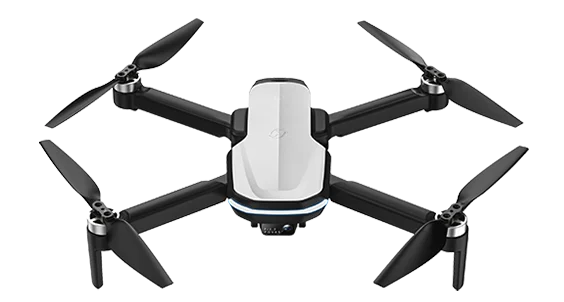
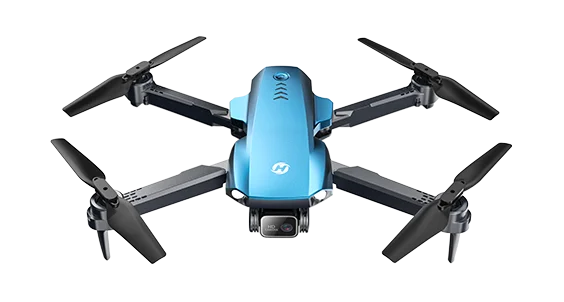
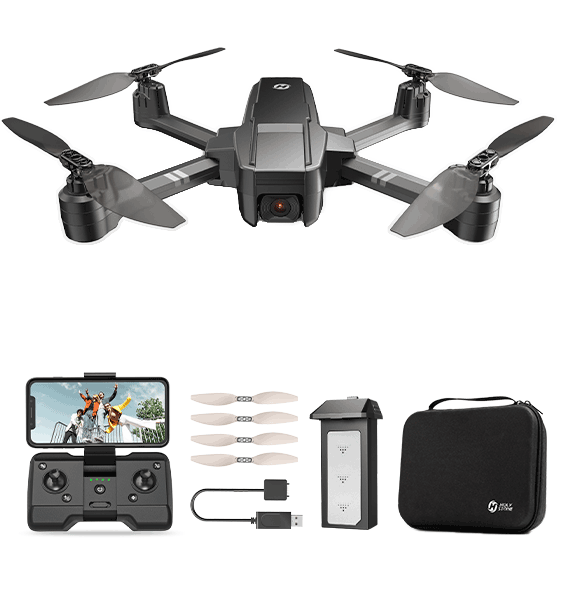
Features, included accessories, availability, and supported flight modes vary by model and market. Check the current product page and manual before purchase.
A non-GPS camera drone is a good choice when you value accessible aerial fun and hands-on practice. If you regularly fly outdoors or need reliable position assistance for recording, consider moving to a GPS-equipped model. In either case, check replacement battery and propeller availability for the exact model.
Beginner GPS camera drones
For outdoor pilots who want more confidence—not an autopilot. GPS-assisted positioning can reduce the constant correction needed to hold a position outdoors, while supported return-to-home functions add a useful recovery option. You still need to monitor wind, obstacles, battery reserves and the aircraft’s position.
What GPS helps with
Position holding and assisted return on supported models, especially when learning to fly outdoors.
What GPS cannot do
It cannot guarantee obstacle avoidance, prevent every flyaway, or make strong wind safe to fly in.
Plan usable sessions
Compare per-battery time, number of included batteries and the reserve needed for a safe return.
Before your first GPS flight
Before takeoff: Check local rules, airspace, weather and a clear launch area. Follow the model’s GPS and compass setup instructions.
Before flying farther: Confirm the home point and return-to-home settings where supported; understand how the drone behaves if the signal is lost.
During flight: Keep the aircraft in sight, monitor battery level and leave enough time to return and land safely.
Choose a model by what you actually fly
Four different priorities—not four versions of the same drone.
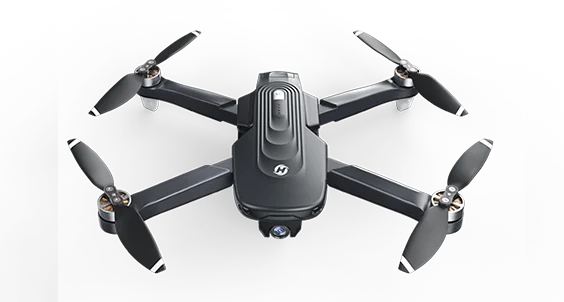
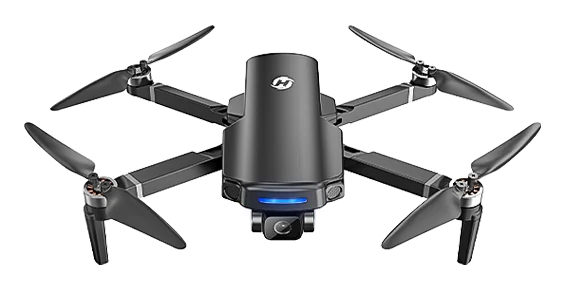
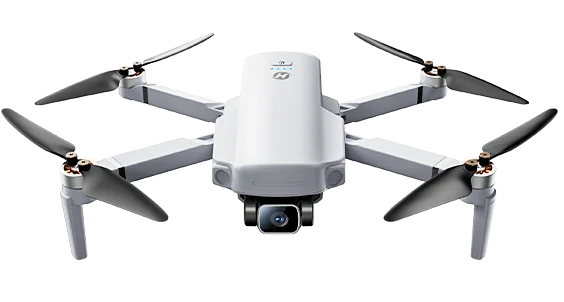
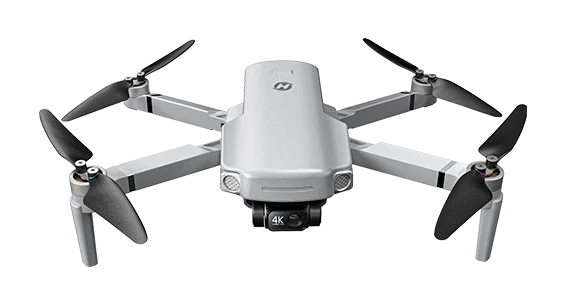
Features, stock, and replacement parts vary by model and region. Check the current product listing and manual before purchase.
Buying takeaway: Choose GPS when outdoor position assistance matters. Choose a gimbal when smoother footage matters. Choose extra batteries and accessible replacement parts when you need repeatable flying sessions. A GPS label alone does not tell you which drone is best for your work or travel.
When documentation matters more than cinematic footage
For construction progress, property records or repeat site views, consistent and identifiable images can matter more than premium video effects. HS360D is worth considering when you need to make several short flights across a session.
Its advertised up to 80 minutes of total flight time is across two batteries under specified conditions—not 80 minutes in one uninterrupted flight. Build in time for landing, swapping batteries and keeping a safe reserve.
Check before choosing it: Can the camera capture the details you need? Are compatible batteries and propellers available? Are the site, airspace, privacy and commercial-flight requirements appropriate for your use?
Advanced GPS camera drones
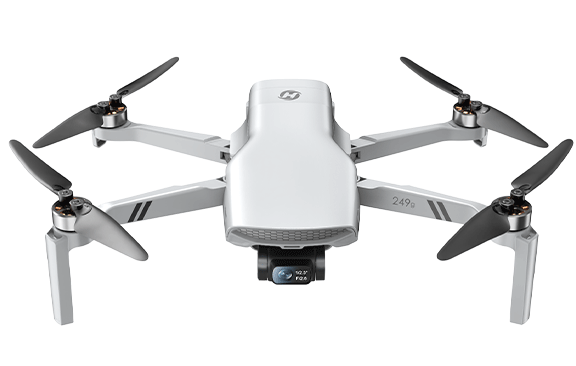
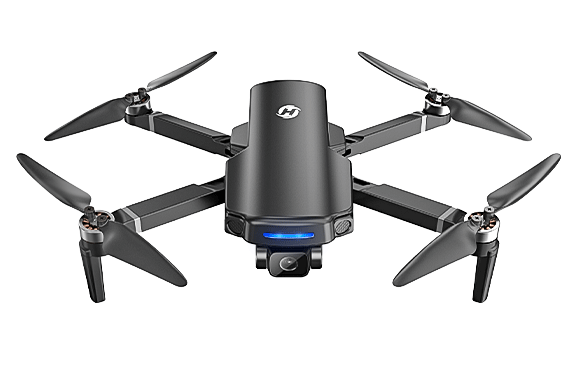
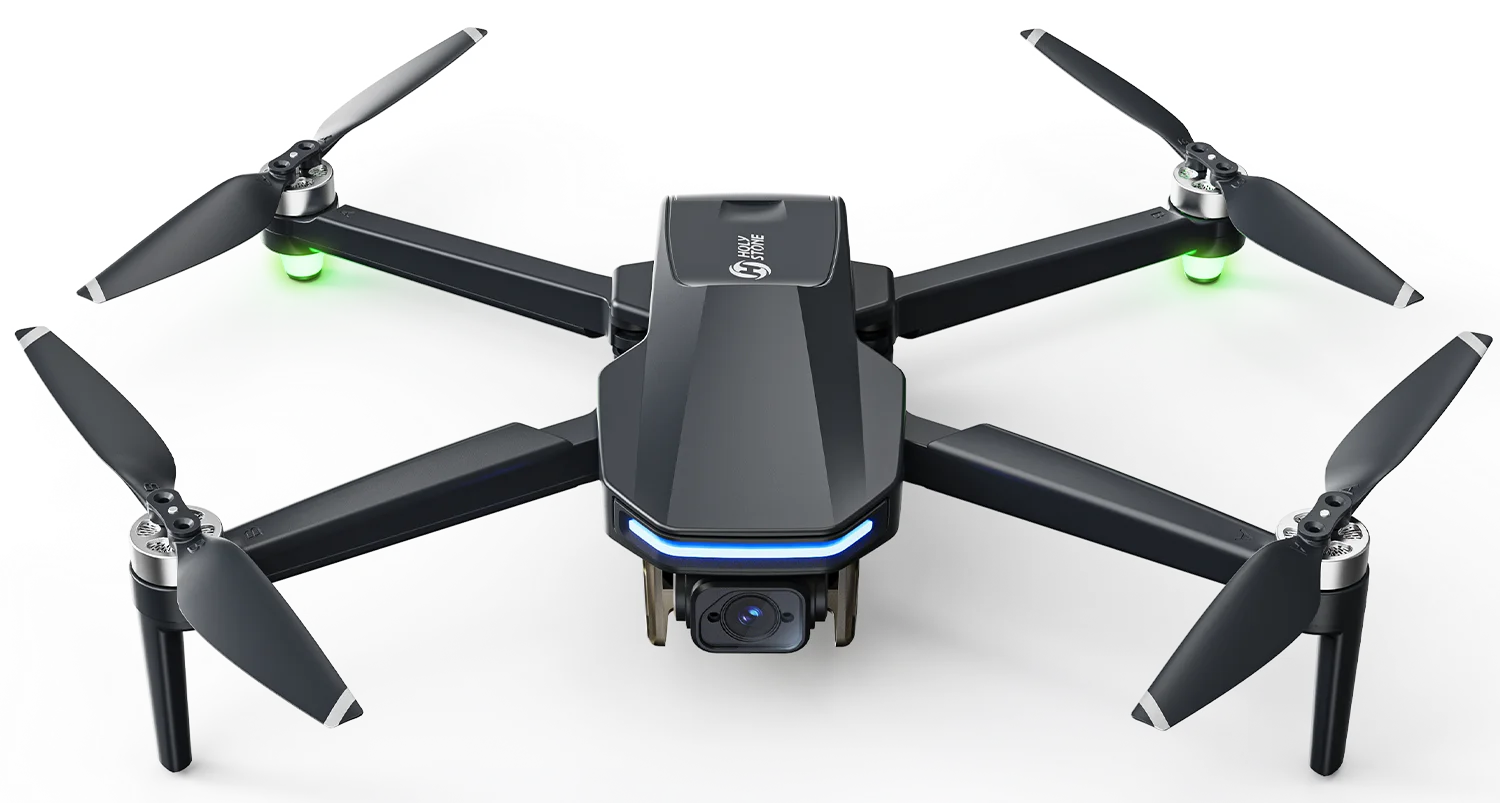
Choose for the footage you want to keep—not the biggest number on the box. At this level, camera movement, real image detail, wind management, battery planning and parts availability can matter more than headline resolution or advertised range. Compare actual flight videos and the full ownership experience before upgrading.
Four advanced models, four different priorities
Start with your most frequent use case. These are positioning guides, not claims that any model is best for every pilot.
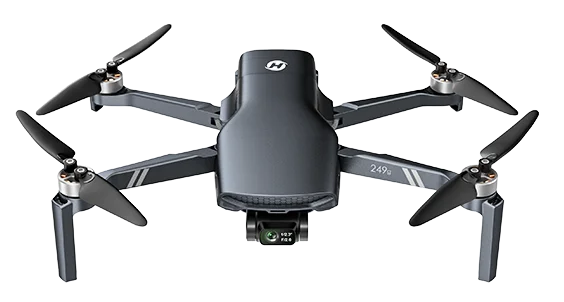
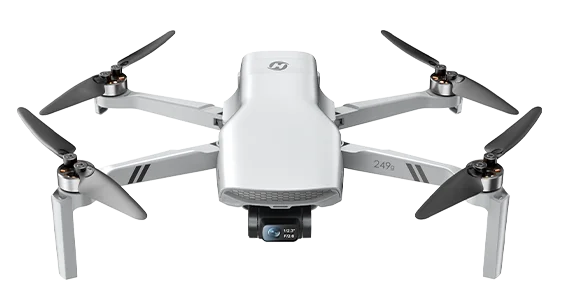
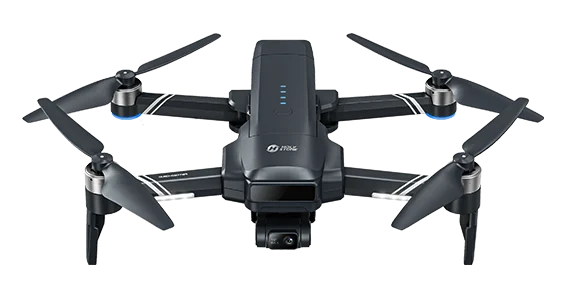
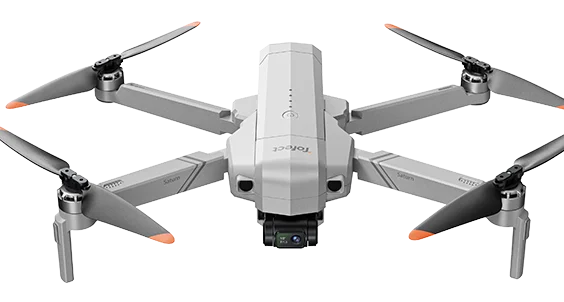
Features, included accessories and availability may vary by market and configuration. Check the current product page and manual before purchasing.
Advertised specs vs. real-world flying
A specification is a useful starting point, but it is not a prediction of every flight. Test conditions, local rules, weather and how you actually fly determine the experience. Use these four comparisons to separate a headline claim from a useful buying decision.
Flight time: rated vs. usable
Advertised: Maximum minutes under specified test conditions; a multi-battery bundle may show combined total time.
Real-world: Wind, maneuvering, temperature, battery health and a safe landing reserve reduce usable time. Changing batteries interrupts a session.
4K resolution vs. usable footage
Advertised: Resolution tells you the pixel dimensions, not how smooth, detailed or natural the video looks.
Real-world: Sensor, lens, exposure, compression and stabilization affect detail and motion. EIS may crop the image; a gimbal helps physically steady the camera.
Maximum range vs. safe operating area
Advertised: A maximum transmission distance measured under particular conditions, often with limited interference.
Real-world: Buildings, terrain, radio congestion, antenna orientation and weather can affect the link. A strong connection does not remove visual-line-of-sight requirements.
GPS & RTH: assistance, not a guarantee
Advertised: Position holding and return-to-home functions can help manage outdoor flights when their requirements are met.
Real-world: Weak GNSS reception, incorrect home-point setup, wind, obstacles and model-specific RTH behavior can affect the outcome. RTH is not the same as obstacle avoidance.
Want the technical explanation? Explore the flight-control, imaging, power, propulsion and wireless communication guides below.
Choose your next drone guide
You have compared flying styles, budgets, camera systems and real-world specifications. The next useful guide depends on the question you still need answered—not on how many technical terms you know.
Lessons from real drone owners
The most useful buying lessons are often about everyday ownership—not the biggest specification. Questions shared in drone communities repeatedly return to where people can fly, how difficult setup feels, what the footage really looks like, and whether a drone is practical to maintain.
Use these as questions to ask before buying, not as evidence that any particular model has a known problem.
“Will I actually have somewhere to fly?”
A convenient, permitted flying location matters more than a feature you can rarely use. Check local airspace, park rules, obstacles, wind and travel time.
“Can I get flying without frustration?”
The first session includes more than takeoff: charging, controller setup, app or firmware steps where needed, and understanding the manual. Start in calm conditions.
“Will the video look the way I expect?”
A resolution label alone cannot show how footage handles motion, wind, shadows or low light. Camera stability and actual sample footage are more revealing.
“Can I keep it flying after normal wear?”
Experienced pilots often keep spare propellers and batteries on hand. A repairable, well-maintained drone may stay useful after a model is discontinued, depending on parts availability.
Imagine your first month: Where will you fly? What will you record or practice? How often will you recharge? What happens if a propeller breaks? A good choice should have practical answers to all four.
Editorial note: These are qualitative themes commonly raised in public drone-owner discussions, including enthusiast forums. They are not representative survey results, verified defect rates, or claims about any particular model.
The true cost of owning a drone
The purchase price is only the beginning. Unlike many everyday electronics, drones regularly face takeoffs, landings, changing weather and the possibility of minor impacts. The better question is not just “What does this drone cost?” but “What will it take to keep flying it?”
Plan for the flights after your first flight.
For regular pilots, spare propellers and additional batteries are practical maintenance items—not necessarily signs that something has gone wrong. The availability, compatibility and price of those parts can affect how often you fly and how long you keep the aircraft.
Four costs worth checking before checkout
What's included?
Check the number of batteries, charging method, spare propellers, guards and carrying case. A lower aircraft price may mean a less complete kit.
Batteries & charging
Compare per-battery flight time, spare battery cost, recharge time and the number of flights you can realistically fit into one outing.
Propellers & repairs
Confirm whether compatible propellers, guards and other commonly damaged parts can be purchased. Check service options and applicable warranty terms.
Compatibility & access
Check exact model and version compatibility, delivery to your region, phone requirements and any applicable registration or training costs.
A good drone should be practical to maintain.
A replaceable propeller can turn a minor mishap into a short interruption instead of the end of an aircraft's useful life. Before buying, look for clear part names, model-specific compatibility information and a realistic way to obtain replacements.
Ask before buying: Are batteries and propellers available separately? Which components are user-replaceable? Can I get the correct version in my country? What happens if a part is temporarily out of stock?
HS700E: support beyond the original sale
Holy Stone continues to provide replacement-parts support for the earlier-generation HS700E. It is a concrete example of how access to compatible components can help owners keep a drone in service as product lineups evolve.
A practical pre-purchase checklist
Before comparing prices or clicking Buy, answer these six questions for the exact model and bundle you are considering. A good match should fit your flying space, skills, footage goals and long-term ownership needs—not just your budget.
Where will I actually fly?
Identify at least one convenient, permitted location. Consider indoor room size, people, obstacles, wind and how often you can realistically visit.
Decision: Mostly indoors? Consider a guarded mini drone. Open outdoor spaces? Compare GPS-assisted options.
How much assistance do I need?
Decide whether you want hands-on stick practice, GPS positioning assistance or a mix. Check the actual model's setup, calibration and return-to-home behavior.
Decision: GPS helps with outdoor positioning; it does not replace piloting skills or obstacle awareness.
What footage will I keep?
Is the camera for playful indoor views, travel memories, worksite records or edited moving video? Watch unedited samples from the exact model.
Decision: Pay for EIS or a mechanical gimbal when smoother footage is a real priority—not merely for a larger 4K label.
How long is one useful outing?
Compare advertised minutes per battery, included battery count, charging time, wind conditions and the need to land with reserve power.
Decision: A two-battery total is not one continuous flight. Choose the bundle that supports your actual session.
Can I keep it flying?
Check replacement propellers, batteries, charging accessories, model/version compatibility, phone requirements and local support options.
Decision: Verify current parts availability for your model and region; never assume every model has the same future support.
What will ownership really require?
Add any needed batteries, storage, repairs, registration and training to the aircraft price. Check local airspace, privacy and recreational or commercial-use rules.
Decision: The cheapest listing may not be the most practical or affordable drone to own.
If you mainly want indoor fun or flight practice, start with Mini models. If you want casual aerial views and are comfortable managing position, explore Non-GPS cameras. If you want assisted outdoor flying, compare Beginner GPS models. If your goal is repeatable, smoother footage, evaluate Advanced GPS models and real video samples.
U.S. flying note: FAA registration and Remote ID requirements depend on aircraft weight and how the drone is used. Under-250 g aircraft are not universally exempt, particularly for non-recreational operations. Check current FAA guidance and applicable local rules before flying.
Frequently asked questions
Quick answers to the questions that most often change a buying decision—from the first flight to years of ownership.
Is GPS always the best choice for a first drone?
Not necessarily. An indoor mini drone such as HS210 is a low-cost way to practice stick control. GPS-assisted positioning is more useful when you plan to fly outdoors in suitable conditions.
What is the difference between HS210 and HS210P for learning?
HS210 focuses on basic indoor flight control. HS210P adds an entry-level indoor camera experience, helping you begin thinking about framing while flying. Neither replaces outdoor wind, GPS or mechanical-gimbal practice.
Does a 4K label guarantee better footage?
No. Sensor performance, stabilization, exposure, compression and motion all influence results. Compare original moving footage from the exact model, not resolution alone.
How should I compare advertised flight times?
Check the maximum time for one battery, the number of included batteries and the charging time. A two-battery total is not one continuous flight; allow a safe landing reserve.
Can GPS return-to-home prevent every flyaway?
No. Return-to-home depends on conditions such as satellite reception, home-point recording, battery level and the model’s return behavior. It does not guarantee obstacle avoidance or recovery.
Do I need a smartphone to fly?
It depends on the model. Some drones can be controlled directly with the remote, while live view or advanced functions may require a compatible phone and app. Verify the exact model and phone before ordering.
Are drones under 250 g exempt from all U.S. flight rules?
No. Some registration and Remote ID requirements depend on aircraft weight and whether the flight is purely recreational or for another purpose. Airspace and operating rules still apply; check current FAA guidance.
Which drone is better for routine property or worksite records?
For repeated site documentation, prioritize usable battery coverage, consistent framing and sufficient image detail. HS360D may suit this workflow; its advertised up-to-80-minute total is across two batteries, not a single continuous flight. Check applicable commercial-flight requirements.
What should I check about replacement parts?
Confirm compatible propellers, batteries and any commonly needed parts for the exact model, version and destination country. Holy Stone continues to support some earlier models such as HS700E, but availability and support duration vary and are not guaranteed for every model.
Should I choose obstacle avoidance or a more advanced camera?
Choose the feature that solves your actual problem. Obstacle sensing may help in supported conditions but has limits; a mechanical gimbal can matter more for smooth moving footage. Neither substitutes for safe piloting.
Find the drone that fits your flying style.
Start with where you will fly and what you want to do. Then compare the models, batteries and replacement-parts options that fit your needs.


COMMENTS