 Sign in
 Sign up


STANDARD CONTROLLER
HS175D Plus
Standard Controller
✓Live View on Your Smartphone
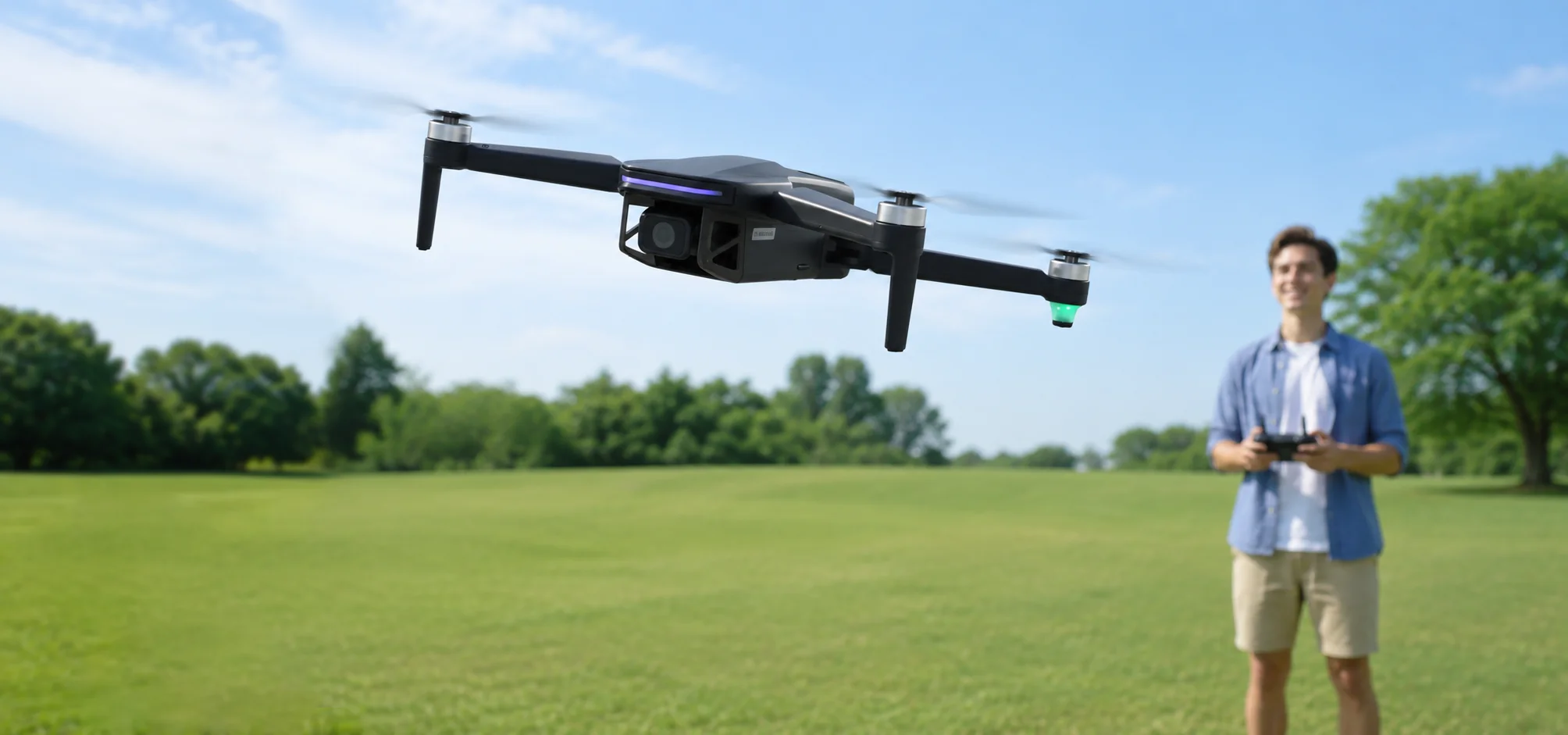
A familiar controller setup for pilots who prefer flying with their phone.
1,000 m Control Range
500 m FPV Transmission
Compact drones for indoor flying
Camera drones for backyard & everyday flying
GPS-assisted outdoor camera drones
Long-range & stabilized camera drones
SUPPORT
Get in touch with our team for business inquiries, support, or general questions.
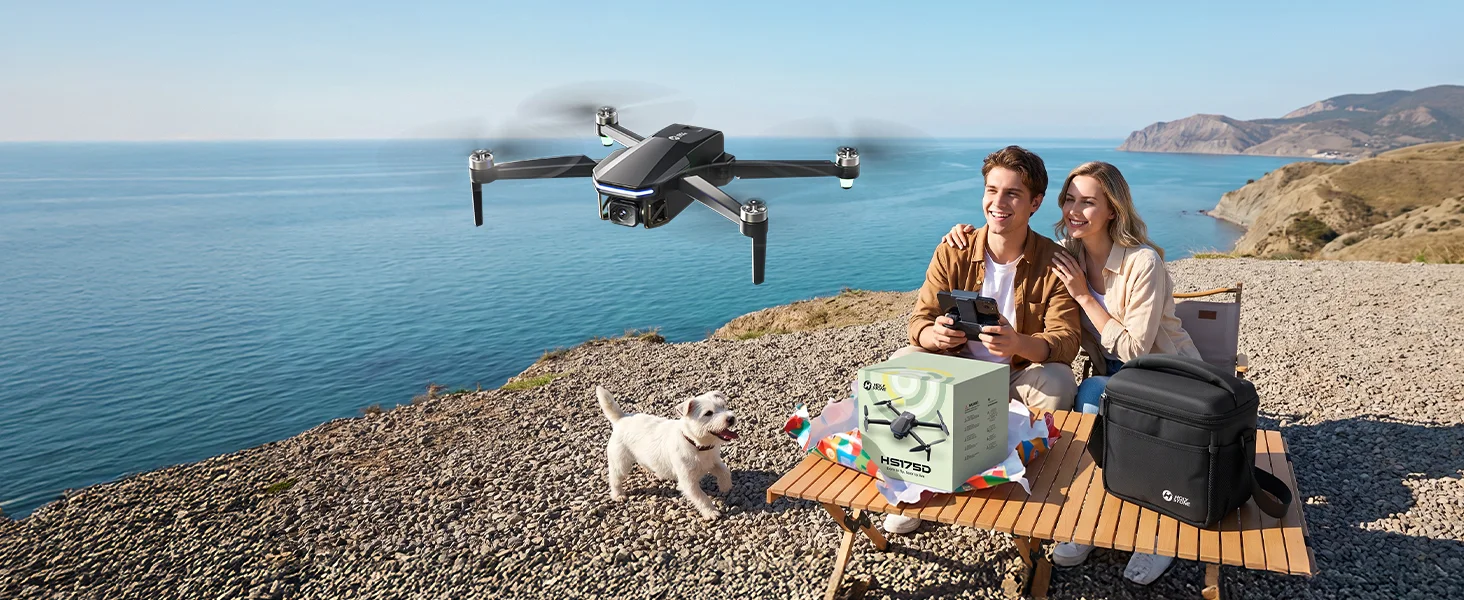
Choose the standard-controller HS175D Plus or the screen-controller HS175D Max. Enjoy a lightweight, beginner-friendly GPS flying experience.
Explore the core GPS flying experience in this HS175D Plus product video. HS175D Max pairs the same lightweight-drone concept with a built-in-screen remote and upgraded relay transmission.
Video shows HS175D Plus. Controller operation and available app features may differ on HS175D Max.
Two controller choices for first-time GPS pilots: HS175D Plus uses a standard remote with smartphone-based live view, while HS175D Max features a 4.5-inch built-in screen and upgraded relay transmission.
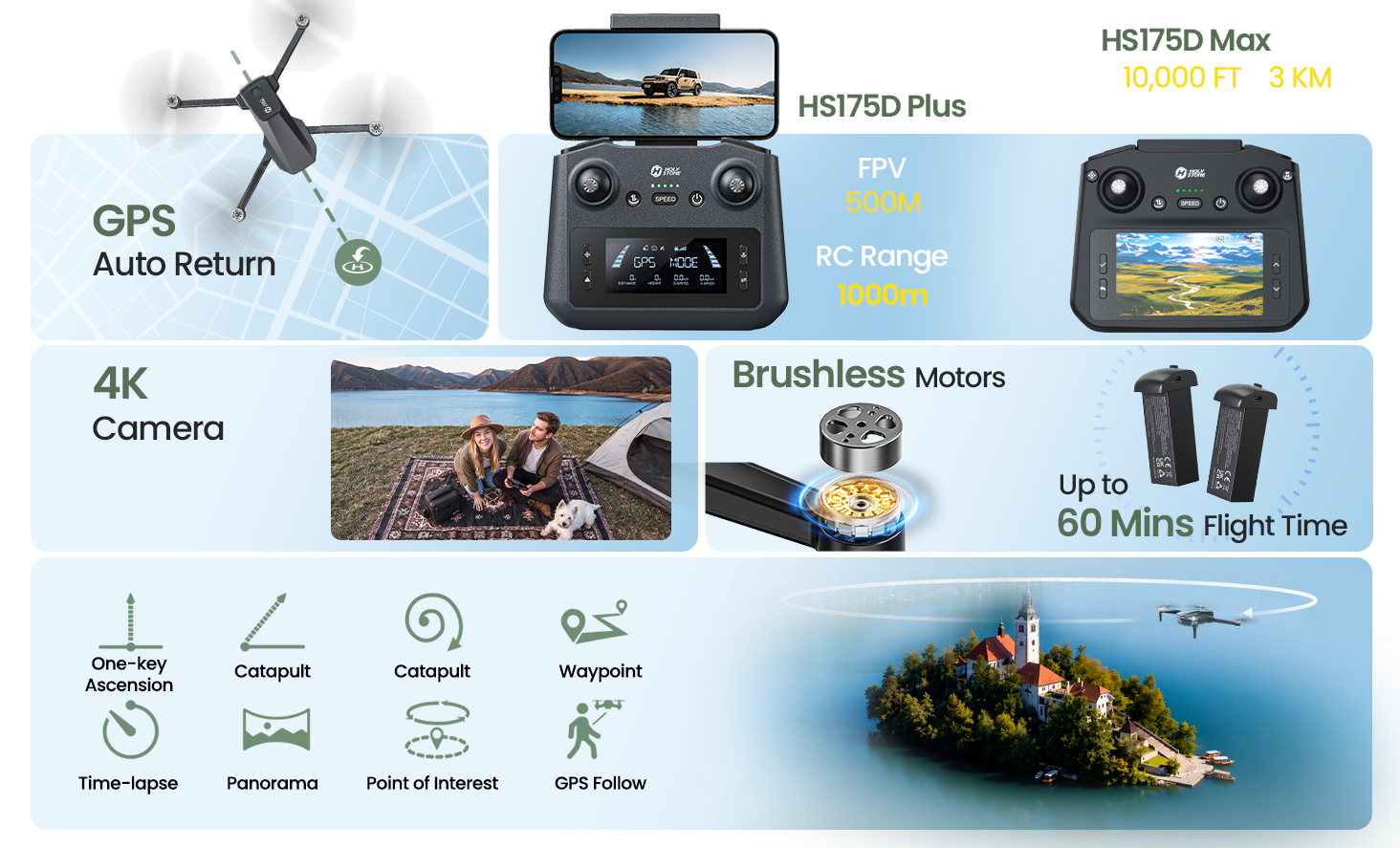
Same beginner-friendly GPS drone. Choose the controller and live-view experience that fits you best.
Standard Controller
1,000 m Control Range
500 m FPV Transmission
4.5″ Screen Controller
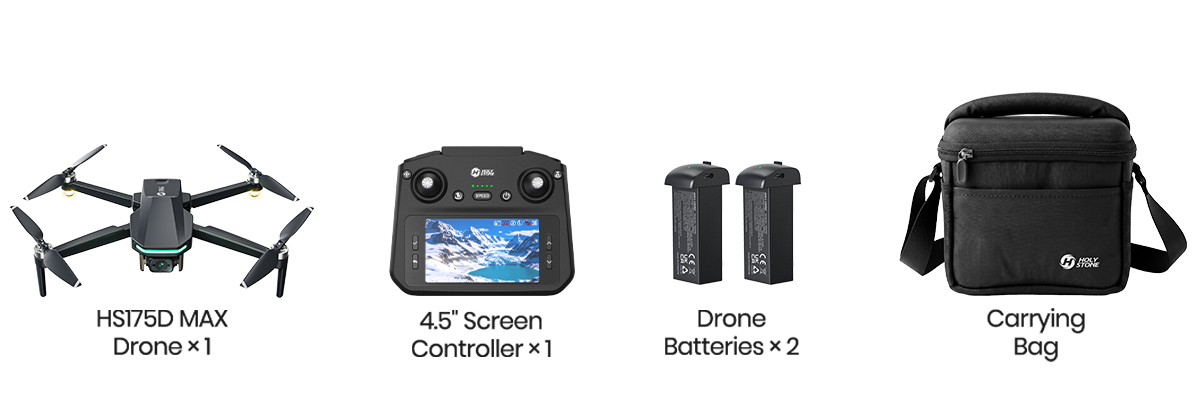
3 km Control Range
3 km FPV Relay Transmission
Range specifications are maximum ratings under unobstructed, low-interference conditions. Actual performance varies. Smart flight and app features may differ by controller.
GPS positioning, Return to Home and low-battery protection work behind the scenes to make a first outdoor GPS-drone experience easier to manage.
 GPS Positioning
Helps the drone hold position outdoors when GPS signal is available.
 Return to Home
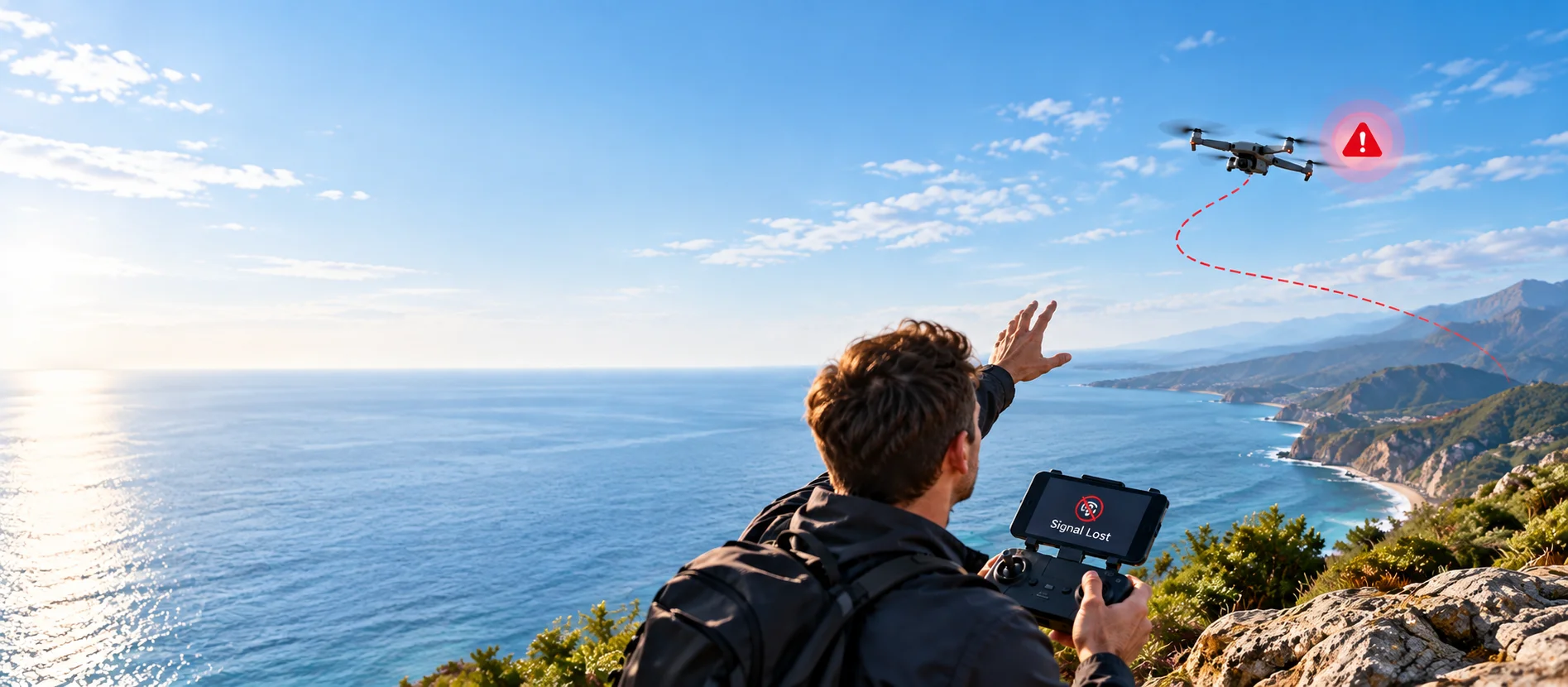
Smart RTH and Failsafe RTH give you clearer ways to bring the aircraft back when needed.
 Low-Battery Protection
Low-voltage return or landing logic helps reduce the chance of simply flying until battery power runs out.
Optical Flow also supports low-altitude positioning when GPS conditions are limited and the surface is suitable.
These modes are not about turning an entry-level drone into a cinematic camera. Their real value is letting a beginner experience automatic drone movements that are harder to reproduce manually.
Set a point of interest and let the drone circle around it automatically while you observe how an orbit movement is created.
Learning the basic idea behind automatic orbiting without manually coordinating the full circular path.
The drone flies backward and upward along a programmed move, then returns to the starting area after the sequence.
Experiencing a simple automated reveal movement.
The drone climbs vertically while recording, then flies back toward its starting point after the automatic sequence.
Seeing how a vertical reveal can change the perspective of a simple outdoor scene.
The drone ascends while circling around the subject area, then returns after the programmed sequence.
Trying a movement that would be more difficult for a beginner to reproduce manually.
Create a route by selecting points on the app map, then let the drone fly through the submitted path.
Understanding route-based GPS flight. Always keep the planned route clear of obstacles.
Automatic flight modes shown here are demonstrated with HS175D Plus. Verify mode availability and any required phone app for HS175D Max. Use automatic modes only in open areas, keep the flight path clear, and maintain visual line of sight.
Two batteries deliver up to 60 minutes of combined rated flight time — more time to practice, explore and capture the view.
* Maximum control and video transmission distances are rated under unobstructed, low-interference conditions. Actual range varies. Always maintain visual line of sight.
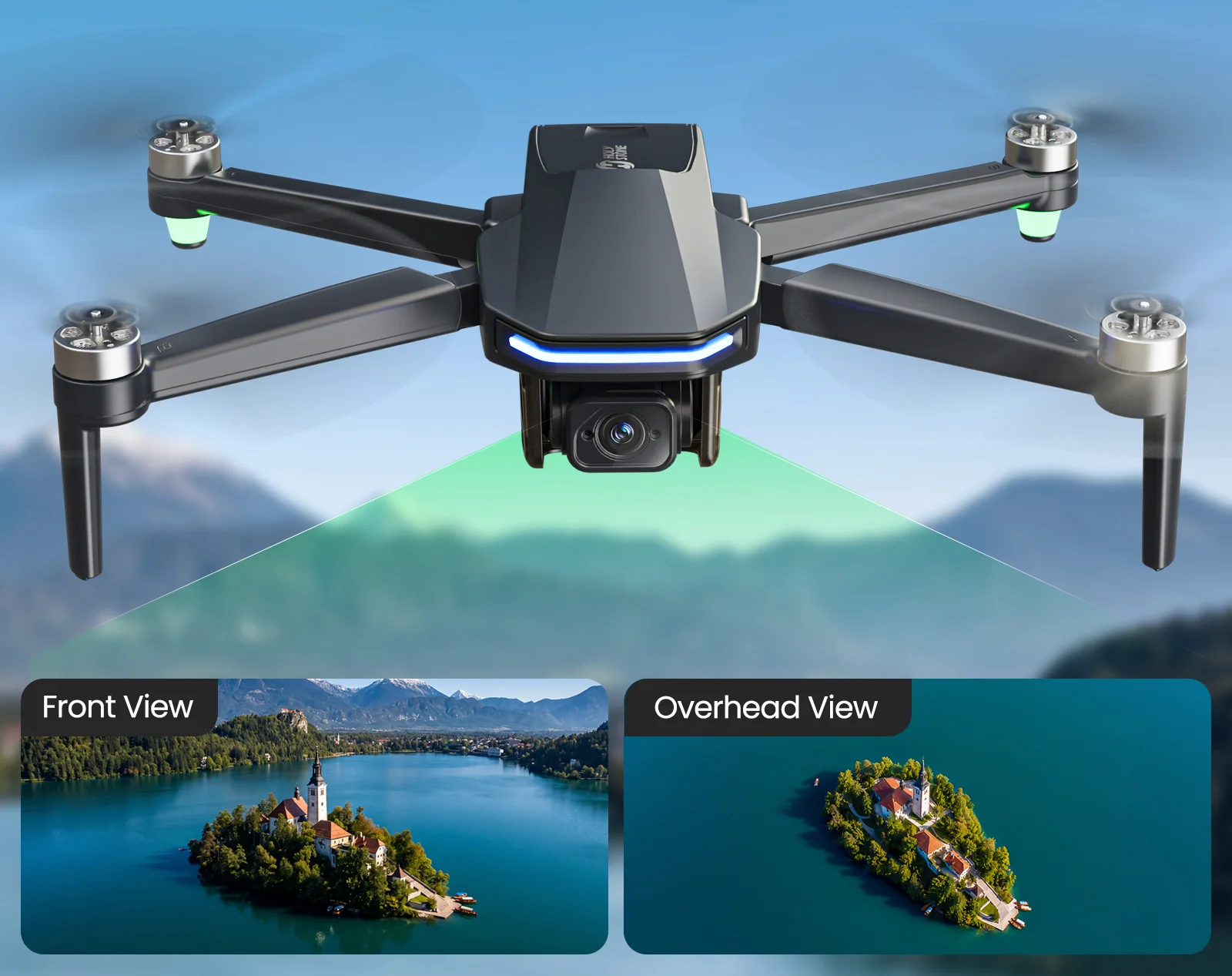
Capture your first aerial views while learning the basics of GPS flight.
Good to know: The HS175D Plus and HS175D Max do not use a gimbal or EIS, so it is designed for casual aerial recording rather than stabilized cinematic footage.
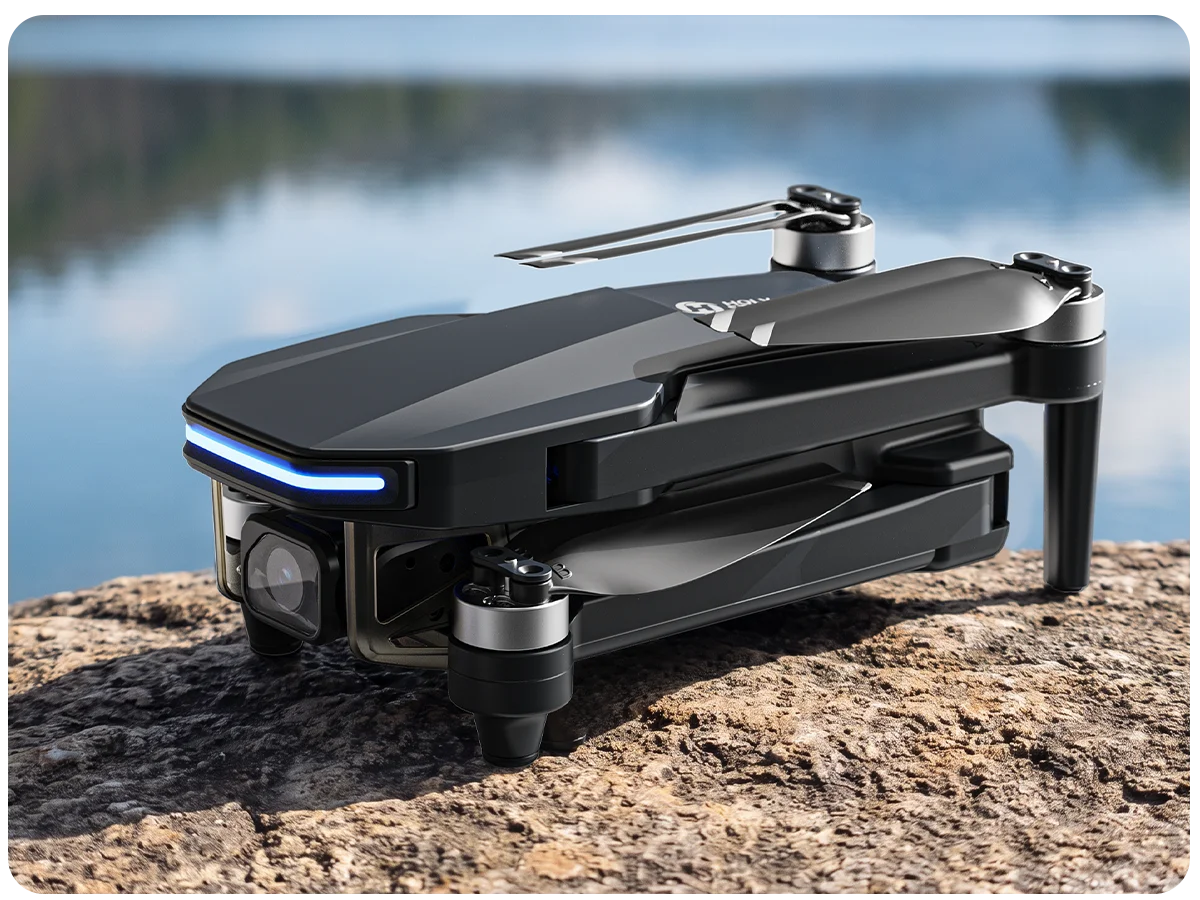
The under-250g airframe keeps both HS175D editions compact and portable, so it fits the role of a first outdoor GPS drone without feeling like a large piece of flight equipment.
Always check and follow the current drone rules that apply where you fly. Weight alone does not determine every operating requirement.
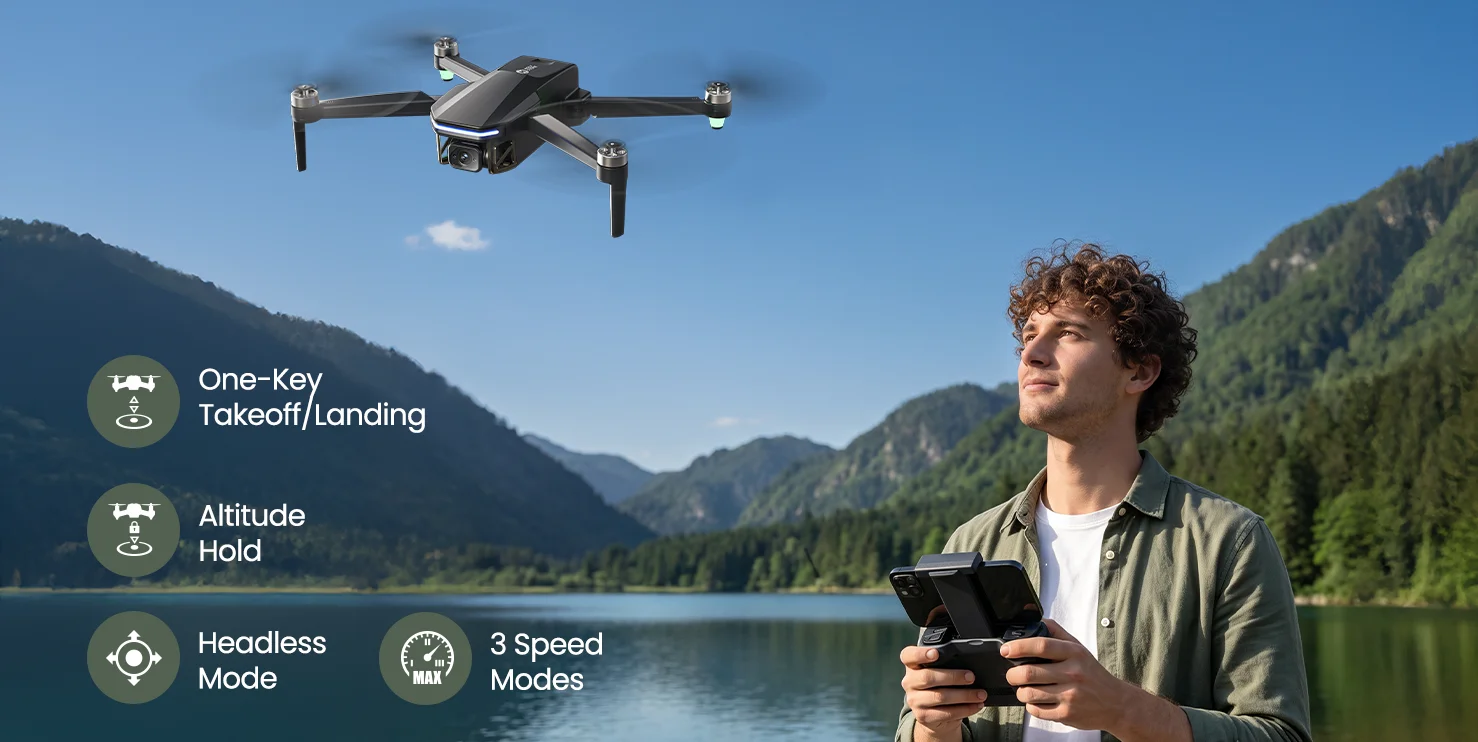
Both HS175D editions offer approachable everyday controls, so a new pilot can start simple and gradually try more as confidence builds.
 Beginner Mode
Starts with limited flight distance and altitude so a new pilot can learn within a smaller practice area.
 Three Speed Levels
Start slower, then move through Camera, Normal and Sport speed modes as your control confidence improves.
 Headless Mode
A training aid that can make directional control easier to understand while you are still learning drone orientation.
Choose HS175D Plus if you prefer using your smartphone for live viewing, or HS175D Max if you want a built-in remote screen and upgraded relay transmission. Both are aimed at learning outdoor GPS flight.
This HS175D Plus tutorial covers setup, GPS calibration, flight controls and Return to Home. Max screen-controller setup may differ; follow the instructions supplied with your edition.
Practical answers for the questions first-time GPS pilots usually have before and after their first outdoor flight.
A closer look at the HS175D drone through a real product showcase filmed by a member of our community.
Video by Kyle Metcalf
Shop HS175D Plus & Max →| FEATURE | HS175D Plus | HS175D Max |
|---|---|---|
| Controller | Standard Remote | 4.5-inch Screen Remote |
| Live View | Smartphone | Built-in 4.5-inch screen |
| Control Range | Up to 1,000 m | Up to 3,000 m |
| FPV Transmission | Up to 500 m | Up to 3,000 m |
| Controller Charging | About 2 hours | About 3 hours |
Maximum control and video transmission ranges are specified for outdoor, unobstructed conditions. Actual ranges vary with interference and environment. Maintain visual line of sight.
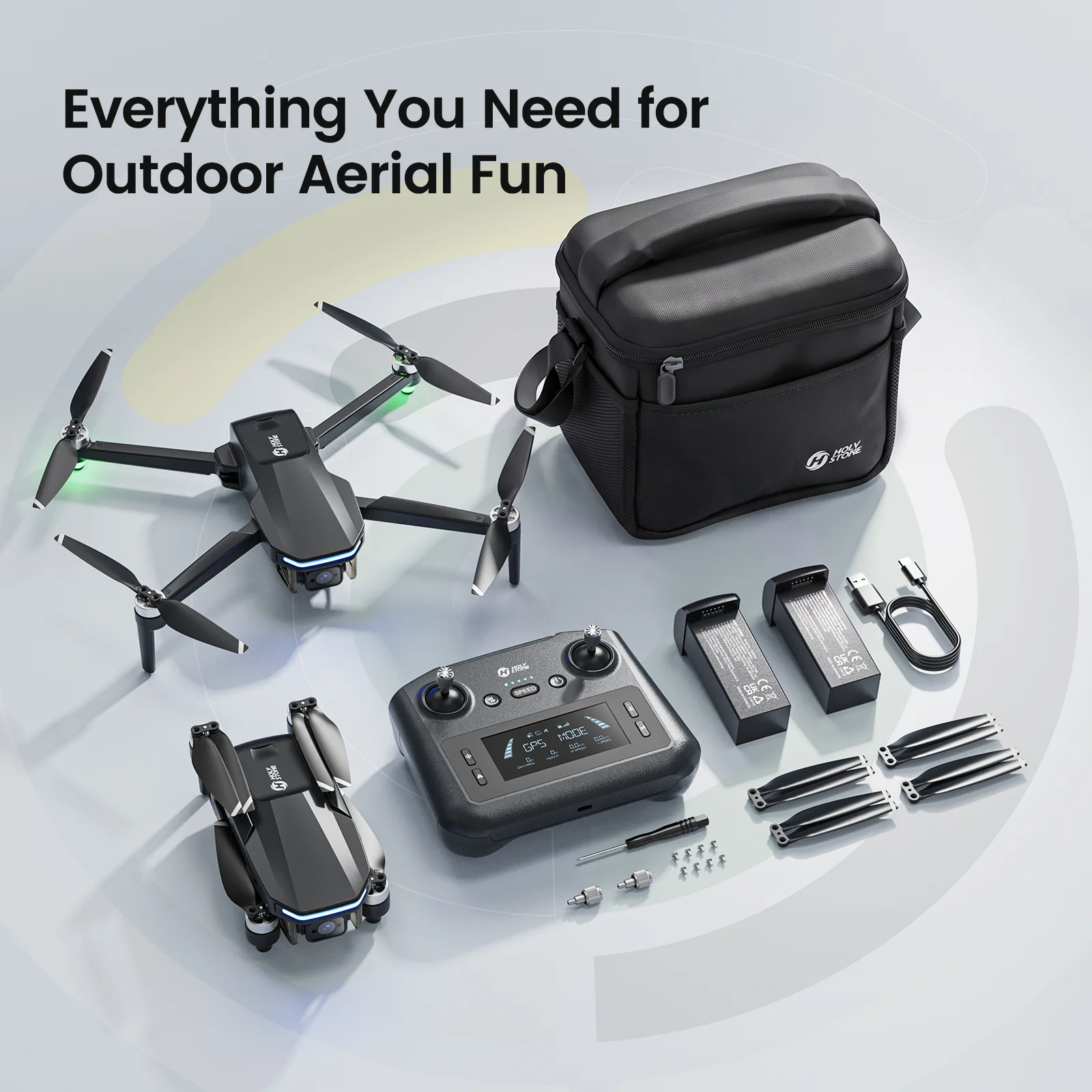
*Accessories configuration may vary depending on the purchase channel. Please refer to the actual product package on the purchasing platform for final confirmation.*
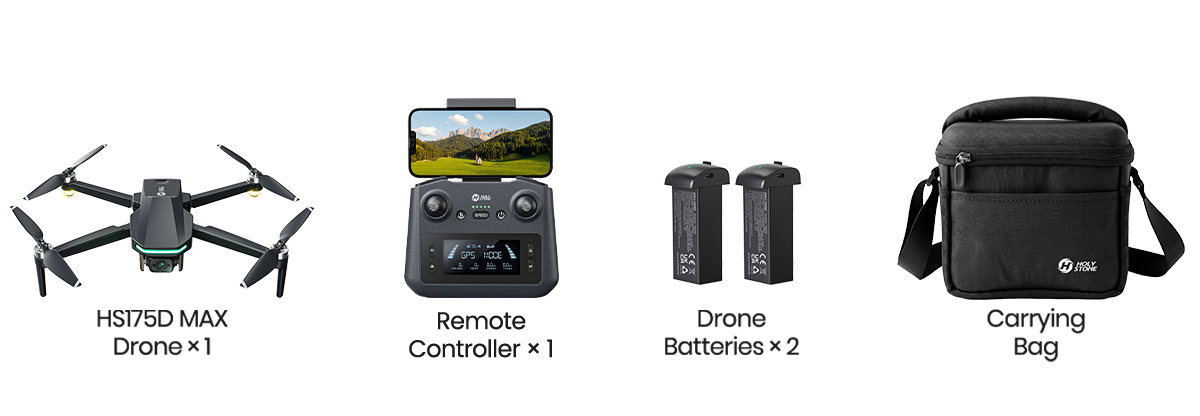
1× HS175D Plus Drone
1× Transmitter
1× Drone Battery (7.7V 2100mAh)
1× USB Charging Cable
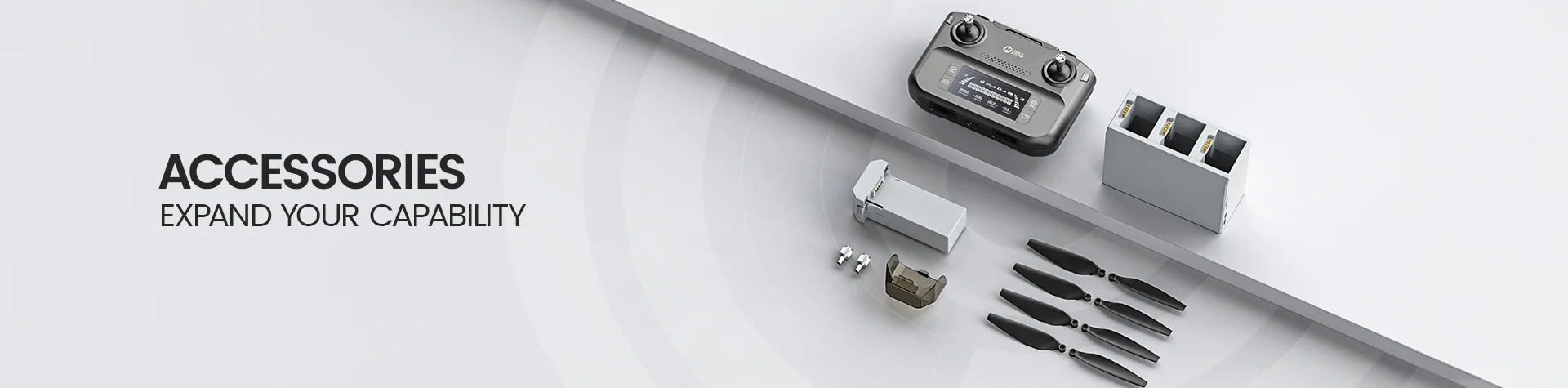
Spare Propellers
1× Propeller Blade Clamp
1× Joystick
1× Screwdriver
1× User Manual
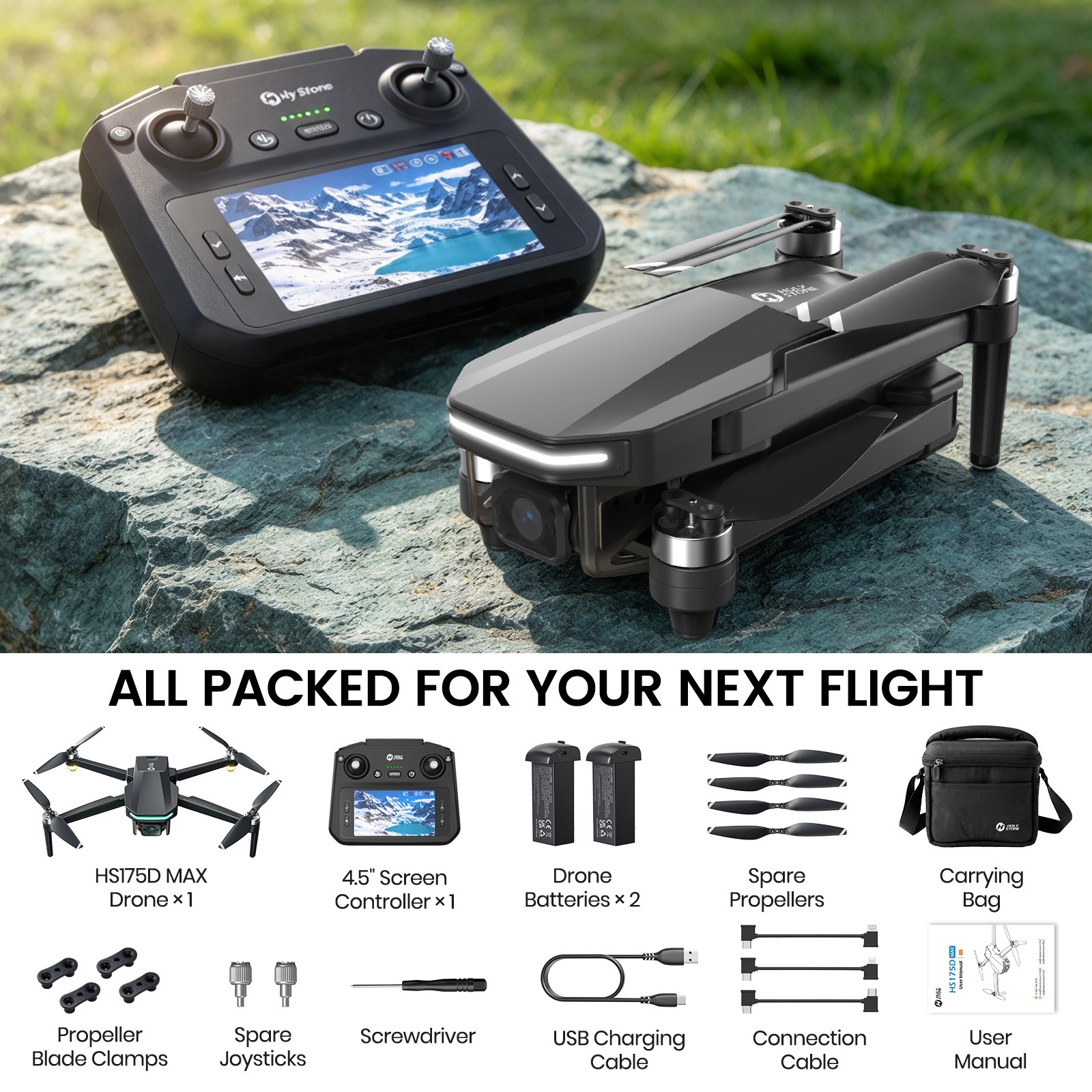
*Accessories configuration may vary depending on the purchase channel. Please refer to the actual product package on the purchasing platform for final confirmation.*
1× HS175D Max Drone
1× Transmitter
1× Drone Battery (7.7V 2100mAh)
1× USB Charging Cable
Spare Propellers
1× Propeller Blade Clamp
1× Joystick
1× Screwdriver
1× User Manual
Flight Control & Live View
Download the HS FLY app for live image transmission, camera controls, GPS-assisted features and automatic flight modes. HS175D Max also offers live view on its built-in controller screen without connecting a phone.
*App interface and functions may vary as the software is updated. Actual experience is based on the installed software version. When a phone is connected to HS175D Max for app use, the controller's built-in screen turns off.
Setup, Safety & Flight Guide
Watch the HS175D Plus tutorial video, or download the official manual for your edition to learn about setup, pairing, calibration, basic flight, Return to Home, app functions and troubleshooting.
HS175D Plus vs. HS175D Max
What is the difference between HS175D Plus and HS175D Max?
Both use the same 247g GPS drone platform and offer up to 30 minutes of rated flight time per battery. HS175D Plus uses a standard remote and smartphone live view; HS175D Max has a built-in 4.5-inch screen and a longer-range transmission system.
Choose Plus if you prefer smartphone-based viewing. Choose Max if you want to see the live camera feed directly on the remote.
How do the control and FPV transmission ranges compare?
HS175D Plus is rated for up to 1,000m of control range and 500m of FPV image transmission. HS175D Max is rated for up to 3,000m for both control and image transmission.
Maximum distances are measured outdoors in unobstructed, low-interference conditions. Actual range varies; maintain visual line of sight and follow local flight rules.
Can HS175D Max show live video without a smartphone?
Yes. After the Max transmitter pairs with the drone, the live camera view appears directly on its built-in 4.5-inch screen. You do not need a smartphone for basic live viewing and standard flight controls.
Some intelligent modes and settings require connecting a phone and using the HS FLY app.
Can I connect a smartphone to HS175D Max and use the HS FLY app?
Yes. Connect a compatible phone to the transmitter with the appropriate connection cable, then open the HS FLY app to access supported app features.
When a mobile device is connected to the transmitter video port, the transmitter LCD screen turns off automatically.
Does HS175D Max support automatic flight and shooting modes?
Yes. Its manual documents HS FLY app features including GPS Follow, Point of Interest, Catapult, One-key Ascension, TapFly, Spiral Up, Panorama and other shooting modes.
These app-based modes require a compatible smartphone connection; they are not all controlled from the built-in remote screen alone.
What are the transmitter charging times for Plus and Max?
The HS175D Plus standard transmitter takes about 2 hours to charge, while the HS175D Max screen transmitter takes about 3 hours. Both manuals list approximately 4 hours of transmitter usage time.
Actual operating and charging times depend on the charging setup and usage conditions.
Is HS175D Max available for immediate shipping?
HS175D Plus is the in-stock edition, while HS175D Max is offered for pre-order with an estimated shipping date of December 6, 2026.
Availability and estimated shipping dates may change. Check the selected edition on the official store product page for the latest order status.
Buying Decision
Is HS175D Plus a good first GPS drone?
Yes. HS175D Plus is designed as an entry-level outdoor GPS drone with GPS positioning, Return to Home, optical-flow support, a 247g airframe, up to 30 minutes of flight time per battery and multiple automatic flight modes.
It is a good fit for pilots who want to learn GPS flight and basic aerial recording before moving to a more advanced stabilized camera drone.
Does HS175D Plus have obstacle avoidance?
No. HS175D Plus does not include obstacle avoidance.
Fly in open areas and keep clear of trees, buildings, people, power lines and other obstacles. This is especially important during Return to Home and automatic flight modes.
Does HS175D Plus have a gimbal or EIS?
No. HS175D Plus uses an entry-level fixed camera without a gimbal or EIS.
It is intended for basic aerial recording and learning different flight and shooting modes rather than stabilized cinematic footage.
Camera & Smart Features
Does HS175D Plus record 4K video?
Yes. When recording to a TF card, HS175D Plus supports 3840 × 2160P at 20fps and 2976 × 1680P at 30fps.
Recording to a cellphone is 1280 × 720P at 30fps. The camera can be tilted remotely from 0° down to -90°.
What TF card does HS175D Plus support?
It supports Class 10 or above TF cards with a capacity of up to 256GB and FAT32 file system.
Insert the TF card before powering on the drone.
What automatic flight and shooting modes are available?
The HS FLY app includes GPS Follow, Point of Interest, Catapult, One-key Ascension, TapFly, Spiral Up, Panorama, Time-lapse, Slow Motion and gesture-based photo/video functions.
Use these modes only in open areas, keep the complete flight path clear and maintain visual line of sight.
Flight Performance
How long can HS175D Plus fly?
The rated maximum flight time is up to 30 minutes per battery in a windless environment.
Actual flight time can vary with wind, speed, temperature, camera use, battery condition and flight style.
How far can HS175D Plus fly?
The rated maximum control distance is 3280 ft / 1000m in outdoor, unobstructed conditions. The rated maximum image transmission distance is 1640 ft / 500m.
Actual range depends on interference and the surrounding environment. Always maintain visual line of sight and follow local flight rules.
What are the three speed modes?
Camera Mode is 16.4 ft/s, Normal Mode is 23 ft/s and Sport Mode is 29.5 ft/s. Normal Mode is the default.
Begin with the slower speed while learning and move to faster modes only after you are comfortable with the controls.
What does Beginner Mode limit?
Beginner Mode is the default app mode. It limits flight distance to 98 ft, flight altitude to 98 ft and Return to Home altitude to 65 ft.
Turn Beginner Mode off in the app settings only when you are ready to use custom flight parameters.
GPS & Return to Home
When is the Home Point recorded?
After power-on, the drone searches for GPS. When a strong GPS signal is acquired, the drone records its takeoff position at that moment as the Home Point.
Always wait for a strong GPS signal before takeoff when you plan to use GPS-assisted features or Return to Home.
What Return to Home modes does HS175D Plus have?
HS175D Plus supports Smart RTH, Failsafe RTH and Low Voltage RTH.
RTH is available only in GPS Mode. During RTH the drone cannot avoid obstacles, so the return path must be kept clear.
What happens during Failsafe RTH?
Failsafe RTH can activate when the drone has strong GPS, a recorded Home Point, the transmitter connection is lost and the compass is not experiencing interference.
If the transmitter reconnects during the procedure, press the RTH button again to cancel RTH and regain control.
How does RTH altitude work?
When the RTH distance is over 98 ft, the drone climbs to the preset RTH altitude before returning if it is currently below that altitude. When the app is not connected, the default RTH altitude is 164 ft.
At 16–98 ft from Home Point, the drone climbs to 65 ft before returning if needed. At 16 ft or less, it lands directly.
First Flight Setup
What should I do before the first HS175D Plus flight?
Fully charge the drone battery and transmitter, unfold the arms, install the battery securely, check the propellers, prepare the transmitter and place the drone on a flat open surface.
Power on the drone and transmitter, allow them to pair, connect the phone to the drone Wi-Fi, open HS FLY, complete the required calibration and wait for a strong GPS signal.
Do I need to calibrate the compass?
The manual recommends compass calibration before each flight.
Calibrate outdoors in an open area, approximately 3 ft above the ground, away from magnetic interference and large metal structures.
When should I calibrate the gyroscope?
Gyroscope calibration is recommended before first use, when noticeable drifting occurs after takeoff, or after the drone has experienced a collision or drop.
Place the drone on a flat, stable surface and do not move or shake it during calibration.
Troubleshooting
Why won’t the motors start?
Possible causes include weak GPS signal, low drone battery, compass calibration required, or incorrect joystick movement during the unlock process.
Move to an open area, recharge the battery if needed, complete compass calibration and follow the motor-unlock stick command shown in the manual.
Why is the drone drifting or flying unstably?
Weak GPS signal, compass interference, propeller deformation/damage or challenging surroundings can affect flight stability.
Land safely, move to an open area, check GPS status and propellers, and recalibrate if necessary.
Why is the video feed lagging or limited?
Video lag or limited range can be caused by signal interference, incorrect transmitter/phone orientation, overly rapid joystick movements, or too many background apps on the phone.
Fly in an open area away from buildings and power lines, keep the transmitter and phone oriented toward the drone, use smooth control inputs and close unused apps.