
 Sign in
 Sign up


How Much Should You Spend on Your Kid's First Drone?
How Much Should You Spend on Your Kid's First Drone?
Why a $30–$50 Mini Drone Might Be All Your Child Needs to Get Started
A first drone doesn't have to be expensive to be exciting. From indoor tricks to family flying games, the best first-flight experience starts with what your child actually wants to do.
For indoor flying, tricks, and first-time practice, a $30–$50 mini drone may be enough. Spend more when your child wants aerial photos, outdoor exploration, or GPS-assisted features.
01. Start With the Fun, Not the Price Tag
The right first drone depends on the experience your child is excited about. Start with the activity, then decide which features are worth paying for.
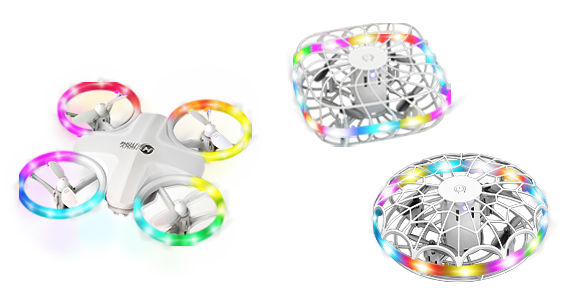
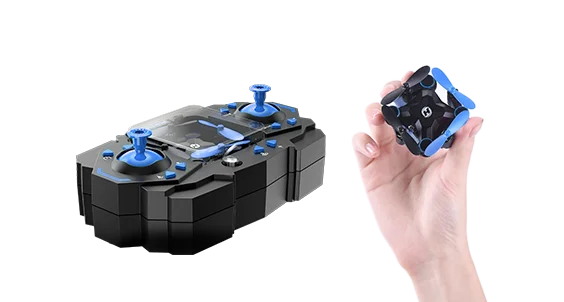
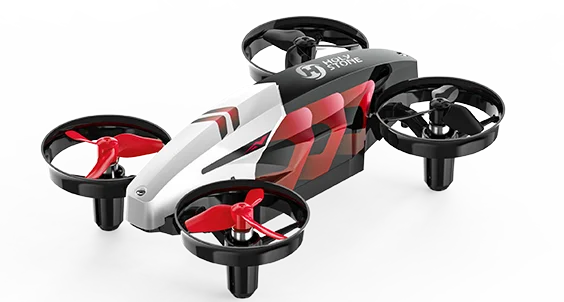
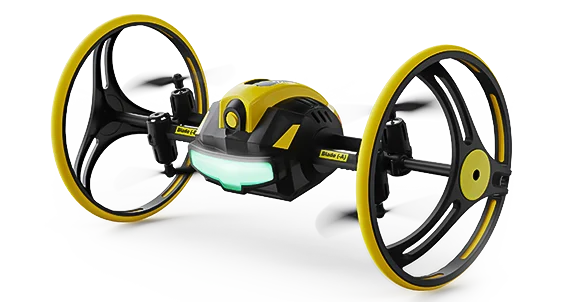
Indoor Tricks
Flips, turns, and family games
Mini DronesPhoto Fun
Pictures, clips, and new perspectives
Camera DronesBackyard Flying
Explore suitable open outdoor spaces
Outdoor Drones02. Why Mini Drones Make Such Great First Flyers
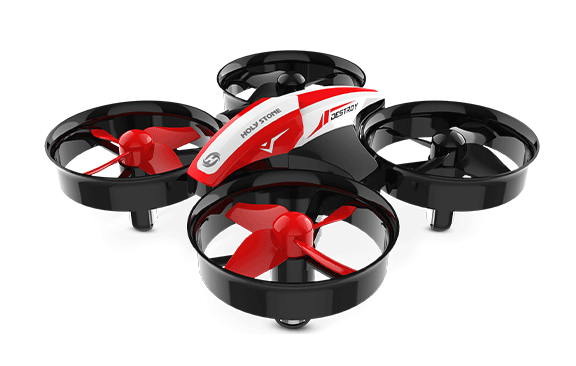
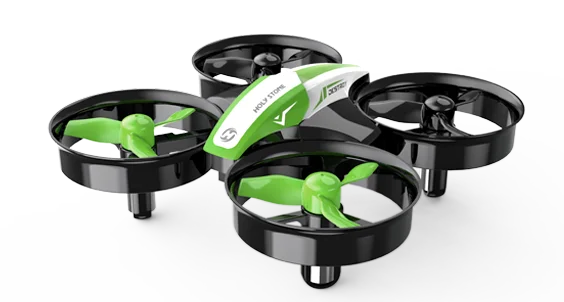
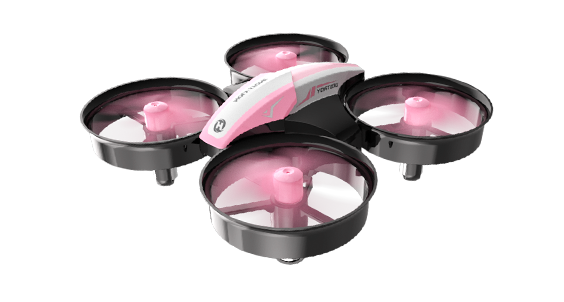
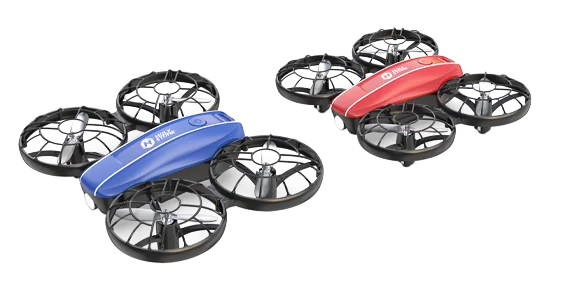
Holy Stone's HS190 (introduced in 2017) and HS210 (2018) have been around for years, evolving through customer feedback and product refinements into familiar, well-established choices for first-time flyers.
Small Drone, Real Flying Skills
With no camera screen competing for attention, kids can focus on steering, turning, and how the drone responds.
- Compact for indoor flying in a clear space
- Propeller guards for practice
- Altitude hold and familiar two-stick controls
Altitude hold can make early hovering practice more approachable, while propeller guards add protection during minor bumps. With a clear indoor space and adult guidance, each turn and landing gives kids another chance to build confidence.
Chosen for Learning to Fly
He shared that his son picked it up quickly and loved showing off the built-in flips.
A Detail Parents Often Overlook
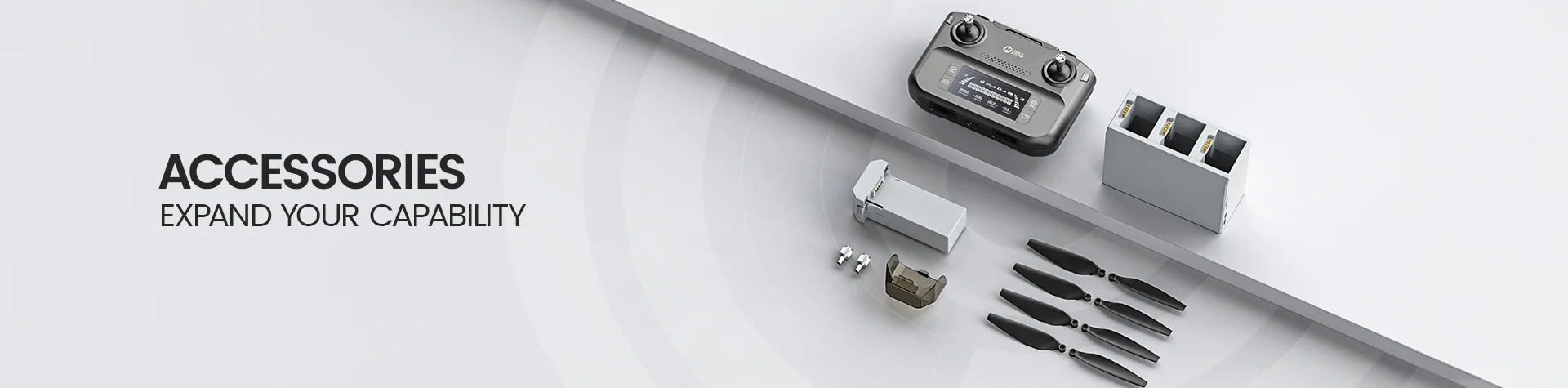
Before choosing any toy drone, check whether you can get common replacement parts when you need them.
- Replacement batteries
- Spare propellers
- Other frequently replaced parts
Easy-to-find parts can keep a favorite drone flying longer. The HS210 has an established accessories range.
Explore HS210 Replacement Parts →HS210 flight exercises appear in Brigham Young University’s practice materials; it has also featured in a New Jersey Association of Physics Teachers workshop. Turns, hovering, and landings can be enjoyable practice as well as real first-flight skills.
Fly All Year Round — Even in Winter
Wind, cold, snow, and rain can make outdoor drone flying less appealing.
An indoor mini drone lets the family enjoy a little flight time on a suitable day indoors
—no perfect forecast required.
That is part of the appeal for grown-up drone fans, too: a little indoor drone offers an easy way to enjoy flying when outdoor conditions are not suitable.
Could a Mini Drone Become Your Child's Next Favorite Hobby?
You don’t need to know whether flying will become a lifelong passion before choosing a first drone. A simple, age-appropriate introduction can help you find out what captures your child’s interest.
Curiosity
Does your child like remote-controlled toys, finding out how things move, or trying something new?
Little Challenges
Would learning a careful landing or smoother turn feel like a fun goal rather than a chore?
Shared Play
Could you make time for a few short flights together, with suitable adult supervision?
Room to Explore
Do you have a clear, suitable flying space where you can practice safely and often?
Start simple. Follow their curiosity. Upgrade when there’s a reason. For some families, an easy-to-fly mini drone is all the fun they need. For others, it’s the first step toward an interest in flying, photography, or how things work.
03. What Can Kids Actually Do With a Mini Drone?
Once the drone takes off, the fun comes naturally: zooming around a clear living-room space, trying a 3D flip, switching speed modes, or seeing who can make the smoothest landing. A few little family challenges can turn a winter afternoon into a flying adventure.
See the HS210 flying indoors and discover what makes mini drones so much fun.
Looking for a little seasonal inspiration? These simple holiday activity ideas bring a festive twist to indoor flying—without needing an elaborate setup.
Make Room for Christmas Fun
Simple flying adventures for cozy days at home — and a few clear-weather surprises.
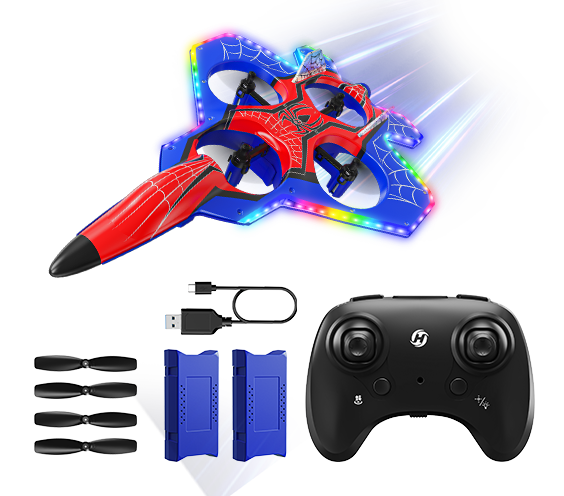
04. Does Your Kid's First Drone Really Need a Camera or GPS?
The right features depend on how your child wants to fly—not how long the spec sheet is.
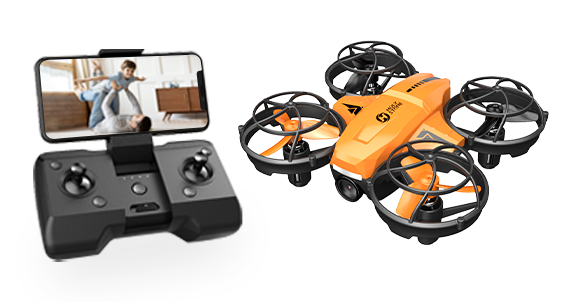
Does it need a camera?
A camera is fun if your child wants to take snapshots, record little clips, or watch a live view on a phone. But for an indoor mini drone that's all about flying and tricks, it may not be something they miss.
Does it need GPS?
GPS assistance matters more for certain outdoor flying experiences, where positioning-related functions can be useful. It isn't necessary for a small indoor drone, although a non-GPS model shouldn't be expected to hold its horizontal position like a GPS-assisted drone in appropriate conditions.
What about battery life?
Look at flight time per battery as well as the combined time from the package. A few short rounds can suit indoor fun just fine—especially when children can swap batteries between sessions following the instructions.
Is a built-in screen necessary?
Only if seeing the camera's view is something your child will enjoy. For a camera-free indoor flyer, a simple controller is enough to get started.
Pay for the features that make your child's kind of flying more enjoyable—not simply the longest feature list.
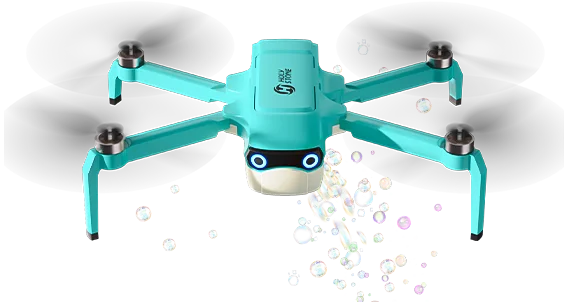
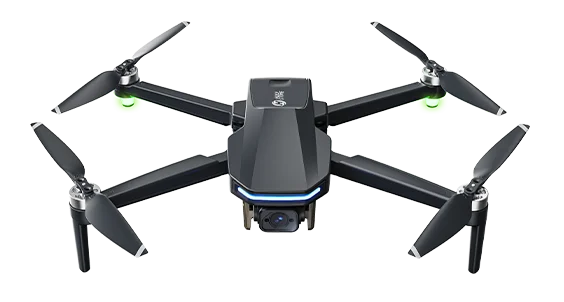
05. Backyard Drones: With GPS or Without?
Two ways to explore outdoor camera flying, depending on the features your family wants.
Without GPS
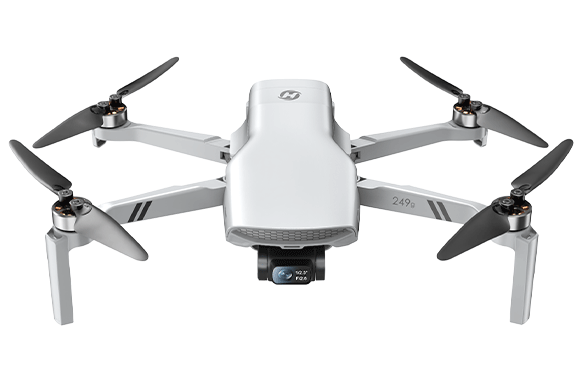
Hands-on camera flying in calm, open spaces.
4.3-inch screen remote · no phone needed for basic flying and live view
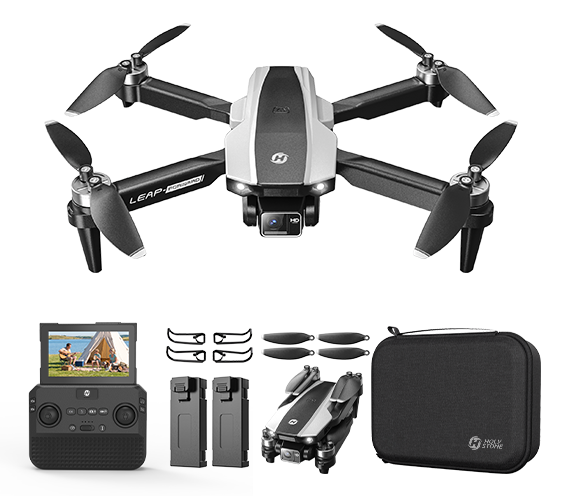
Foldable 1080P camera drone for casual backyard flying
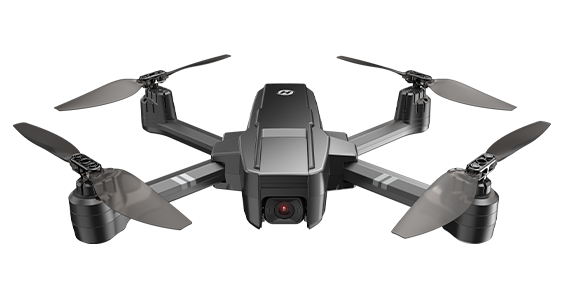
With GPS
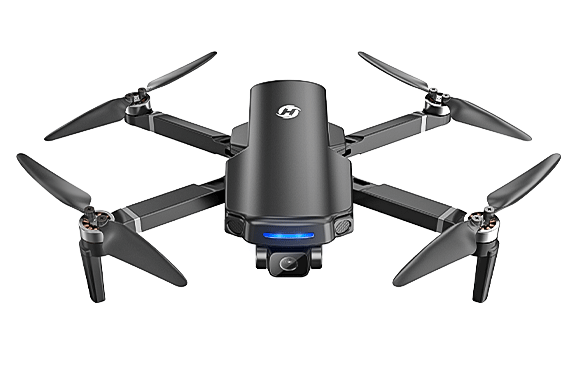
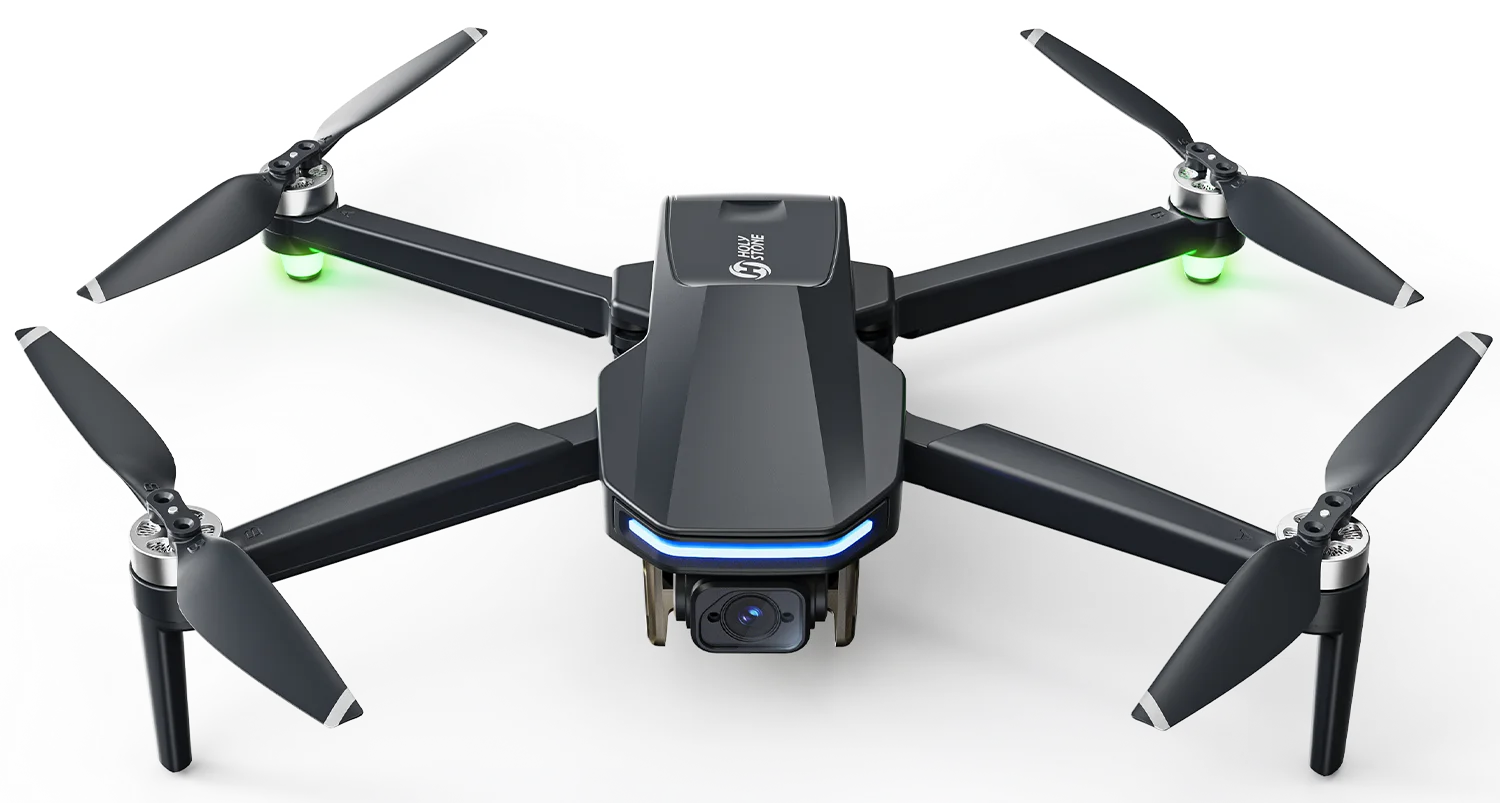
GPS-assisted positioning and return-to-home features for outdoor exploration.
4K camera · GPS-assisted positioning and return-to-home
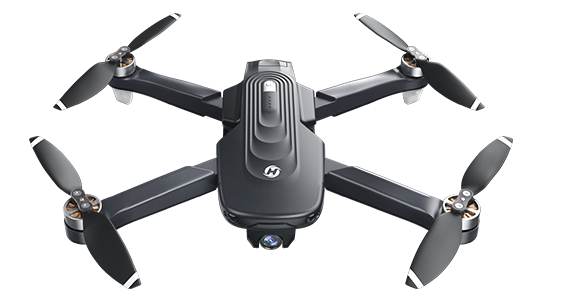
4K camera · GPS and up to 60 min with two batteries
06. So, How Much Should You Actually Spend?
Here's the simplest way to think about it: what kind of fun are you buying? More expensive features are worth paying for when they unlock something your child really wants to do.
Choose a budget around the way your child wants to fly.
| Budget | Best reason to buy | Explore options |
|---|---|---|
| $30–$50 | Indoor flying, flips, family games, and first-time control | Mini Drone Activities → |
| $50–$80 | Camera fun, simple photos or video, and added play features | Indoor Camera Fun → |
| $80–$100 | More specific flying preferences; compare individual model capabilities | Non-GPS Camera Drones → |
| $100+ | Clear needs for GPS assistance, higher-end imaging, or other advanced functions | GPS Camera Drones → |
Budget ranges are general shopping guidelines, not guaranteed prices for the linked products. Check current prices and included accessories before choosing.
For lots of families, $30–$50 is a perfectly reasonable starting budget for a child who wants indoor flying and playful tricks. If taking photos becomes the exciting part, choose a camera model. If outdoor flying or more advanced assistance is the goal, compare capable models before increasing the budget.
And there is no rush to upgrade. If your child is still excited to try another flip, invent another game, or fly another round indoors, the mini drone is doing exactly what they hoped it would.
Explore HS210Browse Mini Drones07. The Right First Drone Is the One They'll Actually Use
Your child's first drone doesn't have to be the one they'll fly forever. A little indoor model like the HS210 can bring surprising amounts of fun—from the first successful takeoff to flips, family challenges, and rainy-day flying. Along the way, the flying gets smoother and the confidence grows.
If your child dreams of filming from above or exploring larger outdoor spaces, a different beginner category may suit them better. The point is to give them the experience they're excited about, rather than buying the biggest specification sheet.
Your child's first drone doesn't need to be the most advanced one. It needs to be the right one to start with.
Explore the Holiday Drone Gift GuideFrequently Asked Questions
Are $30–$50 drones good enough for beginners?
They can be. If your child mainly wants indoor flying, simple tricks, and family challenges, a well-matched mini drone may be enough. Compare age guidance, ease of use, available spare parts, and where you can safely fly before paying more for extra features.
Does my child’s first drone need GPS?
Not for a basic indoor mini drone. GPS-assisted features can be useful for some outdoor flights, but they are not needed for simple indoor hovering, turns, and tricks. Choose features based on where your child will actually fly.
Is a mini drone a good alternative to more screen time?
A simple mini drone can offer active, hands-on fun away from a phone or tablet: kids steer, turn, land, and try little challenges instead of only watching a screen. Some camera drones use phones or displays, though, so check the setup. Flying is one option for a balanced mix of activities—not a cure for unhealthy screen habits.
What if my child doesn’t have a smartphone?
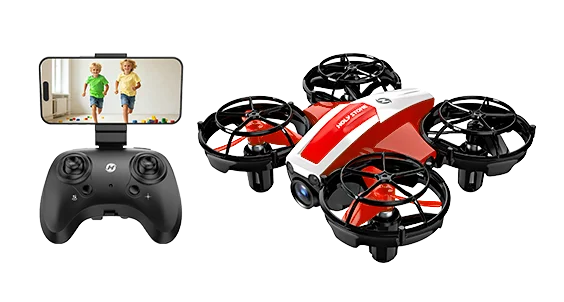
Many beginner mini drones, including simple controller-based models such as the HS210, can be flown without a smartphone. If live camera viewing matters, a screen-remote model such as the HS200P is another option. The HS200P can fly and show a live view on its remote, but some optional features still require a smartphone app.
What age is right for a child’s first drone?
There is no universal starting age. Follow the age recommendation and safety instructions for the specific model, then consider your child’s ability to follow directions, handle controls patiently, and fly with appropriate adult supervision. Small size or propeller guards do not make a drone risk-free.
How can I tell if my child is ready for a drone hobby?
Look for curiosity, not technical experience. Does your child enjoy remote-controlled toys, figuring out how things move, or repeating a challenge until it clicks? A beginner-friendly drone is a relatively modest way to explore that interest before investing in cameras, GPS, or more advanced flying features. See the parent’s hobby checklist above.
Will my child actually keep playing with a mini drone?
That depends more on your child’s interests than on the price tag. Kids who enjoy practicing a new landing, improving turns, or making up simple flight challenges may keep finding things to do. Check access to compatible replacement parts, too; being able to replace a damaged propeller can help a favorite drone stay in use.
What happens when a beginner drone crashes?
Small bumps and awkward landings are common while learning. Look for appropriate propeller guards, available spare propellers, and clear operating instructions. After a crash, stop the motors, check for damage, and follow the manual before flying again. For example, you can explore HS210 replacement parts before purchasing.
How much flight time does a kid really need?
Longer battery life can be convenient, but it is not the only factor. Short practice sessions may suit a beginner who is still learning to take off, hover, and land. Depending on the model, an additional battery may be more useful than advanced features. Check the stated flight-time conditions and follow the charging, cooling, and storage instructions.
Can parents and kids enjoy a mini drone together?
Yes. You can take turns at the controls, set up a simple landing target, or celebrate a smoother flight together. Choose a suitable clear space and follow the manufacturer’s age and supervision guidance. It can be a shared activity rather than another toy a child uses alone.
Can a mini drone introduce kids to STEM and engineering?
It may spark age-appropriate questions: Why does a drone need multiple propellers? What helps it hover? How do turning and balance work? Families can explore those questions through observation and practice. That is an opportunity for curiosity—not evidence that buying a drone automatically improves grades or attention. See the flight-practice examples earlier in this article.
Can kids fly mini drones indoors during winter?
Yes, if the specific model is intended for indoor use and the space is clear and suitable. Follow the product’s age and safety instructions, keep away from pets and obstacles, and provide appropriate adult supervision. Indoor use does not mean flying anywhere in the home is safe.
Should I buy a toy drone or a camera drone?
Choose a toy or stunt mini drone if the main excitement is flying, practicing, and simple tricks. Choose a camera drone if your child specifically wants photos, video, or live-view flying and is ready for the additional setup and responsibilities.
What should I check before my child’s first drone flight?
Read the manufacturer’s instructions and age guidance; charge batteries as directed; choose a clear flying area away from people, pets, fragile objects, and obstacles; and start with takeoff and landing under appropriate adult supervision. For outdoor flying in the United States, also check FAA recreational-flying rules, weather, and local restrictions.
When is it worth upgrading?
Upgrade when your child has a specific activity the current drone cannot support—such as taking better photos, enjoying suitable outdoor flying with GPS assistance, or a new camera perspective. A higher price alone is not a good reason to upgrade.


COMMENTS