
 Sign in
 Sign up


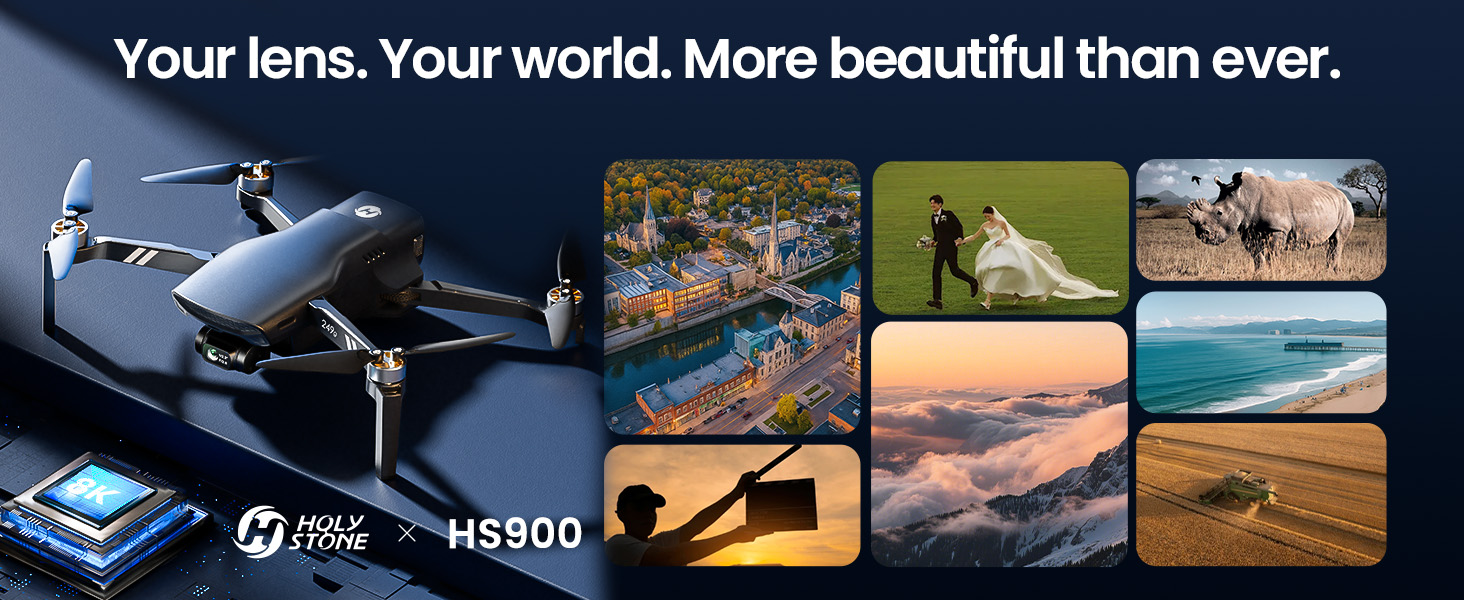
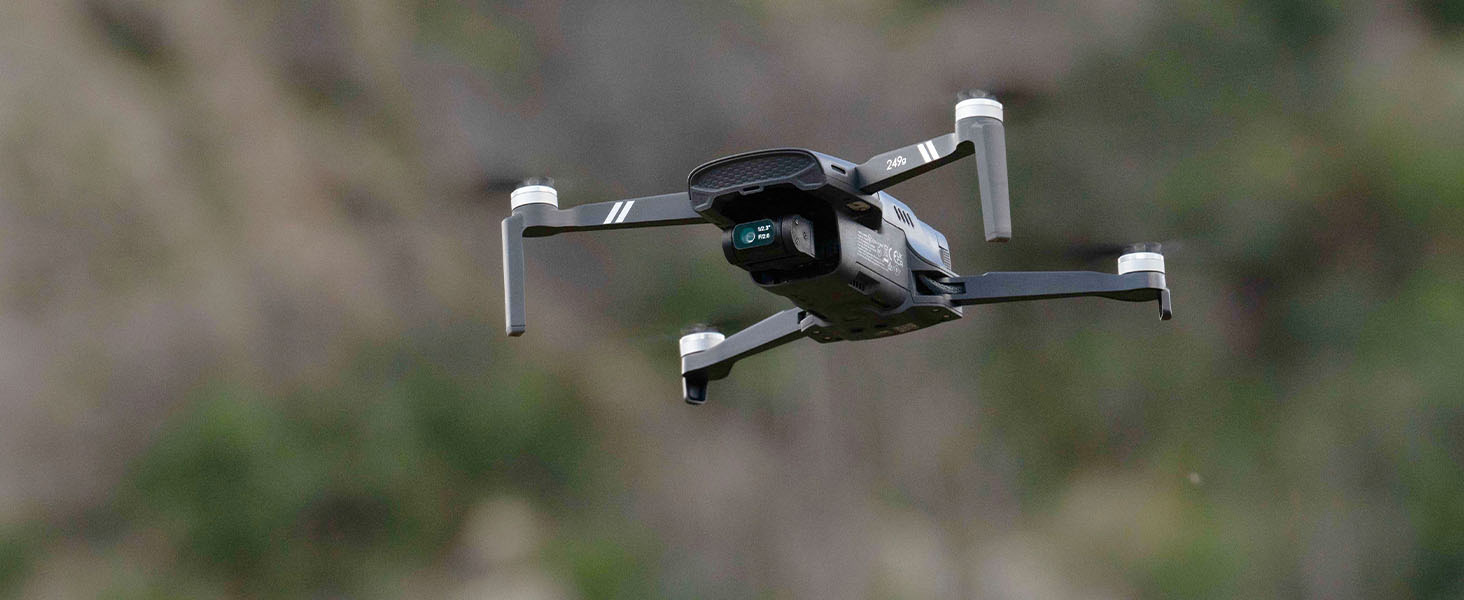
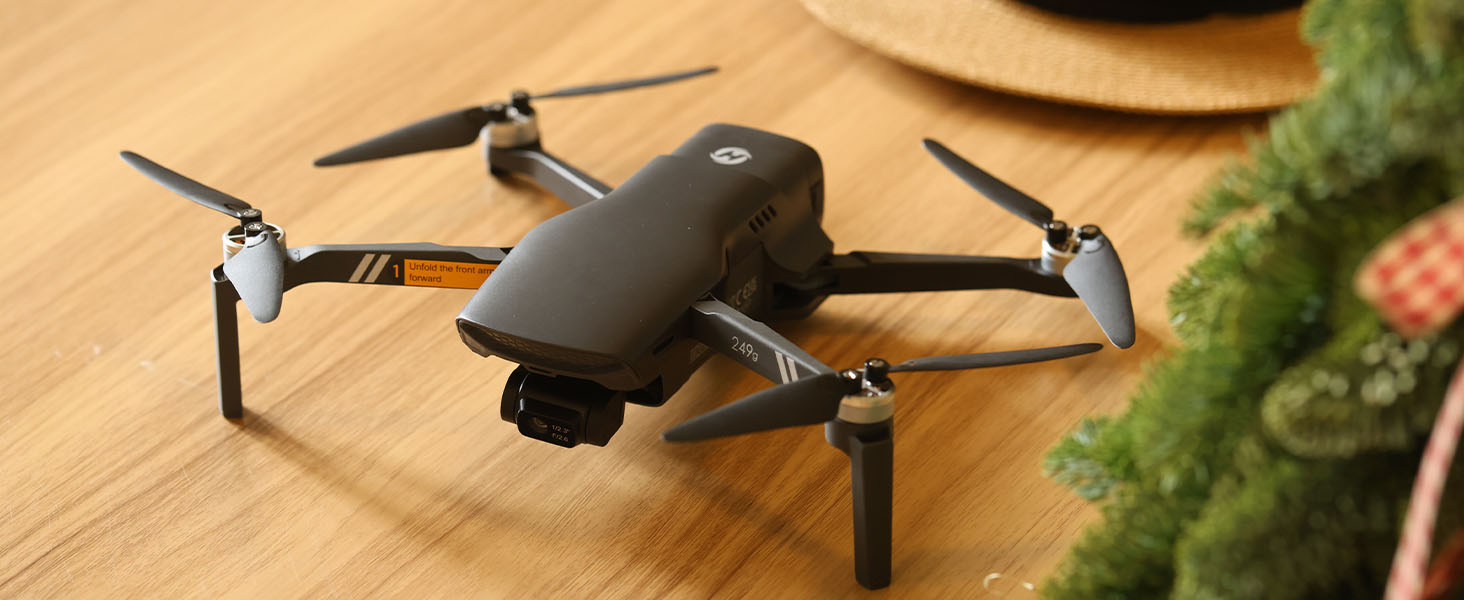
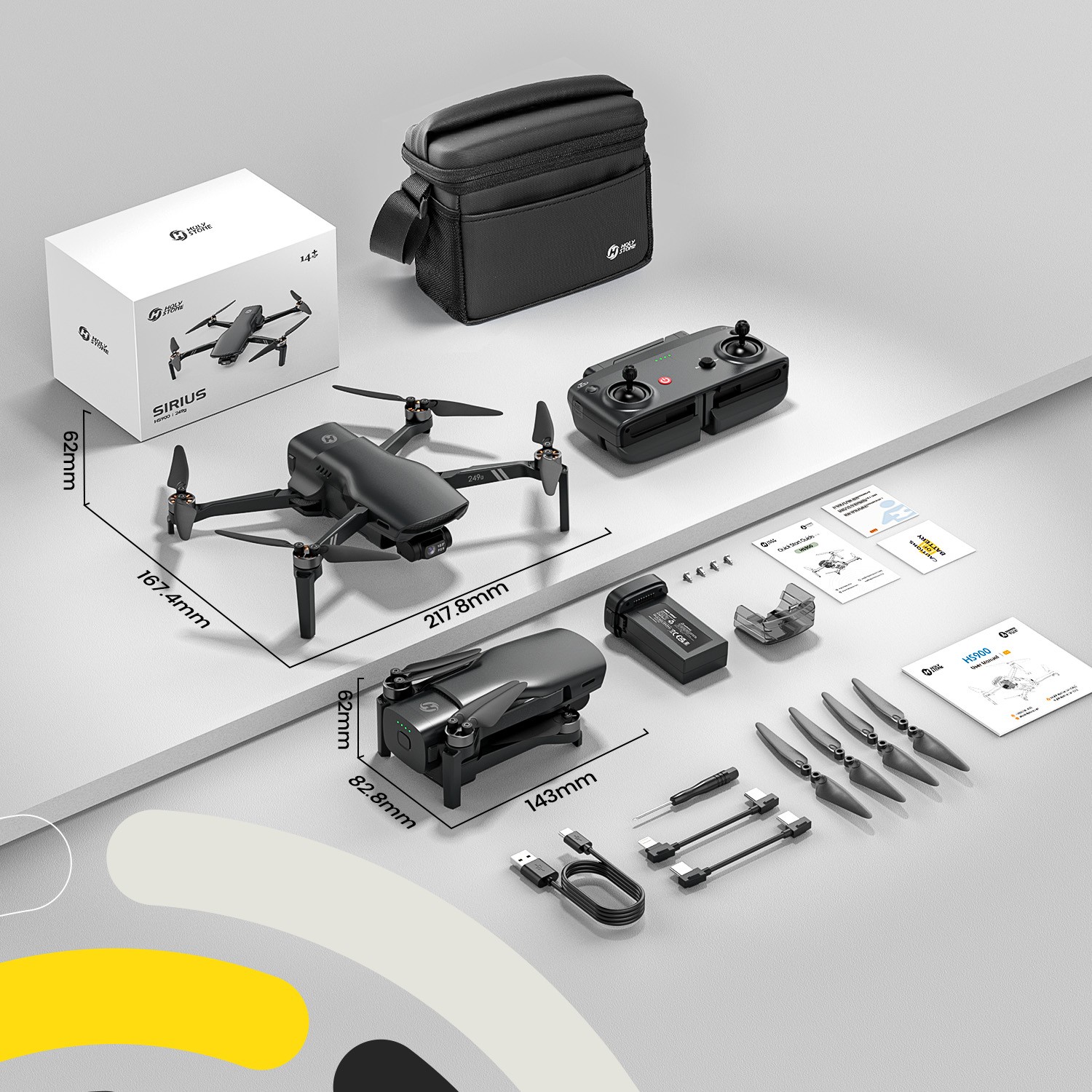
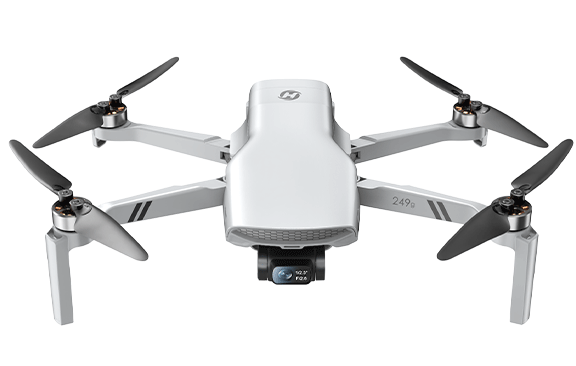
HS900, The High-Performance Camera Drone for Aerial Photography Enthusiasts– With Premium Features at a Fair Price
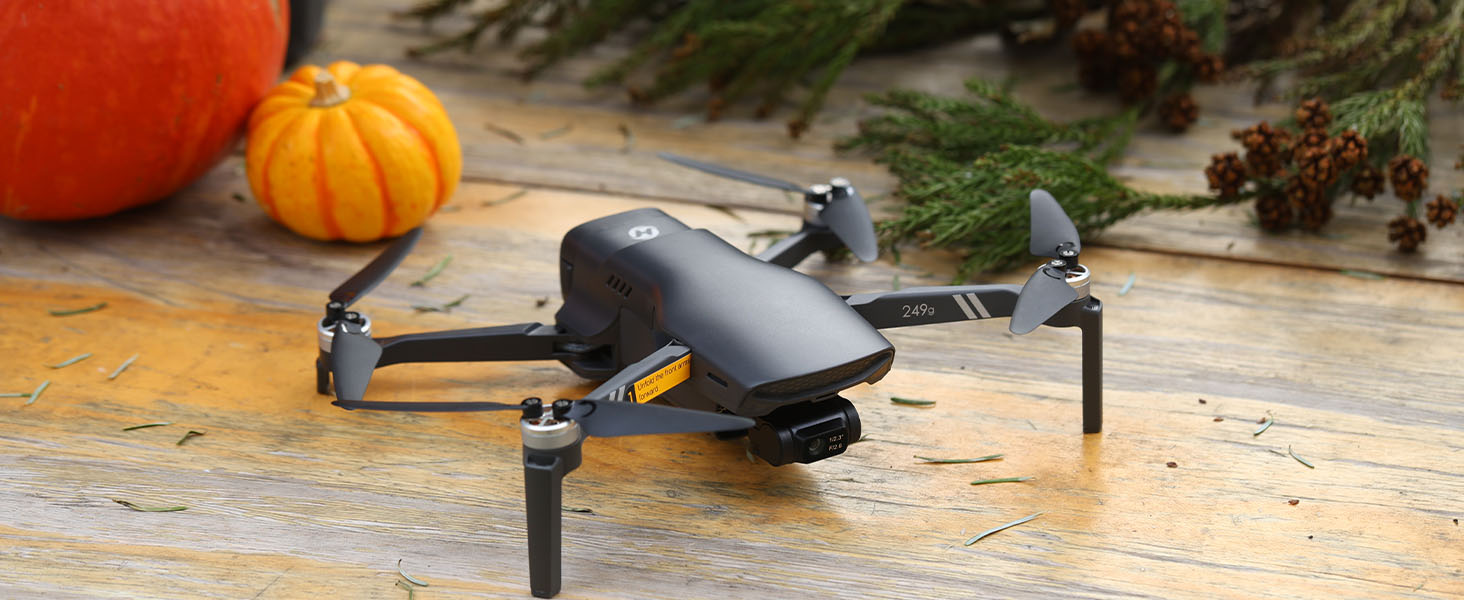
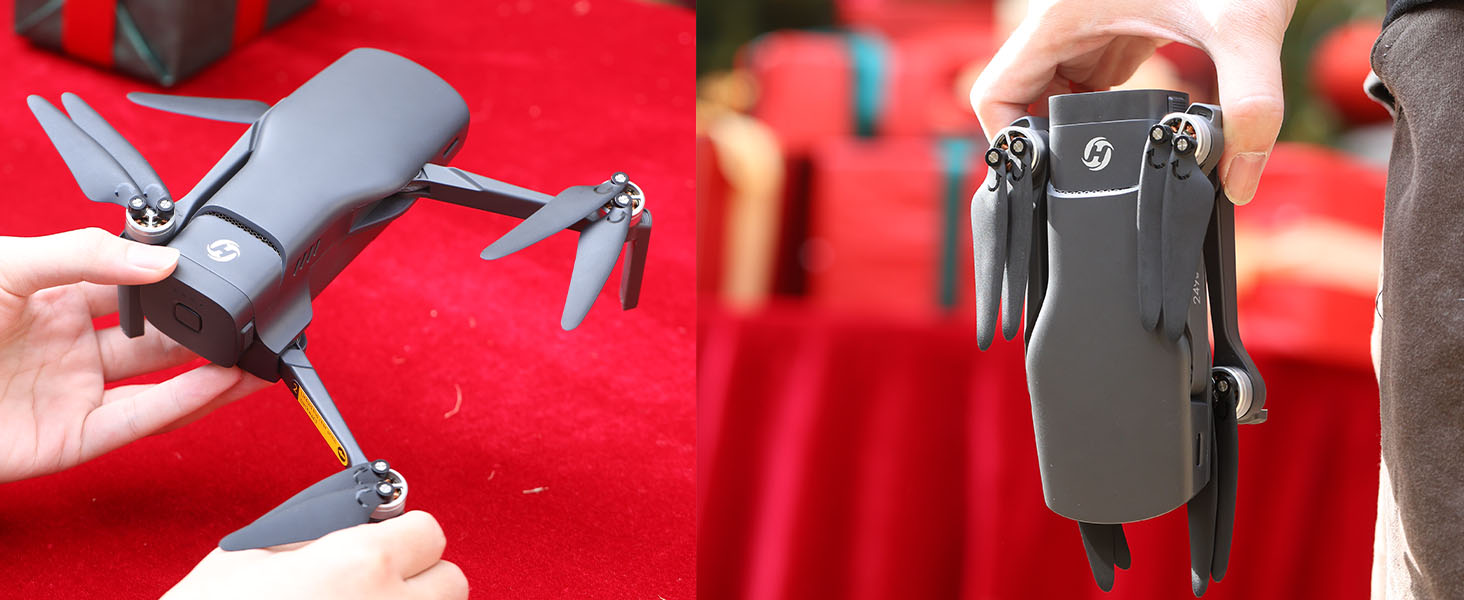
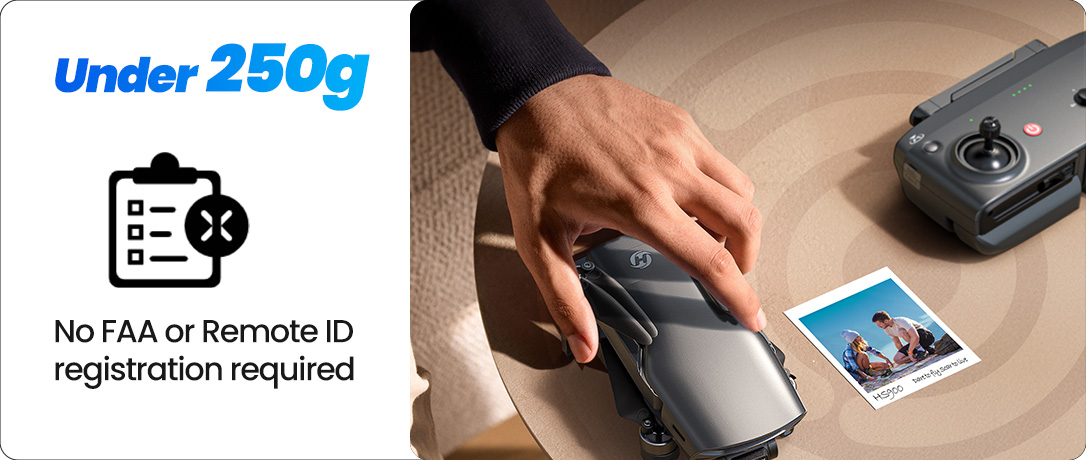
Model No.: HS900, Weight: 249g
Your lens. Your world. More beautiful than ever.


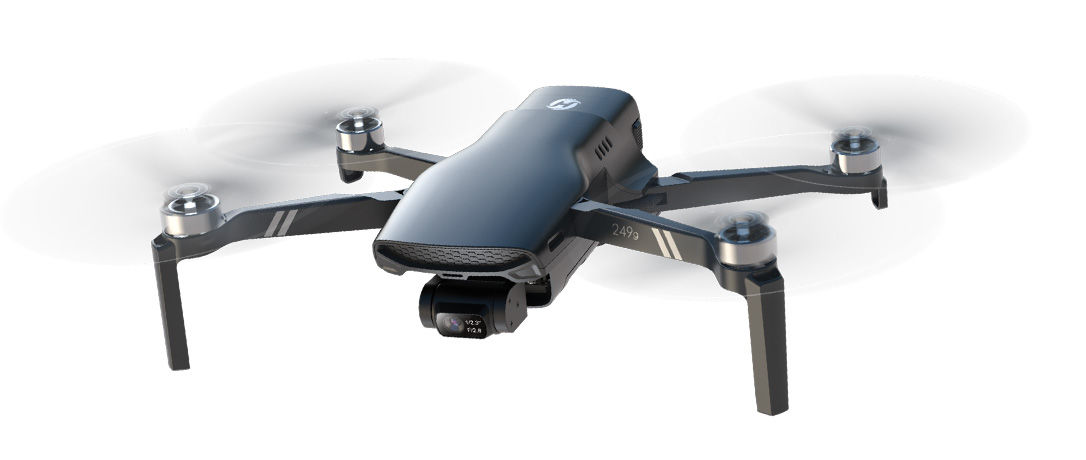
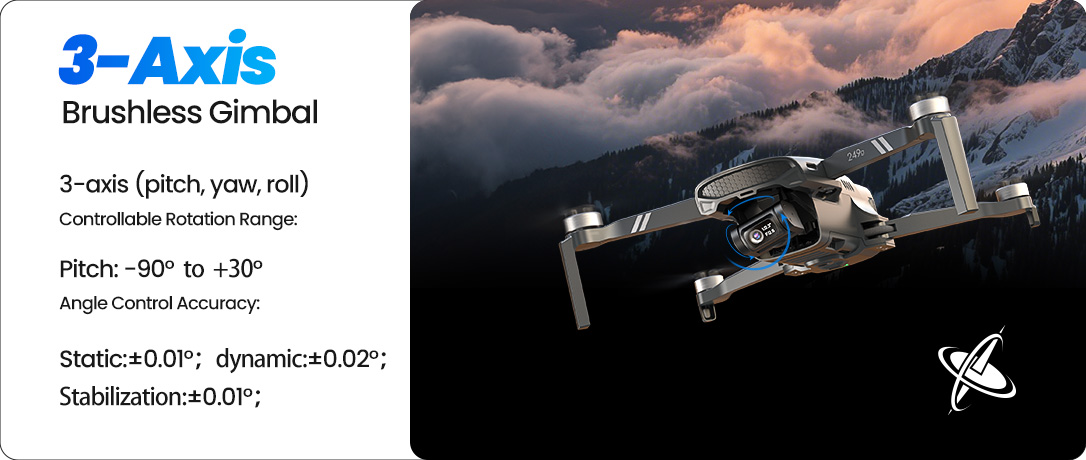
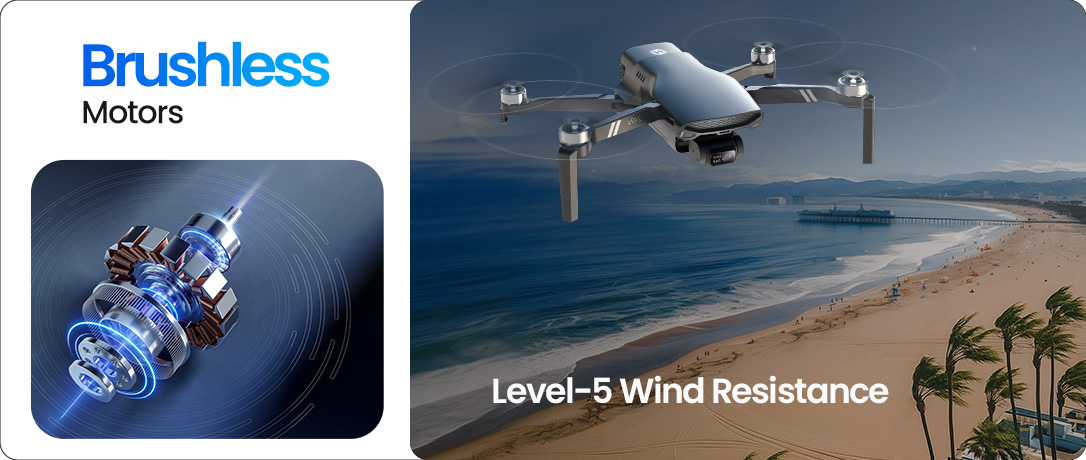
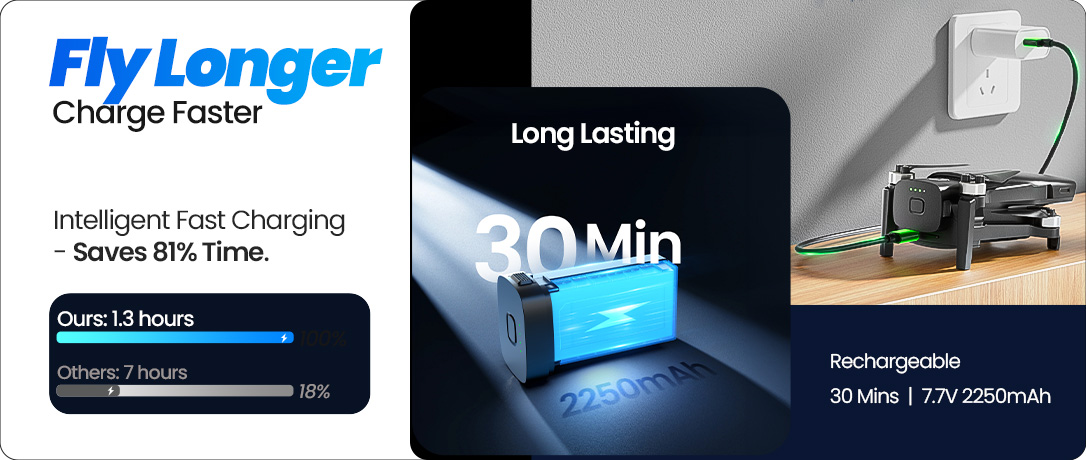
Stable Footage. Confident Flight Experience.
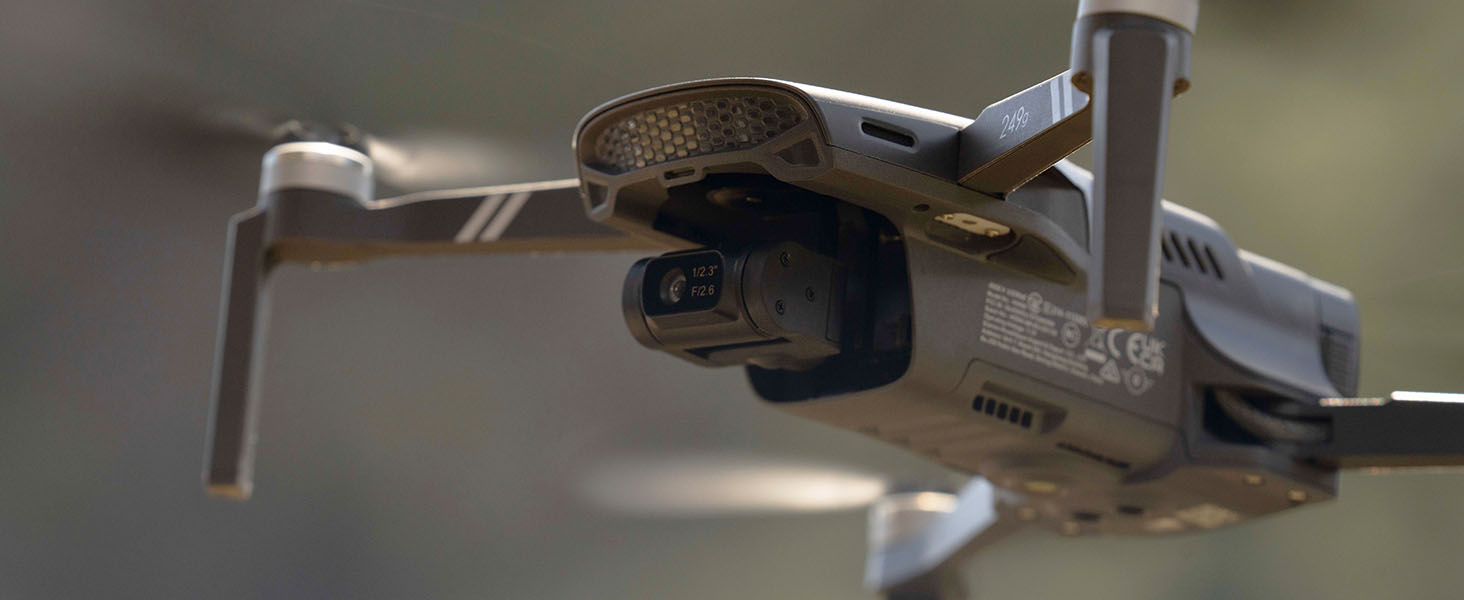
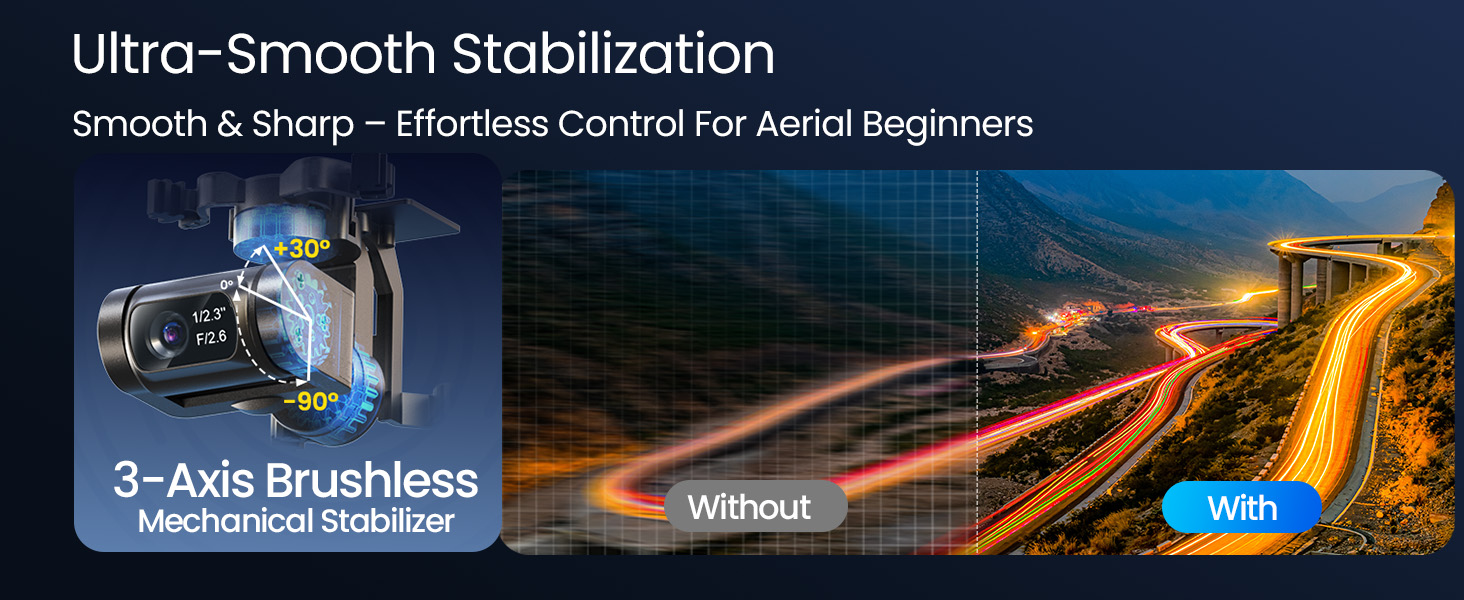
The 3-axis gimbal with brushless motors ensures your footage always remains smooth and professional, even during movement or windy conditions.
Thanks to precise stabilization (±0.01°), you can fully focus on framing the shot instead of worrying about vibrations. Whether you're filming landscapes or tracking subjects, the combination of mechanical damping and quiet, maintenance-free motors gives you more stability, more control, and better results — no post-editing required.
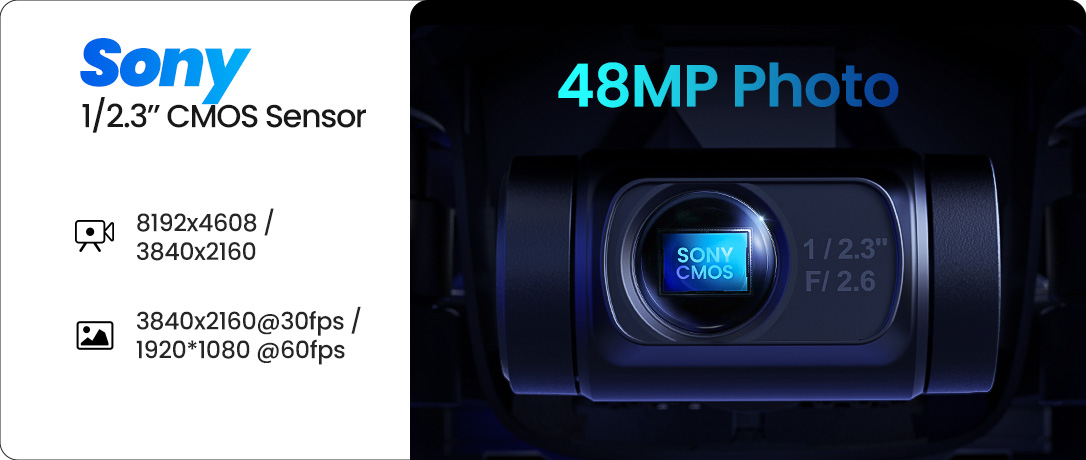
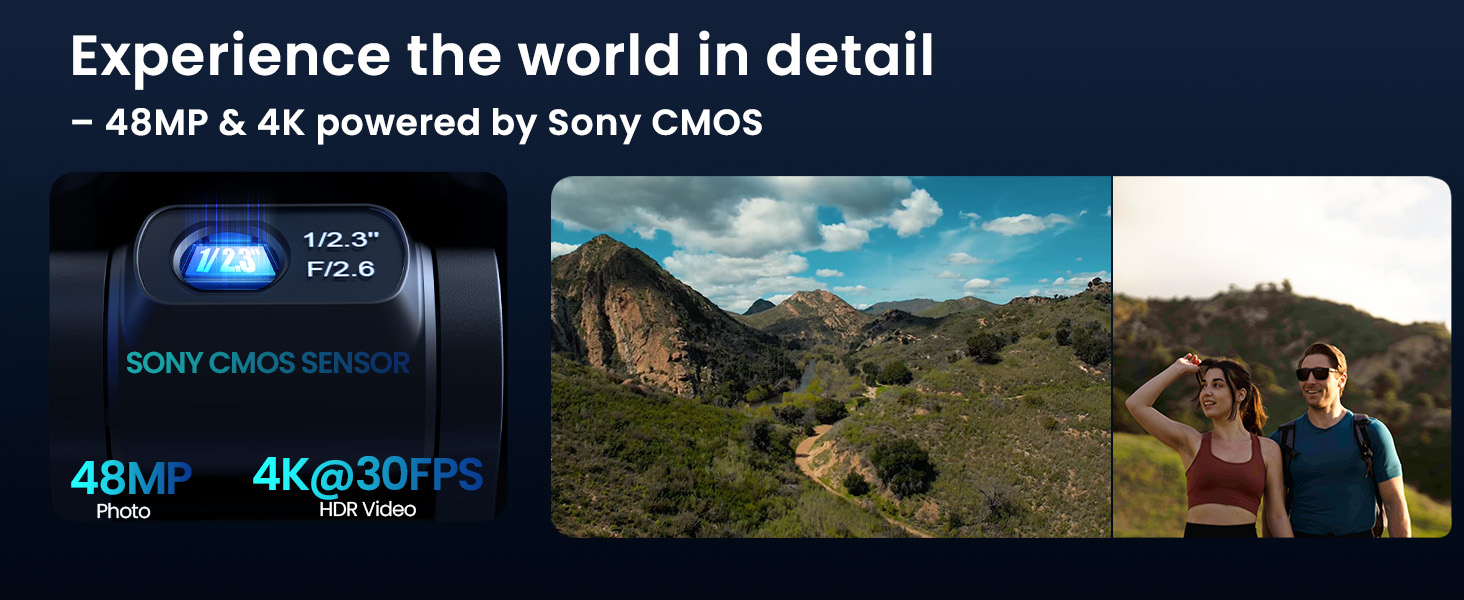
Experience 48MP & 4K@30FPS – More Detail, More Expression
The Sony CMOS sensor of the HS900 delivers ultra-sharp images with up to 48 MP photo resolution and 4K video at 30 FPS — perfect for breathtaking landscapes and creative aerial footage.
Whether you want to use your footage straight away or edit it later, the high bitrate (100 Mbps), vivid color accuracy, and impressive dynamic range give you professional-grade raw material that is ready for any project.
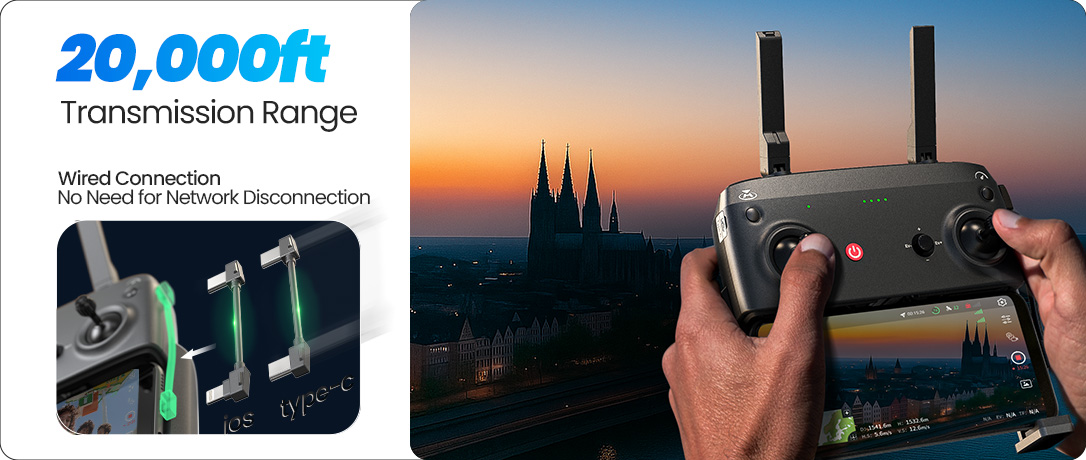
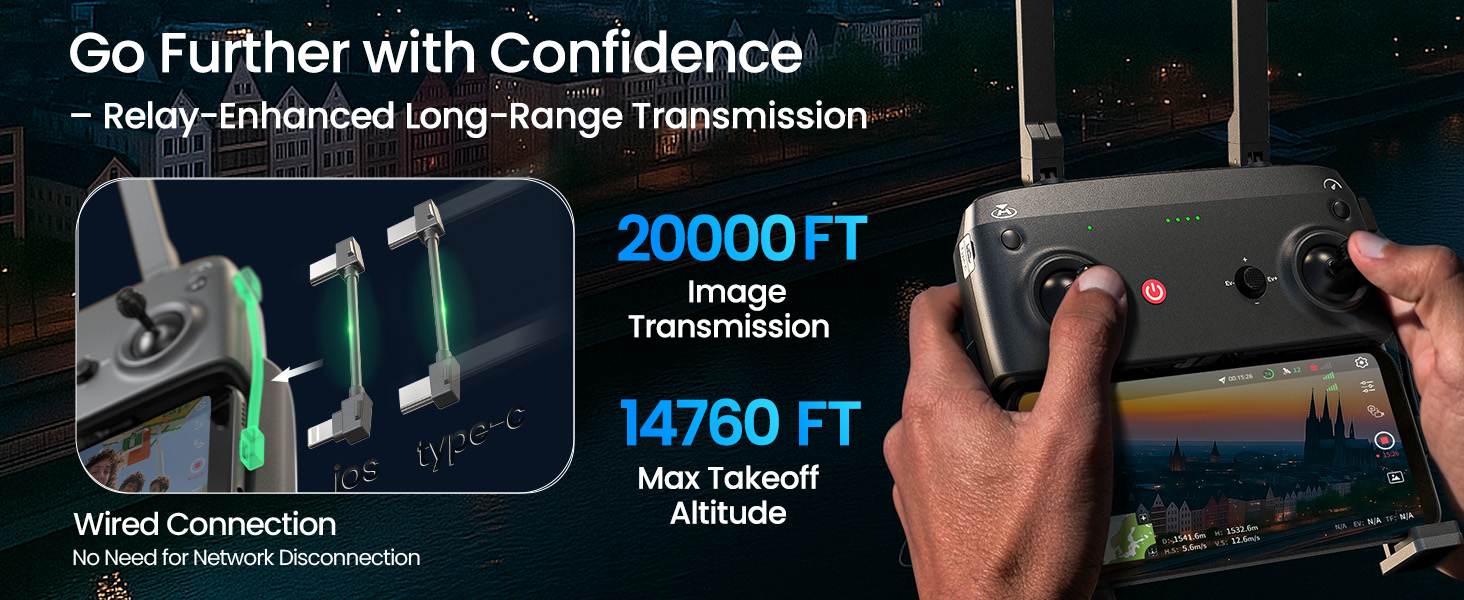
Stable Connection – Even at Long Range
Discover new perspectives with up to 6 km range and a maximum takeoff altitude of 4500 m — ideal for landscapes and mountain regions.
The wired connection between the remote control and smartphone helps maintain a stable signal without interrupting your mobile network. With a clearer live feed and more precise controls, it offers a more reliable experience than conventional Wi-Fi drones.
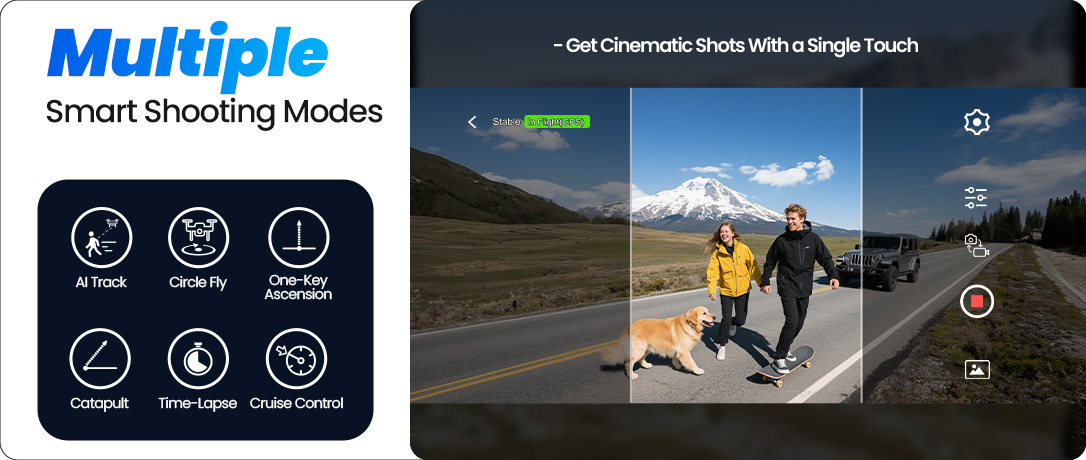
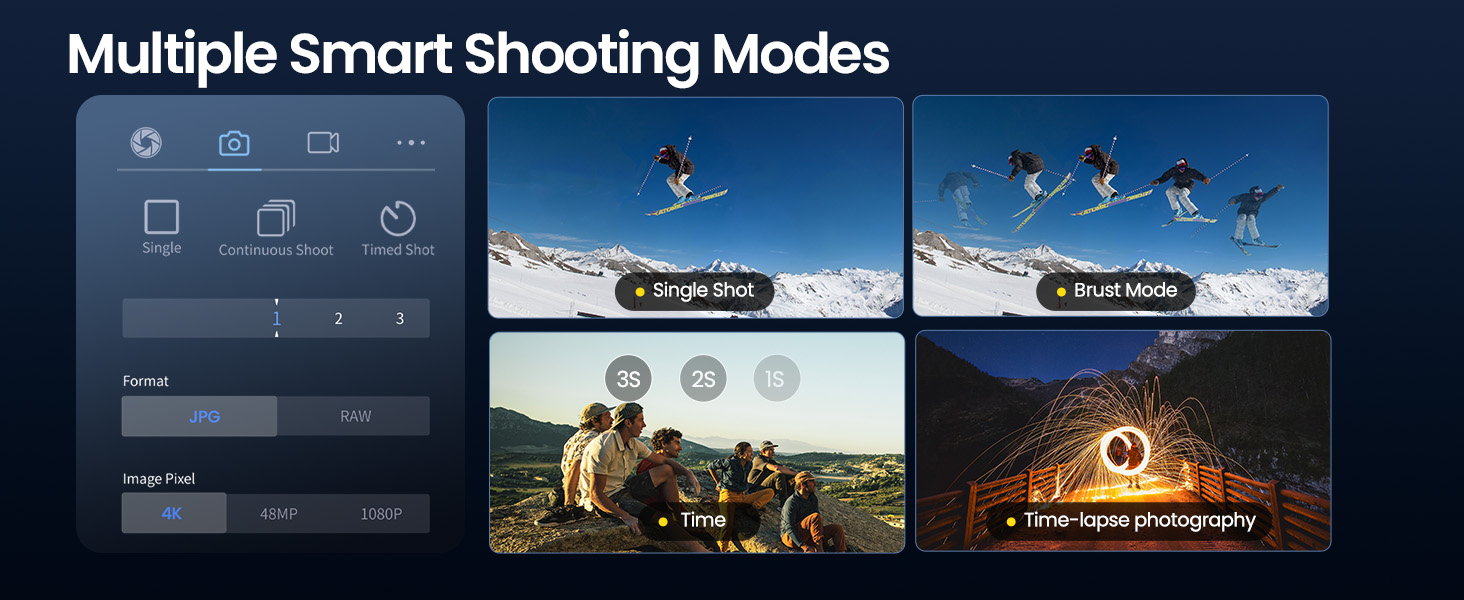
More Creative Freedom – With Just One Tap
Whether single shots, burst mode, timer, or time-lapse, the HS900 offers versatile shooting modes for every creative idea.
Create stunning scenes without being a pro — perfect for creative beginners and vlog enthusiasts who want more freedom with less effort.
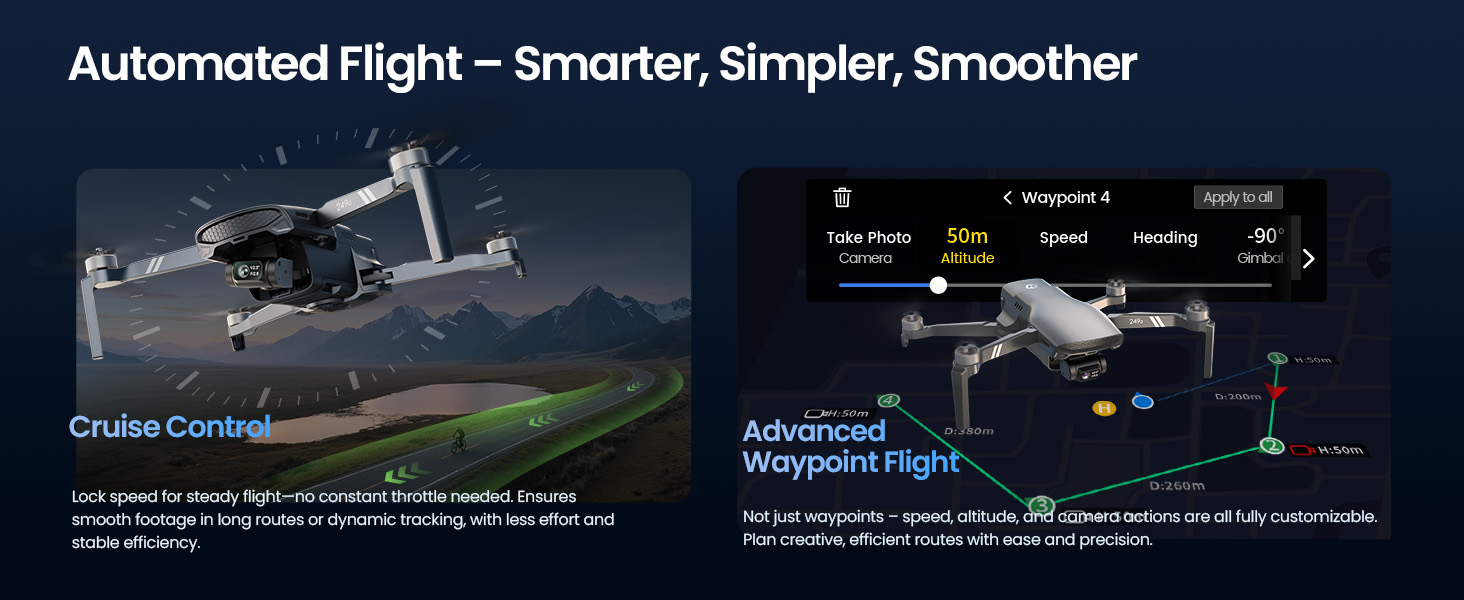
Smart Flight Modes – Technology That Thinks for You
With Cruise Control, the drone flies at a steady speed, allowing you to focus fully on the camera and capture smoother footage with less effort.
Advanced Waypoint Flight lets you pre-set speed, altitude, and camera angles in advance — ideal for stress-free shooting and more creative, repeatable scenes.
Masterful Shot Modes for Every Occasion
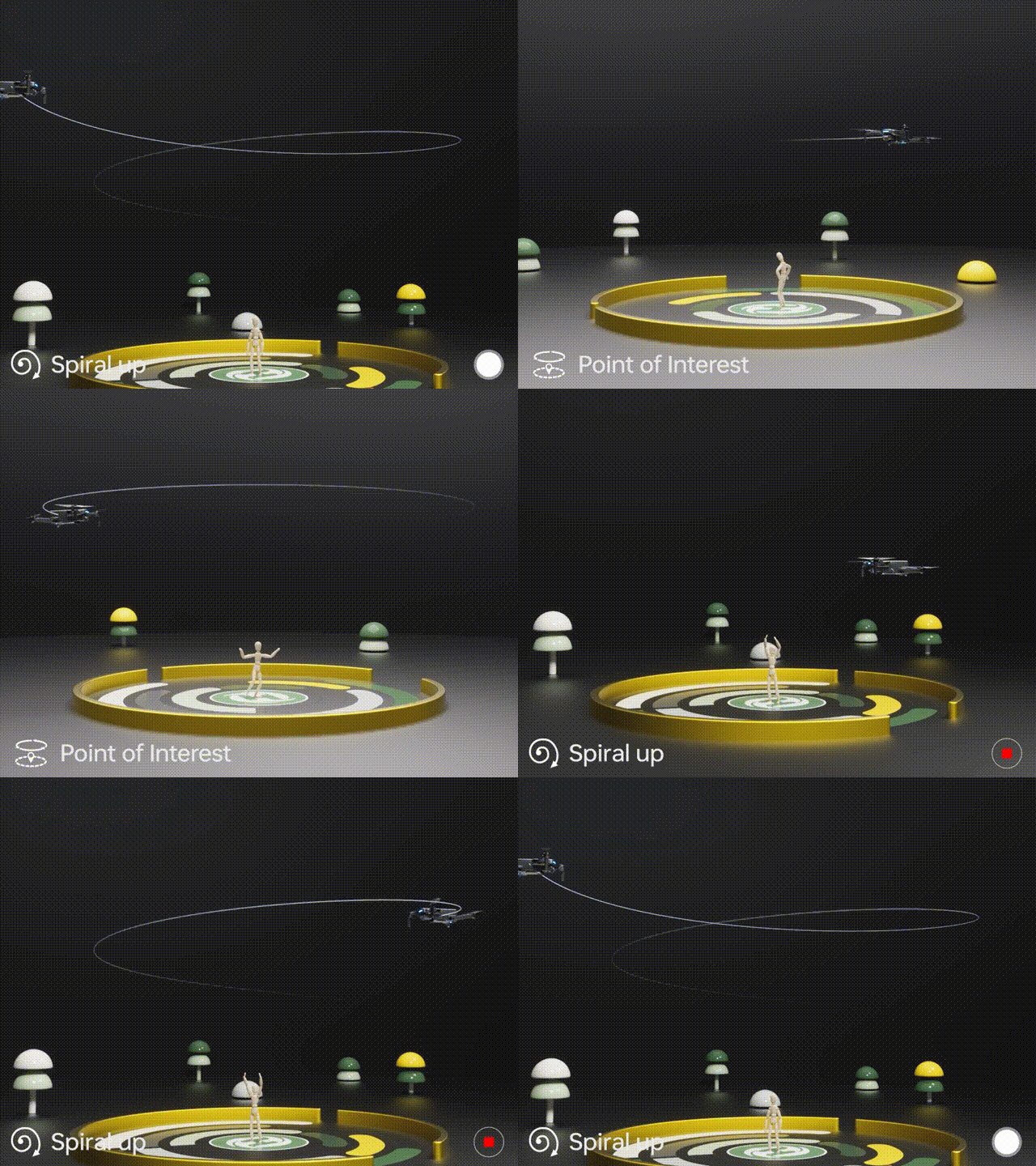
Point of Interest
Tap the ( Multi-functions ) icon first, select the ( Point of Interest ) icon, and follow the prompts to activate ( Set the circling radius in the prompt box ), the drone will record its current flight position as the "point of interest", then it will continuously circle that point clockwise. (default radius: 16 ft)
To exit, tap (Point of Interest) again.
Spiral Up
Ensure the drone is about 16 ft from the target.
Adjust the camera angle towards the target. Tap (Multi-functions), then (Spiral Up). Swipe to confirm, and the drone ascends and circles (max. radius: about 49 ft), recording along the way. It will return to the starting point.
To exit, tap (Spiral Up) or push the right joystick.
Ensure no obstacles are in the flight path. In emergencies, push the right joystick to exit Spiral Up.

Tap Fly
When using Tap Fly, enlarge the map before drawing the flight path.
Tap the (Multi-functions) icon, then (Tap Fly). Tap on the phone screen up to 16 times to create a flight path. Hit "GO" to submit the route.
The drone will fly along the path created by connecting the tapped points.
Exit TapFly by tapping (Tap Fly) again or pushing the right joystick in any direction.
Avoid flying towards people, animals, or small/thin objects (e.g., tree branches and power lines) or transparent objects (e.g., glass or water).
Note: The actual flight path and the path you draw may not align perfectly.
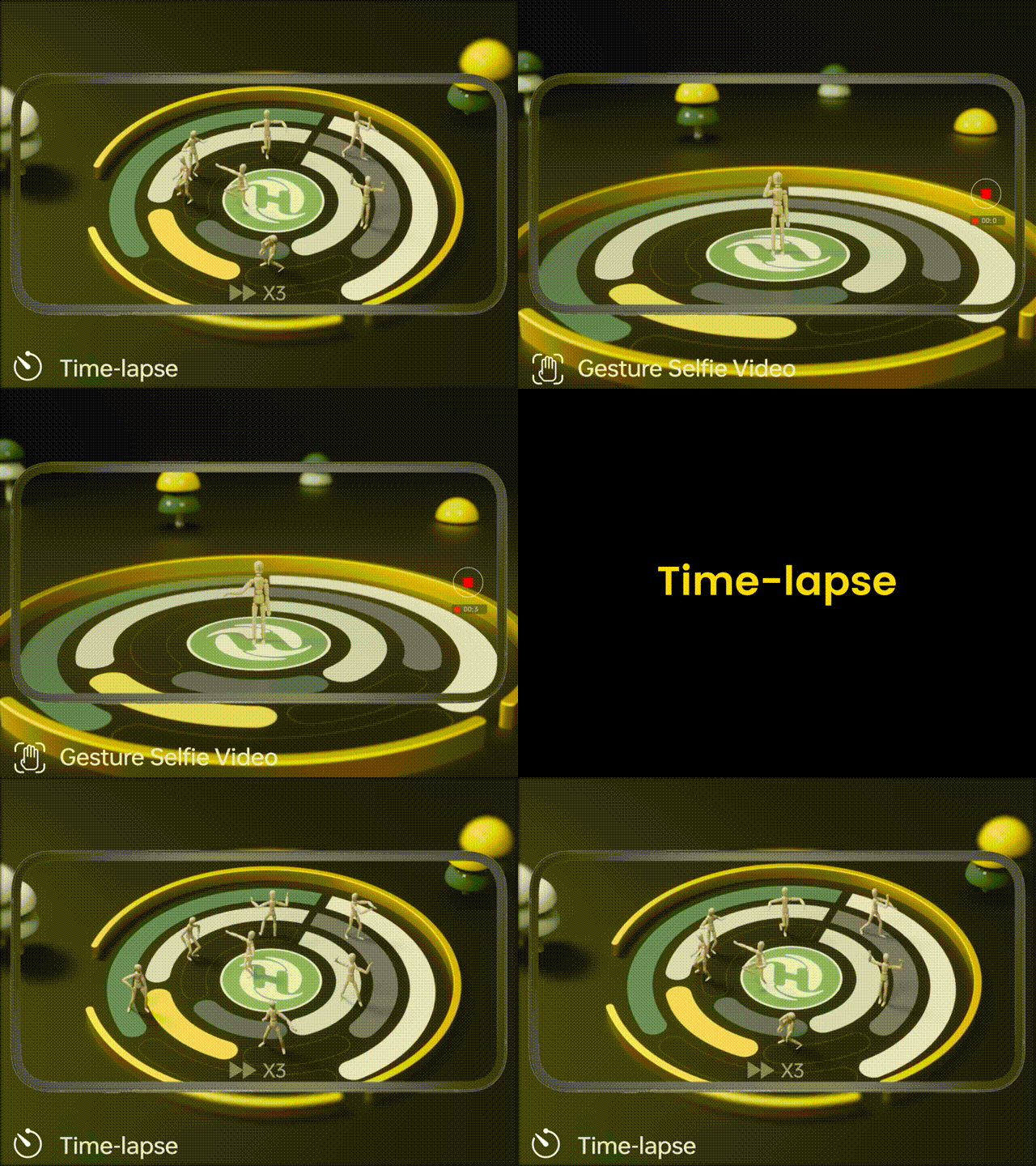
Gesture Selfie
Tap the (Multi-functions) icon, then tap (Gesture Selfie) icon to enter the Gesture Selfie Mode.
Gesture Selfie: Trigger the drone camera shutter by holding a 'V' sign near your face.
Gesture Selfie Video: Trigger the drone camera shutter in this mode by holding your palm near your face.
Ensuring the drone camera points towards you.
Time-lapse
Tap the Shooting Mode Icon, then tap the Time-lapse icon for time-lapse shooting. Swipe to select playback speed and tap to confirm.
Tap the shutter icon to start the time-lapse recording.
Tap the shutter icon again to stop recording.
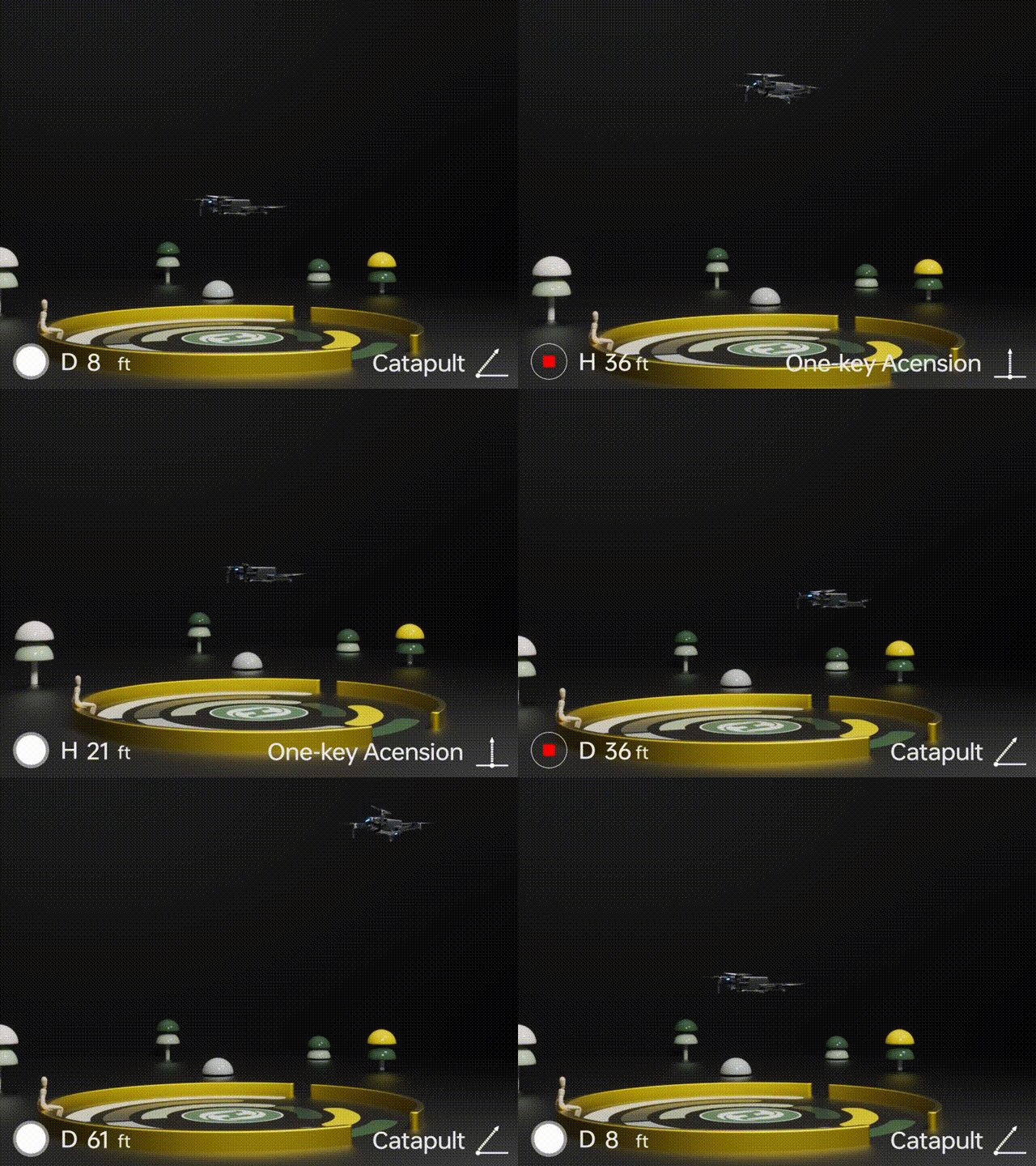
One-key Ascension (bird's eye) & Catapult
Ensure the drone is at least 7 ft away from the target. Adjust the camera angle to point directly at the target.
Tap (Multi-functions), then (One-key Ascension). Swipe in the prompt box to confirm. The drone will start recording and ascend to 49 ft. Afterwards, it will fly back to the starting point.
To Exit: Tap (One-key Ascension) again or push the right joystick.
Catapult
Ensure the drone is at least 7 ft away from the target. Adjust the camera angle to point directly at the target.
Tap the (Multi-functions) icon, then the (Catapult) icon. Swipe in the prompt box to confirm. The drone will automatically start recording and fly about 82 ft away from the target. Afterwards, it will return to the starting point.
To Exit: Tap the (Catapult) icon again or push the right joystick to exit this function.
HS900 Real Shots
← Swipe for more →