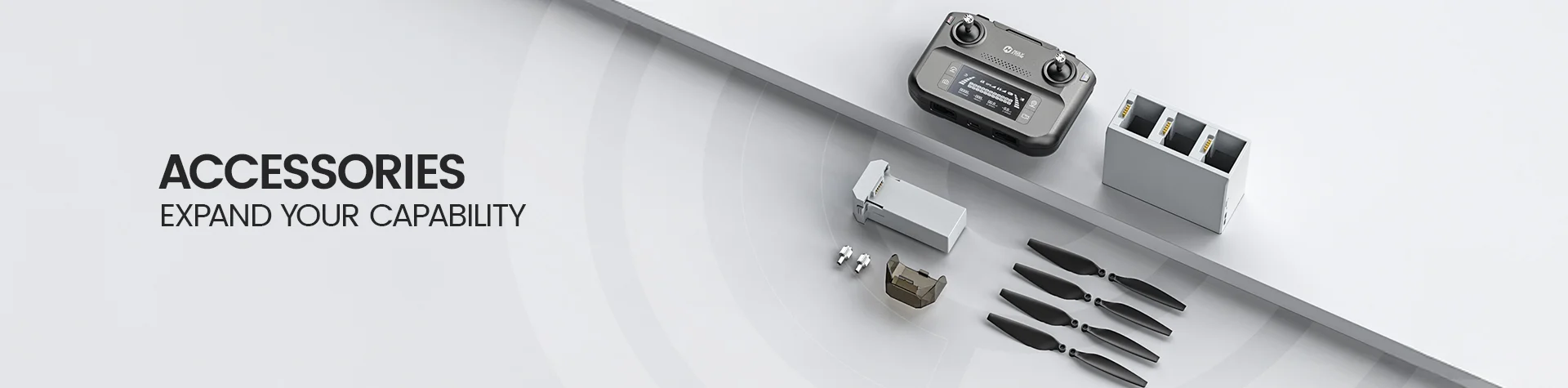

RC243A Screen Remote Controller for Holy Stone Drones


RC243A Screen Remote Controller

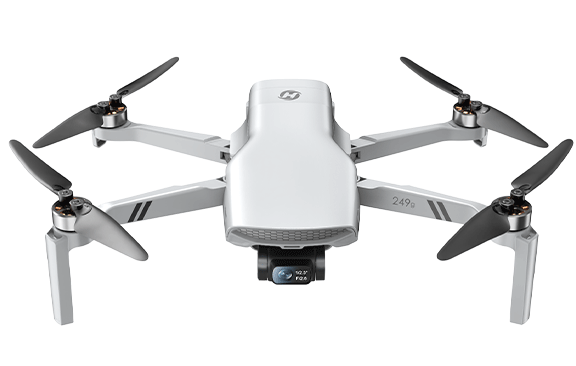
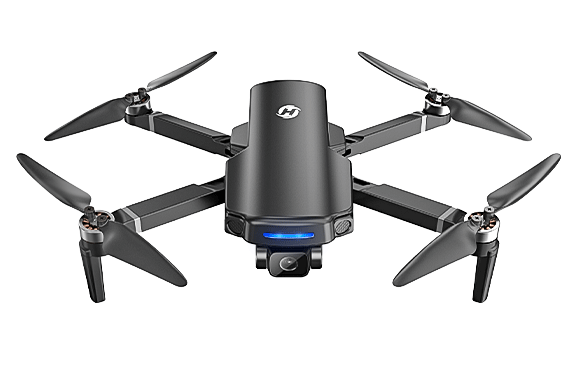
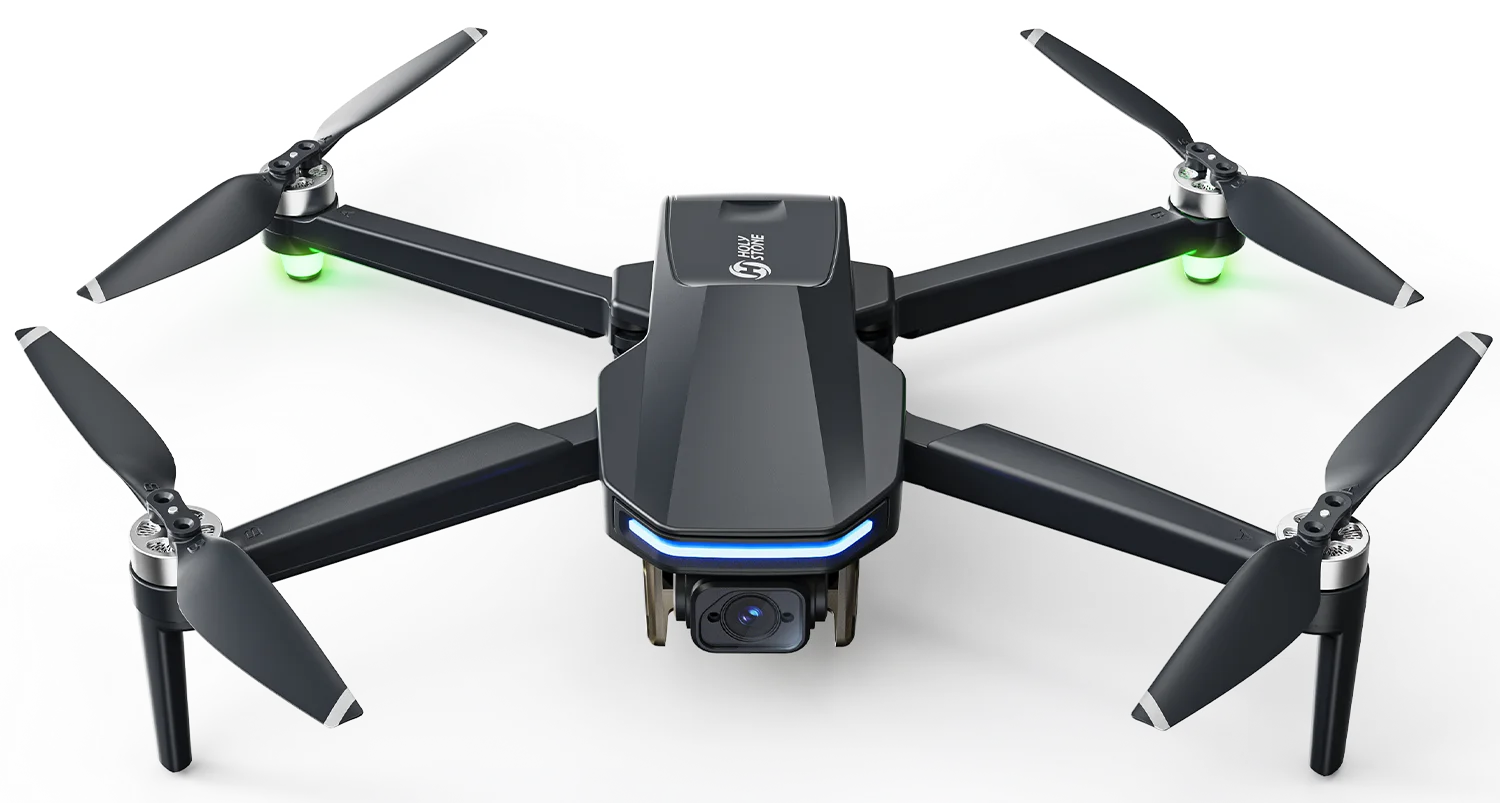
For Holy Stone HS600 · HS600D · HS360E · HS360D

A dedicated screen controller designed for clearer live view, simpler setup, and more focused flight control.
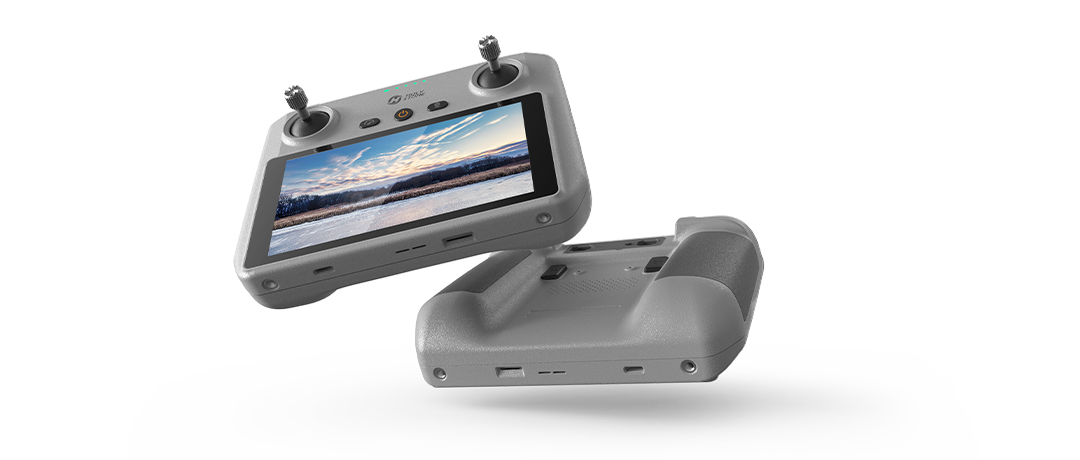
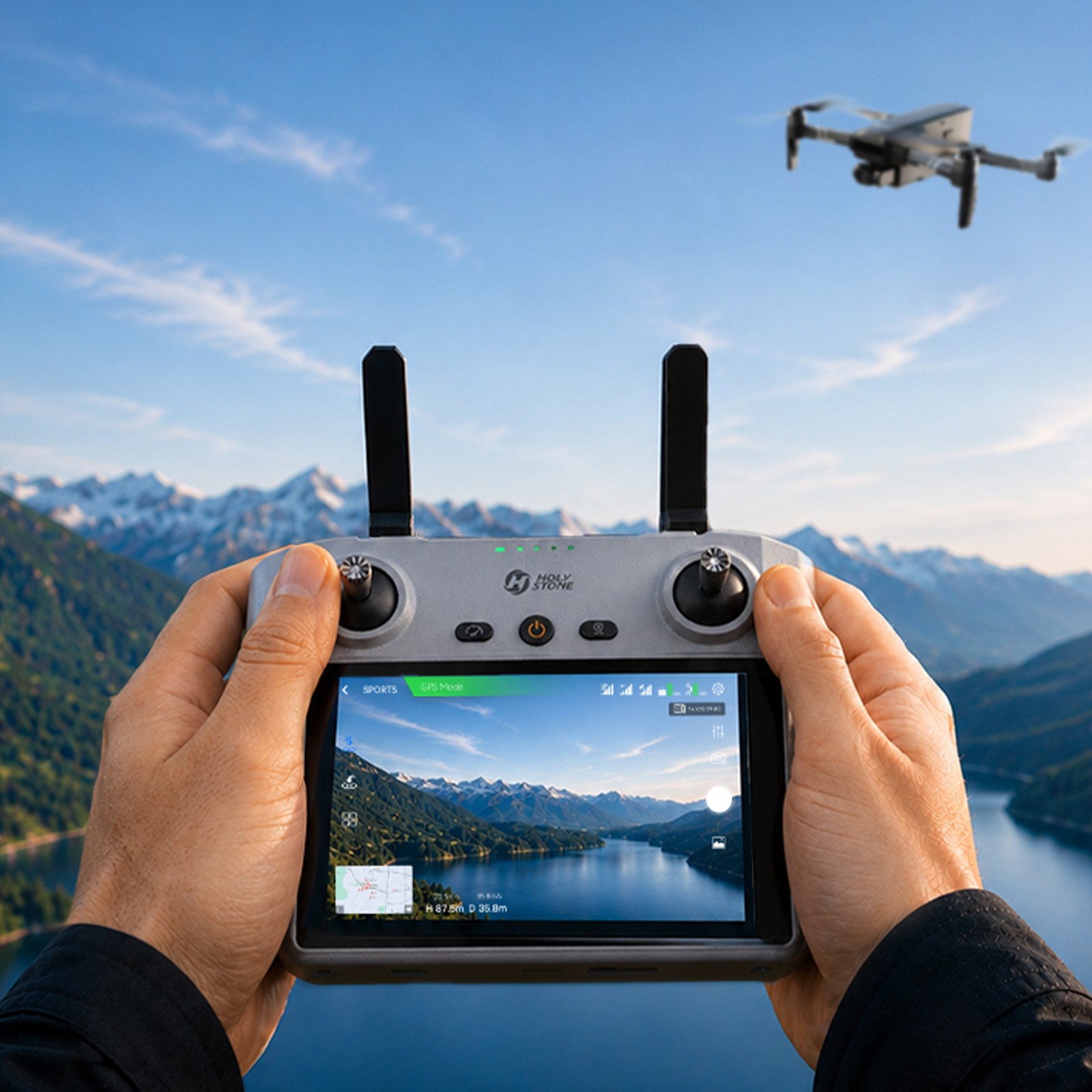
HSRC243A Screen Remote Controller
1. RC243A Just Power On. And Fly.jpg
5.5 inch FHD Screen.jpg
Up to 6KM Stable Transmission. Smoother live view for outdoor flying_.jpg
画板 4.jpg
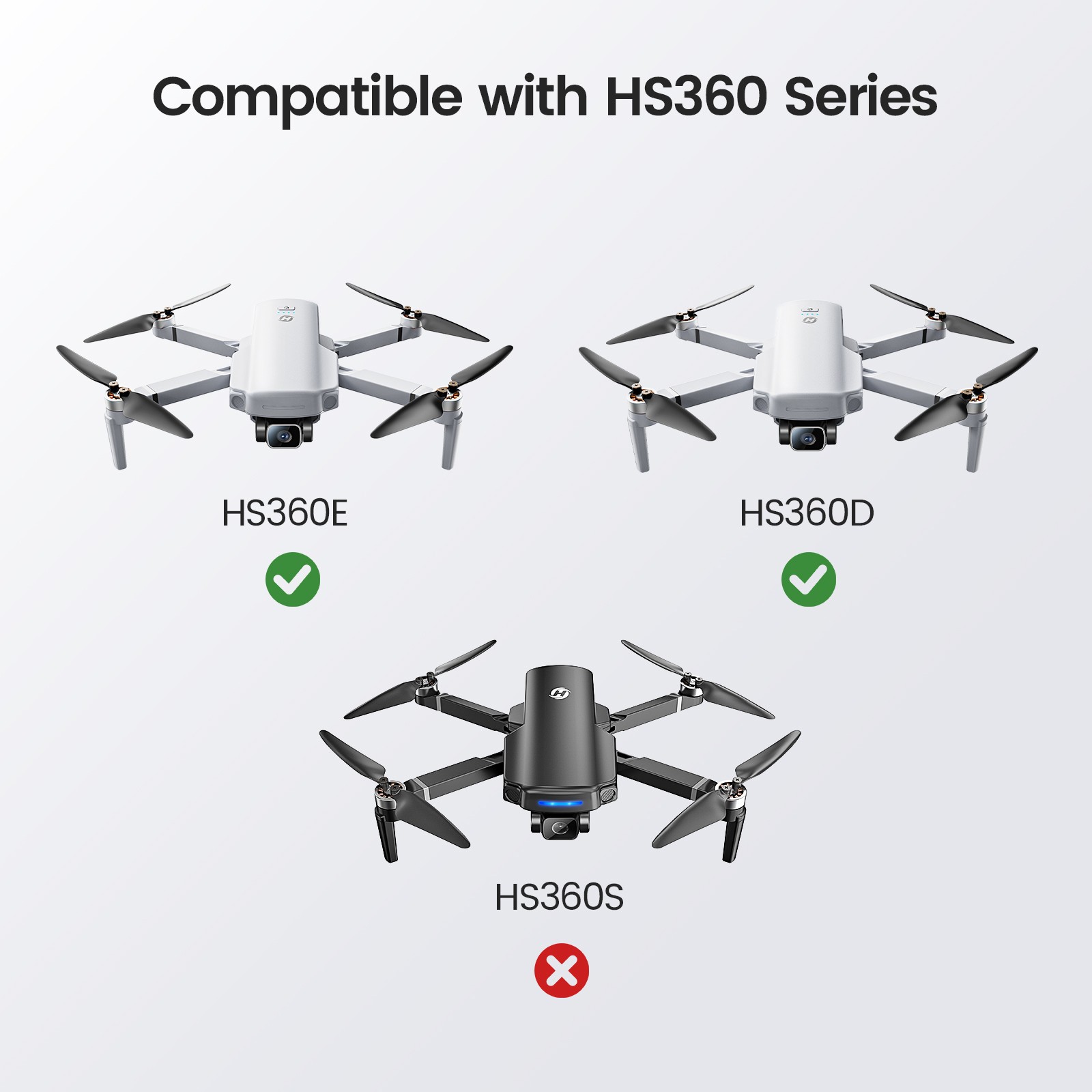
Compatible with HS360 series but not HS360S.jpg
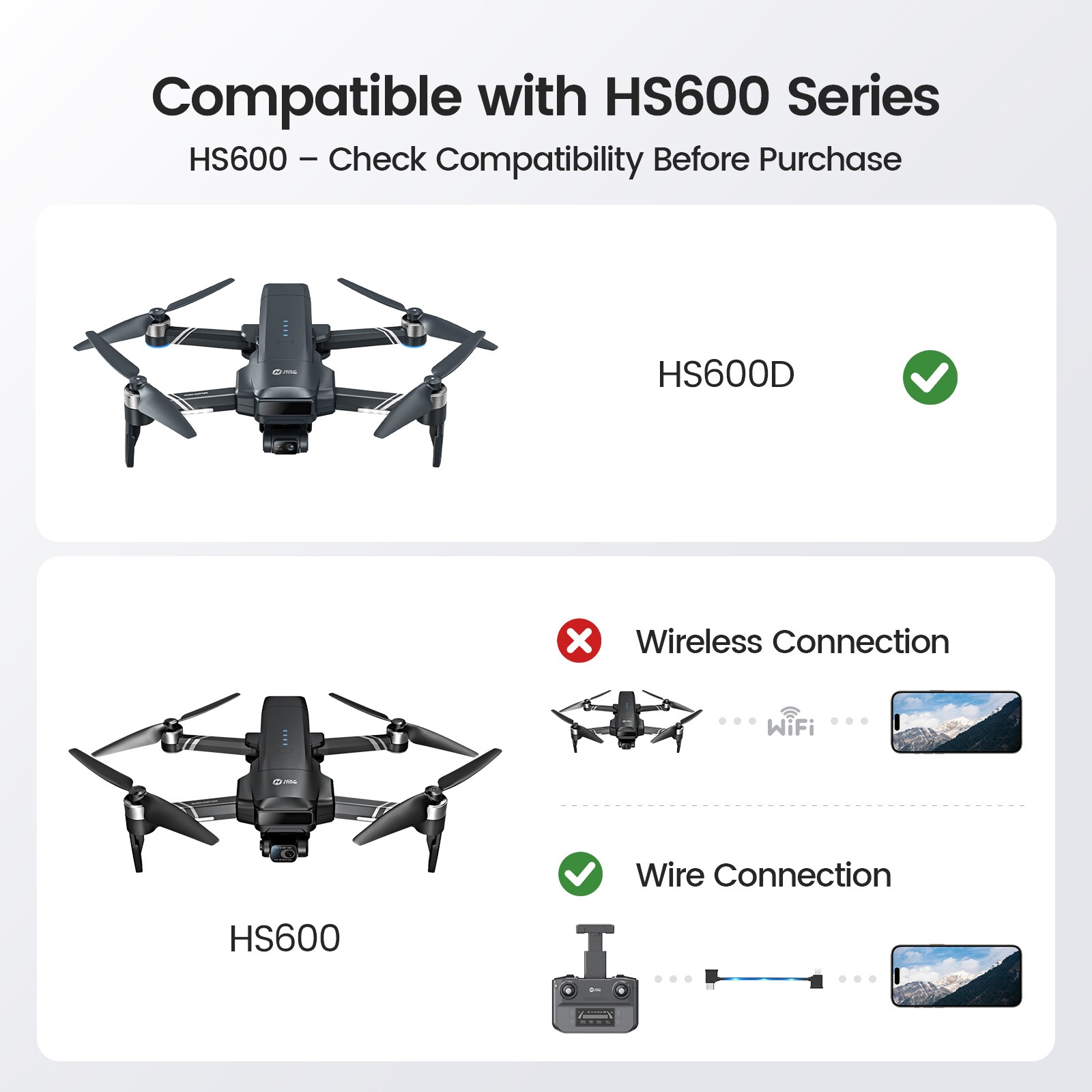
Compatible with HS600 series but not wire connection version.jpg
画板 8.jpg

Why Choose RC243A?

A smarter screen remote controller for pilots who want fewer setup steps and a cleaner flying experience.

5.5" 1080P Display

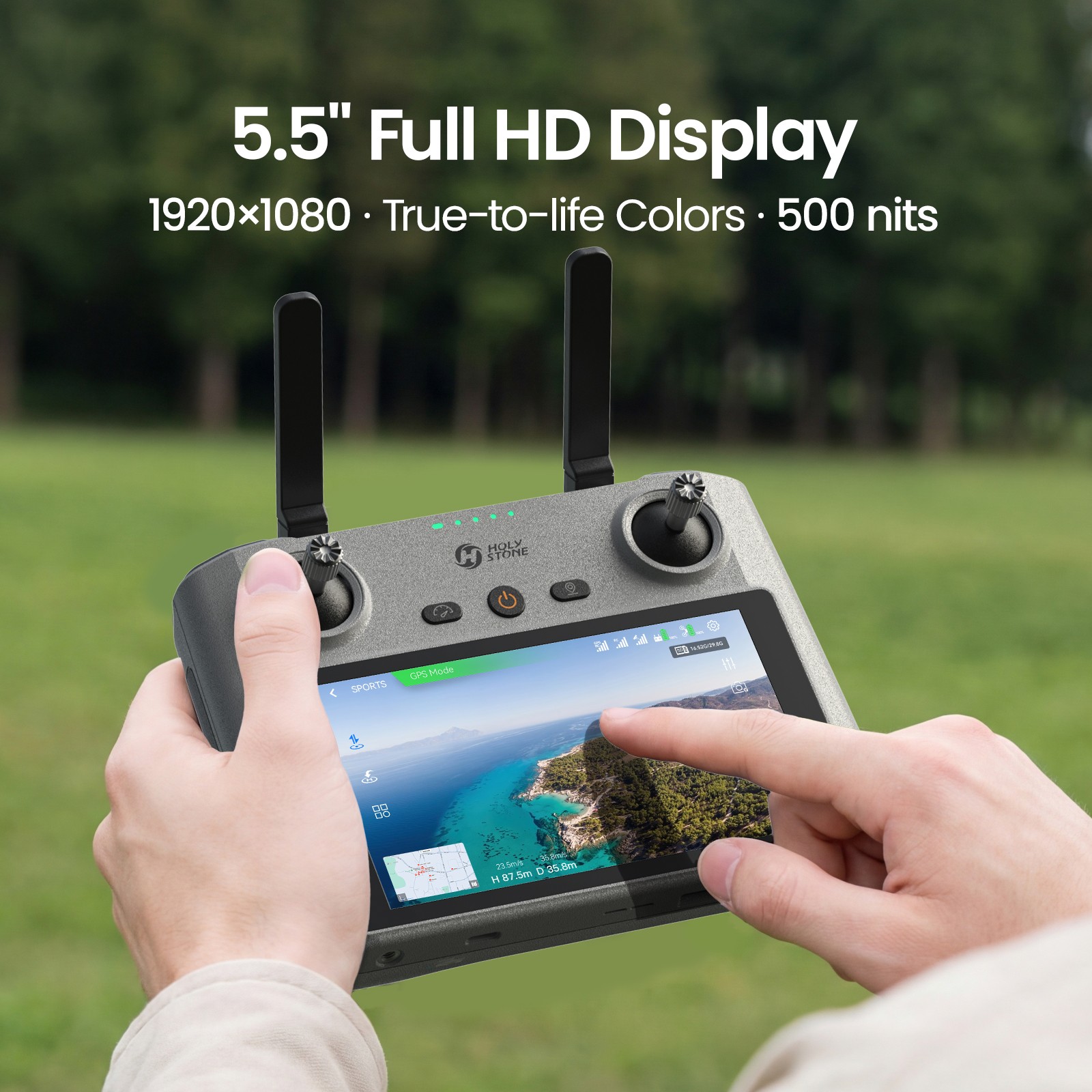
1920×1080 Full HD touchscreen with 500-nit brightness for a clearer live view.

Up to 6KM Range

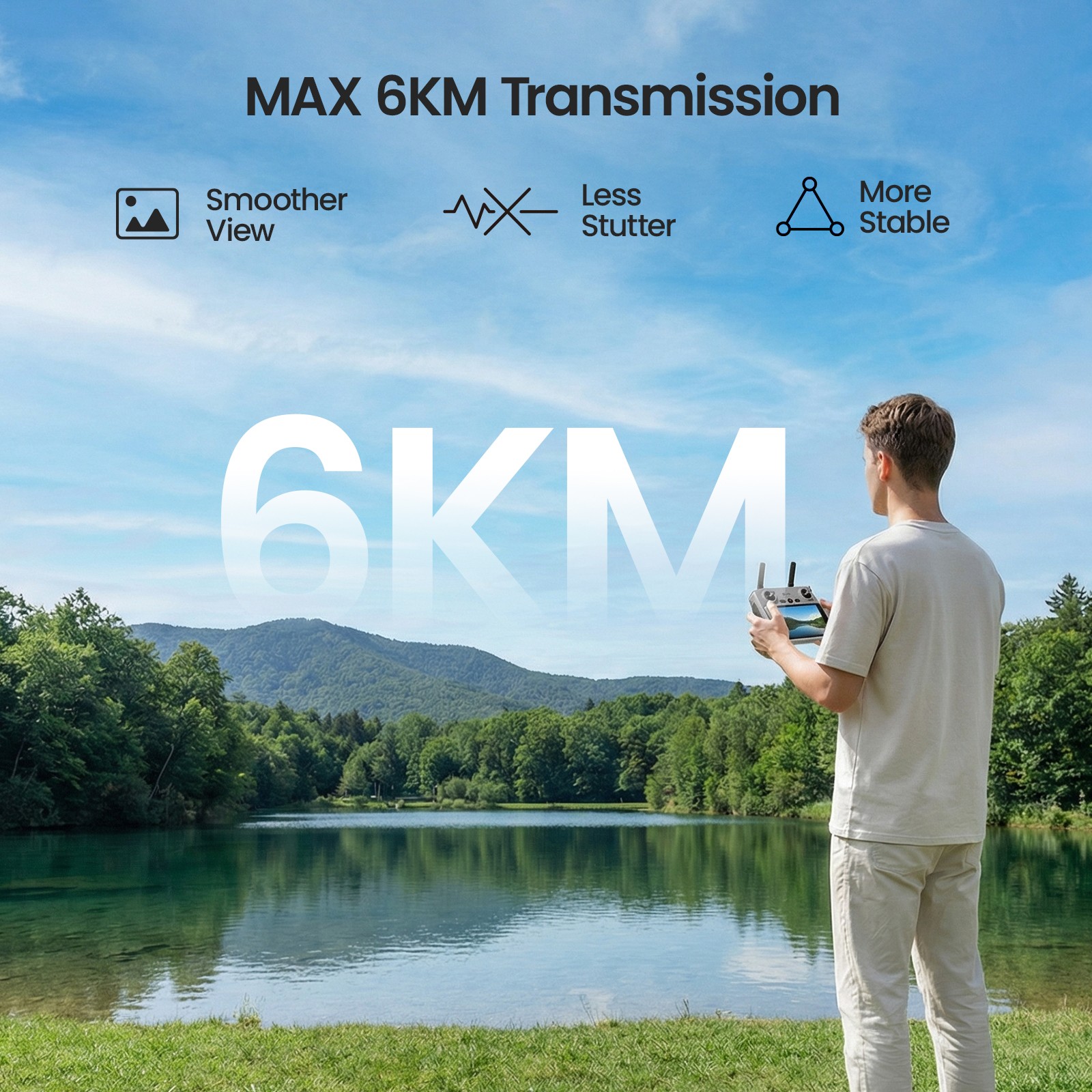
Stable live view transmission designed to reduce lag, stutter, and interference.

Fast Charging

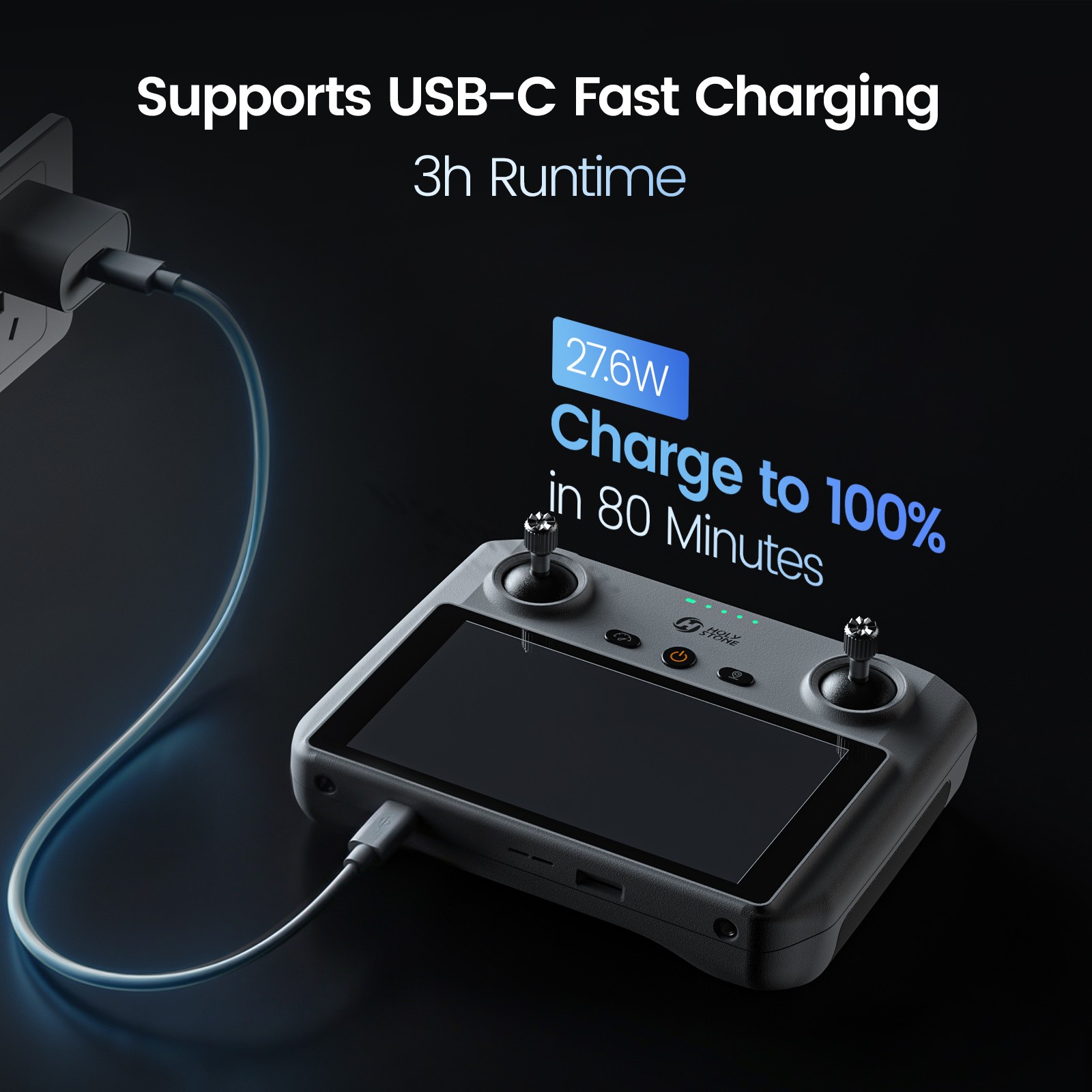
Up to about 3 hours of runtime with fast charging support up to 27.6W.

32GB Storage

Built-in storage supports screen recording and caching, with microSD expansion.

A Cleaner Start Before Every Flight

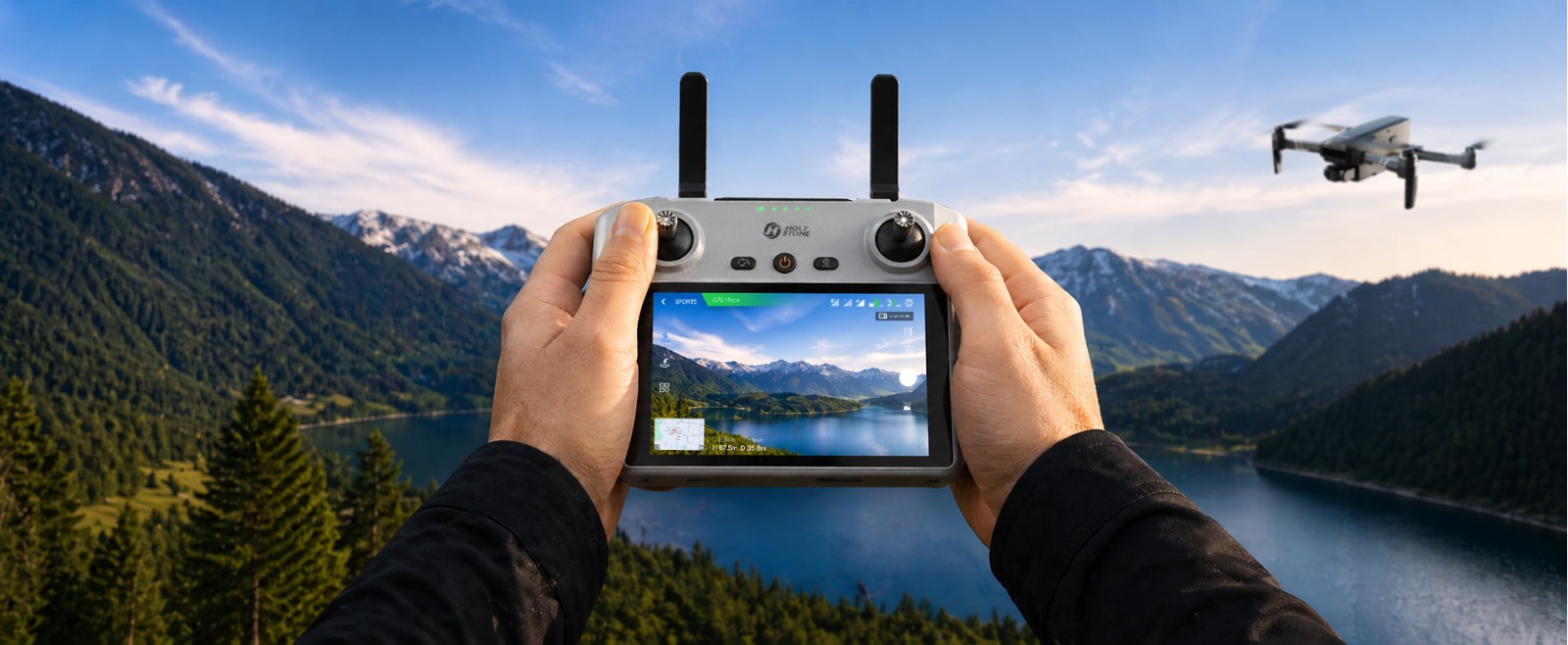
RC243A helps simplify the moments before takeoff by bringing live view and flight control into one dedicated device.

Instead of mounting a phone, connecting extra cables, and switching between apps, you can stay focused on the scene, the aircraft, and the flight ahead.
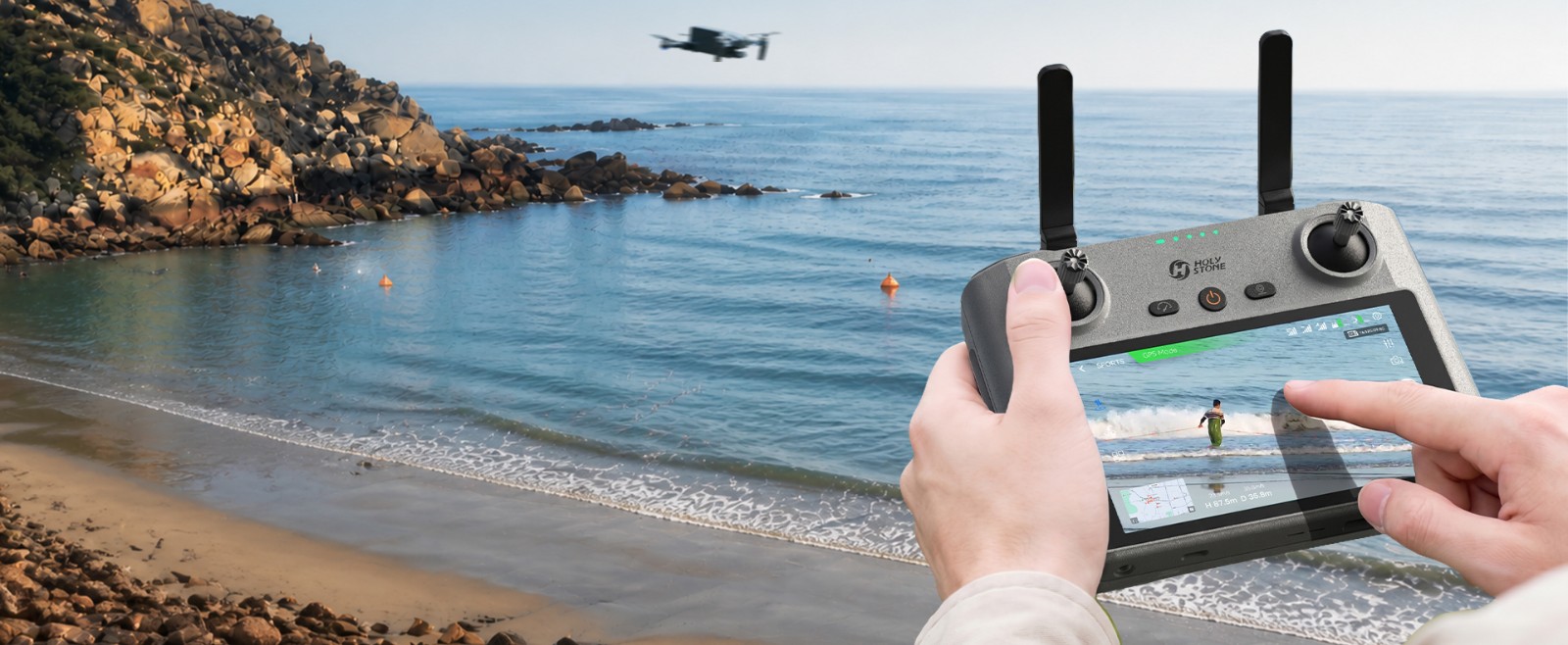
画板 3 拷贝.jpg

Clearer Viewing, Better Focus

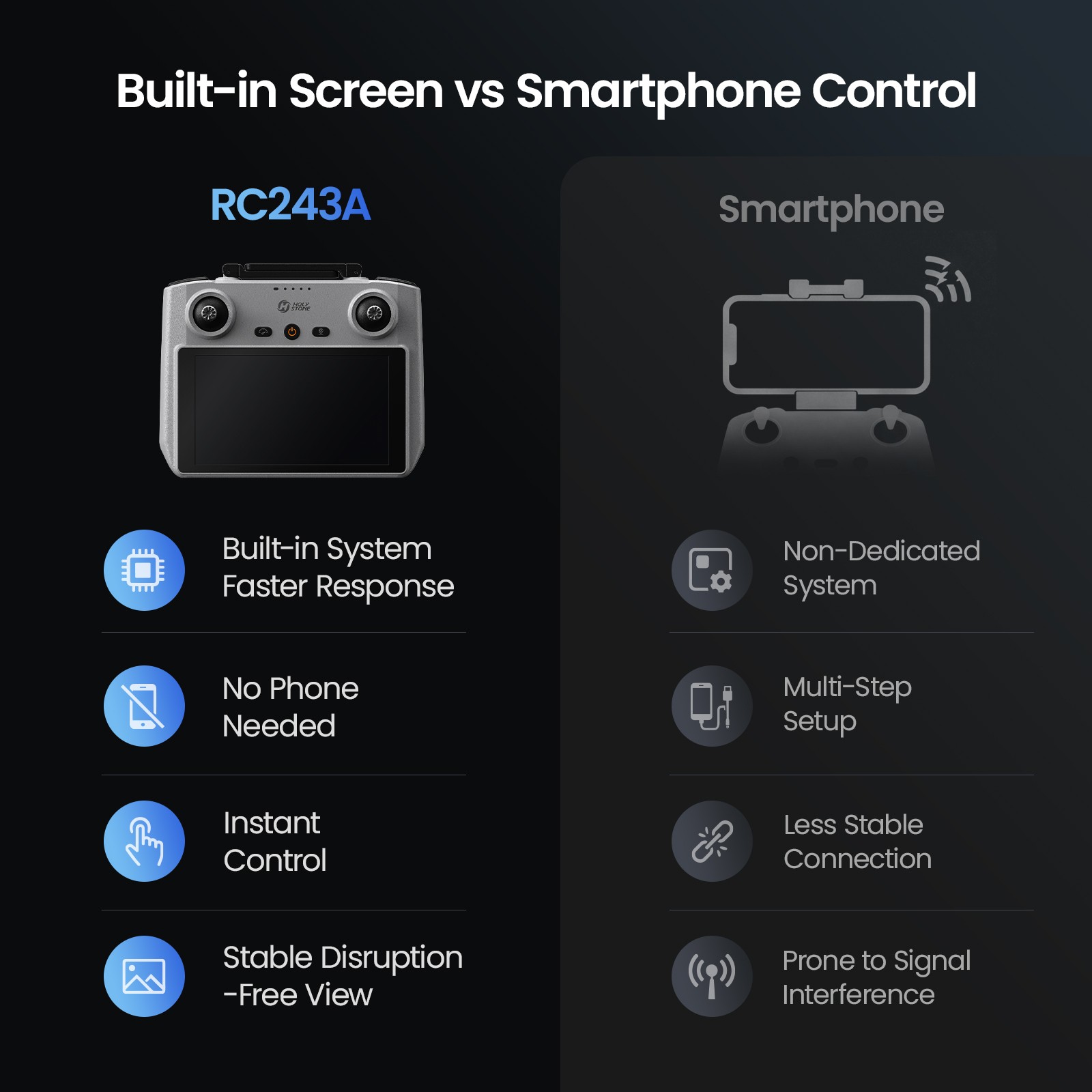
The built-in 5.5-inch Full HD touchscreen gives you a dedicated live-view display without relying on your smartphone.

With 1920×1080 resolution and 500-nit brightness, RC243A is designed to make framing, checking status, and controlling your flight feel more direct and convenient.
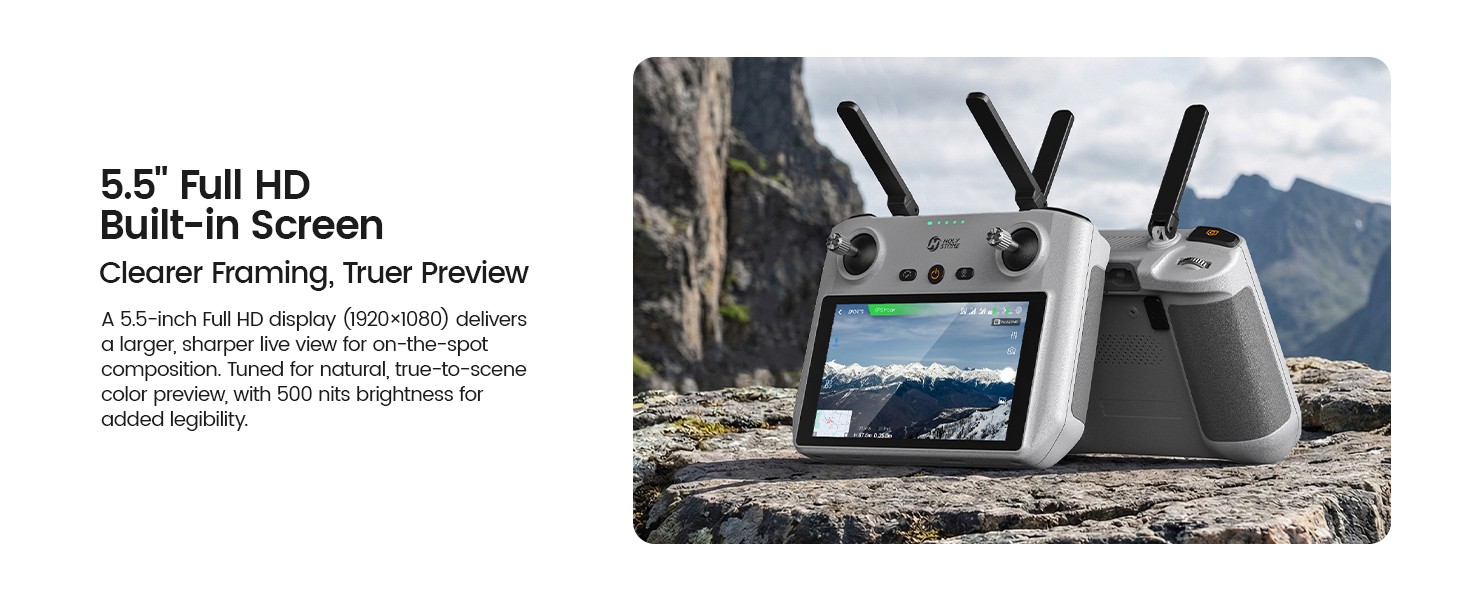
RC243A Full HD Touchscreen Display

Fly with More Confidence Outdoors

RC243A supports live-view transmission up to 6KM under optimal conditions, helping you maintain a smoother connection during open-area flights.

The stable transmission design helps reduce lag, stutter, and signal interference, so you can focus more on composition and control.
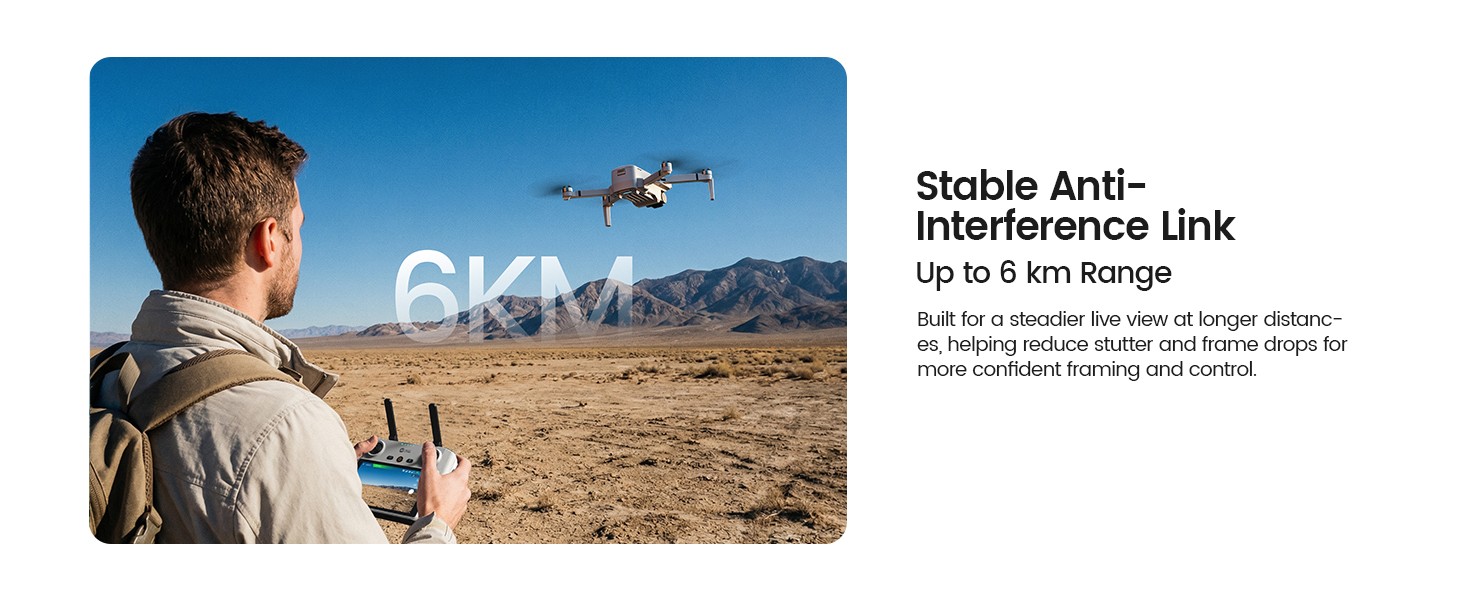
RC243A Stable Long Range Live View Transmission

Thoughtful Details for Real Flights

RC243A is built not only around the screen, but also around the small details that make outdoor flying easier to manage.

Dedicated physical buttons for power, speed mode, Return to Home, photo capture, and video recording keep essential actions close at hand during flight.

The controller also features a USB-C charging port, microSD card slot, removable control sticks, and bottom threaded mounting points for pilots who want a more organized setup.
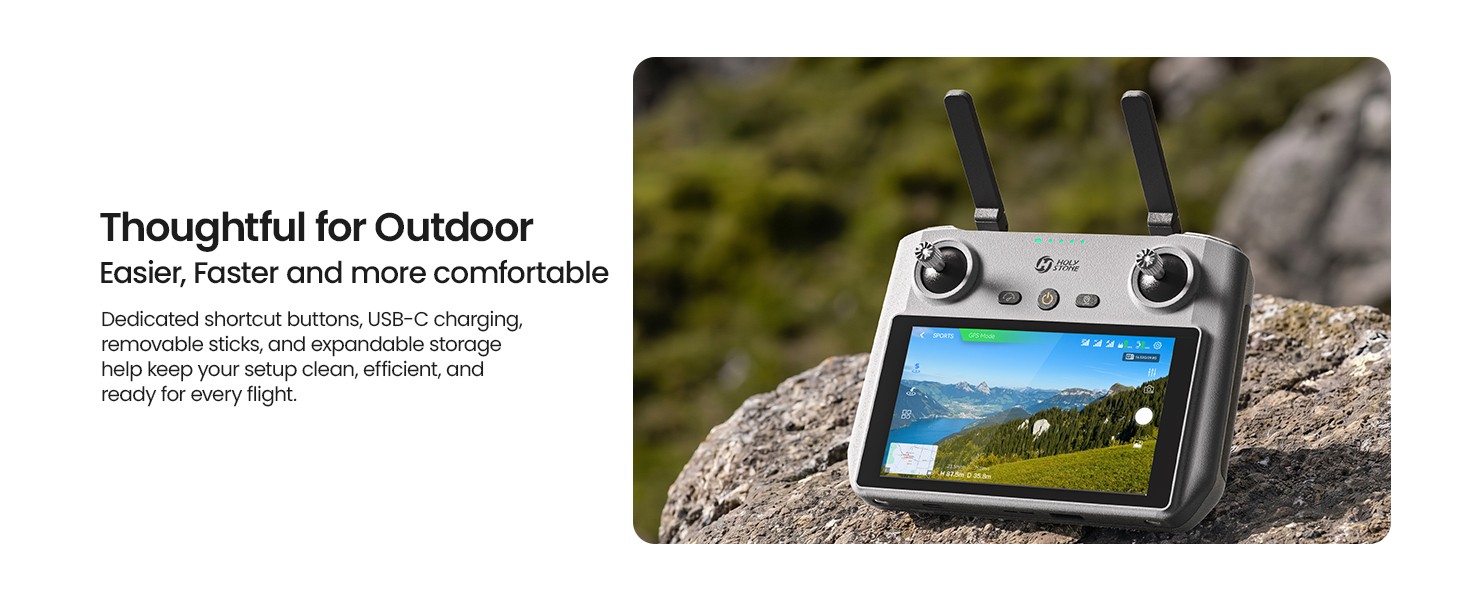
Thoughtful for Outdoor.jpg

Ready for Longer Sessions

RC243A provides up to about 3 hours of operating time, making it suitable for longer outdoor sessions, repeated flights, and extended shooting plans.

Fast charging support up to 27.6W helps reduce waiting time between use, so the controller can keep up with your flying schedule.
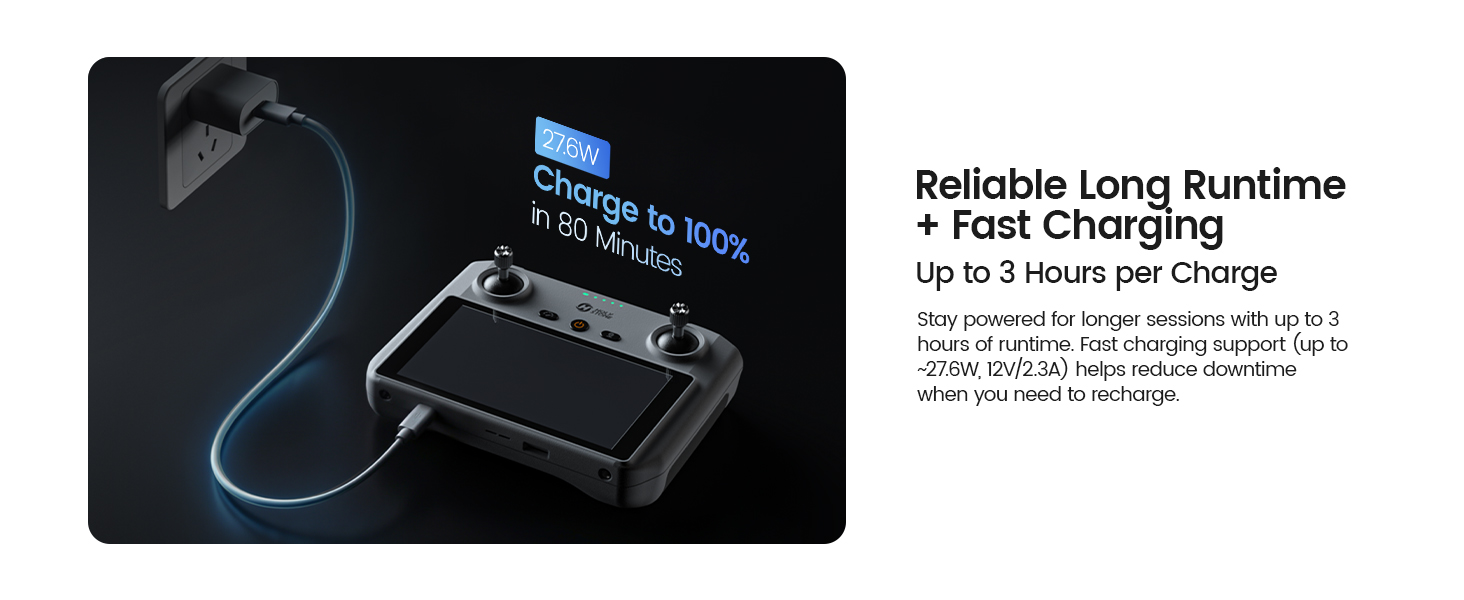
RC243A Runtime and Fast Charging Support

Faster Access to Key Controls

Customize the Way You Fly

The customizable C1 and C2 buttons let you assign frequently used functions for quicker access during flight.

Adjust supported controls such as gimbal movement and fill light settings without digging through menus, helping you react faster when timing matters.
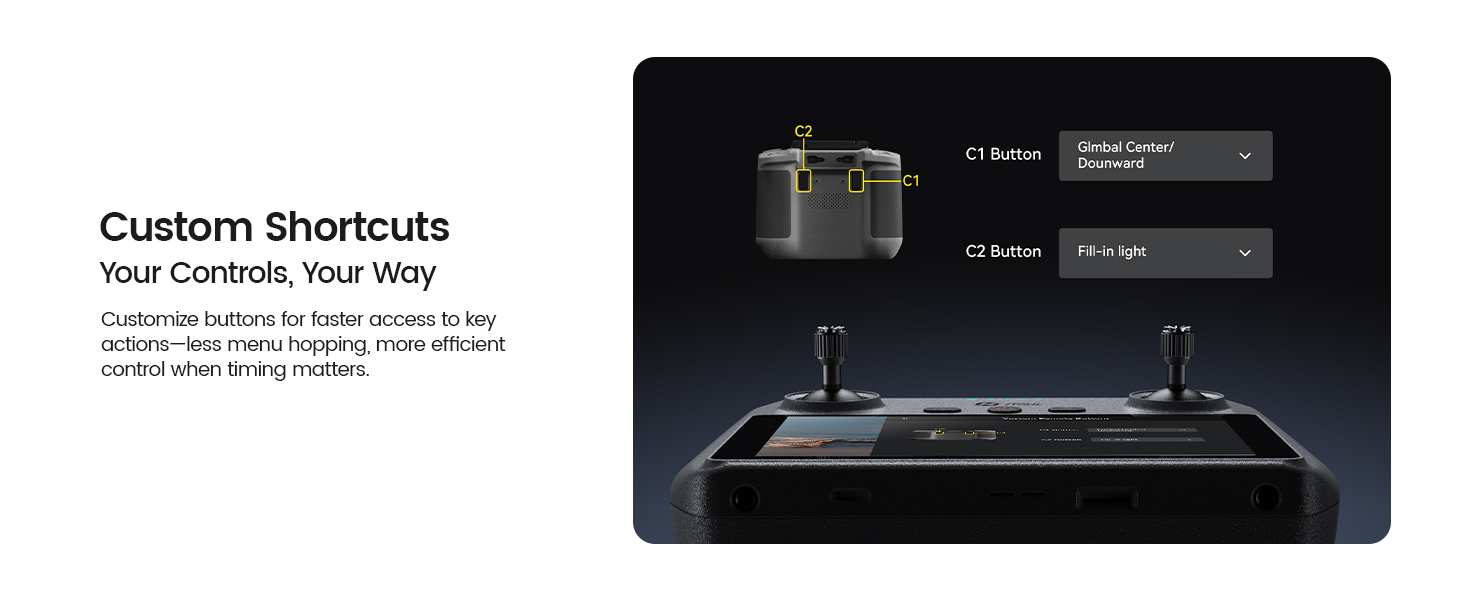
RC243A Custom Shortcut Buttons C1 and C2

Save More of the Flight

With 32GB built-in storage, RC243A supports screen recording and caching directly on the controller.

For pilots who want extra space, microSD expansion is also supported. Please note that the microSD card is not included.
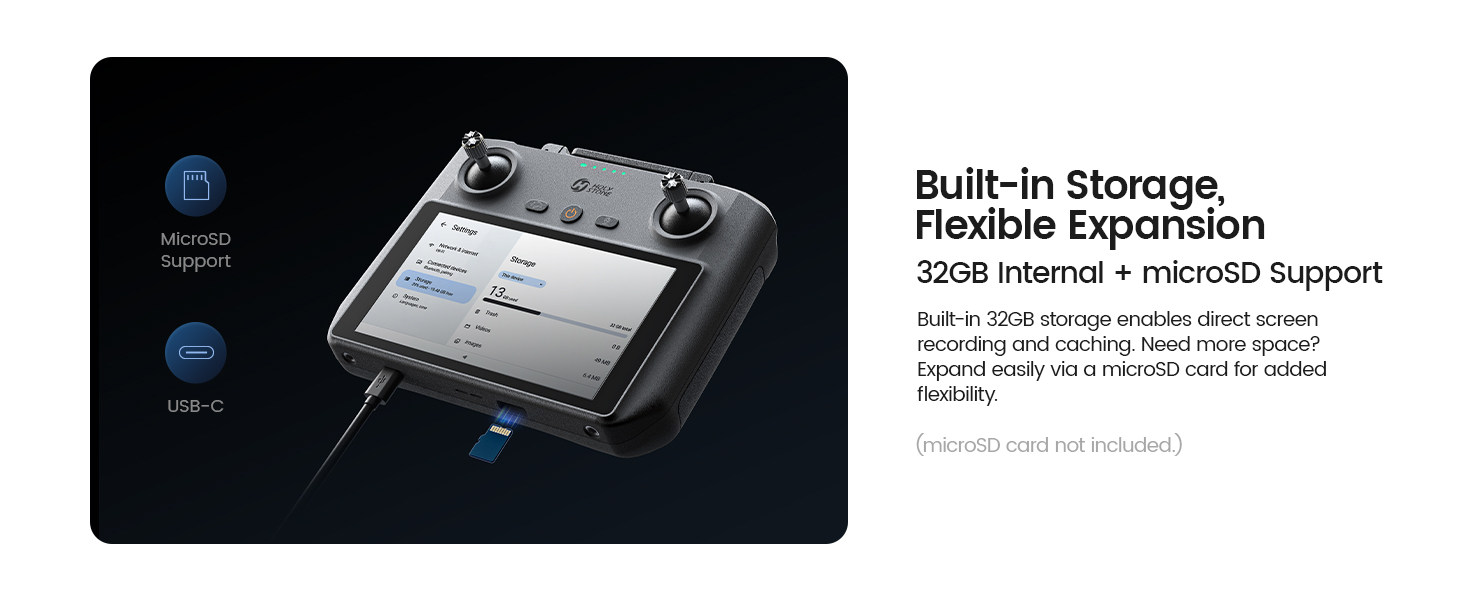
RC243A Built-in Storage and microSD Expansion

Everything You Need to Know

What drones is RC243A compatible with?
RC243A is compatible with supported Holy Stone HS600, HS600D, HS360E, and HS360D models only.Please note: Not compatible with the HS600D Wireless Connection version, HS360S, or other Holy Stone drone models.

What models are not supported?
RC243A is not compatible with the HS600D Wireless Connection version, HS360S, or other unsupported Holy Stone drone models using different transmission systems.

Does RC243A require a phone?
No. RC243A has a built-in 5.5-inch Full HD touchscreen, so you can fly supported drones without connecting a smartphone.

How far can RC243A transmit video?
RC243A supports live-view transmission up to 6KM under optimal conditions.

How long does the battery last?
RC243A provides up to approximately 3 hours of operating time on a full charge.

Does RC243A support storage expansion?
Yes. RC243A includes 32GB built-in storage and supports microSD card expansion. microSD card is not included.

What comes with RC243A?
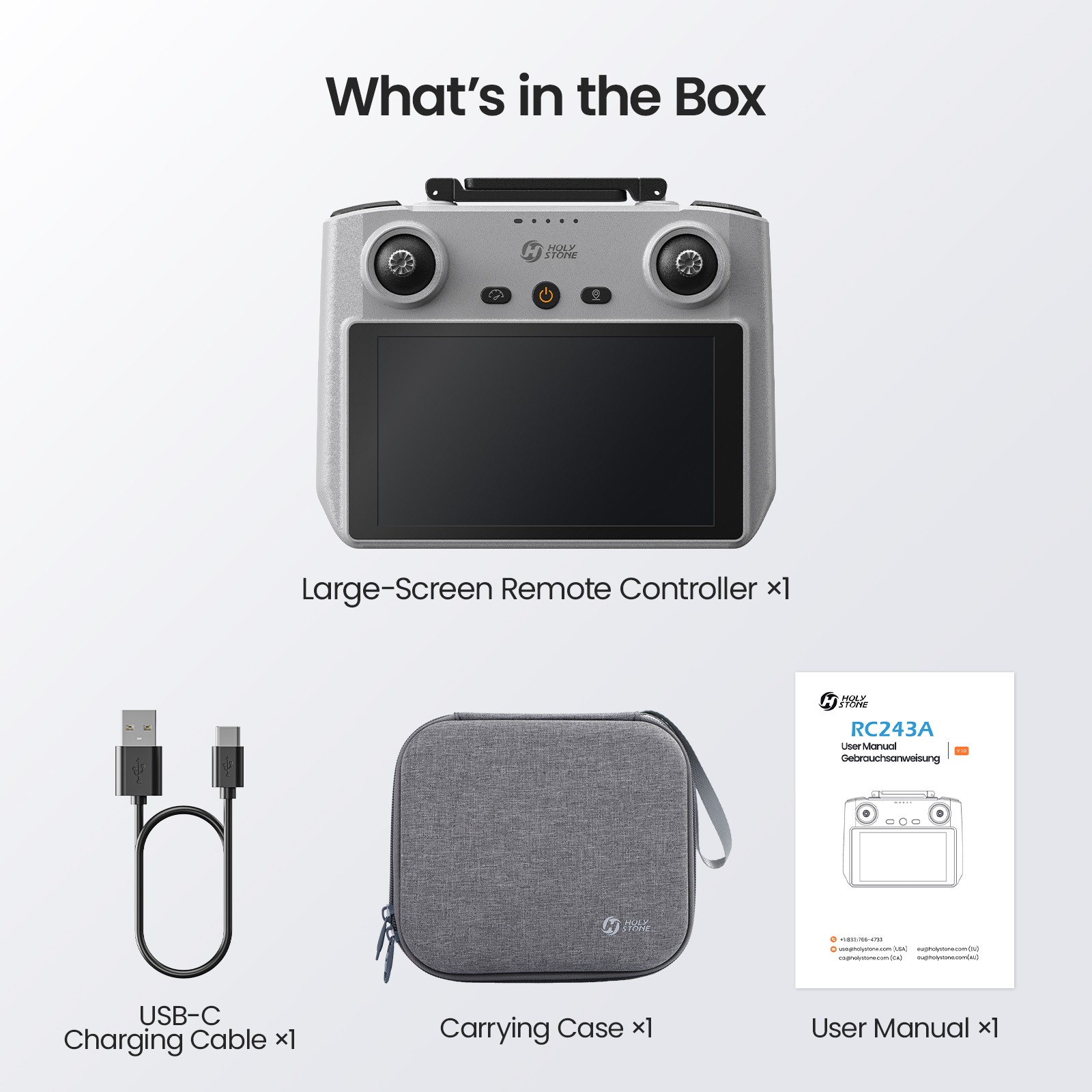
RC243A comes with the screen remote controller, carrying case, USB-C charging cable, user manual, and related accessories.

Does RC243A come with a drone?
No. RC243A is sold separately as a screen remote controller only.
Screen Remote Controller RC243A SPECS

TRANSMITTER

Model:
RC243A
Weight:
425g / 14.99oz
Operating Time:
180 minutes
Operating Frequency:
5745 MHz ~ 5805 MHz
Operating Temperature Range:
32° to 104°F (0° to 40°C)
Internal Storage Capacity:
32 GB + expandable storage (via microSD card)
Supported TF Cards:
Supports a TF Card (Class 10 or above) with capacity of up to 256 GB
Size:
168×135×49 mm (without control sticks)
168×135×66 mm (with control sticks)

TRANSMITTER BATTERY

Model:
DS 854085-2S
Capacity:
2500 mAh
Voltage:
7.4 V
Energy:
18.5 Wh
Max Charging Voltage:
8.6 V
Battery Type:
Lithium-ion Polymer Battery
Charging Temperature Range:
41° to 104°F (5° to 40°C)

USB CHARGING CABLE

Input:
Supports PD 3.0 (5V/2A, 9V/2A, 12V/2.3A)
Rated Power:
≤27.6 W
Screen Remote Controller RC243A IN THE BOX
RC243A What's in the Box.jpg

*Package contents may vary depending on the purchase channel. Please refer to the actual product package on the purchasing platform for final confirmation.*

Package Content

  • 1× RC243A Large-Screen Remote Controller

  • 1× USB-C Charging Cable

  • 1× Carrying Case

  • 1× User Manual

Screen Remote Controller RC243A DOWNLOAD

Access Tutorial Videos

To ensure you're using the product safely and correctly, scan the QR code below to view our tutorial videos.

RC243A Tutorial Videos QR Code.png

We are committed to continuously improving user experience and reserve the right to update products. This manual may be revised without prior notice. Scan the QR code to access the latest version. In case of discrepancies between digital and printed editions, the electronic version shall prevail.

User Manual

RC243A User Manual V1.0

Download the official user manual for setup instructions, safe operation, charging guidance, and troubleshooting information.


RC243A User Manual V1.0 (PDF)

               
Screen Remote Controller RC243A FAQ

Compatibility & Setup

What drones are compatible with RC243A?

RC243A is compatible with supported Holy Stone HS600, HS600D, HS360E, and HS360D models.

Always confirm your drone model and transmission version before purchase.

RC243A is designed specifically for selected Holy Stone GPS drone systems.

It is not compatible with unsupported Holy Stone drone models using different transmission systems.

Is RC243A compatible with HS360S or HS600D Wireless Connection version?

No. RC243A is not compatible with HS360S or HS600D models using the Wireless Connection transmission version.

RC243A only supports compatible wired transmission systems listed on the product page.

Different drone versions may use different communication protocols and connection methods.

Please carefully check your drone model before purchasing replacement accessories.

Does RC243A require a smartphone to fly?

No. RC243A features a built-in 5.5-inch Full HD touchscreen, allowing you to fly supported drones directly without connecting a phone.

The integrated display provides live view, camera control, and flight settings in one device.

This setup reduces cable clutter and simplifies outdoor flying preparation.

Simply power on the controller and drone, then complete pairing before flight.

Flight Experience

How far can RC243A transmit video?

RC243A supports up to 6KM transmission range under optimal outdoor conditions.

Actual transmission performance may vary depending on interference, obstacles, weather, and local environment.

For best signal quality, keep the antennas properly oriented toward the drone during flight.

Avoid flying near strong wireless interference sources such as towers, crowded Wi-Fi environments, or power lines.

Does RC243A support Quick Transfer?

Yes. Quick Transfer allows you to transfer photos, videos, and flight records from the controller directly to your smartphone.

You can access Quick Transfer from the controller home screen without removing the storage card.

The feature is designed to simplify file sharing and improve workflow efficiency after flying.

Scan the on-screen QR code to quickly establish the transfer connection.

Can I customize the C1 and C2 buttons?

Yes. RC243A supports customizable shortcut buttons for faster access to supported functions during flight.

Available shortcut options may vary depending on the connected drone model.

You can assign functions such as gimbal adjustment or fill light control through the controller settings.

Custom shortcuts help reduce menu navigation and improve control efficiency while flying.

Battery & Storage

How long does the RC243A battery last?

RC243A supports up to approximately 3 hours of runtime depending on screen brightness and operating conditions.

Lower brightness settings and moderate usage may help extend operating time.

The controller supports USB-C charging and fast charging up to 27.6W.

Use a compatible PD charger for the best charging performance.

Can RC243A be used while charging?

Yes. According to the user manual, the controller can remain powered on during charging.

Please use the original charging cable or a compatible USB-C PD charger for stable charging performance.

Charging while operating may increase device temperature during long sessions.

Avoid blocking the air vents during use to maintain proper heat dissipation.

What storage options does RC243A support?

RC243A includes 32GB built-in storage and supports microSD card expansion up to 256GB.

Built-in storage can be used for screenshots, recordings, and temporary file caching.

External microSD storage provides additional space for media and flight-related files.

Use Class 10 or higher TF cards for stable performance.

Controller Features

Does RC243A support screen recording and screenshots?

Yes. RC243A supports built-in screen recording and screenshot functions directly from the touchscreen quick settings menu.

These features are useful for saving flight records, tutorials, or sharing live flight experiences.

You can access the quick settings panel by swiping down on the touchscreen interface.

Saved files can later be exported using Quick Transfer or storage access methods.

Does RC243A support Mode 1 and Mode 2 joystick layouts?

Yes. RC243A supports both Mode 1 and Mode 2 joystick control layouts.

Mode 2 is the default control configuration for most users.

You can switch joystick modes directly through the controller operation process.

Different pilots may prefer different control layouts based on previous flight experience.

Does RC243A support Cruise Control?

Yes. If the connected drone supports Cruise Control, RC243A can activate the feature through the speed control button.

Cruise Control functionality depends on the capabilities of the connected drone model.

This feature can help maintain smoother forward movement during long-distance flight.

Always maintain visual awareness and monitor flight conditions while using Cruise Control.