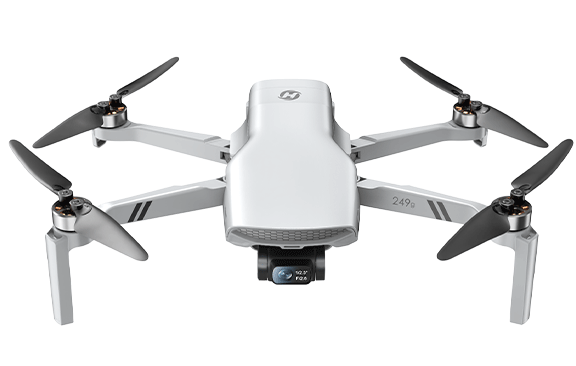
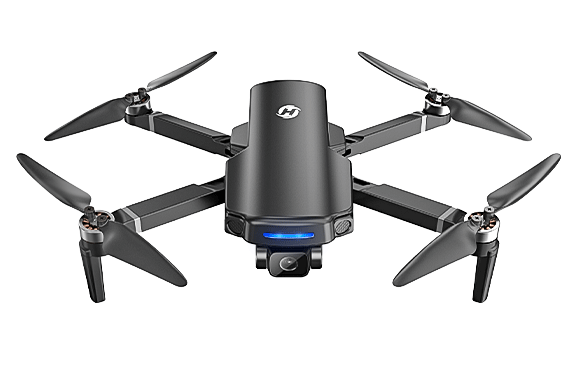
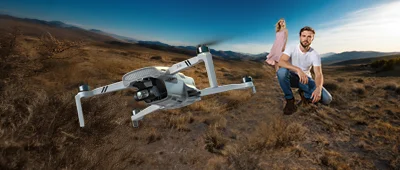
Panorama
Capture a broader view of the scene.
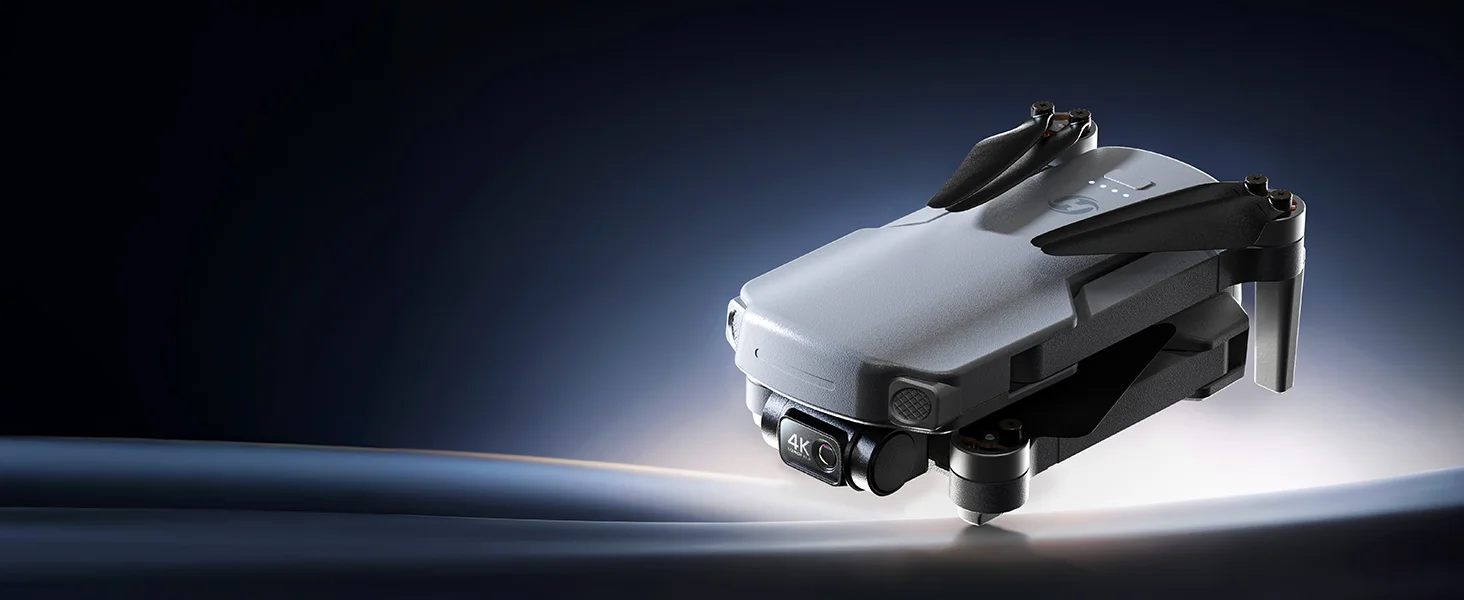
Move beyond basic aerial footage with real mechanical stabilization, 4K video and a lightweight design built to make your first step into gimbal aerial shooting easier.
The difference is not simply how high or how far you fly. It is whether the footage you bring home actually feels controlled enough to watch, edit and keep.
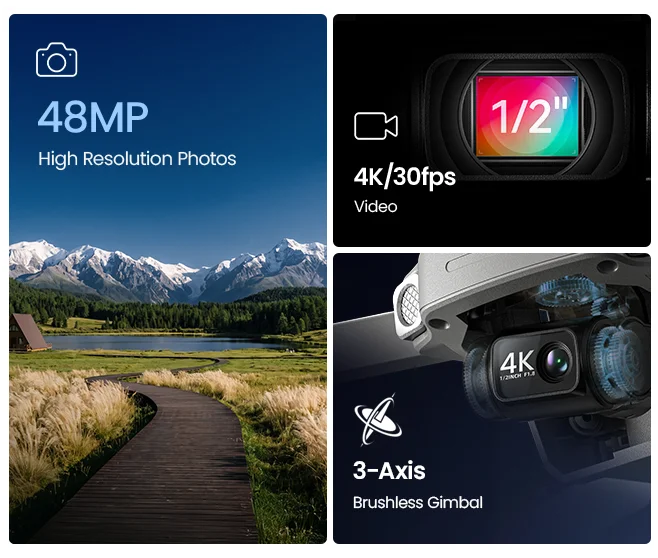
Want to compare stabilization types? Explore Gimbal vs EIS →Three-axis mechanical stabilization helps keep the camera more controlled as the aircraft tilts, turns and changes direction.
New to gimbal drones? Read the Beginner’s Guide →Forward and backward camera movement.
Side-to-side camera stabilization.
Smoother left and right directional movement.
Resolution gives you detail. Mechanical stabilization helps make that detail more usable in motion. HS360G brings both together for a more complete first step into aerial video.

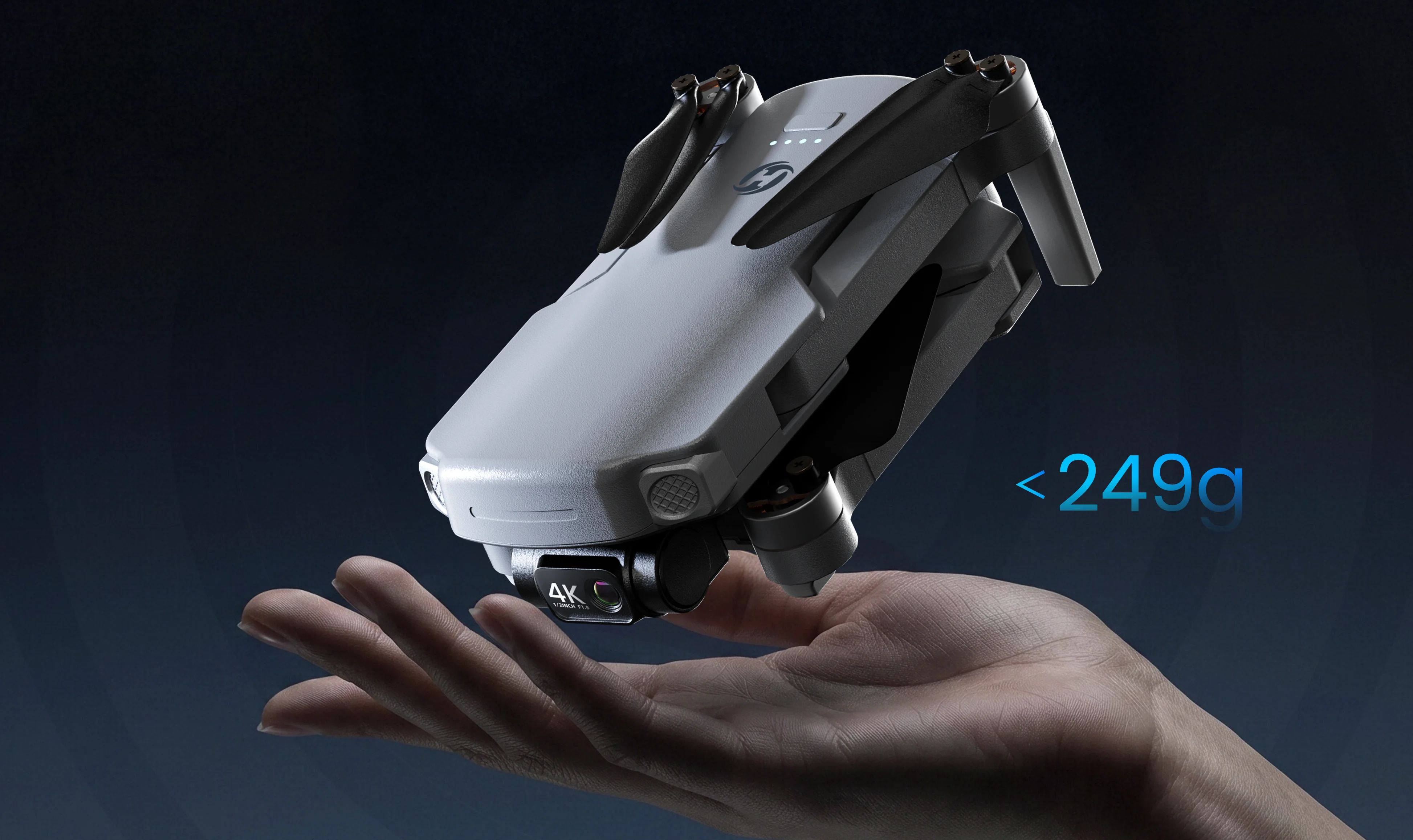
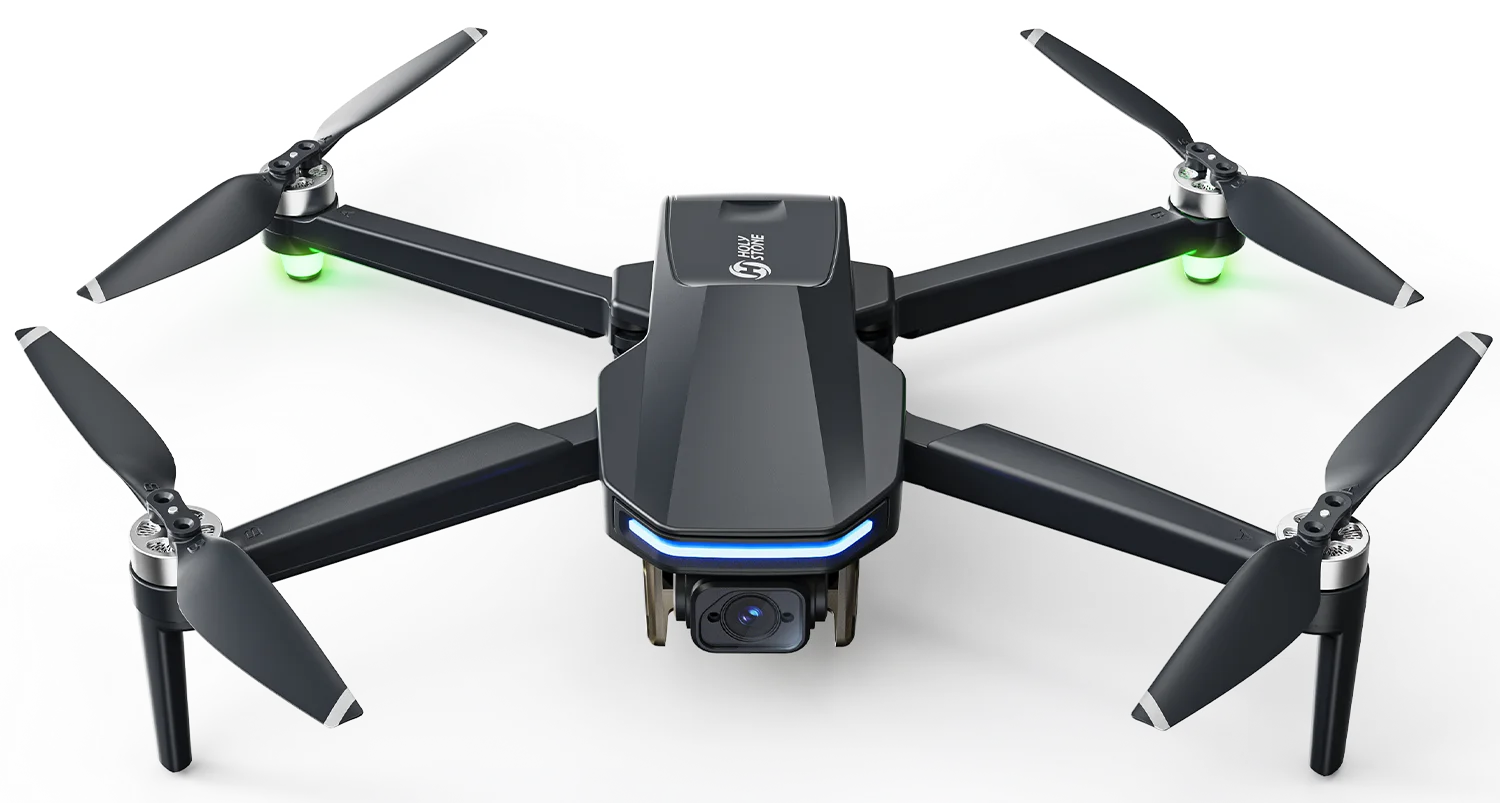
Get real mechanical stabilization without stepping into a large, heavy aircraft. The foldable body is designed to fit naturally into trips, weekends and everyday outdoor shooting.

GPS-assisted flight, Return to Home and Optical Flow work behind the scenes to make your first gimbal drone experience feel more manageable.
GPS Positioning
Supports more stable and predictable outdoor positioning.
Return to Home
Adds reassurance when it is time to bring
the aircraft back.
Optical Flow
Supports positioning in suitable lower-altitude
environments when GPS conditions are limited.Longer-range capability gives you more room to search for better angles, broader views and more interesting compositions.
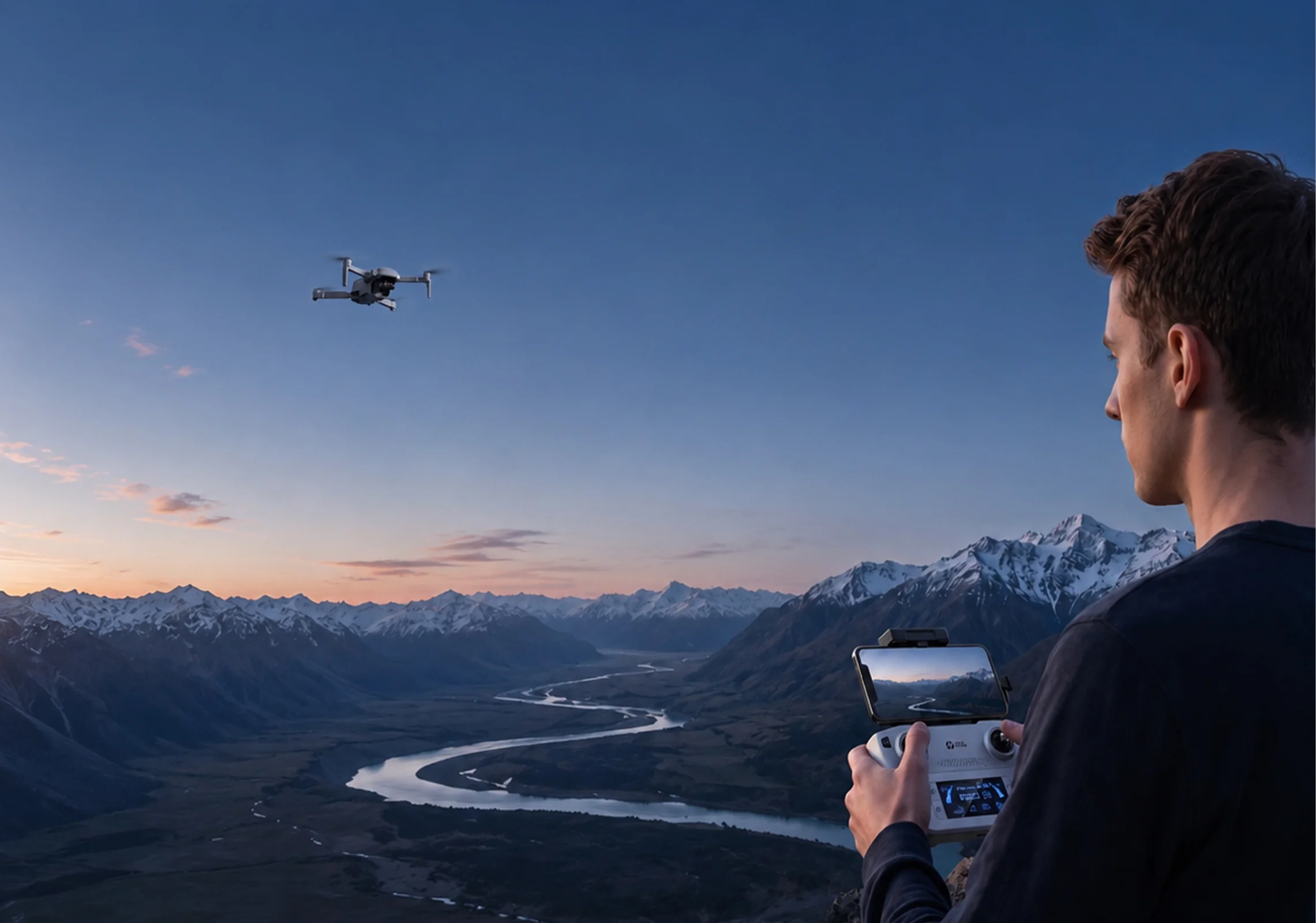
*Maximum range is measured outdoors under unobstructed and low-interference conditions. Actual performance varies by environment, interference and applicable regulations.

Good aerial footage rarely happens the second you take off. More time in the air gives you room to explore, frame, reposition and try again.

Explore automatic flight paths that make it easier to try creative aerial movements. From circling a subject to rising, pulling back, or following a planned route, HS360G helps you capture more dynamic perspectives with less manual control.
Set a point of interest and let HS360G fly around it automatically, creating a smooth circular flight path without having to coordinate the entire movement manually.
Circling landmarks, open spaces, or a selected point while keeping your attention on the shot.
HS360G flies backward and ascends while keeping the camera locked on the subject, automatically recording the movement as the surrounding scene gradually comes into view.
Creating an easy pull-back reveal that adds more of the surrounding landscape to the frame.
HS360G ascends automatically while keeping the camera locked on the subject, recording the scene as the viewpoint rises.
Turning a simple ground-level composition into a wider aerial view with one automatic movement.
HS360G ascends while spiraling around the subject, automatically recording a flight path that combines upward movement with rotation.
Adding more movement and changing perspective around a subject without manually coordinating several controls at once.
Draw a flight path on your phone screen and HS360G will automatically fly along the route, giving you a simple way to explore planned GPS flight.
Planning a simple flight path in advance while focusing more attention on the view and camera.
Use automatic flight modes only in open areas, keep the full flight path clear of obstacles, and maintain visual line of sight.
Additional shooting modes give you more ways to experiment with movement, time and framing.
Panorama
Capture a broader view of the scene.
Slow Motion
Slow down movement for a different visual rhythm.

Time-Lapse
Compress longer movement into shorter video.

Portrait Shooting
Capture content in a portrait-oriented format.Start with the essentials, add more flight time, or step into the most complete HS360G package.
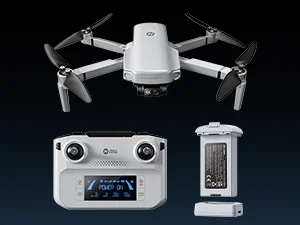
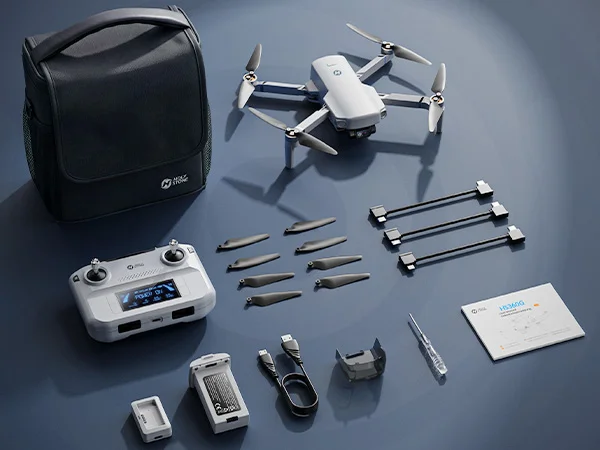
The essential HS360G setup.
HS360G Drone
1 × Flight Battery
Single Charging Dock Charges one battery at a time.
Standard Remote Controller
Essential Accessories

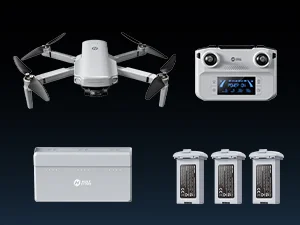
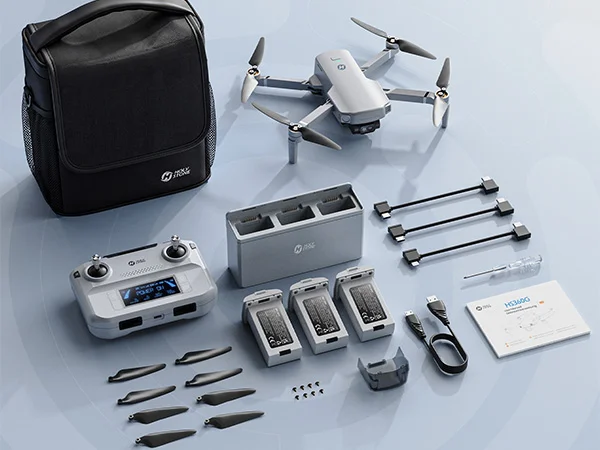
More batteries. Smarter charging. Longer outings.
HS360G Drone
3 × Flight Batteries
3-Battery Charging Hub / Power Bank Sequential charging + portable power bank function.
Standard Remote Controller
Essential Accessories

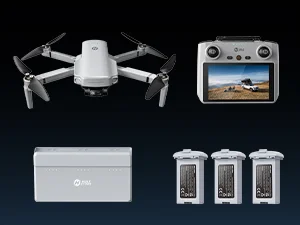
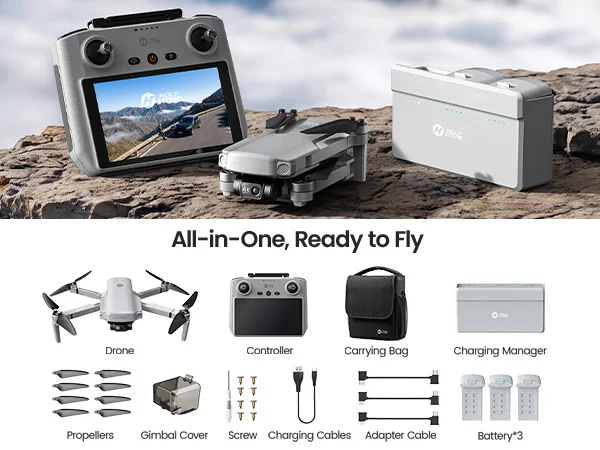
The most complete HS360G setup.
HS360G Drone
3 × Flight Batteries
3-Battery Charging Hub / Power Bank Sequential charging + portable power bank function.
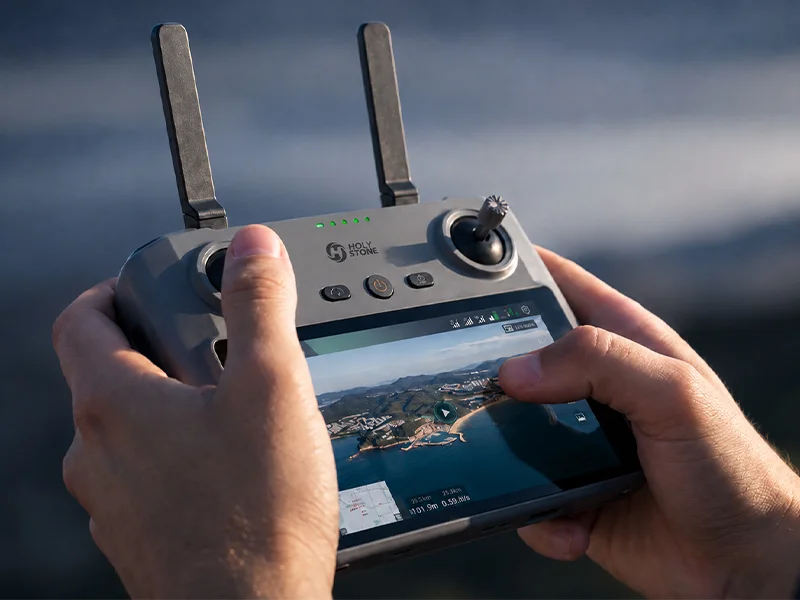
Screen Remote Controller Built-in system and display, no phone or mobile app required.
Essential Accessories
The Creator configuration adds a screen-equipped controller for users who want a more integrated flying and shooting experience.
AVAILABLE WITH CREATOR CONFIGURATION
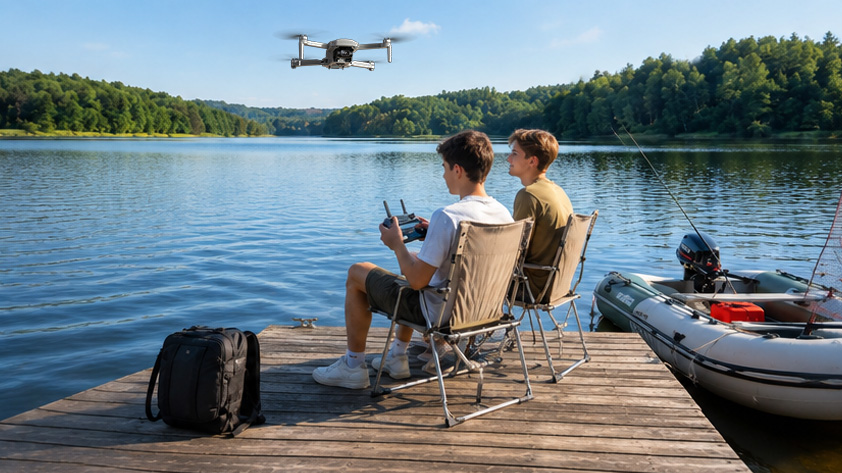
HS360G brings mechanically stabilized aerial video into trips, outdoor days and everyday creative projects.

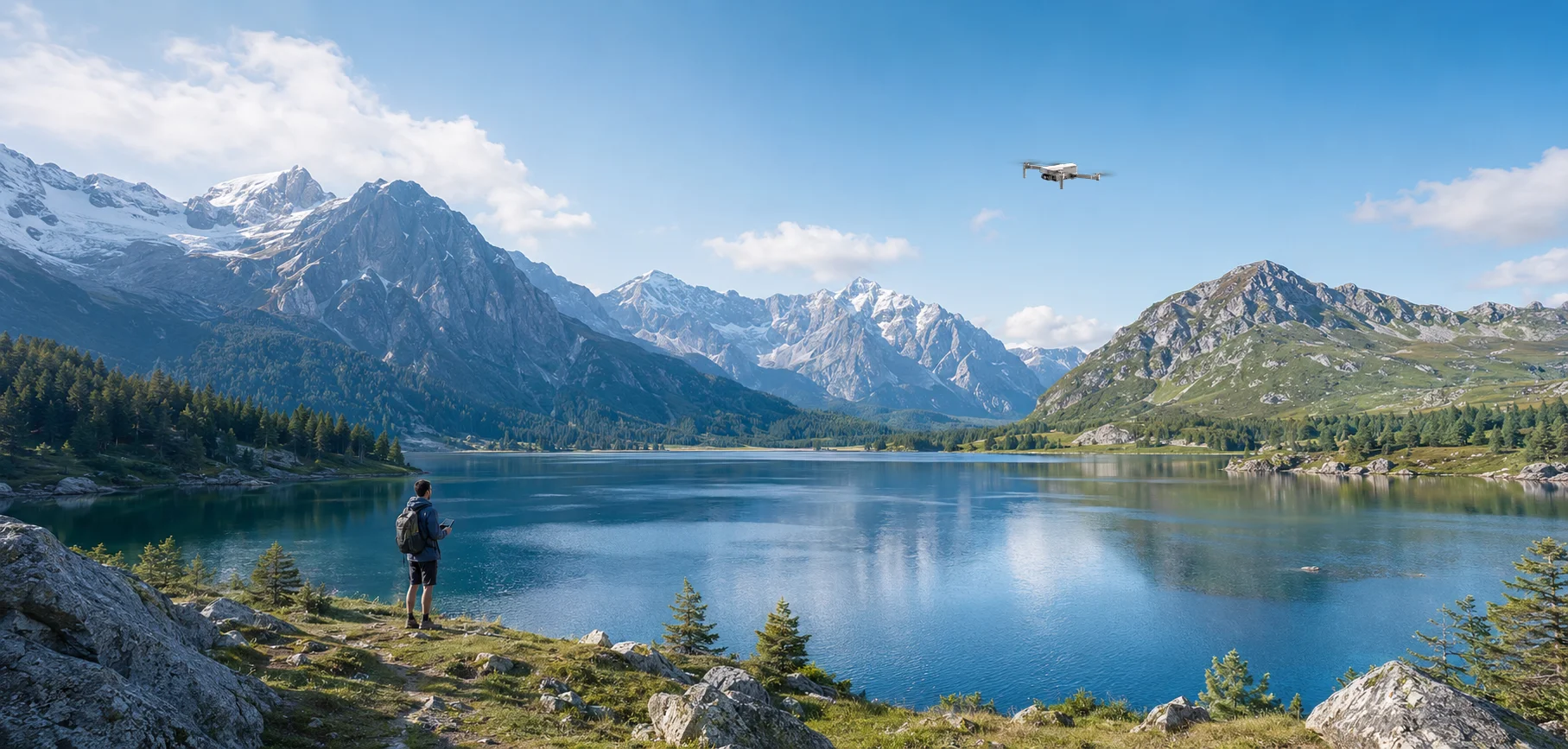
Give coastlines, lakes and countryside more room to breathe.

Add aerial views to road trips, destinations and spontaneous outdoor stops.

Step back and capture outdoor memories from a completely different perspective.

Begin adding stabilized drone footage to travel edits and personal content.
Follow the complete HS360G setup and learn the essential controls, camera functions, and automatic flight modes at your own pace.
Practical guides to help you understand stabilization and choose the right first gimbal drone.
Understand the difference between mechanical gimbal stabilization and EIS, and which one better fits the footage you want to capture.
BEGINNER GUIDELearn what to look for when moving from basic aerial flying to your first mechanically stabilized camera drone.
Lightweight enough to bring along. Capable enough to move beyond basic aerial footage. HS360G is built for the moment you decide you want to start shooting, not just flying.

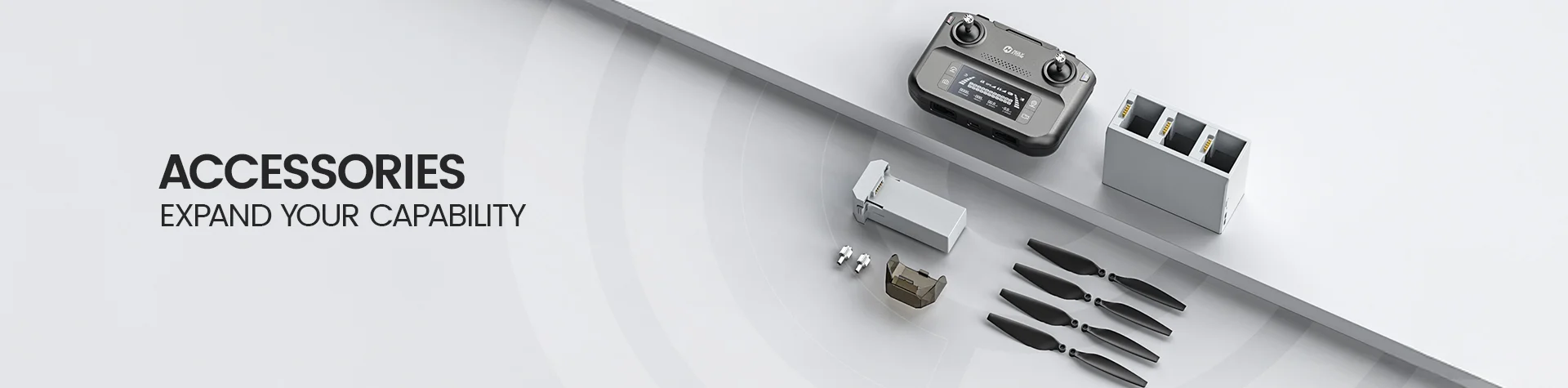
*Accessories configuration may vary depending on the purchase channel. Please refer to the actual product package on the purchasing platform for final confirmation.*
1× HS360G Drone (with Camera Cover)
1× Standard Remote Controller
1× Carrying Bag
1× Flight Battery
1× Single Charging Dock
Charging & Connection Cables
8× Spare Propellers
8× Spare Propeller Screws
1 Pair of Spare Joysticks
1× Phillips Screwdriver
1× User Manual
1× English/German Disclaimer

*Accessories configuration may vary depending on the purchase channel. Please refer to the actual product package on the purchasing platform for final confirmation.*
1× HS360G Drone (with Camera Cover)
1× Standard Remote Controller
1× Carrying Bag
3× Flight Batteries
1× 3-Battery Charging Hub
Charging & Connection Cables
8× Spare Propellers
8× Spare Propeller Screws
1 Pair of Spare Joysticks
1× Phillips Screwdriver
1× User Manual
1× Charging Hub Manual
1× English/German Disclaimer

*Accessories configuration may vary depending on the purchase channel. Please refer to the actual product package on the purchasing platform for final confirmation.*
1× HS360G Drone (with Camera Cover)
1× Screen Remote Controller
1× Carrying Bag
3× Flight Batteries
1× 3-Battery Charging Hub
Charging & Connection Cables
8× Spare Propellers
8× Spare Propeller Screws
1 Pair of Spare Joysticks
1× Phillips Screwdriver
1× User Manual
1× Charging Hub Manual
1× Screen Remote Controller Manual
1× English/German Disclaimer
Flight Control & Live View
Download the HS FLY app for flight control, live view, camera settings, and intelligent flight features.
*App functions and interface may vary by software version. Actual experience is based on the installed version.*
Setup, Safety & Flight Guide
Watch the HS360G tutorial video, then download the official manual for setup instructions, safe operation, and troubleshooting.
Buying Decision
Who is HS360G best for?
HS360G is a good fit for first-time GPS camera drone users, travelers, families, and casual creators who want a lightweight drone with stabilized aerial shooting and intelligent flight features.
At 249g, it combines a compact travel-friendly design with GPS-assisted flight, a stabilized camera system, and up to 6 km transmission.
Is HS360G suitable for beginners?
Yes. HS360G includes Beginner Mode, one-key takeoff and landing, GPS positioning, Return-to-Home, Optical Flow positioning, ToF sensors, and Altitude Hold to make the first flights easier to manage.
Beginner Mode is enabled by default and limits both flight distance and flight altitude to 30m / 98ft until the pilot chooses to change the settings.
Is HS360G a C0 drone in the EU?
Yes. The HS360G manual identifies the aircraft as a C0-class UAS with a maximum takeoff mass of 249g, including the propellers, flight battery, and TF card.
To retain the approved C0 configuration, do not add unapproved payloads, replacement parts, or modifications. Always follow the drone rules that apply where you fly.
Camera & Creative Features
What photo and video quality does HS360G support?
When saved to a TF card, HS360G supports photos up to 8000 × 6000P and video at 3840 × 2160P@30fps or 1920 × 1080P@60fps.
Files saved to the cellphone support 3840 × 2160P photos and 1280 × 720P@30fps video. Photo format is JPEG and video format is MP4.
Can I adjust the HS360G camera angle during flight?
Yes. The camera angle can be adjusted from 0° to -90° using the camera adjustment dial on the transmitter.
This lets you move from a forward-looking view to a straight-down view while composing aerial photos and videos.
What intelligent shooting features does HS360G offer?
HS360G supports GPS Follow, Image Follow, Point of Interest, TapFly, Catapult, One-key Ascension, Spiral Up, Gesture Selfie, Gesture Selfie Video, Panorama, Portrait shooting, Time-lapse, and Slow Motion.
These functions are accessed through the HS FLY app. Available controls and interface details may vary as the app is updated.
What TF card does HS360G support?
HS360G supports TF cards up to 256GB, Class 10 or above, using the FAT32 file system.
A TF card is not included. Insert the card before powering on the drone when you want to save full-resolution photos and high-resolution video directly to the aircraft.
Flight Performance
How long can HS360G fly?
Each HS360G flight battery provides up to 32 minutes of flight time in a windless environment.
Actual flight time varies with wind, flight speed, temperature, shooting activity, flight style, and battery condition. Total flight time also depends on the number of batteries included in your package.
How far can HS360G fly?
HS360G supports a maximum flight and transmission distance of 19685ft / 6000m in an outdoor, open, and unobstructed environment.
The stated range is measured under ideal conditions and is not a recommended everyday operating distance. Maintain visual line of sight and follow local flight regulations.
How high and how fast can HS360G fly?
HS360G supports a maximum flight height setting of 394ft / 120m and a maximum flight speed of 22.97ft/s in Sport Mode.
HS360G also offers Camera, Normal, and Sport speed modes. Actual legal flight altitude may be lower depending on local regulations.
Does HS360G have obstacle avoidance?
HS360G is equipped with ToF sensors and Optical Flow positioning, but the user manual does not list an obstacle-avoidance system.
ToF and Optical Flow help with positioning and stabilization. They should not be treated as obstacle detection or avoidance. Always keep the flight path clear.
First Flight Setup
What should I do before the first HS360G flight?
Fully charge the transmitter and flight battery, unfold the drone arms, remove the camera cover, check that the propellers and battery are securely installed, and insert a compatible TF card if you plan to record to the aircraft.
Pair the transmitter with the drone, connect the phone, open HS FLY, complete compass calibration, place the drone on a level surface, and wait for a strong GPS signal before outdoor takeoff.
Do I need to calibrate the compass before flying?
Yes. The HS360G manual recommends performing compass calibration before each flight to help maintain stable flight.
Calibrate in an open area away from cars, bridges, large metal structures, magnetic materials, and other sources of magnetic interference.
Can HS360G fly indoors?
Yes. If you plan to fly indoors, the manual instructs you to exit GPS mode and fly in Attitude Mode, where GPS-related functions are unavailable.
Optical Flow positioning can assist when GPS is weak or unavailable. Its optimal operating height is approximately 1.6–9.8ft, and performance depends on sufficient lighting and clear ground texture.
Troubleshooting
Why won’t the HS360G motors start?
Possible causes include weak GPS reception, a low flight battery, incomplete compass calibration, or incorrect joystick positioning when unlocking the motors.
Move to an open area with stronger GPS, recharge the battery if needed, complete compass calibration, and push both joysticks toward the inner lower corners to unlock the motors.
Why is HS360G flying unstably or holding an abnormal posture?
Possible causes include unstable GPS reception, compass interference, nearby obstacles or signal sources, and deformed or damaged propellers.
Land the drone, move to a more open area, recalibrate the compass, and replace any damaged propellers before flying again.
Why is the live video feed lagging or the transmission range limited?
Signal interference, obstacles, incorrect transmitter orientation, rapid joystick movements, or limited phone performance can reduce video transmission quality.
Fly in an open area, keep the transmitter and mobile device oriented toward the drone, use smooth control inputs, and close unnecessary background apps on the phone.
Why can’t the HS FLY app connect?
Make sure the appropriate connection cable is securely connected between the cellphone and transmitter, then power on the devices and open the HS FLY app.
If an Android phone asks you to select a USB connection mode, choose “charge only.” Other connection modes may cause the app connection to fail.
Why does HS360G automatically return to the Home Point?
HS360G can return automatically through Failsafe RTH when the transmitter connection is lost, or through Low Voltage RTH when the flight battery becomes low. Smart RTH can also be activated manually.
RTH requires the necessary GPS conditions and does not avoid obstacles. Confirm the Home Point, set an appropriate return altitude, and keep the return path clear before flying.