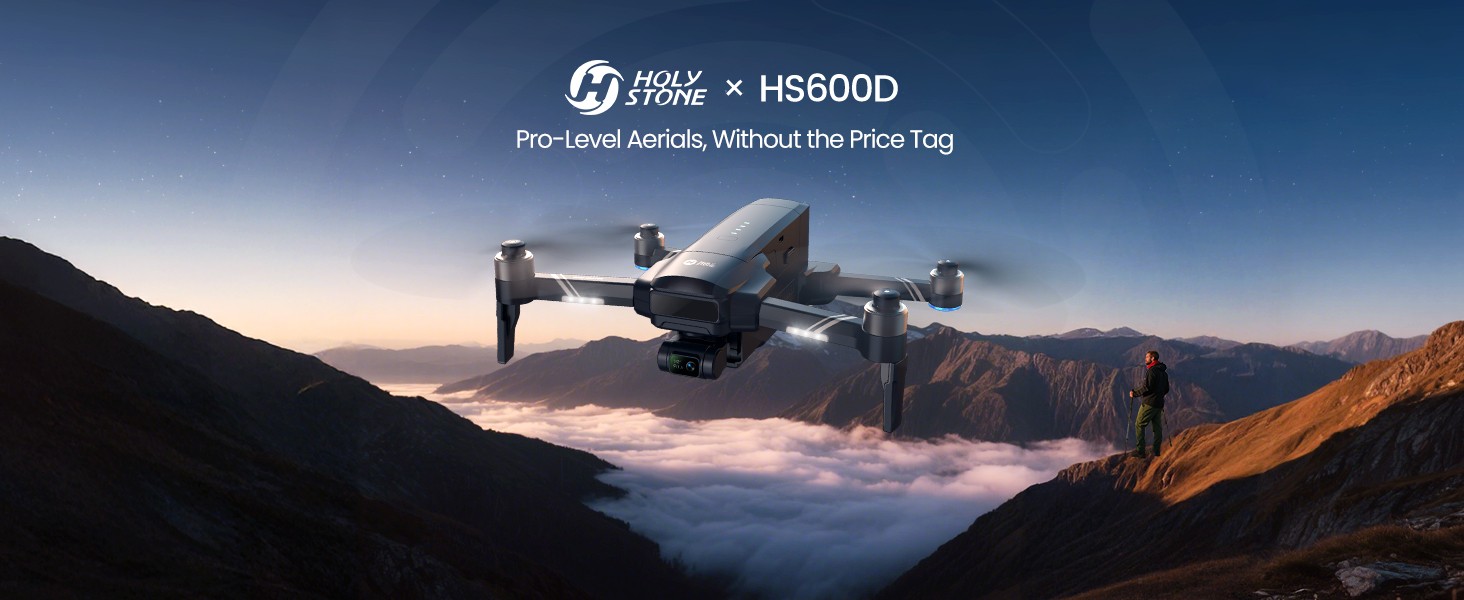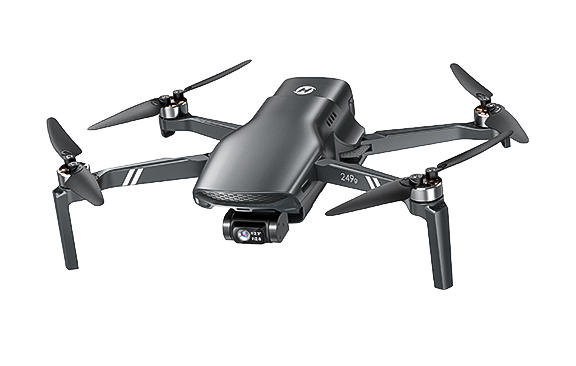
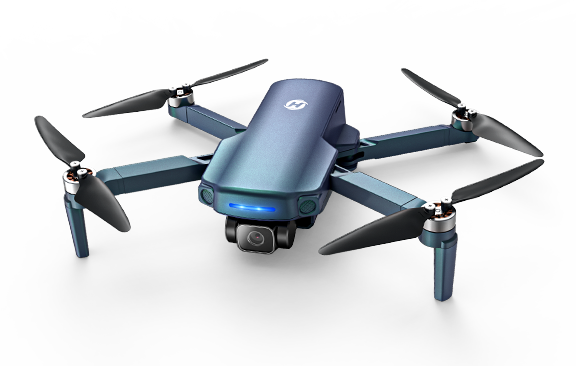
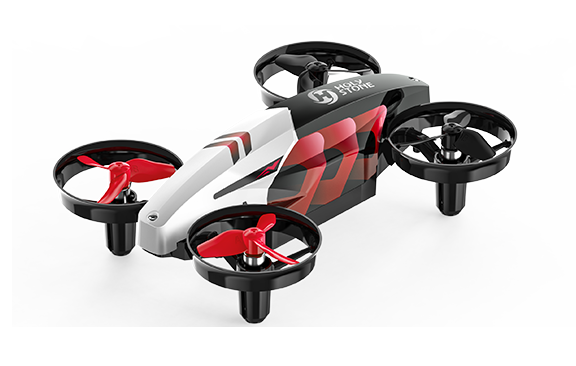
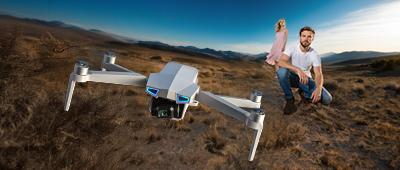

HS600D, Pro-Level Aerials, Without the Price Tag
HS600D Pro-level Aerials.jpg


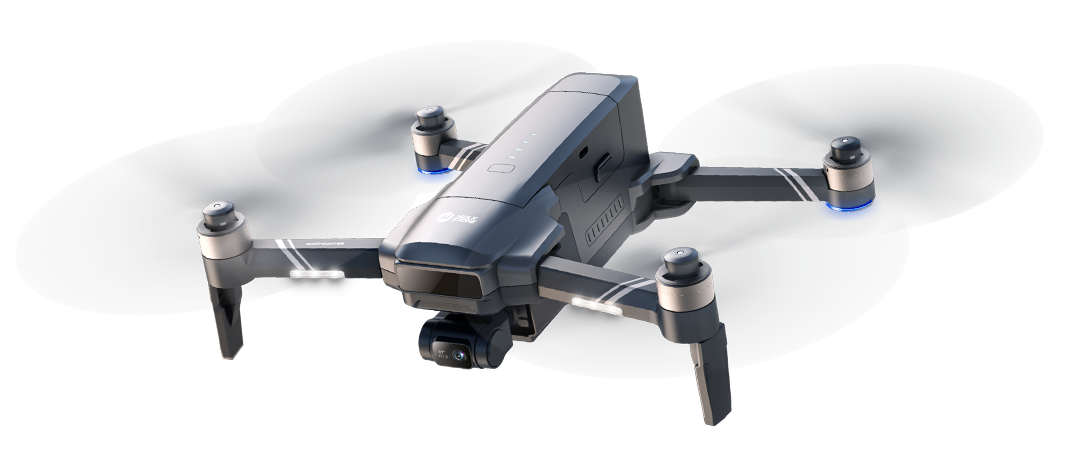
Pro-Level Aerials Drone, Without the Price Tag

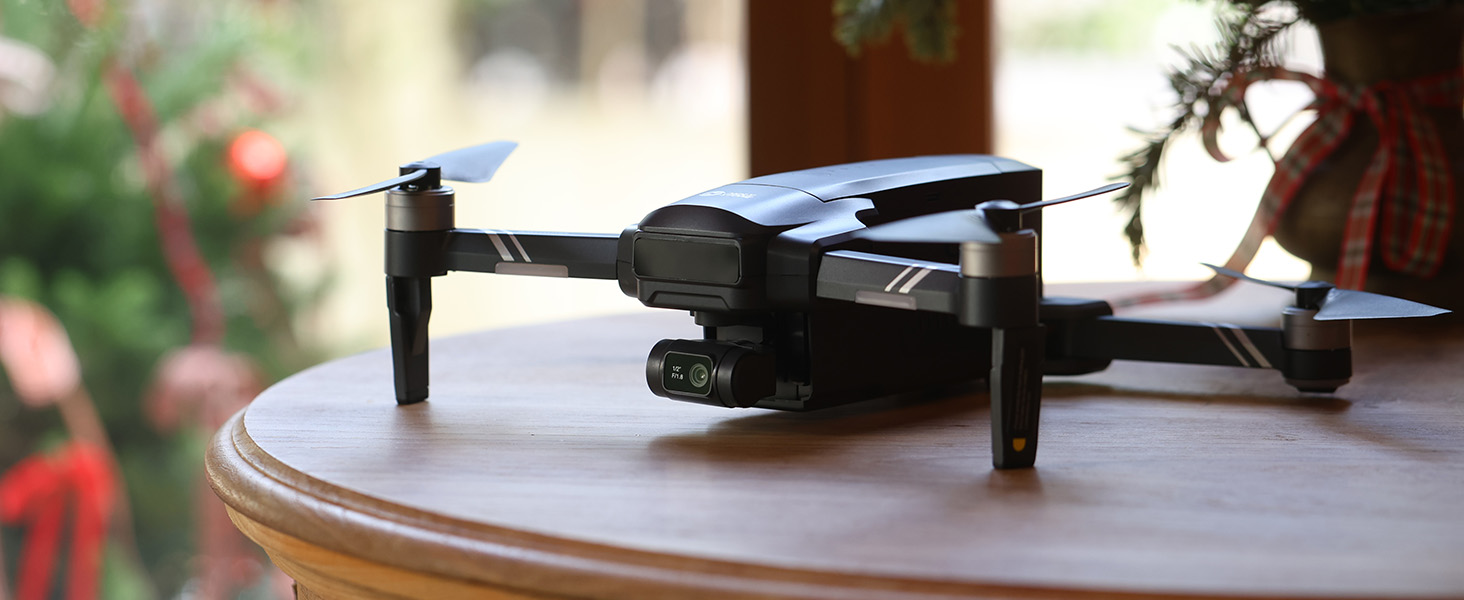
Model No.: HS600D, Weight: 603g

Explore the Skies with Confidence
– Long-Range, Rock-Solid Stability, and Pro-Level Clarity for Every Shot.


HS600D ICON 1.png
HS600D ICON 2.png
835X229.png
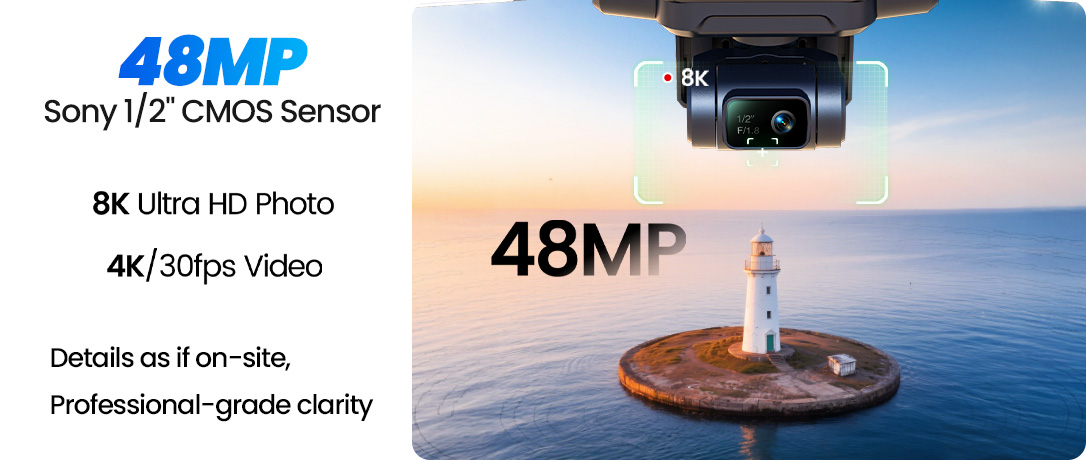
48MP Sony 1_2'' CMOS Sensor.jpg
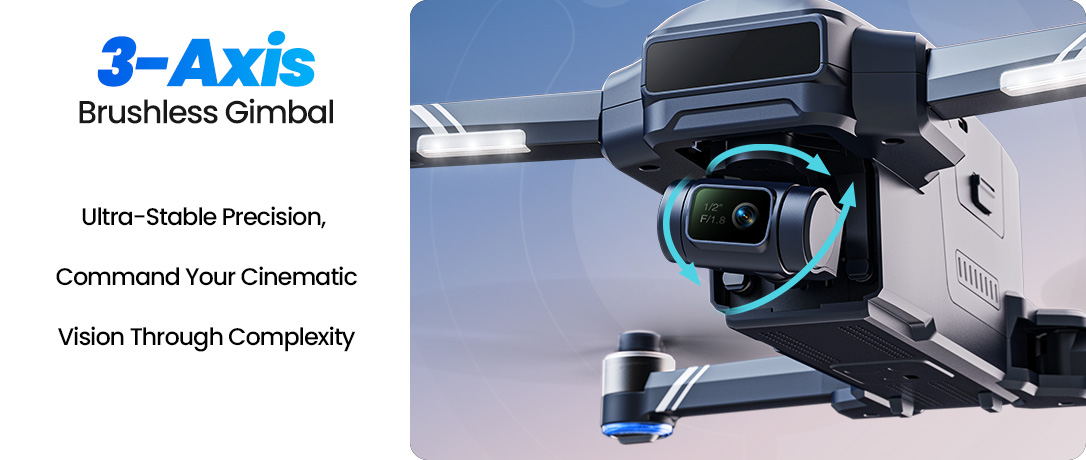
3-Axis Brushless Gimbal.jpg
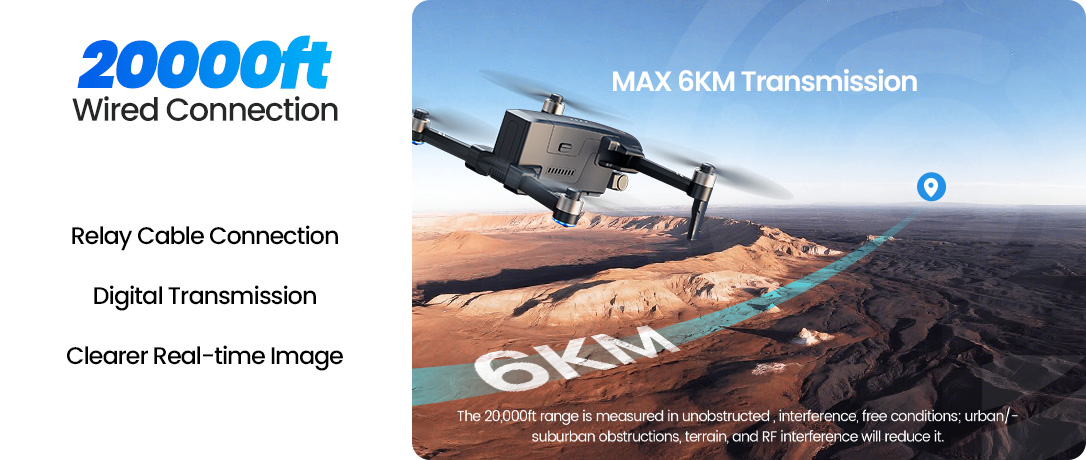
20000ft image range.jpg
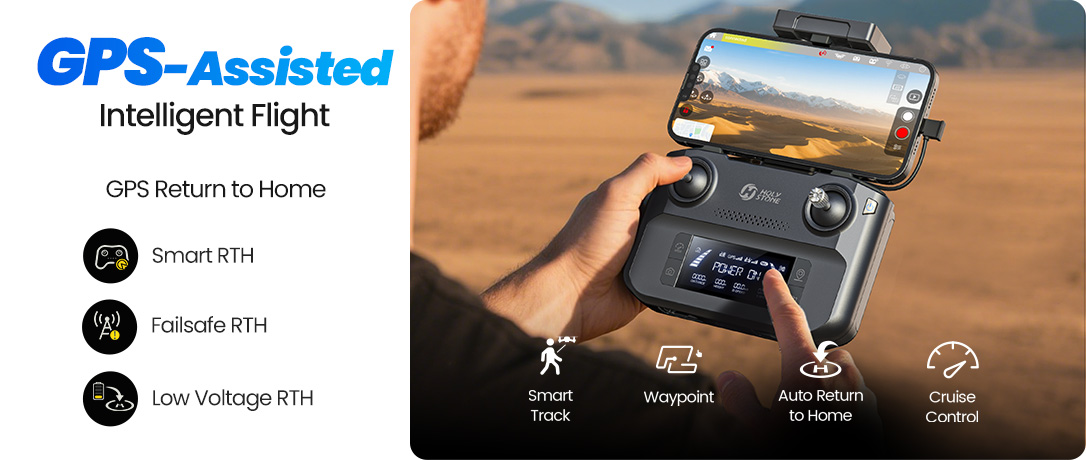
GPS-Assisted Intelligent Flight.jpg
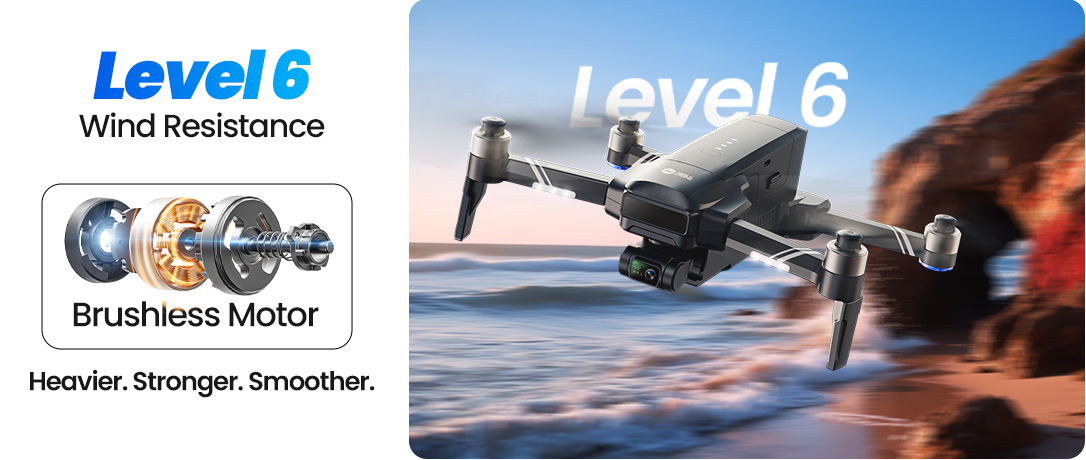
Level 6 Wind Resistance.jpg
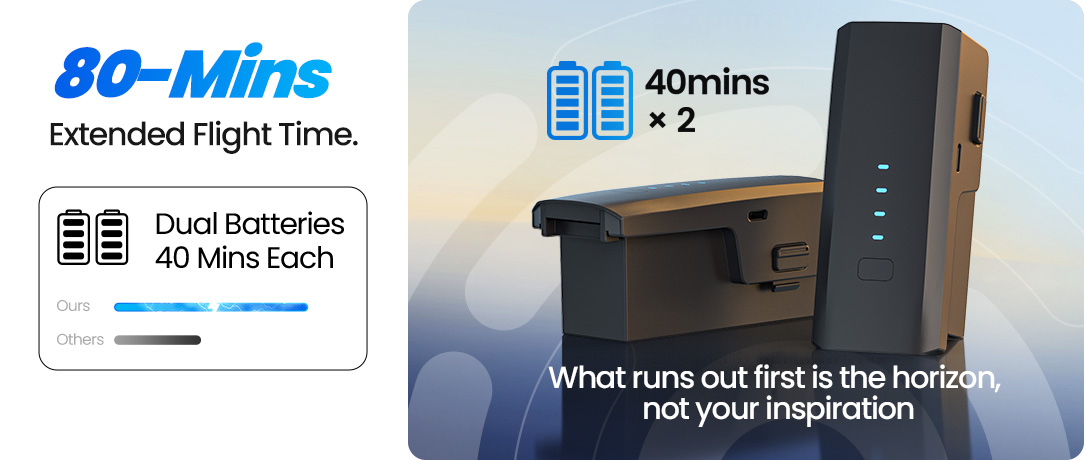
80 mins flight.jpg
HS600D .jpg

Powerful Imaging Meets Stronger Stability

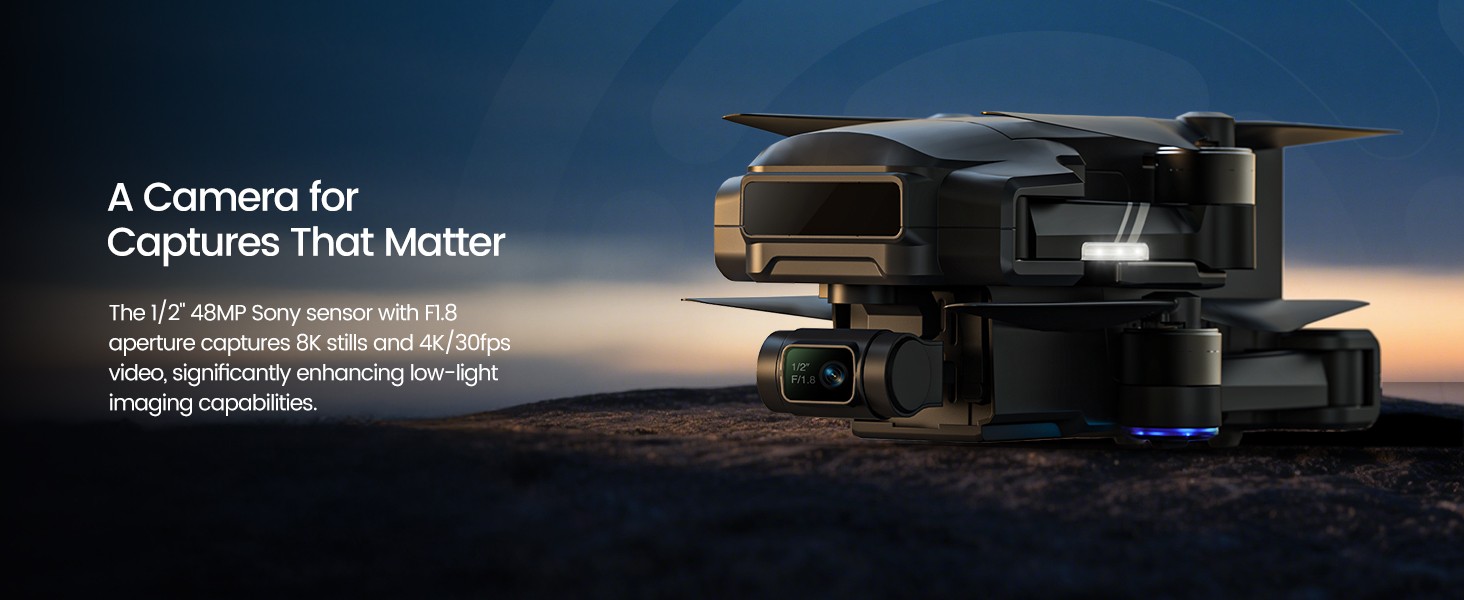
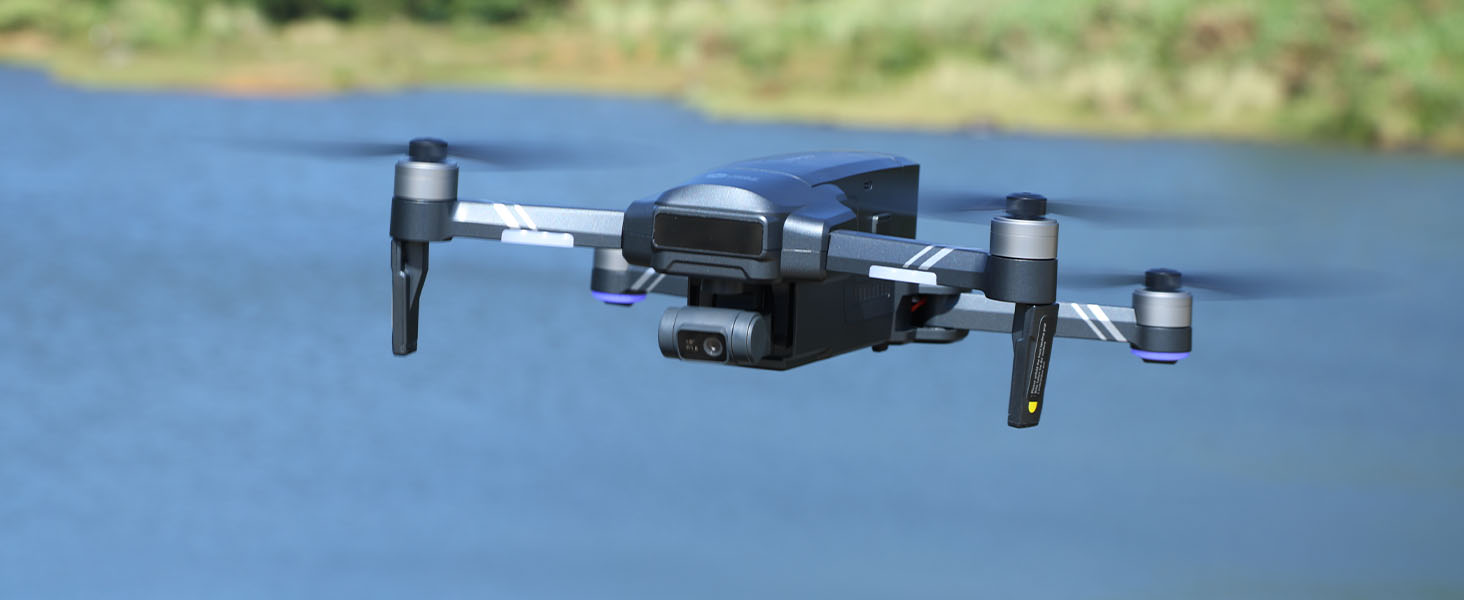
Capture stunning detail with a 48MP Sony 1/2" sensor and a precision 3-axis brushless gimbal, delivering clear, stable, and cinematic aerial footage in every shot.

Record in 4K video at 30fps for crisp visuals and natural motion, making it easy to capture everything from scenic landscapes to everyday moments with professional clarity.

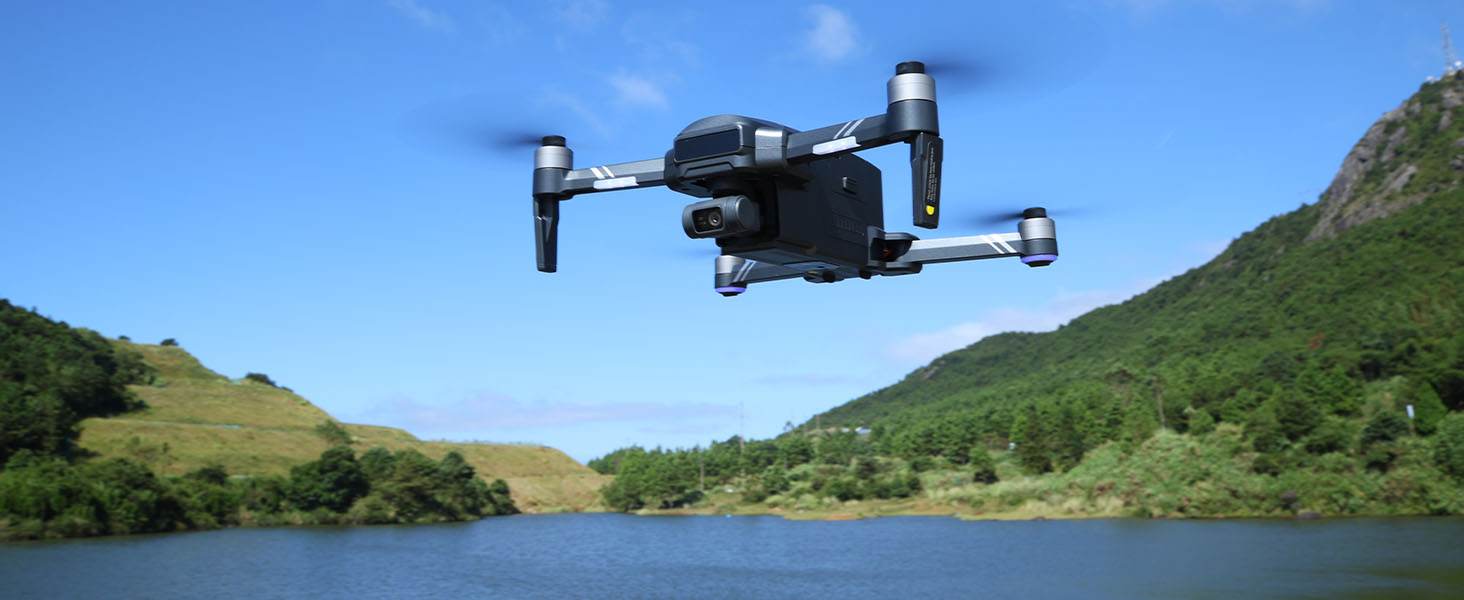
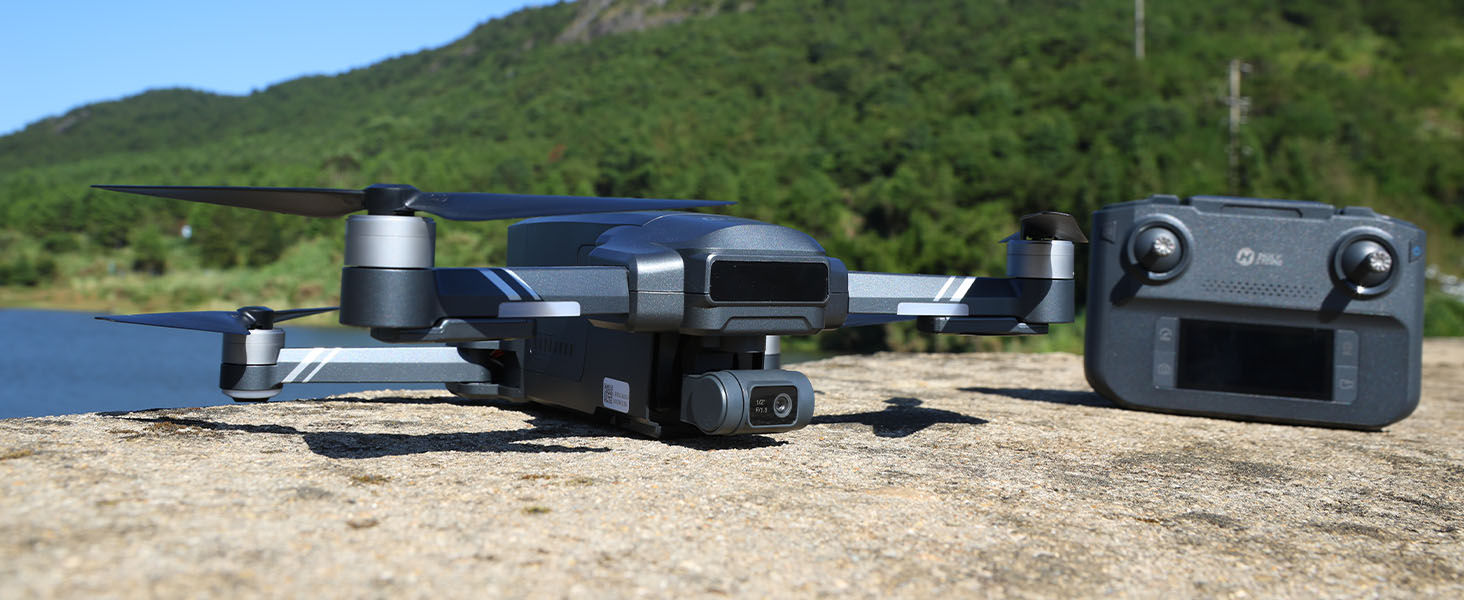
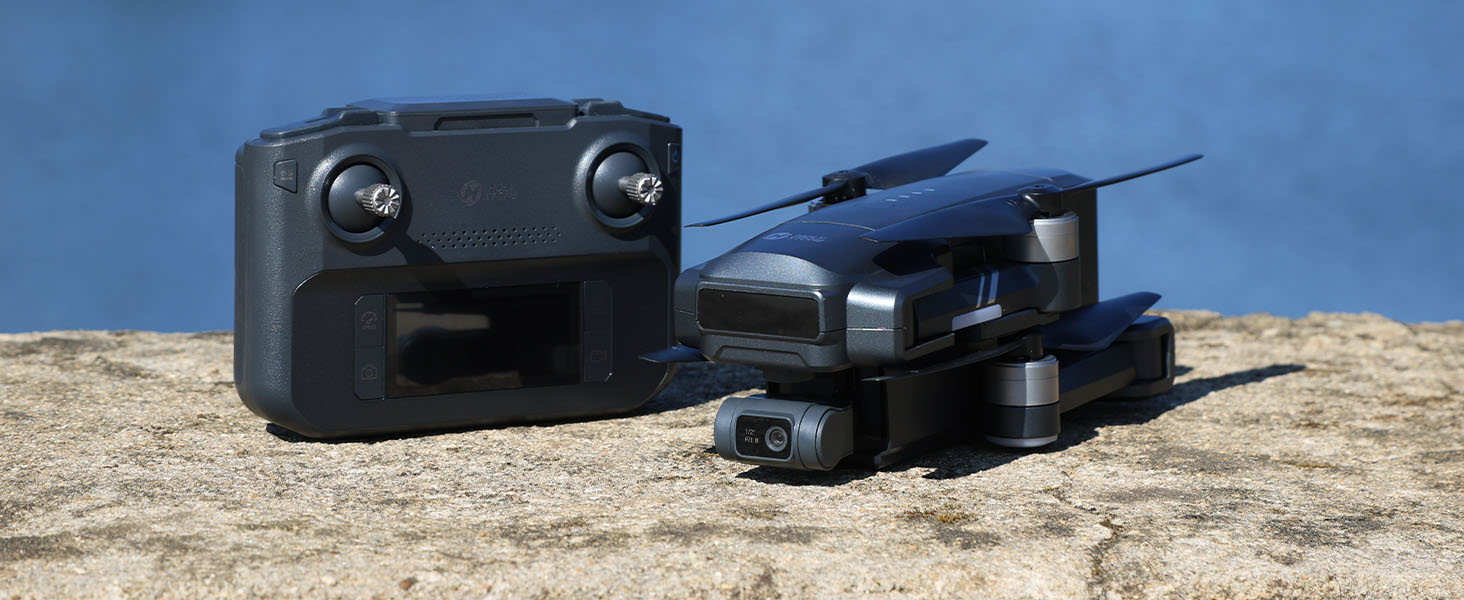
Built with a larger and more robust airframe, HS600D offers enhanced in-flight stability, giving you smoother control and more confidence during every flight.

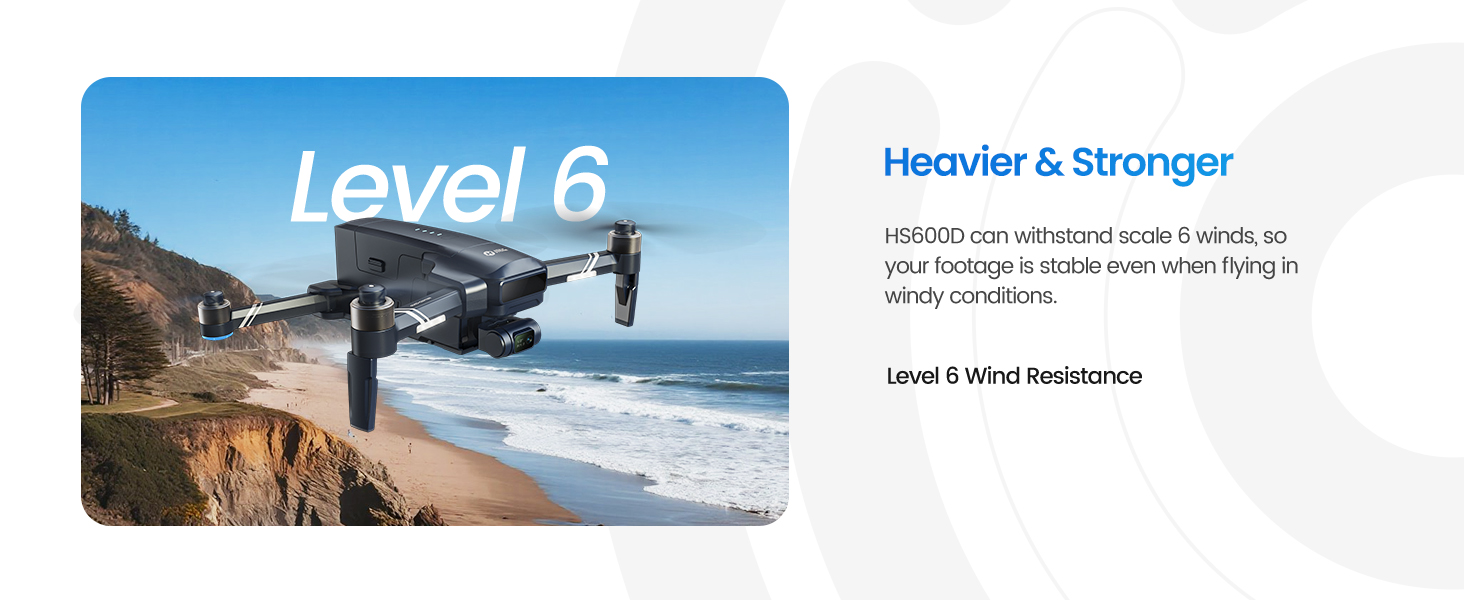
With Level 6 wind resistance and up to 80 minutes of flight time, it performs reliably even in more challenging outdoor conditions, ensuring stable footage and a more consistent flying experience.

Designed for creators ready to explore more, HS600D combines powerful imaging, intelligent GPS features, and strong flight performance to deliver high-quality aerial results with ease.

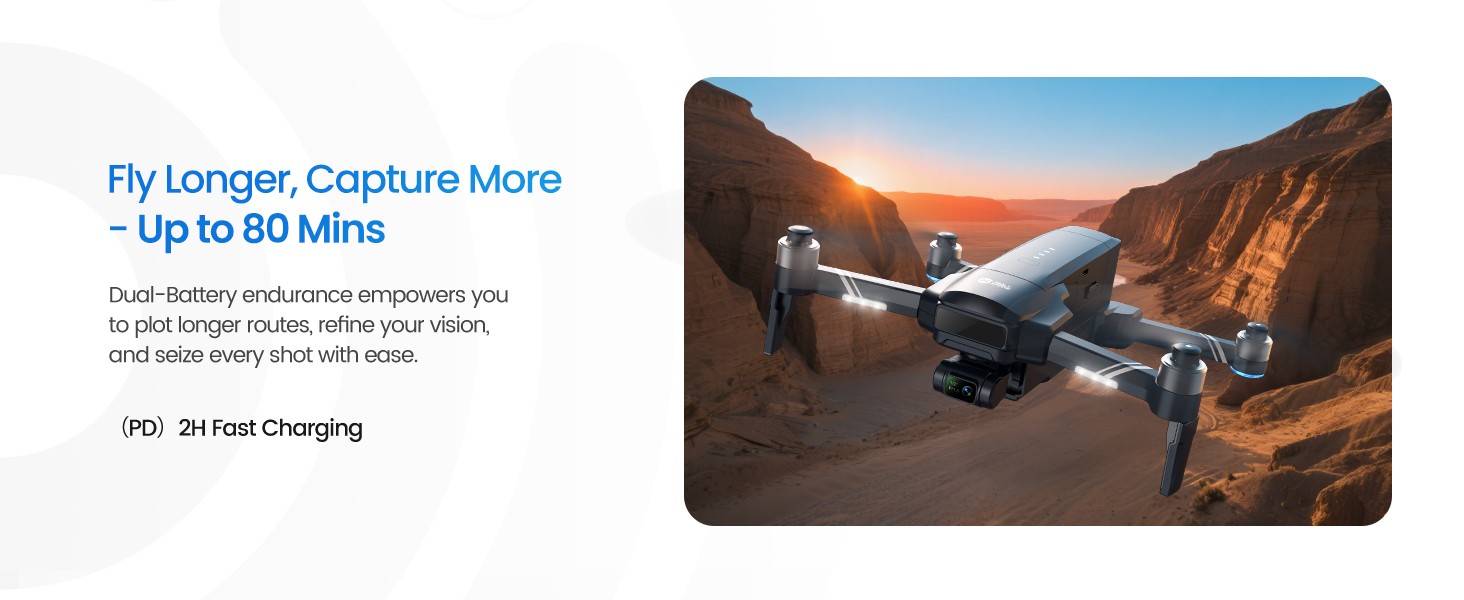
Engineered for Better Flight.png
3 Fly Longer, Capture More.jpg
4 Upgraded Transmission 6km.jpg
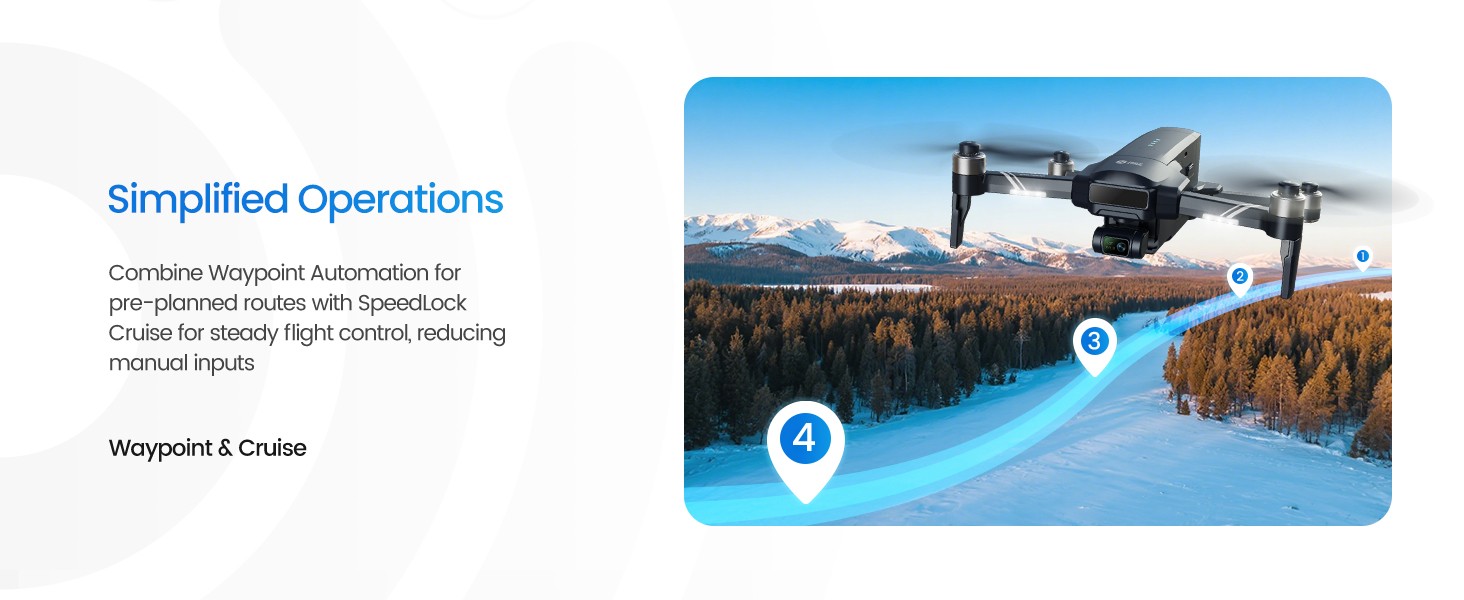
5 Simplified Operations.jpg
Smarter, Safer, More Capable.png
6 Fly with Peace of Mind.jpg
7 Heavier & Stronger.jpg
8 ActiveTrack Dual-Mode.jpg
9 QuickShot Cinema Essentials.jpg

One-Tap Cinematic Shots

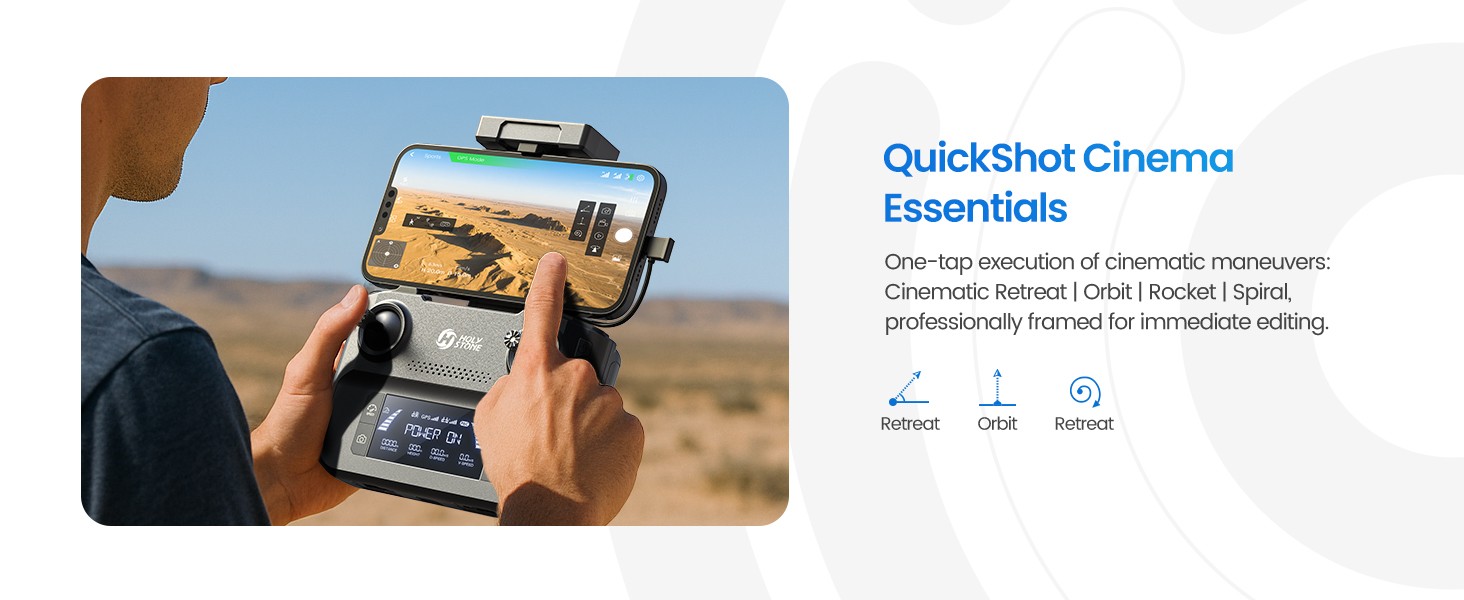
Create polished aerial clips with intelligent flight moves designed for everyday creativity.

Fly in an open area with enough space around the drone, avoid obstacles, and keep the subject clearly visible for the best results.

Cinematic Reveal

Catapult

Create a dramatic backward reveal while keeping the subject centered in frame.

Tip

Best used with a clearly defined subject and open space behind the drone, allowing the reveal effect to feel smooth and cinematic.

The drone flies backward automatically. Ensure sufficient space behind. Tap the icon again or move the joystick at any time to exit.

Quick Reveal

Ascension

Create dramatic upward reveals in one tap.

Notes

Works best with a clearly defined subject in open surroundings, revealing more of the landscape as the drone rises.

The drone ascends automatically. Ensure sufficient space above. Tap the icon again or move the joystick at any time to exit.

Orbit Shot

Circle

Circle your subject with a smooth cinematic orbit.

Notes

Works best with a clearly defined subject and open surroundings, creating a smooth orbit perspective that highlights the subject from every angle.

The drone circles around the selected subject automatically. Choose the orbit direction in the app. Tap the icon again or move the joystick at any time to exit.

HS600D Real Shots

HS600D 4.jpg
HS600D_0001_HS600D.jpg
HS600D_0002_HS600D.jpg
HS600D_0008_HS600D.jpg
HS600D_0009_HS600D.jpg
HS600D, Pro-Level Aerials, Without the Price Tag SPECS

DRONE

Model:
HS600D
Weight (MTOM):
603g / 21.3oz
Max Flight Time:
40 minutes (per battery, in a windless environment)
Max Flight Height:
394ft / 120m
Max Takeoff Altitude:
9842ft / 3000m
Max Wind Speed Resistance:
7.9m/s
Operating Temperature Range:
32° to 104°F (0° to 40°C)
Size:
202 × 95 × 83 mm (Folded)
375 × 258 × 83 mm (Unfolded)

DRONE BATTERY

Capacity:
3500mAh
Voltage:
11.1V
Battery Type:
Lithium-ion Polymer Battery
Rated Power:
38.85Wh
Charging Temperature Range:
41° to 104°F
Charging Time:
about 2 hours

USB CHARGING CABLE

Input:
5V/3A
Rated Power:
≤15W

GIMBAL

Stabilization:
3-axis (tilt, roll, pan)
Controllable Range:
about -80° to 0°
Mechanical Range:
Tilt: -100° to +70°, Roll: -35° to +35°, Pan: -15° to +15°

CAMERA

Operating Frequency:
5745~5825MHz
Max Transmission Distance:
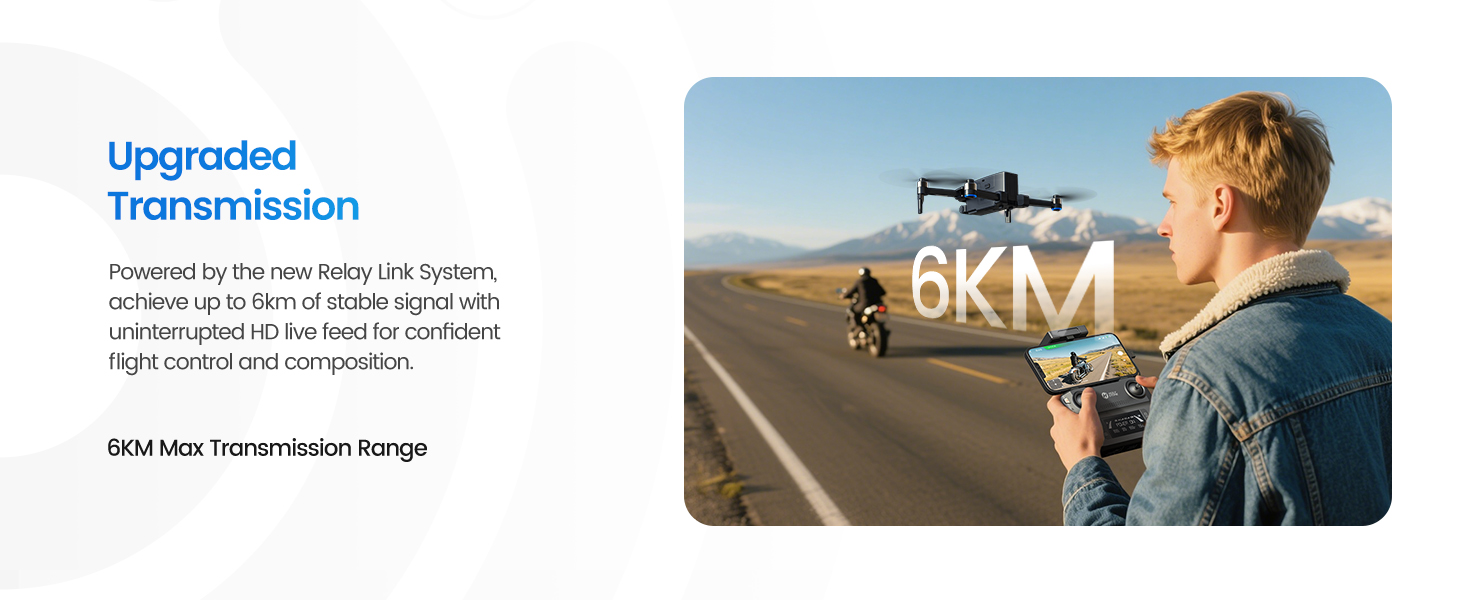
19685ft / 6000m (outdoor and unobstructed)
Photo Resolution:
8000 × 6000P (stored in TF card)
3840 × 2160P (stored on cellphone)
Video Resolution:
3840 × 2160P@30fps (stored in TF card)
1280 × 720P@30fps (stored on cellphone)
Photo Formats:
JPEG
Video Formats:
MP4
Supported TF Cards:
Class 10 or above, up to 128 GB
Supported File Systems:
FAT32

TRANSMITTER

Operating Frequency:
5745–5825MHz
Max Flight Distance:
19685ft / 6000m (outdoor and unobstructed)
Charging Time:
about 2 hours
Usage Time:
about 2.5 hours
Battery Type:
7.4V 1100mAh Lithium-ion Battery
Operating Temperature Range:
32° to 104°F
HS600D, Pro-Level Aerials, Without the Price Tag IN THE BOX
Lieferumfang.png

*Accessories configuration may vary depending on the purchase channel. Please refer to the actual product package on the purchasing platform for final confirmation.*

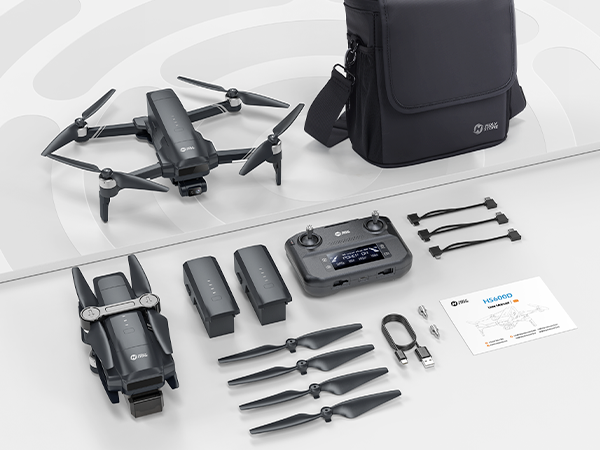
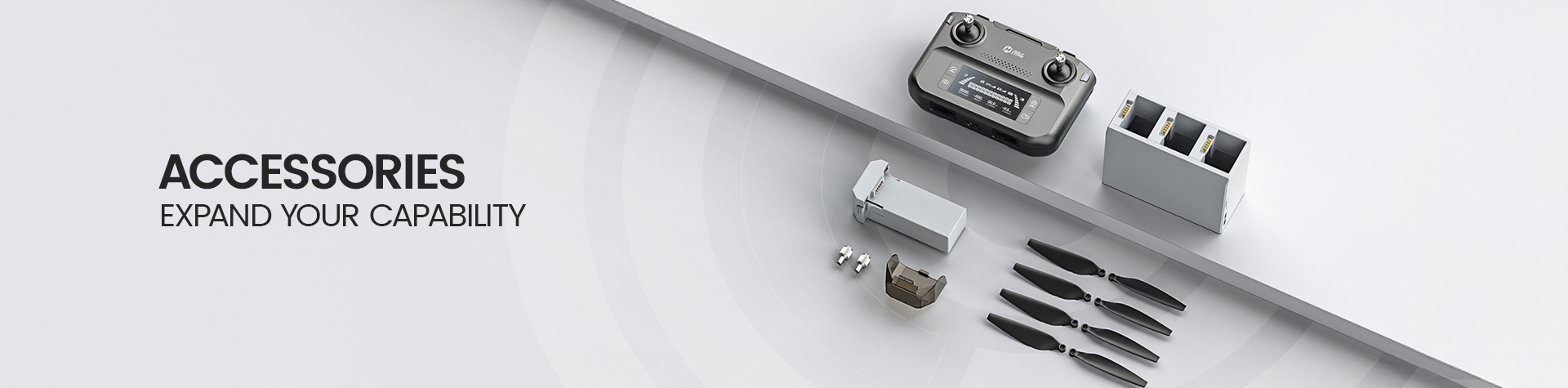
Package Content

Dual Battery Version

  • 1× HS600D Drone (with built-in Remote ID)

  • 1× Remote Controller

  • 2× Drone Battery

  • 4× Spare Propellers

  • 1× Camera Cover

  • 1× Charging Cable

  • 3× Type-C Cable

  • 1× Portable Case

  • 1× User Manual

HS600D, Pro-Level Aerials, Without the Price Tag DOWNLOAD

HS FLY App

Flight Control & Live View

Download the HS FLY app for flight control, real-time transmission, and camera settings.

Compatible with iOS 11.0 or later / Android 5.1 or later

*Please ensure all permissions are enabled for proper functionality.*

User Manual

Setup & Flight Guide

Download the official HS600D user manual for setup instructions, safe operation, and troubleshooting.

Download HS600D Manual (PDF)
HS600D, Pro-Level Aerials, Without the Price Tag FAQ

Troubleshooting

Why can’t the gimbal be adjusted?

The gimbal may enter protection mode if the gimbal cover is still attached when the drone is powered on.

Remove the gimbal cover before turning on the drone.

The drone may also be placed on an uneven surface, which can affect the gimbal self-check and stabilization process.

Place the drone on a level surface before startup and wait for the gimbal to complete its self-check and re-center.

If the drone is in compass calibration mode, the gimbal will not function normally during calibration.

Complete compass calibration first, then return the drone to a flat surface and allow the gimbal to stabilize.

Why is the drone flying unstably or showing abnormal posture?

Unstable flight may be caused by weak GPS signal, compass interference, or operating near buildings, towers, or other obstructions.

Fly in a wide, open outdoor area and wait until the GPS signal is stable before takeoff.

Magnetic interference can also affect the drone’s attitude and positioning performance.

If needed, manually land the drone and recalibrate the compass in an open area away from power lines, vehicles, and large metal objects.

Damaged or deformed propellers may also lead to abnormal posture or unstable flight.

Check the propellers before flight and replace them if they are bent, worn, or damaged.

Why is there video lag or limited transmission range?

Video lag or short transmission distance is often caused by signal interference from buildings, towers, trees, or power lines.

Fly in open areas with a clear line of sight between the drone and the transmitter whenever possible.

Transmission quality may also be reduced if the transmitter antennas are not properly oriented toward the drone.

Adjust the transmitter position so the antenna direction faces the drone more effectively during flight.

Aggressive control input or mobile device performance issues may also affect the live video feed.

Use smoother joystick movements and close unnecessary background apps on your phone before flying.

Why can’t the drone take photos or record videos?

The drone may not have a TF card installed, or the TF card may not meet the required specification.

Insert a Class 10 or above TF card before taking photos or recording videos.

If the card is not recognized properly, storage functions may not work as expected.

Make sure the TF card is correctly inserted and prepared before flight.

Why does the drone return automatically during flight?

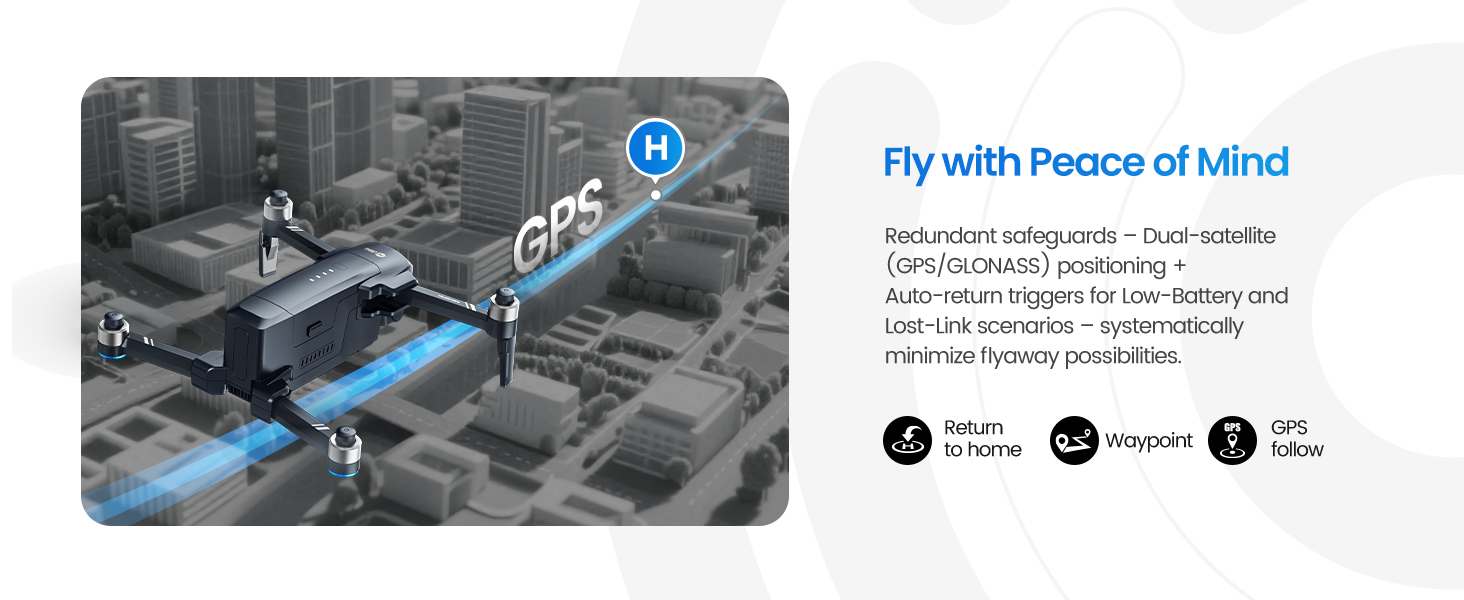
The drone may trigger Return-to-Home when the signal is lost or when the battery level becomes too low to continue flying safely.

Make sure the Home Point is successfully recorded before takeoff and monitor battery level throughout the flight.

Return accuracy may be affected if GPS positioning is weak or if the drone is flying in strong wind.

Wait for stable GPS signal before takeoff and avoid flying in complex environments or strong wind conditions.