
HS210 Mini Drone for Kids & Beginners | Start with Fun. Learn to Fly.
HS210 mini drone for kids and beginners - Start with Fun Learn to Fly
Fun Indoor Mini Drone

HS210 Mini Drone for Kids & Beginners

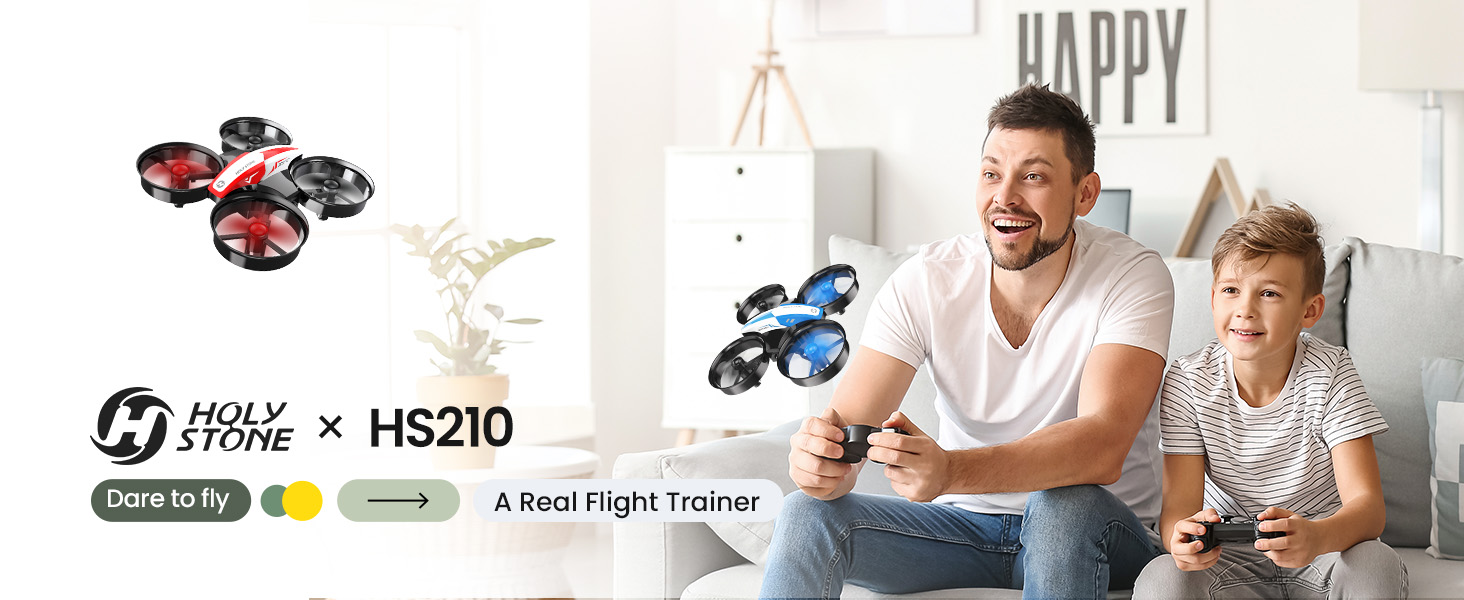
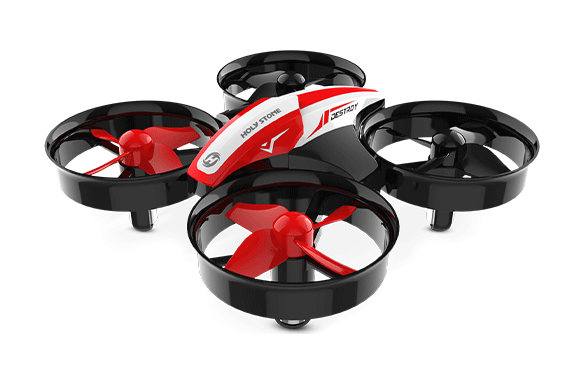
Start with fun. Learn to fly. HS210 is a safe indoor mini drone that helps kids and first-time flyers build real flight control through play — from takeoff and hovering to turning, speed changes, flips, and recovery.

01

Start with Fun

Easy controls, playful flight moves, and a kid-friendly size make the first flying experience feel exciting instead of intimidating.

02

Learn Real Control

Beginners can practice takeoff, hovering, turning, speed control, and recovery through repeated hands-on flying.

03

Practice Safely Indoors

The protected design makes indoor practice more forgiving, so small bumps become part of the learning process.

04

Get Ready for FPV

HS210 builds the flight foundation first. HS210P can become the next step when kids are ready for 1080P FPV camera fun.

Product Video

See HS210 in Action

Watch how a small indoor drone turns simple play into real control practice — from takeoff and hovering to flips, turns, and recovery.

Why Start Here

Why Start with HS210?

For kids and first-time flyers, the best first drone is not always the most advanced one. HS210 keeps flying simple, fun, and hands-on so beginners can build the control habits they need before moving to camera or GPS drones.

Task 01

Play First, Learn Naturally

HS210 feels like a fun indoor toy, but every takeoff, turn, flip, and landing helps beginners build real control through play.

Task 02

Build Control Step by Step

Altitude Hold, Headless Mode, and 3 speed modes help beginners start slowly, repeat core movements, and grow more confident.

Task 03

Move Up When Ready

After kids understand basic flight control, HS210P can introduce 1080P FPV view, app interaction, and simple photo/video tasks.

Buyer Fit

Who Is HS210 Best For?

HS210 is best for fun indoor flying that quietly builds beginner control skills. It is not a camera drone or an outdoor GPS drone.

A Good Fit For

  • Kids learning their first drone controls

  • Parents looking for active after-school fun with learning value

  • Beginners who want to practice indoors before buying a bigger drone

  • STEM classes, weekend camps, and beginner drone activities

  • Families who want hands-on flying fun without screen-first play

May Not Be the Best Fit If

  • You need a drone with a camera or live FPV view

  • You want GPS, auto return, or outdoor long-distance flying

  • You are buying mainly for aerial photography or travel video

  • You need a programmable drone for advanced coding lessons

  • You want a larger outdoor camera drone right away

Why Beginners Need a Simple First Drone

Before kids can fly confidently, they need a simple way to understand throttle, turning, direction, and recovery.

HS210 keeps that first step playful and manageable: indoor practice, simple feedback, protected propellers, and repeated hands-on control.
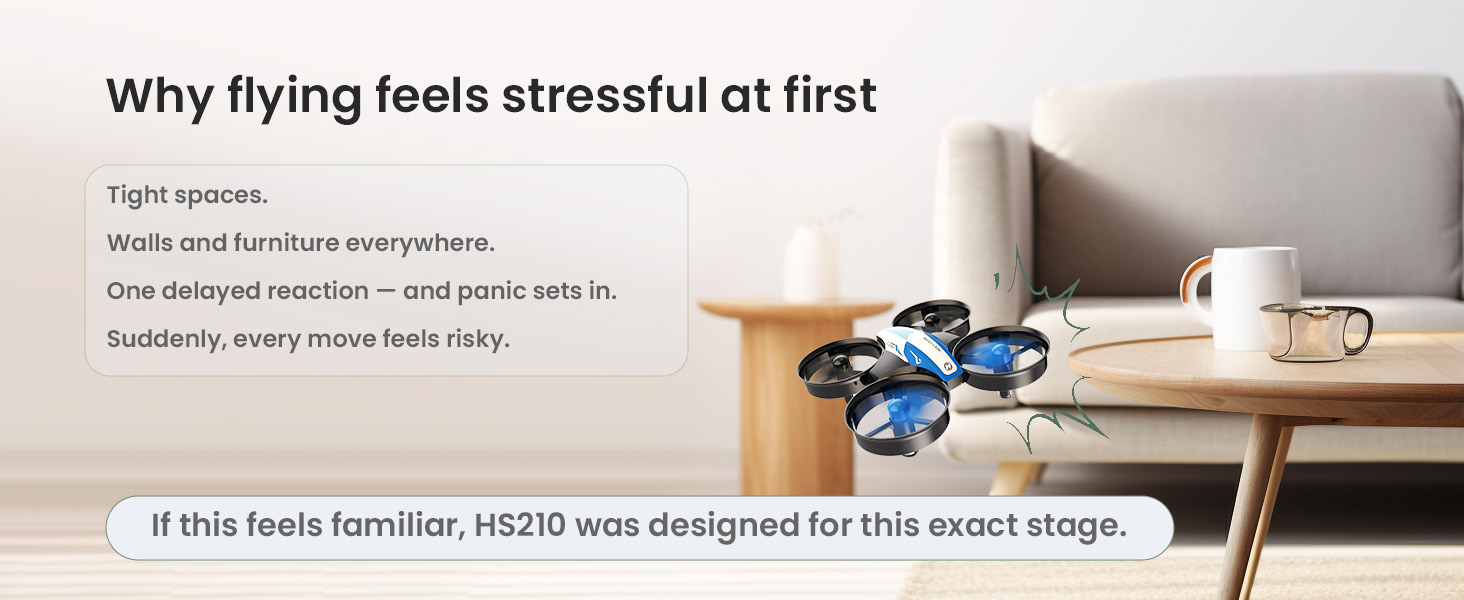
Why beginners struggle with drones

Build Flight Muscle Memory

Altitude Hold helps beginners focus on directional control without constantly fighting height changes.

With repeated short practice, kids can develop smoother stick movements, better control rhythm, and faster reactions.
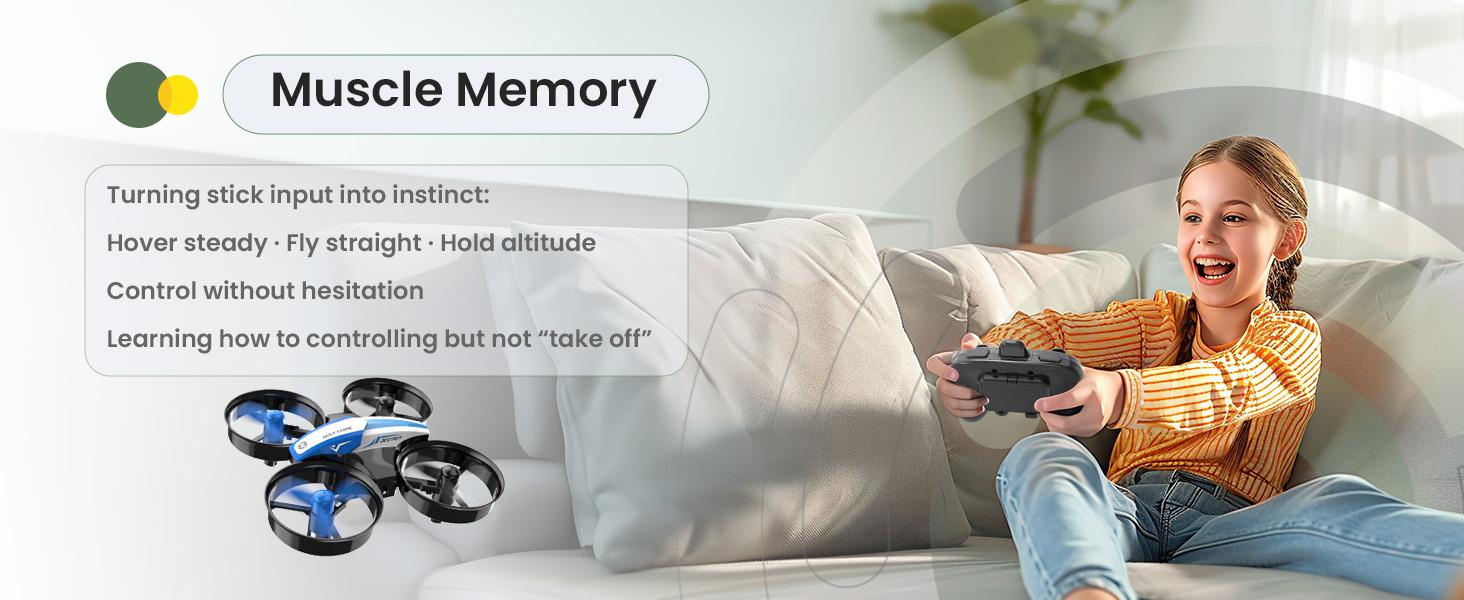
HS210 builds flight muscle memory

Learn Orientation Step by Step

Headless Mode helps reduce early direction confusion, which is one of the most common beginner pain points.

As confidence grows, pilots can gradually rely less on Headless Mode and build real spatial awareness.
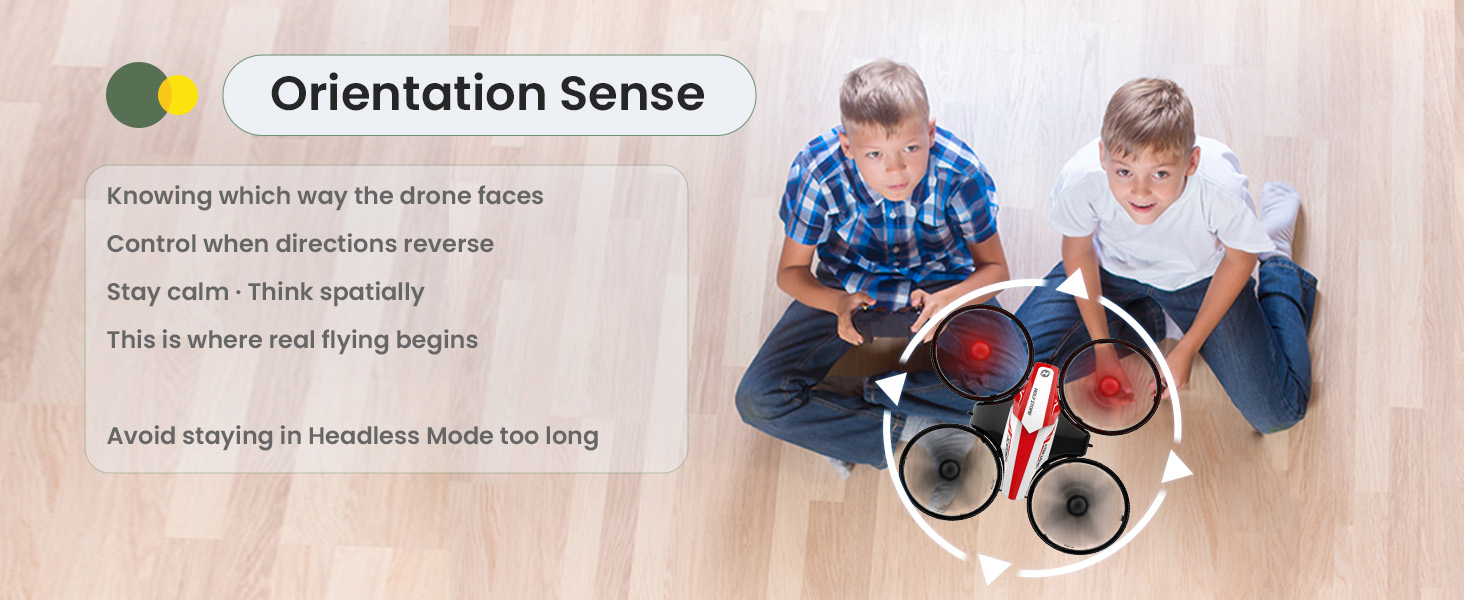
HS210 helps beginners learn orientation

Train Timing and Control Rhythm

360° flips and playful flight actions are not only tricks. They keep kids engaged while training timing, balance, and recovery control.

Fun keeps beginners practicing. Practice builds real control habits.
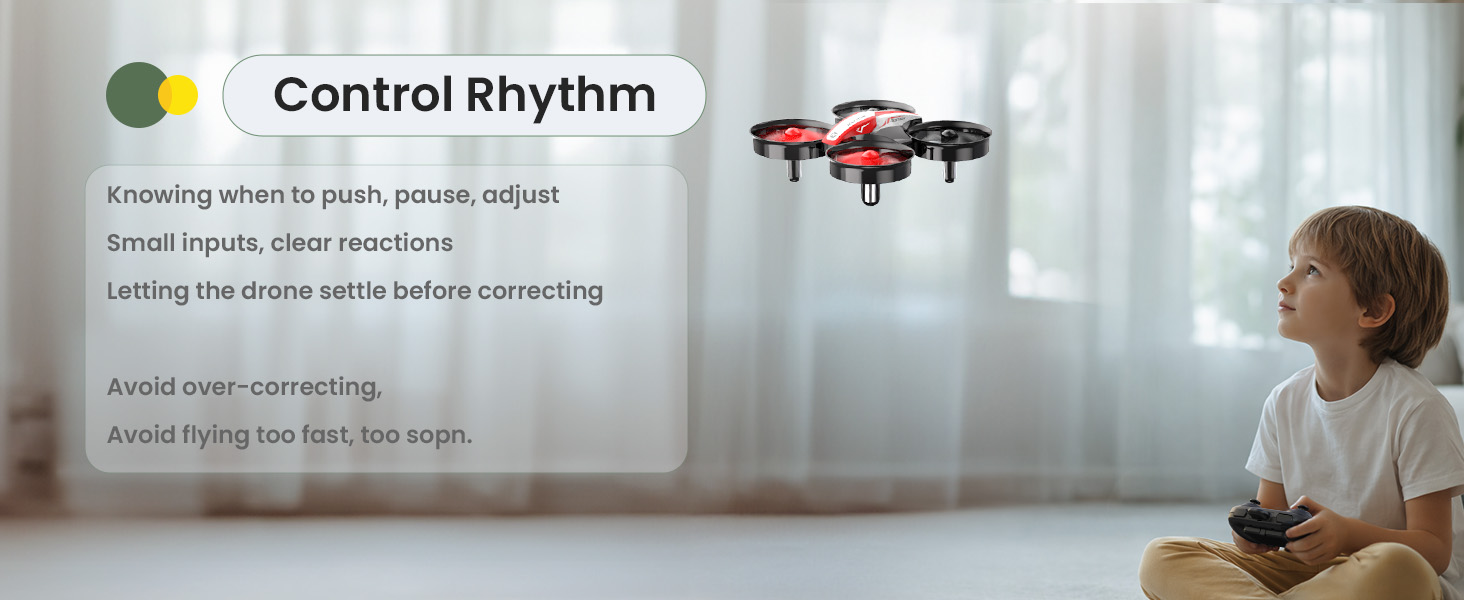
HS210 trains timing and control rhythm

Build Recovery Ability

Learning to fly means making mistakes. Bumps, drops, and unexpected turns are part of the process.

HS210’s protected frame helps beginners reset and try again, turning small mistakes into confidence-building practice.
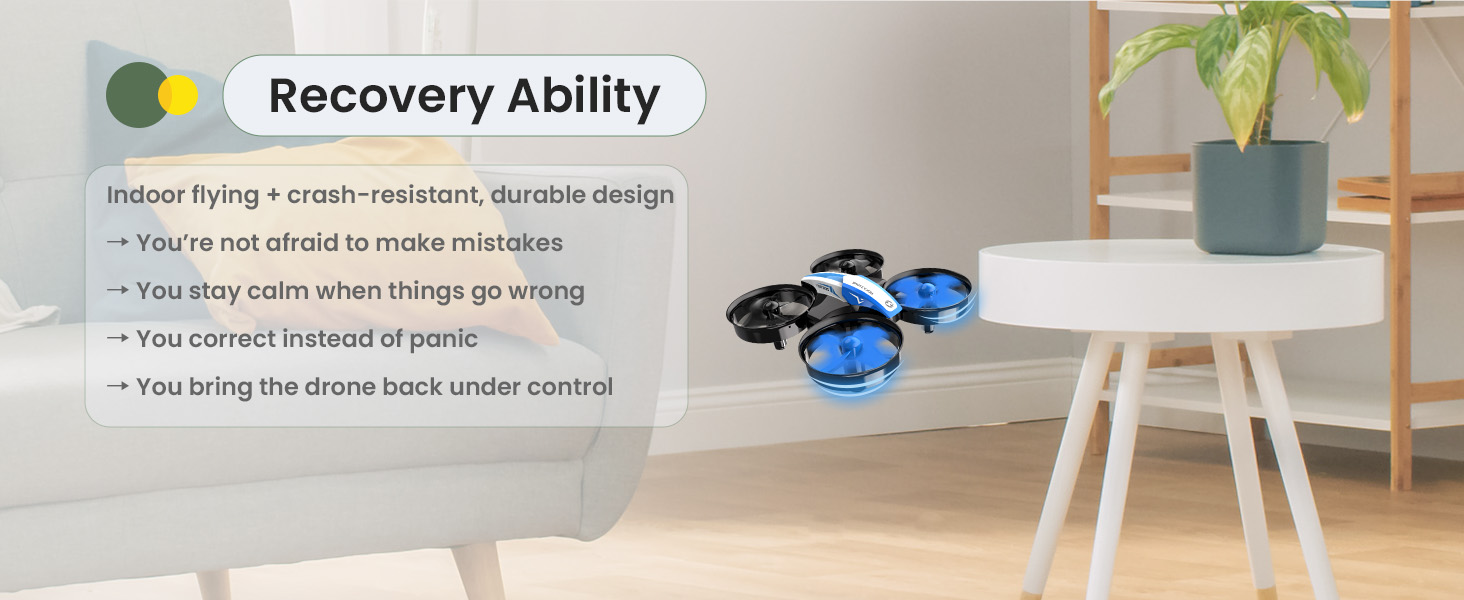
HS210 beginner recovery ability

Transfer Skills to Bigger Drones

Before flying GPS camera drones, beginners benefit from learning basic stick control, direction correction, and recovery habits.

HS210 trains the foundation. HS210P adds the next FPV camera step. Larger GPS drones come later with more confidence.
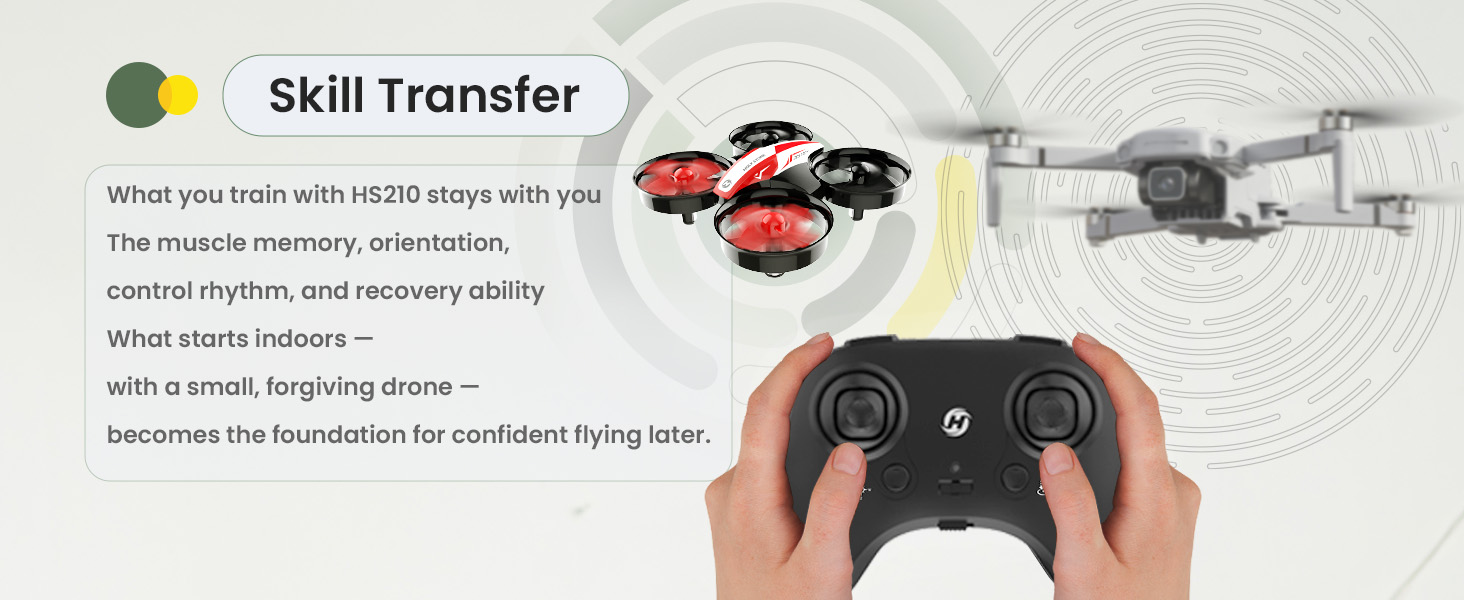
HS210 skills transfer to bigger GPS drones
Training Kit Path

HS210 + HS210P: Two Drones. One Learning Path.

For classes, camps, and beginner programs, HS210 and HS210P can work together as a simple two-stage drone learning kit: learn control first, then explore FPV camera flying.

Step 1: HS210Step 2: HS210P
Learn to Fly
Best for takeoff, landing, hovering, turning, speed control, orientation, and safe indoor repetition.
Explore FPV
Best for adding 1080P camera view, WiFi FPV, app interaction, and simple photo/video tasks after basic control is learned.
No camera, no GPS, no app distractions. The learning focus stays on real-time stick input and control rhythm.A natural next step for kids who are ready to see the drone’s view and try basic camera-drone interaction.
Recommended for the first lesson, repeated practice sessions, indoor obstacle courses, and control drills.Recommended for FPV introduction, simple recording tasks, family demonstrations, and beginner camera-drone activities.

Why No Camera Can Be a Better First Step

For the first learning stage, fewer features can actually help. HS210 keeps beginners focused on the drone, the controller, and real-time control.

Then, when those basics feel natural, HS210P can add the next layer: 1080P FPV view and app-based camera fun.
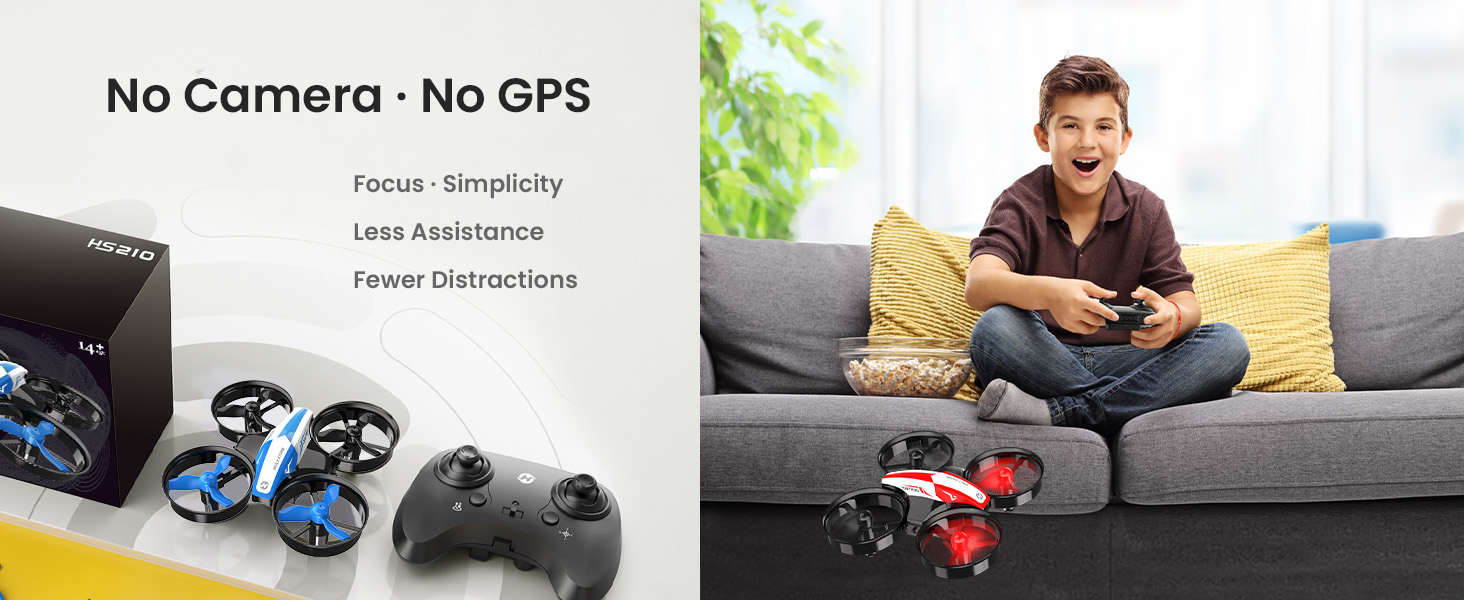
HS210 no camera no GPS beginner focus

More Than a Toy. A Smarter After-School Choice.

Many toys deliver quick excitement. Many electronics keep kids watching. HS210 keeps kids moving, trying, correcting, and improving.

For parents, it turns free time into hands-on coordination, concentration, and confidence-building play.
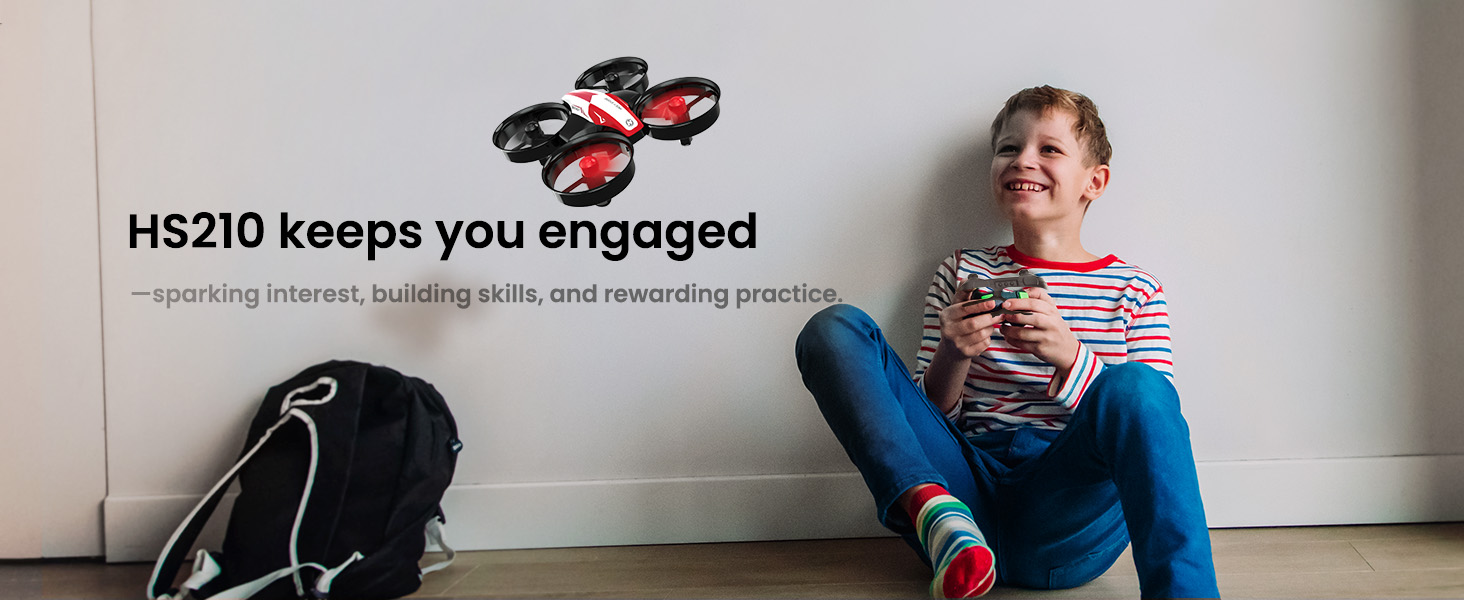
HS210 smarter after-school drone choice

Ready When You Are

No wind, no cold weather, and no complicated outdoor setup. Beginners can practice indoors whenever they have a few minutes.

Consistent practice builds confidence faster than occasional flying.
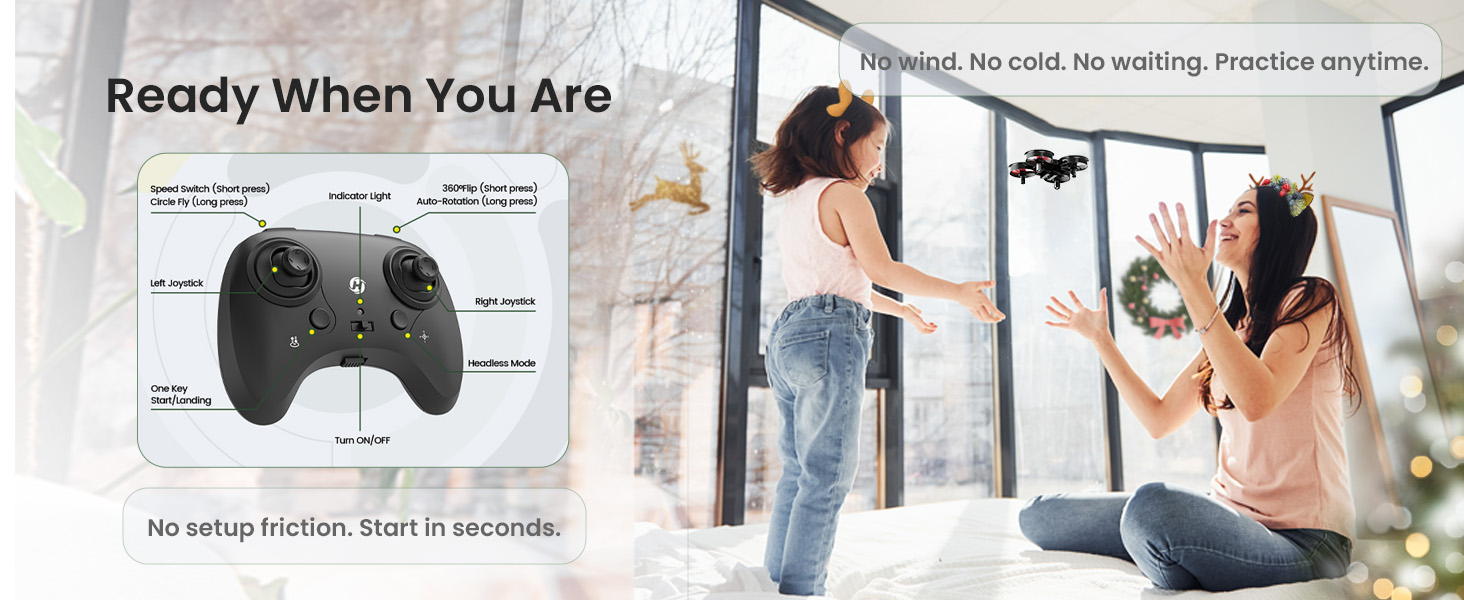
HS210 ready for indoor practice

Start with Fun. Learn to Fly.

Every confident pilot starts with simple control. HS210 gives beginners a safe, playful place to try, make mistakes, and improve.

It is where curiosity turns into capability — and where the learning path can later continue with HS210P for FPV camera flying.
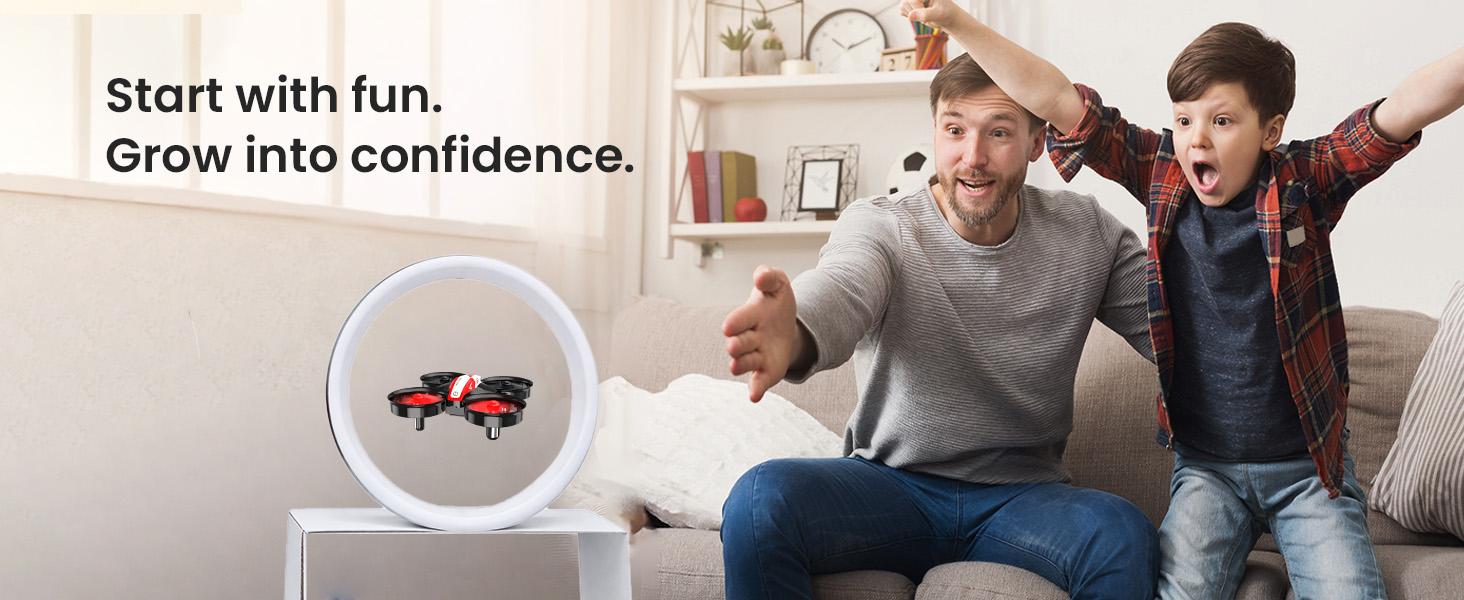
HS210 start with fun grow into confidence
Next Step

Start with HS210. Grow into HS210P.

HS210 builds the control foundation. HS210P adds 1080P FPV camera experience. Together, they give kids, families, and beginner programs a clearer path from simple flying to camera-drone fun.
HS210 Mini Drone for Kids & Beginners | Start with Fun. Learn to Fly. SPECS

DRONE

Model:
HS210
Weight:
24.8g / 0.87oz
Max Flight Speed:
5 m/s
Max Flight Height:
120 m
Max Flight Time:
9 minutes (in a windless environment)
Operating Temperature Range:
32° to 104°F
Size:
80 × 80 × 30 mm

DRONE BATTERY

Capacity:
250 mAh
Voltage:
3.7 V
Max Charging Voltage:
4.23 V
Battery Type:
Lithium-ion Polymer Battery
Charging Temperature Range:
41° to 104°F
Charging Time:
40–60 minutes (depends on charging power and remaining battery power)

USB CHARGING CABLE

Input:
5V / 2A
Rated Power:
≤10W

TRANSMITTER

Model:
HS210
Operating Frequency:
2452–2474 MHz
Max Flight Distance:
50 m (outdoors and unobstructed)
Operating Temperature Range:
32° to 104°F
Battery Type:
1.5V AAA Battery (Not included)
HS210 Mini Drone for Kids & Beginners | Start with Fun. Learn to Fly. IN THE BOX
HS210 B.jpg

*Accessories configuration may vary depending on the purchase channel. Please refer to the actual product package on the purchasing platform for final confirmation.*

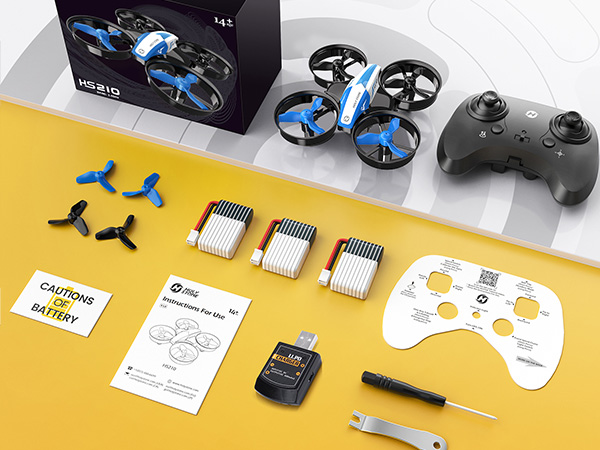
Package Content

  • 1× HS210 RC Drone Blue

  • 1× Transmitter

  • 3× Batteries

  • 1× USB Charging Cable

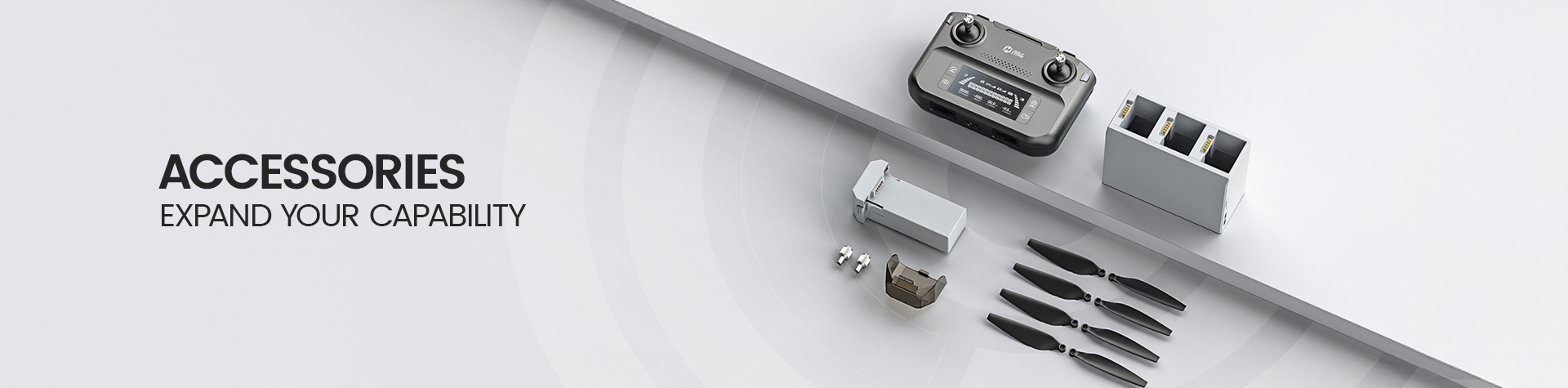
  • 4× Extra Propellers

  • 1× Instruction Manual

  • 1× Propeller Screwdriver

HS210 Mini Drone for Kids & Beginners | Start with Fun. Learn to Fly. DOWNLOAD

User Manual

Setup & Flight Guide

Download the official HS210 user manual for setup instructions, safe operation, flight controls, battery charging, and troubleshooting.

Download HS210 Manual (PDF)
HS210 Mini Drone for Kids & Beginners | Start with Fun. Learn to Fly. FAQ

Buying Decision

Is HS210 a good drone for kids and beginners?

Yes. HS210 is a good choice for kids and first-time flyers who want a small, fun, and easy indoor mini drone.

Its real value is not only entertainment. HS210 helps beginners practice basic flight control, direction awareness, timing, and recovery through hands-on play.

For younger children, adult supervision is recommended, especially during first flights.

Who is HS210 best for?

HS210 is best for kids, families, and complete beginners who want to start with a simple indoor drone before moving on to camera drones or outdoor GPS models.

It is especially suitable for indoor practice, after-school play, family flying time, birthday gifts, STEM starter activities, and beginner drone handling practice.

Is HS210 just a toy drone?

HS210 is fun like a toy drone, but it also works as a basic indoor flight trainer for beginners.

With no camera, no GPS, and no app distractions, HS210 keeps the focus on real stick control: takeoff, landing, hovering, turning, speed control, and recovery.

Is HS210 suitable for kids under 10?

HS210 is designed to be beginner-friendly and safer for kids, thanks to its small size and propeller guard design.

For children under 10, we recommend flying with adult supervision and starting in an open indoor area away from people, pets, fragile items, and obstacles.

Does HS210 come with a carrying case?

No. HS210 does not come with a carrying case.

Package contents may vary by sales channel, so please check the product package information on the purchasing platform before ordering.

Learning & Training Value

How does HS210 help beginners learn to fly?

HS210 helps beginners practice the basics of real drone control in a simple indoor environment.

Beginners can learn takeoff, landing, hovering, forward and backward movement, turning, speed adjustment, and recovery without needing to manage camera settings or GPS features.

This makes HS210 a strong first step for users who want to build confidence before trying FPV or outdoor camera drones.

Why is HS210 better without a camera for first-time practice?

A no-camera design keeps the first flying experience simple.

Instead of looking at a screen or adjusting app settings, beginners can focus on hand control, movement direction, balance, and reaction timing.

For early training, this can be a benefit because it helps users build the foundation before moving to camera drones such as HS210P.

What is the difference between HS210 and HS210P?

HS210 is the basic flight practice drone. HS210P is the next-step FPV camera drone.

Choose HS210 if you want kids or beginners to first practice basic control without screen distractions.

Choose HS210P if you want to add a 1080P camera, live view, app control, and photo/video fun after the user has built basic flying confidence.

Can HS210 and HS210P be used together as a learning kit?

Yes. HS210 and HS210P can work well as a two-step beginner drone learning path.

Step 1: Use HS210 to learn basic flight control, direction, speed, and recovery. Step 2: Move to HS210P to explore 1080P FPV camera flying, app connection, and photo/video tasks.

This makes the two models useful for families, STEM starter activities, camps, and beginner drone programs.

Is HS210 suitable for STEM classes or beginner drone training programs?

HS210 can be a practical starter drone for basic indoor drone handling activities.

It is useful for teaching simple control concepts such as direction, hovering, speed changes, safe flight habits, and repeated practice.

It is not a professional training drone for certification, programming, racing, or advanced aerial photography courses.

Safety & Indoor Flying

Are the rotating blades dangerous?

HS210 is equipped with propeller guards to help reduce direct contact with the rotating blades during normal indoor practice.

Even with guards, children should not touch the propellers while they are spinning. Adult supervision is recommended for younger pilots.

Can HS210 fly indoors?

Yes. HS210 is designed mainly for indoor flying and beginner practice.

Start in a room with enough open space, remove fragile items, avoid flying near faces or pets, and keep the drone away from curtains, lamps, and ceiling fans.

Can I fly HS210 outdoors?

HS210 can be flown outdoors only in calm, windless conditions.

Because HS210 is very small and lightweight, wind can affect control quickly. For the best beginner experience, indoor practice is recommended.

Can I fly multiple HS210 drones at the same time?

Yes. Multiple HS210 drones can be flown at the same time.

Pair each drone and transmitter one by one before flying. This helps avoid signal confusion when several drones are used in a class, family activity, or group play setting.

Flight Time & Versions

How long can HS210 fly?

HS210 includes 3 batteries. The total flight time is about 20 minutes, depending on flying style, speed mode, battery condition, and environment.

The listed maximum flight time per battery may vary under real use. Wind, frequent flips, high-speed flying, and battery age can reduce flight time.

Are there differences between the red, green, and blue versions?

The main difference is the color.

Core flying functions and beginner-friendly controls are the same across the color versions.

What is included in the HS210 package?

A typical HS210 package includes the drone, transmitter, 3 batteries, USB charging cable, extra propellers, instruction manual, and propeller screwdriver.

Accessories configuration may vary depending on the purchase channel. Please refer to the actual product package on the purchasing platform for final confirmation.

Setup & Troubleshooting

Should I perform gyro calibration before each takeoff?

Yes. We recommend performing gyro calibration before takeoff, especially before first flights, after bumps, or when the drone does not hover steadily.

Place the drone on a flat surface before calibration. This helps the drone start from a stable reference point.

What does it mean when the indicator on the drone starts to flash?

A flashing indicator may mean the drone battery is low, the drone is not connected to the transmitter, or the drone is under Headless Mode.

Check the battery level, confirm pairing with the transmitter, and review the current flight mode before taking off again.

What should I do if one of the propellers stops rotating?

First, check whether hair, grass, dust, or other small debris is stuck around the propeller or motor.

If there is debris, remove it carefully before flying again.

If the motor still does not spin, the motor may need replacement. Please contact Holy Stone customer service for technical support.

Why is HS210 drifting or not hovering steadily?

Drifting may happen if the drone has not been calibrated, the surface is uneven during setup, the battery is low, or there is airflow from fans, vents, or wind.

Land the drone, place it on a flat surface, perform gyro calibration, check the propellers, and fly in a calm indoor area.